
ADCB
How much does ADCB cost?
Prices are current as of 9 Sept 2026.
ADCB has no in-app products on record in the United States.
10+ alternatives to ADCB
| ADCB |   ENBD X ENBD X | 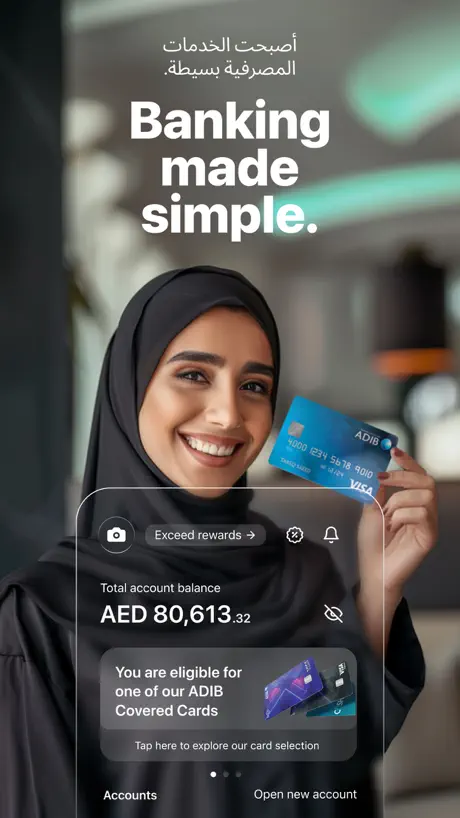  ADIB Mobile Banking ADIB Mobile Banking | 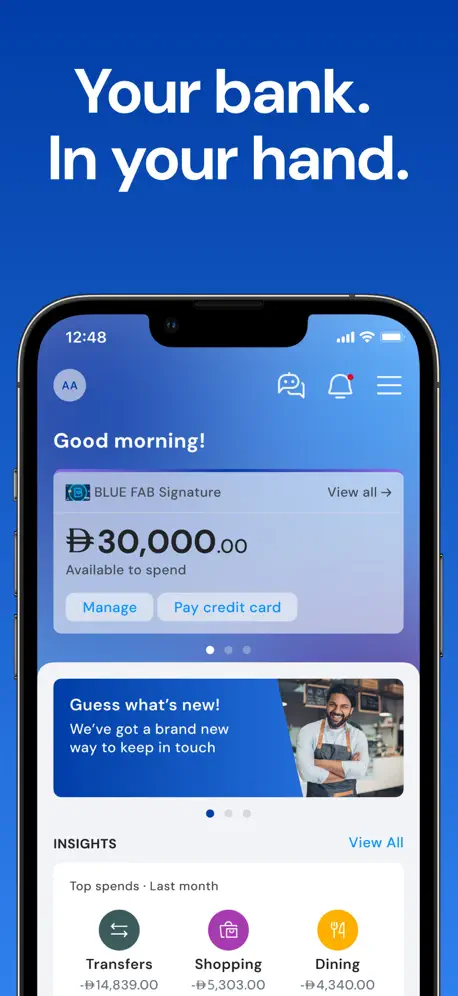  FAB Mobile FAB Mobile |   EI + EI + | 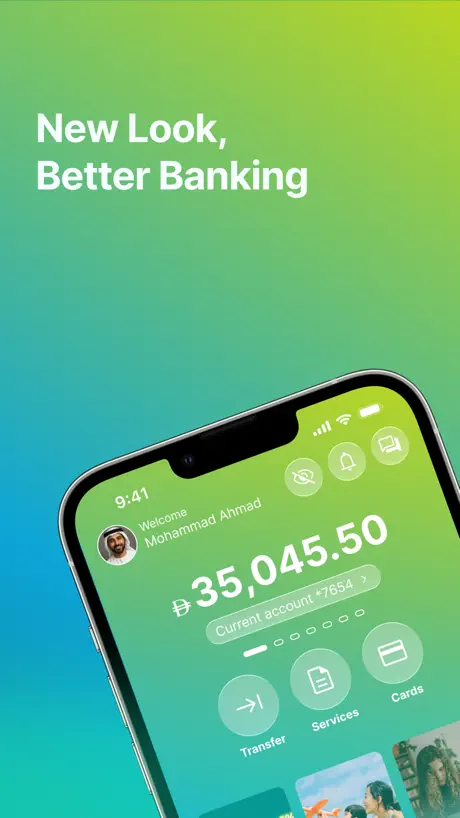  CBD - Instant digital banking CBD - Instant digital banking | 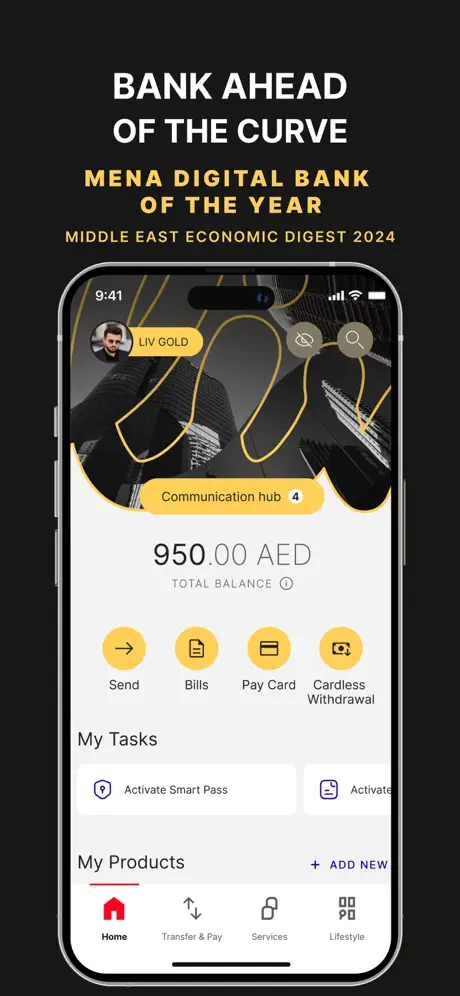  Liv X - Mobile Banking App Liv X - Mobile Banking App | 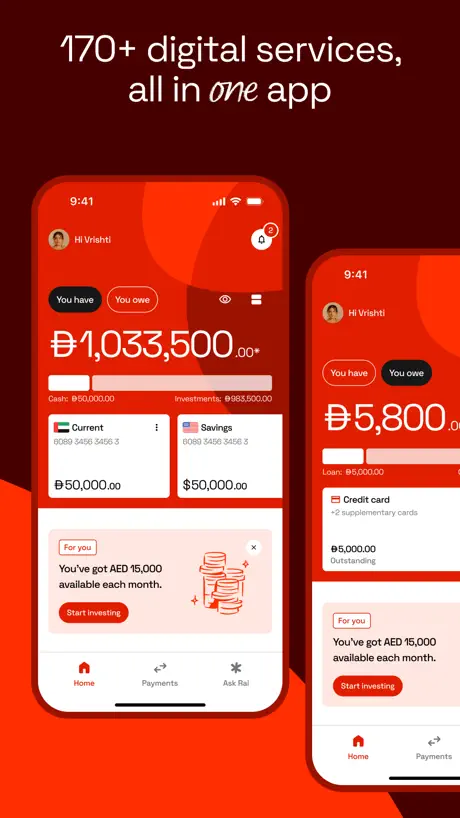  Rakbank Rakbank | 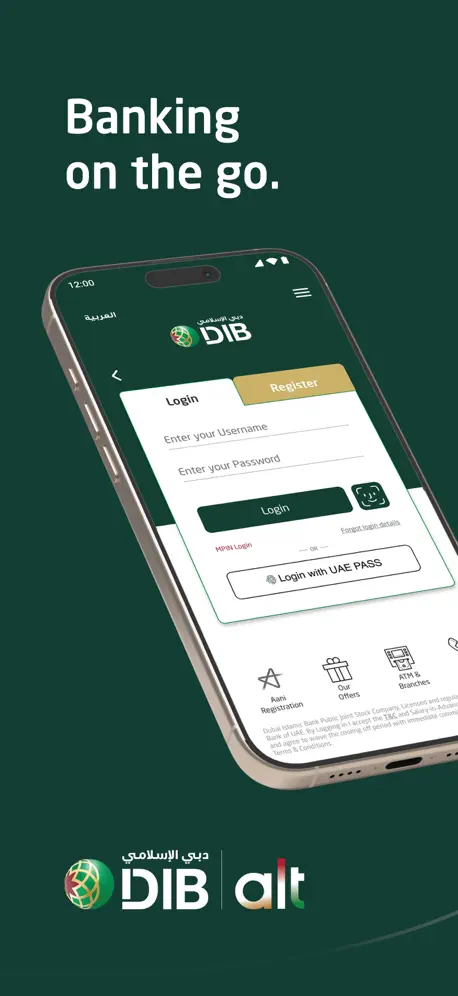  DIB alt mobile banking app DIB alt mobile banking app | 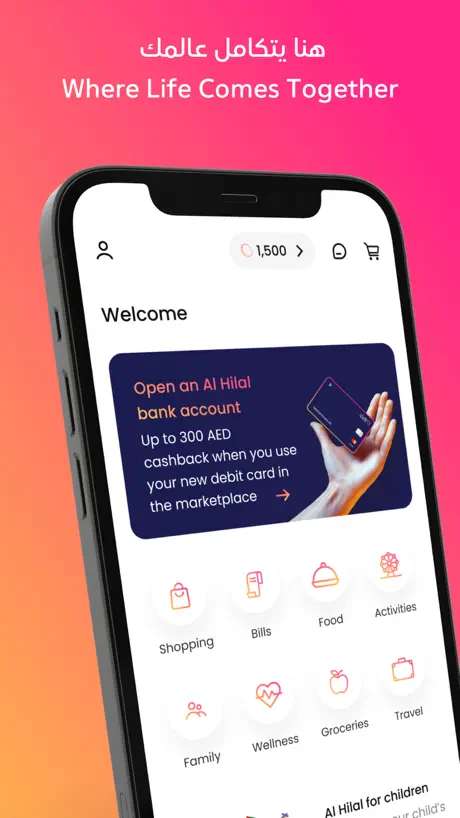  Al Hilal Bank Al Hilal Bank |   Mbank UAE Mbank UAE | |
|---|---|---|---|---|---|---|---|---|---|---|---|
| Rating / 5 | 4.7 | 4.7 | 4.7 | 4.6 | 4.7 | 4.8 | 4.6 | 4.6 | 4.5 | 4.6 | 4.5 |
| Reviews | 150K | 465K | 287K | 149K | 140K | 55K | 45K | 43K | 30K | 22K | 15K |
| Released | 2012 | 2021 | 2016 | 2018 | 2022 | 2012 | 2024 | 2011 | 2013 | 2022 | 2021 |
ADCB reviews
4.7 out of 5, based on 149,500 reviews.
What people like
- Very easy to use interface
- Shows correct balance always
- Fast service when it works
What they complain about
- App freezes and lags constantly
- Facial recognition rarely works properly
- Customer support is unhelpful and slow
- New updates break basic features
Better than ADCB procash
It is so user friendly and it is far better than ADCB procash app .. i like , it shows correct balance always. It is easy to use
Poor experience
Cannot able to transfer money . Issues facing more than 1 week Cannot resolve from the support team
The server is down for many days now , please fix it
Can you please fix it
Balance transfer failure
Had a very bad experience this week with ADCB for balance transfer with numerous follow ups, request was taken well ahead of the due date of the receiving bank out of 5 request only 3 went out successfully, remaining 2 which are critical did not make up till the due date, now I have to arrange funds again in order not to receive finance charges from the other bank had to go through unnecessary mental trauma which is not as a customer would want to go through after numerous follow-ups
Cash back
There is no option available in the mobile application to find the cash back unlike other bank mobile apps
Excellent App- ADCB
An excellent services delivered by ADCB at your fingers, we happy and enjoyed each click…
Not good banking app and bad updation ever
Bad
Not working
Good app not working after the new app and new app is mentioning features coming soon, y this app is paused when the new app is in trial phase
Terrible last update
Please ADCB correct last update, it has caused serious as it has caused havoc, the new front page page of the repeatedly asks for you to agree to new terms ( every time we just need to check balance), all my online orders are not accepted and states “ it is not honored” it is very insulting- and it has totally become dis functional , even calling customer service is absolutely impossible- noone replies now i have to delete app- if the same issue occurs then i am closing my account.
No investment tab
There is no investment tab displaying in my app how can I buy or sell the gold from my gold account
Mr Abdul Hameed Kudukkan
This app is very easy to use and has great features
Very confusing
The first application was easy to use. The new update app is very difficult and not user friendly. Kindly update the app and bring back the previous one. Thank you.
ADCB
Nice and easy
It need improvements
It requires significant technical and financial improvements.
Performance
Too laggy
Unni
Thanks
Previous application was to good
This current application having full of glitchess and the pages isnt loading
Good
User friendly design…
Transfer charges
Kindly give a few transactions free
Not intuitive and clumsy at times, not reliable
There are glitches and user interface not intuitive
Recall the SMS confirmation
In oil and gas sector we mostly using phone without camera. So that we couldn’t proceed transaction without face identification. Kindly consider and provide option for SMS or email authentication wherever required. Thanks for the opportunity to provide the review.
Slow
Do not focus on the UI. Your app is not a tiktok or instagram to have fancy UI it is a banking app, your primary objectives should be security and performance not fancy UI. Instead focus on performance like fast data retrieval and faster app load. Am a senior data engineer. I know how stuff works behind the scenes. No need to put fancy animations while loading app really nobody cares. it will put unnecessary load on your app and servers.
The app
It’s an easy to use app with clear guidance
Slow
App not quick lagg
مقبول
ليست به اخطاء، لكنه ليس بالمستوى الذي تعودناه من البنك
Services
Excellent
Worst Banking App
This is so far worse user friendly app i have ever seen. Please see other banking apps and improve please
Great 👍
Thanks a lot adcb,very recommended bank…good service.
Terrible Application
You want a smooth banking experience with your phone? Don’t use ADCB app. Even the support option with the application is useless. Very slow for log in, occasionally does not work, does not log in, “can not operate at the moment” Shame for one of the biggest banks in UAE
iphone 15 pro max screen alignment
Dear All The screen alignment should be adjusted with the iphone 15 pro max , the functions is mot touchable!!!
Highly recommended
I was completely impressed with their performance and customer service.
International securities brokerage account
Very bad experience with this account it’s not work properly when I get profit. I think they cheating us all other stocks working properly we can buy but when I get profit from the stocks I can’t sell and it’s not working properly how to trust and invest this app. After trying to contact there is no response
Need an update
The App is fine but not fully compatible with new iPhones. Hard to navigate and not compatible with new iPhones UI need an update. Thank you
Needs improvement
Slow to load and browse sections. I’ve also had issues with the online activation of both my debit and 2 credit cards. I now can’t view any card details as a card I’ve been using all day that was previously activated, is now showing as not activated. Also had to enter a fake P.O. Box number as it was required when updating my address, which doesn’t have a P.O. Box number. Very buggy, doesn’t fill me with much confidence in the ADCB banking system.
Improve categories list in drop down menu
When one pays online by tfr, the App does NOT have a category for personal effect or personal item or personal use. Nor do your other categories to cover it. Why not : just put a category titled personal effect.
Feedback
Very fast service
SS
Bad response
Terrible App
App is badly organized and unnecessarily difficult to navigate. Designed to confuse the clients probably by computer programmers who have little or no experience with the outside world. CBD app is a better example, Citibank also better.
Need improvements and refresh
The app is really laggy and in need of a refresh. I feel it’s falling behind other major banks apps.
does not work
The apps does not work after the latest update for iPhone 15.6
T Narayana Das
ADCB has one of the finest app and also it has seamless operation
E-statement
Why can’t I check 3-4months statement online
4stars
It meets my expectations
New security procedure
I don’t like the new facial recognition feature used for security. It hardly recognizes.
Need dark mode .
I hope to develop this program for the better in terms of icons and colors, as it can be made available dark mode , Sometimes the program does not open and has a delay . This program should be developed for the better to be very easy . Thanks
Only mobile app works properly - no customer support over the phone also chat
App works perfectly, but the other way of communications are useless, including chat
Transition
Transition very difficult because same times face not accepting and credit card closing options not available
Good
Good
Issues with app
The app sometimes freez specially when adding new transfer account when I insert all information at the end when I chose the city the app freezes
Debit card
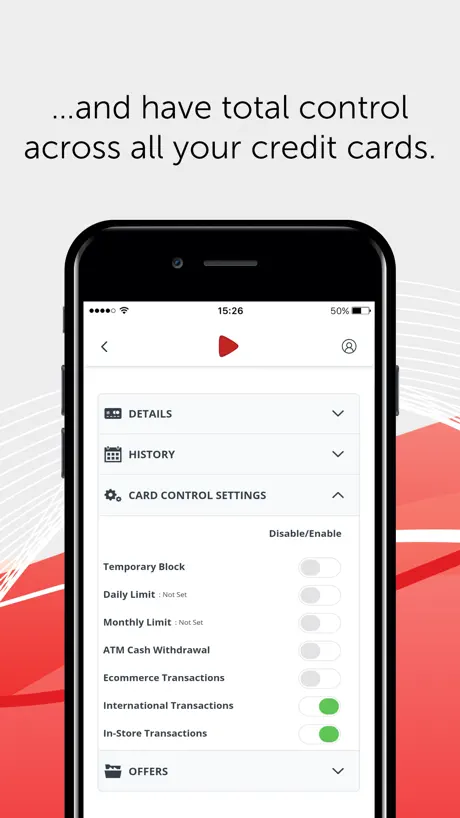
I don’t see options to control debit cards. Sad that settings is only for credit cards
ADCB FAQ
- Is ADCB free?
- Yes. The app is free, in all 175 countries it sells in, and it sells nothing inside it.
- Does ADCB have a free trial?
- No. None of its offers (US) come with a free trial.
- What are the best alternatives to ADCB?
- ENBD X (4.7 from 465,401 reviews), ADIB Mobile Banking (4.7 from 286,970 reviews) and FAB Mobile (4.6 from 149,349 reviews).
ADCB download
Last updated 4 months ago.
ADCB sells in 175 countries. It was released 13 years and 11 months ago, on 15 Oct 2012. It holds a 4.7 rating from 149,500 reviews.
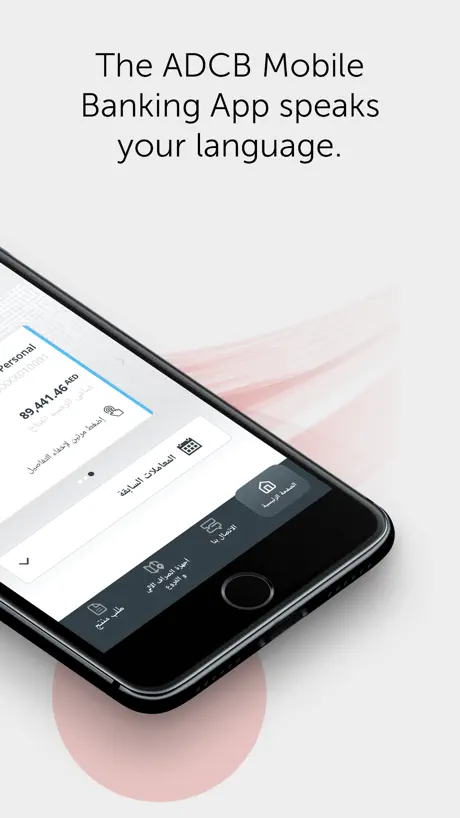
Supports 2 languages: English, Arabic.
How much does ADCB make?
Third-party estimates for the last 30 days, worldwide — not the store's own figures, which Apple publishes for nobody.