
Comic Book Viewer
View your favorite comic books
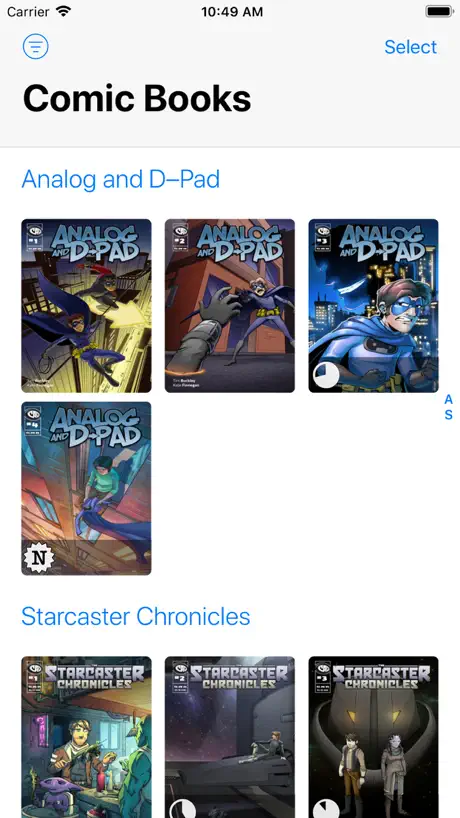
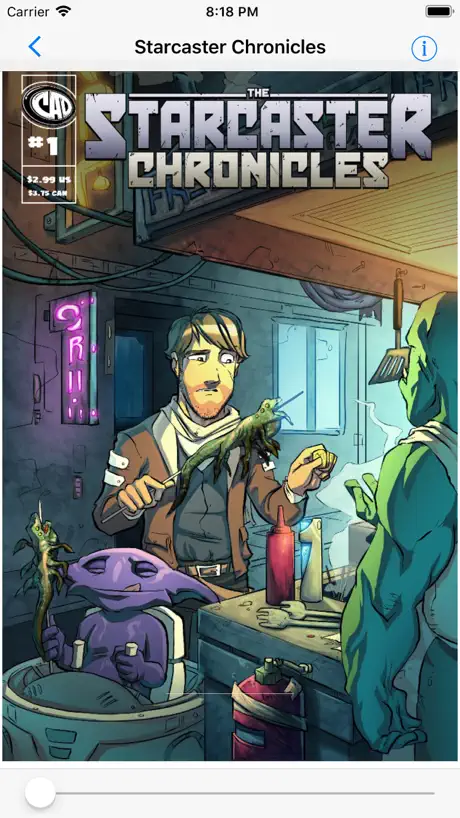
How much does Comic Book Viewer cost?
Prices are current as of 8 Nov 2026.
Comic Book Viewer has no in-app products on record in the United States.
10+ alternatives to Comic Book Viewer
| Comic Book Viewer | 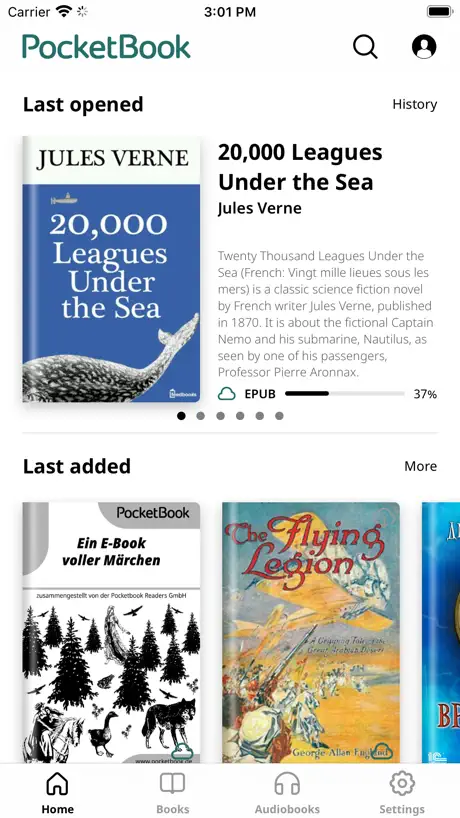  PocketBook Reader | 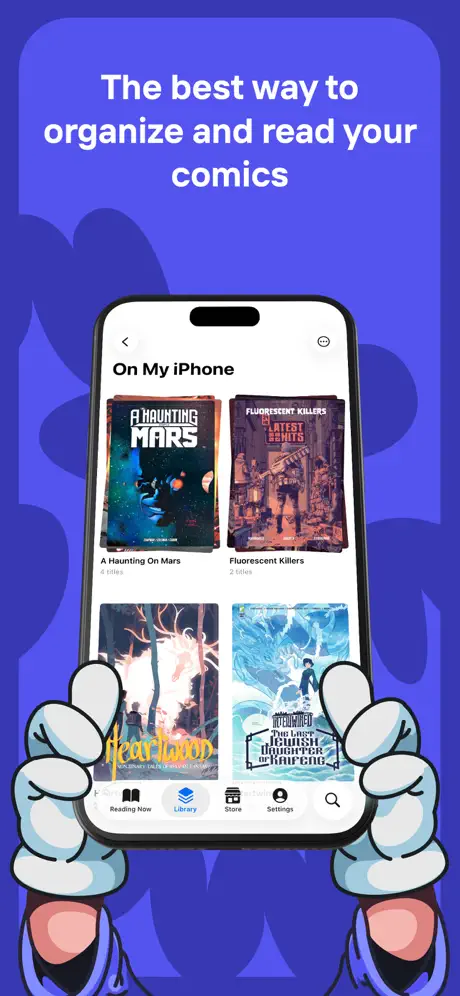  Panels - Comic Reader | 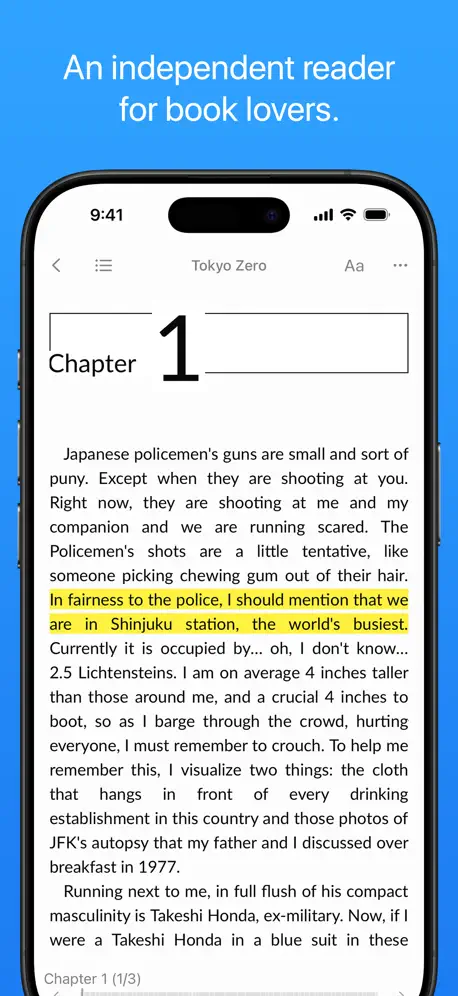  Yomu EBook Reader |   Manga Viewer - CBZ(CBR) Reader |   KedaReader | 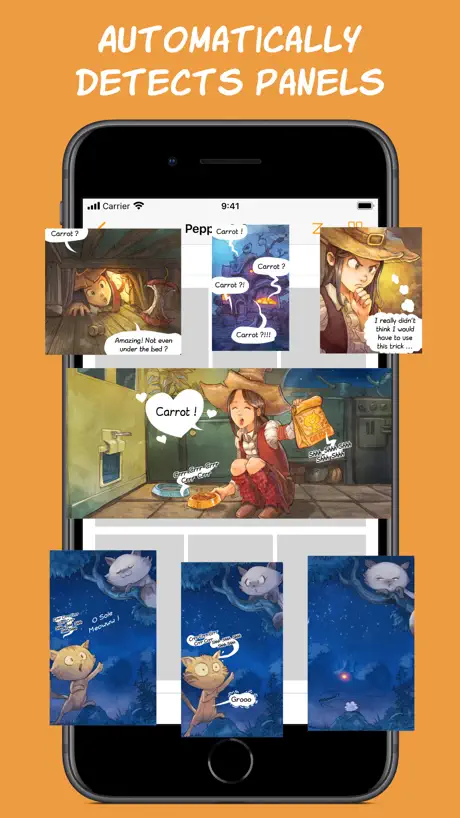  Smart Comic Reader | 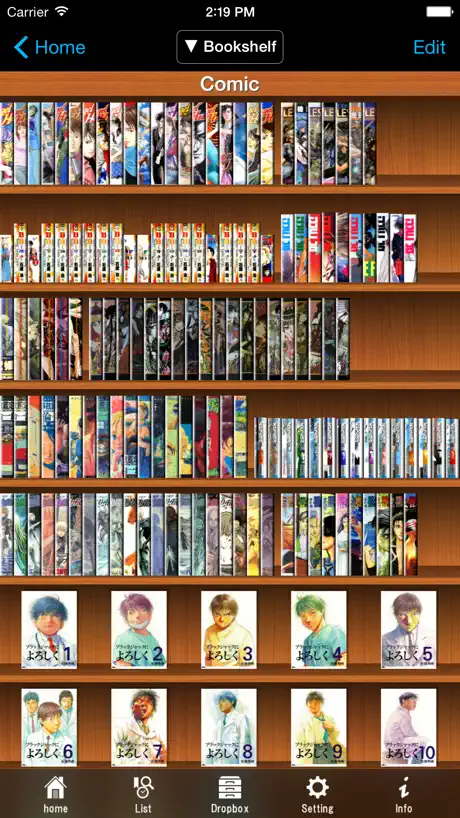  SideBooks |   ComicReader: Comic Book Reader |   Comic Reader: Manga, CBZ, CBR |   WebToon Reader - WebComic File | |
|---|---|---|---|---|---|---|---|---|---|---|---|
| Rating / 5 | 4.3 | 4.5 | 4.8 | 4.7 | 4.7 | 4.6 | 4.9 | 3.9 | 3.8 | 4.7 | 4.5 |
| Reviews | 902 | 87K | 45K | 6.4K | 4.5K | 3K | 2.3K | 1.8K | 305 | 275 | 184 |
| Released | 2015 | 2014 | 2017 | 2013 | 2017 | 2021 | 2020 | 2010 | 2021 | 2024 | 2020 |
| One-time price | — | $3.99 | $19.99 | $7.99 | $1.99 | $3.99 | — | $0.99 | $8.99 | $22.99 | $1.99 |
The going rate for each plan in United States, in its own currency, shaded from the cheapest price on the row to the dearest. Plans fewer than four in ten of the priced apps sell are left out.
Comic Book Viewer reviews
4.3 out of 5, based on 902 reviews.
What people like
- Completely free with zero ads or fees
- Simple interface that just works well
- Lightweight app respects your privacy fully
- Tracks reading progress automatically for each book
What they complain about
- Page slider and scrolling broken after updates
- Files stay greyed out and won't import
- Hard to track which books you read
- No vertical scrolling mode for manhwa
Amazing
Does exactly what it should and doesn’t collect data. 11/10 score. Thank you to the dev team! My only suggestion is for there to be a vertical scrolling mode similar to how you read many comics / manga / manhwa on the web. Thank you!
The update broke my scrollbar
Ever since the latest update my scroll bar doesn’t work. I tried reaching out to the devs and got jerked around by some German social media page that expected me to join to complain. Screw these guys.
Straight to the point app exactly for what I need.
The app works exactly how i hope it would. I reads the cbr files with no issues and it lets edit the meta data which is really convenient. There’s a small bug when you tap the page to show the scroll bar and tap again to hide it, the image will always move up and stays there. You have to zoom out to make it center again.
Kein Funktion
Schade, leider kann ich keine Comics zur App hinzufügen. Damit ist sie nutzlos.
Hard to read on a phone.
Great, very simple app. Would be a 5 star if I didn’t have to resize every page when reading on my phone. I turn it sideways on my phone and it sizes up vertically instead of horizontally making it too small to read. I’m able to stretch it to the right size but doing that for every page is a drag. Fix that and it’s a 5 star app easy.
Good App with Problem from Last Update
I like the simple app that does what I need it to but unfortunately the latest update made the page jumping slider no longer work. Hope it gets fixed. Fixed! Thanks for the response!
Slider not working
Slider not working
Easy to use!
Great app for reading .cbz files. It keeps track of your progress, and can switch directions if you go between manga and western works. I only have two criticisms at the moment: sometimes the page turn animation stutters a little, and I would like the option to view two pages side-by-side when in landscape mode on the iPad. The tablet is about the same size as an open Tankobon, and sometimes the panels flow better when you can see both pages
Marchait top avant la dernière MAJ
Maintenant 50% de mes CBZ ne s’ouvrent plus (alors qu’avant oui ;)). L’erreur indique archive corrompue ou pas d’image valide.
SFSG
So far so good. If you get around to improvements I’d like to suggest a count total so we can see how many books are currently in the library. Secondly the ability to reset a title as new after reading it.
Great app!!!!!
This app is the literally this most best app ever. It’s free, there zero ads or memberships like other comic book apps. It’s really simple and easy to use. I use this app constantly and recommend it to people. Now this is how you make an app. Amazing job to the dev team!
CBZ & CBR files are all greyed out.
CBZ & CBR files are all greyed out. Can’t import anything. Can’t even try the app. :/ iPad Pro 12.9 on 17.2.1 before you try to blame it on my hardware. Chunky and Panels work fine, I’m just looking for something that can handle animated GIFs inside CBZ/CBR files (like Sequential can on Mac).
Dark Icon
It would be better if the app supported dark icon.
Bugged
It always jump lots of pages forward when I switch to another app (translator for example) and then get back to the reader. Always. Very annoying bug.
Simple but no easy support for landscape on iPad
I like the simplicity of the app. However, I could not find any decent support (I.e. automatic zoom to page width) for reading in landscape on the iPad. There are no simple ways to navigate forward.
it just works
its lightweight and reads all your comics and manga so 5 stars!
Not Useful for Me…
I need a reader that allows me to view and read my externally stroked files. This is not that. This lets me COPY the files to internal storage, which is NOT helpful.
Great App (Feedback)
Great app for viewing comic books you own already. It does something the iPhone should do natively but somehow doesn’t. Glad this solution exists. Really love how you can just push a button and it goes backward for manga or vice versa for wester comics. The thing that keeps it from being 5 star is it’s a bit hard to tell what is read and what is unread. I am on a 27 volume comic, and in the middle of it. Once you finish the comic, the progress wheel goes away. I wish it greyed out the comic, dimmed it, or put a check mark on it to show what I have read and what I haven’t. Sometimes I am clicking into and out of comics back and forth trying to figure out which one I’m on.
I don’t want to “import”!!
Isn’t there any reader app for iPad that will just display/read what comics I have stored on a thumb drive (cbr format)?! I don’t do iCloud or iTunes or syncing between devices and crap or any cloud stuff (this is why I hate Apple)… I’ll stick to my (more usable Galaxy tablet)
Just needs a few changes and features
I only have two issues with the app. - When you tap to go to the next page the animation is extremely slow. - When reading in landscape mode there’s no fit page side to side option. You can zoom it in but the zoom resets when you go to the next page. Otherwise amazing simple app, does exactly what’s expected.
Annoyed
So I’ve had this app for a while and I like it. It’s nonsense me just works. Except not anymore. All my book have changed to reading right-to-left. And the page slider doesn’t work anymore. I’m quite annoyed right now.
Won’t Import Or Open Anything
Nothing will open or import on this app, and there doesn’t seem to be any help or troubleshooting options either. I hit the + symbol, which opens the sidebar with sources to choose from. Folders are selectable, but all the files, cbr, cbz, and pdf are greyed out and can’t be opened or added. You would think that a core functionality of a comic book reading would be, ya know, to open comic files so you can read them.
Good option for Old Comicrack users but still incomplete
It’s a good application still updated with : + very good support of comic rack metadata ;-) + ability to tag the books (useful for rating or identifying broken ones) + in the main view, each book has read percentage circle and a N sticker if new book + keeping zoom when reading book (deactivated by default in the settings) + support of CBZ containing wbep images. (Not the case of chunky which is no more maintained) The reason I put only 4 stars are the 3 following ones : BUG : in comicrack, Book.genre is a list of genres comma separated In the app, if your comic is “Humour, Aventure”, it appears as “Humour, Aventure” and not in both genres Humour and Adventure. Missing features 1) I’d like to read comic in landscape mode and with a zoom set to page width. If I touch in right side, this app moves to the next page even if I didn’t read the bottom of the page. I need 2 movements to read : slide up to scroll down + tap right to move to the next page. I’d prefer 1 single movement : a single tap scrolls down and, at the bottom at the page, proceeds to the next page. Missing features 2) in group by serie (resp. tag) it will be nice to be able to fold/unfold serie (resp. tag) like Chunky.
Great but skips ahead
It randomly skips ahead many pages when opening app or switching to landscape
Just werks
It just werks
Show nothing imported from itunes
Waste of time
Great app
I use it primarily on iPad for the bigger screen and it works great. My only (small) issue is that I would love some kind if page preview and bookmarking feature. IE I would love to be able to mark chapters of longer files but that is a small complaint. I love this app.
Probably good
This is so stupid! I mean I just got the app and it won’t let me search anything, which is the only way to find books. How can I fix this?You better answer!If you do, thank you for answering. BYE-EEEEEEEEE!!!!!!! ❤️🦊🦋
Bien pour les scans et manhwa
Vraiment chouette appli j’vous l’conseille vivement 😎
Can’t import comics
No folder exists to import to. Same goes for instructions.
Probably not your fault but Apple’s
I can’t use it on mu iphone se3. I tried the app, it shows that there is nothing on library. I have hundreds of .pdf on my download, so I tried adding files by tapping the + button. The browser recognizes that there are files, but they are all grayed out. I appreciate that this is not a spyware and it’s very lightweight. From what I gather, it’s an affiliate of CDisplay app on Android/windows which does work on my PC and I like very much.
Folder
Is there a way to make a folder and group books on your personal choice?
Fantastic Simple App
It’s a very straightforward Comic and PDF reading app. I love the simplicity and the functionality. Been using it for years and don’t see myself changing anytime soon.
No option to sort my issue number ?!?!!
Really. Its the most basic way to sort comics and why they are number. Really. Why not use it.
Webtoon?
App seems lightweight and capable. Easy to import. I can’t figure out how to group chapters outside of tagging them with the title name and my biggest concern is I can’t do continuous vertical scrolling. Wish there was a bit more tutorial or maybe this feature isn’t available
Update
Seeking new features. Page turn animation and zoom in for comics.
Almost perfect
Needs google drive or cloud connectivity, but otherwise my favorites comic/pdf reader app
I don’t get it.
I open the app, and I have zero options for importing. I can’t do anything. The links are just extremely long and convoluted explanations of moving files around. Every other comic app I’ve tried, I can at least easily import the files from my iPhone files folder. I have no idea what is going on w/ this app.
Great App!
I will change this to 5-stars when I get a definitive answer to this question. Once I add the comics to this app, can I delete the file in the folder? I use an iPhone for this app and I cannot find any detailed information about this app or how to contact the developer. I want to free up some space and it seems I can free up about 15+ GB if I can delete the files in the folder once adding the comic books to the app. You might want to consider explaining that the files are being uploaded directly to the app, so people like me do not get confused as to whether or not I have to keep the files in the folder. I tested 1 comic I finished to see by deleting the file from my download folder, but the comic still works in this app. That is an important feature to explain in the overview for this app, and you may consider explaining that while in the app so people don’t save 15+ GB of files they don’t need to have… I have an iPhone and the storage is limited. Thank you. I love the app a lot and every thing works great!
Remove page pop up
This app would be perfect if we could get an option to turn off the distracting pop up that notifies you about the page number each time you turn the page. I know it’s a small thing to nitpick but it’s rather vexing and takes away my attention especially when I’m reading coloured pages. Otherwise, the design, and performance is fantastic
EPUB
Can you add the support of EPUB, please I really need it
Is it a joke?
Couldn't open the apps for the first time after downloading!!! Had to remove it right away!
great app missing one feature!
this app is a great solution for reading comic book files, and the fact that it’s completely free is nothing short of amazing, so thank you, dev! my only requested feature is the either 1) the ability to input multiple files at once using the share dialog, or 2) the ability to interface with apple’s shortcuts in order to create a script that will automatically import a group of selected files one-by-one
Image files not reading
It only reads the regular cbr files.... jpg image format does not even show in library... please check the app for the flaw...
Comic Book Viewer FAQ
- Is Comic Book Viewer free?
- Yes. The app is free, in all 175 countries it sells in, and it sells nothing inside it.
- Does Comic Book Viewer have a free trial?
- No. None of its offers (US) come with a free trial.
- What are the best alternatives to Comic Book Viewer?
- PocketBook Reader (4.5 from 87,014 reviews, premium from $0.99), Panels - Comic Reader (4.8 from 45,252 reviews, premium from $1.49) and Yomu EBook Reader (4.7 from 6,391 reviews, premium from $7.99).
Comic Book Viewer download
Last updated 10 months ago.
Comic Book Viewer sells in 175 countries. It was released 11 years and 4 months ago, on 1 Jul 2015. It holds a 4.3 rating from 902 reviews.
Supports 3 languages: English, French, German.