
My O2 - UK Offers, Data, Bills
Monthly Plans & Pay As You Go
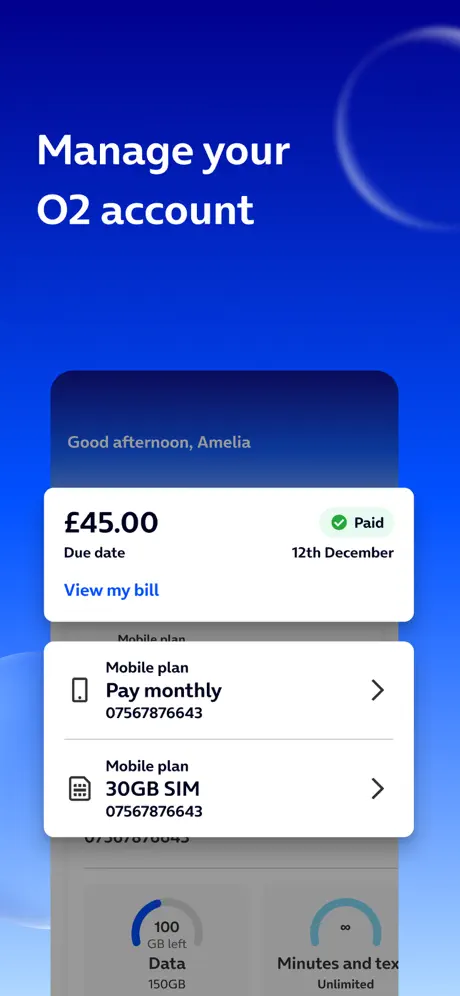
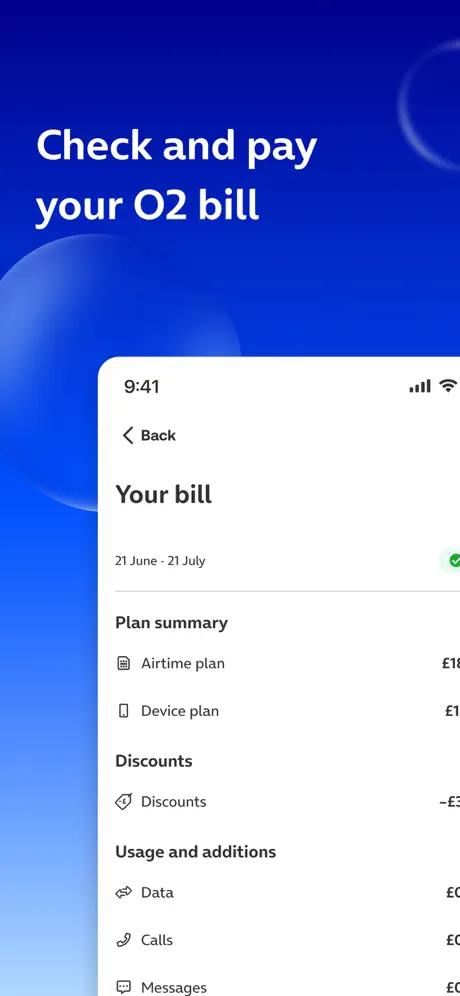
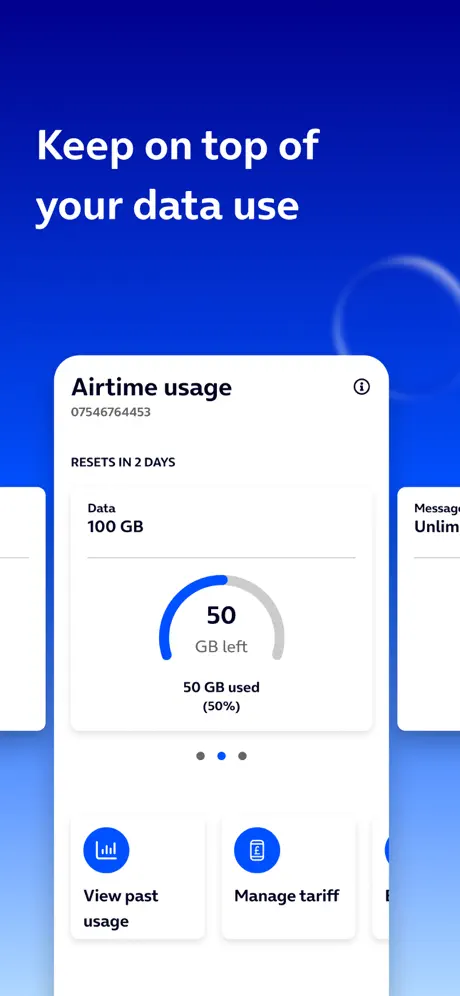
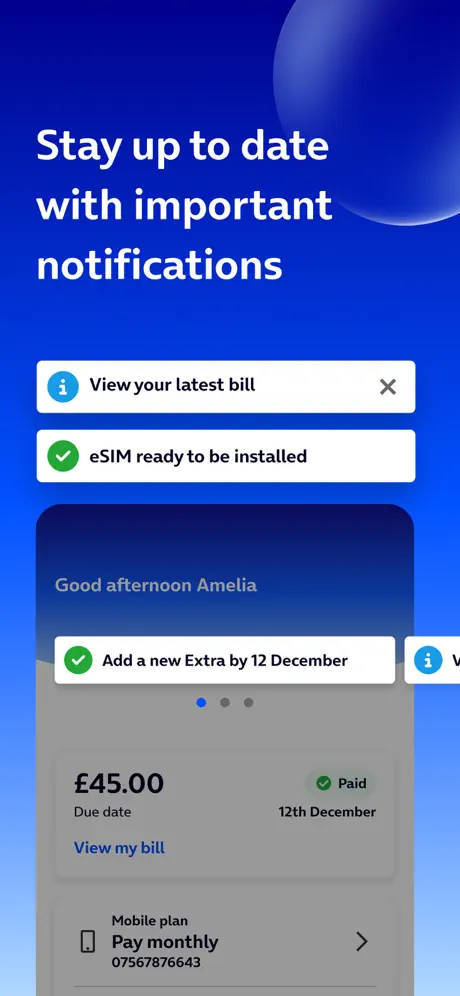
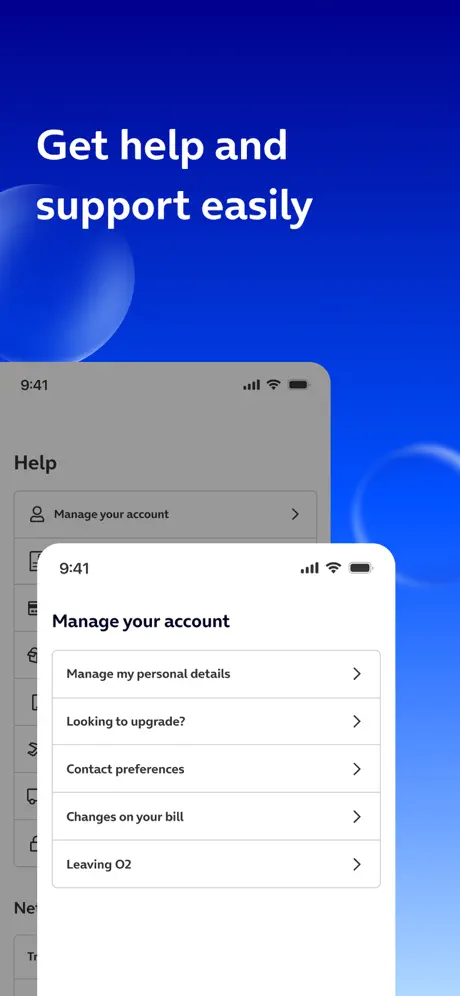
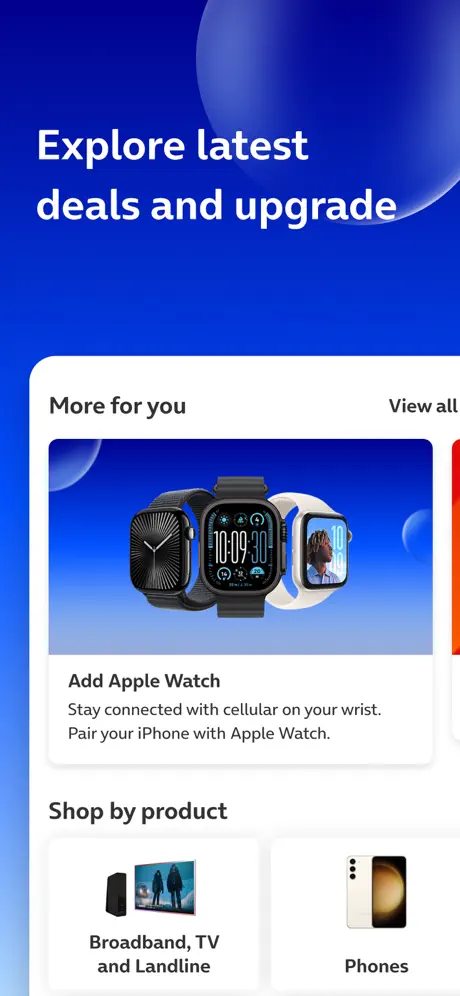
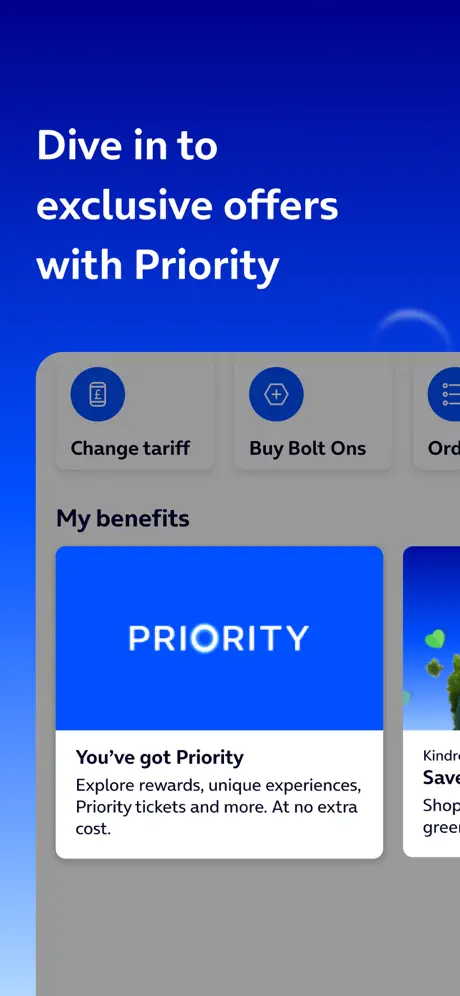
How much does My O2 - UK Offers, Data, Bills cost?
Prices are current as of 9 Oct 2026.
My O2 - UK Offers, Data, Bills has no in-app products on record in the United Kingdom.
10+ alternatives to My O2 - UK Offers, Data, Bills
| My O2 - UK Offers, Data, Bills | 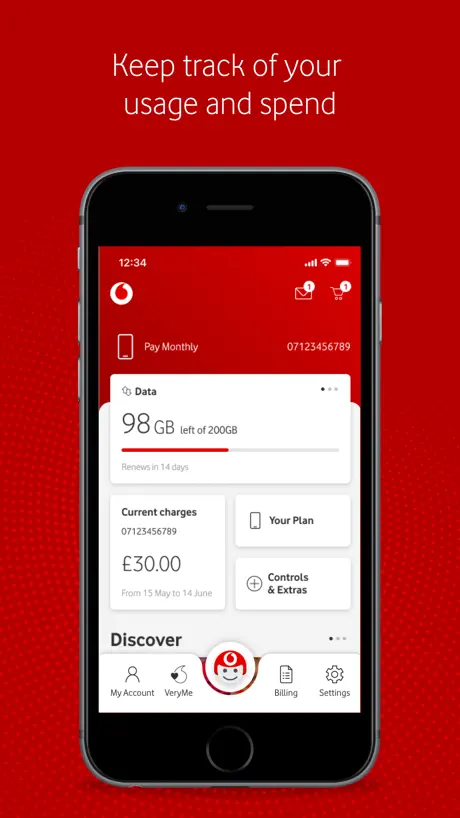  My Vodafone (UK) My Vodafone (UK) |   My Sky My Sky |   Three Three |   EDF UK EDF UK |   My BT My BT |   ScottishPower - YourEnergy ScottishPower - YourEnergy |   My Virgin Media Account My Virgin Media Account |   E.ON NEXT E.ON NEXT |   My Utilita My Utilita |   Virgin Media Connect Virgin Media Connect | |
|---|---|---|---|---|---|---|---|---|---|---|---|
| Rating / 5 | 4.5 | 4.3 | 4.6 | 4.4 | 4.6 | 4.0 | 4.8 | 4.6 | 4.8 | 4.4 | 4.1 |
| Reviews | 509K | 855K | 257K | 191K | 190K | 121K | 89K | 88K | 51K | 27K | 22K |
| Released | 2009 | 2010 | 2014 | 2010 | 2011 | 2015 | 2012 | 2013 | 2021 | 2018 | 2015 |
My O2 - UK Offers, Data, Bills reviews
4.5 out of 5, based on 508,610 reviews.
What people like
- New update made it smoother overall.
What they complain about
- Login fails constantly and is frustrating.
- App redirects to broken web pages.
- Cannot make payments or change plans.
- Virgin merger ruined the user experience.
Dreadful dreadful Virgin O2
Since Virgin took on O2 the service on the app has been quite abysmal. They seem quite happy to abandon you when travelling and the App simply does not work over and over again. The amount of time that I have wasted with their useless support people (virgin part not O2 who apologise) is beyond belief.
Poor Service
They have taken money from my bank account for a Service we no longer have. They do know what they are doing
Needs Improvement
The app is a lot smoother ever since the new update but still has an insane amount of bugs and issues. What I don’t understand is why most of the buttons have to open a separate web page and login to your account again. This always has an issue loading and never works. It should all be integrated into the app itself like all of the other networks do.
App never works
Paul Gisby
Ruined with latest update
Since joining with virgin and updating the app to add their name it has become unusable nothing ever wants to load it’s slow and you can’t access the information you actually need plus the information you can access is often incorrect an pointless it needs to be fixed or reverted to how it was previously
The app can’t be used
I really don’t understand how such an important O2 app can work this badly. If you want to make any changes, don’t bother yourself, better to call or go to the branch, or you'll run into issues logging in and getting a “403 nForbidden” error. Or is there an issue with my phone?
Rubbish
Hopeless app since joining with Virgin
Gone downhill
Used to be able to access my account easily and the app was helpful. Since the merge with virgin media it keeps signing me out and I have trouble accessing my account at all, such a hassle now
Me
02 made a mistake taking on a partnership with virgin who has very negative reviews and as a result of 02 joining virgin customers jumping ship including me,i decided to move not only that but also for inflation charges every april.i joined tesco where that wont happen anymore coz they freeze it for the duration of your contract,unlike 02 and other big companies who use that loophole to let their customers down.another reason is when i try to log in with my face id i get propmpted to sign manually with virgin media credentials which i don’t have and don’t need and virgin makes it difficult for me to sign into my own account,not only that they keep bombarding me to join their tv or broadband etc.so i had to get away from this partnership asap.
Pure W*nk
Haven’t logged into the app for ages. You go to reset the password and you verify your email. Then go back to the app to find out that it just refreshes and you’re back to square 1. Pure waste of time. Should have never partnered with Virgin as that’s when the issues have come.
Can’t buy data bolt on
Kind of basic app failure when you can’t buy data bolt on. Some sort of passcode failure!
It’s utterly useless
Constantly refusing to let me log in. Previous version worked fine.
Paying for poor signal.
In my town and a few towns over, 95% of the time, it is either no service, or stuck on Edge. 4% of the time, it rarely goes into 4G and 5G with one or two bars. Even with one, nothing wants to load. And the 1% is when it’s actually in the 3 to 4 bars. I pay Monthly for rubbish mobile connection, O2, reduce your prices if you aren’t going to bother improving areas or actually do something about it. A few years ago it used to be way better than this, but now there’s dead zones everywhere.
RIDICULOUS!
Cant do anything on the app have to ring up absolutely shocking
Worse since Virgin
Since o2 partnered with virgin, the app is useless - everything you want to see opens up a mini web browser which requires another set of authentication, even know you are logged in to the app. It’s actually more convenient to just go direct to the website than use the app.
Unusable app most days?
Almost every time I actually need to use this app (loggin in nearly always fails) and once your in constant redirects to webpage fail with broken links.. it nearly always bugs out.. anyone else? Awful experience consistently!
Worst telecome app I have used
Its the worst telecome app I have used, switched to O2 because of good coverage, however the customer experience is beyond words. Not at all user friendly, asks you to log in million times and doesn’t even let you choose a plan/ update payment information on the app. Same goes to their website as well
It never works
The worst app
can’t make payment through app
can’t make payment through app anymore instead they make you open up a browser page in the app to then have the browser page not work 80% of the time
Absolute rubbish after 15+yrs of great service
Virgin media has a reputation of being sub-standard quality with questionable customer support tactics. Join that with the great service of O2 and unfortunately Virgin have ruined it beyond belief- with no improvement since the merger. That’s Virgin media customer service at its finest. Whoever signed off on this merger should be sacked and Virgin given the boot. Shame on you O2, shame on you.
Absolutely Awful
Terrible app does not work at all literally impossible to manage your tariff please go with another provider they are AWFUL
My O2 - UK Offers, Data, Bills FAQ
- Is My O2 - UK Offers, Data, Bills free?
- Yes. The app is free, in all 1 country it sells in, and it sells nothing inside it.
- Does My O2 - UK Offers, Data, Bills have a free trial?
- No. None of its offers (GB) come with a free trial.
- What are the best alternatives to My O2 - UK Offers, Data, Bills?
- My Vodafone (UK) (4.3 from 855,304 reviews), My Sky (4.6 from 256,739 reviews) and Three (4.4 from 190,873 reviews).
My O2 - UK Offers, Data, Bills download
Last updated 29 days ago.
My O2 - UK Offers, Data, Bills sells in 1 country. It was released 17 years ago, on 15 Sept 2009. It holds a 4.5 rating from 508,610 reviews.
Supports 1 language: English.
How much does My O2 - UK Offers, Data, Bills make?
Third-party estimates for the last 30 days, worldwide — not the store's own figures, which Apple publishes for nobody.