
Vysor
Mirror and Control your iPhone
How much does Vysor cost?
Prices are current as of 5 Nov 2026.
Vysor has no in-app products on record in the United States.
10+ alternatives to Vysor
| Vysor |   TeamViewer Remote Control | 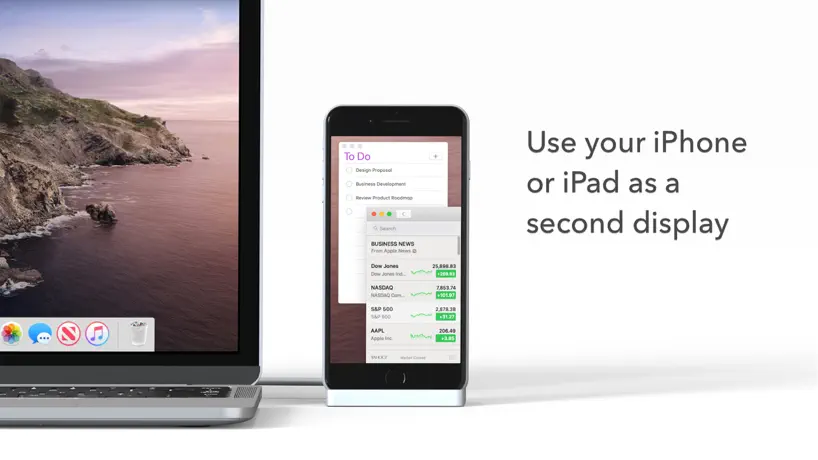  Duet Display |   RealVNC Viewer: Remote Desktop |   ASUS GlideX |   TeamViewer QuickSupport | 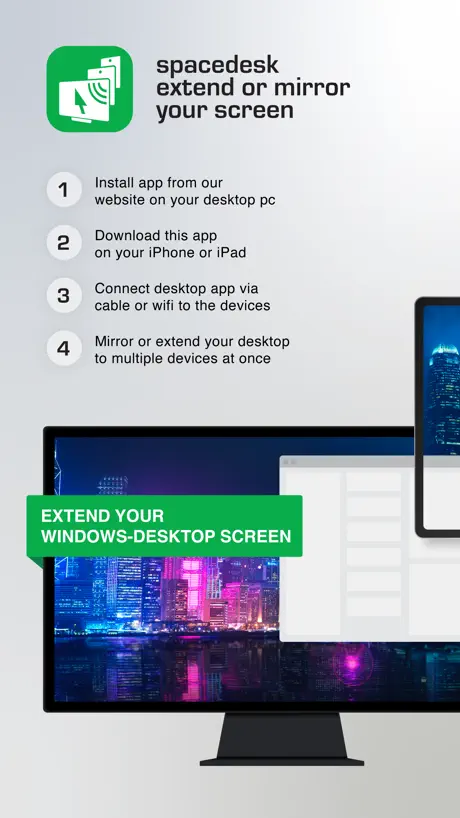  spacedesk - USB Display for PC | 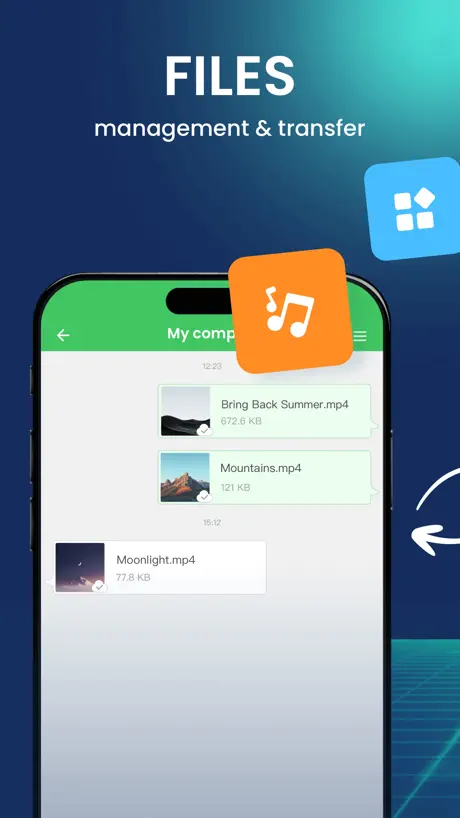  AirDroid - File Transfer&Share |  EasyCanvas -Graphic tablet App |   KDE Connect |   UTM Remote Virtual Machines | |
|---|---|---|---|---|---|---|---|---|---|---|---|
| Rating / 5 | 2.8 | 4.7 | 4.4 | 4.8 | 4.8 | 3.6 | 4.7 | 4.3 | 4.0 | 4.3 | 3.4 |
| Reviews | 134 | 331K | 191K | 61K | 24K | 19K | 18K | 8.2K | 5.1K | 1.3K | 318 |
| Released | 2022 | 2013 | 2014 | 2010 | 2021 | 2013 | 2018 | 2017 | 2017 | 2022 | 2024 |
| Annual price | — | $619.99 | $49.99 | — | — | — | — | — | — | — | — |
| One-time price | — | — | — | — | — | — | $35.00 | — | $11.99 | — | — |
The going rate for each plan in United States, in its own currency, shaded from the cheapest price on the row to the dearest. Plans fewer than four in ten of the priced apps sell are left out.
Vysor reviews
2.8 out of 5, based on 134 reviews.
What people like
- Works perfectly for simple screen mirroring.
- Connects easily without needing pairing.
- Runs fine on Windows and Mac.
What they complain about
- Setup is confusing and complicated.
- Screen lags on iPad or iOS.
- Support never actually responds to you.
- You can only mirror, not control.
VAT/TAX ID
Hello, I would like to buy 5 lifetime licenses, but I need the VAT Number from Vysor, can you send it to me?
Worst thing on earth
People can like access your whole phone secretly.this happend to me.
A good app 😅
Well, the app works just fine for my iPhone, but lags a bit for my iPad. 🥲
Mirror only, no control
Connecting to iOS device is easy, but the devicescreen is only mirrored to PC. Input has to be done on the device itself.
No tech support at all
Downloaded the PC program and installed the app and paid to use it - thankfully for only one month- and spent the next few hours trying to make it work. Closest I could get was screen from iPhone was displayed on PC. Never got the mouse to appear for calibration much less control. Went to the Discord support site and saw the last time the author of the app was there was 9 months ago - March 2024-and it’s now late December. Decided to uninstall it at that point and end my $2.50/month subscription. Glad I didn’t pay $40 for a “lifetime” license.
Junk, no mouse functions.
Mirror only but what’s the point? Don’t waste your time.
Funciona pero no tan bien
Tiene poco lag y se ve de bajos FPS, pedí reembolso de la compra de la versión pro en PC y no me responden por el correo.
Follow the instructions and it works as advertised
Took a few minutes to get up and running. The windows app explains very clearly what you need to do and if you follow the instructions it works fine.
DO NOT follow the instructions regarding the Vysor dongle
You will brick the device and it will be gone. For some reason the developer disabled the GitHub issues for the repository, so all of the searches for issues regarding this thing lead to 404 pages. This is super annoying. You can still view the cached pages in the Wayback machine, and it looks like a lot of people are having the same problem. When you flash the firmware onto the USB dongle, it will work only while it is plugged in for the first time. It will not work again after that and the dongle doesn't even appear in the list of usb devices attached to your computer. Works fine with Android devices without the dongle, but that's not why I'm writing this review.
Used to be good. Too many paywalls now
Better to use any open source project like scrcpy
Works fine here
After using it to great effect in android I finally had a use case for this on my new iPhone. Besides some potentially confusing prompt about needing a Bluetooth dongle (which I don’t need since I only use screen mirroring, not control) everything else worked flawlessly.
Do not purchase
I just spent 3 hours of my life trying to understand how this app works. The design is completely impenetrable. In their efforts to be sleek they have created an insanely obtuse product. It took me way too long to try to crack the mystery of upgrading to Pro so I could actually give them money and then came the unexplained licensing agreements which Google then rejected. Needless to say after closing my computer to take some deep, cleansing breaths I knew I had to leave them the Worst possible review. Do not purchase unless you are a mystical IT Master who understands the ways of the unexplained.
Works just fine
No problems using app. Just need to follow directions.
Legit doesn’t work
Reading the directions is like rocket science. Almost impossible to get setup with the windows app. After a long time I was able to get my phone screen to show up on windows but the app said it was in “Mirror Only Mode” and it said I needed some driver. After clicking the link to the driver I was told that the driver costs money!? Yeah no. I have NEVER seen a driver cost money.
Absolutely must have app
Using this app everyday working day both iOs/Android even phone with HarmonyOS is working fine on windows. The only some minor flaw is when you mirroring two different os like iOs and Android, android device has some delay.
Terrible
This app is completely useless. Why doesn’t it function like the desktop version?
Worked like a charm right away!
Felt the need to leave a good review since this worked perfectly fine for me the first time I tried to use it. I did have to restart the windows app for it to detect my phone but that’s no big deal. I’ll update this if I run into issues using Vysor the more I use it.
??????????????????
I genuinely thought the other people in the reviews were actually being stupid and this app worked fine. But yeah it just doesn’t work at all and is needlessly complicated for what it should be doing. Also, another monthly subscription plan. Yay. Buy a capture card.
Works Perfectly
Make sure you install the Vysor app for Mac from Vysor.io.
Keeps getting disconnected
This app is odd. On my other computer, visor desktops works with iOS without using this app but my second computer this app is required. The other issue is I keep getting disconnected!
Excellent
Instructions aren't great. It does allow mirroring several devices simultaneously (no pairing needed), once you figure out how it works.
Doesn’t work
A device never comes up even when I connect my phone to my computer using a usb.
Great app
Finally this app is available in apple store. Excellent app
Do not
Subscribe to their service ! There is no way to cancel once you have subscribed
Vysor FAQ
- Is Vysor free?
- Yes. The app is free, in all 175 countries it sells in, and it sells nothing inside it.
- Does Vysor have a free trial?
- No. None of its offers (US) come with a free trial.
- What are the best alternatives to Vysor?
- TeamViewer Remote Control (4.7 from 330,926 reviews, premium from $619.99), Duet Display (4.4 from 191,122 reviews, premium from $3.99) and RealVNC Viewer: Remote Desktop (4.8 from 61,108 reviews).
Vysor download
Last updated 4 years ago.
Vysor sells in 175 countries. It was released 4 years and 9 months ago, on 15 Feb 2022. It holds a 2.8 rating from 134 reviews.
Supports 1 language: English.