
ASUS GlideX

How much does ASUS GlideX cost?
Prices are current as of 11 Sept 2026.
ASUS GlideX has no in-app products on record in the United States.
10+ alternatives to ASUS GlideX
| ASUS GlideX | 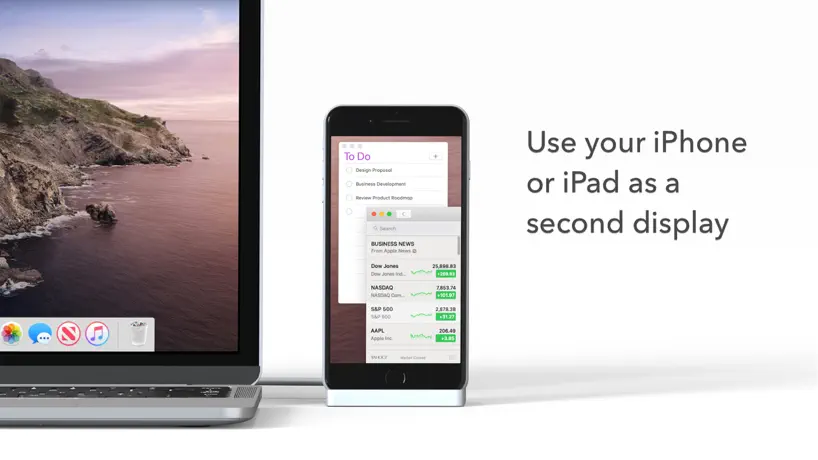  Duet Display Duet Display | 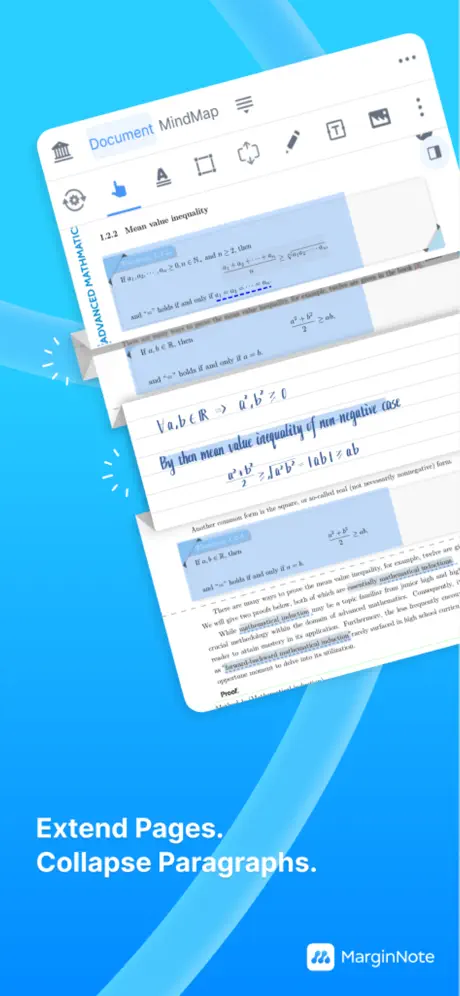  MarginNote 4: AI Notes·MindMap MarginNote 4: AI Notes·MindMap | 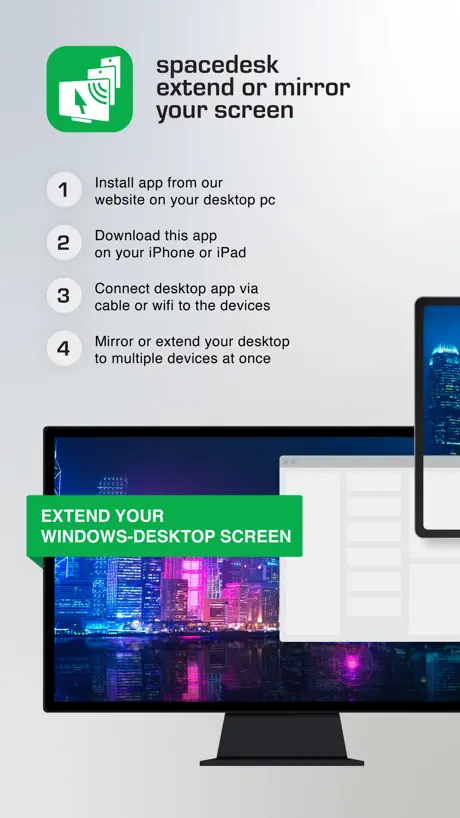  spacedesk - USB Display for PC spacedesk - USB Display for PC | 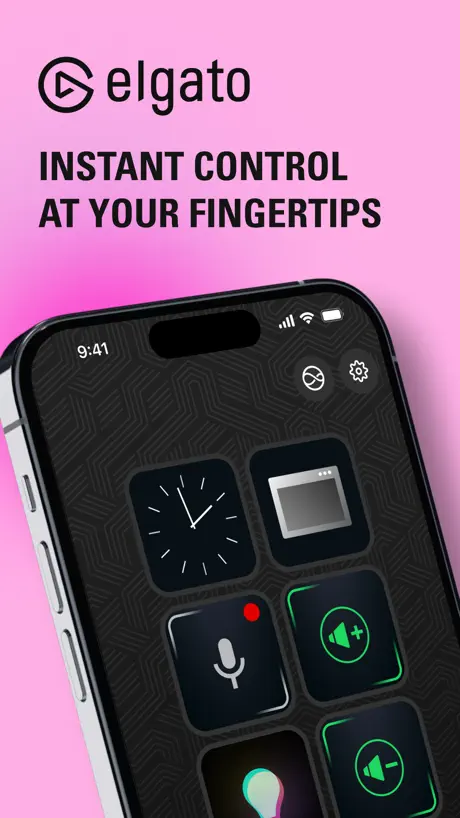  Elgato Stream Deck Mobile Elgato Stream Deck Mobile |  EasyCanvas -Graphic tablet App EasyCanvas -Graphic tablet App |   KDE Connect KDE Connect | 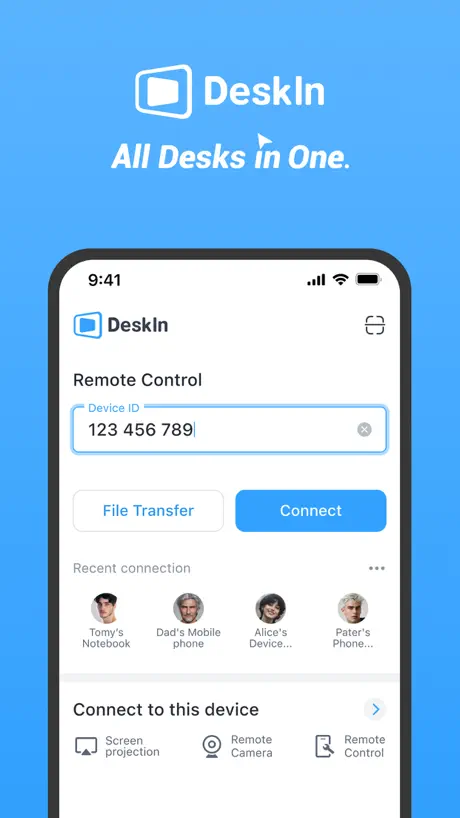  DeskIn Remote Desktop DeskIn Remote Desktop | 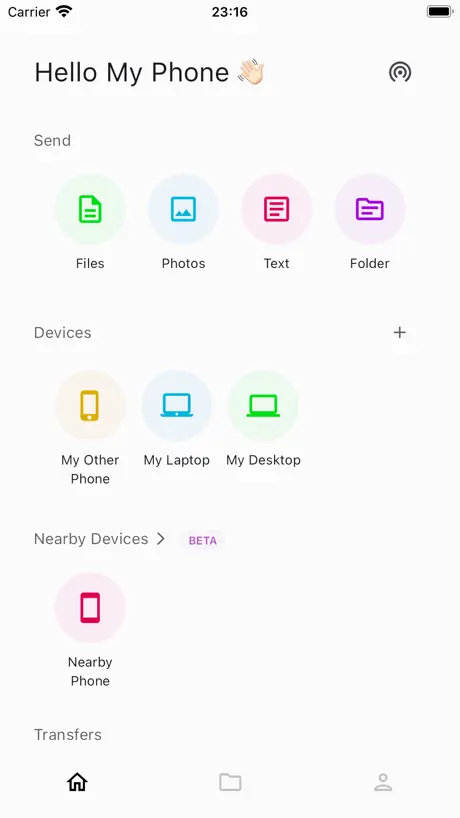  LANDrop LANDrop |   UTM Remote Virtual Machines UTM Remote Virtual Machines | 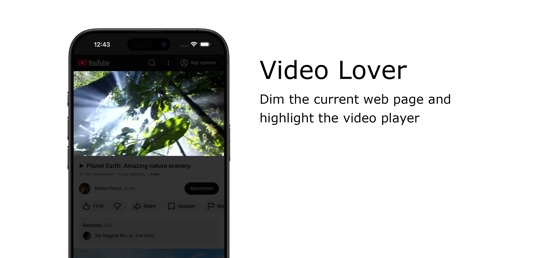  Turn Off the Lights for Safari Turn Off the Lights for Safari | |
|---|---|---|---|---|---|---|---|---|---|---|---|
| Rating / 5 | 4.8 | 4.4 | 4.6 | 4.7 | 4.6 | 4.0 | 4.3 | 4.3 | 4.2 | 3.4 | 4.0 |
| Reviews | 23K | 191K | 22K | 17K | 17K | 5.1K | 1.2K | 1.2K | 1.2K | 305 | 130 |
| Released | 2021 | 2014 | 2024 | 2018 | 2019 | 2017 | 2022 | 2022 | 2021 | 2024 | 2017 |
| Monthly price | — | $5.99 | — | — | $2.99 | — | — | $24.99 | — | — | — |
| Annual price | — | $49.99 | $12.99 | — | $24.99 | — | — | $49.99 | — | — | — |
| One-time price | — | — | $19.99 | $35.00 | $49.99 | $11.99 | — | $11.90 | — | — | — |
The going rate for each plan in United States, in its own currency, shaded from the cheapest price on the row to the dearest. Plans fewer than four in ten of the priced apps sell are left out.
ASUS GlideX reviews
4.8 out of 5, based on 23,215 reviews.
What people like
- Totally free alternative to paid apps
- Works great as a second monitor
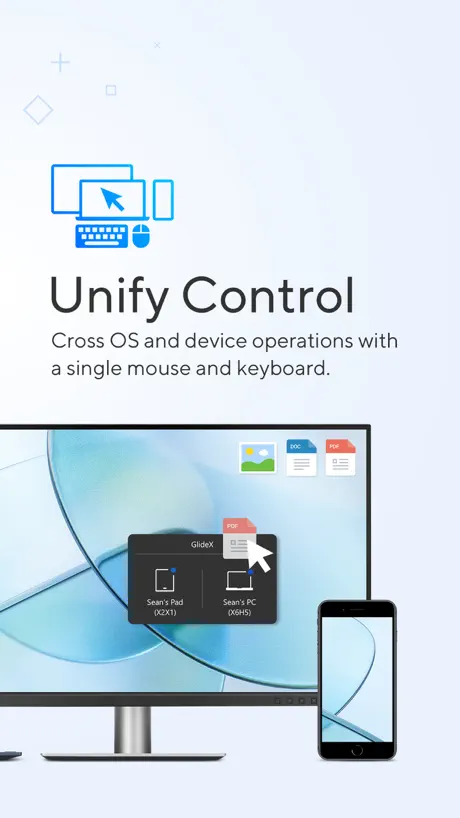
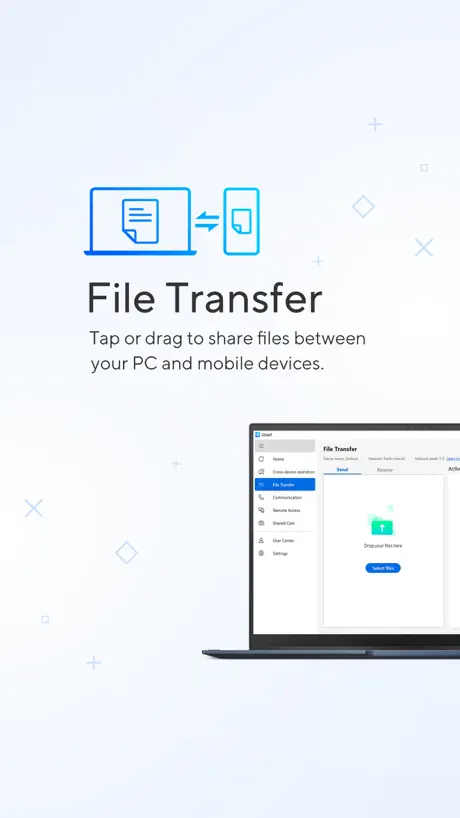
- File transfers are smooth and easy
What they complain about
- Connection drops and restarts often
- Wireless mode feels a bit slow
- Ads interrupt you constantly now
Superb!
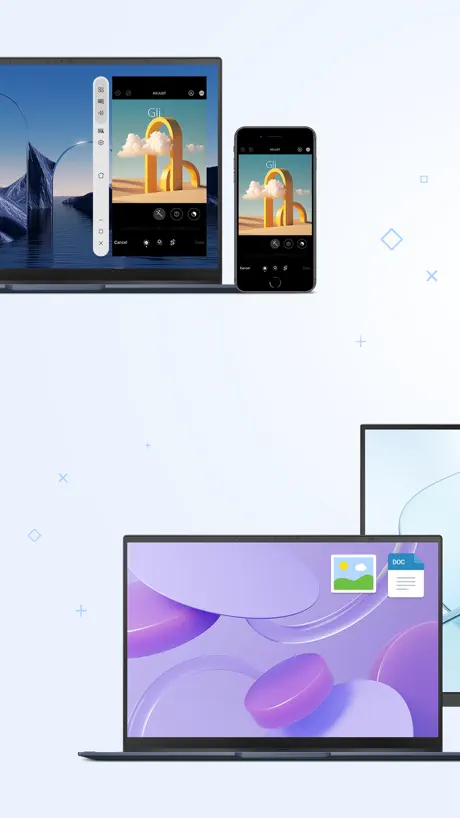
Absolutely necessary for cross device file transfers. Between an iPhone and a Rog Ally, transfers are seamless. Works far far better than the built in Windows phone connect. Honestly surprised it's remained free.
Mala
Se trae un montón en la computadora cuando uno dirige la señal
电脑跟ipad蓝牙非常难连接
不能在app里去连,要把两边的蓝牙预设连接全部取消跟新的一样,然后直接在电脑ipad的蓝牙界面去重新连接,最后上app,才能正常使用
Unexpectedly good
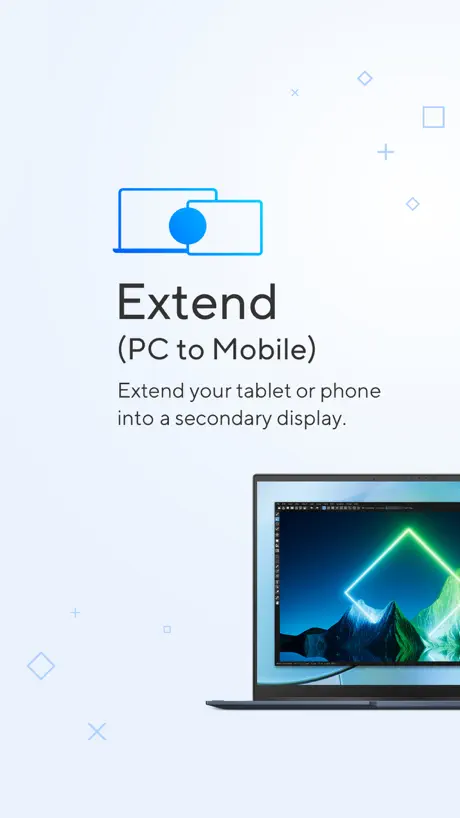
Works great in extend mode (from Windows to iPad)
кайф
к а й ф
PERFECT
PERFECT
Unable to work after trying everything
I tried to connect my iPad Pro through the app. I ensured my computer, the past, and the app were all up to date. My computer could find my iPad and vice versa but when I tried to extend the display it wouldn’t work. No resetting the app, pc, or iPad could fix it. I ensured they were trusted device it would simply hang at the preparing the device please Screen and nothing ever progressed past that point. Might be luck, might be a bug. I just couldn’t get it to work. It might work for others but I just cannot recommend this app at this time.
Pretty good.
Wired mode is good for my small screen on planes and multitasking.
有很大的進步空間
上傳檔案還是很不穩定
不足之处
要能后台运行就好了
thank you.
it is great working for sending image.
Basically useless
So it won’t show trusted devices into display extend section :(
Improvement
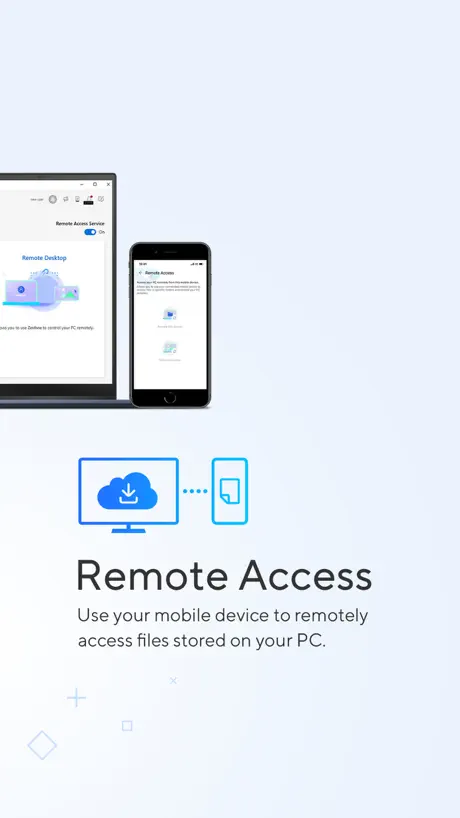
Need to improve remote access options
USB isn’t working
USB not working only WiFi connection working
Love it, but…
…sometimes it takes a long time to establish connection when transferring files from phone to pc (vice versa), do this, do that. Reset this, restart that. Sometimes, the “sending bar” gets 100% but still not completed. And can only send files not larger than 1gb. But overall, I like it ‘cause it’s very convenient. Hope they could fix the minor issues. So for now, I give 3stars only.
Ts kinda goatee
Bro for free this is the ultimate tool PLEASE DONT EVER CHANGE UP ON USSSS
Extend Display broken
Prior to the last update the app was working perfectly. Now though my iPad gets stuck when extending the display on the “Preparing” screen after connecting. My PC is reading that the connection has been made but my iPad never moves past that “Please wait” message.
Wireless extend lag
Feels bit slow in using a wireless extend
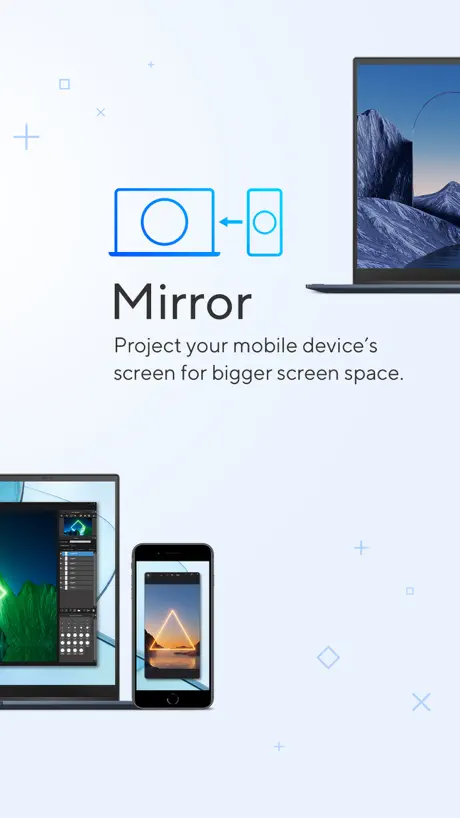
Mirroring issue
I am using my iPhone to mirror to mu asus laptop but the screen becomes blurry when the navigation bar goes down, this problem is only with the fullscreen apps, please fix it
Orta düzey
Kablo bağlantısı seçeneği zaman zaman görünmüyor.
Great software
It allows me to transfer with ease back and forth from my phone to my pc,,,, you need this !!!
Needs Full Photo Library Access
Why do you need full access to our photos? Why can’t you just work like all other apps that is okay and fine with None or limit access to photos? Most features wont work unless you give full access
It’s good but not that when use it with Wi-Fi
Good job it’s nice & useable
Fix this issue pls
Although I set my iPad's display orientation to landscape mode, when connect to the computer, it incorrectly switches to portrait mode, causing the iPad screen to appear narrower. I try to report this issue via the app, but a new error has appear in the feedback system. I appreciate this app and kindly request a fix for this bug.
Süreki kopuyor
Pc ye bağlantı sürekli kopuyor pc her başlattığımda yeniden yüklüyorum çoğu zaman bağlantı yapmıyor hiç iyi değil link to my asus daha başarılı idi. Geçmişi sildiğim halde telefon hafızasını dolduruyor her gönderdiğim bilgi telefon hafızası nı dolduruyor çok sıkıntılı diğer şeyleri güzel oda yapışsa daha iyi olır
Best of the best
Best extend ever
please update the app
cant use the app anymore as the windows version is higher. its prompting me to update but no updates available
This is useful app
Good
Efficient
Very efficient especially with file transfer. My only suggestion is if I transfer from ASUS laptop to phone I need to download the files one by one. There should be an option to download all files and save to my Gallery.
The solution I’ve been searching for
I could hardly believe a free app could really turn my iPad into a third monitor, but it’s real! I used to pay for the duet app, but not only is this one free, I find it to be a much better experience. So happy I found this!
No conecta
No deja conectarme y solicita que actualice, pero no hay actualización disponible en AppStore
Nice app
Decent free 2nd monitor solution that works with legacy ipads. Haven’t tested on my Mac but works great on pc so far
iOS 18.1.1
Ny device can’t connect and or mirror my phone-laptop
First try
So far it’s flawless till next time
STOP IT PLEASE
Keeps forcing me to write a review
Amazing
No lag or delay across screens but u require asus devices for half of them
Good
Nice application
THE BEST
This makes working remotely so much nicer. I cannot stress enough how goated it is 😭.
กากชิบหาย
จะทำงงานก็ไม่ได้ทำส่งไรก็ไม่ได้ ค
Facile
Facilite les transferts de photo entre mon iPhone et mon PC Windows 11
Connect to IPhone experience.
Good app. Easy to connect and use
This used to be free
The ads are annoying, gonna use spacedesk now. This wasn’t the case before, the screen sharing feature was integrated to the myasus app with no ads whatsoever but companies like this just get too greedy that they sacrifice the convenience and comfort of their users for more money lined in their pockets.
Masterpiece
But still on extend screen tool is not supporting apple pen even desktop app has stylus support via extend tool
ASUS GlideX FAQ
- Is ASUS GlideX free?
- Yes. The app is free, in all 175 countries it sells in, and it sells nothing inside it.
- Does ASUS GlideX have a free trial?
- No. None of its offers (US) come with a free trial.
- What are the best alternatives to ASUS GlideX?
- Duet Display (4.4 from 190,541 reviews, premium from $3.99), MarginNote 4: AI Notes·MindMap (4.6 from 22,241 reviews, premium from $4.99) and spacedesk - USB Display for PC (4.7 from 16,909 reviews, premium from $9.00).
ASUS GlideX download
Last updated 2 months ago.
ASUS GlideX sells in 175 countries. It was released 4 years and 9 months ago, on 14 Dec 2021. It holds a 4.8 rating from 23,215 reviews.
Supports 28 languages: English, Arabic, Czech, Danish, Dutch, Finnish, French, German, Greek, Hebrew, Hungarian, Indonesian, Italian, Japanese, Korean, Norwegian Bokmål, Polish, Portuguese, Romanian, Russian, Chinese, Slovak, Spanish, Swedish, Thai, Turkish, Ukrainian, Vietnamese.
How much does ASUS GlideX make?
Third-party estimates for the last 30 days, worldwide — not the store's own figures, which Apple publishes for nobody.