
LANDrop
Cross-Platform File Transfer
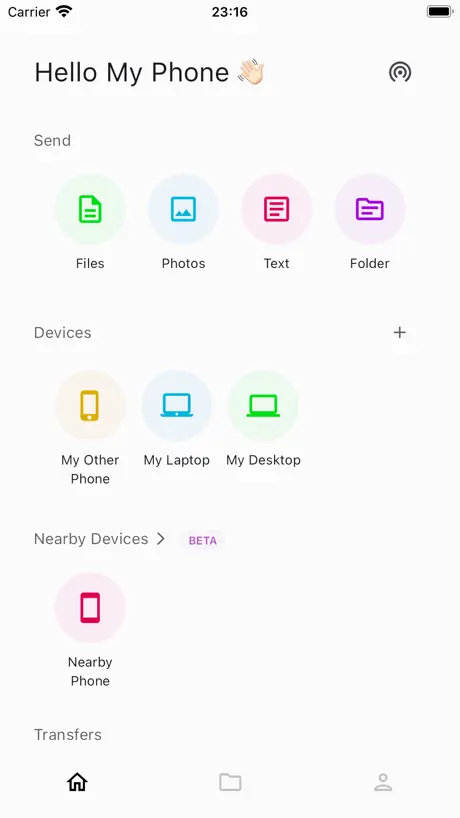
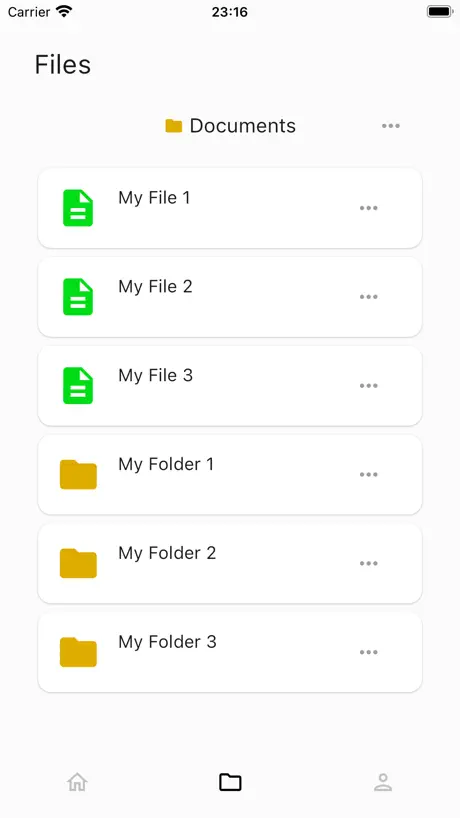
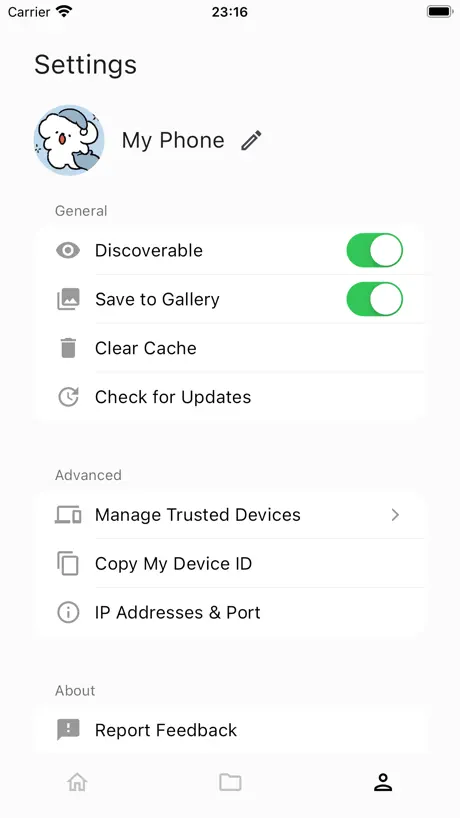
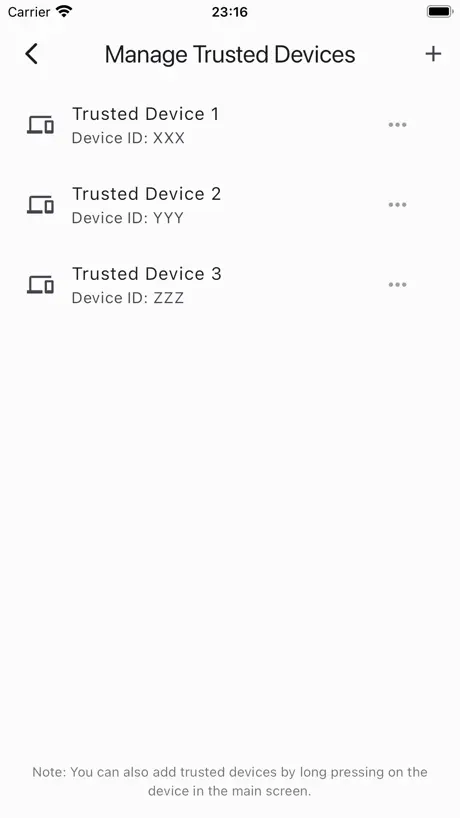
How much does LANDrop cost?
Prices are current as of 9 Sept 2026.
LANDrop has no in-app products on record in the United States.
10+ alternatives to LANDrop
| LANDrop |   拦截100-浏览器广告拦截油猴脚本 拦截100-浏览器广告拦截油猴脚本 | 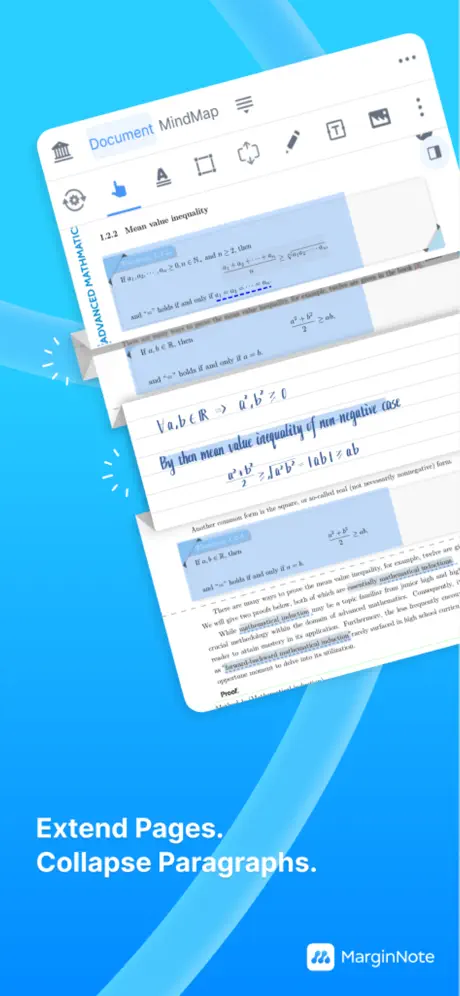  MarginNote 4: AI Notes·MindMap MarginNote 4: AI Notes·MindMap | 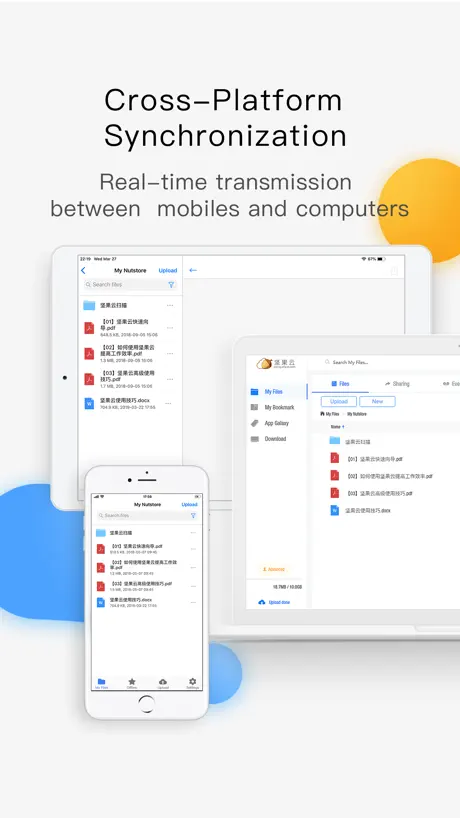  Nutstore-Cloud Storage&Backup Nutstore-Cloud Storage&Backup |   GUGA-Hyperboard GUGA-Hyperboard | 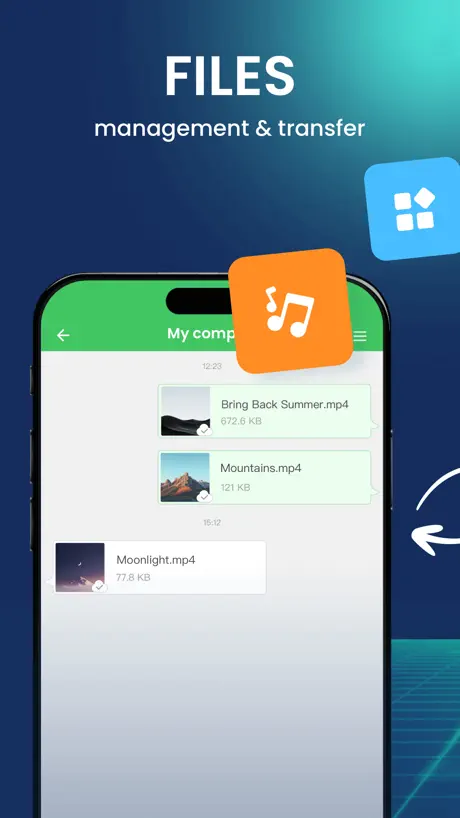  AirDroid - File Transfer&Share AirDroid - File Transfer&Share | 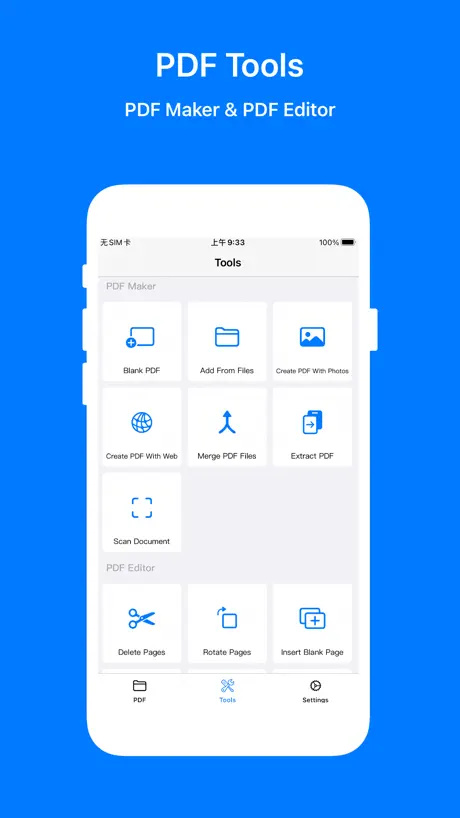  PDF Mpjex - Editor for pdf PDF Mpjex - Editor for pdf |   Immersive Translate Immersive Translate |   OpenCat - AI Chat, Agent, MCP OpenCat - AI Chat, Agent, MCP |   Filebar - media player Filebar - media player |   闪电分镜 闪电分镜 | |
|---|---|---|---|---|---|---|---|---|---|---|---|
| Rating / 5 | 4.2 | 4.5 | 4.6 | 4.8 | 4.7 | 4.3 | 4.9 | 4.6 | 4.7 | 4.3 | 3.6 |
| Reviews | 1.2K | 31K | 22K | 17K | 10K | 8.2K | 5K | 3.3K | 3K | 2K | 173 |
| Released | 2021 | 2021 | 2024 | 2011 | 2022 | 2017 | 2023 | 2023 | 2023 | 2021 | 2022 |
| Monthly price | — | $1.99 | — | — | — | — | $0.99 | $9.99 | $3.99 | — | — |
| Annual price | — | $2.49 | $12.99 | $34.99 | — | — | $9.99 | $79.99 | $24.99 | — | — |
| One-time price | — | $14.99 | $19.99 | — | $6.99 | — | $4.99 | — | $5.99 | $9.99 | — |
The going rate for each plan in United States, in its own currency, shaded from the cheapest price on the row to the dearest. Plans fewer than four in ten of the priced apps sell are left out.
LANDrop reviews
4.2 out of 5, based on 1,152 reviews.
What people like
- Works flawlessly between iPhone and Android
- Fast and simple file transfers
- Great for cross-platform device sharing
What they complain about
- App takes up huge storage space
- Fails to connect after updates
- Screen must stay awake during transfer
BEST AIRDROP ALTERNATIVE AVAILABLE
This thing is awesome, I use it across my iPhone, iPad, MacBook and windows workstation, It sends huge amounts of files, text, images… Whatever immediately. Just like Airdrop; Only cross platform. Love. Highly Recommend. 10/10 productivity software.
Giving 1 Star for a Reason
Dude even after doing Delete All Files and with no files left the app takes up 3.8GB of storage. Which is miserable bcoz this app can not clear cached files or whatever they’re storing inside. It should be fixed the app size should be smaller and only take up most space for the size of documents inside it.
少选照片
选定一定数量照片后发送到电脑上,有一定概率触发一个bug,即发送到电脑上的照片比所选的数量少了某一张或几张,所以发送前一定要注意所发送的照片的数量与选的数量是否一致
慢死了
就不能出个百分比吗
不太好
经常出错,选新的相片但老是重复发上一次的照片。又经常选好文件后按加发送也没文件的
粘贴按键太小了
建议把点击“文本”弹窗里最小的“粘贴”按钮做大些,它是最常用的功能,我基本只用它同时完成粘贴和确定操作。这里的“确定”用于修改内容后,几乎用不上。“取消”按钮仅在误点进入界面时可能需要。总之,文本框旁这三个按钮中,“粘贴”应该最大,现在太小,点击不方便。
Not working after IOS 26 upgrade
after upgrading to IOS 26 my device is not showing on windows landrop application and also i cannot see windows device on ios
意见提交
软件是真好用,就是这个字太小了,在windows上,而且windows版没有深色模式,我用iOS版的时候感觉很舒服,还有就是我选中的视频还有照片什么的,能不能显示一下?,别光有文字述说发送几张照片。能不能给个预览,这样至少知道自己发了点啥,要不然总是感觉心里缺点啥
开发是放弃软件了吗
很好的软件,可惜开发连个清除缓存都没有
Good app but…
App seems to keep the data that gets sent even after clearing the cache. Only way to remove the stuff kept in documents and data is to delete the app.
Awesome
Easy to use, fast, simple and clean UI, makes iPhone to PC transfer simple
平板点击“打开方式”没有反应
没反应
图片数量统计不准
选择274张照片,软件中显示已选择300张照片,传到电脑上只有247张; 一次性选择大量文件时会卡顿,也容易丢失文件。选择文件时非常容易触发返回事件
iPad为啥倒不进去啊?Windows到能导到我iPad,但我iPad发到windows上面的图片视频显示错误?
iPad为什么发不到windows里面一直显示错误一直显示错误?
Doesn’t work for me :(
I haven’t been able to transfer anything because everything I try gives a time out error after a while.
Excellent app
Its stable and fast worked good for mew
Need v1 app!
Need LANDrop v1! All of my devices have v1 installed and now I cannot transfer file to the only one device having v2. Cannot download v1 app from AppStore now. Please offer options!
很好的软件,非常方便,但是有个小问题😀🤯😶🌫️🫥
传输完文件之后会产生一个非常大的缓存,没有办法手动清除,希望加一个手动清除的选项
iPhone 传PC就是一坨
PC传iPhone正常,反过来就用不了。全都最新版本。PC自检升级也一言难尽,做不好,还不如不添加这个功能。综合评价,勉强能用。不如WeChat
You have 2 significant problems
1- file names that are the same because of a duplicate being made don’t transfer even though the numbers say otherwise. Makes batch transfers very difficult 2- and hugely problematic in storage, the documents and data seems to retain everything sent. Meaning, even though I transferred and deleted my files, LANDrop was taking up over 20gb of data I couldn’t clear out. I had to uninstall and reinstall the app to bring it back under the 40mb Don’t know if there’s a difference to that between selecting files in the app vs selecting files in Photos and sending to the LANDrop app. Happily upgrade the stars if these are fixed
Just WORKS
Like the title says. App does its job and does it beautifully!
Unable to send from iphone to pc!
The app works great most of the time when sending from pc to iphone. Iphone to pc it just refuses to send.
mov无法从ios发送
同一个mov文件,大小5.77mb,ios无法发送给windows,反过来就可以,其他文件类型两个设备都可以互传
Schade
Grundsätzlich funktioniert es Prima aber.. Wenn man 90 Dateien bekommt vom Samsung Handy auf den Mac muss man 90 mal auf save klicken. Es gibt keine option alle gleichzeitig zu speichern. Das ist Steinzeit im Jahr 1989 und unbrauchbar
Both devices must be kept awake
Both devices need to be kept screen on “awake” while transferring file, otherwise transfer fails. Kind of a pain for larger files. Touching phone screen or moving mouse on computer every few minutes to prevent transfer error.
FINALLY!
iPhone is a pain in the neck to use sometimes, and simple file transfer is a MAJOR issue. LANDrop has sorted out the issue, and using the application will end the nightmare of having to easily access and move files between devices. This is the BEST application for the iPhone that I have ever had the pleasure of using. Thank you for your hard work and for fixing this silly little problem that Apple has created and ignored for EVER.
更新后手机发不了东西到电脑
这个版本有bug,手机发不了文件到电脑,点击没反应
jpg格式
HEFI 格式照片导出到电脑端 可否转换为jpg格式呢?不然电脑观看不太方便
After upgraded to 2.20, it didn’t work!
Help! Just Updated , still not working
Freeze when selecting photos
On iOS 15.6.1, when I am trying to add photos to be transferred, the app freezes once I tap ‘done’ button. Other functions work fine.
Great app
Mostly use this to send things to my pc. Work without working WiFi too
Can't find other devices after version 2. 2. 0.
Can't find other devices after version 2. 2. 0.
An app that just works
Not one that writes reviews but this app works exactly like you want it to. My only complaint is I would like the option to import images as jpg instead of HEIC format. Add a toggle to convert the images when importing and the app is flawless.
缺少暗黑模式
缺少暗黑模式
No longer works
This app worked very well until a few days ago. Now it seems there is always a connection problem to get the app online. Such a shame ‘coz the app was really useful.
Works great!
Worked flawlessly between iPhone and an Android phone
升级之后,问题多!!!!
升级后多选图片后,只能发送一张!或者多选图片之后,点发现设备发送,仍然提示:请选择发送文件,我已经多选,我已经多选!无法多图片发送!!以前很好用,越升级越难用!!!iphone ios 系统
pdf文件无法传电脑
连接wifi,iphone pdf可以浏览,传到电脑自动打开所在文件夹,pdf文件为0kb,根本打不开文件
失敗的介面
以前0.4.0的介面比較好用,新的介面完全無法使用,iPhone跟iPad Pro互相找不到,也無法與0.4.0的Windows相連,真的無用。
手机传文件到pc有问题
如题,pc最近升了win11,结果手机ios端不能传文件到pc上(有时显示unable to connect to xxx),但是反过来从pc传文件到手机上却可以,不知道是不是不兼容win11,如果是,希望可以改进一下这个问题
Super good
I can’t express my feelings how happy I am Apple really let us down. We can’t use a cable to transfer our files. The only thing we can transfer is photos if I want to transfer files, then I can’t they didn’t think of that. Thank you LANDrop team for saving us. Thank you so much. I really appreciate it.
Not working since the update
It was a fantastic app and working great on my iPhones. Since the update, it doesn't show my laptop or other phone in devices tab. So can't send anything.
Nice utility with some flaws
I went looking for a non-email, non-iTunes way to pass pictures and videos from my iPhone to my PC. This utility does that nicely, and with adequate speed for my needs. Some flaws I’ve run into: First, you can’t review what files you’ve selected on the iPhone. You can see how many, but not which files. Second, there doesn’t seem to be a way on the iPhone to delete a selected file from the to-be-transferred list, other than exiting the app and restarting. If you’ve selected some files for transfer and then decide you don’t need them all, you either have to go ahead and send them all and then delete the unneeded ones on the PC side, or start from scratch after restarting the app. Third, I inadvertently started up a second instance of LANDrop on my PC, and it threw up an error message about not being able to grab a port, but still ran the second instance. Not sure what would have happened if I’d tried a transfer at that point - didn’t try, just terminated the second instance. Still, I like this app much better than emailing files, and will be using it going forward.
關於新版本
更新後,無法與 視窗 安卓 連線。
iPhone 可以收到windows pc传来的文件 ,但是发不出去
iOS 15.2 请帮助解决一下
Very Good
Very Good
Worked fine until V2 update
App is now completely broken
Ming
I can not known how to setup it. Ming.
希望开发者加入简体中文
希望开发者加入简体中文Hope to have Chinese
But no faster than hardwire to use
As dev says, it is fast, negotiates the LAN with no problems, and I can interrogate every device I need. But one must have the other device at hand, have its version of Landrop up and running and awake to actually do any work. High friction just like plugging in via lightning cable. Hands on both send/receive devices
LANDrop FAQ
- Is LANDrop free?
- Yes. The app is free, in all 175 countries it sells in, and it sells nothing inside it.
- Does LANDrop have a free trial?
- No. None of its offers (US) come with a free trial.
- What are the best alternatives to LANDrop?
- 拦截100-浏览器广告拦截油猴脚本 (4.5 from 31,004 reviews, premium from $0.49), MarginNote 4: AI Notes·MindMap (4.6 from 22,241 reviews, premium from $4.99) and Nutstore-Cloud Storage&Backup (4.8 from 17,499 reviews, premium from $34.99).
LANDrop download
Last updated 1 year ago.
LANDrop sells in 175 countries. It was released 5 years and 4 months ago, on 21 May 2021. It holds a 4.2 rating from 1,152 reviews.
Supports 1 language: English.
How much does LANDrop make?
Third-party estimates for the last 30 days, worldwide — not the store's own figures, which Apple publishes for nobody.