
RealVNC Viewer: Remote Desktop
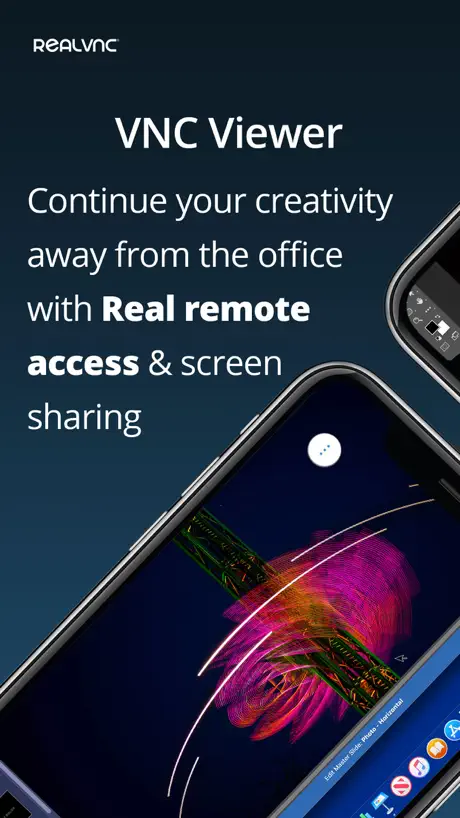
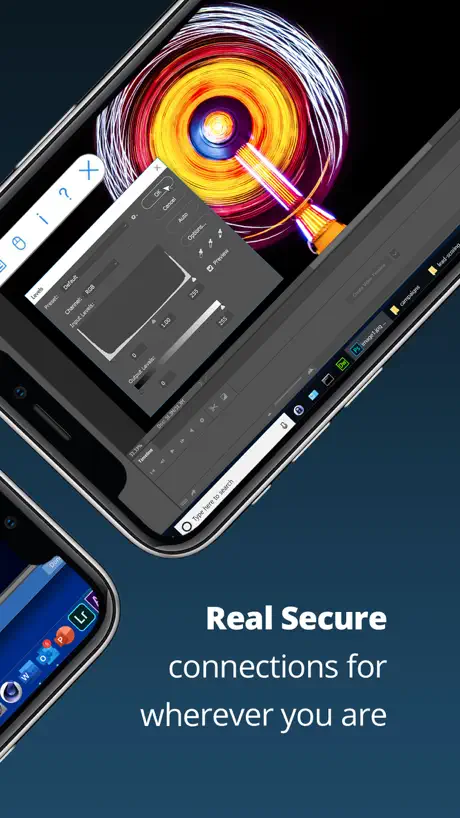
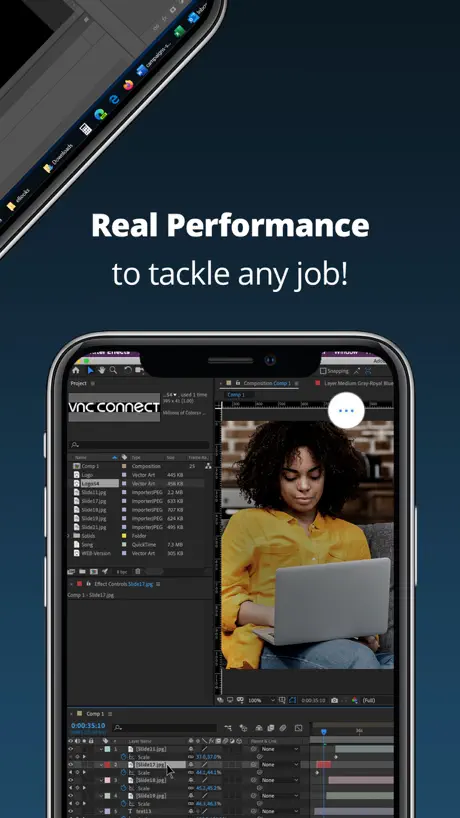
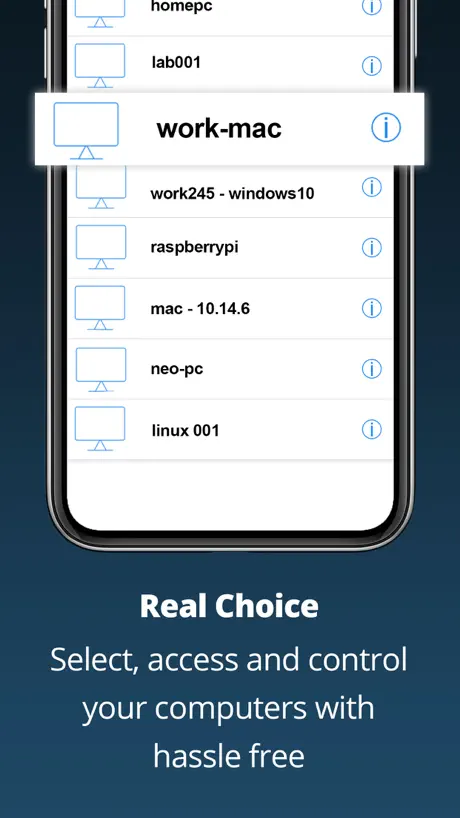
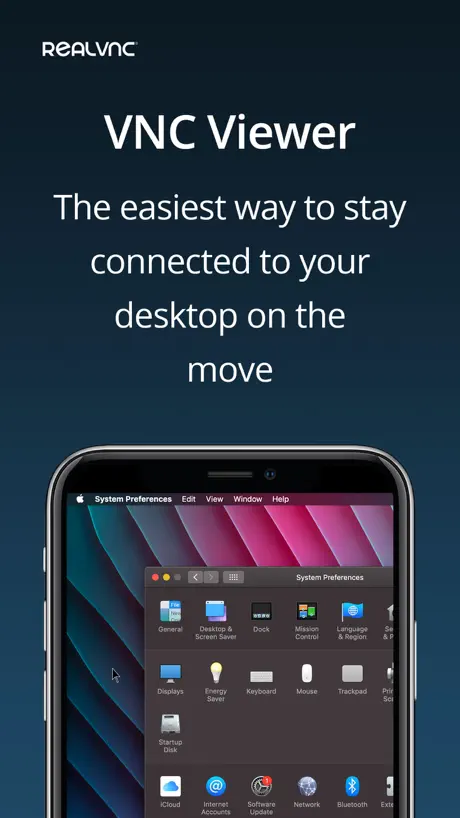
How much does RealVNC Viewer: Remote Desktop cost?
Prices are current as of 6 Sept 2026.
RealVNC Viewer: Remote Desktop has no in-app products on record in the United States.
10+ alternatives to RealVNC Viewer: Remote Desktop
| RealVNC Viewer: Remote Desktop |   TeamViewer Remote Control TeamViewer Remote Control | 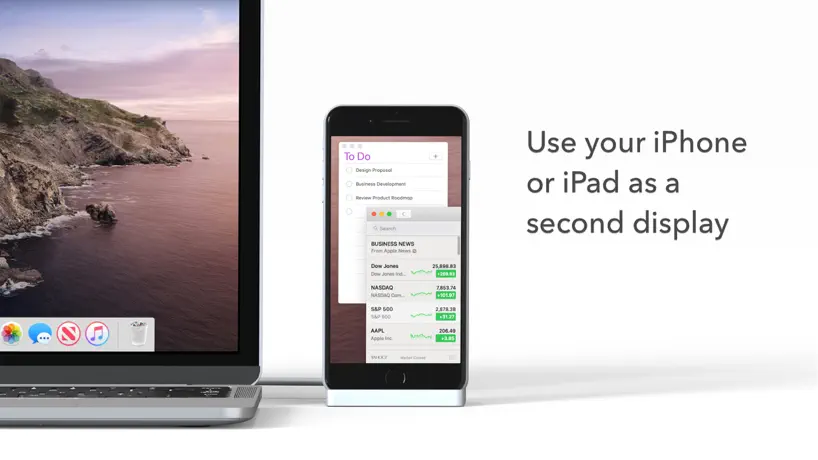  Duet Display Duet Display |   TeamViewer QuickSupport TeamViewer QuickSupport | 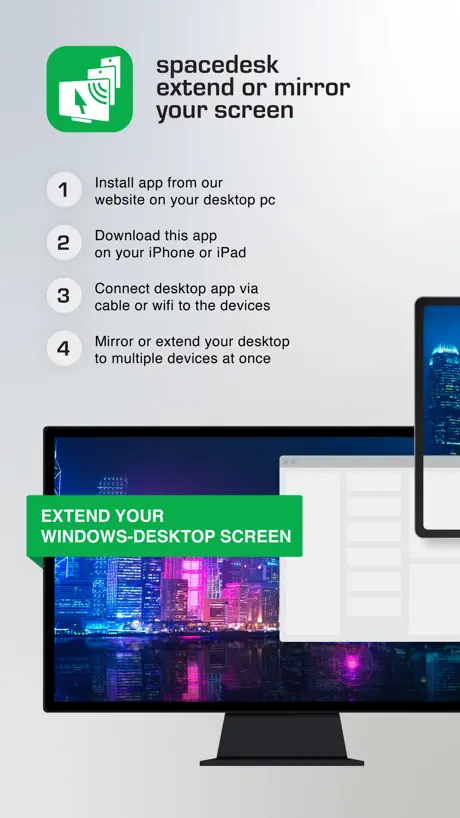  spacedesk - USB Display for PC spacedesk - USB Display for PC | 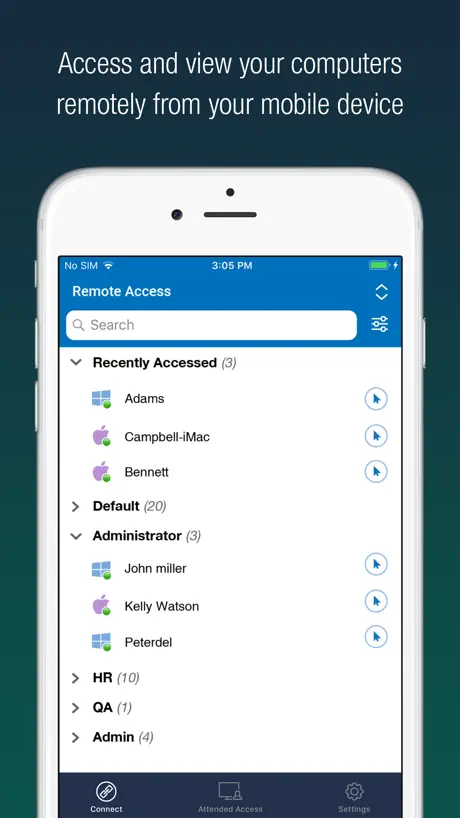  RemotePC Remote Desktop RemotePC Remote Desktop |   Locally AI by LM Studio Locally AI by LM Studio |   KDE Connect KDE Connect |   Google AI Edge Gallery Google AI Edge Gallery |   NoMachine NoMachine |   UTM Remote Virtual Machines UTM Remote Virtual Machines | |
|---|---|---|---|---|---|---|---|---|---|---|---|
| Rating / 5 | 4.8 | 4.7 | 4.4 | 3.6 | 4.7 | 4.6 | 4.7 | 4.3 | 4.0 | 3.3 | 3.4 |
| Reviews | 61K | 327K | 190K | 19K | 17K | 5K | 4.3K | 1.2K | 706 | 411 | 305 |
| Released | 2010 | 2013 | 2014 | 2013 | 2018 | 2010 | 2025 | 2022 | 2026 | 2014 | 2024 |
| Annual price | — | $619.99 | $49.99 | — | — | — | — | — | — | — | — |
| One-time price | — | — | — | — | $35.00 | $59.99 | — | — | — | — | — |
The going rate for each plan in United States, in its own currency, shaded from the cheapest price on the row to the dearest. Plans fewer than four in ten of the priced apps sell are left out.
RealVNC Viewer: Remote Desktop reviews
4.8 out of 5, based on 60,752 reviews.
What people like
- It is completely free to use
- Works perfectly for Raspberry Pi devices
- Simple setup and reliable performance
What they complain about
- External keyboard often stops working
- Tech support is slow and unhelpful
- Updates break connections to newer systems
Great App
Due to the emergence of AI, I mostly do my work to prompting and letting my Computer run all the time. Controlling my computer, it’s full mobile makes a lot of my work very easier. I use RVNC Viewer every day.
Customer service horrible
App is wonderful. Customer service is absolutely the worst I’ve ever encountered.
Great app, but…
When are you going to the fix issue with iPadPro Magic Keyboard?
Bad product support
Tech support is really bad, and very automated. Bugs are never fixed.
Works great (mostly)
There was a recent update that disabled IOS keyboard use, it's been a few weeks, super annoying, as much as is charged for the service, I would have imagined a fix would have been forthcoming in a reasonable amount of time.. still waiting. OMG. It’s been WEEKS and we are STILL WAITING!!! I could see this with a free or ad supported product, but my God, man! We pay for the service
Nice
Pretty nice. I connect to my Linux computer and it’s like having Linux on my iPad.
Pointless and broken. Won’t connect to macOS newest version
Says the server or client is running incompatible version etc. can connect fine from another Mac to the same server. This app is broken.
90% Love the app
It works great, except that I can’t use the Magic Keyboard on my iPad without first taping to open the virtual keyboard. I have to leave it on screen to type. I felt like I remember this working on previous versions on the app. Please give it a look, because this bump this app up to 100% IMO. Thanks.
Cannot use special characters
I use “option characters” (special characters while holding down the option key) as my password, unfortunately the soft keyboard in this app is not able to produce the same characters, therefore I can’t log into my Mac via this app.
cryptic error messages
support costs money. however i was able to slog through with the help of the web. it actually does work.
4k
Not great for 4k screens
Can’t connect from iOS to macOS in LAN
This App can’t require network permission in China mainland devices model.
Great App with some minor issues
Scrolling is very slow on some servers. There doesn’t appear to be any way to configure scrolling speed. But the app works well for everything else!
Don’t work on Second display
Hello. Application is good, but it did not work if I put it on second display connected to iPad Air 5. It show computer but mouse could not move control remote desktop. If you correct error let me know, please.
Worked great but a new issue
Great but has an issue Pasting into vnc almost never works now. Instead it pasted whatever was last on your computer’s clipboard.
Surprising good
It’s impossible to use a phone as a computer seamlessly but this app does a great job. You could do a lot of things and submit scripts from your phone very easily. Display is intuitive
iOS 26.6 to macOS 26.6 fails
Security update broke the app. Can’t connect to macOS 26.6 systems.
Great but…
In mouse mode it is so hard to control plz fix this 🙏
it stopped working with ipadOS 26.4.1
with the iPadOS 26.4.1 update I can no longer connect to tightVNC servers. Other VNC clients on my iPad still work fine. iPad Pro 13.
Works good but not reliable
The connection is interrupted frequently
iPad Pro M4 magic keyboard now working
It has taken a while, but so nice to be able to finally use my iPad Pro M4 with the magic keyboard with the update released today.
Slow clap for the devs…..
Wow….NINE months after the release of iOS 26 RealVNC releases an update for it that finally fixes the keyboard issue. Unfortunately I’ve moved on to a better supported app. You should do the same.
OK but…
It works well, but it would be better if it didn’t usually show an incorrect cursor.
iPad keyboard no longer works
Not sure what happened but RVNC doesn’t work with the logi keypad the way it did before. It’s been a work in progress for over a year now.
Not free anymore
Leaving as no longer free service
I really recommend this app
Works great for my raspberry pi I could literally control it on my iPad I didn’t really need to install anything if you’re someone that wants to use a raspberry pi anywhere I recommend this app. I think they should add a keyboard that uses your original tablet keyboard. that’s the only thing I want to be added. I rate this at five stars. I really recommend this for controlling a raspberry. Pi 5
Update
Says I need to update to latest version even after I reinstall.
One of My Go-To Apps!
Love the app and use it all the time, but the new RVNC Viewer logo is UGLY! Can’t stand looking at it!
External bluetooth keyboards are no longer working properly
Some of the buttons on my external bluetooth keyboard, e.g., Ctrl, PgUp/PgDn, and Shift, are no longer working after IpadOS 26. They used to work perfectly before the system upgrade. I hope the devs can fix this problem ASAP.
Not for home use anymore.
Was a good app, now as Home licence goes, app goes. At least for me. Was nice to use. Many other free alternatives :)
Phenomenal
I don’t always write a review but this app is precious and FREE! Congrats for the dev team!
Best forever ever
Best, no more word
A bit bare bones but it works good
Perfect for a Raspberry Pi Would be neat to add PiP to it
IOS26 External Keyboard is broken!
Program was working wonderfully until the new IOS26. Please update the app to work with external keyboard. No key presses are transferred. Hoping for a quick fix!
Good App, Could Be Better
Great to use but could be improved with better integration with Apple Screen Sharing, incorporating features such as clipboard sharing and chat. Could also benefit from a non-cloud server setup
Great App Super Easy to Use
I broke the screen on my laptop so I hooked it to a television and installed realVNC server on my laptop and this app on my iPhone and now I can control my laptop from my iPhone, outstanding. Sent the computer to “do nothing” when the lid is closed and power is connected.
Не работает ввод на русской раскладке
Печатаю по русски, половина букв на вводит
Decent Speed and easy to use
Once it was set up this is working a treat connecting an iPad Pro to several Raspberry Pi’s over Wi-Fi or connected direct. Was tempted to give the full five stars but it’s a real shame there’s no audio on a system that should be able to handle it easily enough. Maybe a future fix, happy to pay for that too?
Clunky on iPad
Clunky on iPad without keyboard
Seems like it's not quite there for Raspberry Pi OS
Missing a couple of things that would comfortably get it to 4 stars... Arrow keys don't work in Raspberry Pi OS on iPad Pro Magic Keyboard. You have to press a button to make use of virtual arrow buttons that are laid out left to right rather than in the usual arrow key configuration. It doesn't seem possible to get full screen Raspberry Pi OS on the iPad Pro without having to zoom out and have a bigger black border / scroll up and down to get to the rest of the screen space. Have tried different resolutions of the Raspberry Pi including 4:3 ones but it doesn't seem possible to scale the screen to be 100% of the iPads in all dimensions. I can accept that the Raspberry Pi might not support the full iPad Pro resolution but it does support 4K (Raspberry Pi 4 8GB)
Just A Really Simple, Good VNC Client
It just works, and it works well. No in-app purchases or premium plan that you have to buy. You can zoom, pan, left and right click, double click, and type. UI is solid plus seems stable and reliable.
Unusable on iPad
If you are trying to essentially remote-into a system and use as if you’re in front if it from an iPad, this will not work. There is an “extra keys” menu that must be visible for your Bluetooth keyboard to be able to send to the host machine, and it makes a large portion of the bottom of your screen completely invisible.
Reliable but missing features
Generally a very good and reliable VNC product. However there are many features I can think of which would be useful but I’m missing. Such as: -A proper remote file browser (SFTP/SSHFS) would be very useful for quickly looking at images or opening/editing text documents and PDFs et cetera -A built in SSH (or even better mosh) client. Sometimes I just want a terminal and having that all in the same app would be really handy. Especially because the VNC client can already go through an NAT/firewall et cetera. This can sometimes be a pain to set up for SSH. - Ability to use the iOS app on an M1 Mac. - Separate display output went on HDMI/airplay. E.g. the phone becomes just a trackpad and or keyboard and the display is sent externally.
Does not work on iPad Pro with external screen
Tries to be to smart, if I run it on the iPad Pro as is everything is fine, but the iPad Pro supports an external screen and then the mouse doesn’t work unless you use the iPad as a touch pad.
Needs Magic Keyboard trackpad support
Using the screen as a mouse trackpad type input is great on iPhones but on the iPad iwith a Magic Keyboard it needs to be able to right click with two fingers and scroll on an app window with two fingers too. Unless I am missing something I can’t seem to do that except when interacting on the iPads screen which is not great if you use an iPad more like a laptop with the keyboard and trackpad/mouse. Please see how Screen 4 does it. Trying to use RealVNC as they do not produce a an app for controlling a mac via windows
USED IT FOR YEARS AND IT JUST WORKS…
I’m very happy with the app. It does everything I’ve needed. I use it primarily to utilize the main home computer at home from phones and pads. If configured correctly it works equally well away from home. I frequently use it when the computer is processing large files to monitor progress. I’ve also used it to access web cameras around the house so I can check in on the dogs and home in general from anywhere you can connect to the internet. There are free apps you can get that will let you see multiple camera at the same time.
Application on iOS
Poor integration with server updates
Needs to be fixed for iOS 14 !
Hi, I’m using it daily to remote access my Mac mini and my rapsberryPi. This is the best VNC software I’ve tested. BUT since I switched to iOS 14, the Apple physical keyboard doesn’t work anymore ... Can you please have a look and fix it. Thanks.
Not working w Studio
Just get a black screen from my studio
Good app but…
Generally works pretty well but would be great if the iPad version would allow the trackpad to control the mouse on the PC. Other remote systems have managed this (e.g. Google desktop). Developers please work on this, or let me know where I am going wrong!
RealVNC Viewer: Remote Desktop FAQ
- Is RealVNC Viewer: Remote Desktop free?
- Yes. The app is free, in all 175 countries it sells in, and it sells nothing inside it.
- Does RealVNC Viewer: Remote Desktop have a free trial?
- No. None of its offers (US) come with a free trial.
- What are the best alternatives to RealVNC Viewer: Remote Desktop?
- TeamViewer Remote Control (4.7 from 326,990 reviews, premium from $619.99), Duet Display (4.4 from 190,159 reviews, premium from $3.99) and TeamViewer QuickSupport (3.6 from 19,313 reviews).
RealVNC Viewer: Remote Desktop download
Last updated 3 months ago.
RealVNC Viewer: Remote Desktop sells in 175 countries. It was released 16 years and 8 months ago, on 1 Feb 2010. It holds a 4.8 rating from 60,752 reviews.
Supports 1 language: English.
How much does RealVNC Viewer: Remote Desktop make?
Third-party estimates for the last 30 days, worldwide — not the store's own figures, which Apple publishes for nobody.