
Locally AI by LM Studio
Local & Private AI Assistant

How much does Locally AI by LM Studio cost?
Prices are current as of 11 Sept 2026.
Locally AI by LM Studio has no in-app products on record in the United States.
10+ alternatives to Locally AI by LM Studio
| Locally AI by LM Studio | 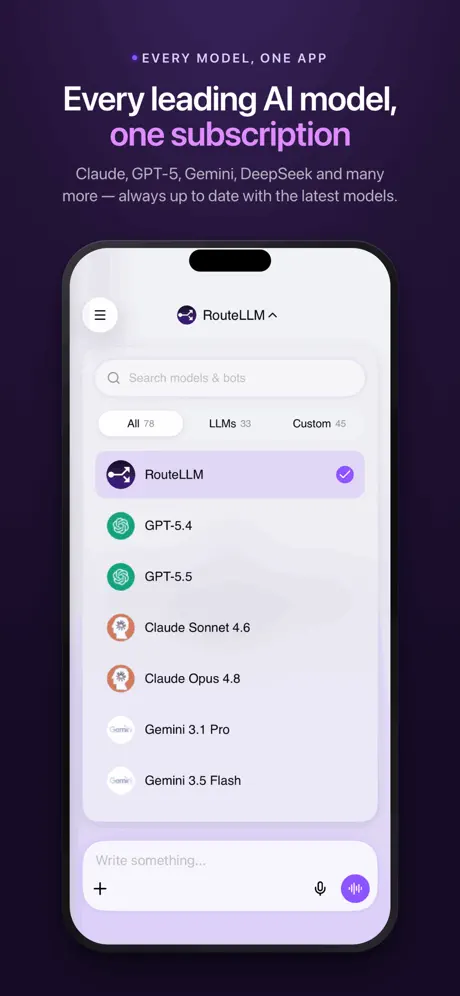  ChatLLM: AI Chat, Bot & Agent ChatLLM: AI Chat, Bot & Agent | 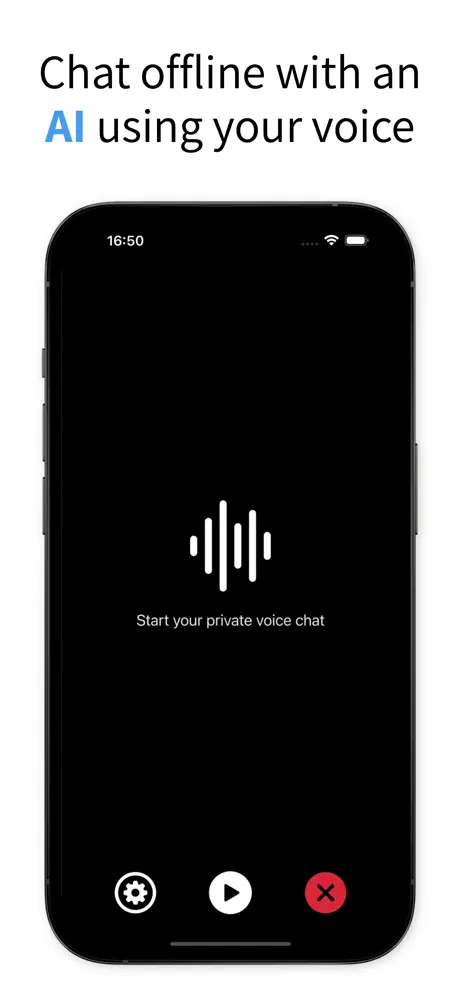  Enclave - Local AI Assistant Enclave - Local AI Assistant |   Superwhisper - AI Dictation Superwhisper - AI Dictation |   Raycast: AI, Notes and more Raycast: AI, Notes and more | 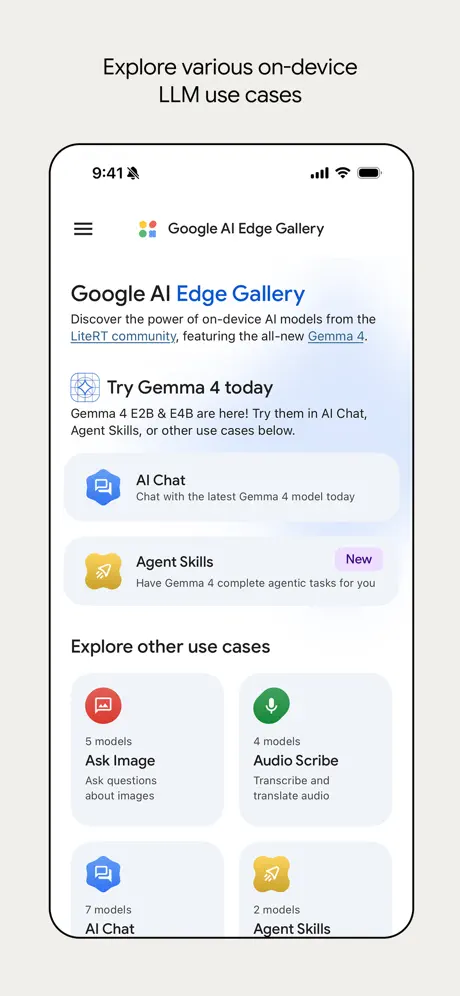  Google AI Edge Gallery Google AI Edge Gallery |   PocketPal AI PocketPal AI |   LM Mini LM Mini |   MLC Chat MLC Chat |   OpenClaw - AI that does things OpenClaw - AI that does things |   Google AI Edge Eloquent Google AI Edge Eloquent | |
|---|---|---|---|---|---|---|---|---|---|---|---|
| Rating / 5 | 4.7 | 4.8 | 4.7 | 4.4 | 4.3 | 4.0 | 4.1 | 4.4 | 4.3 | 3.6 | 3.7 |
| Reviews | 4.3K | 12K | 2.2K | 2.2K | 830 | 706 | 624 | 332 | 227 | 133 | 35 |
| Released | 2025 | 2024 | 2024 | 2024 | 2025 | 2026 | 2024 | 2025 | 2023 | 2026 | 2026 |
| Monthly price | — | $9.99 | $9.99 | $8.49 | $19.99 | — | — | $4.99 | — | — | — |
| Annual price | — | — | — | $84.99 | $191.99 | — | — | $29.99 | — | — | — |
| One-time price | — | — | $5.99 | $249.99 | — | — | — | $119.99 | — | — | — |
The going rate for each plan in United States, in its own currency, shaded from the cheapest price on the row to the dearest.
Locally AI by LM Studio reviews
4.7 out of 5, based on 4,347 reviews.
What people like
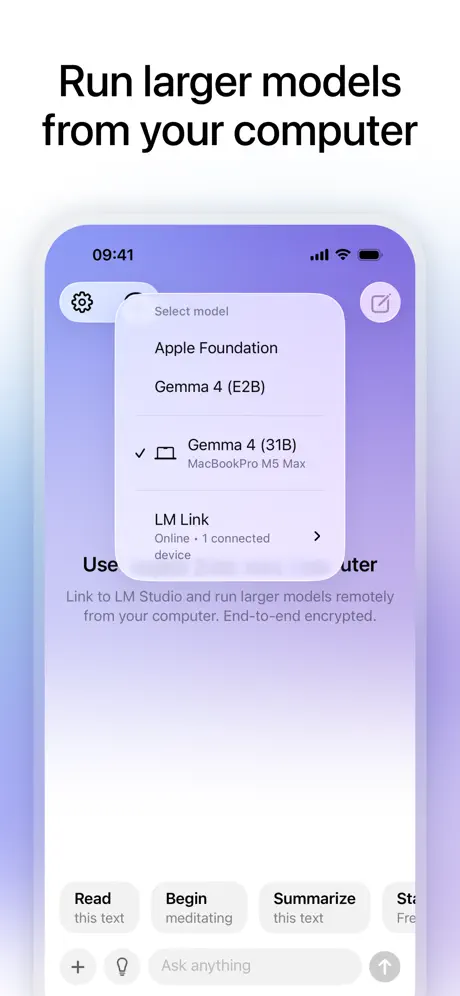
- LM Link lets you use your Mac's power
- Completely free with no annoying ads or subscriptions
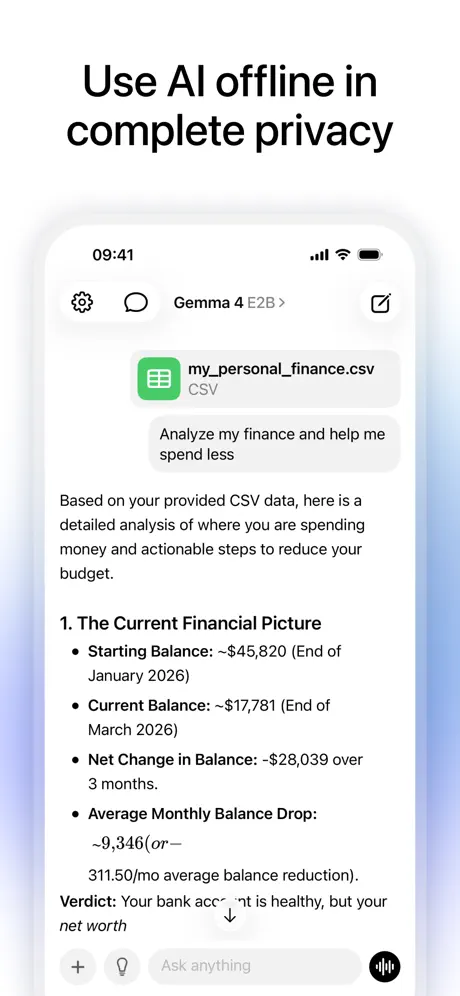
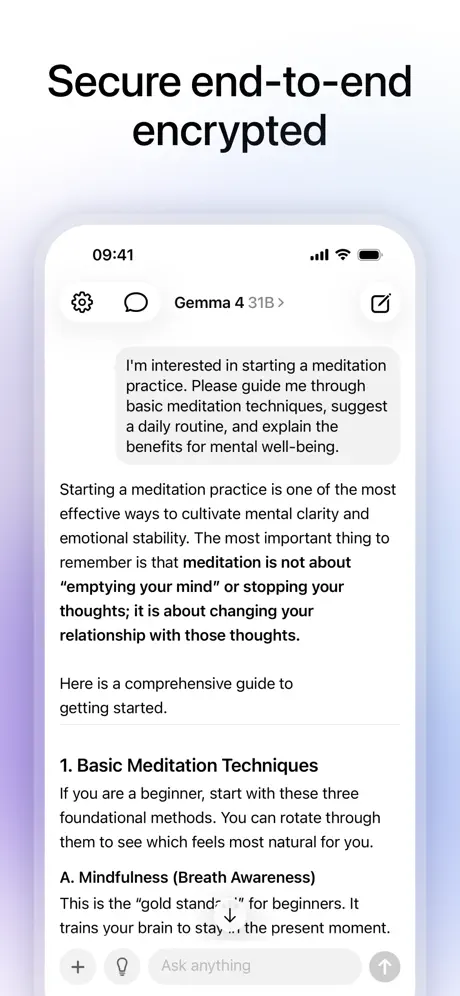
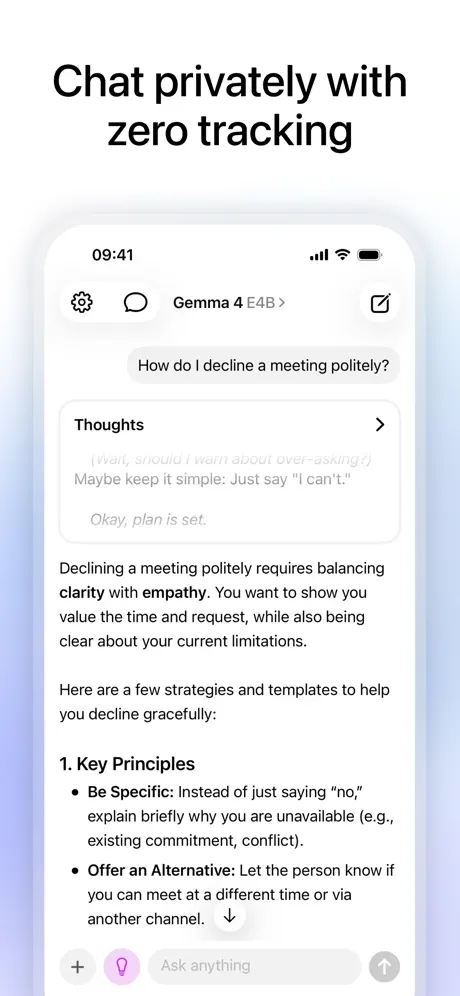
- Keeps your data private by running locally on device
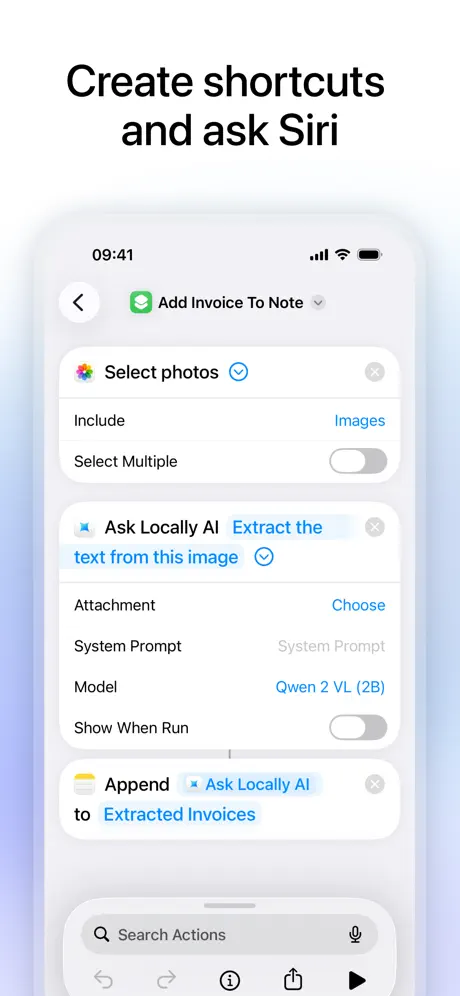
- Works seamlessly with Apple Shortcuts for automation
What they complain about
- Math equations show as raw code instead of formulas
- App crashes frequently with larger or specific models
- Missing basic editing and regenerating response features
- Downloads are slow and cannot be queued
Best local AI yet
I am loving this app so much, i have tried several and this one with Gemma 4 blows them out of the water. One request, can we have more than 1000 characters for personalization please?
Really Tired of Straining My Eyes
On my MacBook Pro, the text are really, really tiny. Using keys Command + does NOT increase the font size. In settings, there is not ption to change fonts size - which is a very, very simple thing to implement. Nevertheless, if you can’ see it, then you can’t use it. Now I have to find another AI to do the job this one can’t.
It’s good but be careful
I downloaded the 3B model for mi iPhone 17 base and it runs fine, the only issue I saw was that it consume so much battery and my phone gets got really bad
Useful. One question only
The context it’s so small it can answer only one question. It’s not the model. It’s the application. “You’ve reach the maximum length. Start a new chat.” App has potential, but it’s not practical. Go with PocketPal.
Cannot Attached PDF Files
Can attach PDF files. But model does not see them. I attach a PDF file and ask the model to summarize it. The model says that it cannot see any file or content. Large VL model running in LM Studio via LM Link works well otherwise.
Great tool, not free
This would be perfect, if I could use my lm studio on pc to do the heavy lifting, or if the free nicer models weren't locked behind a subscription.
Says “by LM Studio”…
Nothing I’ve tried will link the LM Link and allow the quoted feature. No support anywhere to get answers as to why it’s not connecting.
fast but….
The kv cache seems to fill up fast on the 4B models to get more than a few messages. otherwise, it’s nice
Ernüchternd
Kann eigentlich nix. Nur reiner Text-Chat. Weit entfernt von der Desktop Anwendung.
Great but missing some rendering
Seems great from initial usage with a couple of models. Simple to set up and use. It’s not able to correctly render any equations, formulas or symbols the LLMs generate. The raw text for the equations can be seen by trying to copy the text which would be better to see by default than the error stuff. It would be great to also be able to exit off the LLM download page without the download failing. It does have a tendency to crash with some models (Bonsai 27B) when told it’s incorrect. On most models can only have two messages before reaching maximum conversation length and needing to start a new chat.
Amazing.
Will save your life to have AI help anywhere.
Garbage ai models
Argued with an 8B model about how old i was. Can’t do elementary level math since it didn’t account for the months and days, when i corrected it, it showed me the math and still provided the wrong answer 💀
Promising!
Few issues I see with this version (since there's no feedback form): - cannot swipe right when side scrolling in a code block; it opens the side bar - scrolling us very jittery when a response is being generated - cannot paste images from clipboard Overall a really cool project and has promise
Good start but missing useful features
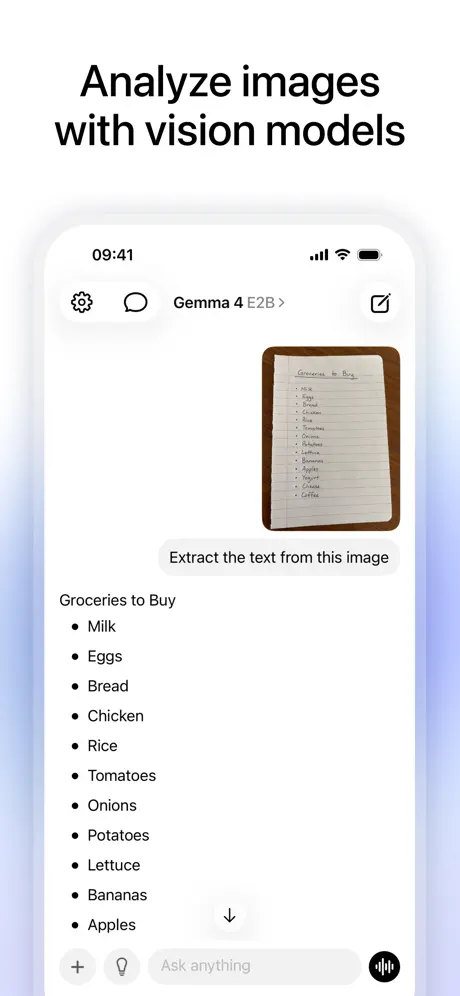
I use this app on my iPad Pro but I’ve noticed it’s missing some useful features that LM studio on PC and Mac has. For example: when I try to upload a few images as I want to use the AI model to help me understand information from my statements, the app won’t let me upload more than 1 photo at a time even though the models I use (both local and remote) support vision and OCR. The next issue I have is it keeps saying I haven’t uploaded a PDF to it when I have which slows down my productivity and finally please address the 5MB file size limit for a single PDF or image as this just seems arbitrary when LM studio doesn’t have that issue. Please fix this for the next update. Thanks.
Cool idea but forgot obvious thing…
Please make it so iOS app allows iOS shortcuts to use a model thats on another device. Currently the dropdown only shows local models. This is the only value I would have from the app and it’s not supported and I think it’s a bug or dev’s forgot to do it? Please fix ASAP!!!
It’s ok
It’s ok
Doesn’t work on iPhone 11
It’s a shame it doesn’t even let you go into the app on iPhone 11, even if you wanted to just use the app for LM Link and not using the iPhone itself for the model
feature request
Could you please add a setting to specify a custom OpenAI-compatible base URL and API token? I’m running LM Studio on my Mac Studio, and I’d like to point the app there directly, as the current LM Link integration has been unreliable for me.
Not fully local, data sent to Apple
Doesn’t make any sense that the voice is processed in Apple’s cloud.
LaTeX does not render
All equations don’t render, instead showing up as a blank space making it impossible to ask any math-related questions. Please fix. Or even adding a plain text view that can be toggled on by the user to display the output in plain markdown would be better. Another annoyance is that colored words in code blocks flash between red and white while generating causing an eyesore (and hopefully can be fixed for the safety of epilepsy-prone individuals). I would give five stars otherwise.
Really cool
Works great aside from few display glitches and inability to display equations properly with Qwen 3.5/4B model. Workaround is to paste output into Obsidian that can display LaTex output. E.g. Prompt: Provide more info on Electric field mill: A grounded, multi-vaned metal shutter shaped like a propeller. It is mounted directly above the stator on a spinning motor shaft.
The models are very laggy and inaccurate
When i ask a follow up question related to what i just asked the AI just craps out. I know there are limits to local models but not this much. Model recommendations are suboptimal.
Works great but still lacking a couple essential features
Does exactly what it says on the tin, no bugs or errors that I’ve come across, there are some glaring omissions in the UI though. The most prominent one is there’s no way to regenerate or edit AI responses in the app even though that’s built into the (amazing) LM Studio, so obviously they can do it, it’s just a bizarre choice not to be able to do that remotely. Update that and I’ll come back and change this to five stars because the software works very well, but that’s IMPORTANT functionality that has just been omitted for whatever reason
Logging in is a pain
The instructions sound simple: 1. Install LM studio on your PC. 2. Sign into your LM Studio account on both devices. 3. Turn on LM link. On the phone app, in the Link to LM studio screen, there is a try it now button. I click it, and it sends an authorization link to my email. I click the link, and the device/app on my PC should be authorized. However , am caught in a loop. When I go back to the app, it still wants me to click the the button so it can send me the authorization once again. There is no button that appears that says the phone and device are now authorized and ready to use. i've been trying to figure this out for more than an hour. This appears to be more trouble than it's worth.
Nice, but clunky
It technically does work and runs LLMs on your iPhone. A major gripe I have with it though is that LaTeX expressions are FREQUENTLY displayed incorrectly. That is, the model is writing valid LaTeX but Locally’s renderer doesn’t display it properly. Before the latest update it was shaky—long expressions couldn’t be scrolled at all, and some shorter ones had weird layout issues and looked like they were off-place a couple dozen pixels—but after the latest update, all LaTeX fields just appear blank entirely. I would’ve given this app 5 stars if it weren’t for LaTeX issues. Also, I highly recommend adding some kind of web search option like Ollama Web Search. That’d be mighty useful for letting the model know about current events and info it may not be able to come up with on its own.
Brilliant
Absolutely brilliant app! Use the lm link to use a more powerful machine thru your phone
Instant Denial
I love LM Studio and was excited to find this app to run Gemma 4 e2b however it immediately told me that my device is not supported and needs newer devices. I downloaded and installed this app for that? How about the LM Link? I'm not going to use the processor, the tailscale works here just fine, this is an iPad Pro 3rd gen, not that old! But noo, not even LM Link to be used with my main machine remotely.
formulas not rendered
In the iOS version of the Locally app, mathematical formulas are not rendered correctly. Instead of displaying formatted equations, the app shows the raw LaTeX source code. When I copy this LaTeX code and paste it into any external editor that supports LaTeX/MathML or Markdown math, the formulas render correctly, which suggests the issue is in the client-side rendering, not in the generated content.
doesn’t work
doesn’t work and crashes
Crashes with Bonsai 27b
Numerous crashes with new Bonsai 27b release: 1. Opening app without chatting. 2. Basic prompt and crashes during response. 3. Coding prompt and fails to finish response, then crashes when viewing the partially provided code response. Unable to prompt in that same chat. Device: iPhone 17 Pro Max iOS: 26.4.1
Great solution for Apple Shortcuts
Best option I’ve found for automating LLM interactions through Apple Shortcuts; the Locally AI app provides a nice GUI for managing local processing models, and the Shortcuts action gives you text and file attachment options. There’s no need to keep the app running, Shortcuts appears to call it invisibly in the background, and you can even set up model selection as part of the shortcut setup procedure. Fantastic! There are a few frustrations/bugs that I hope get some attention soon: 1. It’s only possible to download one model at a time, and you cannot queue downloads (so when you want to add 4 models, you have to wait for each one to finish before starting the next) 2. Gemma 4 E4B and E2B models are currently broken and fail to load (I’ve sent a bug report via email) But overall, this is the best I’ve found so far, and I offer my thanks to the LMStudio team for making this available, for free no less!
Crashes each time
I can ask a question and get an answer. As soon as i want to continue the conversation, the app crashes completely. Each time. Same with multiple different models.
Very good! Missing some features
The app is great and does what it promises. However, there are some “quality of life” things I’ve come to take for granted from LM Studio that aren’t currently supported here, such as editing prompts, responses, or thoughts. Likewise, you can only have one personalization prompt. All the same, it’s cool that everything is so mindful of privacy.
can not download model
In China, I tried in normal internet and VPN. Both can’t work.
No MCP access!!
I only give this three stars because although I can access LM studio remotely on my Mac Studio from my iPhone, wherever I am, I can't access MCP tools like Brave search so restricted by the models training data cut-off. That to me is totally useless!!!
Actually works
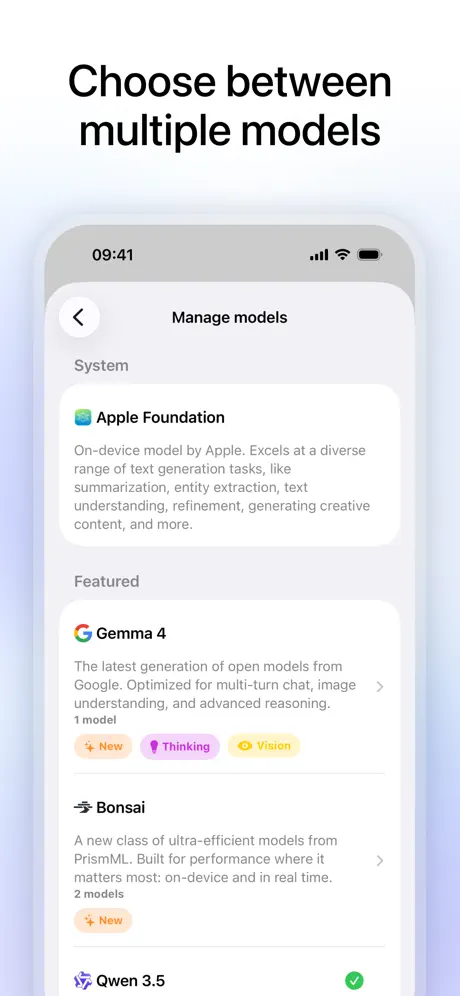
Many local LLM apps exist but don’t work. This does. Also there is a better model selection built into this app than I have found on alternatives; and even a way to download from your own source.
won’t download AI models
download get stuck at around 90% and no matter how many times I restarted it can never finish downloading any models. It seems like a really weird bug and I hope it can be worked out one day. for now. I can’t use this.
New good models don't support
IPhone 17 pro max Bonsai 27B - doesn't work after 2nd message. Gemma 4 E2B - doesn't support at all.
It’s okay
I can’t choose model parameters, download new models to my machine, or use MCP servers
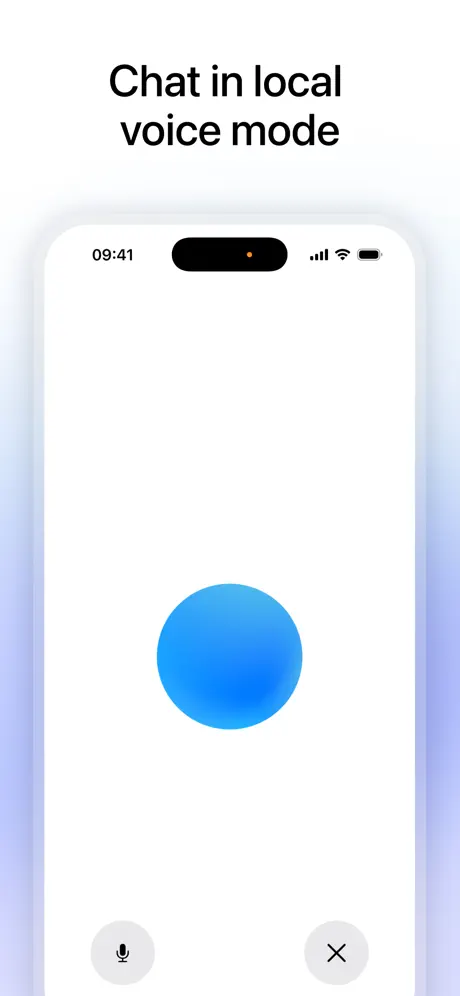
I wish this app to include voice chat
At least please support features to read out loud in natural voices
Yes thank y’all so much
The common man needs local AI governance. YES!!!!!
NEEDS to have custom models support
i need to download my models from HF
Pretty good
App generates fast which is a big plus. I wish it would let you import models from huggingface. The choice the app gives you is rather small and highly censored.
Bonne application mais
Je ne dirais pas que c’est une excellente application pour une seule chose. Le dev est français et l’application n’est pas capable d’offrir la langue française et aucune excuse n’est possible
A good start
Off to a polished start here but missing some quality of life features. System prompt can only be set at 1000 characters, and tool usage is non existent. Solid interface though.
LM link is fantastic
I’ve enjoyed using Locally on my iPad for a while now. The recent addition of LM Link is amazing. The ability to serve much larger models with a Mac is exactly what is needed. Maintaining privacy while being able to use bigger models is perfect. So far this feature has been working very smoothly with my Mac Studio Max M4 and my iPad and iPhone. The Mac running LM Studio and the iPad running Locally AI. A big thanks to the developers.
freemium🫰🏻🤑💰
This app is SO UNDERRATED for something i’ve been using daily. I refuse to use apps that throw ads in your face, and this is the only local ai app on the app store where your time is truly respected. Funny enough, this actually replaced my plant scanning app, because they wanted a monthly subscription out of me… Marvellous job devs, keep it up!
LM Link is clutch
Being able to chat with a model running on my desktop is the best feature. Unfortunately, it doesn't seem to load the same model config as the desktop setup. Really need to include the setting for continuing the session beyond the context window, instead of just throwing an error. Also, it'd be great to share/sync conversations between devices.
Not working
I downloaded the smallest model, the LFM 2.5 350M, I said hello, it responded with absolute gibberish: "countryside huge weather give countryside countryside aprèswanderanged andedtw countryside### countryside countrysidearound図wanderatiuswandertw非 fuera countryside早stehwidetilde countrysidetwtwmag" I don't know if this happened to someone else too or maybe an issue in my phone but I doubt it as I have tried a lot of AI and no issues.
Its fine
I'd appreciate an option to turn off automatic markdown as it's making some chats unreadable when it turns not-code into a markdown box that goes offscreen.
Locally AI by LM Studio FAQ
- Is Locally AI by LM Studio free?
- Yes. The app is free, in all 58 countries it sells in, and it sells nothing inside it.
- Does Locally AI by LM Studio have a free trial?
- No. None of its offers (US) come with a free trial.
- What are the best alternatives to Locally AI by LM Studio?
- ChatLLM: AI Chat, Bot & Agent (4.8 from 12,177 reviews, premium from $9.99), Enclave - Local AI Assistant (4.7 from 2,217 reviews, premium from $0.99) and Superwhisper - AI Dictation (4.4 from 2,196 reviews, premium from $8.49).
Locally AI by LM Studio download
Last updated 1 month ago.
Locally AI by LM Studio sells in 58 countries. It was released 1 year and 5 months ago, on 13 Apr 2025. It holds a 4.7 rating from 4,347 reviews.
Supports 10 languages: English, French, German, Indonesian, Italian, Japanese, Korean, Portuguese, Chinese, Spanish.
How much does Locally AI by LM Studio make?
Third-party estimates for the last 30 days, worldwide — not the store's own figures, which Apple publishes for nobody.