
Logi Options+ Mobile
for Logi mobile accessories
How much does Logi Options+ Mobile cost?
Prices are current as of 12 Nov 2026.
Logi Options+ Mobile has no in-app products on record in the United States.
10+ alternatives to Logi Options+ Mobile
| Logi Options+ Mobile |   Shapr 3D CAD modeling | 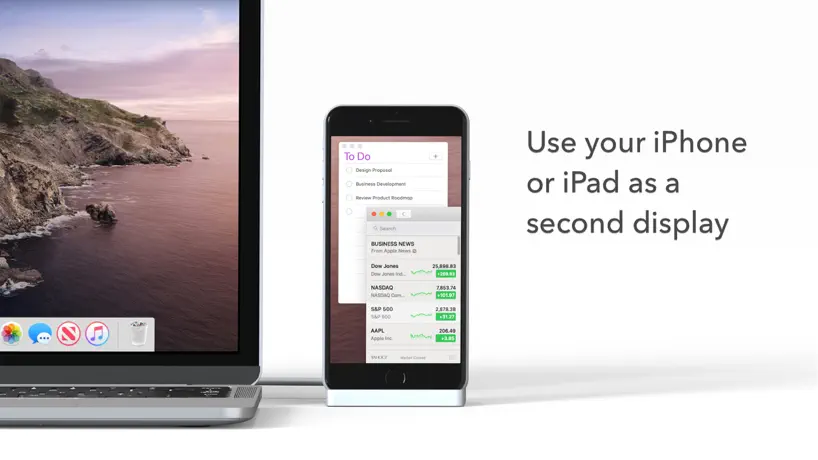  Duet Display |   MyScript Notes: AI Handwriting |   RealVNC Viewer: Remote Desktop |   Microsoft Whiteboard | 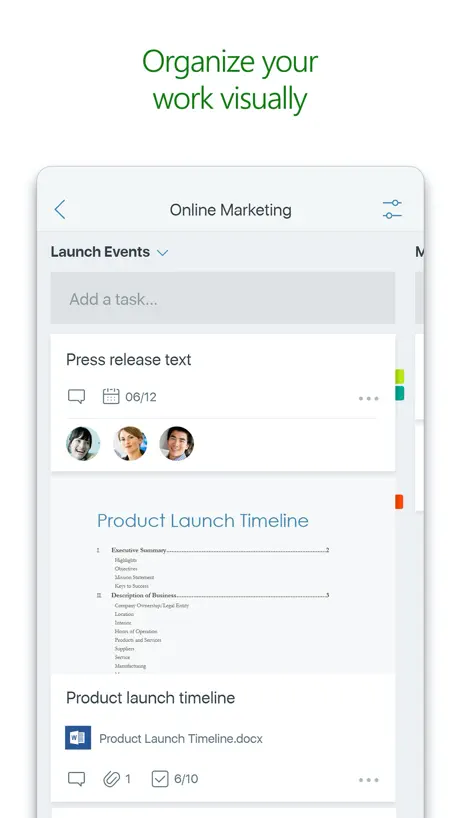  Microsoft Planner |   Pencil Planner & Calendar Pro |   Microsoft Loop | 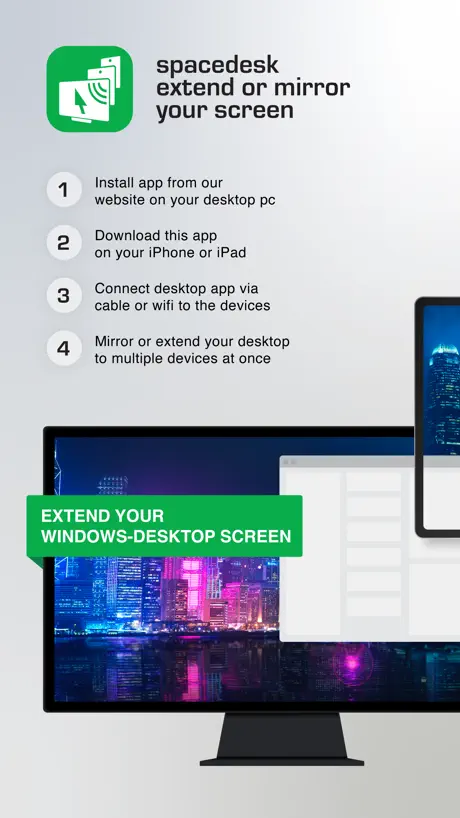  spacedesk - USB Display for PC | 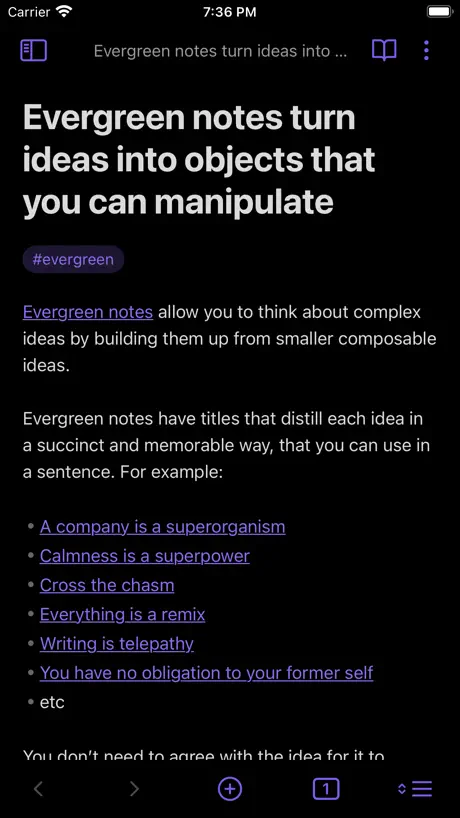  Obsidian - Connected Notes | |
|---|---|---|---|---|---|---|---|---|---|---|---|
| Rating / 5 | 3.8 | 4.8 | 4.4 | 4.7 | 4.8 | 4.5 | 4.6 | 4.5 | 4.5 | 4.7 | 4.4 |
| Reviews | 44 | 221K | 191K | 159K | 61K | 55K | 55K | 31K | 18K | 18K | 10K |
| Released | 2020 | 2016 | 2014 | 2016 | 2010 | 2018 | 2017 | 2020 | 2023 | 2018 | 2021 |
| Monthly price | — | $37.99 | $5.99 | $1.99 | — | — | — | $4.99 | $9.99 | — | — |
| Annual price | — | $299.99 | $49.99 | $7.99 | — | — | — | $19.99 | $99.99 | — | — |
The going rate for each plan in United States, in its own currency, shaded from the cheapest price on the row to the dearest. Plans fewer than four in ten of the priced apps sell are left out.
Logi Options+ Mobile reviews
3.8 out of 5, based on 44 reviews.
What people like
- Easy firmware updates for keyboards
- Works perfectly with Combo Touch case
- Helps hide conflicting iPad keyboard
What they complain about
- Settings moved to iPad system menu
- Does not support most Logitech mice
- Cannot customize mouse buttons on iPad
Amazing products
My combo touch is the best thing I’ve ever purchased. It has such amazing features as in, light up keyboard, smooth keys and etc.
Limited
There’s only a few types of devices supported in the app. Pop Keys is popular but not supported.
Die App ist keine Software
Diese App hat keine Funktion kann sich nicht mit dem Produkt Combo Touch verbinden - Firmware Updates sind nicht möglich. Die Combo Touch Tastatur (Ipad Pro 12.9 5th, 6th Gen) wird anscheinend nicht mehr unterstützt. Vom Gefühl scheint das Team um die App diese unter zu priorisieren oder gar nicht zu beachten dieses Stück Software ist leider nichts wert und das für ein Konzern wie LogiTech ist - gelinde gesagt - eine Frechheit den Kunden so zu behandeln und wie man anhand der Rezessionen die durchweg nicht gut sind. - erkennen kann gibt es auch keine Reaktionen seitens des Herstellers getreu dem Motto - einfach aussitzen und dann löst sich das Problem von allein. Hardware seitig gibt es weniger zu beanstanden - grundsätzlich eine gute Tastatur - nur die Displayhülle ist viel zu schwach ausgeprägt die wird kaum Stürze bewältigen können was echt schade ist somit hätte LogiTech mit dieser Kombination aus Schutz, Tastatur, IpadOS Keys und Smartconnector ein Alleinstellungsmerkmal und eine Nische gefüllt, die nicht einmal Apple in dieser Kombination bieten kann und dann das - entschuldigen Sie - mit dem A…sch wieder eingerissen - aufgrund dieser schlechtesten App die ich bisher heruntergeladen habe!!!
No support for devices
Connected MX Master 3S with bolt usb receiver but app doesn’t recognize, can’t map extra buttons.
Good start… but more to come hopefully
I think the app is a good start, but I’d like to see it expand to cover more Logitech devices. For example, I often use my MX Master 3S and MX Keys S with my iPad when it is connected to a stand - I’d love for the app to be able to control what those devices do when connected - currently it only supports iPad case keyboards - just as the Logi Options+ app for Mac does.
Great for customizing my flip folio
The app works great to customize the buttons on my flip folio. I wish it would work for my other devices, but hopefully that will come in the future.
Not useful for Pop mouse
I purchased the Logi Pop mouse which had instructions on the packaging to download this app to customize buttons on the mouse. I downloaded the app only to discover it has options for keyboards only. I am unable to customize my mouse, leaving me to use it as a standard mouse only.
A big improvement
The new app is vastly improved and has resolved the problem of 2 active keyboards—one the Logitech keyboard, and the other the iPad keyboard which could not be ‘hidden’ because of some software conflict. It was very frustrating and I gave up on my Folio Touch keyboard. Fortunately the old app did an auto update and brought up the new app, with improved software and functionality. The old negative comments of a few years ago can now be ignored. Give the new app a try.
Pad no funciona
Después de la actualización el pad no funciona y en la app dice la frase de “customization isn’t supported for this device” hasta ayer funcionaba perfecto justo después de instalar tiene este fallo.
Bitte auch für Spotlight Presentation Remote
Die App ist leider noch nicht mit Spotlight Presentation Remote kompatibel.
Very cool
I’m looking forward to trying out some more apps too
Logitech folio touch
The keyboard is not working it says it is up to date. Does not gives anything helpful
Good keyboard but…
Logitech keyboard is very good and I am very glad I have it, but the app is very plain, just for updating the keyboard. Maybe you could improve it by adding different mouses because personally I’m not a fan of the circle for a mouse pointer, maybe the app could also include how to do touch typing and lessons? But overall a very good keyboard but please improve the app :)
Palm rejection poor
Typing is annoying when you touch the pad by mistake it flips the window away or goes to a different window. It’s unfortunate because the keyboard feel is great and the system is lighter than Apple
Add support for MX Vertical mouse
App currently only supports keyboards. Please add support for the MX Vertical mouse.
Find ich toll
ich mag diese app sehr,da ich (willhard vichsen) oft mit logitech dingen arbeite.Außerdem kann man damit gerägte umbenennen,ich habe um die 67 geräte von logitech in meiner firma und kann so erkennen,welchesmeins ist
No mouse support?
Installed expecting to control my LT mouse like I can on MacOS. Maybe Apple doesn’t allow customization for additional mouse button keys. Dunno. But fast app deletion in this case because this app is only for keyboard support and seems really weak. I want to use mute/video off / back button / change desktops with my LT mouse on iPad like I can on desktop.
Combo touch for M4 iPads needs “esc” key
Great keyboard, except the fact that it’s missing the “esc” key. You’ve already enabled some customization, please allow the customization of the home/esc key.
Very restrictive
I’m having issues adding a device to get support. It will not recognize the mouse.
Wish there was more
Initially installed this app for the combo touch and didn’t care too much because the app doesn’t offer a ton, but I just bought a mx master 4 and realized the app doesn’t even offer support for this mouse on iPad and I don’t get any of the functionality as I do on Mac. Logitech step it up!
Mega witzig
Also ich finde das supa tolles application weiter sohn !!!
Seriously terrible software
Awful software with bugs all over the place.
Génial dans son ensemble
Depuis IOS 18 avec mon iPad pro 11, impossible de regler l’heure d’un rdv dans l’application Calendrier d’Apple. Il faut que je le fasse à la main.
Support MX Keys S and master 3S Mouse !!!
I am using MX Keys S and Master 3S and I want to customize their keys. Currently, this keyboard and mouse work with minimal features on the iPad, and considering the new update of the operating system to iPadOS 26 and the iPad becoming more functional, I would like to request that you release the Desktop Version of LogiOption Plus application for the iPad.
Need this app to update Logitech Muse
Let us customise logitech Muse to use with other apps?
Crashed
The keyboard worked fine for the first year I bought it but suddenly the app stopped working along with the case. I’ve checked over and over again every aspect of the case e.g. Bluetooth connection, seeing if the dots aligned with the case properly and etc. The app doesn’t work and kicks me out of it within a second of opening it. Huge waste of money buying the keyboard after this has happened and rely on it heavily for school work which I have to pause just to find out what’s wrong with the case. What do i even do??
Doesn’t Support mx Master 4 or Mx Key’s Mini
I was looking forward to my mx master 4 working with my iPad as well as my Bluetooth MX Keys Mini keyboard working with my new iPad however; I am finding out just how slow Logitech has been to push out software for these devices, especially with the Keys Mini keyboard having been out for a while now. The Master 4 is extremely glitchy and slow on the iPadOS and no its not just bluetooth badness, it’s using Bluetooth 6.0. Hopefully Logitech steps up their support outside of cool features and gets multi-device support rolling. (Especially when they advertise it.)
J’aimerai que sa marche sur les aplit mobile
Alors pour commencer tout fonctionne très bien mais quant je joue par exemple a des jeu mobile les touche ne réponde pas.Donc quant je veut fair bouger mon personage ou quel que chose d’autre j’aimerai que z q s d marche mais très bon achat je le conseille a toute personé intéressé par des clavier ipad n’écouter pas les autre commentaire peut-être que le leur est défaillant mais le mien fonctionne très bien aller vous renseigner sur YouTube ou Google mais très bon produit .
Mx mini not supported
Sorry, but I really wanna this app support regular Logitech keyboards.
Backlights
whenever i try increasing the light on the backlights by pressing the button it won’t work
good
Please add 9th gen combo touch tho because i wanna make fancy lights on my keyboard 😎
Does not work on iPad A16
I did a search to change the scroll wheel speed on my Logi M350S, and was directed to a Logitech YT video that said to download Logi Options Plus, which I did (it may be a paid app). Opened it up and it has nothing to do with the mouse (as shown in the video). I did another search to see if the Logi Options Plus worked on iPad A16, and it says “no.” The mouse is nice, but the scroll wheel is painfully slow on iPad. I’ll keep searching to see if there’s another way to change it.
ファームウエア更新時の注意点以外は問題なし
タイトル通りですが、基本的にはキーボードの操作性機能性に問題はありません。 (注意点) ファームウエア更新時には気を付ける必要があり、操作を間違えるとキーボードの機能の一部が死ぬので注意が必要です。 不完全なファームウエア更新でタッチパッドが使えなくなるなど、キーボードが正常に動作しなくなった場合は下記「強制ファームウエア更新」で再度ファームウエア更新を行えます。 【ファームウエア更新時の注意点】 ファームウェアのアップデートを適用しているときにキーボードが切断されたりアプリが閉じられたりすると、ファームウェアのアップデートが不完全になり、デバイスの一部の機能が失われる可能性があります。このような場合は、以下の手順に従ってファームウェアのアップデートを強制できます。 ファームウエア更新の画面を正確に覚えていませんが、アプリ更新中に行っては行けないことと、もし上手くいかなかったらどうすればいいかを分かりやすく表示すると良かったのではないかと思います。 【強制ファームウエア更新方法】 1. Logitech Control アプリを開きます。App Store で入手可能な最新バージョンであることを確認します。 2. 画面上で、アプリ内のキーボードの画像を使用して、Q+W+E ボタン (下の画像で強調表示) に指を置きます。指を置いたら、キーボードの画像 (下の画像で強調表示) の地球儀キーをタッチ/押します。 3. 成功すると、Logi ロゴの下のテキストが「ファームウェア更新のロック解除」に変わります。 4. 「ファームウェア更新のロック解除」が表示されたら、グレー表示された「ファームウェア更新が利用可能」ボタンをタッチ/押します。 5. 「新しいファームウェア」ウィンドウが表示されたら、「アップデートの開始」をタッチ/押すと、ファームウェアのアップデートが再開されます。 注意: プロセス中は、キーボードを接続したままにし、アプリを開いたままにし、キーボードやタッチパッドの使用を控えてください。 これが完了したら、キーボードの機能をテストして、正しく動作することを確認してください。
What is these app for?
I have no clue what this app is for.
Logitech Keyboard ipad pro 11
Bonjour, Merci pour ce logiciel, tout fonctionne bien, cependant la selection des nombres n’est pas pratique, il faut systématiquement resté appuyé sur « Tab », pouriez-vous ajouter la possibilité de simplement laissé la touche maj enfoncé pour pouvoir taper des nombres? Après cela ce sera parfait. Merci 🙏
Great product
Not only is the keyboard amazing and so helpful the app itself works perfectly fine for me and the keyboard is perfectly compatible with the iPad itself and I’d recommend this keyboard to anyone. ;)
Unimpressive and frustrating.
Poorly designed user interface that does not explain any of the problems the app encounters.
Good but could be better
This is a awesome app but i would like it to have the way so you can use the keyboard for games that need the keyboard.
Mon clavier ne fonctionne plus
Non seulement le clavier Foliotouch ne fonctionne plus, l’application Logitec control ne s’ouvre pas correctement. Elle se referme aussitôt ouverte, donc impossible de télécharger une mise à jour du logiciel. Très frustrant!
Ich hätte da einen Verbesserungsvorschlag…
Nur mit der App wird die Tastatur (Combo Touch für iPad Pro M4 11 Zoll) richtig erkannt, so dass alle Tasten richtig funktionieren. Ohne die App war das für die Feststell-Taste nicht der Fall. Ansonsten ist die App NUR dafür da, Firmware-Updates zu installieren. Diese Fokus-Taste brauche ich absolut nicht. Bestünde nicht die Möglichkeit durch ein Firmware-Update, diese Taste über die App programmierbar zu machen? Ich hätte so gerne wieder die Möglichkeit, mein iPad per Tastendruck zu sperren - am liebsten mit der Fokus-Taste (wie es beim Vorgängermodell möglich war).
Works for Me
I have a Logitech ComboTouch Keyboard for the iPad 10.2” (9th Generation), and was able to easily update the Firmware for it using this app. Which is only the purpose of the app. You used to be able to use the app to control your Keyboard’s backlight level and other stuff, but those settings are built into iPadOS now so once you’ve updated your Keyboard those features aren’t available in the app anymore as they’ve moved to the iPad’s own settings app.
No mouse or keyboard customization
Unable to customize my mouse like those on PC can (ノಠ益ಠ)ノ彡┻━┻
US配列になってる人は是非一度試して欲しいです!
iPad Pro 12.9インチ(第5世代) バージョン 15.2 ロジクール コンボタッチ 私も皆さんと同じようにUS配列に悩まされていました。しかし、ある操作をすることで簡単に治るのでぜひ試して欲しいです。 設定→アクセシビリティ→キーボード→フルキーボードアクセス→フルキーボードアクセスを「オフ」にする これだけで今のところはJIS配列で問題なく使用できています。オフのままだとキーボードショートカットが使えなくなりまずいという人は、サイドフルキーボードアクセスをオンに戻すことでJIS配列のまま今まで通りの作業ができると思います。実際私も同様の操作をしてオンにしていますが問題なくJIS配列を使えています。ぜひ試してみてください‼︎
Notbadbutnotgood
Asyoucansee space bar do not work. Not hardware issue but software. When app is update and ipad reboot it works, but when we open some app, youtube for instance, it slips and spacebar stops working. PleasefixthisandIwillreviewitto5stars.
Zubehör wird nicht unterstützt
die Tastatur verbindet sich plötzlich nicht mehr mit meinem Ipad und ich kriege die Meldung “Zubehör wird nicht unterstützt”. Davor hat es wirklich immer super geklappt.
Works beautifully!
Put the iPad in, it asked for the app to be installed - boom! Perfect. I did wonder about the settings, but they are in General/Keyboard or General/Trackpad. This is an amazing piece of kit that I wish I’d have bought much, much sooner. Wonderful to type with too!
No R500s Support
Says it works on the iPad but can’t get the BT function to work, which is why I got this one. Works with the dongle but not on BT.
Works just okay
Using the Folio Touch for iPad 11 2018 and the keyboard is working fine. No issues
broken driver
need an update logitech plzzz
Immer wieder Freeze vom Touchpad
iPad Pro (11-inch) (4rd generation), IOS 17.4 und IOS 17.5. Ständig Freeze vom Touchpad und hängen bleiben. Nutzt Ihr eure Produkte eigentlich selber? Das muss doch auffallen. Hier sind über Monate schlechte Bewertungen und es kommt kein Update oder seid Ihr ratlos? Wäre toll, wenn eine Reaktion kommt.
Logi Options+ Mobile FAQ
- Is Logi Options+ Mobile free?
- Yes. The app is free, in all 175 countries it sells in, and it sells nothing inside it.
- Does Logi Options+ Mobile have a free trial?
- No. None of its offers (US) come with a free trial.
- What are the best alternatives to Logi Options+ Mobile?
- Shapr 3D CAD modeling (4.8 from 221,203 reviews, premium from $32.99), Duet Display (4.4 from 191,122 reviews, premium from $3.99) and MyScript Notes: AI Handwriting (4.7 from 159,424 reviews, premium from $1.99).
Logi Options+ Mobile download
Last updated 1 month ago.
Logi Options+ Mobile sells in 175 countries. It was released 6 years and 8 months ago, on 18 Mar 2020. It holds a 3.8 rating from 44 reviews.
Supports 10 languages: English, Dutch, French, German, Italian, Japanese, Norwegian Bokmål, Chinese, Spanish, Swedish.
How much does Logi Options+ Mobile make?
Third-party estimates for the last 30 days, worldwide — not the store's own figures, which Apple publishes for nobody.