
Obsidian - Connected Notes
Your second brain on the go
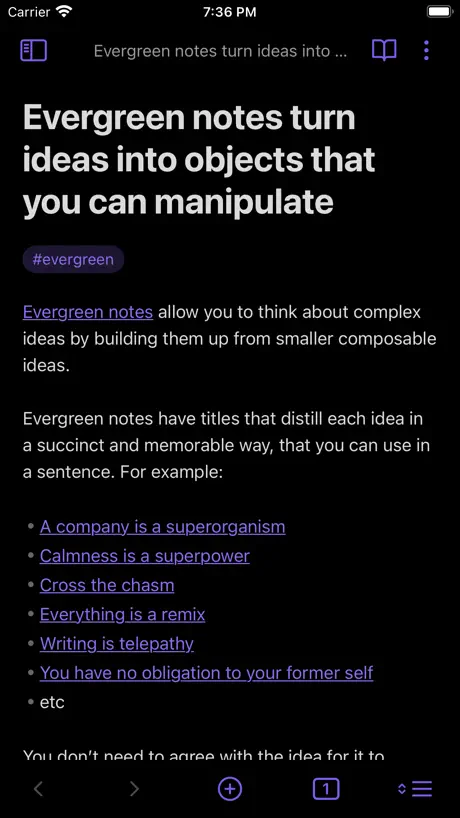
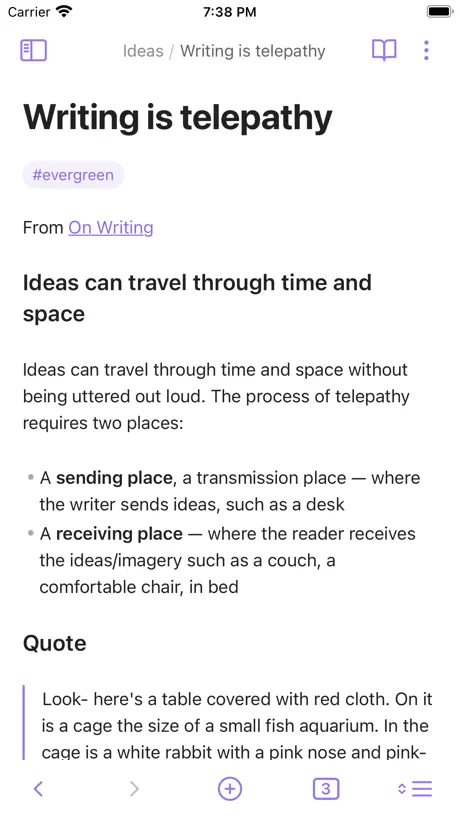

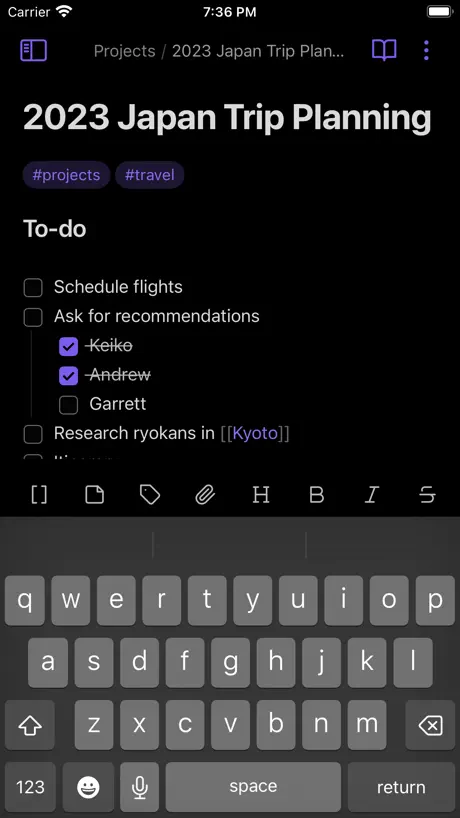
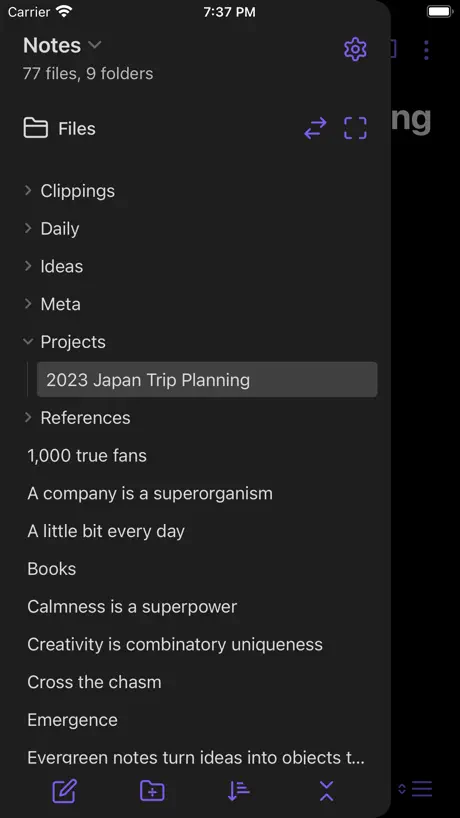
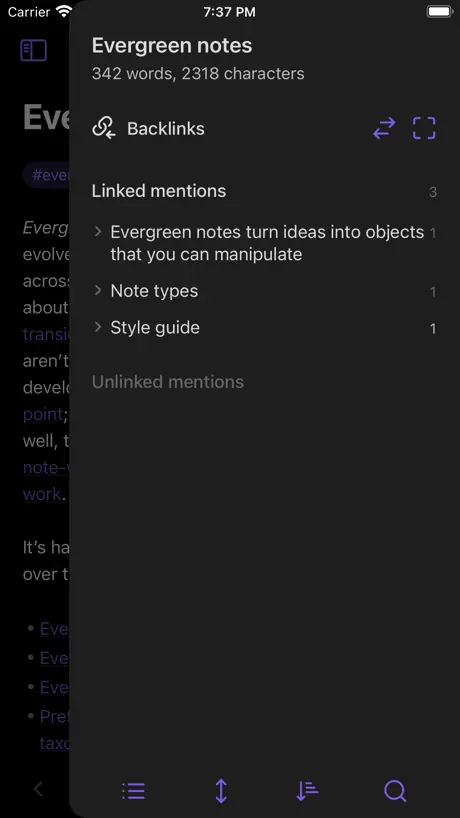

How much does Obsidian - Connected Notes cost?
Prices are current as of 7 Nov 2026.
Obsidian - Connected Notes has no in-app products on record in the United States.
10+ alternatives to Obsidian - Connected Notes
| Obsidian - Connected Notes |   Wispr Flow: AI Voice Keyboard | 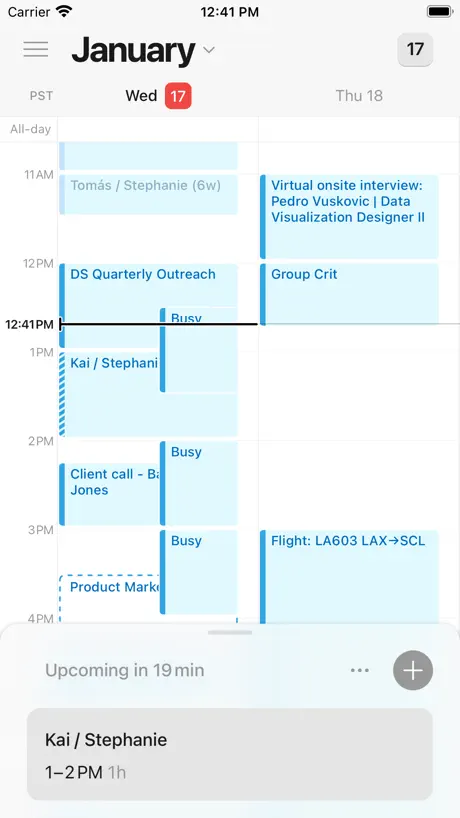  Notion Calendar |   Craft: Notes, Documents, AI |   Bear Markdown Notes & Journal |   Proton Pass - Password Manager | 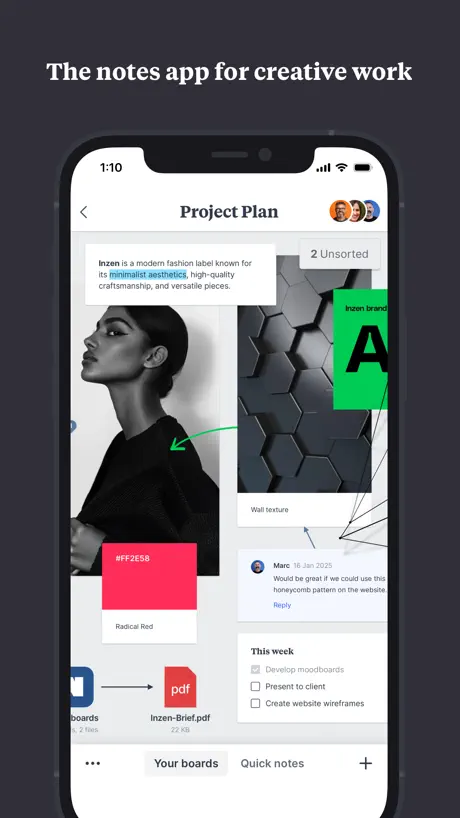  Milanote | 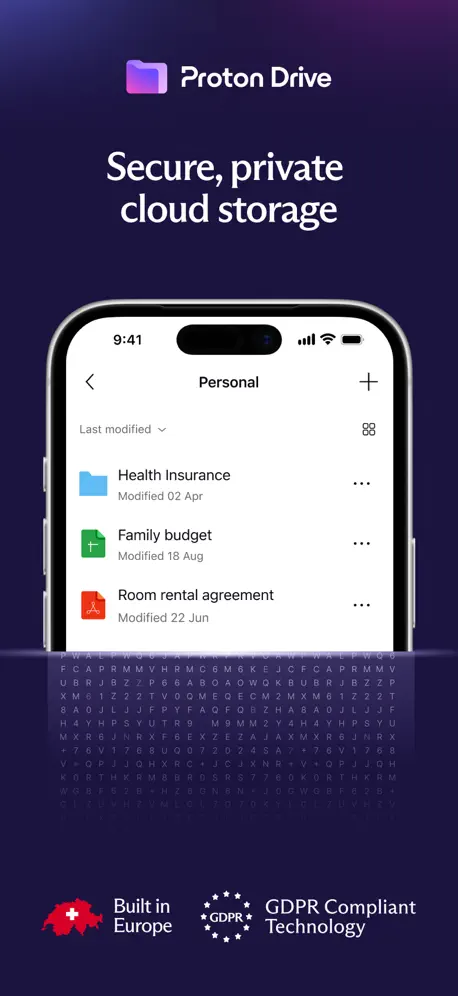  Proton Drive: Cloud Storage | 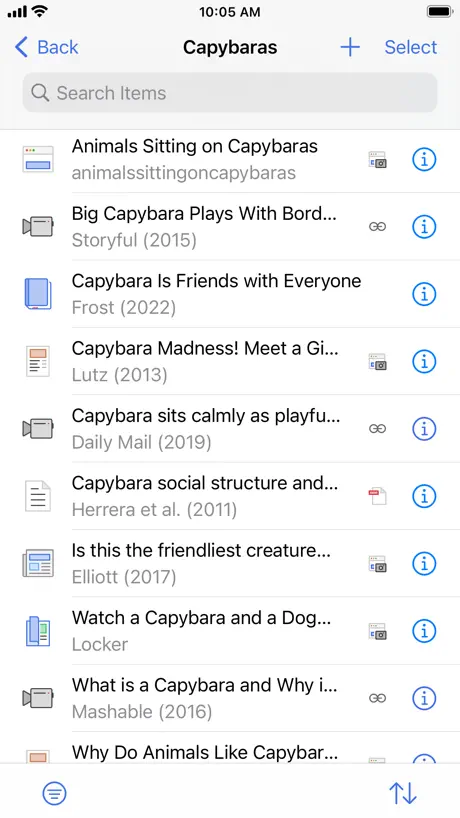  Zotero |   KDE Connect |   Google AI Edge Gallery | |
|---|---|---|---|---|---|---|---|---|---|---|---|
| Rating / 5 | 4.4 | 4.8 | 4.7 | 4.8 | 4.6 | 4.8 | 4.7 | 4.1 | 4.6 | 4.3 | 4.0 |
| Reviews | 10K | 49K | 36K | 32K | 29K | 25K | 9.2K | 4.4K | 2.6K | 1.3K | 733 |
| Released | 2021 | 2025 | 2022 | 2020 | 2016 | 2023 | 2019 | 2022 | 2022 | 2022 | 2026 |
| Monthly price | — | $7.49 | — | $17.99 | $2.99 | — | $12.49 | $9.99 | — | — | — |
| Annual price | — | $72.00 | — | $99.99 | $29.99 | $35.90 | $119.99 | $95.99 | — | — | — |
The going rate for each plan in United States, in its own currency, shaded from the cheapest price on the row to the dearest. Plans fewer than four in ten of the priced apps sell are left out.
Obsidian - Connected Notes reviews
4.4 out of 5, based on 9,965 reviews.
What people like
- Notes link together for easy finding.
- You own your data as plain files.
- Lots of useful community plugins available.
- Great for organizing complex knowledge bases.
What they complain about
- App takes forever to start up.
- Syncing with iCloud causes frequent crashes.
- iPad app lacks proper handwriting support.
- Mobile interface feels cluttered and awkward.
Doesn’t start at iPadOS 15.8.8
Old version was good; now something goes wrong Thanks for the best app!
Can’t open after upgrade to 1.14.4
iOS:15.7 it exit immediately when trying to open this application.
Great but buggy
I keep running into an issue where correct words get underlined as if they’re wrong, and it won’t go away unless I delete the word and re write it. I’m also getting copies of those underlined words or letters appearing when I scroll or delete things, just a lot of bugs. It’s been going on for months. Pls fix! I love the app otherwise.
Doesn’t load when I need it most
About 20% of the time when loan obsidian it locks up, or goes into an “indexing” dialog where nothing else can happen until the index completes. Most of the time when I open the app I am doing so to write a note, and roughly 1 out of 5 times I simply am not able to create a new note. I understand indexing is import for search, but it should be possible to generate a new note while doing so. The app is also often unresponsive when first loading, often freezing for 30-60 seconds, sometimes eventually showing an “indexing screen”
Apple Pencil needs work
Thanks for this app! It works well for reading and editing vaults on iPad. But for some reason the Apple Pencil support is different from other apps. Scribble produces weird text with random capitalization and spacing mistakes and is generally frustrating to use. It seems like everyone with a pencil would like to pick up the iPad and start writing, but it is not really usable that way and every time I try it I feel like it’s just wasting time compared to the keyboard.
Simply The Best
I’ve found that the best apps are those that appear simple on the surface and become more advanced when you need other features. Obsidian has absolutely mastered this concept of visible simplicity along with hidden complexity. You can use it as just a basic notes app with folder and tags. It will do everything Notes or Bear or any other notetaking app can do on the surface. It’s minimalist and beautiful. Not cluttered by insane UI like Evernote. But you can also create advanced bases and templates that allow automatic categorization and interlinking of notes so you can always find old notes again. It’s built on a fundamental idea that your notes are just a collection of markdown text files in a folder. So the app is incredibly fast, future proof, and light weight. No custom files, and no bloat. Like others have mentioned, there are community plugins that are fantastic. Anything you can do in Evernote and Notion, you can do in Obsidian but way way better. And for a non-native app, it runs incredibly smoothly on iOS.
Stopped working
Hangs at “loading plugins”. Reinstalling and disabling all community plugins in the desktop MacOS app did not resolve
Great successor to SimpleNote
My only complaint is load time on first app open could be faster. It’s in the ~700 ms range usually on my iPhone 15 Pro. Bad if I want to take a quick note!
Horrible sync with the MacOS version
Impossible to sync between devices. The logic is very old school, reminding me of old apps like Evernote.
20 mins to open app
The amount of time this app takes to load is ridiculous if you are using iCloud sync to iPhone. Can’t take quick notes like this at all.
Obsidian has changed my life
I can confidently and wholeheartedly say that Obsidian has changed my life. It has helped me stay more organized, capture ideas, Journal more, create more and overall just stay mindful about my life. It’s the most used app on my phone and I have genuine respect for the creators for not trying to lock me in (like notion and several other note taking apps do).
Won’t open vault
I copied a local Obsidian vault onto my iPad. I installed Obsidian but there’s no way to use the vault. It only wants to use an online vault from either Obsidian’s sync service or iCloud. I don’t have either; I just want to use it locally. This app is useless.
It works
App works
Very bad
I cannot use my obsidian right now, i must to wait before app is load. I very tired but on ipad obsidian load better iphone. Pls find the solition
Good app, but unusable UI, especially with plugins
I love the desktop app, especially with plugins, but on the mobile version without the ribbon along the left, plugins aren’t usable. Additionally, the toolbar in the note editor is sized incorrectly, making 90% of the options appear off screen without a way to access them.
Incredible Notes
Like many others, I’ve used dozens of different note apps. This one is going to stick with me for my scripture study notes. It’s the first Mark Down app I’ve used and I love that my notes can be interconnected. I can’t see that I might switch to this from the notes app I’ve been using the past 10 years. I’ll just keep that one for history, but definitely I’ll transfer some of those notes over to Obsidian; most especially all my knitting notes so I can easily interconnect them. Anyway. I love this app…it’s the best!
Pathetic
Can't view all folders and files at once. Have to CONSTANTLY change what folder I'm in which is horrendous mobile ergonomics. A trillion taps to access anything I want. Vomit inducing.
Getting better
It's getting better and better and I don't need so many plugins to make it useful. I wise I could use the default theme but the cursor on iPhone and iPad can fly randomly when moving to the beginning of the line. It occurs when I move to the list markdown - [ ] and starts flying even though the beginning of the line is not a list. The only workaround is to install Minimal theme.
It’s a mess
I’ve tried this app several times and i cannot get to grips with it. It seems to have icons and buttons to press all over the place. Steep learning curve for beginner.
Crash!
I like it.but,In recent days,whenever Iopen Obsidian,it crashes after loading iCloud for a while.Please help me fix this!!
Good App
Great app for taking notes, I use it all the time
Unable to load notes
I got this app to be able to sync my notes across devices. The app never seems to be able to load on my phone which renders this app useless
Great but some recent issues
Long time user of an amazing amazing app. Just noticed some regressions in the last month or so in the iPhone app. Settings dialog won’t open and if it does, I can’t exit it. Clicking on recent files does nothing. Kindly look into it. Update: Seems like it doesn’t work only if I select recent files from the left sidebar. If I select bookmarks for example, settings works.
A great app botched by a poorly optimised update
The most recent update has completely messed up the layout of the menus and buttons on the iPhone and iPad versions; they now clip into each other and leave incessant spaces. This app has now become an absolute bother to use, especially with the Baseline theme on. Please fix this immediately! To end on a more positive note, you did a great job with the new section icons in the settings bar :)
Buggy
Works ok. Key functionality, like swiping the menu from the right, barely works. This makes the mobile app difficult to use
Best note taking app!! Have used for 5+ years!!
Download it!!
Cannot create account
The keyboard blocks the sign up button when creating an account on iOS. No way to fix. Doesn’t strike confidence that the app is well designed. I tried to report the bug, but their form only accepts reports for fraud or paid account issues.
the only note app ill ever use again
tons of customization, great community plugins, css functionality, overall fantastic. but please for the love of god devs fix the bugs with custom fonts crashing the app and my life is YOURS!!!!!!
iOS app still really bad
Not an enjoyable experience. Think the developers know this. Desktop is good, but iOS version needs a lot of love. Buggy, complicated and under-resourced. Wish it felt more like Bear Notes does. Also - can’t disable specific community plugins that don’t work on mobile without also deactivating on desktop. Very buggy.
The iCloud Sync is a little Glitchy
I downloaded this app on my phone and when I went to set up the sync, selecting iCloud as my option, after creating my vault, I got a black screen. There was nothing for me to select, it would not let me create a new note or anything, it was as if it crashed while trying to sync to iCloud or something. I closed out of the app, opened it back up, went through the process again, and still got the black screen of nothing. I even deleted the app and re-downloaded it, went through the process, and still got the black screen of nothing. I had to create a vault WITHOUT setting up the sync in order to get it to work. I might try setting up the sync on my computer to see if that works, but if you are on an iPhone, this app is a little glitchy when it comes to setting up the sync using iCloud. Other than that, it works okay for what it is.
Great app but somewhat unstable on iOS and iCloud
I’ve come to rely heavily on this app and admire its capabilities. But it regrettably gets minus two stars due to general instability. With a moderately sized vault, there are frequent repeat crashes that require a device restart to resolve. Given it could be iCloud as the root cause it’s still a consideration when using this app with iCloud. Took the tip from the dev to make sure “Keep Downloaded” was on in the Files app… it had always been set this way on Mac but found that it wasn’t on iPad… so now that it is, now it’s wait and see… +1 star for developer responsiveness… star #5 is pending resolution of the crashing issue… …still the occasional crash from restart — general iCloud instability is probably causing this — as well as file updates that get “stuck” syncing between Apple devices sharing iCloud — need to take Apple to task on this since the sense I’m getting is iCloud is not resilient or robust enough to justify the huge 2TB storage solutions that Apple is selling. Since I can see signs aside from Obsidian that point to iCloud as the culprit I will award the 5th star to Obsidian because I will not penalize it for what is evidently an Apple issue.
Misleading
Upon signing up, prompted me for a 48 dollar payment. Nothing on the App Store page mentions this and the app being free to download is too misleading for me to give it a shot.
Starting to get it…
This is not an intuitive, ‘easy’ application but I’m starting to get the hang of it. I think the key is to organise and use the various options intelligently. Time spent reading about optimal setup and how the metadata options work will be time well spent (e.g. one ‘vault’ versus several). The handwriting recognition (iPad Air, Apple Pencil) is rather good.
Sync is ridiculously bad.
1gb space for £3.04 a month, and that is the only offer? For that much money it should far, far more. I think this may be the highest cost per space i have ever seen, it’s practically digital stealing. I had no choice but to opt in for a year due to time constraints in researching. I am thoroughly disappointed by the offerings on sync and cloud services. The service not being compatible with widely used cloud services like Onedrive or Google-drive is already a mark of greed, and anti-consumer sentiment. As soon as my contract ends I’ll be finding a note hosting service without the vulturous costing on sync options.
Great app, bad implementation
Obsidian as a app is great for my uses and works how I need it to however main problem for my use case is syncing. I wanted to use one of the plugins called LiveSync with a self-hosted server and self-signed certificate and Obsidian as an app has let me down by not allowing trusted self-signed certificates installed in the user store. If it weren’t for this issue I would be able to say that Obsidian does everything I need it to do.
打开很卡甚至打不开
经常打开后黑屏,可以关闭iCloud同步或者设置为保留下载。感谢开发者的指导。
Lost Many Stories
I heard many good things about this app for story planning and writing, so I decided to give it a try so I can properly organize my markdown files and write stories. Only had it for a day and never have I been more horrified. The last thing I expected was for Obsidian to completely make my markdown files disappear from my external drive for all my fanfiction works. Thankfully my original fiction remained untouched. That would have been worse if it did. All the worldbuilding, notes, research, and chapters I wrote for those fanfics are gone. Like they never existed. Did the usual troubleshooting, but nothing brought it back. I was lucky I was able to file recover in one of my cloud drives to get the files I have lost. I’m terrified of losing my works and don’t want a repeat of this experience, so I’m moving over to a different app. It’s a huge deal breaker if my works are lost this easily with Obsidian. Not only that, I’m not able to access my external drive on the app, which is another huge deal breaker as cross platform is a must have and I don’t want to be paying a subscription just to be able to cloud sync + cross platform for all my creative writing works when I can simply just one time purchase external storage then plug in then write. I have no plans of using Obsidian again. Don’t recommend for serious writing. Only if you’re working on one device and are using cloud sync, that is. If you want to write seriously and/or rather use an external storage for creative writing, I suggest finding a different app. Overall, hugely disappointed since I heard so much good things about this app for notetaking, planning, and creative writing. So, I had expectations. Unfortunate that Obsidian didn’t meet them. Edit: I decided to give it a chance again, but this time through Obsidian Sync. It was a bit unintuitive to figure out how to set it up, but figured it out eventually. However, as much as Obsidian is great on computer, the app had so much delay when it comes to writing on mobile. Which is unfortunate because cross platform is a must for me and compared to other apps and softwares I have used in the past like iA Writer, Scrivener, LibreOffice, Ulysses, Bear, etc., the delay when you press onto a new line then try to type since it’s trying to sync is noticeable. The plugins also act funky on mobile. Ended up refunding it the same day I got Obsidian Sync and just sticking with the current app I use to write. Because of the delay issues, plugins acting funky, and the fact that Obsidian does mess with my files, I’m still keeping it at my current rating. Obsidian is only good on computer and if you choose work locally only without cross platforming and syncing. As much as I did enjoy what Obsidian offers, it just isn’t optimized well enough and I don’t really trust that it’ll prevent my drafts, research, notes, and ideas + concepts from disappearing like it never existed or corrupting, randomly duplicating files or folders, and reliably syncing to the cloud. Otherwise, I still highly recommend looking at a different app if you need that cross platform, no typing delay, and apps that have some built-in features that plugins from Obsidian offers. Like I said, if you only work locally, not cross-platform, and not cloud sync, Obsidian is great on computer.
Feedback and Suggestions
While my overall experience with Obsidian has been extremely positive, I have encountered some challenges, particularly when using the app across different platforms: • Plugin and Theme Syncing: On my PC, I enjoy universal settings for themes, appearance, and plugins across all my vaults. However, on the iPad version, the plugins and themes I use on the PC do not sync automatically. This means I have to set up plugins and themes separately on each device, which can be inconvenient. • Vault Management: On the desktop, I can view and access all my vaults from a convenient panel, making navigation seamless. On the iPad, I am limited to accessing only one vault at a time, and there isn’t a similar navigator panel for switching between multiple vaults as easily as on the desktop. • Syncing Issues: Even with Obsidian Sync or iCloud, syncing plugins, settings, and hotkeys across devices-especially between desktop and iPad-remains inconsistent. This has been a known issue among users and can disrupt workflows when moving between devices.
Extremely long loading time
I love Obsidian on Windows, but the IOS version is nowhere near as good. Each time I open the app, it takes multiple minutes to load and to index the vault. Before that is complete, the app is not usable. Based on other reviews, this is a very common problem. Please could it be fixed ASAP?
Menu Buttons are to small on Phone
The menu buttons are too small and scroll at the bottom of the screen which on an iphone means they are obscured and swipe the whole app away. I really wanted to try this app as the canvas notebook to link complex notes would be perfect but the app tries to do too much all on one page making the controls tiny on the phone screen. If there could be a simpler canvas version just for the phone that would be great. In the meantime I will just go back to pen and papers.
Update: fixed (keep downloaded
Edit: the suggested fix below worked :) thank you and review updated App is so slow to open on mobile , especially in low latency environments (often on mobile). It's getting to the point where I may even switch off as it just takes so long to get to an editor.
지금 쓰고 있는 노트의 내용이 다른 노트로 덮어쓰기됨.
내용이 날아가는 노트앱
Good, unless you want to use an Apple Pencil
I like the flexibility of Obsidian & the ease of retrieving and linking notes. However, I do like handwriting my notes and, in theory, using the iPad and Apple Pencil should give the best of both worlds. In reality, it’s frequently frustrating with Pencil written text appearing in CamelCase or the text editor locking onto the last word so that it gets overwritten. I frequently end up writing my notes in another text editor and copying into Obsidian, which is daft!
Very limited iPad support
The iPad app has a number of deal breaking bugs and inconsistencies which make it very hard to use. The app can’t be used on an external monitor because the screen goes white, it can’t be full screened, you can’t scroll with the magic keyboard’s trackpad. On Mac the app is great, on iPhone it’s fine. The iPad version has all of the frustrations of the iPhone version and nothing from the Mac version to make use of the larger screen. A real disappointment, they need to put time into iPad.
Bad Version of a Great App
Obsidian on desktop is fantastic, it's both versatile and simple and i love the Canvas file types. The mobile version however feels every bit the clunky Electron app as it's bot optimized for touch in the ways you expect a mobile app to be. Context menus are awkward, partially in Canvas files which do not feel smooth on my iPhone 14 Pro, the menus outside of text editing feel poorly laid out and its just not enjoyable to use.
I use this app every day to manage my poor memory.
Life with dissociative amnesia is hard! This application helps me store all the little things I learn throughout the day. I use the iOS widget that lets me drop a quick note and that saves to a quick notes folder and then later on my desktop I flesh that idea out and organize it. Backlinks and a healthy graph make visual learning and retention a lot easier.
No search feature?!
Everything has always worked fine but the last few weeks the search feature is completely broken, displays no results, and attempting to use it will break the rest of the app too and make it impossible to use until i reopen it. Admittedly, I have hundreds of files, but they're only text files, I'm not sure what is causing this? Should I relocate my files to another vault or something? Use another app? -_-
Life changing
I love this app. I have since discovering it moved all my notes from disconnected various platforms into one, truly adopted this second brain concept which this tool allows. I wanted to always build something like this, but even then could not have done so as well as the devs had. Truly remarkable. Obsidian is my knowledge, my memories, trusted companion. The only few things which I would LOVE to see and hence 4/5 stars currently is: 1. iPhone Widget for calendar so I replace third party apps and have my daily journal / calendar appear worth my todos and reflections etc. currently I find myself using one or the other which can be frustrating 2. iPad Support - with obsidian being a tool heavily emphasis better knowledge grasping techniques through back links / tags etc., I was surprised there wasn’t much iPad written support given the many research done on how writing can positively impact knowledge capture. Hence, I would love to see this in future, to be able to write on my iPad directly on my obsidian note. Rather than screenshots of my iPad written notes
The Sloth of mobile note taking apps
Glad to see a version on iOS but is just SO SLOW to start up .. no other app I have takes as long as obsidian and recently seems to have got worse not better. (Sept 2024) I Don’t even have that many notes!!! I love the flexibility, local first plus e2e note protection and a half usable graph view but the painful startup times, occasional hanging and a “messy” feel about the iOS version stops me using it (the flexibility that is an advantage on desktop just makes for clutter and unintended actions on the small mobile screen ) One option I have tried which helps somewhat is to use the lightning fast Drafts app to capture notes instead (passing them into obsidian vault) but this shouldn’t be necessary
Slowness letting it down
I want to love this app. I can’t even like this app due to how slow it is using iCloud sync (Jan 2025) It takes minutes to start up, by which time your train of thought is completely destroyed. If the developers could work on loading speed this could be a killer app!
Obsidian - Connected Notes FAQ
- Is Obsidian - Connected Notes free?
- Yes. The app is free, in all 175 countries it sells in, and it sells nothing inside it.
- Does Obsidian - Connected Notes have a free trial?
- No. None of its offers (US) come with a free trial.
- What are the best alternatives to Obsidian - Connected Notes?
- Wispr Flow: AI Voice Keyboard (4.8 from 48,843 reviews, premium from $4.49), Notion Calendar (4.7 from 35,941 reviews) and Craft: Notes, Documents, AI (4.8 from 32,067 reviews, premium from $9.99).
Obsidian - Connected Notes download
Last updated 19 days ago.
Obsidian - Connected Notes sells in 175 countries. It was released 5 years and 4 months ago, on 10 Jul 2021. It holds a 4.4 rating from 9,965 reviews.
Supports 41 languages: English, Albanian, Amharic, Arabic, Belarusian, Bangla, Khmer, Catalan, Czech, Danish, Dutch, Finnish, French, Georgian, German, Hebrew, Hungarian, Indonesian, Irish, Italian, Japanese, Korean, Latvian, Malay, Nepali, Norwegian Bokmål, Persian, Polish, Portuguese, Romanian, Russian, Serbian, Chinese, Slovak, Spanish, Swedish, Thai, Turkish, Ukrainian, Uzbek, Vietnamese.
How much does Obsidian - Connected Notes make?
Third-party estimates for the last 30 days, worldwide — not the store's own figures, which Apple publishes for nobody.