SnapBridge
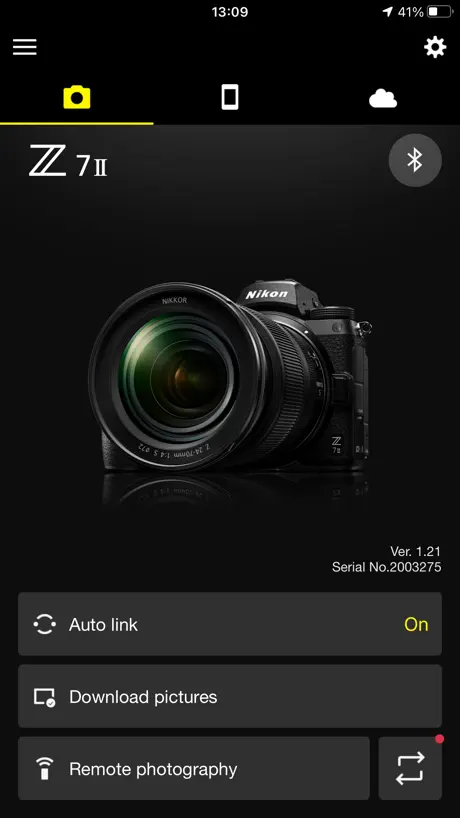

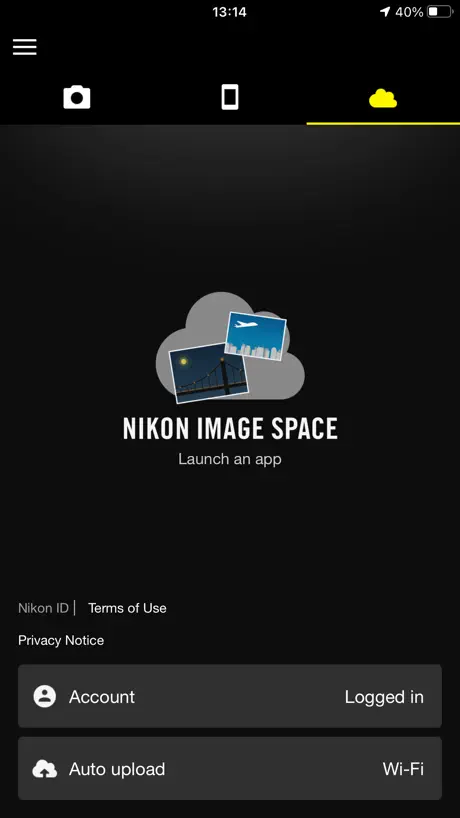
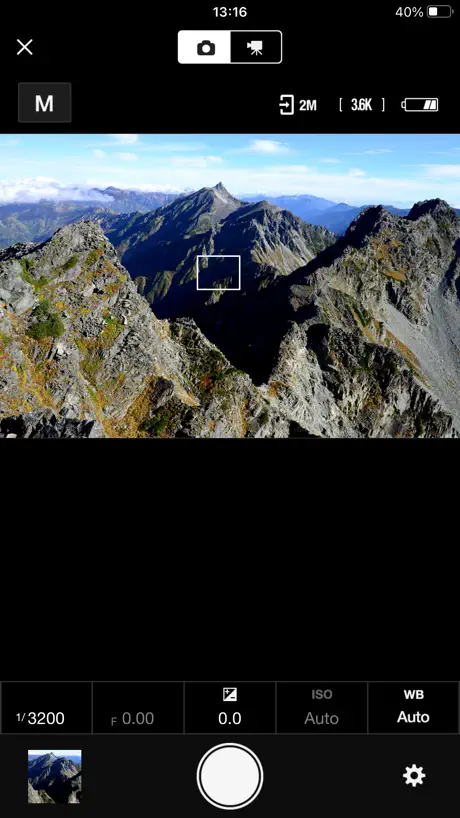
How much does SnapBridge cost?
Prices are current as of 11 Sept 2026.
SnapBridge has no in-app products on record in the United States.
10+ alternatives to SnapBridge
| SnapBridge |   Canon Camera Connect Canon Camera Connect |  Adobe Lightroom for iPad Adobe Lightroom for iPad |   DJI Ronin DJI Ronin |   FUJIFILM XApp FUJIFILM XApp |   Alpha Linker - Camera Transfer Alpha Linker - Camera Transfer |   Sony | Creators' App Sony | Creators' App |   UNSCRIPTED Photography Poses UNSCRIPTED Photography Poses |   Monitor+ Monitor+ |   Camera Connect & Control Camera Connect & Control |   Capture One Capture One | |
|---|---|---|---|---|---|---|---|---|---|---|---|
| Rating / 5 | 4.4 | 4.8 | 4.8 | 4.7 | 4.4 | 4.5 | 4.2 | 4.6 | 3.5 | 4.0 | 3.3 |
| Reviews | 219K | 736K | 229K | 34K | 28K | 22K | 22K | 8.3K | 2.1K | 1.9K | 1.5K |
| Released | 2016 | 2015 | 2014 | 2017 | 2023 | 2023 | 2022 | 2019 | 2021 | 2019 | 2022 |
| Monthly price | — | — | $6.99 | — | — | — | $4.99 | $34.99 | — | $4.99 | $10.99 |
| Annual price | — | — | $49.99 | — | — | — | — | $199.99 | — | $19.99 | $109.00 |
| One-time price | — | — | — | — | — | $9.99 | — | $299.99 | $18.99 | $24.99 | — |
The going rate for each plan in United States, in its own currency, shaded from the cheapest price on the row to the dearest. Plans fewer than four in ten of the priced apps sell are left out.
SnapBridge reviews
4.4 out of 5, based on 219,471 reviews.
What people like
- Easy to use for beginners
- Automatic transfer saves a lot of time
- Remote shutter feature is very handy
What they complain about
- Connectivity is unreliable and drops often
- Auto white balance changes your settings
- Transfer speeds are painfully slow
- Previewed photos look terrible on phone
Fantastic!
So easy to use and photos at your fingertips.
why? just why?
The companion app does not deliver on its promise. Core connectivity is unreliable. Reproduction steps (common failure): 1. Open the app and pair the camera via Bluetooth or Wi-Fi as instructed. 2. Confirm the camera is powered on, within range, and shows as connected in the app. 3. Switch to Live View or attempt to transfer a photo. 4. Within seconds to a few minutes the app reports “Disconnected” even though the camera remains on and the connection indicator on the camera itself has not changed. 5. Force-quitting and relaunching the app, or toggling Bluetooth/Wi-Fi, frequently fails to restore a stable connection. This sequence repeats consistently. Basic features are undermined by these persistent bugs and incomplete functionality. The app is marketed as a meaningful part of the shooting workflow, yet it is too unstable to rely on. Updates have been infrequent and have not fixed the core problems. There is little evidence of meaningful ongoing improvement. As a long-time Nikon shooter, this has reduced my confidence in the overall system. The software experience lags behind what competitors provide. I stopped using the app some time ago because it simply does not work reliably enough to be useful
4/5
A little slow sometimes.
Looses connection easily
Also kinda wonky.
Bluetooth
Loses Bluetooth connection quickly and doesn’t pair again.
Great When it Works
I love automatic transfer of photos to my iOS device. HOWEVER, establishing the connection can be infuriating and my Z8 does not appear to like connecting with more than one device. Great feature that can be significantly improved.
Not a replacement for a remote shutter release
Tried this app on iPad and iPhone and am pretty disappointed. Only allows shooting in manual, hijacks white balance control even in that mode. So if you’re hoping to use this as an interface to make recording yourself easier or to mimic a cable shutter release for specifically dialed in shots, this app just won’t cut it.
Helpful
I would had given 5 ⭐️ but some time connectivity gives very big issue. And video playing is not available before downloading. So can’t check.
Still needs updates!!
USA users can’t even select mm/dd for date appearances. No way to nickname paired cameras and smaller font size serial numbers is a very poor way to identify the correct camera to switch to. Switching to Z9 is especially bad/slow. Needs more resolution options. D500 is too small. Z9 options are too small or too large. After 10 years it should be better and those responsible for the app should be much more responsive and react to problems faster.
Quite good when it works, but stops with no good reason
I only use this for sending GPS position to the camera via BT. When it works properly, it puts the GPS location in the photos… BUT, and it’s a big but, it stops working with no apparent reason saying that it will restart after the app is restarted… great! My photos then end up with an incorrect position. My thoughts are to have it connect reliably whenever the camera is found and to be able to set a threshold for movement from the last sent (and received) position (e.g., If my position changes by more than 20 m or what threshold I set, resend the position to the camera) and a time-based refresh, e.g., every 10 minutes to keep the camera up-to-date. That should save a lot of battery. If I set the distance to 0 m and the time to 0 s, that would be continuous updates, but for me 0 m and 1 s would be suitably continuous given the accuracy of GPS. But please, STOP IT FROM STOPPING FIRST!
Connectivity issues
Have difficulty in connecting to wifi or bluetooth with app.
Worst app ever
Have 4 Nikon cameras and this app DOES NOT SUPPORT THEM … have spend over 4 hours trying to connect and NO PROGRESS Awful Nikon is awful use another app maybe another camera system ….
Memty
Park
Complicated
Not, at all, intuitive
17 Pro Max compatibility
This app used to work fine when I had an older iPhone. With my new 17 Pro Max, it’s very glitchy and not consistently downloading pictures. Please work on improving this
Good app
Lovely integration between my Z30 and my iPhone, I just wish a faster download when the apps is in the background
Unable to connect
Basically the title. App is useless camera Nikon D7500
自动穿照片断联
即使是选了后台链接,切换切换app后台依然大概率断联,目前没找到解决办法。
Well, it works
The fact Nikon doesn’t call this app NikonSync or something so that you can find it by typing Nik says it all. The guys who develop it probably use a test phone with just one app on it to test it and don’t actually use it themselves. It’s extremely confusing to use but you get used to it. It’s very annoying trying to select photos and if you breathe on it wrong it forgets what you were doing. If you use your camera to use your phone as a hotspot (which it can do) it won’t connect to it so you either need a separate router (which works at home) or you need to do the join my stupid network dance because Nikon, like other camera companies, sucks at writing software. But it works. And at home on a fast network it works well.
Poor to connect
Very hit and miss whether connection is successful or failed
New camera
Use the app for first time very easy too use thank you Nikon
Impossible to get stable connection
Like the title says, it’s impossible to stay connected to my Zf. Look at the 1 star reviews and you’ll see this is a common issue. Nikon should be embarrassed.
Still Buggy but
Not great but make sure that you delete any previous Bluetooth profiles that you had before... then it works..
App is not connecting to I phone 12
iOS devices not compatible
Very hit and miss
It’s great when it works, but it’s very unreliable
Simple and quick
Nice! I have no problem with it!
Useless app
Sometimes it will connect, then one day it doesn’t. Delete app, forget device, restart camera, restart phone, hold your tongue on the roof of your mouth just left of center, oh look, it connected. Huge waste of time. Nikon can do better, but why? They just trust in their failing reputation. Want to send the camera back, but I can’t since it’s been over seven days. Very disappointed to say the least.
Does the job
This version does a much better job than earlier one. The process is connecting needs to be followed very carefully, however. For me, it is worth the trouble. I use it on my iPad
Omg
This app is terrible it keeps disconnecting it’s doing my head in why can’t Nikon sort this out
It could be so good if it just worked
But more often than not it fails to connect you you phone
Simplicity
The WIFI and Bluetooth cone to is simply beautiful and convenient. The remote tigger is such an awesome feature and this application has made my downloads much easier since purchasing a D85 0✌️🇦🇺
Dreadful
Started working then stopped. Contacted Nikon support, after following their instructions and wasting hours still could not get it to work. Nikon cameras are amazing this app damages the brand.
Remote on D850
Good for taking pictures but can’t be used for taking a movie
App doesn’t work
Intermittently the app doesn’t get connected to the phone, though WiFi, blue tooth and all other instructions from help have been followed. Really getting irritated as this is happening for a long time now. Please help ASAP
Editing
It’s a shame that you loose all the selected photos when editing if you you accidentally leave the page or if the phone drops out. If this can be fixed somehow this will be the ultimate app.
Works Great
I have just bought a Nikon P950 and this app works great for my purposes. I use auto which downloads straight to my iPhone then I can edit and post on social media immediately. Saves a lot of time and for me has worked perfectly. This is a great app and a must for Nikon users.
Worst ever!
Never have I had so much trouble connecting to and staying connected to ANY other digital device!
Trouble connecting to iPhone 12.
Great app. Luckily I have an iPad. It’s unable to link to my iPhone 12 for some reason.
Not Connecting to Nikon Z6II
After last update of this app, I am unable to connect to my Z6II. I updated the firmware but still it’s not working.
Native ISO 64?
Can’t use native ISO 64 on D850. Only allows ISO 100 at the lowest. I don’t understand this limitation.
Excellent
App’s
Frustrating
The very first time I used this app, I was in a foreign country and it worked great. Since I’ve been back in the United States, I have to remove the app and restart from the beginning every single time. Not worth the frustration.
Apple Watch support
Ok things have improved in the past few years with the app and mirrorless camera I still have connection issues from time to time when the app has to restart and connect all over again seconds after establish connection. Nikon, it’s 2025 and lots of apps have support to the Apple Watch, how come we still can’t have an extension for the remote button like the iPhone camera?
Connection Problem
Unable to connect my Nikon P1000, filled all diagnostics official and 3rd party. App just doesn’t work.
Automatically switches to Auto White Balance
As soon as I connect my camera to the app, it switches to auto white balance. However I take shots with manual white balance. Due to this I am not able to use the app to click the images. I have to compulsarily disconnect the app and use my camera to take photos after setting the white balance to manual again. However this issue was fixed couple of updates back where the White Balance button was disable. With that Snapbridge was using whatever White Balance option was selected in camera. But again in the next update onwards the White Balance was automatically switched. Requesting the developers to please fix this. I have a suggestion here. Why not give a configurable option in the settings of this app where user can decide whether he wants app to switch to auto white balance whenever connected to camera or use whatever is the camera white balance selected. This way it solves both the issues. Please help me with this. Will really appreciate. Thank you!
Not uploading to cloud
After uploading few images (3-4) to cloud it stopped working. Closing and opening the app works again but stopped after uploading 1-2 images
WiFi does not connect easily
Every time I want to upload pics from my camera I have to go through a long tedious process. I have to have app forget my camera and ha e bluetooth forget camera. Then I have to restore settings on camera and connect camera Bluetooth and WiFi all over again in SnapBridge.
Image Transfer
Slow transfer
Needs a massive revamp for iPad
Too many display issues and lack of resizable floating window options. previewing photos is incredibly frustrating and often crashes. Please fix, its functionally a great tool in theory, it’d be great if it just worked well.
Resolution
The graphic quality of the photos on the screen of my D850 is amazing but when I send the images to my phone, the images are terrible and are very pixelated. On the brighter side, I had no problem connecting tho camera to my phone. I just want NIKON to look into the matter.
SnapBridge FAQ
- Is SnapBridge free?
- Yes. The app is free, in all 120 countries it sells in, and it sells nothing inside it.
- Does SnapBridge have a free trial?
- No. None of its offers (US) come with a free trial.
- What are the best alternatives to SnapBridge?
- Canon Camera Connect (4.8 from 735,802 reviews), Adobe Lightroom for iPad (4.8 from 229,004 reviews, premium from $1.99) and DJI Ronin (4.7 from 33,662 reviews).
SnapBridge download
Last updated 9 months ago.
SnapBridge sells in 120 countries. It was released 10 years and 1 month ago, on 6 Sept 2016. It holds a 4.4 rating from 219,471 reviews.
Supports 11 languages: English, Dutch, French, German, Italian, Japanese, Korean, Russian, Chinese, Spanish, Turkish.
How much does SnapBridge make?
Third-party estimates for the last 30 days, worldwide — not the store's own figures, which Apple publishes for nobody.