
HEOS
Get great sound in any room
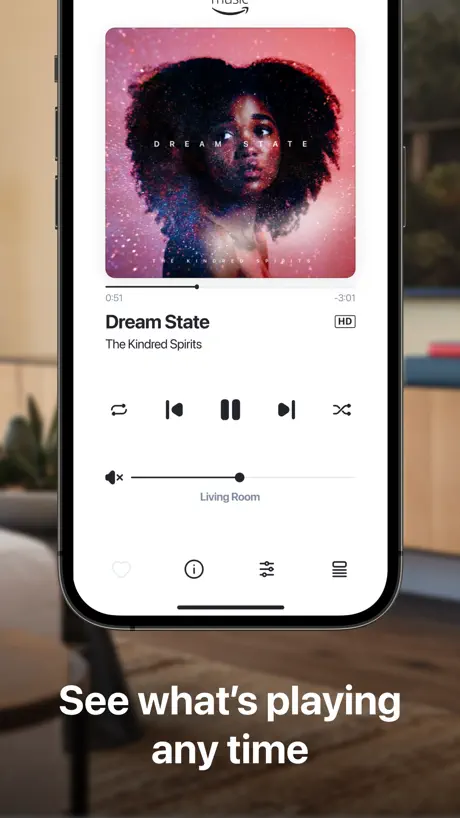
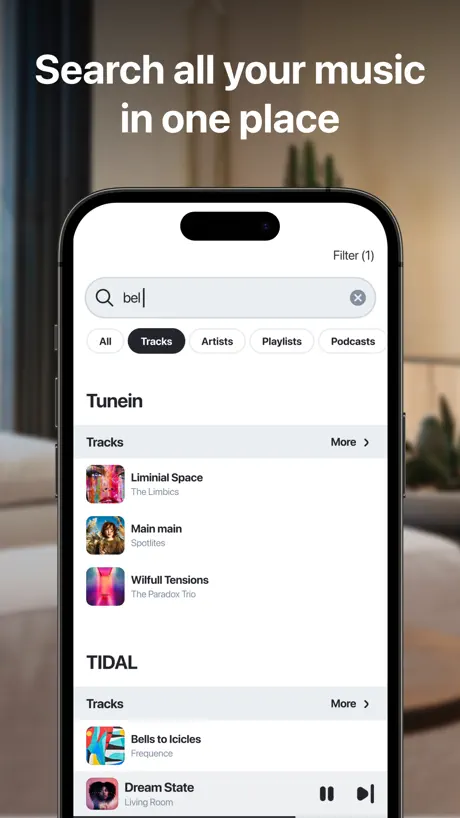
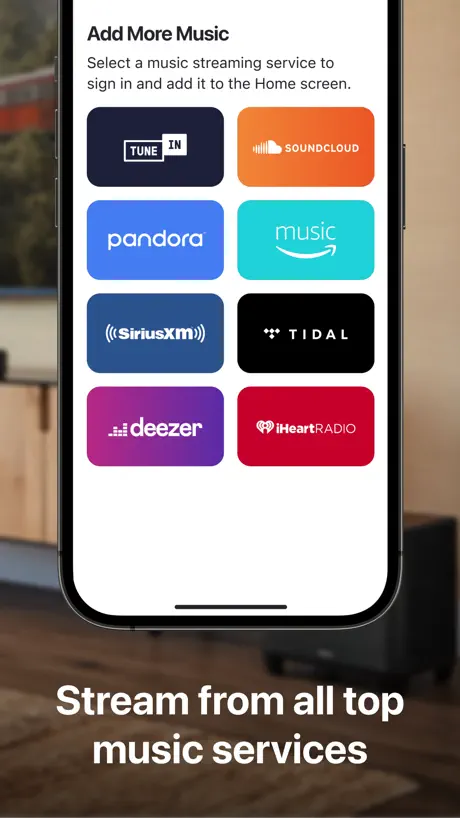
How much does HEOS cost?
Prices are current as of 10 Sept 2026.
HEOS has no in-app products on record in the United States.
10+ alternatives to HEOS
| HEOS | 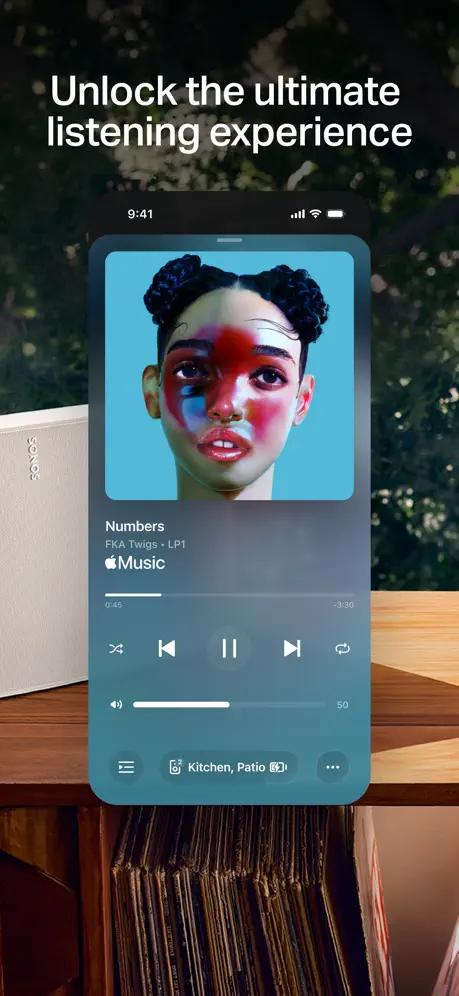  Sonos Sonos | 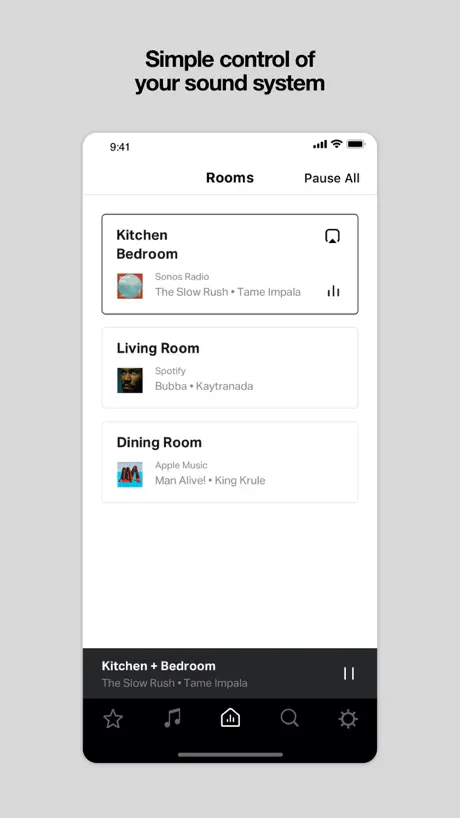  Sonos S1 Controller Sonos S1 Controller |   Bang & Olufsen Bang & Olufsen |   Qobuz: Music & Editorial Qobuz: Music & Editorial |   MusicCast Controller - US MusicCast Controller - US |   BluOS Controller BluOS Controller |   Music | Bowers & Wilkins Music | Bowers & Wilkins | 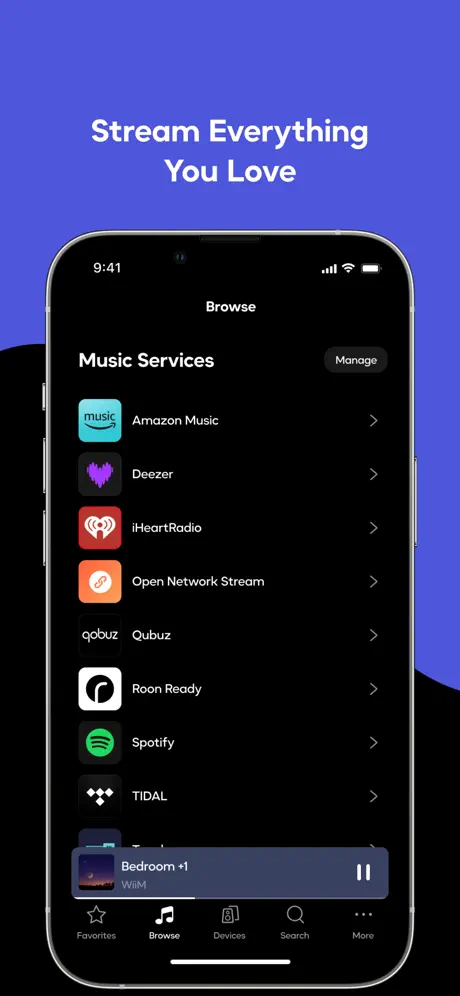  WiiM Home WiiM Home |   Roon Roon |   Dirac Live Dirac Live | |
|---|---|---|---|---|---|---|---|---|---|---|---|
| Rating / 5 | 4.2 | 4.4 | 4.6 | 4.4 | 4.6 | 4.7 | 4.3 | 4.4 | 4.2 | 3.8 | 2.0 |
| Reviews | 89K | 2.2M | 2M | 363K | 91K | 42K | 27K | 19K | 6.5K | 2.3K | 91 |
| Released | 2014 | 2020 | 2008 | 2017 | 2014 | 2015 | 2012 | 2021 | 2021 | 2015 | 2018 |
| Monthly price | — | $9.99 | — | — | $16.99 | — | — | — | — | — | — |
The going rate for each plan in United States, in its own currency, shaded from the cheapest price on the row to the dearest.
HEOS reviews
4.2 out of 5, based on 89,432 reviews.
What people like
- Sounds fantastic with great variety of sources
- Easy to set up and figure out
- Recent updates fixed many major bugs
What they complain about
- Requires account just for basic Wi-Fi setup
- App crashes frequently and loses connection easily
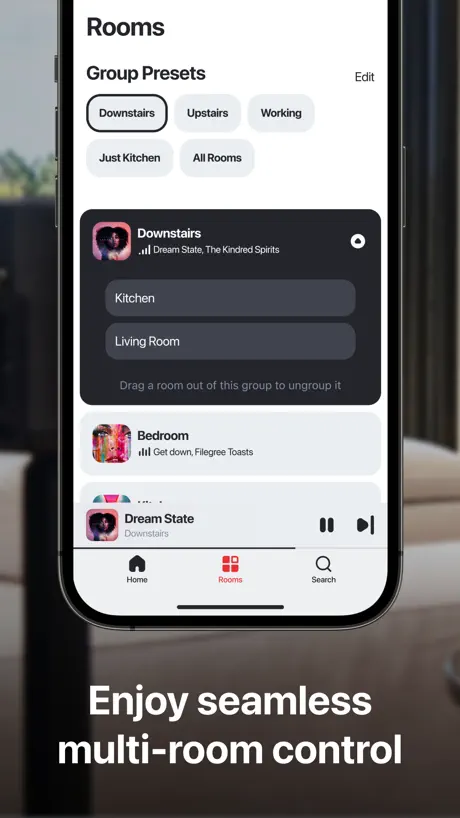
- Hard to control zones and group speakers
Une première
Très belle expérience
HEOS it’s old and tired
This app is old and tired. It is sloppily written and very buggy. They obviously wrote it to compete with Sonos and did the minimum to say they have an app. It looks like they outsourced it and never invested another penny to keep it relevant. Most of these hardware makers are terrible at app development. Writing good software now, especially with AI, is so simple. They need to hire on young developer with expertise in AI, and do it right. I could have it done in 30 days.
Buggy on my iPad
Hoping this update fixes many of them, has only been working fairly well on my iPhone, crossing my fingers.
Semi-Functional, Limited Support
Just got this app installed and am running two zones. The guy who set it all up put our living room and patio zones in one group. The tutorials state that I can have ungrouped zones to play different music in different zones. The video shows how to group and ungroup zones by pinching and pulling together or separating. This does not work on my iPhone 16. This is very frustrating, there is a tips section but no FAQs, and limited support options.
Two systems very slow response on my iPhone
I try so hard to work with the system and I have so many struggles with my iPhone and getting it to act going round and round through different screens just to turn on some music and play it. Why can’t this be fixed?
music, nothing more inspiring!
HEOS is easy to use. The only thing I haven’t found is to delete what you don’t like.
Making me create an account and verify for a speaker app?
Who do yall think you are? This is a speaker app why is there so much friction
请加入播放时的快进快退功能
操作像YouTube那样双击就行
Disappointing Tech Needs Help
Very very buggy software that has constant difficulty connecting to speakers, adjusting volume, and interfacing with music providers, especially SoundCloud. We love our new Denon speakers but they’ve got to get a better development team on improving this app. Hopefully we can write a better review later . . .
Major drawback for me - missing sorting options
The app is ok for what it does, but for my use case it’s missing an important functionality. In file browser it sorts tracks by track name by default with no option to change the sorting. My compilation track files are already arranged in a specific order in folders so it’s really annoying to see that the app believes that it knows better than me in what order they should be played back and doesn’t give me an option to select the order by original file name. Another improvement would be to use alphabet navigation in all lists - artist, track, album and genre. Now it’s only available in file browser. Also, please add playback controls to the lock screen - it’s really annoying to have to unlock the phone, open the app and only then pause/resume playback or skip the track
Nice
Great
heos or marantz app
horrible app needs delete and redone
Great but..
Great app, but recently the volume rocker no longer controls or effects zone 2 like it used to. If I increased the volume on my iPhone or iPad with the volume rocker, it would increase the volume in both zones of my AVR. That is no longer true for whatever reason. Would love to see this issue resolved.
Stereo pair with Mesh Wifi doesn’t work
I bought two speakers specifically for one room. The wifi network has a wifi extender. The speakers refuse to stay connected to the same Wifi router. The room grouping doesn’t work unless they’re connected to the same physical router. Only one speaker will play. If i do connect both to the same device, it will drop and reconnect and destroy the group.
Update hasn’t worked
Since the update, six days ago, my Denon radio won’t let me control the music. When I select a station it shows the radio and Power Off below it. We can’t control the volume or anything else.
Great app
Great for streaming Tidal thru my Denon AV amp
Hard to navigate
This app is a pain to navigate, works when you finally can find what you need to do. Should be easier to use.
App options
It’s a bummer that there is no Apple Watch app option like Apple Music and many other music apps. Can this be added as this is how I control most of my app?
Not Happy
The recent update changed the way you have to turn on zones and adjust the volume for a Denon AVR. I use to be able to turn on Zone 2 right from the ROOMS Menu, and volume was controllable as well. Now it doesn’t show that room, only the AVR Main Room. What happened?
Buggy and inconsistent with Apple
I can live with a basic and very dated user interface but it’s inability to provide seamless Apple Music playback is inexcusable
Brilliant
Great app. Works well for me!!
Always gets disconnected
Have all of denons wireless products, do not ever get it thise either. App can never hold a stable connection and have to go through the hells of setup again. Changing from auto to manual does nothing, just jank SW from app and the devices itself.
Good but not perfect and terrible w Apple products
I went w HEOS bc of Denon’s great rep foe good audio. Overall, I like HEOS but that doesn’t mean k haven’t experienced major issues. The two AVRs I have owned both were short-lived; powerful receivers but with such a big price tag they should have lasted longer. The HEOS app is okay but very limited. For example, you cannot rewind a podcast. Nor can you listen to Apple Music thru it. Sonos seems to have fewer issues. But hopefully HEOS will improve its products and eventually be able to integrate w Apple.
Not easy to work with
No multi track selection options. You either add tracks to playlists one at a tedious time or all of them. Poor hierarchical logic system forces you into many clicks. This system doesn’t handle metadata and cover art well being very inconsistent with its performance.
One problem
There is no way to disable autoplay, anytime you switch to the HEOS input from another input like an Xbox or tv, it just autoplays what was playing last. This is problematic with things like volume, where Spotify is usually louder by default, so it is extremely jarring when you switch to HEOS and it immediately begins playing random music from your liked songs. Please remove this or make it a feature you can change, otherwise just use Bluetooth.
HEOS works good for me, and just got better! Marantz Model 40n
Update - HEOS just got better! Since May 15, 2025 it supports Qobuz Connect! I dumped Amazon Music HD and subscribed to Qobuz, better resolution stability, if you prefer it’s app experience you can flush the HEOS app. Streaming to Marantz Model 40n built in HEOS, immediate improvement! Update - Thank you for the major app update, so far, so good. Like the new look, better search capabilities and overall improvements. It did crashed couples times but nothing that bothers me too much as I was clicking everywhere get familiar with the new UI. HEOS did recovered each times by restarting automatically. - I had read many negative reviews about HEOS, but for me it works adequately, using a Marantz Model 40n. Perhaps some UI improvements could be done, especially around browsing files, but all around it works good for me.
Omg
Can hardly type in the app, but luckily in the rating it’s easy to type because it is just using the iOS. In your app it would be easier to use a pencil.
Powered by HEOS deserves 4 of 5 stars (again)
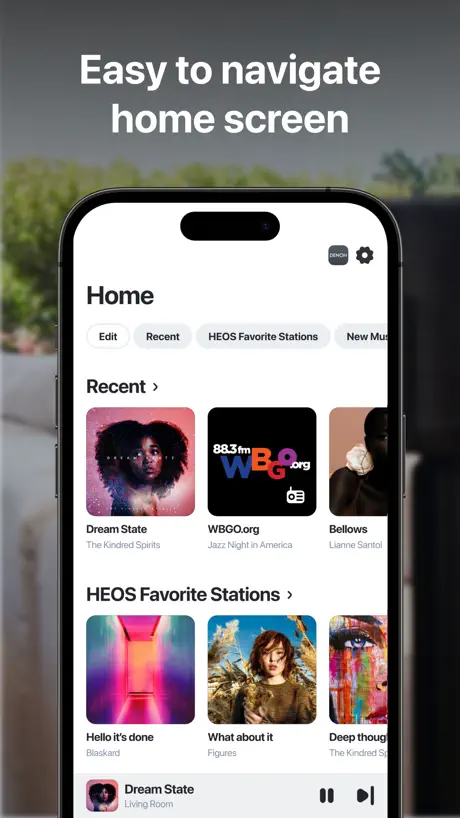
The feature allowing to control D&M AVRs via the HEOS App is a real good step forward. Unfortunately the 4 configured Smart Select names only appear on the Home but not in the AVR screen, where only the 4 numbers appear instead. A CRITICAL ISSUE that appeared in autumn / winter 2025/2026 with HEOS update (App 388.533) bundled with a firmware update (Devices 388.532) that introduced a missing speaker configuration and missing general information issue on Marantz SR 7015 (as well as on some other devices, as I read on the web) network control, got meanwhile fixed. D&M support had confirmed this issue will get fixed with a future update before but App Version 388.570 from 11.12.2025 only addressed some other bugs. Finally App version 3.115.361 (Marantz SR 7015 388.614 / Denon Ceol N11 388.532) fixed the issue. IMPROVEMENTS New RECENT and SMART SELECT are nice features. Renaming playlists or managing tracks in HEOS playlists has been IMPLEMENTED NOW, THANKS! FILTERS improve SPEED of SEARCH In general the latest app version works much better, Search isn’t as slow as it was, when I first thought it does not work at all, which was really bad at that time. DEEZER FLOW BUG fixed Deezer Flow can be added as HEOS Favorite and works to load when selected from the HEOS Favorite Stations list, while clicking the button on the Home screen returned the error “FLOW This track is not available in your Country” in the past. This bug got fixed, THANKS! QUEUE still HIDDEN in Playing now screen Accessing the QUEUE on Home screen would be perfect. Where the actual QUEUE can be shown and edited is really a bit unclear in the app now. It is only in accessible via the Playing now screen. NO ALARM CLOCK What’s also missing is a functionality which would allow to use the HEOS App / Device as a radio or music alarm clock. HIDDEN Service and Library FILTERS in SEARCH These filters should also be displayed in the top row and a turning or moving element to display that a search is currently being performed would help. Useless DEEZER Favorite Radio Channels Deezer has no possibility to save Favorite Radio Channels, while the HEOS app allows to show but (of course) can‘t load such Favorites (Couldn‘t Load Content - No data). A complete useless line for this service which users of course can hide, but why does it even exist? UNCLASSIFIED SERVICE ERROR (1101) After adding a custom url stream (non FLAC) in Tunein, calling and playing this Tunein stream in HEOS and while playing, adding it as HEOS favorite works BUT when calling this new HEOS favorite in the HEOS App, an Unclassified Service Error (1101) appears. CUSTOM URL STREAMS The feature works for most formats but not for FLAC yet (see next topic). It would be nice if also an image (url) could be added for custom streams. CUSTOM FLAC URL STREAMS NOT WORKING With the new feature allowing to add custom url streams unfortunately FLAC streams don’t work (yet). When adding a related URL and trying a „Marantz SR 7015 Playback Error Unsupported Format“ message appears for all FLAC url’s I tried, so the following is still valid. FLAC streams from streaming services can be played back, but I have not been able to find a way to add and playback any own FLAC url streams via the HEOS internal custom URL feature nor via third party apps (Tunein or Hark). Custom FLAC url streams added on Tunein can be added as Favorites on Tunein and play on iPad but opening them via the HEOS app does not work either. I checked this with multiple url streams listed on www.hiresaudio.online (HighRes or CD quality internet radio) ——————- The following Unclassified Service Errors which I was able to reproduce here in Germany in the past, seems to be fixed now. The first one appeared for Tidal „What’s new“ and „Exclusive“ as well as for „New music“ from Amazon (1001).
I wish I could control my M1 any other way
This app stinks
Glitch & Crash
Running hoes app on iPhone 16 pro iOS 26.5. Controlling to Denon Avs, home and HEOS drive with 4 zones. All cat6 cables into a ubiquity switch and router. App frequently has problems grouping and uncoupling zones. Is clunky and slow. But recently since iOS 26.5 update the app crashes all the time. At start up, or sometimes 30 seconds later… i’ve tried deleting it reinstalling it turn the router on and off turning Apple private network off turning off and all the other things that you can read online. None of its worked. The only app I seem to have this problem with is the HEOS app.. come on here team get an update Out… I’ve a lot of expensive kit which is fan when it works, but when the app doesn’t work, then none of the kid does….
Excellent!
Since the new version this app work so well that I cancelled my Roon subscription.
Obtrusive middle man app
They can’t just add Bluetooth. They have to have you make an account and sign up for Heos. Then you have to link your apps. Then it doesn’t work with any of them. For a normal user of a denon receiver this app is confusing and overreaching. Imagine your friend wants to play something off their phone. Nope. Download and sign up. Then search for the receiver. Try a couple times. Then maybe it’ll work if you’re lucky. Impressively bad.
Update killed it - tech support resolved issue.
Update performed today now cannot stream any Tune In stations and only some Deezer selected albums. Support link goes to a Denon home page. Use support link inside app….followed steps outlined in response and all is well again.
Frustrating!
Just bought a pair of Denon 200s. I like the sound, and every time I turn it on to listen to something I have to redo the stereo pairing. Incredibly frustrating.
HEOS Average
The application is average. It doesn’t have the same access to Tidal as the native application and it limits some flexibility.
Marantz NA6006
Fantastic sound !!! So nice !!!
Balance
Extremely difficult to balance the sound from one speaker to others to keep the volume flat throughout the rooms. Easier to just use Bluetooth instead of the HEOS app entirely no advantage but an irritation
2 things to fix please
#1 When viewing artists it should show album artists, not all artists in each song as there are multiple meaning when under artist tab I’m getting multiple instances (10-15) of an artist and all his various guest artists from every track! #2 When viewing albums it should should show the artist. That is nowhere to be seen until you actually play it.
Never worked well with Spotify
5 years later and HEOS and Spotify still don’t work well together. I struggle to play on more than one speaker without them sounding like the music is skipping or stopping entirely.
Requires too many clicks
Too hard to go from HEOS to Denon App.! Should not require so much interaction to be able to control Denon DVR.
Awesome
Thanks for being awesome love the variety
Useless
Completely useless app as I can more easily stream music to my Denon without it.
HEOS
Toutes les possibilités qu’offre cette application, c’est vraiment SUPER. J’apprécie beaucoup.
Hard to use
Very difficult to use
Adequate not great
Awkward to set up and not really intuitive. Falls over occasionally and drops connection to my M1.
Works great
Been using the app for 2 weeks now with a new home sound system. Haven’t had any issues at all. Easy to figure out and setup. Has links to all our music sources. Happy customer.
Nothing but commercials
Almost no music, every station is nothing but commercials.
Fantastic!!!!
I use it to play my Apple Music playlists through my Denon system. It’s so easy and sounds amazing!
HEOS Account Required for Wi-Fi
To enable Wi-Fi, use their iOS remote control, or do firmware updates on the receiver now REQUIRES a HEOS account. It used to be optional. The account cannot be created on a computer, just this app. Horrible and not customer friendly. I don't care about HEOS music, I just want Wi-Fi.
Unreliable
Keeps freezing and iam constantly rebooting the hi fi , also my phone to get things to work.
HEOS FAQ
- Is HEOS free?
- Yes. The app is free, in all 174 countries it sells in, and it sells nothing inside it.
- Does HEOS have a free trial?
- No. None of its offers (US) come with a free trial.
- What are the best alternatives to HEOS?
- Sonos (4.4 from 2,171,127 reviews, premium from $9.99), Sonos S1 Controller (4.6 from 1,965,526 reviews) and Bang & Olufsen (4.4 from 363,182 reviews).
HEOS download
Last updated 29 days ago.
HEOS sells in 174 countries. It was released 12 years and 3 months ago, on 22 Jun 2014. It holds a 4.2 rating from 89,432 reviews.
Supports 19 languages: English, Croatian, Czech, Danish, Dutch, Finnish, French, German, Italian, Japanese, Korean, Norwegian Bokmål, Polish, Portuguese, Russian, Chinese, Spanish, Swedish, Turkish.
How much does HEOS make?
Third-party estimates for the last 30 days, worldwide — not the store's own figures, which Apple publishes for nobody.