
Dirac Live
Digital room correction
How much does Dirac Live cost?
Prices are current as of 7 Nov 2026.
Dirac Live has no in-app products on record in the United States.
10+ alternatives to Dirac Live
| Dirac Live |   HEOS | 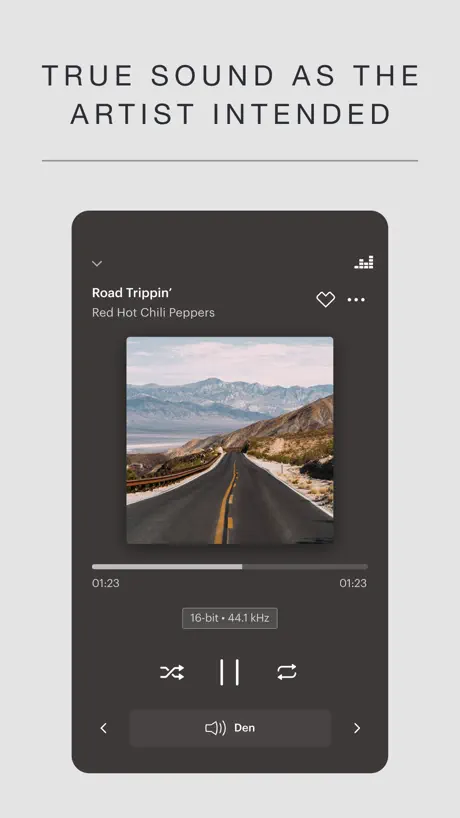  Music | Bowers & Wilkins | 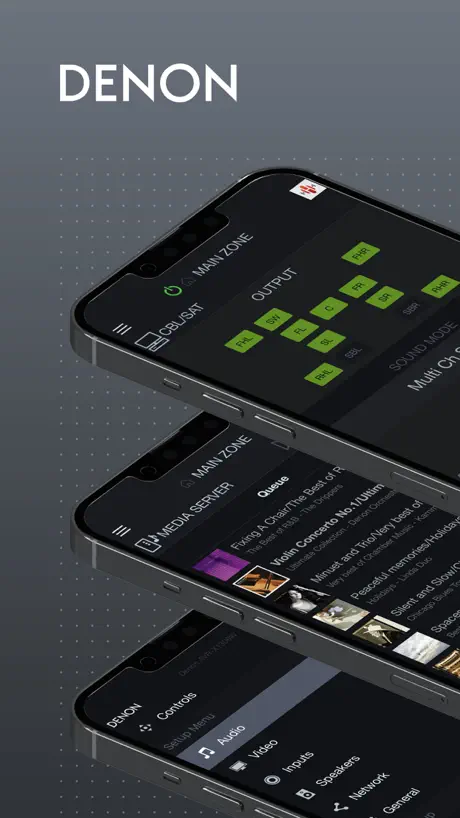  Denon AVR Remote | 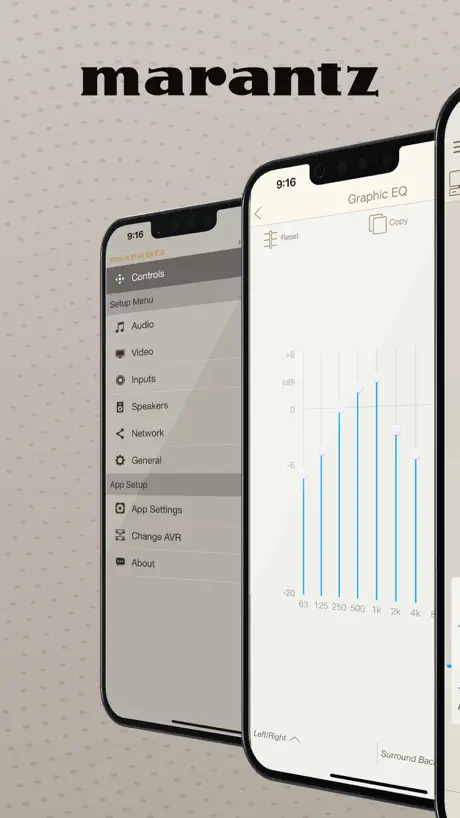  Marantz AVR Remote | 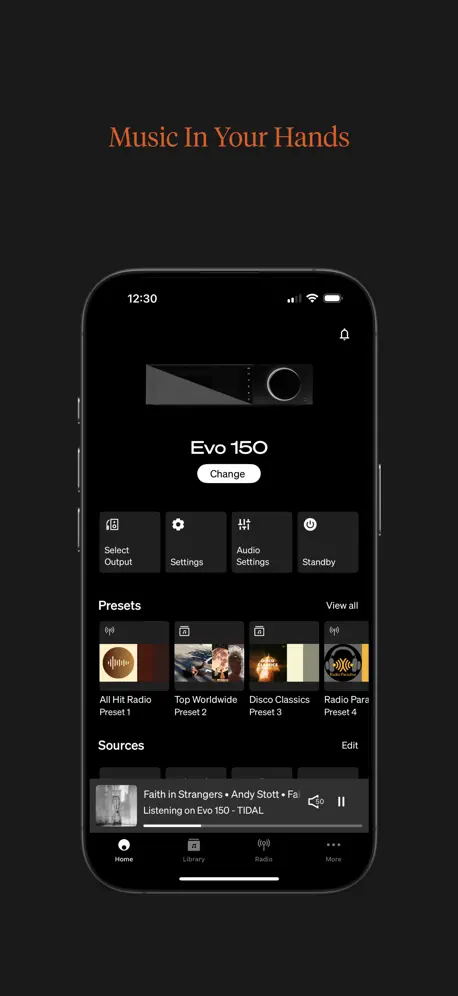  StreamMagic by Cambridge Audio |   KEF Connect | 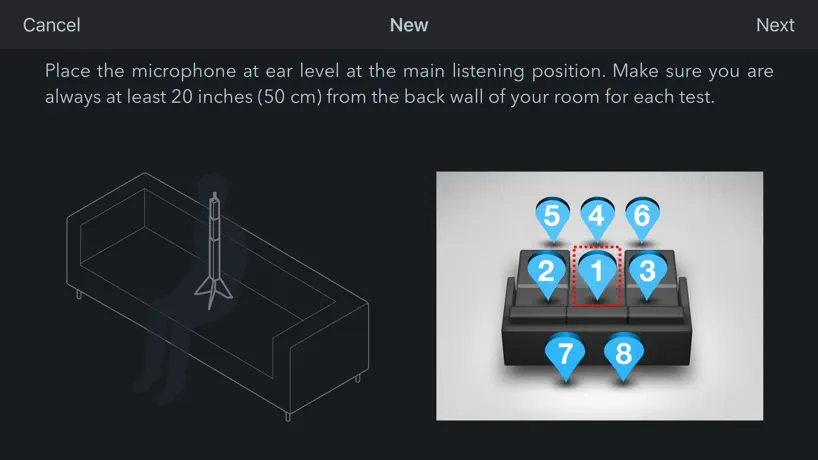  Audyssey MultEQ Editor app |   MusicLife |   Denon Headphones |   ARCAM Radia | |
|---|---|---|---|---|---|---|---|---|---|---|---|
| Rating / 5 | 1.9 | 4.2 | 4.4 | 2.1 | 2.2 | 4.0 | 2.4 | 3.3 | 2.2 | 2.6 | 2.2 |
| Reviews | 100 | 90K | 22K | 4.7K | 2.1K | 1.8K | 829 | 684 | 348 | 181 | 59 |
| Released | 2018 | 2014 | 2021 | 2016 | 2016 | 2019 | 2020 | 2017 | 2015 | 2023 | 2023 |
Dirac Live reviews
1.9 out of 5, based on 100 reviews.
Nad 658
Wenn etwas funktioniert, dann muss man es auch rezensieren. Und die App hat bei mir sehr gute Ergebnisse geliefert.
Absolutely sucks
There is no noise night 3am absolutely bulletproof room yet always creepy sound complaint. Your system is no fulfill..
Take your ears up a notch
Using Dirac with my Onkyo RZ-50 was fairly easy. The Onkyo comes with Dirac. Keeping the iPad software connected wasn’t perfect but the end result was well worth a bit of aggravation. My set up is all custom in walls and ceiling speakers which sounded great, after using DIRAC the clarity bumped up to that next level.
Excellent sound quality – but an inconsistent workflow
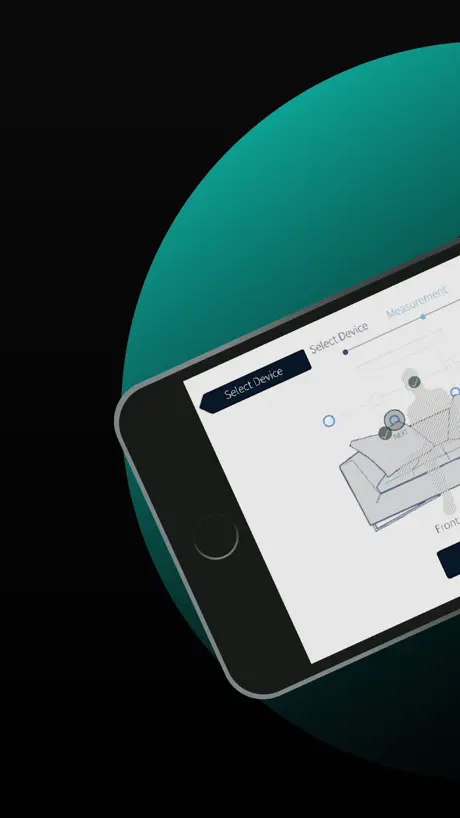
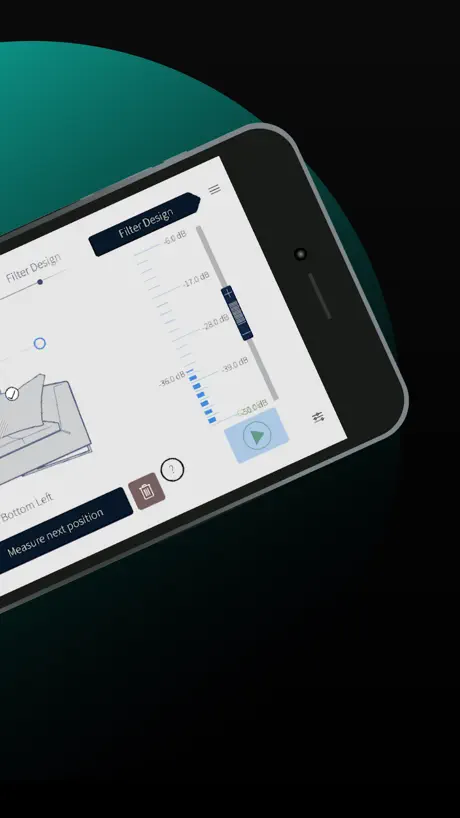
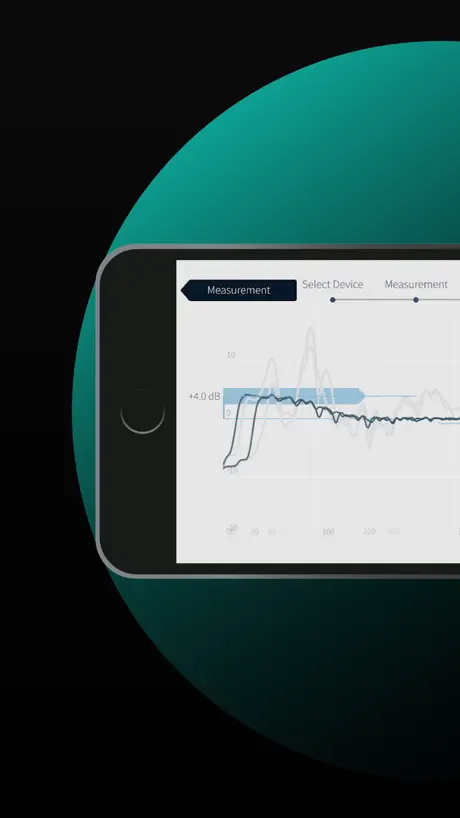
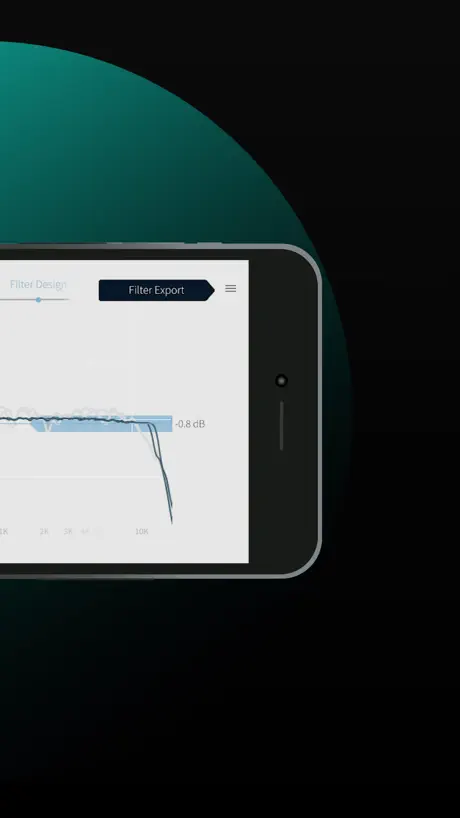
Let me describe the real-world experience step by step. Step 1: Measurement Using the iPhone app for measurement is, in my experience, practically unusable. Connecting the measurement microphone is cumbersome, detection is unreliable, and the overall process feels unstable. For software in this price range, that is disappointing. So the decision was to measure using my Mac instead. That works — but only if the Mac is physically placed next to the amplifier. In my case, measurement over the network was not reliable. This means: carry the Mac into the living room, set it up beside the amplifier, connect everything, and then run the measurements. Once the Mac is positioned directly next to the unit, the process itself works well. The microphone is recognized properly, measurement points are captured correctly, and the target curves can be calculated without issues. The resulting sound quality is excellent. Up to this point: inconvenient, but technically solid. ⸻ Step 2: Fine-tuning — and this is where the real problem begins After completing all measurements and calculations, you naturally want to fine-tune the target curve while listening — sitting comfortably on the sofa, making small adjustments. That is exactly what a mobile app should be for. However, when opening the app and trying to load the project, the second major issue appears. The app does not provide access to projects created on the Mac. The raw measurement data remains stored locally on the Mac. The amplifier only stores the calculated filter — not the editable measurement data. In practical terms: • The app cannot edit projects created on the Mac. • Without a connected microphone, the app blocks project access entirely. • The amplifier does not allow retrieval of the original measurement curves. The consequence: Every small adjustment requires setting up the Mac next to the amplifier again. ⸻ Summary Problem 1: Measurement via the mobile app is not practically usable. Problem 2: If you measure properly using a Mac, mobile post-editing is effectively impossible. You are forced to choose between an unreliable mobile measurement process or repeatedly rebuilding your Mac setup for minor adjustments. For software in the ~$300 range, this is not a cohesive system. ⸻ Conclusion Sound quality: Excellent Measurement engine on Mac: Good Overall workflow: Not well integrated Dirac Live delivers outstanding acoustic results — but the overall system architecture feels incomplete and unnecessarily restrictive.
Lousy but eventually worked
Couldn’t get it to work, initially... Had to create a “Dirac” account just to use this lousy app that doesn’t work. Had to reenter my password a bunch of times, change my password a couple of times, give my information a couple of times, so they can sell it, the account verification comes in 15 minutes later—- and lo and behold, it still doesn’t work… don’t buy the onkyo tx rz50 receiver so you can use Dirac… this truly was dissatisfying. One star cuz I can’t give zero. Here’s my update and upgrade to 3 stars: eventually got the phone app working. Set up the mic. Couldn’t get the Dirac to work but selected the eq option… for some reason that worked… but it’s complicated to save the preferences… one has to save each “input,” such as HDMI-1 or hdmi- 2- and so on… you should use AI to get the directions, for saving, as the user manual is less than amazing. The process involves utilizing the playing of content, at each input, and then saving by pressing the movie/tv button on the remote. Cryptic. 3 stars because although difficult to work through it appears to have saved, after all. For those interested I use an iPhone, Sony Bravia tv, Apple dvr…
Easy to use
If you have a sub you may want to get the full version
Don’t do it
No free trial, nothing. You’ll be prompted to create an account just to get into their purchasing portal.
EZ
I like the easy to use design. Gets me 95% of were I need and now as easy to use as Audessey app. My Onkyo TX RZ 70 dominates!
语言
没有中文,用不了
Full MacOS Dirac live for all receivers please
Less and less people own PC’s and Macs. Could we please have the full fat MacOS version of Dirac Live on iPad, so we can use a tablet instead of a Mac/PC. Ideally available for all receivers where the microphone is plugged into the receiver itself, such as Arcam receivers etc.
Werkt prima op Arcam SA30
Dirac Live in combinatie met de Arcam SA30 en een Umik-1 microfoon met bijbehorend calibratie-bestand werkt prima met een MacBook. Alles wijst zich eigenlijk vanzelf. Eén enkele keer moet je een meting opnieuw doen, maar dan lukt het de tweede keer gewoon (misschien wat teveel omgevingsgeluid). Ben tevreden!
App needs a lot more development!
App on iPhone simply doesn’t work
Works quite well actually!
I missed the instruction to plug in the microphone into the NAD M10v2. I downloaded the app and assumed it used the Iphone microphone. I got the message there was too much noise. Therefore I was looking for the Iphone setting to give microphone access to the app. I realised the app didn’t usa a microphone. I used the NAD microphone via the amplifier usb and the Iphone app and it worked very well 😊
nur mit Mikrofon
leider können die aufgenommen Kurven später ohne angeschlossenen Mikrofon nicht editiert werden.
Not bad at all
Tricky to get correct for proper measurements but when it comes to elite systems it always is. Worth it. Gives an amazing baseline for tweaking.
Useless with Denon X3800H
As far as I can tell, this app does not work with Dirac on the Denon X3800H. Clearer compatibility information would save a lot of wasted time.
Sound upgrade
Works perfect with my NAD M10 V2
Missing key features from the desktop app
I recently bought a new Onkyo AVR in part because it includes Dirac Live “Full Bandwidth.” I ran the setup through the app, but the result was terrible: The gain on my subwoofer was cranked way up, rattling my furniture on every drumbeat. I decided to shell out $$$ for the Dirac Live “Bass Control” upgrade, then ran through the setup again. Same result. Turns out Bass Control requires the Windows/Mac app, not the mobile app. That wasn’t clearly indicated when I bought the add-on. If you have a computer, skip the mobile app and go straight for the desktop app. It offers more options and (slightly) clearer explanations for each step of the setup process. (And FWIW the Bass Control add-on fixed the subwoofer gain issue, but I sure feel nickel-and-dimed…)
Crashes on export to nad m33 using all available updates
I would write a new review if it would let me thanks.2024/08/16 my problem is fixed thank you, exporting a saved file now works great in my rearranged room. My bass sounds great. Cheers Michael 2024/08/13 I’ve been using the app with good success and I have found the product helpful. Now with the latest version it dies on export gets to 13 percent. I do save my measurements. I’ve changed my room and am now stuck with a old export. Old - Seems to do its job on my nad m33 using an iPad 2023 I stay away fro the lower left button/ instructions and go directly to edit filter using the upper right button after measuring. Thanks for the quick update
“Low Noise Level.”
It won’t go past that! I cannot turn off anything else to lower the noise in my house for this to calibrate. I’ll never ever in my life purchase anything with Dirac Live. I should’ve bought an Anthem receiver!!
Working well now thanks
I created several filters that seem to work well. thanks
Umik-1 not recognized
Good step forward, since my receiver is now seen in LAN, Rotel RSP-1576MkII, but the microphone is still not recognized while connected to iPad. Still required to use the PC App.
Onkyo TX-RZ50 / Dirac-live
Helt otroligt bra ljud efter kalibrering med Dirac-live 3.3.3. Fick tips om Dirac-live Youtube. Önskar att många fler får njuta av ljudet. I love it 👍
Kills my Subwoofer on my NAD
It works fine except for the fact that it kills my external subwoofer on my NAD 3050C apparently this has been a known issue for a while but they still haven’t fixed it.
Better Than Desktop Version
Ran multiple passes with Dirac on Mac. Low end was anemic and unbalanced. Less locations to measure and bass response was as expected. System sounds great! I’ll be using the mobile app from now on without hesitation!
Total waste of my time
I just lost 3 hours of my time dealing with this useless app. Don’t loose your time and go straight to your device native system, like AccuEQ for Onkyo.
Super
Funktioniert problemlos und vor allem viel einfacher als die Desktop-Version. Liefert obendrein noch ein besseres Einmess-Ergebnis (erstaunlicherweise).
Impressively awful
All the smart people at Dirac got to work on the room correction. The apps, PC and IOS, got the less talented crew. Nothing but issues. Already bought a full sub. Activated it. PC app still wants me to buy a sub. IOS app can’t even find my Node Icon streamer. I’m not alone if audio forums & feedback are a guide.
Dirac live注册不了账号
注册不了账号?哪位大神告诉下怎么弄?
Why is this even here?
Downloaded the iOS app as instructed in the QuickStart guide that came with my NAD M33. After creating a new account I am immediately instructed that I must download and use the MacOS app. What a waste of time! Logged out and back in to the iOS app and finally got to the measurement section. Despite the test signal being deafening and worrying it might blow my Martin Logans, the app complains the s/n is too low. There is no discernible background noise in the room. Useless. Will try the MacOS app and hope for a better experience.
Useless app
It does find my Onkyo RX50 but get no microphone signal so I can’t do any measurements. Tried a Umik-1 with same problem. It’s not the mic cause I am able to use voice memo app with no problem.
Dirac Live FAQ
- Is Dirac Live free?
- Yes. The app is free, in all 175 countries it sells in, and it sells nothing inside it.
- Does Dirac Live have a free trial?
- No. None of its offers (US) come with a free trial.
- What are the best alternatives to Dirac Live?
- HEOS (4.2 from 90,167 reviews), Music | Bowers & Wilkins (4.4 from 21,866 reviews) and Denon AVR Remote (2.1 from 4,707 reviews).
Dirac Live download
Last updated 7 months ago.
Dirac Live sells in 175 countries. It was released 7 years and 11 months ago, on 26 Nov 2018. It holds a 1.9 rating from 100 reviews.
Supports 1 language: English.