
When I Work Staff Scheduling
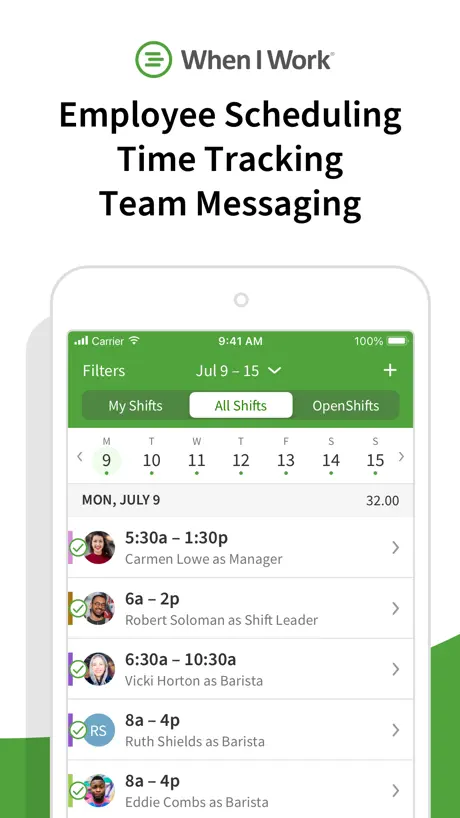
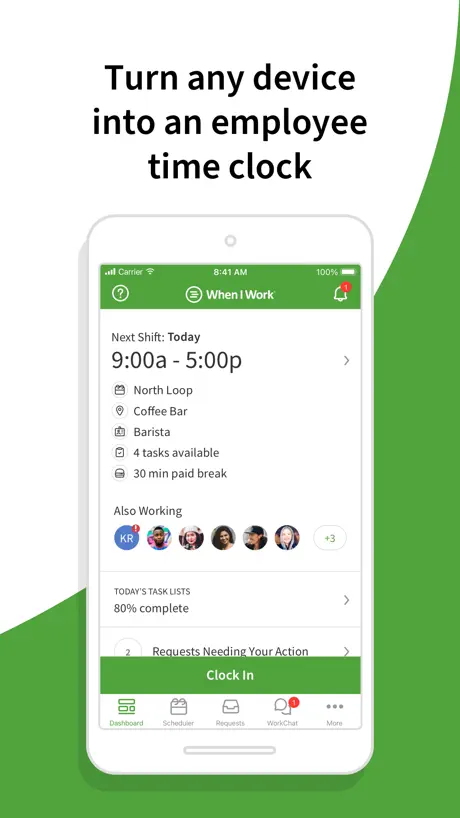
Employee scheduling
How much does When I Work Staff Scheduling cost?
Prices are current as of 11 Sept 2026.
When I Work Staff Scheduling has no in-app products on record in the United States.
10+ alternatives to When I Work Staff Scheduling
| When I Work Staff Scheduling | 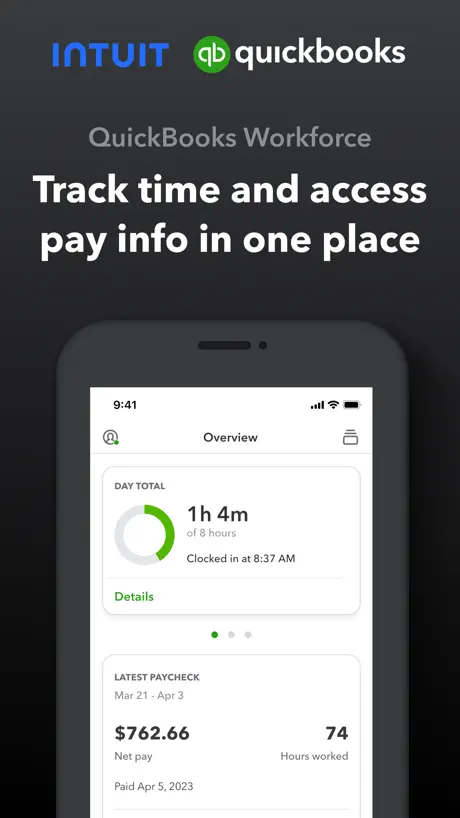  QuickBooks Workforce QuickBooks Workforce | 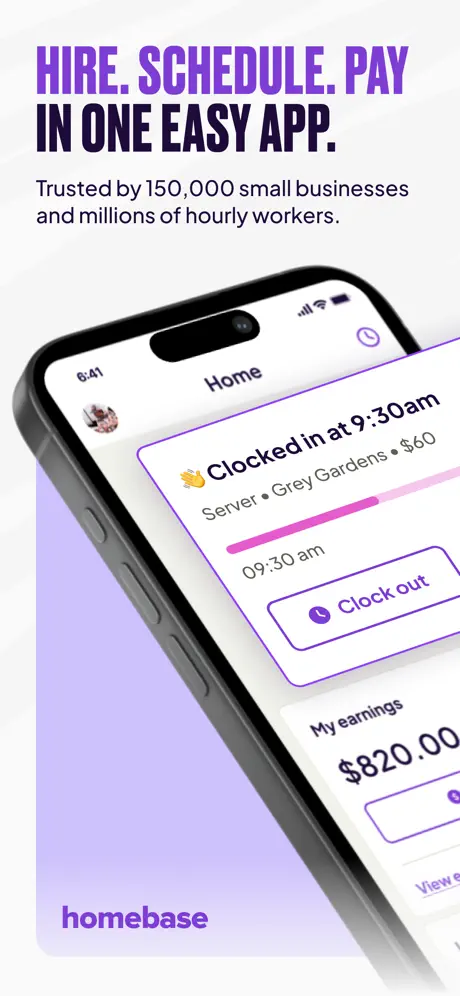  Homebase: Employee Scheduling Homebase: Employee Scheduling |   Connecteam Team Management App Connecteam Team Management App |   Gusto Mobile Gusto Mobile | 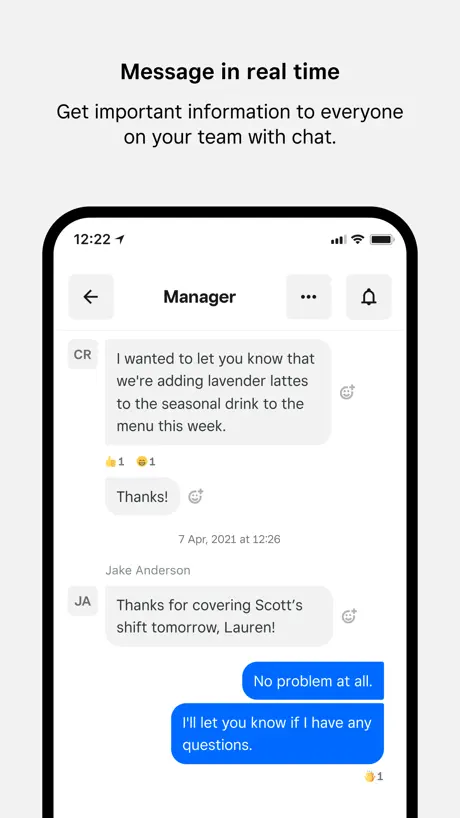  Square Team Square Team |   Sling: Employee Scheduling App Sling: Employee Scheduling App |   SideShift - Earn Money SideShift - Earn Money |   7shifts: Employee Scheduling 7shifts: Employee Scheduling |   Mindbody Business Mindbody Business |   WhenToWork Employee Scheduling WhenToWork Employee Scheduling | |
|---|---|---|---|---|---|---|---|---|---|---|---|
| Rating / 5 | 4.8 | 4.6 | 4.8 | 4.8 | 4.8 | 4.7 | 4.7 | 4.8 | 4.8 | 4.5 | 3.2 |
| Reviews | 66K | 219K | 102K | 84K | 48K | 43K | 36K | 36K | 33K | 32K | 552 |
| Released | 2010 | 2014 | 2014 | 2016 | 2020 | 2018 | 2014 | 2024 | 2013 | 2013 | 2016 |
| Weekly price | — | — | — | — | — | — | — | $0.99 | — | — | — |
| Monthly price | — | — | $30.00 | — | — | — | — | $9.99 | — | — | — |
| Annual price | — | — | $289.00 | — | — | — | — | $49.99 | — | — | — |
| One-time price | — | — | — | — | — | — | — | $199.99 | — | — | — |
The going rate for each plan in United States, in its own currency, shaded from the cheapest price on the row to the dearest.
When I Work Staff Scheduling reviews
4.8 out of 5, based on 65,760 reviews.
What people like
- Very easy to use and understand.
- Simple way to check your schedule.
- Great for organizing team shifts easily.
What they complain about
- App freezes and loads extremely slowly.
- Login issues and frequent unexpected logouts.
- Settings and availability blocks often reset.
- Clock in and out features are buggy.
Really easy to use
Finally a consistent way to see my schedule. I’ve worked retail for years and seen some janky systems but when I work is great
UNBELIEVABLY Slow app
It’s actually appalling how insanely slow this app is. Nothing about a scheduling software should be using any computational power, this app shows some letters, numbers, has a few buttons, and is used to manage schedules…. Why is it running like I’m trying to run CAD on my iPhone? It’s 2026 for god sakes and a scheduling app takes minimum 2 minutes to actually open, takes a full minute for the clock in button to actually process, and god forbid you want to look at any information outside of your own schedule or the clock in button, cause that will take 10 minutes to load. Absolutely unacceptable and ridiculous for an app that does absolutely nothing requiring any processing power or intense data usage
Love the app to sign up for work
Still tweaking and finding out and then remembering how to enter some things, but other than that, I am very satisfied
Could be better
Scheduling is very difficult and inefficient, lacking functions like ctrl+c to copy shifts and moving/organizing the blocks is very difficult too. An option where it would let you “auto clock in 5 mins before shift starts” would be great too.
Pushy Salespeople
They used having my cell phone number to text me to try to sell me the payroll service they partner with.
Server-KA-Sanitation
I like the app., just wish I could be quicker when the jobs drop. Love working w Hudson’s Edge. I have met and work w some great people.
i'm gonna lose my job
app doesn't want to let me sign in or log in or do anything- it's bugged. pls help. i need my job.
App
Easy on the go
Not clocking in
Happened to me twice —when it’s time to clock in, the options only show “drop” and “swap”. I was late twice for work because of this. Please fix.
Constantly Looses Settings & Changes
I’ve been using the app for 2 years and consistently it looses my settings and schedule changes. Multiple times have I blocked off a day only to go in a week later and have the availability switched. Also, multiple times I’ve switched on notifications. These work for a short time and then stop working though when I go in the app they are turned on. I switch them off and on again and it works again for a bit, then just stops. I have updated and reinstalled and still down have consistent stability in app functions. I just had it happen again, I actually showed my group of friends, look I blocked the day off only to find a week later that it had reverted and listed me as available. I’m now having to take a screen shot of days I blocked off and email it to myself so I have a time stamp to prove I blocked it off to myself manager which is absurd!
Easy
It took me a few times to get the hang of this site, but it’s very simple. I worked for another company that used Workplace and that application was very complicated to use.
was good, now its horrible
I used to love this app, they had a wifget function that would show when your next shift was, the ui was easy to use. and then someone bought it and changed and oh wow its bad. reallll bad, if the app will open, it doesnt remember my login so i have to re enter it almost every time. then it opens to a nonsensical lay out. I work at a bar that closes past midnight and it likes to tell me that i have a shift on the next day post close when i really just work till 2am. there also used to be a notes function so my manager could relay info to me prior to the shift like if theres and event and they got rid of that too. it felt like before it was designed by people who worked and now it doesnt feel that way at all. right now as I type this, im trying to open this app to see who i work with and im just getting a loading screen... garbage. id rate 0 stars if i could.
first time
This app is a pretty good app. I have no complaints.
It used to be great
The app will no longer open. I just get a spinning orange circle. Please help.
Amazing
I love the app, the only criticism I would have is so that it is easy to sync your availability for people who have two jobs on When I Work.
Not user friendly
There needs to be an option to give up a shift
Great, but issues
I’ve been using this app for a few months now and I’ve found it to be very straightforward to navigate which is great! Unfortunately, there is an ongoing problem with the app that my coworkers and I are experiencing. Sometimes the app only gives the option to “swap” or “drop” most times it won’t show both options at the same time or even more frustrating it won’t give the option to do either choice. When I do manage to have the option to “drop or swap” a shift the app gets glitchy and everything freezes. Including messaging people for some reason that is very glitchy as well.
Needs improvement for iPhones
When the App is open and you try to pick up posted shifts it doesn’t load you have to close the app and try to go back in, of course by the time you do that all the OT shifts are gone. This is what happens on IPhones not sure about other phones. Please fix. Thanks!
Simple and affordable
All I need is a way to keep my team’s schedule organized across two locations and this is app is easy to use. You can add on features if you need more - like time clock tracking and HR management - but all I need is scheduling.
Terrible Switch!
Been an absolute nightmare since the switch to Rippling. My phone refuses to load the app most of the time and they completely change the weekly scheduling format to one my company doesn’t use.
Review
Not a bad app but I do miss the feature where you can request not to be scheduled a day
Control
To many control
Very User Friendly
Easy to use and keep schedules organized.
No thanks, do your checks first
Comes up as a free app but after creating an account and putting all our info in it then announced it’s only a 14 day trial. Google search reveals a £2.50 - £3.00 pm pp. When there’s no transparency it’s a major red flag.
Easy and Functional
Works well and is easy to use.
Wonderful
It’s aesthetically pleasing but logs me out too often
WIW is WOW!
Much better than Rippling
Hit and miss
Sometimes the app lets me log in and then when I go to punch out for lunch it says I haven’t logged in. Also sometimes doesn’t log out either at the end of the day. There’s no way for a user to sort this. I have to get my HR department to do it. Happens at least once a month if not more. Annoying
Good but missing a feature that would improve
This app works well, easy to use. On the work chat however, conversations get lost. Asking for a switch, or offering a shift, it gets pushed down by each message after. It would help if you could reply to the specific message/person posting. Otherwise it works fine
Good
Ok
Best work app ever
I have been LOVING this app! Compared to all other scheduling apps I’ve had and used, this one is by far the easiest, most convenient yet!
Recent update
In the recent update they removed the ability for employees to set their own availability and DELETED all previously inputted availability. Might as well just be a photo of a physical schedule. Absolutely useless app now.
Great overall
Very organized app. Super easy to use. Has all of the functions needed for a work space.
‘All shifts’ tab disappeared
I don’t understand why the option to see when other people work has disappeared :/ Boss hasn’t changed anything
Great App
I use this app daily and it’s really easy to understand.
Controlling employee!
If you like watching your employees every move and making it hard for people to request time off work this is the app for you. Never have I felt more controlled in a job but now they’ve made a clunky app that’s frustrating to use and makes you give reason for time off, tracks where you are so if you aren’t on work site clocks you out. Tell me why this is an app that employees will like. If you are asked to get this app your employees are trying to control you. So yeh it’s great for management cause your freedom gets restricted.
User friendly
Simple and easy to use and make requests
Clocking in and out
Unable to clock out when working overtime
Works great
Super easy and convenient, the best I’ve ever used
😭
It keeps asking to review it and it’s so annoying but it’s good app
Good app, need more clarity
Something visual to make browsing different shifts and days on my scheduled week go faster. Bolder text or different colours maybe? Good app for sure!
Good
Very handy app, lots of good features but extremely irritating and frustrating to try and set availability
When I Work Staff Scheduling FAQ
- Is When I Work Staff Scheduling free?
- Yes. The app is free, in all 175 countries it sells in, and it sells nothing inside it.
- Does When I Work Staff Scheduling have a free trial?
- No. None of its offers (US) come with a free trial.
- What are the best alternatives to When I Work Staff Scheduling?
- QuickBooks Workforce (4.6 from 219,297 reviews), Homebase: Employee Scheduling (4.8 from 102,045 reviews, premium from $30.00) and Connecteam Team Management App (4.8 from 84,200 reviews).
When I Work Staff Scheduling download
Last updated 28 days ago.
When I Work Staff Scheduling sells in 175 countries. It was released 16 years and 2 months ago, on 27 Jul 2010. It holds a 4.8 rating from 65,760 reviews.
Supports 5 languages: English, French, German, Italian, Spanish.
How much does When I Work Staff Scheduling make?
Third-party estimates for the last 30 days, worldwide — not the store's own figures, which Apple publishes for nobody.