
Sony | Monitor & Control
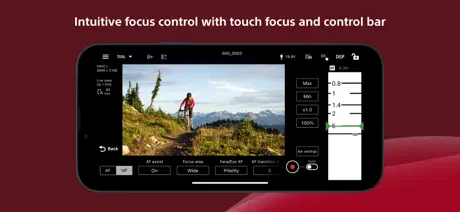
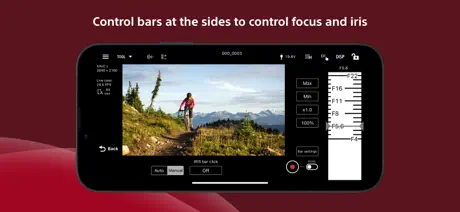
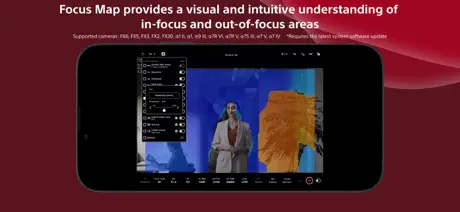
How much does Sony | Monitor & Control cost?
Prices are current as of 10 Sept 2026.
Sony | Monitor & Control has no in-app products on record in the United States.
10+ alternatives to Sony | Monitor & Control
| Sony | Monitor & Control |   DJI Ronin DJI Ronin | 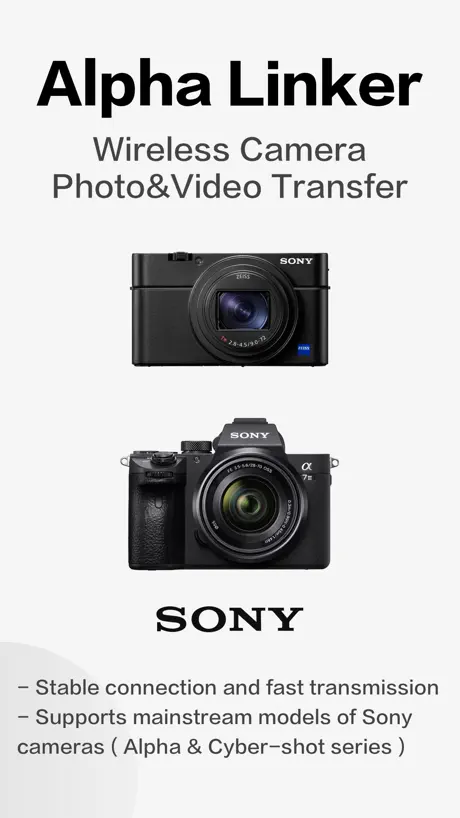  Alpha Linker - Camera Transfer Alpha Linker - Camera Transfer |  DaVinci Resolve for iPad DaVinci Resolve for iPad | 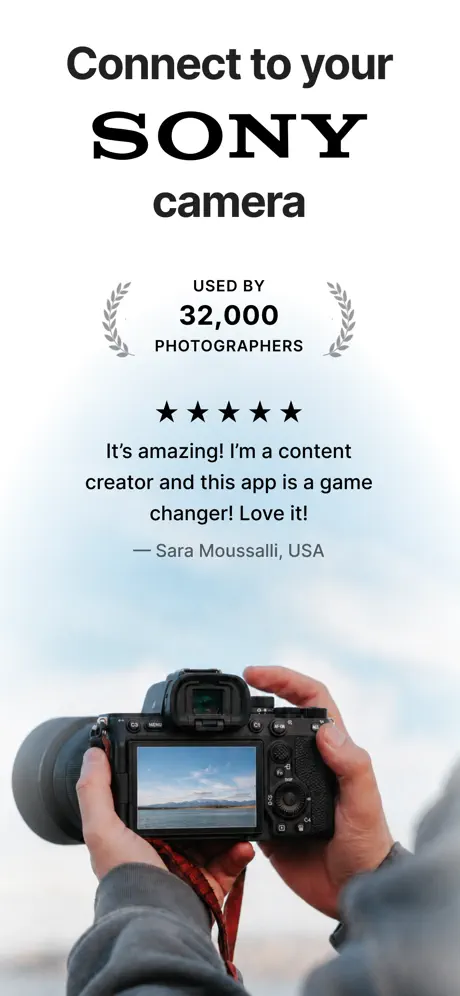  Shutter+ Sony Camera Remote Shutter+ Sony Camera Remote | 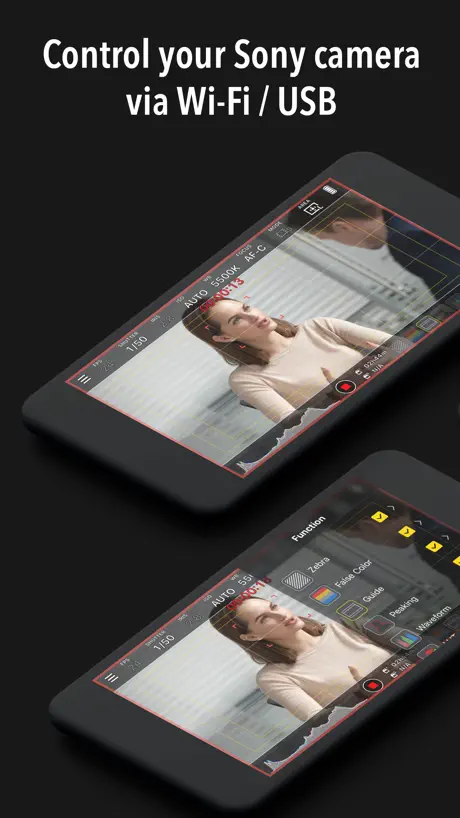  Monitor+ Monitor+ | 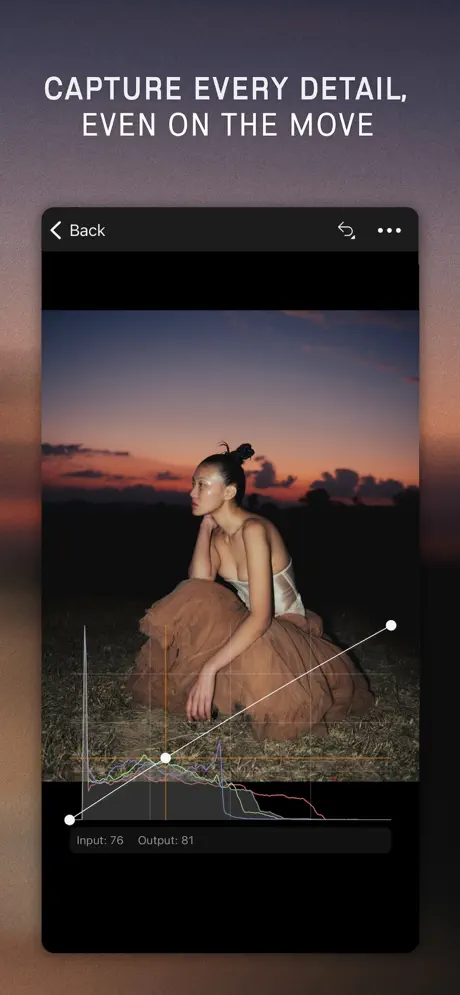  Capture One Capture One | 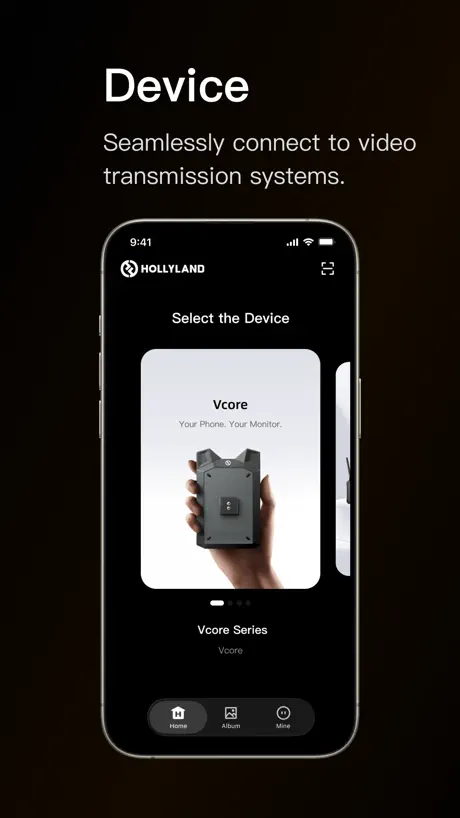  HollyView HollyView |   Blackmagic Remote Monitor Blackmagic Remote Monitor |   Accsoon SEE Accsoon SEE |   Shot Designer Shot Designer | |
|---|---|---|---|---|---|---|---|---|---|---|---|
| Rating / 5 | 4.4 | 4.7 | 4.5 | 4.5 | 4.2 | 3.5 | 3.3 | 2.8 | 3.5 | 3.5 | 3.8 |
| Reviews | 2.8K | 34K | 22K | 14K | 2.3K | 2.1K | 1.5K | 288 | 202 | 192 | 40 |
| Released | 2023 | 2017 | 2023 | 2022 | 2019 | 2021 | 2022 | 2019 | 2023 | 2022 | 2012 |
| Monthly price | — | — | — | — | $3.49 | — | $10.99 | — | — | — | — |
| Annual price | — | — | — | — | $24.99 | — | $109.00 | — | — | — | — |
| One-time price | — | — | $9.99 | $94.99 | $65.00 | $18.99 | — | — | — | — | — |
The going rate for each plan in United States, in its own currency, shaded from the cheapest price on the row to the dearest.
Sony | Monitor & Control reviews
4.4 out of 5, based on 2,752 reviews.
What people like
- Better connection stability than the Creator app.
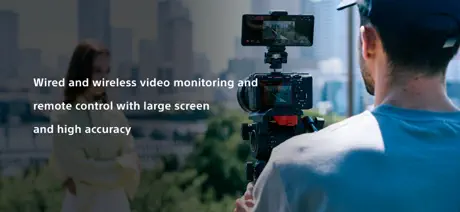
- Useful remote monitoring while filming videos.
- Users would happily pay for better features.
What they complain about
- No focus peaking for precise manual focusing.
- Portrait mode cuts off the image badly.
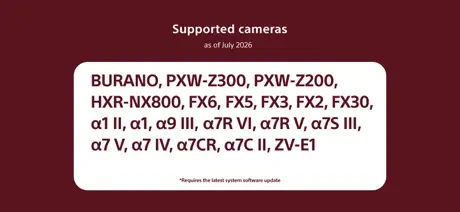
- Fails to connect with many newer cameras.
Awesome! But you know what would make it AWESOME(er)
You know what would be cool? If the M&C app had a slate on it! Because the app controls the camera, it already has all of the connections and information in it, so this app would be perfect for this.
Terrible
It don't work
Only One USB-C Connection?
Pretty great product, but I’m surprised multi-camera does not work with a wired USB-C connection… nor does audio.
Doesn’t work half the time
Doesn’t work half the time needs to reconnect every time we close your phone overall to satisfied.
6700!
6700呢!
Great
The best app ever
A7c
Pls add Sony a7c...
No focus peaking
Best app just missing focus peaking
No focus peaking
There is no focus peaking
lut监看在哪?
a7r5也没个lut监看?
Love it!
With this app I can use my phone as a monitor while am filming which is amazing!
Sony nerfed the a6700?
There are vids on youtube of this working without issue on the a6700, months before the december update…So why am I getting an error message that I need to update the a6700 system software (firmware) to use the app? I have FW v2.00 installed and it came out in June ‘25. What’s the point of buying your gear if you’re gonna nerf it on a whim?
Great App, but…
I would LOVE it if you could address the vertical issue. In landscape mode this app is a dream but turn it vertical and it’s a different story. The image from the camera is tiny and unusable.
Why is full photo access required to download proxies?
When trying to download proxies from my NX800 I got a popup saying "Permission to access Photos (All Photos) is required to import to Photos." Now I already allowed limited access to my photos library, and that includes add access. What is the explanation for this? Im not going to give any app full access to my photo library.
Missing functionality
What this app provides is fantastic. However it is missing audio levels as well as any sort of playback. It doesn’t make sense why this isn’t supported when I can just go to the menu on the camera and using the camera pad to playback. So it seems line it would be very easy to make it work and they just have not done it at all. Very frustrating.
Not 9:16 aspect raito
In portrait mode, it doesn't fill the screen.
Doesn’t work with FX6
Cannot get it to connect with Sony FX6 with 5.02 firmware.
Support more newer Cameras
Bring support the ZV-10M2. It would make sense a lot
Missing features make it almost useless
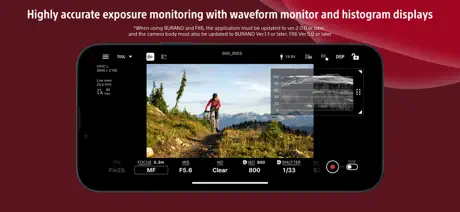
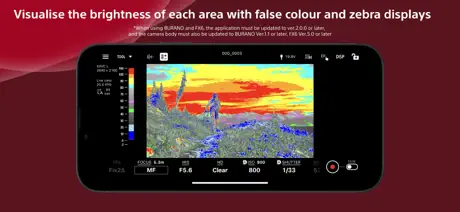
The positives: pairing with the camera is pretty seamless and the connection is stronger and more stable than the other apps I've tried. The negatives: this doesn't have a setting to show focus peaking, which is absolutely ridiculous. Making sure my focus is perfect is the #1 reason I use an external monitor. It also doesn't show your exposure +/- levels, which is the only other thing I'm consistently monitoring whilst shooting. All they had to do was make this the exact mirror image of the screen on the back of the FX3 and it would've been a home run. As is it's useless to me and I'll be going a different route for shooting.
连接不稳定
拍摄监看的时候一会就卡,画面不流畅。
Awesome
Clutch
Works with so few cameras
I own a Sony ZV-1, ZV-E10II and a A7C. This app connects to none of them. There are what 5 versions of the ZV and this app connects to one of them?
Audio Meters
Think of audio meter Its a force of habit. A must As a reference not to ride the levels 🙏👍
No full screen portrait mode
No full screen portrait mode, such an oversight and simple update, why is it not being done?
竟然不能锁定横屏。。太坑了
锁定之后只能横屏。app内也设置不了。。
Better than creator app
Use it instead of creator app
Great Cameras Horrible Supporting Software
This app refuses to connect with my updated (1.20) a7rIV. And this is after going through the insanely convoluted process of updating the camera to current. 2 hours of research, attempts, following directions, and even finding a friend with an old enough iOS to run the update… and this app still will not connect. Do better, Sony.
A7C II ???
If you can make for a7iv … why not a7cii 😢😢😢😢
Missing Apple Vision Pro support
It feels like the iPadOS version of this app would work great on Apple Vision Pro. I’m not sure why it’s not available sometimes when you’re shooting in a well lit bright environment even the brightest phones don’t give you the ability to really compose your shots.
Still no gamma assist
If you shoot in slog just know that you cannot see gamma assist or add a lut in the app.
Hope sport USB swimming to iPhone
if you can do it I will pay for money
non functional with latest model sony camera..
this app is awful. does not work with my A7R V, which is the second most new and expensive camera that sony sells, excluding FX6/9.
Great app it just needs to support more cameras
This app is great. I really like using it and it connects to the Sony A7IV much better than the creators app. The issues I have are more requests: - Lack of full camera line support I feel like any camera released after the A7IV should be supported - Add audio record level display and controls - iOS compatibility I use an iPhone for a top down set up and it would be cool if the app could also work with the iPhone camera or at least Xperia devices. I know this is a stretch, but it’d be cool.
No Slog 3 to Rec 709 LUT support
The app has a lot of useful functionality but unfortunately not being able to import your own luts within the app make it basically useless as you can't really see the finished product all you get is a low contrast image. Its not really helpful on the A7IV for that reason.
Is it that difficult to make quality?
Is it really that difficult in the world of high end technologies to make quality monitor for your product? Ok, I might understand if it’s a startup from couple guys, but when such a huge brand as Sony does this…. What are those privacy checks for? Why there is no direct cable connection? You create high end cameras and can’t release a simple camera monitor powered by external device? Let people pay for it if it’s gonna work as it should but don’t ask to track my working location and photo gallery. I wanna control my camera on a bigger screen, not to save thousands of gigs on my phone, I have sd card for it
A request
Adding usb control over lightening cable would make older iPads usable with cable that would be nice I’m having issues connecting zv e1 to iPad 9th gen by usb but the other functions are just too good
Garbage
Doesn’t connect. Unreliable. Garbage. Constantly disconnects. Lags. Horrible app.
No Gamma Display Assist
Seriously why there is no gamma display assist? I mean this is one of the most usefull features on a camera! Would appreciate if you guys add this feature too!
Doesn't work via USB
With A7R-V (firmware 3 of course), you can connect via wi-fi, which is laggy, but via USB it keeps asking permission to access Files and Folder, you grant permission, it asks again and again in loop. If you go the Privacy and Security tab in Settings, M&C is not there. I know it detects the camera because once I connect the USB cable and pick "Remote Shooting" in the list, the popup asking permission immediately shows up, but it doesn't matter, tapping ok keeps the app in this annoying loop. It's a promising app, but not there yet.
Metering Mode value
Why isn’t the MM value number on the app? for those of us that shoot in SLog 3 that doesn’t want to keep looking on the small screen on the camera.
Zve1
When its come for zve1?
It just stopped working
Worked great for a hot second then just refused to connect to my FX30 without me changing a thing. Made sure all firmware was up to date, reinstalled the app, etc etc. Nothing worked.
Support other Cameras
The app is not bad but I would recommend them supporting other cameras in the Sony lineup.
It’s connects…. But
Would happily pay for this app if it was more stable.. it will connect but the multi-camera features will not, tried to re-install a few times and no luck. I have had problems with this app in the past but my patience is getting thinner every time I open this
Awesome Monitor App….But….
I have been doing some work with my FX30 using this app on my iPhone 16. And I’m impressed. One thing I am noticing is noticeable frame drops as I’m recording/monitoring. This issue happens no matter what frame rate I’m recording at. I hope this gets resolved.
Support for cameras
Could you please announce when you will be able to support the new cameras you put out since 2020(a7IV)
Needs update
I used the multi camera monitor all the time, updated my iPad and now it no longer works. Please please update this app so it works as intended again
A6700 Support
Any plans to include the Sony A6700 in your supported camera list? Thanks!
Doesn’t work with A7r5
Oh well
A7R4什么时候支持
不能不管专业相机的软件适配啊
Sony | Monitor & Control FAQ
- Is Sony | Monitor & Control free?
- Yes. The app is free, in all 131 countries it sells in, and it sells nothing inside it.
- Does Sony | Monitor & Control have a free trial?
- No. None of its offers (US) come with a free trial.
- What are the best alternatives to Sony | Monitor & Control?
- DJI Ronin (4.7 from 33,662 reviews), Alpha Linker - Camera Transfer (4.5 from 22,091 reviews, premium from $9.99) and DaVinci Resolve for iPad (4.5 from 13,807 reviews, premium from $94.99).
Sony | Monitor & Control download
Last updated 2 months ago.
Sony | Monitor & Control sells in 131 countries. It was released 3 years ago, on 11 Sept 2023. It holds a 4.4 rating from 2,752 reviews.
Supports 19 languages: English, Czech, Dutch, French, German, Indonesian, Italian, Japanese, Korean, Norwegian Bokmål, Polish, Portuguese, Russian, Chinese, Spanish, Swedish, Thai, Turkish, Vietnamese.
How much does Sony | Monitor & Control make?
Third-party estimates for the last 30 days, worldwide — not the store's own figures, which Apple publishes for nobody.