
HollyView
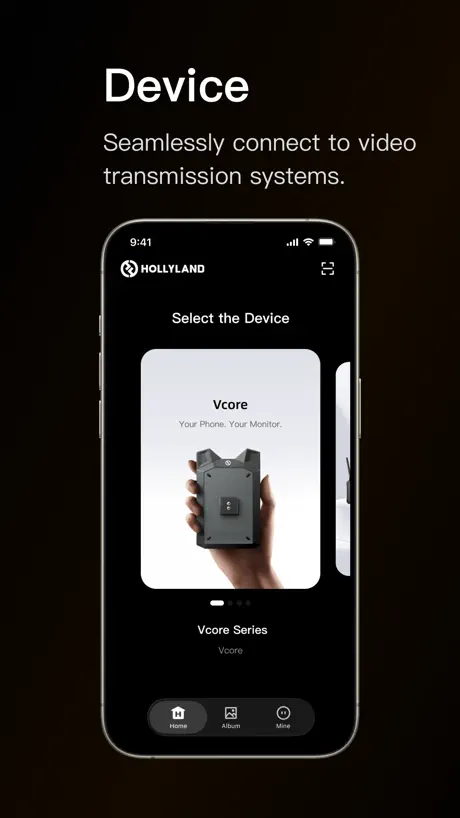
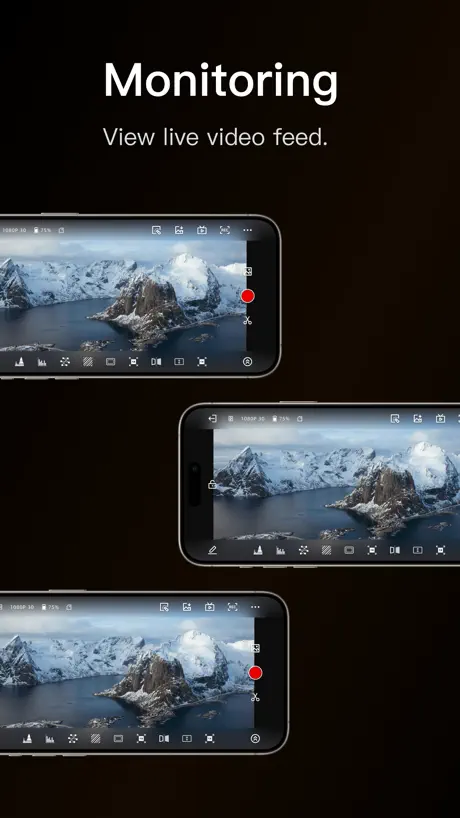
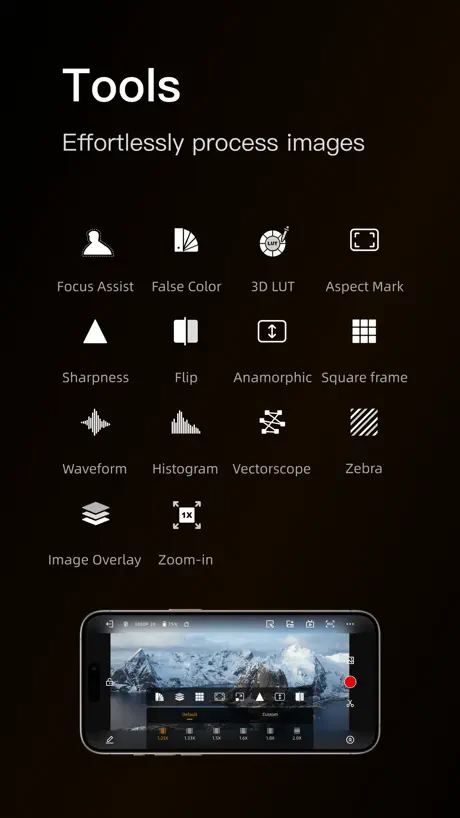
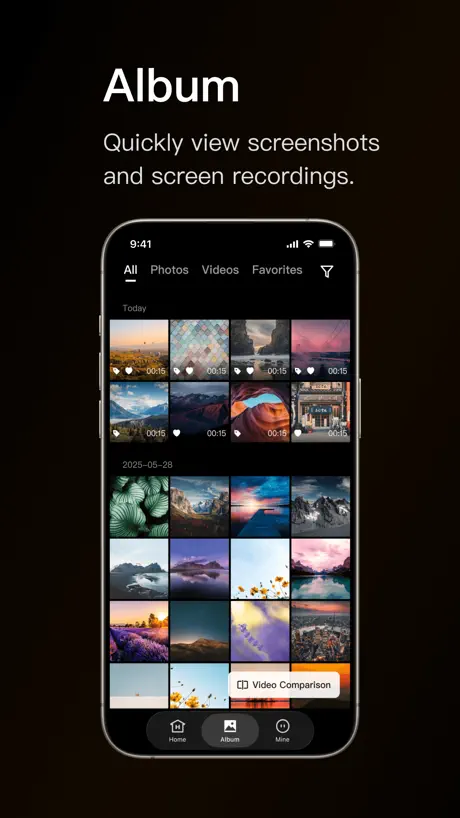
How much does HollyView cost?
Prices are current as of 12 Sept 2026.
HollyView has no in-app products on record in the United States.
10+ alternatives to HollyView
| HollyView |   DJI Ronin DJI Ronin |   Sony | Monitor & Control Sony | Monitor & Control | 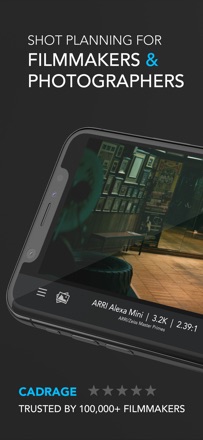  Cadrage Director's Viewfinder Cadrage Director's Viewfinder | 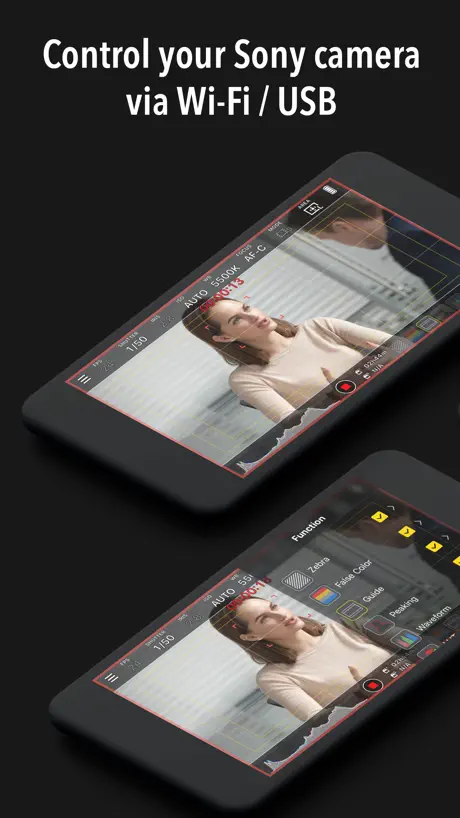  Monitor+ Monitor+ |   Accsoon Accsoon |   Blackmagic Remote Monitor Blackmagic Remote Monitor |   Accsoon SEE Accsoon SEE |   RED_CONTROL RED_CONTROL |   Shot Designer Shot Designer |   Vuer HDR Vuer HDR | |
|---|---|---|---|---|---|---|---|---|---|---|---|
| Rating / 5 | 2.8 | 4.7 | 4.4 | 4.7 | 3.5 | 3.7 | 3.5 | 3.5 | 4.3 | 3.8 | 2.4 |
| Reviews | 288 | 34K | 2.8K | 2.2K | 2.1K | 204 | 202 | 192 | 153 | 40 | 32 |
| Released | 2019 | 2017 | 2023 | 2014 | 2021 | 2017 | 2023 | 2022 | 2020 | 2012 | 2020 |
| One-time price | — | — | — | — | $18.99 | — | — | — | — | — | — |
The going rate for each plan in United States, in its own currency, shaded from the cheapest price on the row to the dearest.
HollyView reviews
2.8 out of 5, based on 288 reviews.
What people like
- Connection stays stable during long shoots
- Video display quality is really good
- Works well for showing clients footage
What they complain about
- LUTs show wrong colors or black screens
- App often fails to connect to devices
- You must turn off cellular data first
Works well
Pretty impressed with the quality of my Mars 4K. The app could be even better with a few features: 1) make the auto brightness optional. 2) there is a single line of code to hide the iOS application bar. 3) true display out support (not mirrored display).
Worked for a while
Used with my Mars400sPro for a few years and although glitchy at times, mostly worked. Now digging back out my 400sPro and tried multiple devices with the same result - the app not recognising that the phone/ipad is connected to the wifi and just says no devices found. When manually trying to connect I get no feed at all rendering this purchase now all but useless.
App Not Working on iPhone?!?
Turn off your Cellular Data! 💥
Data security
Sorry Holliland, but data security is a thing in Europe. Why do you need access to my location? App stops working when location setting is set to „only when using app“. You don’t need my location when I don’t use the app so don’t make it mandatory!!
OK with 2 huge issues
1. Works decently but requires you to enter the serial number of the transmitter EVERY SINGLE TIME you go out of the app and back in. 2. The app requires you to provide your location before it will work. This is an invasion of privacy. Please fix these issues Hollyland.
Works well
Recommended App. Displays video well. Thanks.
App doesn’t work
I have had the mars M1 monitors for about 6 months now. So far the app only works on my oldest iPad and oldest iPhone. My iPhone 15 the app never works no matter what monitor I use or the separate transmitter. If you are looking for professional quality this is not it. I would recommend.teredeck, Atomos or small hd over the HollyView sorry HollyView your customer service is terrible so is your app.
Nice
The app works fine, but LUTs work incorrectly giving very strange colors. And also I have to turn on all the features like LUTs or zebra again each time I go out and back into the app. Please fix it.
正確な位置情報とモバイル通信が必要
なぜこの二つが必要なのかわからない。 許可しないと使えないのだが、裏で何を送っているのやら。
Update won’t work and connect live stream to phone
Just loaded the update, normally not too bad but this update won’t connect to iPhone or iPad device to live view . I’ve tried every way , followed instructions but simply won’t work Make Sure you are not using version V3.2.10 only before or later
Works great!
This app works really well. I think the bad reviews are old. I have no issues!
Worst app I’ve ever used
Doesn’t connect to phone
バージョンごとに完成度が上がっている。
アプリの使いやすさや機能性、接続の安定性がバージョンアップごとに改善されていっている。製品の完成度を向上させようとするメーカーの姿勢はとても評価できる。日本語対応も大きい。 現状のバージョンだと、 (1)拡大表示、フレーム表示、ヒストグラム、ウェーブフォームのどれか一つしか同時に表示できない (2)拡大表示とフォーカスピーキング表示を併用をした際にフォーカスピーキングの表示が上に被る (3)アプリのトップ画面が横向き表示できない 点が不便なので、改善してもらえるとありがたい。
Lastest update left record unusable on iPhone SE
This latest update has moved the record screen button so close to the edge of the screen on the IPhone SE that it is impossible to press record. Also the new interface is much more clunky where as before you edit each icons parameters buy holding down on the icon now you have to go through the layers button. Not great I’m afraid preferred the previous software.
Still no luts
Why can I still not import luts?
Amazing
This work great for showing clients what I am filming
barely works
it only works on iphone. ipad is just a black screen after clicking connect. macos it doesnt even detect connecting to the wifi to light the connect btn up.
iOS 14?
I got this to work on my not yet updated iPad but can not get it to work on my iPhone 10r iOS 14. Just keeps saying there’s no signal from the camera as I’m watching the signal on my iPad. On iPad it works great. Not sure of all the functionality of the buttons yet. Focus assist seemed to do nothing. Zebras and false colors worked. But I just started using it last night. Thanks, Dean
Outdated support. Could be a winner with more support
How do I remove all the LUTs that the app comes with? I want to add my own but I can’t delete the presets!! I can’t store any without deleting them…so that update is useless to me. Please help. There is no folder created on my device so I can’t use the file path method…. Other than that, I am happy it doesn’t constantly crash anymore. I started using again after they fixed the app. Without APP support this product is not special. Accsoon app is much much better.
iOS
Подскажите, пожалуйста, какая минимальная версия iOS поддерживается?
No sirve
No es lo que te prometen
Actually works but read this review to avoid a headache
So on cellphones and tablets that have cellular service BE SURE to turn the service OFF when attempting to setup the app with your Hollyland device. Spent several wasted hours trying to get the HollyView app to work. Even though the transmitter/receiver worked perfectly with our camera,s external monitor during testing, the app would never connect and would simply give a generic message. NO WHERE is anything documented that says you need to turn off your Cellular Data under setting on your phone/tablet first. Then on the phone/tablet connect to the wireless network SSID being broadcasted by the Hollyland 400/400S. Default password is typically 12345678 but it can be changed in the app once it also is run and connected to the transmitter (just use the default first). With the cellular Data turned off on your phone or tablet you should have no problem. I could have saved myself HOURS had they actually documented this, but at this time nothing. My headache is your gain. The app deserves 5 stars but the ****poor documentation deserves none. Anyway, you are welcome.
Can’t view installed LUTs
The screen goes black anytime I turn on any LUT I have installed. The ones that come pre installed work fine though. Maybe you should support more cameras with basic luts.
Needs de-squeeze option
Works good but needs de-squeeze option!
Update broke it
It won’t connect anymore. Tried adding serial, nothing.
Working well now!
I just did a full day shoot with 2 clients connecting on phones with my mars 400s all day long. I was able to power down and up again many times and they were still connected! Seemed very stable!! - Good work on this latest upgrade. It really made a huge difference in the days shoot and clients were super happy. Thanks!! For the future: if there can be added any advanced functions like adding LUTS or at least contrast, so we can view raw footage not as low contrast images would be terrific to have and really make this shine.
Works well close
Really great close up with my iPad but seriously struggles 25m away outdoors with clear line of site! On a new iPad Air 2022 Shame was hoping to use iPad as client monitor
Wireless monitoring issue.
I purchased 2 sets of the HL 400s and in the beginning I was able to scan the QR code and monitor things right from my iOS device. Now with this new update I cannot view the wireless feed, I keep getting an error to check input device. But everything is connected. I have even hooked up to an actual monitor display to the RX via HDMI so I know the transmitter and receiver are working but I feel as tho it’s a firmware issue with the physical hardware firmware. I looked to see if there is an update packet for the Hollyland Mars 400 but I couldn’t find anything. Still waiting to hear back via email that was sent to the manufacturer Hollyland. Over all these do as expected and work well for the applications in which I use them for. Although it would be nice not to have to carry around a computer monitor everywhere, would like to have the wireless view working.
Just trash.
Spent hours (hours) trying to update the firmware on my Mars 400S Pro, including the USB method as described on the support page. No dice.
It works if you turn off some settings.
On my iPhone, I had to turn off the cellular data. App version 2.4.5 /iOS 13.2.3 On my iPad, I turned off Bluetooth. After that, the video signals were able to pass through. Happy camper! Happy Holidays 🎄 everyone, and happy shooting! H
How many view version 2.9.4 crashes iPad Pro iOS 15.3.1
I use the HollyView app with my 400 S in my 400 S pro. On a job a couple days ago, the app randomly quits and also randomly reboots my non M1 ipad pros multiple times an hour. And that’s when the HollyView app is the only app running on the devices. I’m running the current firmware on the 400 S Ver 2.1.5.2 and on the 400S Pro Ver 1.1.1.9. H110 Please HOLLYLAND FIX this issue so we can reliably use your product and a job. I’ve paid for over $400 for each of these systems (400s and 400 s Pro). Maybe I’ll try the Accsoon CineEye 2S Pro Wireless System?
Doesn’t work on all my devices
It only worked on my iPad Pro 12.9 (2020). I’ve tried it on an iPhone 11 & 12 Pro Max and keeps giving a message to “Check Input Source”.
Deserving of Zero Stars
Nothing but an absolute headache. Constant glitching, constant freezing, constant WiFi issues, constant bullsh*+. Constantly infuriating me as a director not able to see the wireless monitor on my iPhone or iPad like I should be able too. I sincerely hate this app with a passion. Horrible experience
Worked great until App Update
Can’t connect my 400s anymore to the app. v2.7.4 worked fine. Please have an downgrade available, or make it work again. I use this for professional use, and its frustrating and bad if the app doesn’t work and clients have no preview (the soul purpose of this app) (When it worked in the past it was great)
日本語が欲しい
伝送距離は、室内では充分だと思うが発熱量が多い気がする。
It’s been better
Your latest update has caused the app not to communicate with neither one of my transmitters or receivers please fix Update 10-22-2023 Still will not link with receiver
Надо улучшать
черный экран при экспорте + сильная компрессия сигнала. С коннектом проблем нет, все быстро и запоминает связанные устройства
Used to work
Used to work, accidentally updated and now it doesn’t.
Good with the devices, but LUTs not working
The app generally seems to be well thought out, but as of the current version something seems to be wrong with LUTs, which gives them all a strange purple colouring at certain luminances. That makes the LUT option with log shooting pretty useless at the moment - if fixed soon that would make for at least a couple more stars on the rating!
HollyView FAQ
- Is HollyView free?
- Yes. The app is free, in all 175 countries it sells in, and it sells nothing inside it.
- Does HollyView have a free trial?
- No. None of its offers (US) come with a free trial.
- What are the best alternatives to HollyView?
- DJI Ronin (4.7 from 33,662 reviews), Sony | Monitor & Control (4.4 from 2,752 reviews) and Cadrage Director's Viewfinder (4.7 from 2,198 reviews).
HollyView download
Last updated 26 days ago.
HollyView sells in 175 countries. It was released 7 years and 5 months ago, on 26 Apr 2019. It holds a 2.8 rating from 288 reviews.
Supports 9 languages: English, French, German, Japanese, Korean, Portuguese, Russian, Chinese, Spanish.
How much does HollyView make?
Third-party estimates for the last 30 days, worldwide — not the store's own figures, which Apple publishes for nobody.