
Yubico Authenticator
2FA with YubiKey
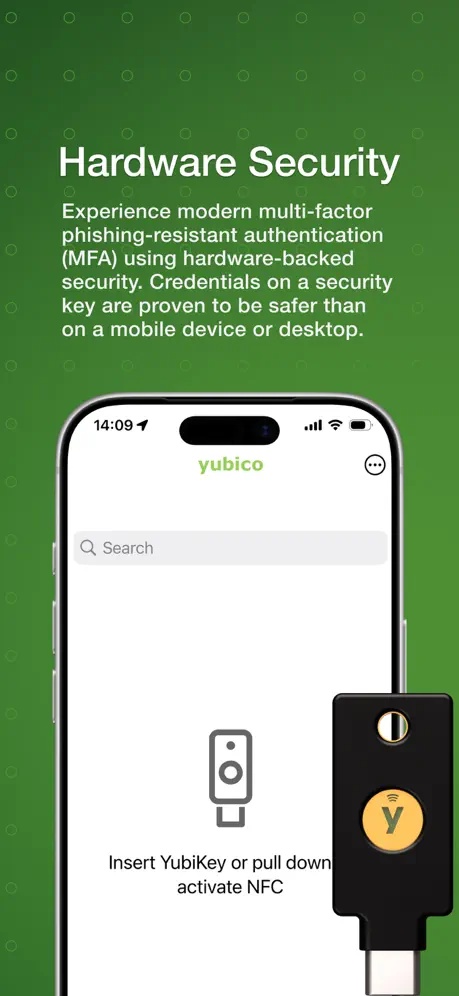
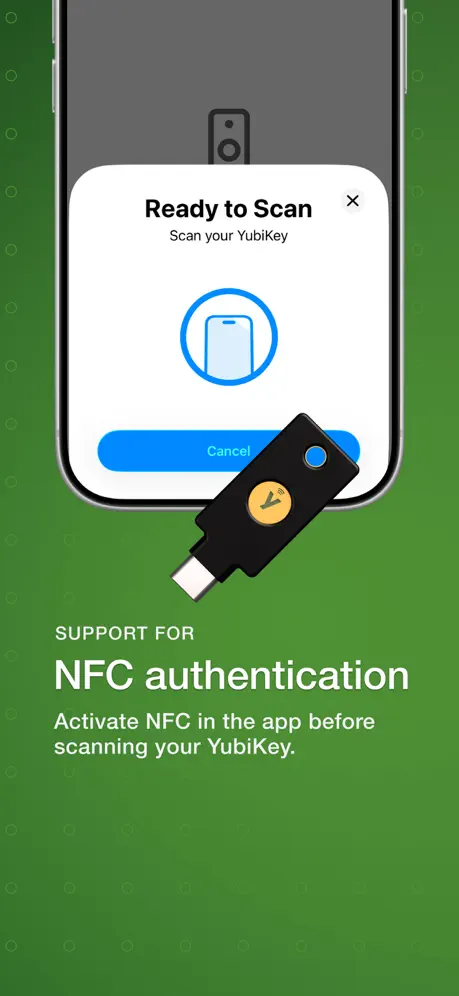
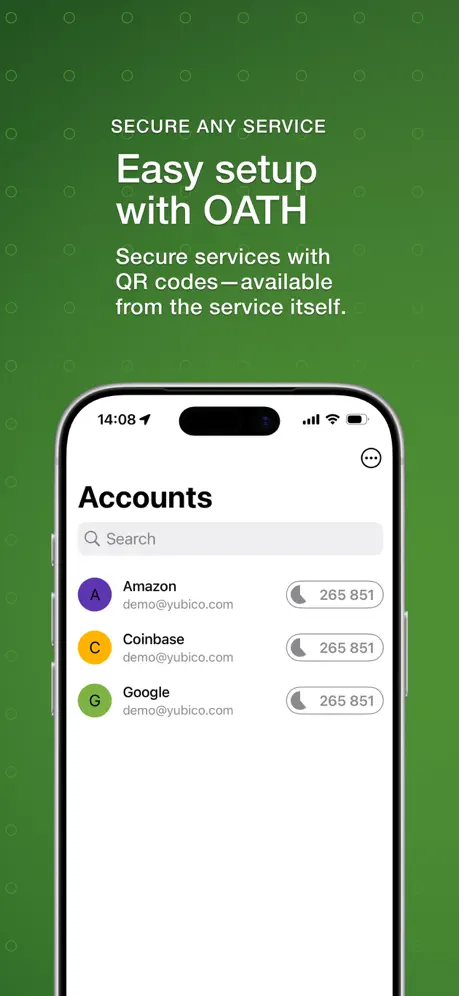
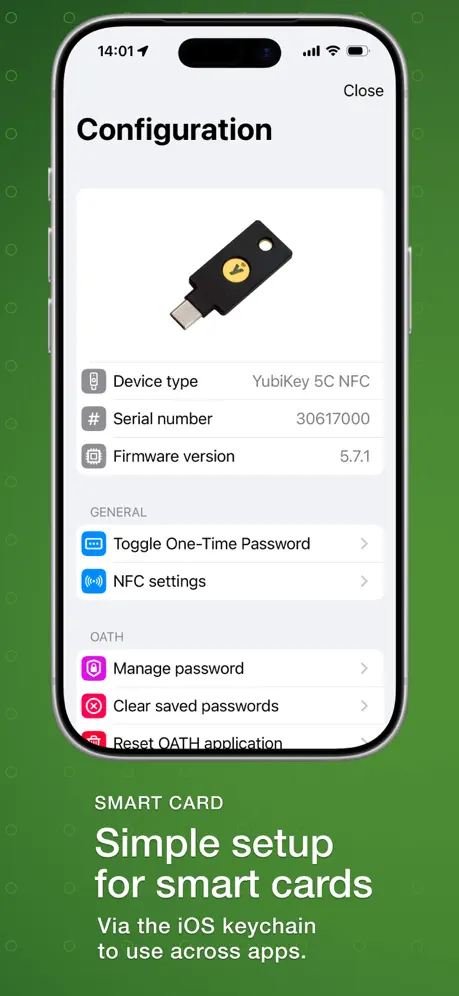
How much does Yubico Authenticator cost?
Prices are current as of 10 Nov 2026.
Yubico Authenticator has no in-app products on record in the United States.
10+ alternatives to Yubico Authenticator
| Yubico Authenticator | 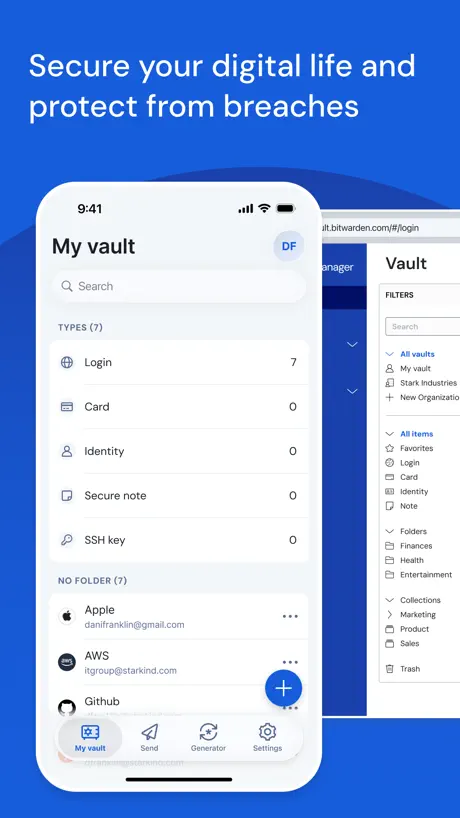  Bitwarden Password Manager | 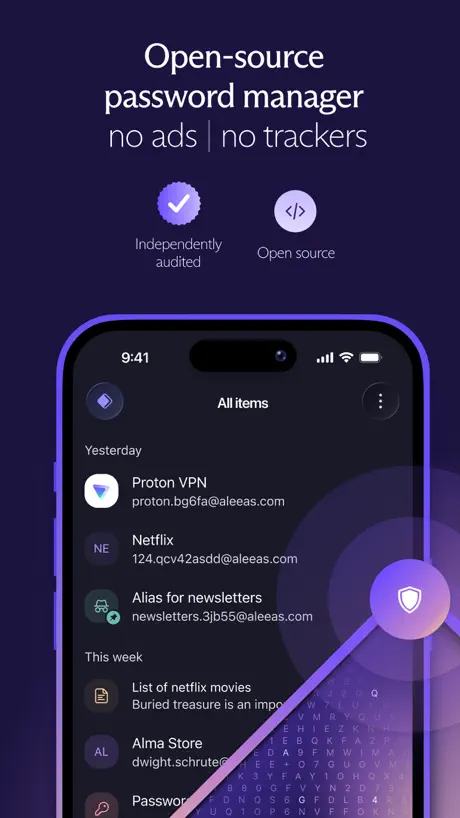  Proton Pass - Password Manager |   Tuta Mail: Secure Email |   Proton Calendar: Secure Events |   Proton Drive: Cloud Storage |   Lumo AI by Proton |   Proton Authenticator & 2FA |   KDE Connect |   Bitwarden Authenticator |   UniFi Design | |
|---|---|---|---|---|---|---|---|---|---|---|---|
| Rating / 5 | 3.7 | 4.7 | 4.8 | 4.7 | 4.0 | 4.1 | 3.9 | 4.5 | 4.3 | 3.9 | 4.1 |
| Reviews | 892 | 102K | 25K | 15K | 4.5K | 4.4K | 1.8K | 1.8K | 1.3K | 397 | 17 |
| Released | 2019 | 2016 | 2023 | 2014 | 2022 | 2022 | 2025 | 2025 | 2022 | 2024 | 2024 |
| Monthly price | — | — | — | $3.99 | — | $9.99 | $12.99 | — | — | — | — |
| Annual price | — | — | $35.90 | $39.99 | — | $95.99 | $119.99 | — | — | — | — |
The going rate for each plan in United States, in its own currency, shaded from the cheapest price on the row to the dearest.
Yubico Authenticator reviews
3.7 out of 5, based on 892 reviews.
What people like
- Makes account recovery much faster.
- Provides strong security for your accounts.
- Works perfectly with NFC YubiKeys.
- Developer provides helpful personal support.
What they complain about
- PIN entry blocks the on-screen keyboard.
- Setup process is confusing and clunky.
- Does not recognize keys on some devices.
- Interface looks outdated and lacks dark mode.
Best of the best
Leaders in a field of many but only one stands out ! Good job!
App is still broken.
Good luck trying to reset FIDO application, just get an Unspecified Error. Every time.
iOS and On Screen Keyboards
For iOS only-If you have password protected keys or pin protected OTPs the app will prompt for either to be entered. The issue being the key is recognized as an external keyboard which disables the on screen keyboard. The OSK is needed to unlock the key. There are two ways around this. 1. Copy your password or pin before you plug in then paste into the password prompt or 2. Save your password and pin to your password manager. Not sure if it’s possible to prevent disabling the OSK so the password can be filled prior to the key being recognized as an external input device but it would be great. Thanks!
Disappointing Experience
I expected this app to be much easier to use, but it was disappointing. The setup process is confusing, and the interface isn't very user-friendly. It took too much time to get things working, and the overall experience wasn't smooth. I hope future updates improve usability and make the app more reliable.
Works fine, could use polish
Please update this app to reflect automatic dark icons in iOS 26. As it stands, this app sticks out like a sore thumb for its insistence on an inflexible branded app icon.
Love this app
Easy to use with my yubikey 5ci
Accessibility
It’s a shame that companies like you do not think about putting in Accessibility for those who are blind or visually impaired such as my cell. I would like to secure my accounts as well! But because the lack of Accessibility that’s impossible.
I really like a Hardware over SMS or App based 2FA
However, I feel the way the App handles keys with a PIN code set is clunky. You scan, then I asks for the PIN, then you have to scan again. I would be nice if I could retain the connection while you put the PIN in. Somthing like that.
yubico auth is not recognizing my ipad
plugged in my yubi key to the ipad port and saw that yubico auth still shows “Insert your YubiKey”however it does work on my pc
useless on iPad 10th generation
I plug in my YubiKey C Bio and it only flashes 3 times then quits. I can’t even access the configuration of the key. Y is this? My iPad is now my only device
Yubikey 5ci
Touch the side recently stopped being recognized in iOS 26.1
Doesn’t work on iPhone either
Wow. Just wow. I couldn’t get this to work on my android. So I bought an iPhone 17 (for this among other reasons). And it won’t work on IOS either! “The requested functionality is missing or disabled on this yubikey”. What the hell, man! Really?!
Just works
I use this quite basically and am not a power user, but it just works to generate OTPs from my NFC YubiKey.
Lastest update!
I have purchased 4 of these keys now it asking for a password to prevent unauthorized access this yubikey is protected with a password I never put in. Now all 4 of my keys are not working unless I put in this dam password . SMH . Look for something else unless you want to pull out all your hair from being frustrated.
Great idea, one big oversight
Not being able to set multiple yubikeys to the same account just seems bizarre, considering having a backup key is almost essential for a good cyber security setup. Creating 2 versions of each account is a clunky workaround and could cause issues if you don’t know which version to use when requested.
Confusing at first, but simple to use
The manual online is too confusing. Thankfully, Yubico uploaded a YouTube video to show how to use the app, which cleared things up.
IOS Incompatibility for USB-C Bio
I’ve never been able to get my BIO key to be read by this app on my iPad Pro or my iPhone 16 Pro Max. My key itself does work when I attempt to use it on both devices, I just can’t manage it on them.
Need help
Hi, installed the laptop version, then proceed to enable a PIN to lock my Yubico key, But now I couldn’t find a way to remove the PIN ! any advise?
Update broke the app
After updating to latest version it keeps trying to log me in after in already logged me in. I see all my codes for my accounts but it just keeps trying to log me in over and over again.
The app seems problematic.
When I inserted the key, Face ID continuously scanned my face, and I couldn’t figure out what was happening. As mentioned earlier, I’ve also experienced this issue.
It does
only what it is meant to
Waste of time.
Yubikey 5 NFC. What’s disappointing is that it only shows you time-based authentication codes. Why can’t the key be used for actual authentication? Ridiculous. Why can’t I just press the key and away we go? Also where is the Yubikey Manager app for iPhone? Come on now.
Please add an iOS 18 native dark mode icon
Please add an iOS 18 native dark mode icon it’s now 2025 and iOS 18 has been here since September
Can’t Scan QR Code
I have allowed the app permission to use my camera and it still doesn’t show the camera when I go to scan a QR code. It’ll only let me manually enter in a code, which is a pain. Please fix. iPhone 16 Pro. iOS 18.5. App v1.12.2 (build 191)
issue with saved key
app on ios throws a fit when i use nfc and when i try to login with my google key on google site, says i have no key named google, the nfc issue it throws a fit saying my yubi key setting is disabled but i know its not it works on any other device,... i have key c nfc
Yubico
Got one trying it now on. Online now.
BS
Opened app it says scan and shows a phone rocking back and forth but no instructions. It does nothing and I can’t tell if it wants me to scan via NFC or take a picture of the QR code. Neither work. Sending this back.
Small issue
I was unable to use the keyboard while my key was plugged into my iphone. Not sure if that is a bug or feature.
Code not displayed
What happened to the app? Calculated code no longer displays.
Still having issues
For some reason some of my saved items have not been able to work n I had to delete my NordVPN
It’s not only tablet friendly it is easy.
It saved me from 1hour to 2 minutes to get my account back. No more codes. Except yahoo stopped use of keys. Download app , manually or QR as used manually. Put email in the go to phone settings for seconds validation state use keys apple will guide you through. Apple requires 2 keys.
Doesn’t work
Doesn’t recognize either of my USB keys when I plug them in. I know they work though as I use them to authenticate to other apps.
App Crashes when using physical USB on IPadOS
Okay so this may be confusing to explain via text; When plugging in my Yubikey 5 NFC (Firmware version: 5.2.4) into my iPad Pro (12.9-inch - 6th generation) using a USB-Dock/Hub the app will repeatedly crash until the Yubikey is removed. Otherwise the app works perfectly fine on my iPhone via NFC, only issue is with my iPad.
Needs dark mode icon
It’s been long enough that you guys should have come up with a dark mode icon. It’s one of only two icons on my home screen that doesn’t have it. Will change the score to 5 once you create a dark mode icon.
Works well but room for improvement
Kind of clumsy to use. Hard to keep key in my at all times. To many stores to get into things. Definitely slows down process. Often faster to just use an Authenticator app. Would be much easier with Apple Watch support and nfc. I have the nfc yubi but Apple Watch support would be great
Great Simple App
Is great
Never works
Never works on iPhone. What a waste of money.
Love it!
No complaints at all, it’s working very smoothly with my NFC key. I can’t give 5 stars for one personal reason, I’d love to export all my accounts in one go to make a new spare key, like another Authentication App (G) Hopefully one day they’ll add this feature!
So far
Problems with trowe price and Apple account, but the idea is good but I think it creates more complexity then needed!
Secrets
This app is great except for one problem. I can’t use the secret(s) that many apps and services give when setting up 2FA. I have to go into notes app and remove the spaces and THEN use it on the Authenticator, otherwise it won’t work. Can you please fix that?
Excellent
It took me a minute to figure it out, but once I did it became my preferred Authenticator app and my preferred backup method for my yk5c. I also appreciate the developer reaching out to assist, though I had figured it out beforehand.
USB-C Bio does not work on USB-C iPhone?
Bought one in hopes to use the USB-C bio on all my USB-C devices. Well… it shows it’s receiving power but the app won’t recognize it?
Recent update changes how details are shown
Since the latest update when I unlock the app no codes are shown. I have to select the one I want and use the key again. So now a 1 step process has changed to a2 step. Not sure why.
Rubbish
The app doesn’t work with the key. Key works with USB-C on other devices and apps. Barriers like this would put non-enthusiasts off security for their device/accounts.
Good for 2FA, wish it had management as well
It’s nice this app supports TOTP but I wish it had management capabilities as well so I didn’t have to use a computer.
Fantastic App
I feel so much safer now I have locked down my accounts with this app. Thank you for a great app. The only wish list item for me is to make the UI more colourful, it all looks a bit drab especially the dark mode.
Unable to pull down to activate NFC for
Not allowing to pull down to activate NFC for auth code and not recognizing the yubikey nfc tap.
Needs to order the accounts
It works well, but it needs to arrange the accounts in alphabetical order like the MacOS app does.
Ugly
Not nearly as pretty or useable as something that feels more native like Step Two
can’t access a password protected 5Ci yubikey
My yubikey 5Ci is password protected. I open the Authenticator and insert the yubikey. A prompt says the key is protected and says I must enter the password, fair enough, but there is nowhere to enter anything and no on screen keyboard. Works fine on my iPad. IPhone is an SE original iOS 15.7.x
Yubico Authenticator FAQ
- Is Yubico Authenticator free?
- Yes. The app is free, in all 175 countries it sells in, and it sells nothing inside it.
- Does Yubico Authenticator have a free trial?
- No. None of its offers (US) come with a free trial.
- What are the best alternatives to Yubico Authenticator?
- Bitwarden Password Manager (4.7 from 102,002 reviews), Proton Pass - Password Manager (4.8 from 24,726 reviews, premium from $35.90) and Tuta Mail: Secure Email (4.7 from 14,808 reviews, premium from $3.99).
Yubico Authenticator download
Last updated 8 months ago.
Yubico Authenticator sells in 175 countries. It was released 7 years ago, on 5 Nov 2019. It holds a 3.7 rating from 892 reviews.
Supports 5 languages: English, French, German, Japanese, Slovak.