
Wake Me Up - Wake-on-LAN
Wake your computer up
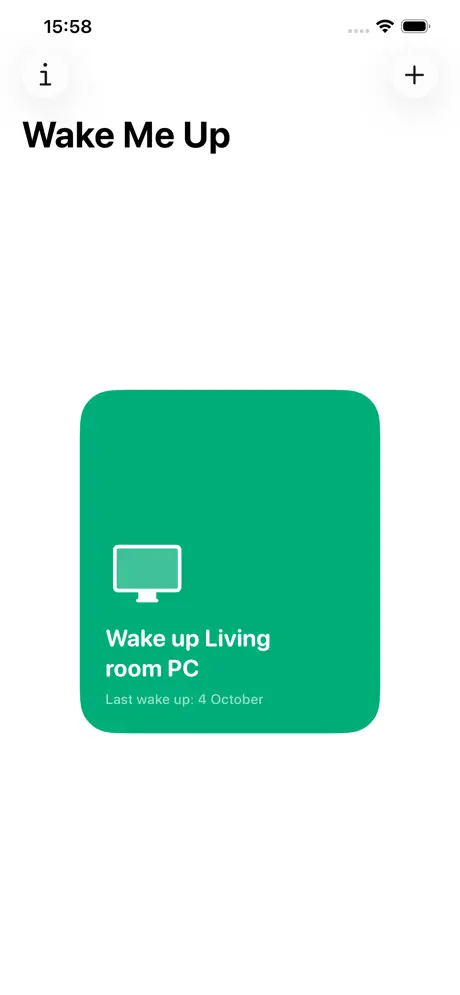
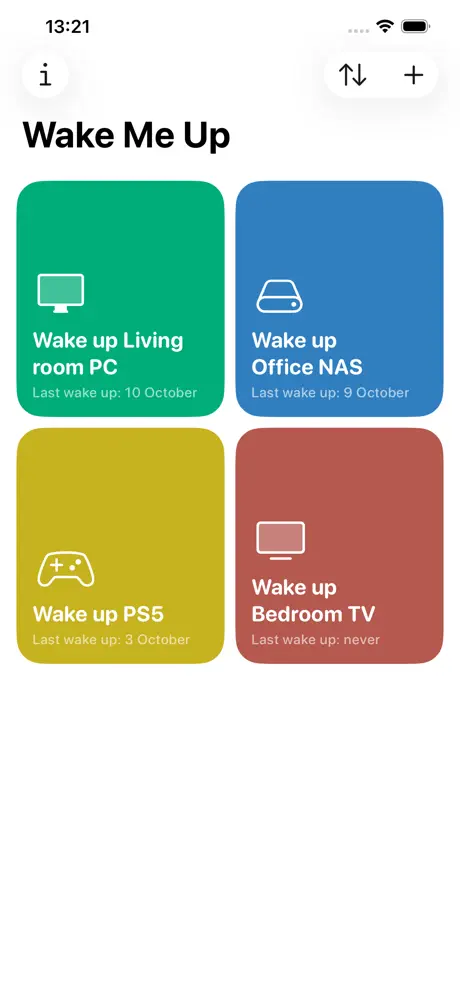
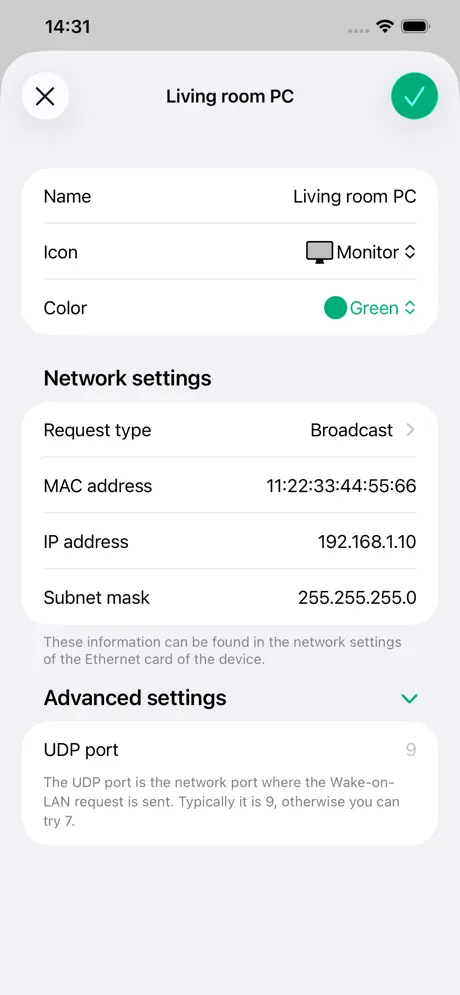
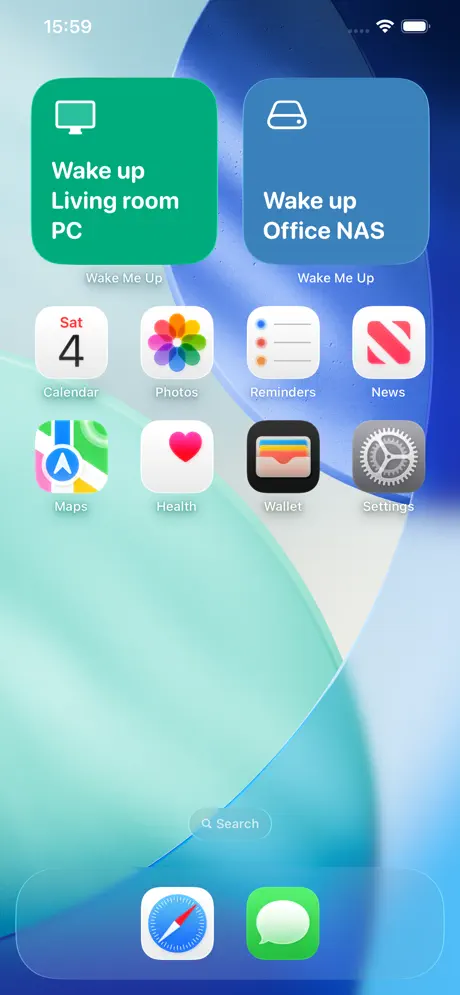
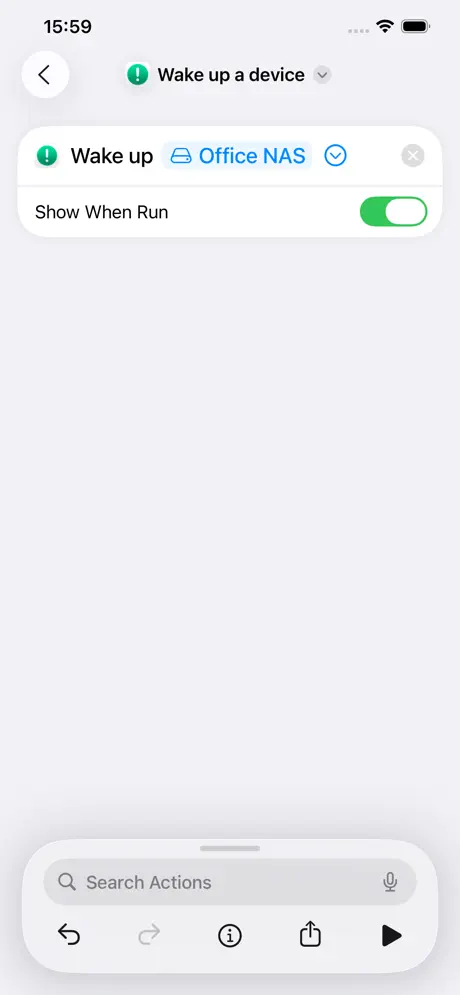
How much does Wake Me Up - Wake-on-LAN cost?
Prices are current as of 11 Nov 2026.
Wake Me Up - Wake-on-LAN has no in-app products on record in the United States.
10+ alternatives to Wake Me Up - Wake-on-LAN
| Wake Me Up - Wake-on-LAN | 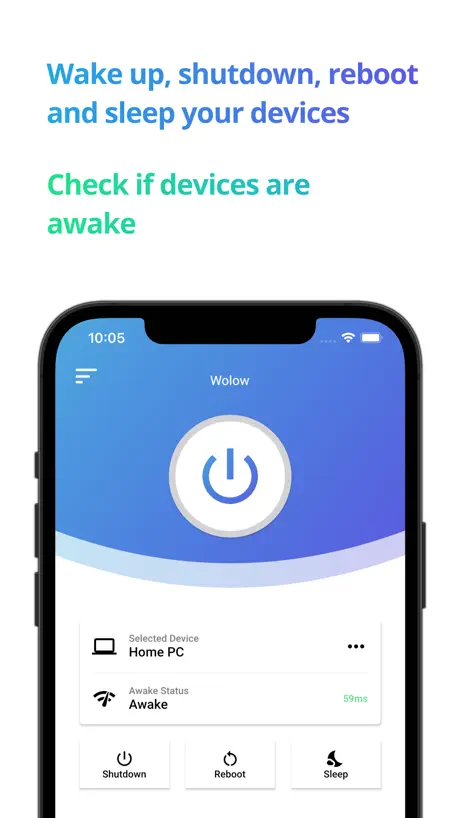  Wolow - Wake on LAN | 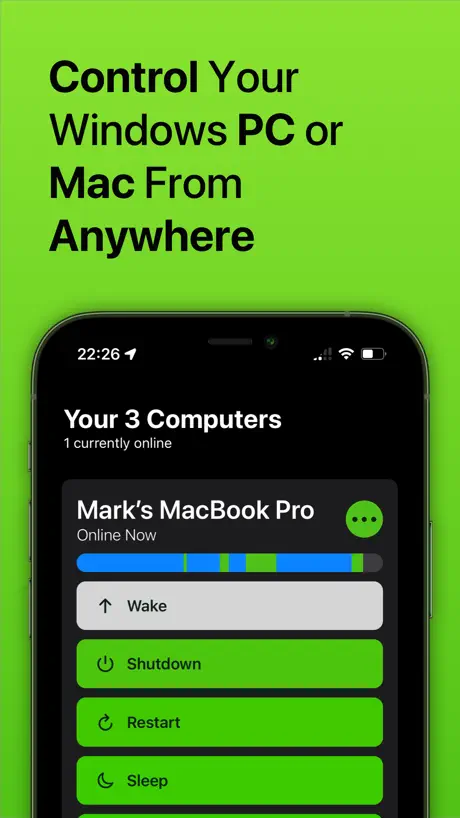  Off - Shutdown and Wake On Lan | 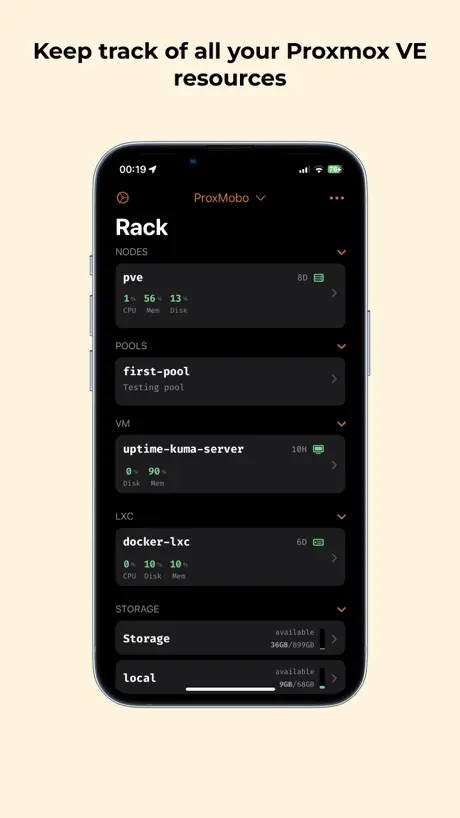  ProxMobo – Proxmox VE & PBS | 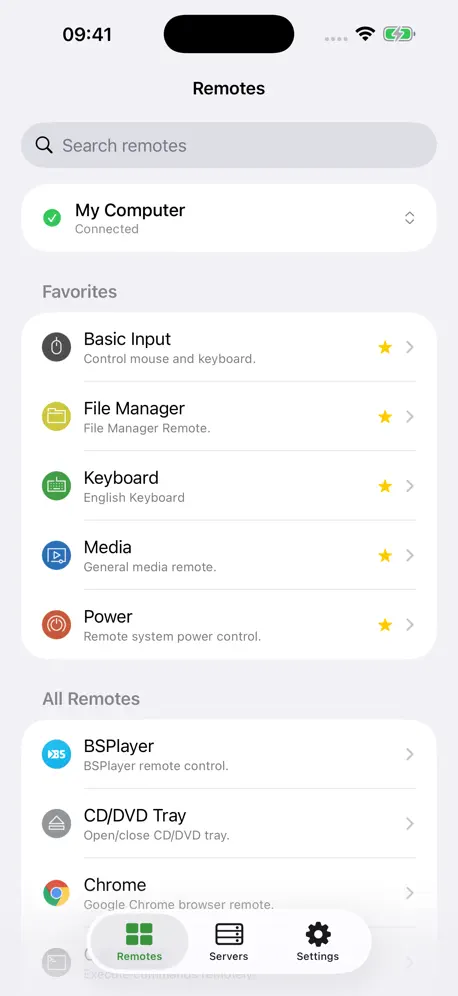  Unified Remote | 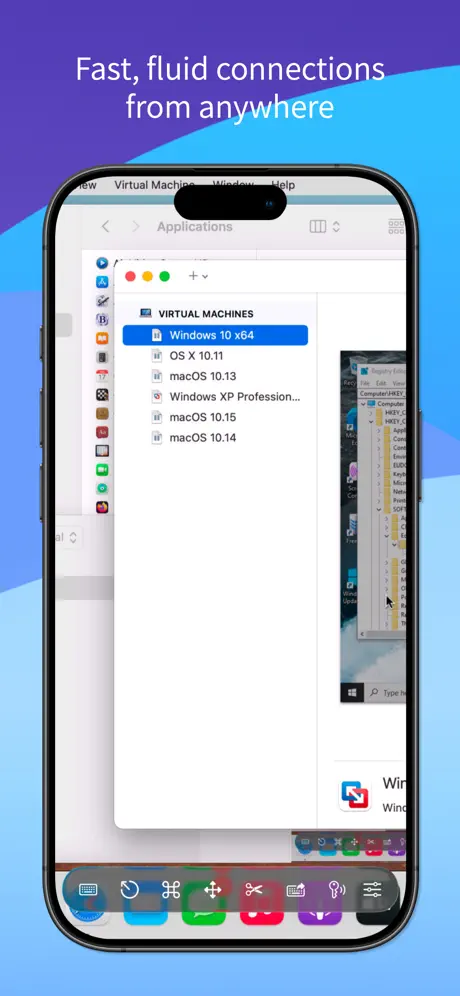  Screens 5: VNC Remote Desktop |   Remote Desktop Manager | 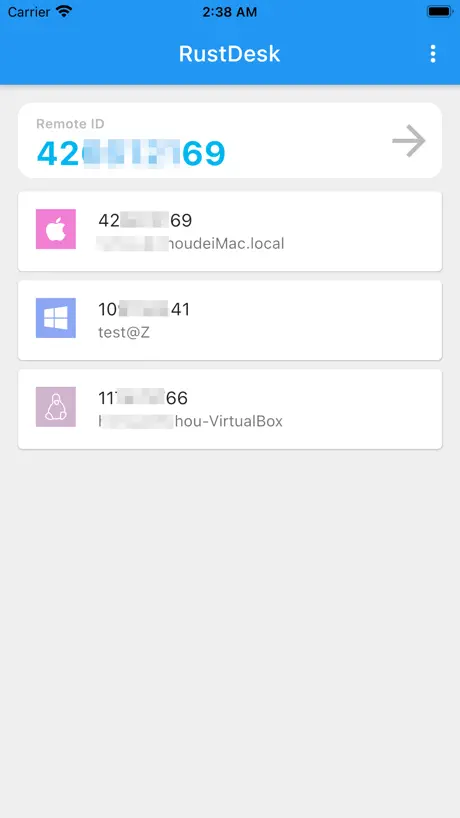  RustDesk Remote Desktop | 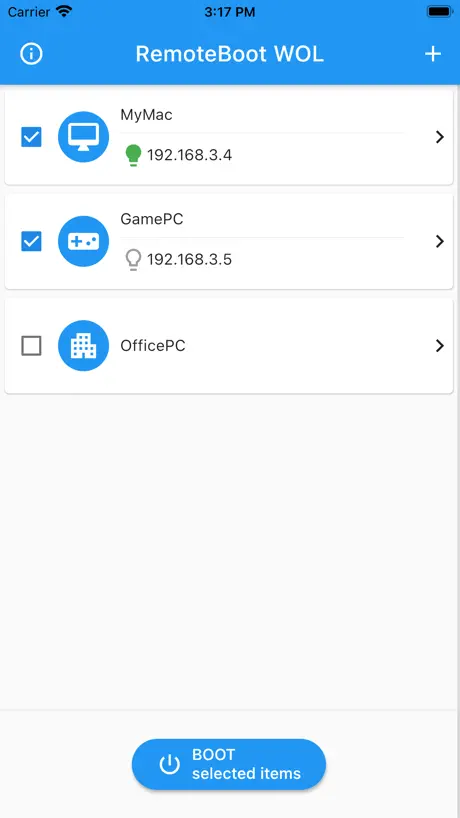  RemoteBoot WOL |   Awake — Wake On Lan |   AMD Link | |
|---|---|---|---|---|---|---|---|---|---|---|---|
| Rating / 5 | 4.4 | 4.4 | 4.5 | 4.8 | 4.1 | 4.3 | 3.8 | 4.3 | 3.8 | 4.6 | 2.8 |
| Reviews | 1K | 9.3K | 2.6K | 1.6K | 1.4K | 1.2K | 524 | 515 | 215 | 193 | 161 |
| Released | 2019 | 2020 | 2012 | 2023 | 2014 | 2023 | 2015 | 2021 | 2009 | 2021 | 2017 |
| One-time price | — | $4.99 | $49.99 | $6.99 | $4.99 | $249.99 | — | — | — | $9.99 | — |
The going rate for each plan in United States, in its own currency, shaded from the cheapest price on the row to the dearest. Plans fewer than four in ten of the priced apps sell are left out.
Wake Me Up - Wake-on-LAN reviews
4.4 out of 5, based on 1,034 reviews.
What people like
- Completely free with no annoying ads.
- Super simple setup and clean interface.
- Works great with iOS shortcuts automation.
What they complain about
- Only supports one device at a time.
- Often fails to wake the computer reliably.
- Does not work over internet or VPN.
Steam Machine Waker !!!
This utility is fantastic. I enabled WoL on my Steam Machine so I can wake it up to start a SteamLink remote play session whenever I want. Thank you!!
App is broken
Can’t add any devices.
It works well, but there is a bug on displaying the window on macOS Tahoe
So long as you have properly configured your PC (not an easy task) this little app works well to remote start it. However there is an annoying bug on macOS Tahoe that prevents the app’s window from showing until you click the app icon (on the dock) for the 2nd time. Also the app has no contact information for the developer so the only way to leave feedback is via a review - which seems like review fishing to me…
Cumpre parcialmente
Se sair da rede e voltar já não funciona, precisará ligar o pc fisicamente, daí ao desligar consegue-se ligar pelo app novamente.
I really want to like it
If it works im sure itd be my only wol app. The access to shortcuts is awesome i can tell. Only issue is i cant even get it to work because the app isnt prompting the “allow access to local network option.” And i cant even manually toggle it in settings because its not an option for this app until it prompts. If this is a known bug i hope its fixed soon!
Nice
Great tool for free
L
did not work
Does what it says, and does it well
Works for me for multiple devices without fail. Very handy. I just wish there was a way to sync my config between multiple Apple devices.
iOS 16
This is a good app, but stop to work as soon I did the upgrade to iOS 16.
Shortcuts
Since the last update the app doesn’t work with shortcuts app. I can’t open it on Mac, while on iOS I can configure shortcuts but it work for a day; was perfect before the multi-device update
Great app
Easy to setup and easy to use. It works very well.
Stupid app
Doesn’t work
Group feature
Excellent App, just need to add a group feature to trigger multiple machines with one click
Nicht über VPN
Scheint leider nicht über VPN zu funktionieren.
How can I create a Siri action
Almost great app but how can I create my own Siri word to initiate the iOS shortcut for this app so my device is woken up?? I am on iOS 26, developers please help.
Exactly as advertised
Does everything advertised perfectly and nothing more. No ads, no annoying pop ups, and completely free to boot. If it’s not working for you, it’s user error.
Doesn’t work
Just doesn’t work
Does exactly want you need…
but only supports one device. Really wish it supported multiple
Pas vraiment utile
Ça ne fonctionne que si l’on est connecté au même réseau que l’ordinateur donc au final je ne vois pas vraiment l’utilité
iPhone shortcut
Why there is no chance to integrate it into iPhone shortcuts? It would be dope to automate the app!
Works great for my NAS!
Simple to setup and work on first try!
Geht nicht mehr
Die ganze Zeit hat die App funktioniert und jetzt auf einmal geht sie nicht mehr.
.
worked 100%
Unreliable
It works SOME of the time. It’s like the packet just doesn’t get sent most of the time. When it works, great, UI is clean and intuitive and it’s one tap to send the magic packet. Except, that most of the time it doesn’t all the while other WOL apps on the same subnet do.
Needs a widget to make it better
Needs a widget
Incredible
No funny business. Just does what it says it does. I use screenshare to control computers remotely and got tired of roasting my cpu 24/7. So I opened a port on my router and now (thanks to this app) I can wake my computers from sleep while away from home. This review should end here because that’s all you need to know. Ps: super clean interface too
Broken
Used to use this in shortcuts and it was amazing. However it now makes you acknowledge it and have the phone unlocked. I have switched off the ‘show when run’ but to no avail.
Good app, but only supports a single computer
This is a great app if you only need to control one computer. It would be nice to control multiple computers though.
Schönes Design! Wenn es funktionieren würde...
Alle anderen WoL-Apps funktionieren nur diese nicht. In Wireshark wird mir zwar das MagicPacket angezeigt, aber beim starten funktioniert es nicht. Bei den anderen Apps schon. Schade!
Wake up
I give it a 3 only bc it’s hard to use and when u out all the right stuff in there it dosent work
Just works
It does exactly what it says; no in-app purchases, no fuss. Great app.
Müll
Bildschirm schwarz, alle vorhandenen Daten weg nach Update
Real usefull
Only 1 bad side …. Multi PC option
Question:
S’il you add ipv6 MAC address support soon?
The easiest setup and works as advertised!
It took me literally less than a minute to set up and test. Easy to use interface with no fluff/junk. I highly recommend this app.
Awful APP Don’t use or waste your time
The instructions are in some foreign language that’s not even scribed on this world. And the App doesn’t work.. They have cheated by providing a URL to a completely different company for guidance…It’s an awful App
Works for me
Great little app. Not all apps wake up my device. Maybe it’s something with router deleting IP address when not active? This app works in my setup. Maybe by broadcasting WOL packets. Could use additional devices to wake up not just one.
Flexibly but not enough
The app integration with shortcuts is great, makes it flexible. It could be better if it handled many computers as I have more than 1 computer to wake.
good
cheeseburger
Doesn't work (Macos Ventura)
Doswn't work
One single target allowed
Was surprised that only one computer can be setup for the wake on lan. Super simple and perfect for people with a single PC with support for wake on lan. It has shortcuts support
Good
Please add a function to start the WOL depending on day and time.
Great app, also a suggestion.
Very great app. Works perfectly. Clean ui and no ads pure wol. Although if you could add a feture where you ping the device everytime i open the app to see if its online or offline.
Doesnt work
Just didnt work. Other app worked fine, this one didnt. No multi device support either, and ui is bad.
Feature request
This app works well and is really user friendly, I love it! However, I have multiple computers with Wake On LAN enabled and having to type a new IP/Mac address to wake them up can get tiresome. Would it be possible to have a list of multiple computers to send a magic packet to?
Only on LAN
As far as I can tell this works fine, but only over the LAN, not over the Internet.
Wake Me Up - Wake-on-LAN FAQ
- Is Wake Me Up - Wake-on-LAN free?
- Yes. The app is free, in all 175 countries it sells in, and it sells nothing inside it.
- Does Wake Me Up - Wake-on-LAN have a free trial?
- No. None of its offers (US) come with a free trial.
- What are the best alternatives to Wake Me Up - Wake-on-LAN?
- Wolow - Wake on LAN (4.4 from 9,291 reviews, premium from $4.99), Off - Shutdown and Wake On Lan (4.5 from 2,618 reviews, premium from $2.99) and ProxMobo – Proxmox VE & PBS (4.8 from 1,604 reviews, premium from $6.99).
Wake Me Up - Wake-on-LAN download
Last updated 1 month ago.
Wake Me Up - Wake-on-LAN sells in 175 countries. It was released 7 years and 5 months ago, on 28 May 2019. It holds a 4.4 rating from 1,034 reviews.
Supports 2 languages: English, French.