
Remote Desktop Manager
How much does Remote Desktop Manager cost?
Prices are current as of 11 Nov 2026.
Remote Desktop Manager has no in-app products on record in the United States.
10+ alternatives to Remote Desktop Manager
| Remote Desktop Manager | 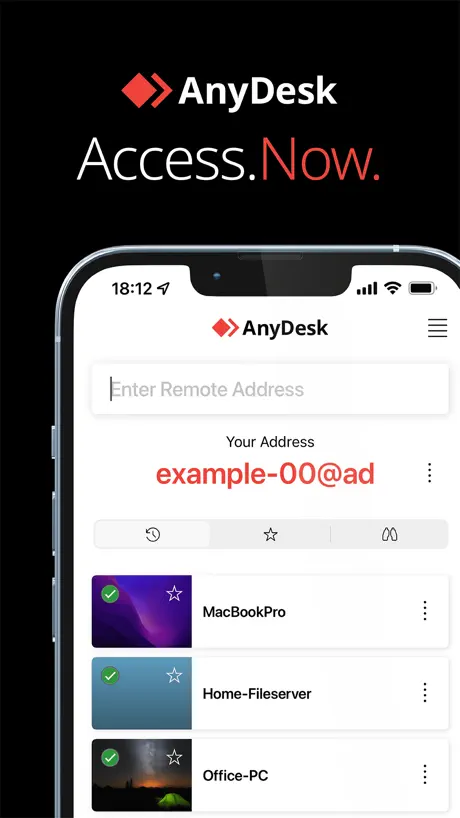  AnyDesk Remote Desktop | 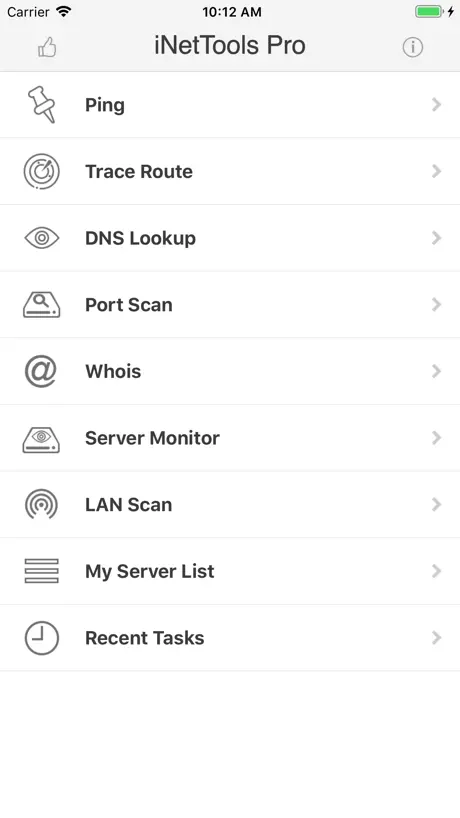  iNetTools - Ping,DNS,Port Scan | 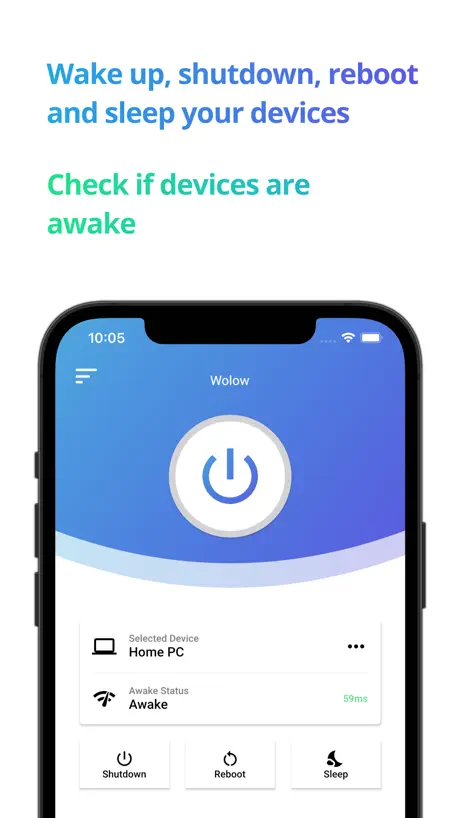  Wolow - Wake on LAN | 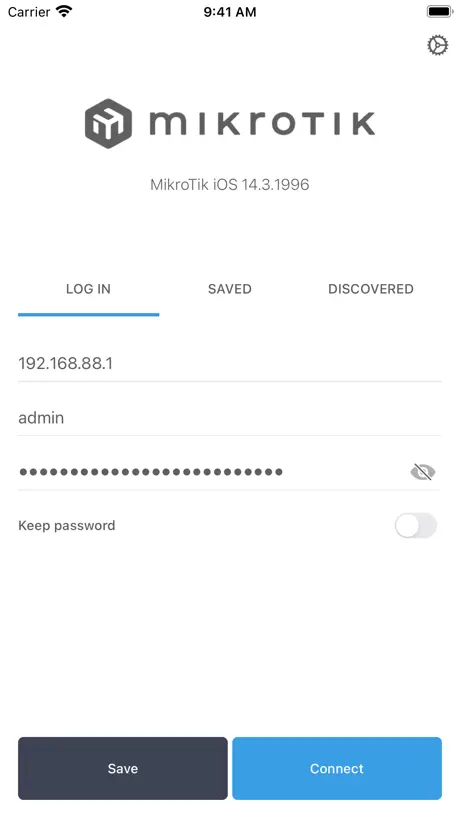  MikroTik | 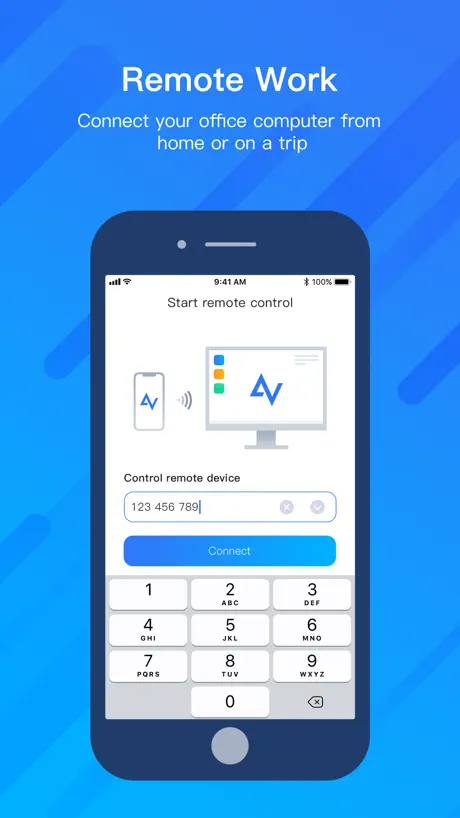  AnyViewer Remote Desktop | 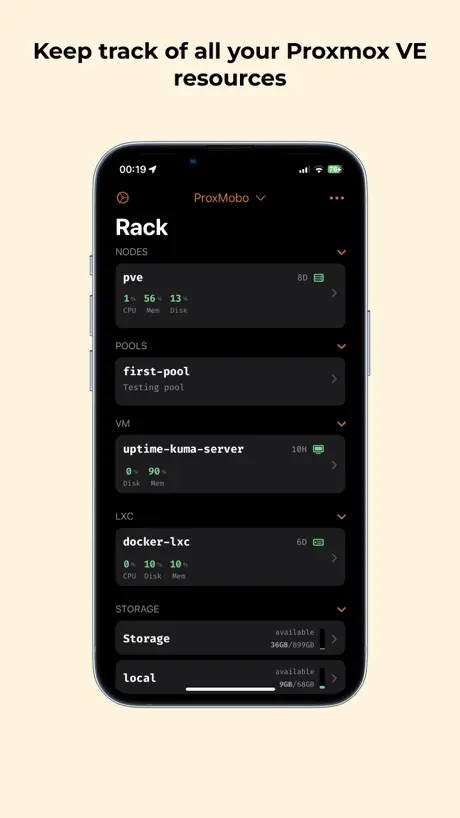  ProxMobo – Proxmox VE & PBS | 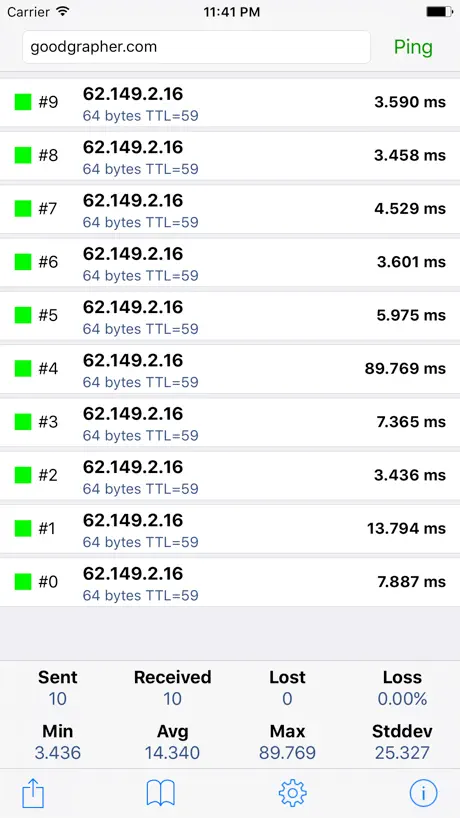  Ping - network utility | 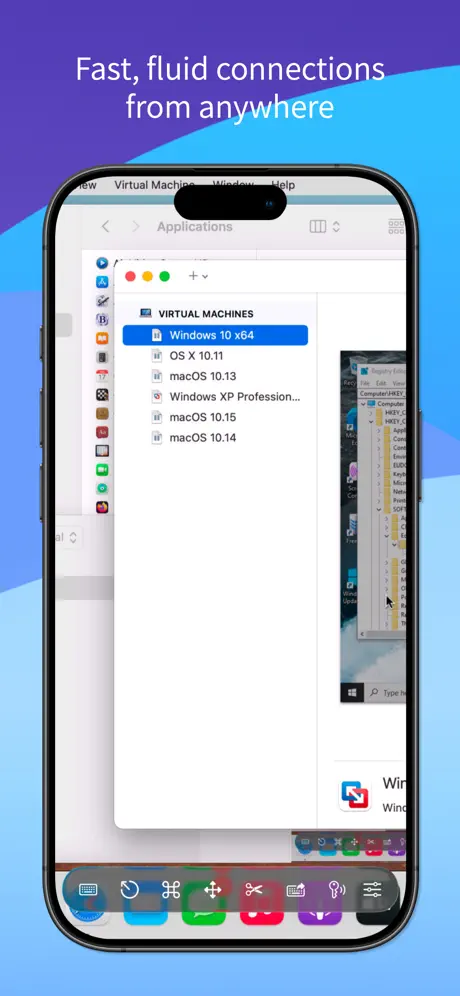  Screens 5: VNC Remote Desktop |   Wake Me Up - Wake-on-LAN |   RustDesk Remote Desktop | |
|---|---|---|---|---|---|---|---|---|---|---|---|
| Rating / 5 | 3.8 | 4.7 | 4.6 | 4.4 | 3.9 | 4.0 | 4.8 | 4.5 | 4.3 | 4.4 | 4.3 |
| Reviews | 524 | 275K | 29K | 9.3K | 2.3K | 1.6K | 1.6K | 1.3K | 1.2K | 1K | 515 |
| Released | 2015 | 2017 | 2012 | 2020 | 2019 | 2022 | 2023 | 2012 | 2023 | 2019 | 2021 |
| One-time price | — | — | $4.99 | $4.99 | — | — | $6.99 | $0.99 | $249.99 | — | — |
The going rate for each plan in United States, in its own currency, shaded from the cheapest price on the row to the dearest. Plans fewer than four in ten of the priced apps sell are left out.
Remote Desktop Manager reviews
3.8 out of 5, based on 524 reviews.
What people like
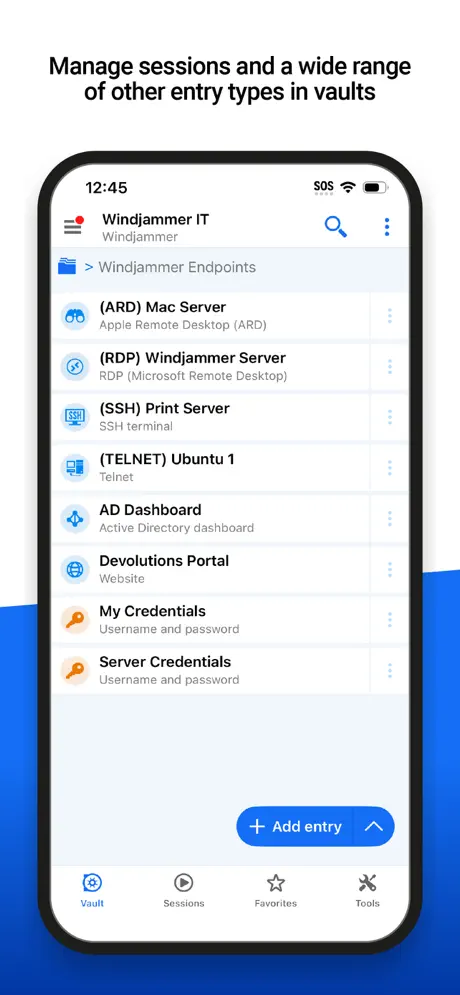
- Connects to many protocols easily
- Great for managing passwords securely
- Powerful tool for IT pros
- Works out of the box
What they complain about
- Mobile experience feels worse than desktop
- Hard to add new connections manually
- Updates often break existing features
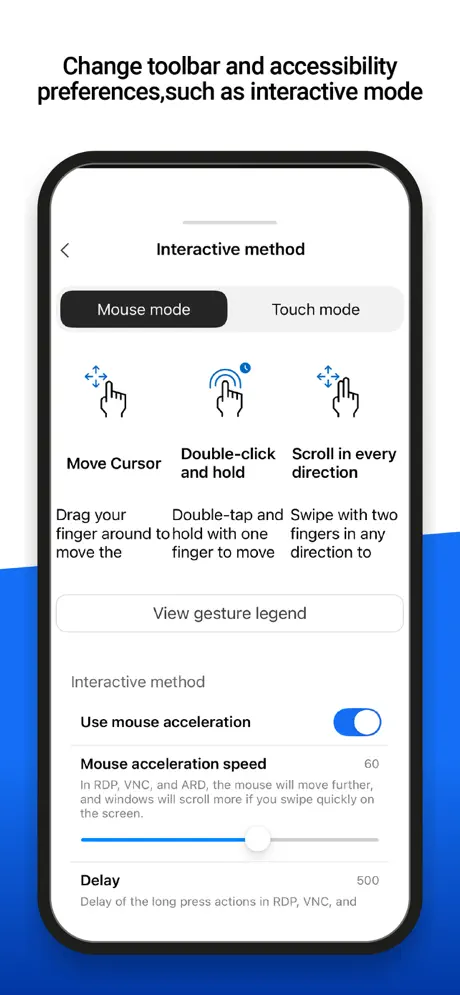
- Touch and keyboard input act weird
Amazing App
I literally could not find any app which connect to gnome Remote Desktop on Ubuntu 26.04 until I stumbled across this app. It negotiated the connection with ease. No complicated settings or jumping through hoops. It just connected out of the box. Well done!
Resets ports
It’s worthless as long as it keeps zeroing my ports on saved connections.
Almost perfect
The only thing missing is a way to hide the toolbar. Besides that, perfect!
Lockdown mode? lol, no soup for you
It’s not great, it’s not terrible. Which is hardly an endorsement. This app is ok on windows desktop. Like every year or two, they rip the rug out from beneath you, in one manner or another, e.g. disabling a protocol you’re using, or sunsetting how you’ve been saving objects/credentials to their cloud. Flame off. Cross-platform? Yikes. iPad Pro in lockdown mode cannot sign in to Devolutions Cloud (either genuflect or spit, depending on your faith). Not terrible, not great, either.
云windows 服务器连接以后 无法点击退出功能 只能整个连接工具关闭
云windows 连接以后 无法点击退出功能 只能整个连接工具关闭
SFTP Browser Freezes and Requires Force Close
**** Latest update fixed this. Thank you! **** Thank you for developing this app — it is an excellent tool. I wanted to bring a bug to your attention regarding the ‘Open SFTP’ feature. While it allows folder browsing without issue initially, the app eventually becomes unresponsive and requires a force close to recover. I wanted to flag this in case it is not already on your radar, and I hope it can be addressed in a future update.
这辈子就没用过这么卡的软件
全平台没一个不卡的
鼠标如何实现拖动?
蓝牙鼠标无法实现拖动功能,比较难受。 此外如何去除底部的横条, 这样就可以全屏查看了。
Tastaturlayout
Das Produkt an sich ist einfach nur mega. Bis ins kleinste durchdacht. Wenn man irgendwann mal eine Anforderung hat und sich denkt „das wäre cool wenn das geht“ kann man sich sicher sein dass rdp manager es bereits kann. Ich vergebe allerdings für die Ios app nur zwei sterne, da beim verbinden auf meinen pc dort jedes einzelne mal eine englische tastatur aktiviert wird. Jedoch ist alles auf deutsch eingestellt
Was great, until recently
The most recent update completely broke it and now my xml vault will not load or let me connect to any of my systems. This has been rock solid for months prior and still works fine on desktop, but the mobile app is no longer functioning as expected. Vaults show as blank and the one time I was able to see the contents it refused to connect, just kept opening menus but never started a session when selecting an entry. There is no connect button, it only open the entry overview. My xml vault was located on a remote drive which I do have access to, but I have to manually point it there every time now and it seems to forget the location which it did not do before. This is quite the regression and I wish I could roll back to the previous version.
Works for Ubuntu RDP connection
The only iOS app i found that can connect to RDP connection with Ubuntu Gnome Remote Desktop
New setup won’t accept password
Setup new account and it won't accept password. Tried resetting password and it says I have to tdy from the same browser I originally setup. I did. No way to use, no way to fix issue. Fail.
Works well but…
Would be good if there was an option to lock it to landscape like the windows app
Please add support of mouse for rep
Currently, rdp does not support a physical mouse. Please add support or it is hard to use.
please get the screen resolution sizing correct.
I need someone to thoroughly test the full screen mode on an iPad, maybe even with an Apple Pencil for OneNote and other apps. Right now, it’s riddled with errors and surprises. The different screen resizing modes are super confusing, and it’s really hard to get them right. On an iPad, when I want full screen, I mean it - no bottom gap, stretching, no viewport, no weird touch mode that creates an offset when I use OneNote.
RDP actually works
Easy five stars from me
Do not send email to confirm Account
This software do not sent the email to confirm the account to test
.
.
Latest version is glitchy and keyboard doesn’t work
This used to be a decent app. It’s more complicated than it needs to be to make RDP connections but that’s because this app is meant for power users managing an entire fleet of servers. Fair enough. There was always an annoying bug when trying to scroll down to change settings it would automatically pop back to the top of the list of settings. In spite of this I managed to get things working. However in this latest update the entire toolbar of controls is broken. The mouse cursor works fine but the keyboard doesn’t work, windows key doesn’t work, close connection etc doesn’t work. You guys had a good product but need to invest serious time into QA and beta testing. I’ve given up and switched to a paid RDP app.
not so good external keyboard and mouse support
ios round cursor looms under the actual cursor, and all single click now register as double click... what's worse, the physical keyboard need to switch on and off that icon in order to work, and even then, some shortcut and key repeat never work.
Absolute gold!
I had been using another app to connect to my VNC clients and simply needed an app to connect to RDP clients. This not only does both and much much more but it does it better than any of the other apps I have ever tried for this stuff. I’m getting lost in all the functions of this app and that’s a very good thing imo. I think I can straight up delete about five other separate apps that this can handle and probably handle it better if those other functions work as well as Remote Desktop does. Kudos team on a Stellar app! This is going to get a lot of use from me for sure.
Love the desktop version but app is worthless
Can’t login to my devolutions account to use my already existing personal hub and can’t import the json file as this app only allows for .rdm file import. Total failure.
Pretty good overall
I love RDM on the desktop, so this review is largely critical in comparison. I find the mobile version….okay. It is great for storing and retrieving passwords, but connectivity is less than ideal. What do I mean? In the desktop version, if you open a page from the app, it opens in the browser and auto fills the fields (usually - depends on the site). However, with the IOS version that doesn’t happen. You are very obviously switching back and forth between the app and the browser. This makes for relatively poor UX. It works flawlessly as designed, but that design is less than ideal. I doubt this was the desired design. I am certain the design choices made were due to system constraints; but it does make for a relatively poor experience when coming from the desktop experience. So my request would be to continue to try to work around or otherwise resolve that differentiated workflow between the app and the desktop version.
Seems good but not usable
Seems like a really good idea in theory but it doesn’t work very well. For example how to add a host to VNC? It says “host > select” and there’s no “add” button. You can’t even enter an IP address to connect to a remote host.
So close to being 5 star
On iPad when full screen and in landscape it cuts off the task bar on RDP, both Linux and Windows systems. Annoying to rotate my device to portrait just to be able to see the bottom of the screen, I Usually run my VMs in 16:10, but I changed one to 16:9 to see if that would fix the issue as well as changing the display scaling in RDM and it still cut off the task bar. This is a great piece of software, would love a fix for this!
Perfect
This is by far the best app i have used with excellent features
Can’t add hosts
I used the desktop version. Not sure why the IOS version is so weird. Mostly I can’t add hosts. No option to manually enter the host name for and a new RDP connection and the search function doesn’t find anything. Disappointed.
Using with Devolutions server for credential access anywhere.
If you know PAM - privileged access management - then you know why RDM and Devolutions server is such a great combo. You can use RDM with Devolutions cloud service if you are an individual user, but for collaboration you need to add a central repository. Again Devolutions provides this option, my company just has a on-premise first preference.
iOS app doesn’t support SQLite datasource
I hope it will be introduced at some point in time.
UI Regression
I use this on the iPad. UI has regressed from 2023.1.8 it used to be a drop down circle button on the right of each entry, on pressing would display the menu next to it. In this version they’re vertical ellipsis and on pressing the menu displays at the bottom. Spacing between each entry is wider, meaning I have to scroll more. Developers really need to get UX & UI correct. Still too many presses to view password & OTP. They should have both all properties, with password & OTP at the top, in a single pane.
Remote Desktop manager
Very sweet versatile app. Good for IT professionals
Needs work
Was not able to create a entry for a rdp session. Not sure why, after entering the info all I could do was hit cancel. If I am not able to save an eatery it would be very helpful to know why.
Rebecca Rhodaline Addy
This app helps me manage multiple apps and account and helps me keep track of my passwords too
Was great until….
The stupid cursor x is obnoxious, can’t figure how to turn it off.
使用过程中经常弹出失去连接
使用过程中经常弹出失去连接
Special ✨
Remote Desktop Manager is a powerful and versatile tool for managing remote connections, making it an ideal choice for IT professionals and organizations that require efficient remote access solutions. Its feature set, including centralized management, credential storage, and session recording, positions it as a comprehensive solution for remote desktop needs. Although there may be a learning curve and potential costs to consider, the benefits of using RDM can significantly enhance productivity and security in remote administration and support tasks. Whether you are managing individual remote sessions or coordinating team access to various systems, Remote Desktop Manager provides a robust platform to streamline the process.
VNC doesn’t work!!
Bought this to use for a VNC connection. Have tried every setting and cannot get it to connect. Have no issue with the free VNC viewer connecting to my VNC server. Disappointing.
Go to mobile Remote Desktop app
Devolutions is on the right track to brining a unified remote access platform to iOS seamlessly across all other operating systems.
Remote audio
Leave at remote computer doesn’t working
A decent RDP client, but needs improvement
I am using an iPad Air hooked up to a USB-C dock with an eternal monitor, keyboard and mouse. The app works to connect to an RDP session just fine, but needs some quality of life improvements. The mouse wheel goes the wrong way. It would be great to toggle that. Also, holding down keys doesn’t repeat. This is needed for backspacing when correcting my poor typing :) Since I have a keyboard and mouse it would be great to get rid of the bottom bar and not waste screen real estate. And finally, having an option for text scaling would be fantastic, as Windows will honor the scaling set in the client. These are what I noticed in the first half hour using it. It seems like a decent app but the options listed above would make this a great RDP app!
Game changing App
Remote Desktop Manager is a game-changer for managing remote connections! I love its centralized dashboard, which makes it easy to organize and access all my remote sessions securely. The app’s strong security features, like credential vaults and two-factor authentication, give me peace of mind, while its compatibility with various protocols sets it apart from other tools. Perfect for staying efficient and secure across multiple devices.
Latest update borked app
Now I cannot connect to any of my hosts.
删除键无法使用
使用ARD协议连接Mac电脑,删除按钮无效,无法删除
Devolution’s Online Drive verbindet nicht
Wenn ich versuche eine Verbindung zur Devolution Online Drive herzustellen, schlägt dies fehl. Nach Eingabe des Passworts und ein Klick auf den Login Button, tut sich nichts mehr.
tdp
rdp好用,teamviewer无法连接
Easy to use
Easy to use with quick remote access, strong password management, and encryption features. Perfect for regular remote connection users.
New version as of Dec 3 crashes every time.
Looking forward to actually using this app but once I enter in my master password, it crashes.
Great App
Links really well with my desktop app
Dashlaneprobleme
Seit dem letzten Update funktioniert Dashlane mit den RDM nicht mehr. Echt ärgerlich, da es auch keine Möglichkeit mehr gibt auf die Vorgängerversion zu gehen.
深色模式BUG
升级最新版本后,软件对深色模式进行了适配,但是在iOS 13中深色模式下,会看不到保存的站点名字,存在显示BUG。进行SSH连接,会导致程序直接崩溃。
Remote Desktop Manager FAQ
- Is Remote Desktop Manager free?
- Yes. The app is free, in all 175 countries it sells in, and it sells nothing inside it.
- Does Remote Desktop Manager have a free trial?
- No. None of its offers (US) come with a free trial.
- What are the best alternatives to Remote Desktop Manager?
- AnyDesk Remote Desktop (4.7 from 274,614 reviews), iNetTools - Ping,DNS,Port Scan (4.6 from 28,654 reviews, premium from $4.99) and Wolow - Wake on LAN (4.4 from 9,291 reviews, premium from $4.99).
Remote Desktop Manager download
Last updated 25 days ago.
Remote Desktop Manager sells in 175 countries. It was released 11 years and 1 month ago, on 23 Sept 2015. It holds a 3.8 rating from 524 reviews.
Supports 13 languages: English, Czech, Dutch, French, German, Hungarian, Italian, Polish, Russian, Chinese, Spanish, Swedish, Ukrainian.