
AnyViewer Remote Desktop
How much does AnyViewer Remote Desktop cost?
Prices are current as of 12 Nov 2026.
AnyViewer Remote Desktop has no in-app products on record in the United States.
10+ alternatives to AnyViewer Remote Desktop
| AnyViewer Remote Desktop |   AnyDesk Remote Desktop |   Wolow - Wake on LAN |   Customer App - Zoho Assist | 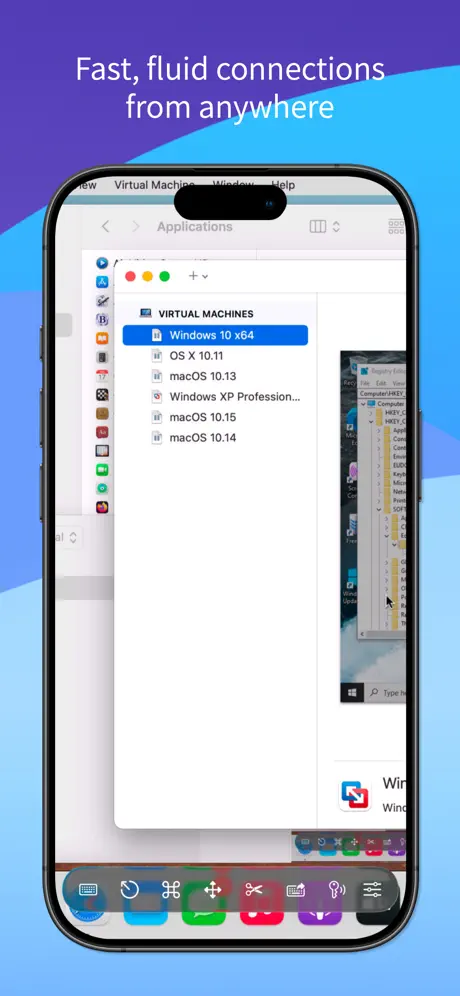  Screens 5: VNC Remote Desktop | 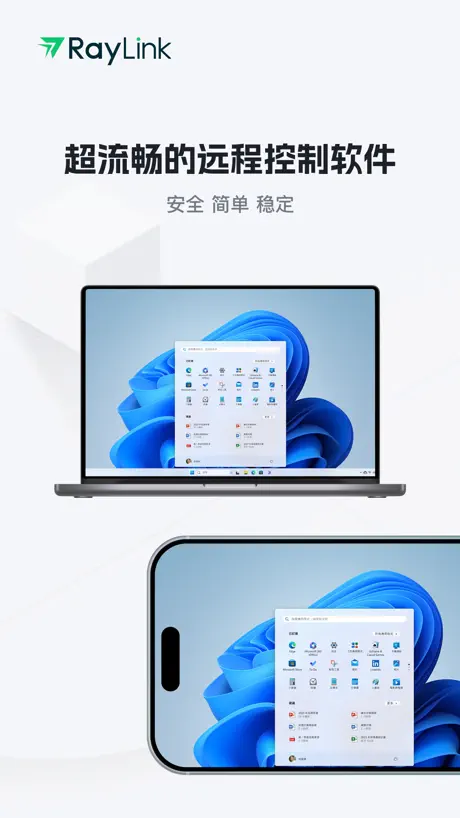  RayLink远程控制 |   Remote Desktop Manager | 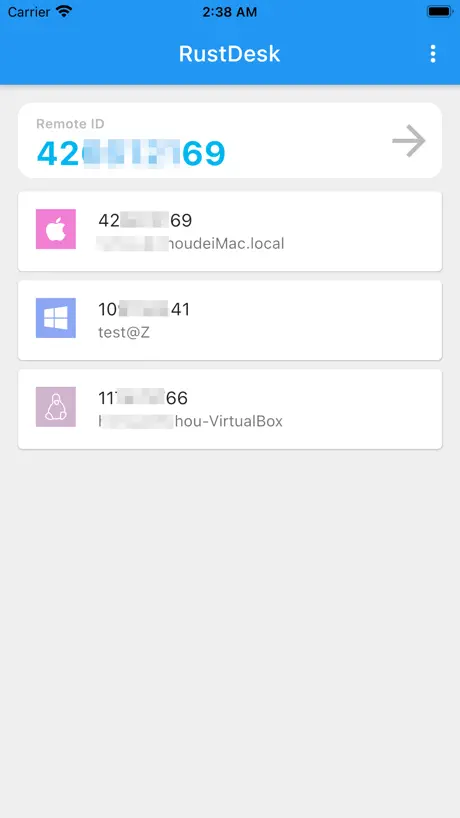  RustDesk Remote Desktop |   AirDroid Remote Support |   AirMirror - Remote Support |   HopToDesk | |
|---|---|---|---|---|---|---|---|---|---|---|---|
| Rating / 5 | 4.0 | 4.7 | 4.4 | 3.8 | 4.3 | 4.5 | 3.8 | 4.3 | 2.4 | 2.4 | 3.7 |
| Reviews | 1.6K | 275K | 9.3K | 5.2K | 1.2K | 1.1K | 524 | 515 | 332 | 300 | 73 |
| Released | 2022 | 2017 | 2020 | 2017 | 2023 | 2023 | 2015 | 2021 | 2020 | 2019 | 2022 |
| Monthly price | — | — | — | — | $4.99 | — | — | — | — | $2.99 | — |
| Annual price | — | — | — | — | $29.49 | — | — | — | — | $23.99 | — |
| One-time price | — | — | $4.99 | — | $249.99 | $69.99 | — | — | — | — | — |
The going rate for each plan in United States, in its own currency, shaded from the cheapest price on the row to the dearest.
AnyViewer Remote Desktop reviews
4.0 out of 5, based on 1,644 reviews.
What people like
- Setup is super easy and fast
- Works seamlessly between iOS and Windows
- Great price for what you get
What they complain about
- Connection timeouts happen way too often
- Virtual keyboard simply does not work
- Customer support is completely useless
La mejor app
Excelente
Sucks to use on Mac when working on Remote Windows Machine
Remote computer is Windows. Using Mac version to remote into windows machine with 2 screens sucks. No easy way to alter Mac side to get two screens showing in a useable fashion.
perfect app
just can u add the dark mode please
App
Kém mất kết nối máy chủ suốt
Not good support
Not good support
It doesn’t get any easier
This app just works! Easy to set up, easy to use, and always ready when needed.
SPAM!!!
These people are hackers, be ware!!
File share dos not work
It dos not work
Не работает
Легко устанавливается, несмотря на отсутствие русского языка — все в целом понятно, но сама программа не работает, не подключается
在老iPad 12.5.7上打开就闪退
如题
Great Remote Control
Works seamlessly between iOS and Windows!
Ehhh
It never seems to work. I constantly get a “connection times out” message, even if I am sitting right next to the machine.
Issue
I tried to do a one click control and view screen where it does not work. Windows 11 and ios26 currently
键盘出不来
没有键盘搭子功能
链接不上,电脑端容易离线
没有以前那么好用,容易离线
Awesome
This is the best thing since pcanywhere
Horrible UI, keyboard often doesn’t work
Wow, so many things, even beyond my title. And don’t bother looking for support. Believe me, I tried…
It's Good
I just wish it wasn't limitted to subscription.
Unreliable program
This program suddenly starts working, without any clear reason- just when it “wants” it
经常连不上
服务器不太稳定
There is no competition
I’ve tried many different remote access software and by far this is the most complete version at one of the best prices. Can’t go wrong.
辣鸡!
垃圾的一批,付费版甚至没有其他免费版好用。网络再好都是走中继模式,延迟还高的离谱,无反应。
Operatio
Its very good. Not 5 star because there is no Start option.
真是不行啊
已经是激活的专业版了,手机端死活连接不上在线的电脑端
为什么连接后无法调用键盘
如题,已提交反馈
Great app
Great app just needs file size limits raised
任何登陆选项➡️网络错误
根本不能用,点注册,输完邮箱,点发送验证码,网络错误请稍后尝试。点谷歌登陆,网络错误请稍后尝试。点apple id,网络错误请稍后尝试。
Screen freezes
Freezes at times during screen sharing in view mode
连接超时的次数太多,向日葵每次都能成功连接
连接超时的次数太多,向日葵每次都能成功连接
iPad無法連線至電腦控制?
總是顯示連線超時,而用電腦連線回去平板卻又說對方(平板)版本太低,請問要去哪裡更新版本呢(這已經是商店載的最新版本了)
Muy buena sorpresa
Me gusto la velocidad y simpleza
Doesn’t work
Doesn’t connect to the other phone
We need a dark mode
We need a dark mode feature. Plus improve connectivity.
適合很有空閒的人使用
通常都是連線逾時 不然就是L A G,再來就是畫面卡住,1秒1秒慢慢跳
Leider nur Hochformat
Bedienung einfach, flüssiger Bildaufbau, Maus und Stiftunterstützung somit eigentlich super Remotedesktoptool…. Leider nur im (für mich nervigen) Hochformat.
Amazing
By far the best mobile/pc Remote Desktop I’ve ever used. 10/10 would recommend. And beneficial updates that are great as well.
Doesn’t work as advertised.
Bummer
键盘打不开
此软件是国内唯一可以跨境远程软件,虽然有点卡,但是实用,就是虚拟键盘打不开,偶尔才能用
Almost good
1) Calling the keyboard does not work on the iPhone 15 pro. When you press the keyboard button, it shakes and nothing happens. 2) Mouse selection does not work when the Ctrl and shift keys are pressed.
I can't connect
Unable to connect to the server
Z Best RDP software
Screw TeamViewer
Not functional
Simply doesn’t work. Installed it on 2 iPads, created account, logged, initiated the connection between the two pads, then started the broadcast, but they didn’t connect. Tried multiple times. Not surprising, these connectivity apps rarely function properly.
,
好用
版本過低
在我用電腦要連我的iPhone 時顯示版本過低,不給連
Funcional
Rápido y funcional
Never works
This app never works
還能在進步
還能在進步
只有LAG
七星級。
AnyViewer Remote Desktop FAQ
- Is AnyViewer Remote Desktop free?
- Yes. The app is free, in all 175 countries it sells in, and it sells nothing inside it.
- Does AnyViewer Remote Desktop have a free trial?
- No. None of its offers (US) come with a free trial.
- What are the best alternatives to AnyViewer Remote Desktop?
- AnyDesk Remote Desktop (4.7 from 274,614 reviews), Wolow - Wake on LAN (4.4 from 9,291 reviews, premium from $4.99) and Customer App - Zoho Assist (3.8 from 5,204 reviews).
AnyViewer Remote Desktop download
Last updated 4 months ago.
AnyViewer Remote Desktop sells in 175 countries. It was released 4 years and 10 months ago, on 13 Jan 2022. It holds a 4.0 rating from 1,644 reviews.
Supports 7 languages: English, French, German, Italian, Japanese, Chinese, Spanish.
How much does AnyViewer Remote Desktop make?
Third-party estimates for the last 30 days, worldwide — not the store's own figures, which Apple publishes for nobody.