
Wolow - Wake on LAN
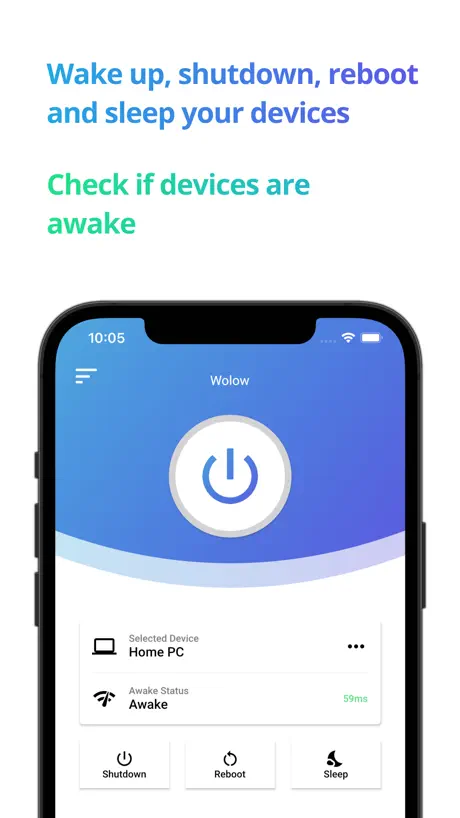
Wake your computer up
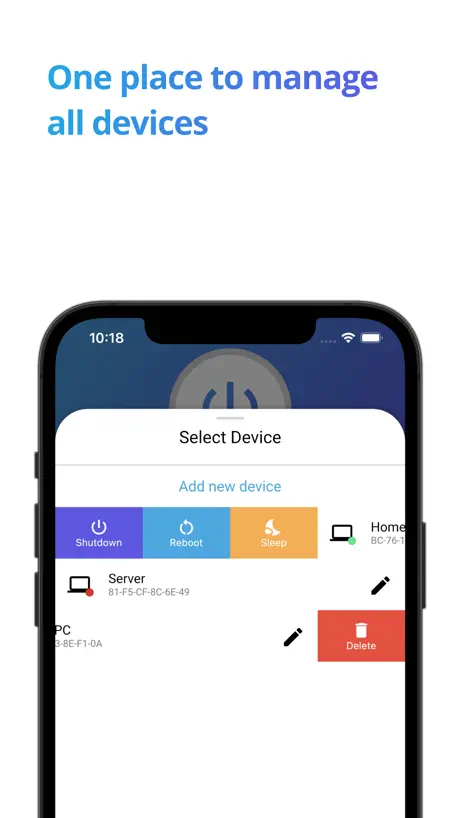
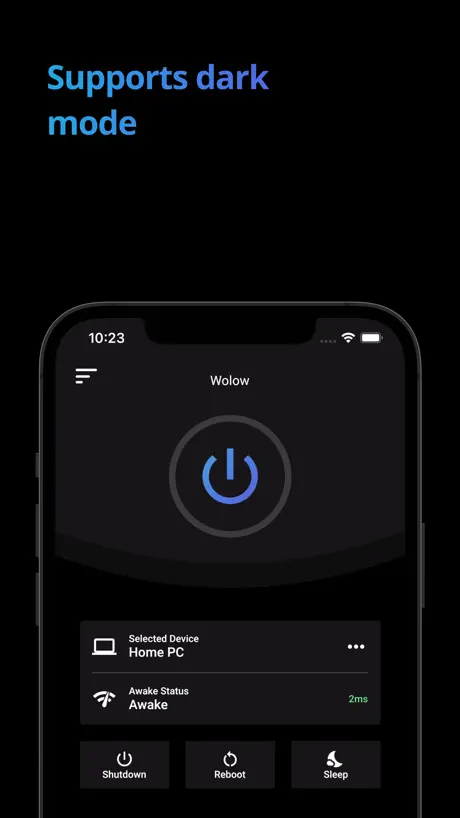
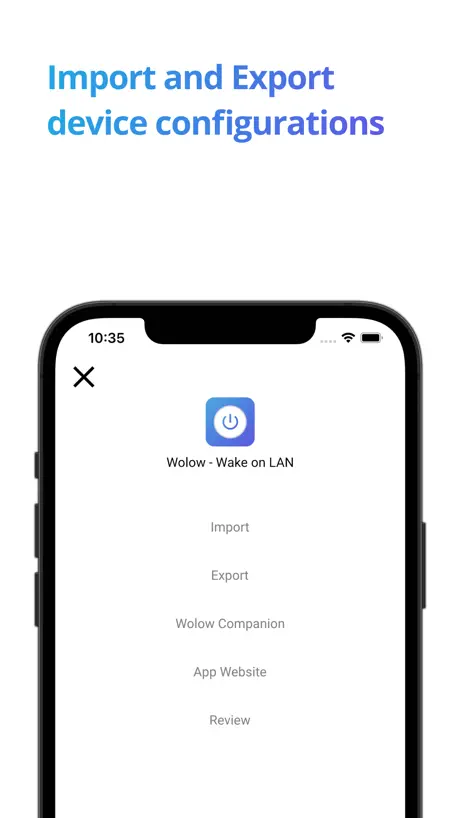
How much does Wolow - Wake on LAN cost?
Prices are current as of 27 Sept 2026.
1 one-time purchase from $4.99
In the United States, Wolow - Wake on LAN has 1 one-time purchase priced $4.99.
| Product | Price |
|---|---|
| Premium | $4.99 |
10+ alternatives to Wolow - Wake on LAN
| Wolow - Wake on LAN |   iNetTools - Ping,DNS,Port Scan iNetTools - Ping,DNS,Port Scan | 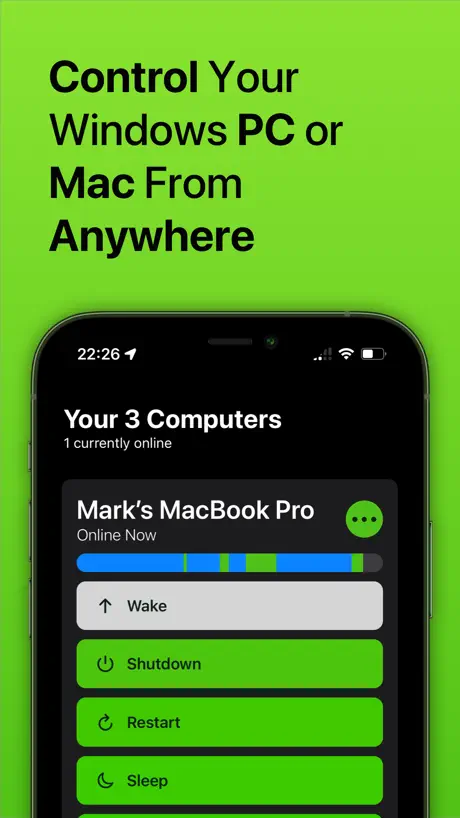  Off - Shutdown and Wake On Lan Off - Shutdown and Wake On Lan |   PC Remote PC Remote | 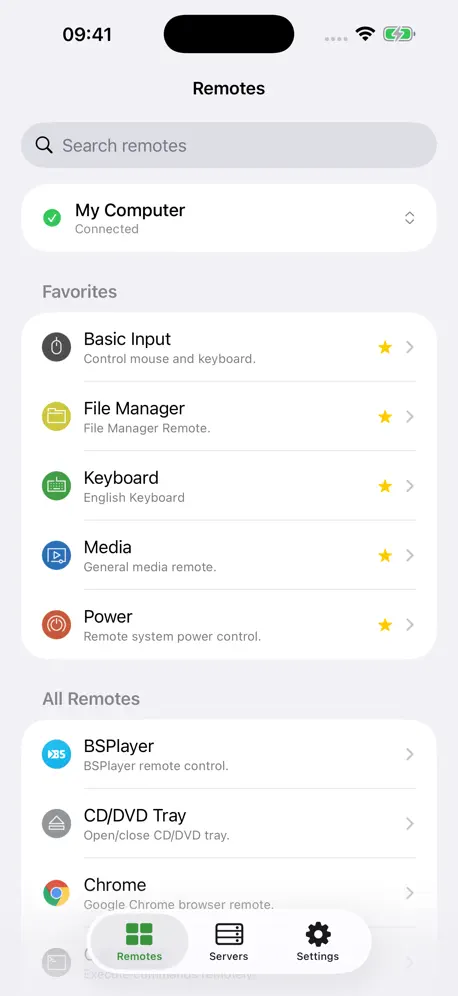  Unified Remote Unified Remote | 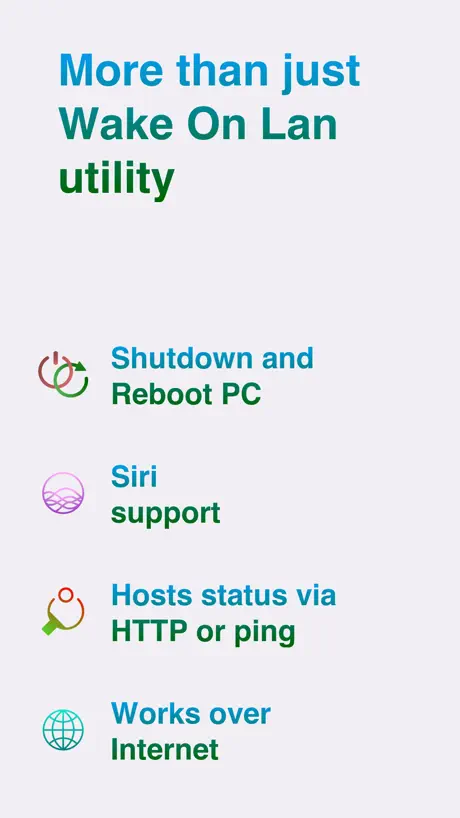  Magic Packet: WOL Wake-on-LAN Magic Packet: WOL Wake-on-LAN | 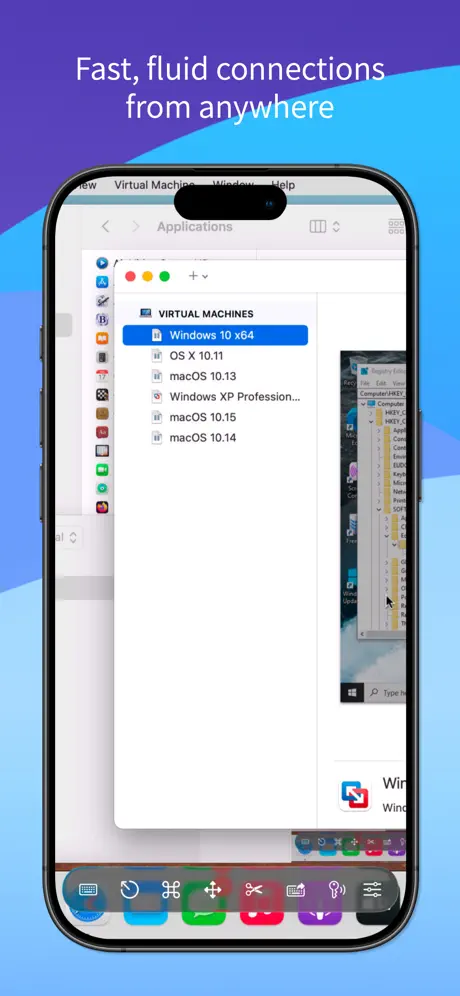  Screens 5: VNC Remote Desktop Screens 5: VNC Remote Desktop |   Wake Me Up - Wake-on-LAN Wake Me Up - Wake-on-LAN |   Easy WOL (Wake On LAN) Easy WOL (Wake On LAN) |   Remote Desktop Manager Remote Desktop Manager |   RustDesk Remote Desktop RustDesk Remote Desktop | |
|---|---|---|---|---|---|---|---|---|---|---|---|
| Rating / 5 | 4.4 | 4.7 | 4.5 | 3.1 | 4.1 | 4.3 | 4.2 | 4.4 | 4.4 | 3.8 | 4.3 |
| Reviews | 9.2K | 28K | 2.6K | 2.2K | 1.4K | 1.1K | 1.1K | 996 | 522 | 508 | 485 |
| Released | 2020 | 2012 | 2012 | 2014 | 2014 | 2019 | 2023 | 2019 | 2022 | 2015 | 2021 |
| Monthly price | — | — | $2.99 | $1.99 | — | — | $3.99 | — | — | — | — |
| Annual price | — | — | $14.99 | $14.99 | — | — | $29.49 | — | — | — | — |
| One-time price | $4.99 | $4.99 | $49.99 | $12.99 | $4.99 | $2.99 | $199.99 | — | — | — | — |
The going rate for each plan in United States, in its own currency, shaded from the cheapest price on the row to the dearest. Plans fewer than four in ten of the priced apps sell are left out.
Wolow - Wake on LAN reviews
4.4 out of 5, based on 9,229 reviews.
What people like
- Great for waking devices from sleep
- Easy Siri integration with premium version
- Simple setup and clean interface
What they complain about
- Often fails to wake the PC
- Status shows pending instead of actual state
- Does not work reliably over VPN
Great app!
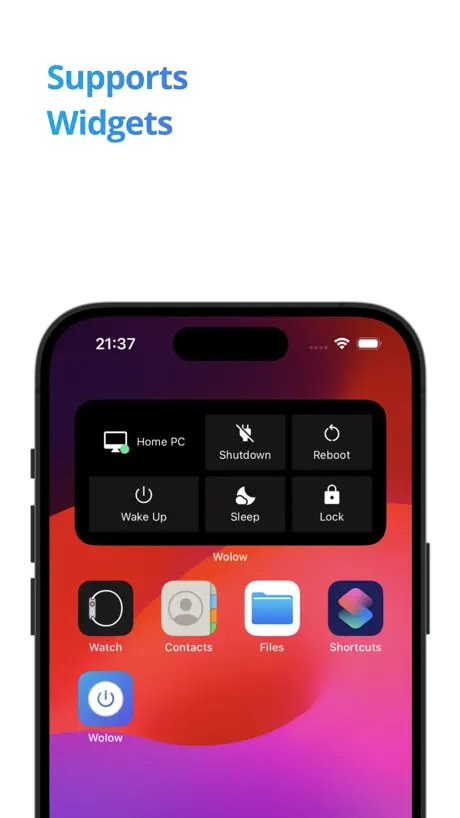
Works great for me! Have no issues with any of the functions and appreciate the companion app for additional functionality. One nitpick is when using widgets: I’d like a confirmation dialogue because it’s easy to click on something and accidentally fire off a command.
Frequent issue
Frequently the pc won’t turn on using wolow but then it starts working again and idky
Status is broken?
App works really well but after the most recent update the status feature appears to be broken.
Stopped working over vpn
I’m not sure exactly when it started but I used to be able to send shut down and restart commands remotely while connected over a VPN. That has stopped working. Everything works fine when connected to my local network but everything stopped working over the VPN connection and nothing changed with the VPN connection or settings on my home PC.
Widget is not working as attendent
I tested Wolow extensively using all the features available in the free plan. On iOS, you can create a shortcut that lets you start your device. However, the shortcut doesn’t work unless you add an action that opens the Wolow app. Without this action, the shortcut won’t function as intended and your device won’t boot. Once this issue is fixed, I’ll definitely purchase the Pro version, as it allows me to control all my devices easily through simple shortcuts.
WAS a great app
This app used to be amazing. So convenient to be able to put my computer to sleep or wake it up from my phone. But this most recent update literally made the app useless. You can’t use any of the features (that I PAID to be able to use) that were previously available. Please revert this update or make these features available again!! 🙏🏽🙏🏽
Doesn’t work
It will work like maybe 1/30 tries, and that’s only if I manually boot the pc and try to turn it back on within 30 minutes of shut down. Don’t pay for premium or download the app. I appreciate the response however I did disable that. I found a new app that works 100% of the time.
Need help with status
Awake status stays at pending, i want to know if the status of my pc, i have bought the premium versions also. Need help with this please.
Magic Paket gesendet, PC startet nicht
Wowlan funktioniert tadellos per FRITZ!Box, leider aber nicht über diese App. Companion App wird installiert, PC wurde im Netzwerk gefunden und erfolgreich hinzugefügt, aber wie eben beschrieben: Start erfolglos.
無課金版だと不親切
2台以上は「登録できるが使えない(送信ボタンを押した瞬間にエラー)」らしい。そういう機能制限は良いのだがきちんと説明して欲しい。「エラーが発生した(英語で)」としか出ないから何か設定間違っているのかと無駄に時間を食ってしまった。
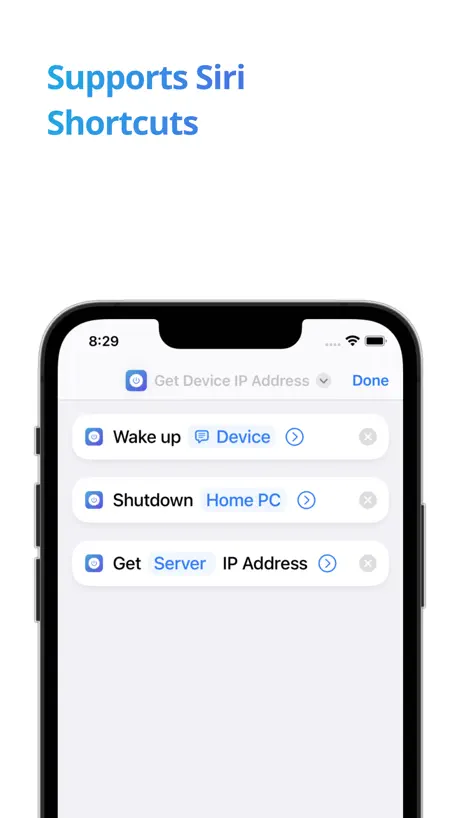
Great for iOS shortcuts
I rarely leave reviews on apps. The additional $5.99 is extremely worth it. I’m not sure if it’s absolutely necessary for Shortcuts but being able to say “Hey Siri, turn on computer” is extremely useful. It’s a small quality of life improvement and worth it in my opinion. Highly recommend.
Wasnt this free
What happened? Wasnt this free forever???
Widgets bugged
Good app, have premium, recently updated however and the widgets are bugged.
2 stars at best please help
I hate how the name of this app is wake on LAN but it can only turn off my computer. And don’t say I didn’t do the configuration right because I have been working on your stupid thing for 3 hrs. All I don’t have is a Ethernet cable, and if that’s the problem I hate this app. I WANT A REFUND!
Turn on from shut down
Update on the below review, it will work as long as you are on localhost and not port forwarding. This is disappointing unless you have to buy their premium in order to turn your computer on from anywhere. 😢 I can wake my computer up from anywhere through port forwarding as long as I don’t turn off my computer. The app is great! for waking up your computer from sleep. But it would be nice if you could turn on your computer from being completely turned off.
Problems with the functionality of the premium version
I have lost the functionality of the premium version. I can't restart or shut down my computer using the app
Would rate 0 stars
Garbage product meant to mislead consumers into downloading their 3rd party malware to their PCs. WoL will NOT work in standard function without their software, making it not true WoL. Just download “Simple Wake on LAN” instead.
Works great but status doesn’t work
Loving it so far, paid the 5$ so I could see if my pc actually turned on all for the active status function to not work. Just says pending
App geht nur wenn das Handy und Ziel physisch im selben Netz sind
Leider geht Trotz der Premium Version der PC nur an wenn das Handy am selben Ort wie das Teil ist. Das Handy hat eine VPN Verbindung und erreicht alles im Netzwerk jedoch kommt die App damit nicht klar.
Couldn’t get it to work
I thought this was going to be easy however I set up everything as requested and I still have to turn on the computer by pushing the button unless I go into the bio setting and change that setting to when the power goes off and it comes back on. It goes right into a turn on status instead of staying turned off and requiring a pushed button. I guess the $4.99 was a worthwhile amount to learn what I needed to learn to not have to use the app.
Add layer 3 capability
Add layer 3. It would be so awesome to be able to turn on my PC from an outside network. I realize it’s a security risk so just make a splash screen to make the end user aware.
Does not work
This app does not work. I used two different free apps and they both worked. I verified the settings multiple times and this app does not work.
8 hours still does not work
terrible tool, spent 8 hours still not working
起動しない
1度シャットダウンしたあとアプリ内の起動ボタンを押しても起動しません
My review
The app works all you have to do is download the app on your phone and wolow companion on you computer and if it is on the same network you click the device that pops up and if the device is off you click the power button on the mobile app and it will turn on. there is one step that you have to do, find a video on it. You have to pay to shut off your computer turning on is free
Wonderful app
It’s best Wol app
No Wireless Capability
App does not support wireless LAN, so for my purposes it’s useless.
Pretty awesome and convenient
Only reason for the 1 star removal is because the status is stuck on pending but still responds to all commands. iPhone 15 Pro Max
Bisher funktionierte alles bestens …
… nur seit iOS 17.4.1 klappt der WOL nicht mehr über Kurzbefehle. Hoffe auf baldige Fehlerbehebung!
Works minimally
It requires fields like the MAC address and the ip of the device you are trying to access even if you would theoretically only need a gateway ip and a port. The companion app doesn’t work easily and has no UI to offer trouble shooting or really anything. I also couldn’t get the device status to work with the paid version. It does what it does and nothing more.
It works exactly as advertised!
Great simple little app!
Dosnt work i tried using wollow companion nope then i put everything in manually nope
Changed the port nope still nothing works it says i sent the magic paket but it didn’t do anything
Concerned
The app is easy to set up and use however I’m concerned about my privacy. Wolow says they won’t collect any personal info but I’m not sure if I’m 100% safe.
Wolow
The first time I ever heard about this was at the beginning when the guy who made the first movie called Star Wars
Full Version bad
I bought the full version of the App. I tried to shut down my pc. It didn’t work. I want my money back Update: I forgot to download the app on the pc
If setup correctly it’s amazing
This app is honestly very convenient especially if you and an editor and have your rig at home turn it on with this app along having remote access setup, you wont need to leave your pc on with this app.
Junk
Worked for maybe a day if that and now will not work at all. Complete waste of money! Regret purchasing at all!
Really like the app, would like watch support
I’m currently having to use this whilst I await a replacement power button for my case, which has broken. The app functions how you’d expect, and is easy to setup with the companion. I would love if the app had support for Apple Watches for WoL too!
Funktioniert nur kurz nach ausschalten
Leider funktioniert nur kurz nach ausschalten Unter FRITZ!Box ohne Probleme
Pro Version nicht wirklich von nutzen / Kein VPN Support
Die App ist super Praktisch und aufgeräumt. Funktioniert perfekt im Heimnetzwerk, leider kann über VPN kein Magic Paket zugestellt werden obwohl in der App keine Fehlermeldungen kommen. Das Upgrade zur Pro Version hat leider keine Abhilfe geschaffen.
Works like a charm!
I use my laptop strictly for gaming and it’s connected to a 65 inch tv … don’t worry it goes up to 240 hz … for my monitor enthusiasts.. anyway … this app makes it so easy to just turn on the system without having to open the laptop every time… thanks developers
:(
The shortcut stuff isn’t free 😔
Very nice app
Purchased premium to support the good work. Improvement - export of configuration saves it to iPhone location which is not accessible through files app therefore not really useful of the export if we can’t access the file to do an import later Premium features very buggy and do not work
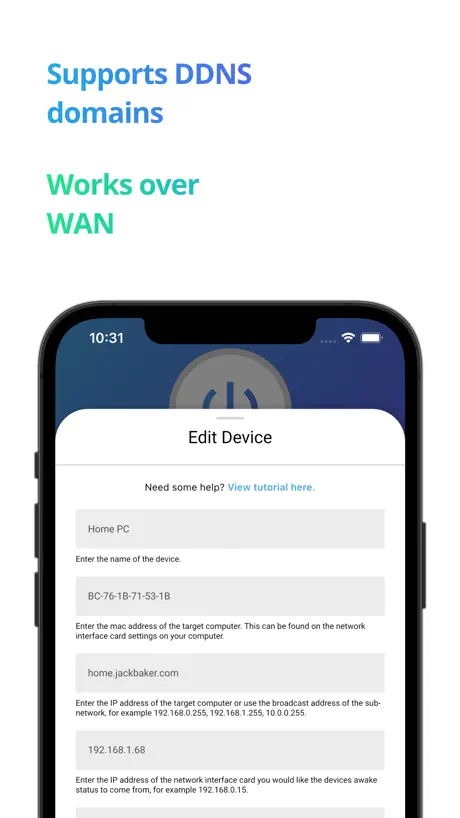
Wake on lan via Wan geht nicht
Ich habe bei der broadcast ip meine dyndny Adresse eingetragwn, leider funktioniert das einschalten nicht über 3g/LTE sondern nur im locken Netzwerk. So kann i h die App nicht Gebrauchen.
Es klappt nicht
Ich habe es mir gekauft und habe getestet ob es geht,es geht immer noch nicht. Der Support zeigt kein Anzeichen an Leben ☹️
Works as advertised
I bought the premium version and am happy with it. Although something that should be added to the troubleshooting section is on windows, the companion app doesn’t start unless the user logs on. I had to create a task to start the program on boot since I also use it as a home server and often turn it off and on without ever logging on. Overall though the app is very convenient for a gaming pc/home server since I don’t have to leave it running all day or go physically turn it on and off multiple times a day.
Useless at this point
The first time I used this app, it turned on my laptop and PC, but the next day it stopped working. I tested another free WOL app with the same configurations, and it worked, so the issue is clearly with this app. I can’t switch to the free app because it only supports one device, whereas this one supports multiple. Also, I don’t use a VPN on my phone or laptop. And yes, the MAC/IP addresses have remained the same for both of my machines.
No Device Status in Siri Shortcuts
No Linux support and lack of a shortcut to show device status doesn’t make this much more useful than the SSH built in shortcut as it can also wake up a device…
とりあえず登録
起動しない?
Not working with IPhone Shortcuts app
Why is not working with IPhone shortcuts app or siri?
Wolow - Wake on LAN price by country
A one-time purchase costs $4.69 in Pakistan and $8.01 in Colombia — 1.7× more for the same thing. Below is the going rate for each plan in every country that sells it — the middle price of what the app charges there, in the country's own currency with the dollar equivalent beneath it.
| Country | One-time |
|---|---|
| Afghanistan | $4.99 |
| Albania | $5.99 |
| Algeria | $4.99 |
| Angola | $4.99 |
| Anguilla | $4.99 |
| Antigua And Barbuda | $4.99 |
| Argentina | $4.99 |
| Armenia | $5.99 |
| Australia | A$7.99$5.63 |
| Austria | €5.99$6.82 |
| Azerbaijan | $5.99 |
| Bahamas | $4.99 |
| Bahrain | $4.99 |
| Barbados | $5.99 |
| Belarus | $5.99 |
| Belgium | €5.99$6.82 |
| Belize | $4.99 |
| Benin | $5.99 |
| Bermuda | $4.99 |
| Bhutan | $4.99 |
| Bolivia | $4.99 |
| Bosnia & Herzegovina | €5.99$6.82 |
| Botswana | $4.99 |
| Brazil | R$29.90$5.85 |
| British Virgin Islands | $4.99 |
| Brunei Darussalam | $4.99 |
| Bulgaria | €5.99$6.82 |
| Burkina Faso | $4.99 |
| Cambodia | $4.99 |
| Cameroon | $5.99 |
| Canada | CA$6.99$5.03 |
| Cape Verde | $4.99 |
| Cayman Islands | $4.99 |
| Chad | $4.99 |
| Chile | CLP 5,990$6.22 |
| China | CN¥38.00$5.63 |
| Colombia | COP 24,900$8.01 |
| Congo | $5.99 |
| Congo, Democratic Republic | $4.99 |
| Costa Rica | $4.99 |
| Cote Divoire | $5.99 |
| Croatia | €5.99$6.82 |
| Cyprus | €5.99$6.82 |
| Czech Republic | CZK 129.00$6.03 |
| Denmark | DKK 39.00$6.07 |
| Dominica | $4.99 |
| Dominican Republic | $4.99 |
| Ecuador | $4.99 |
| Egypt | EGP 249.99$4.83 |
| El Salvador | $4.99 |
| Estonia | €5.99$6.96 |
| Fiji | $4.99 |
| Finland | €5.99$6.82 |
| France | €5.99$6.96 |
| Gabon | $4.99 |
| Gambia | $4.99 |
| Georgia | $5.99 |
| Germany | €5.99$6.82 |
| Ghana | $5.99 |
| Greece | €5.99$6.95 |
| Grenada | $4.99 |
| Guatemala | $4.99 |
| Guinea-bissau | $4.99 |
| Guyana | $4.99 |
| Honduras | $4.99 |
| Hong Kong | HK$38.00$4.85 |
| Hungary | HUF 1,990$6.21 |
| Iceland | $5.99 |
| India | ₹499.00$5.20 |
| Indonesia | IDR 99,000$5.53 |
| Iraq | $4.99 |
| Ireland | €5.99$6.82 |
| Israel | ₪14.90$4.90 |
| Italy | €5.99$6.82 |
| Jamaica | $4.99 |
| Japan | ¥800$5.08 |
| Jordan | $4.99 |
| Kazakhstan | KZT 2,990.00$6.75 |
| Kenya | $5.99 |
| Kosovo | €5.99$6.82 |
| Kuwait | $4.99 |
| Kyrgyzstan | $4.99 |
| Lao Peoples Democratic Republic | $4.99 |
| Latvia | €5.99$6.82 |
| Lebanon | $4.99 |
| Liberia | $4.99 |
| Libya | $4.99 |
| Lithuania | €5.99$6.82 |
| Luxembourg | €5.99$6.82 |
| Macao | $4.99 |
| Macedonia | $4.99 |
| Madagascar | $4.99 |
| Malawi | $4.99 |
| Malaysia | MYR 22.90$5.61 |
| Maldives | $4.99 |
| Mali | $4.99 |
| Malta | €5.99$6.82 |
| Mauritania | $4.99 |
| Mauritius | $5.99 |
| Mexico | MX$99.00$5.60 |
| Micronesia | $4.99 |
| Moldova | $5.99 |
| Mongolia | $4.99 |
| Montenegro | €4.99$5.68 |
| Montserrat | $4.99 |
| Morocco | $4.99 |
| Mozambique | $4.99 |
| Myanmar | $4.99 |
| Namibia | $4.99 |
| Nauru | $4.99 |
| Nepal | $5.99 |
| Netherlands | €5.99$6.82 |
| New Zealand | NZ$9.99$5.64 |
| Nicaragua | $4.99 |
| Niger | $4.99 |
| Nigeria | NGN 7,900.00$5.95 |
| Norway | NOK 59.00$6.20 |
| Oman | $4.99 |
| Pakistan | PKR 1,300$4.69 |
| Palau | $4.99 |
| Panama | $4.99 |
| Papua New Guinea | $4.99 |
| Paraguay | $4.99 |
| Peru | PEN 22.90$6.74 |
| Philippines | ₱299.00$4.78 |
| Poland | PLN 24.99$6.51 |
| Portugal | €5.99$6.95 |
| Qatar | QAR 19.99$5.49 |
| Romania | RON 29.99$6.48 |
| Russia | RUB 449.00$5.33 |
| Rwanda | $4.99 |
| Sao Tome & Principe | $4.99 |
| Saudi Arabia | SAR 19.99$5.33 |
| Senegal | $5.99 |
| Serbia | €5.99$6.82 |
| Seychelles | $4.99 |
| Sierra Leone | $4.99 |
| Singapore | SGD 6.98$5.45 |
| Slovakia | €5.99$6.82 |
| Slovenia | €5.99$6.96 |
| Solomon Islands | $4.99 |
| South Africa | ZAR 99.99$6.13 |
| South Korea | ₩7,700$5.70 |
| Spain | €5.99$6.82 |
| Sri Lanka | $4.99 |
| St. Kitts and Nevis | $4.99 |
| St. Lucia | $4.99 |
| St. Vincent & The Grenadines | $4.99 |
| Suriname | $4.99 |
| Swaziland | $4.99 |
| Sweden | SEK 69.00$6.96 |
| Switzerland | CHF 4.00$4.83 |
| Taiwan | NT$150.00$4.72 |
| Tajikistan | $4.99 |
| Tanzania | TZS 14,900.00$5.61 |
| Thailand | THB 199.00$5.96 |
| Tonga | $4.99 |
| Trinidad and Tobago | $4.99 |
| Tunisia | $4.99 |
| Turkey | TRY 249.99$5.11 |
| Turkmenistan | $4.99 |
| Turks and Caicos | $4.99 |
| Uganda | $5.99 |
| Ukraine | $5.99 |
| United Arab Emirates | AED 19.99$5.45 |
| United Kingdom | £4.99$6.74 |
| United States | $4.99 |
| Uruguay | $4.99 |
| Uzbekistan | $4.99 |
| Vanuatu | $4.99 |
| Venezuela | $4.99 |
| Vietnam | ₫149,000$5.72 |
| Yemen | $4.99 |
| Zambia | $5.99 |
| Zimbabwe | $5.99 |
Wolow - Wake on LAN FAQ
- Is Wolow - Wake on LAN free?
- Yes. The app and its basic features are free, in all 175 countries it sells in. Premium features are paid: they start from $4.99 (US), across 1 one-time purchase.
- Does Wolow - Wake on LAN have a free trial?
- No. None of its offers (US) come with a free trial.
- Where is Wolow - Wake on LAN cheapest?
- A one-time purchase costs PKR 1,300 (≈$4.69) in Pakistan and COP 24,900 (≈$8.01) in Colombia, its cheapest and dearest countries.
- What are the best alternatives to Wolow - Wake on LAN?
- iNetTools - Ping,DNS,Port Scan (4.7 from 28,477 reviews, premium from $4.99), Off - Shutdown and Wake On Lan (4.5 from 2,582 reviews, premium from $2.99) and PC Remote (3.1 from 2,232 reviews, premium from $1.99).
Wolow - Wake on LAN download
Last updated 3 months ago.
Wolow - Wake on LAN sells in 175 countries. It was released 6 years and 7 months ago, on 1 Mar 2020. It holds a 4.4 rating from 9,229 reviews.
Supports 4 languages: English, French, German, Chinese.
How much does Wolow - Wake on LAN make?
Third-party estimates for the last 30 days, worldwide — not the store's own figures, which Apple publishes for nobody.
Revenue by plan
- One-time 100%
Revenue by country
- United States 24%
- Germany 9%
- Japan 5%
- South Korea 5%