
AMD Link
Radeon™ GPU mobile app
How much does AMD Link cost?
Prices are current as of 11 Nov 2026.
AMD Link has no in-app products on record in the United States.
10+ alternatives to AMD Link
| AMD Link |   ARMOURY CRATE |   BuildCores: 3D PC Builder | 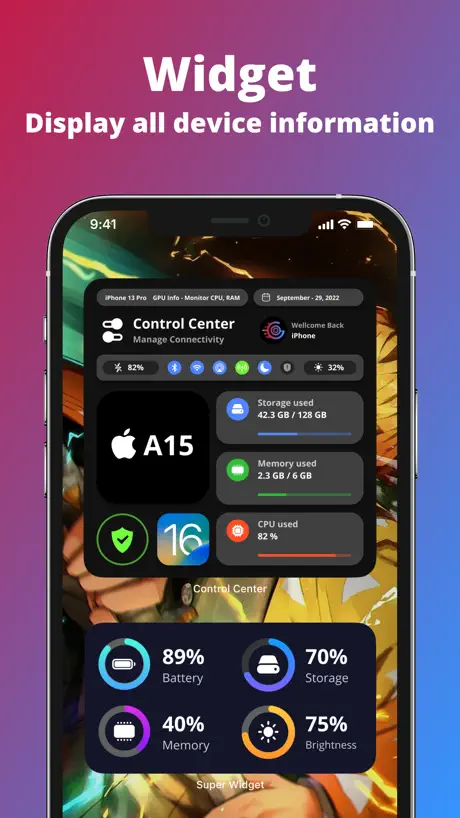  G-CPU:Monitor CPU, RAM, Widget | 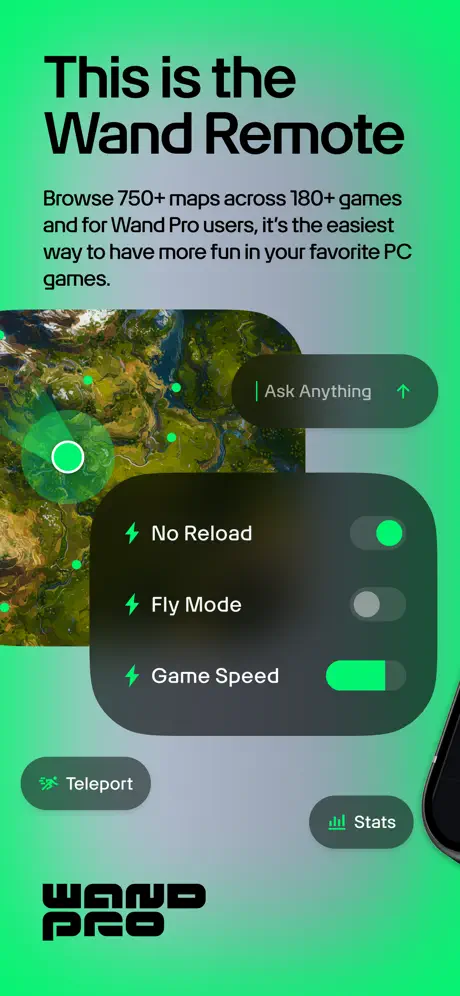  Wand Pro Remote (WeMod) | 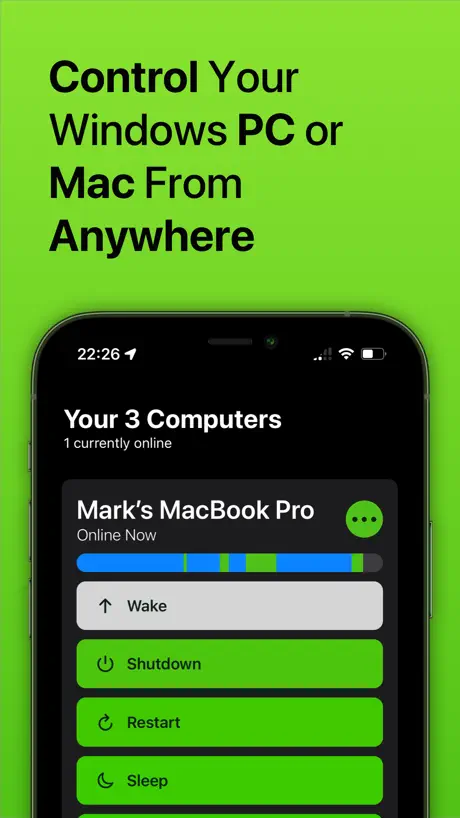  Off - Shutdown and Wake On Lan | 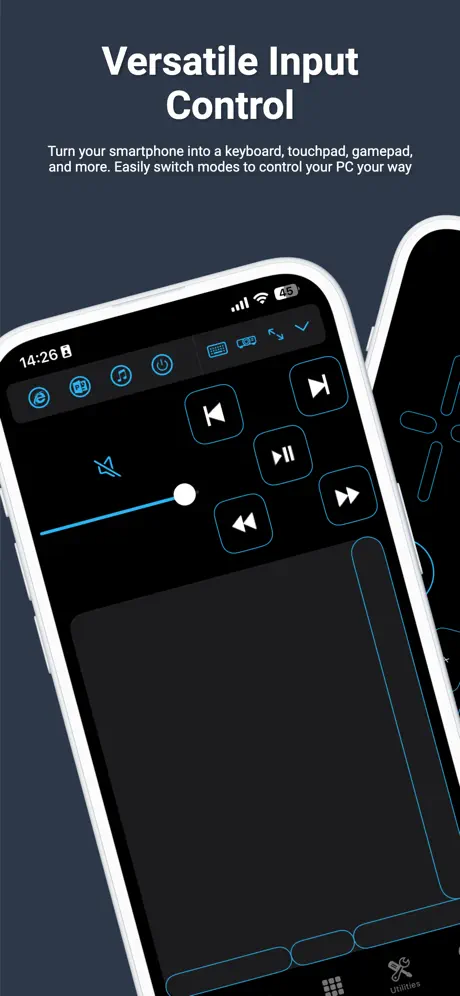  PC Remote |   Wake Me Up - Wake-on-LAN |   3DMark |   GameGlass |   reWASD Mobile | |
|---|---|---|---|---|---|---|---|---|---|---|---|
| Rating / 5 | 2.8 | 4.4 | 4.6 | 4.7 | 4.6 | 4.5 | 3.1 | 4.4 | 4.0 | 4.0 | 3.5 |
| Reviews | 161 | 7.2K | 4.9K | 3.7K | 3.2K | 2.6K | 2.2K | 1K | 726 | 165 | 51 |
| Released | 2017 | 2018 | 2019 | 2022 | 2017 | 2012 | 2014 | 2019 | 2020 | 2019 | 2021 |
| Monthly price | — | — | $7.99 | — | — | $2.99 | $1.99 | — | — | — | — |
| Annual price | — | — | $11.99 | — | — | $14.99 | $14.99 | — | — | — | — |
| One-time price | — | — | $2.99 | $4.99 | — | $49.99 | $12.99 | — | — | — | — |
The going rate for each plan in United States, in its own currency, shaded from the cheapest price on the row to the dearest. Plans fewer than four in ten of the priced apps sell are left out.
AMD Link reviews
2.8 out of 5, based on 161 reviews.
What people like
- Streaming quality is high with low lag
- Real-time PC performance monitoring works well
- Completely free to download and use
What they complain about
- Audio cuts out and becomes choppy
- App crashes frequently during use
- Connection setup is often broken or fails
No longer supported
AMD ended support for this as of Q1 2024
Try alternatives
Discontinued yet still allows you to download the app and it’s still in the store Available for dwn?
R.I.P
比nv的和steam link好用
About the app
the app is closed as it is on the amd redeon system pc thats sad
Only works half the time
Would be 5 but the constant reloading after saving clips, the never constant connection, and audio bugs are a headache. But when it works it works.
No need to login
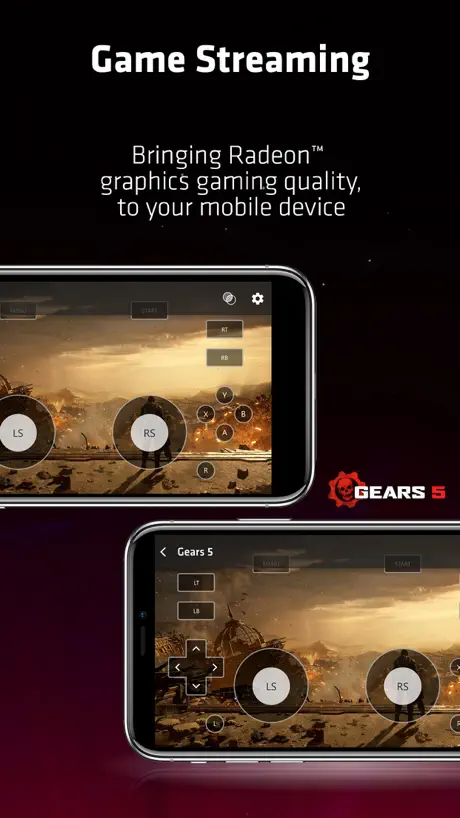
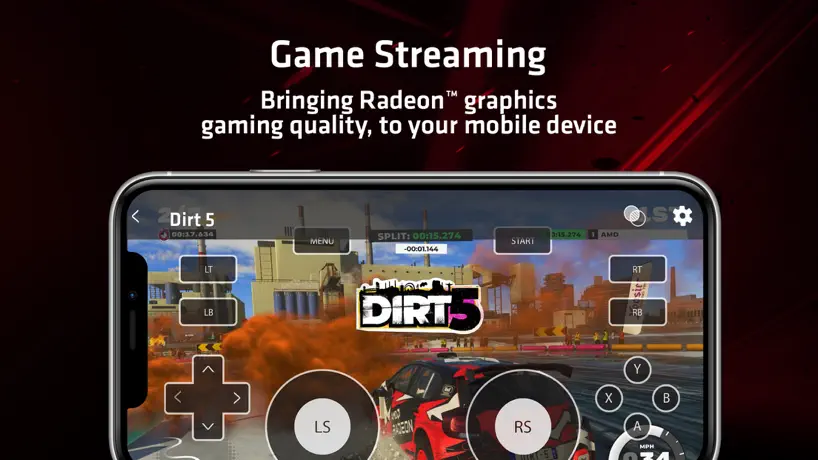
Works like a charm. No need to login or give any personal info. Just connect using a code and play RDR2 on my iPhone. Awesome
It was awesome! Till it wasn’t.
I read the news when opening this app that u have discontinued service for this, why tho. It was so much more then jus a game mirror app your app had everything I could even look at my pics from assetto corsa whyyyy make service discontinued I just got my pc I wish I would of gotten it 3 years ago I guess
It’s good but with some fixable problems
I couldn’t get and link to work at first but I went to my firewall options in my setting and put it to all of the Amd adrenaline apps and it worked. It’s great but a little buggy. It’s preferable if you used a controller for your device like your phone. Other than that it’s fine really.
Aaand it stopped viewing media files.
The most feature I use, viewing media files and downloading on my phone.. it stopped working weeks ago and never worked properly again.
wont connect
i have wifi on on both devices but it says there’s no wifi and can’t connect
Very
Nice
WHY
WHY WOULD YOU STOP SUPPORT BRO
Kein Sound
Die App funktioniert sehr gut und fast ohne Ruckler und Artefakte im Gegensatz zu Steamlink bei mir. Dennoch ziehe ich den letzten Stern wegen Sound Problemen ab, denn ich bekomme keinen Sound auf mein Handy obwohl ich bei Windows 11 Hdmi als Soundausgabe ausgewählt habe und die Treiber aktuell sind. Selbst nach neuem Runterladen der Treiber. Bitte schnell beheben!
I can’t even open the app long enough to connect my pc before it crashes
It keeps crashing
Mouse Capture Broken
Super high quality and reasonably low latency streaming. Launching a game is pretty buggy, but when it works it’s great. The biggest problem is that mouse capture is broken. You have to click and drag to get the cursor to move. This makes it unusable for FPS games or the like, unless you use a controller.
I use it on my iPad to stream games.
App works fine on latest build. Good job!
Broke my gpu driver 🙄
Broke my adrenaline driver and didn’t and software wouldn’t open. Had to wipe and then reinstall driver. Worked for a minuet there though
Really good
Really nice!
controller support
both the “back/view” button and the “xbox” button do not function and holding the “back/view” button and the “option” button do not yield the desired effects in game. makes some games unplayable.
Bug Report
There is a bug that will cause the app to crash when taking pictures of QR codes
sweet piece of software 👏
I’ll use it to play games on my phone. thanks AMD!
Crashed computer
After using the app, it crashed amd on my desktop and amd refuses to open on it, ran windows troubleshoot and left feedback, hope the desktop version works again without un and reinstalling
Good Quality. Low Latency. But one problem
I tried using this and it’s awesome. But the dealbreaker is that controller support on this is about 90% instead of 100%. The X-axis for both analog sticks don’t work in games or register on any controller input tester. AT ALL. It’ll sometimes randomly just register for a split second but that’s the most that’ll happen. I had to use the other AMD Link app (legacy for windows 7) on my windows 10 pc. The app seems less updated and the quality seems a bit worse, but the controller input and latency is virtually perfect!
Media is no longer able to download to device
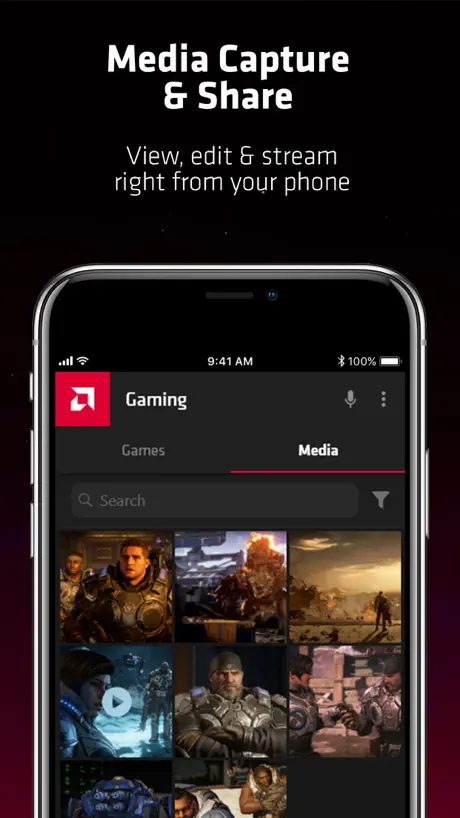
App does not do what it states it is supposed to do. I haven't had any issues connecting to my PC, which seems to be fairly common amongst most users. My biggest gripe is that you cannot save media directly to phone although the feature is there. When I first downloaded the app, I had no issue with this and thought it was one of the more attractive features of this app. But about a year ago it just stopped working for whatever reason and I have not been able to download clips since. Maybe it's something I have configured in my settings, but I'm not sure. If this issue were to ever get fixed though, I would change my rating.
Okay..
Decent for monitoring your device’s specs in real time, but little reason to do this when not away from your device. Being able to play games on your phone is ONLY available if your amd device is a desktop, NOT a laptop.
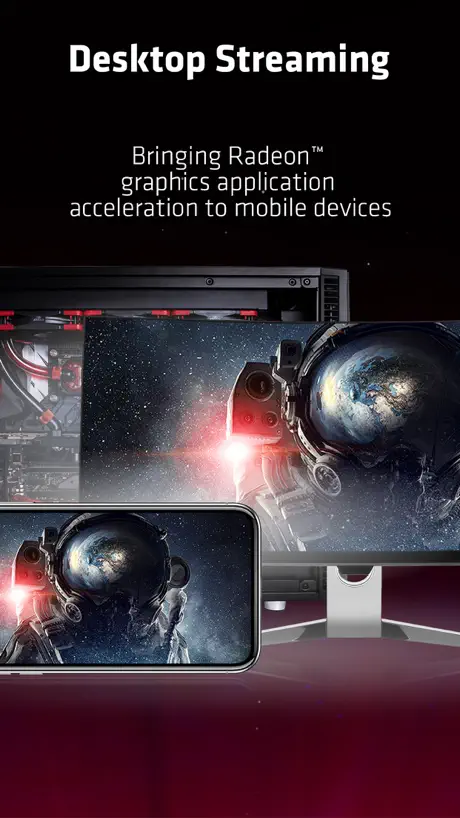
Love the desktop streaming !
Cannot believe it is free.
Can’t even connect my computer
I’ve tried inputting the invite code, it doesn’t work. I’ve tried putting in the name of the computer along with all the other info it asks for, IP, port, code, and it still doesn’t work. The computer gives me the option to use a QR code but the app doesn’t give me the option to scan it (I even tried with my phone’s camera and it doesn’t even recognize it as a QR code). How am I supposed to use this app if I can’t even connect my computer to it?!? If I could give this app no stars, I would.
Awesome app
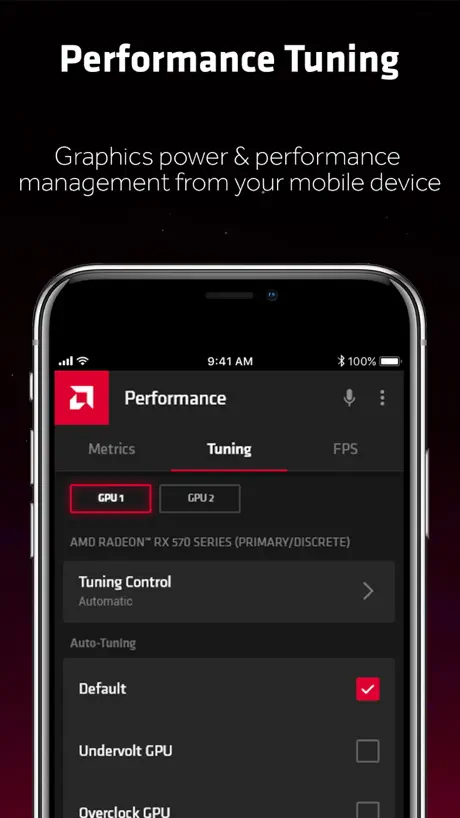
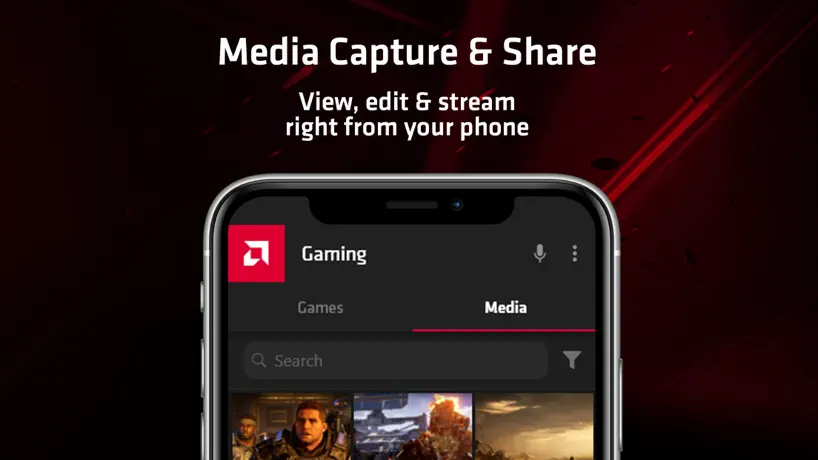
It gives you the ability to see how your GPU is working in terms of frequency, temperatures, and provides info about GPU ram, and info about CPU and ram performance. It also provides the option to underfoot the GPU, or overclock it, and monitor performance, and record GPU performance in games.
Not ready for prime time
The app crashes a lot. The fatal flaw is that every 10-15 minutes or so the audio of the game becomes choppy and requires restarting the app to fix. That means there’s no way to enjoy the game continuously.
闪退
app都打不开,直接闪退是什么情况
Everything works for me! Cool app
People who have trouble connecting on latest AMD Link app should install and upgrade their driver to AMD Adrenalin 23.2.1 version. After that, it will fine.
Of course it doesnt work.
Tried connecting through wifi, ip, and game link. Nothing.
Top, aber leider nur über Wi-Fi
Die App an sich ist top. Lediglich dass man nicht über mobiles Netz verbinden kann, finde ich blöd, und der Trackpad Modus beim streamen funktioniert nicht, falls es möglich wäre dies einzufügen würde ich mich sehr freuen und auch dann 5 Sterne verteilen :)
The app is unstable 👎
This app is very unreliable and very unstable. I would have given this one star if it were not for the crazy amount of features that are here. It cannot handle watching media without crashing after a few seconds; the connection is always slow, unstable and very laggy. A lot of bugs need to be squashed and tweaks need to be implemented, there’s a lot of potential for this app especially with the technology that is at hand. Please get it together and fix your app.
外网连接没法用,手机端黑屏
显卡型号rx570 ,驱动20.9.1。 局域网能玩。 用互联网连接,手机端黑屏,无法使用
Great app for captures
I got this app for the purpose of moving clips to my mobile phone, so I can easily share them with friends.
Disappointed
The product claims you can game anywhere but your tied to you own Ethernet you have to be connected to the same Wi-Fi and the pc you wish to use
Warnings
It would be nice to set up warnings in app. Cause I like to put on a stress test and leave. A warnings to tell me that the gpu is at a specific temp would be nice. Like at 90 it tell me the gpu is at 90 via notifications and at 100 is just shuts down the computer or something.
It’ll remote to you computer but…
It definitely does what it says it will do. However when I connect to my computer using this app, my phone will get super hot and my and die really fast. Some times my phone will get so hot that it crashes. Don’t think that should happen with an iPhone 12 Pro Max. Could probably use a fair bit of optimization before it’s ready for prime time.
ios13.5.1闪退
如题,希望程序员修复一下。
Anyone having connection problems
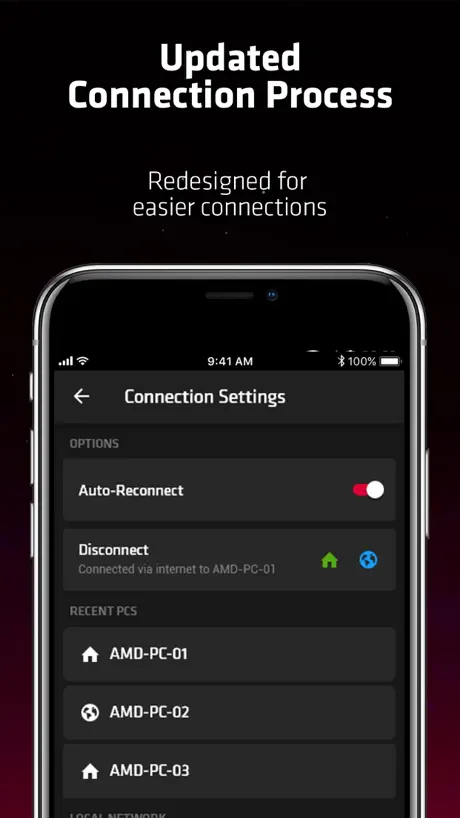
This is a possible fix for anyone having connection errors, go into your iPhone settings look for the AMD Link APP and make sure you have "Local Network" enabled then try to connect your device again.
Needs to be better
It keeps crashing even after every update, I can’t save videos/clips & the AMD on pc isnt any better it jst needs to focus on making the app a quality product that’s it
Gelungene App
Soweit bin ich sehr zufrieden. So habe ich beim zocken alle relevanten Infos im Blick. Schade nur das die App sich den zuletzt verbundenen PC nicht merkt. Man muss bei jedem Start neu zuweisen und Settings neu einstellen. Hoffe das wird in der nächsten Version verbessert. Dann gibts auch volle 5 Sterne. Bis dahin leider nur 4
Game streaming
For some reason the game streaming thing doesn’t work, when ever I click the thing to connect it just stays there doing nothing and it’s super annoying
Good but still needs some updates and fixes
I can connect to my pc but I have no controls also there is no way to leave from the control editor and game streaming except from double taping the home button
Sweet bit of S/W
Works great, I use it daily and can’t live without it! Thanks man! AMD developers it means a lot to me!
Doesn’t work
Cool idea but doesn’t work as intended.
Fast perfekt
Ich finde, die Diagrammdarstellung der Leistungswerte ist eine gute Idee, allerdings ist sie in ihrer jetzigen Form zu unübersichtlich.
Videos
It won’t let me save a video that’s over a minute long, it’s super annoying and sometimes it’ll just crash or disconnect from you pc while your on it for no reason
No games tab
Works great for the GPU and frame rate monitor but I wanted to stream some games to my phone and unfortunately I see no “games” tab.
AMD Link FAQ
- Is AMD Link free?
- Yes. The app is free, in all 175 countries it sells in, and it sells nothing inside it.
- Does AMD Link have a free trial?
- No. None of its offers (US) come with a free trial.
- What are the best alternatives to AMD Link?
- ARMOURY CRATE (4.4 from 7,247 reviews), BuildCores: 3D PC Builder (4.6 from 4,868 reviews, premium from $2.99) and G-CPU:Monitor CPU, RAM, Widget (4.7 from 3,714 reviews, premium from $1.99).
AMD Link download
Last updated 2 years ago.
AMD Link sells in 175 countries. It was released 8 years and 11 months ago, on 12 Dec 2017. It holds a 2.8 rating from 161 reviews.
Supports 1 language: English.
How much does AMD Link make?
Third-party estimates for the last 30 days, worldwide — not the store's own figures, which Apple publishes for nobody.