
Rogers Xfinity
How much does Rogers Xfinity cost?
Prices are current as of 11 Sept 2026.
Rogers Xfinity has no in-app products on record in the United States.
10+ alternatives to Rogers Xfinity
| Rogers Xfinity |   Virgin Plus My Account Virgin Plus My Account |   Fido My Account Fido My Account |   My TELUS My TELUS |   Public Mobile Public Mobile |   Coinamatic CP Mobile Coinamatic CP Mobile |   1VALET 1VALET | 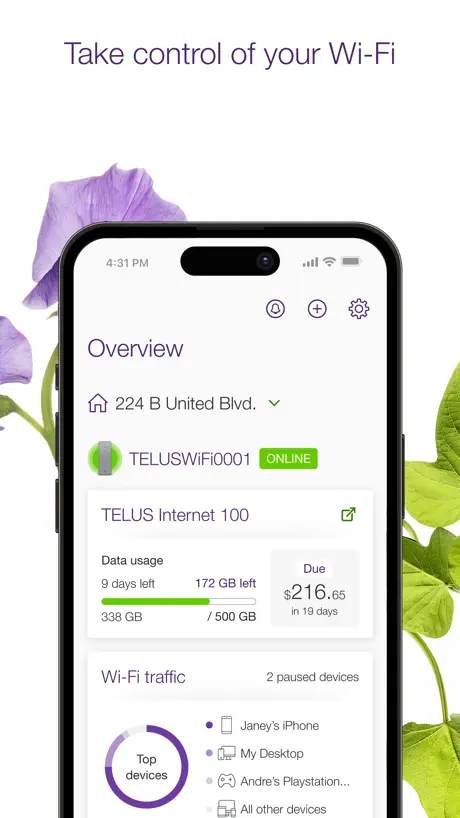  TELUS Connect (My Wi-Fi) TELUS Connect (My Wi-Fi) |   Freedom Mobile My Account Freedom Mobile My Account |   BC Wildfire Service BC Wildfire Service | |
|---|---|---|---|---|---|---|---|---|---|---|
| Rating / 5 | 4.2 | 4.4 | 4.1 | 4.3 | 4.6 | 4.4 | 4.7 | 3.2 | 1.6 | 3.0 |
| Reviews | 69K | 351K | 62K | 52K | 11K | 11K | 7.1K | 3.2K | 1.6K | 425 |
| Released | 2019 | 2014 | 2009 | 2012 | 2023 | 2017 | 2019 | 2017 | 2014 | 2020 |
Rogers Xfinity reviews
4.2 out of 5, based on 68,879 reviews.
What people like
- Setup is incredibly simple and fast
- Technicians are helpful and knowledgeable
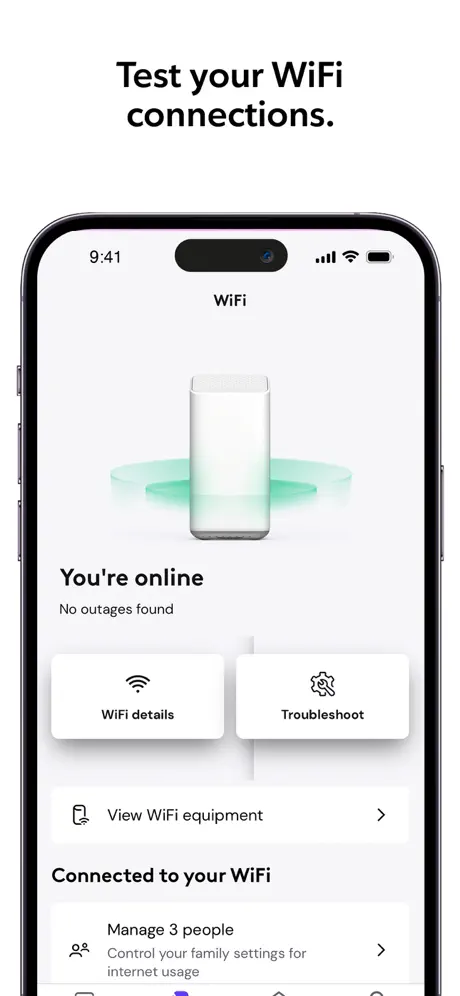
- Good at identifying who uses your wifi
What they complain about
- Login loops and keeps asking for password
- App freezes and loads very slowly
- Shows wrong devices or forgets connections
- No Face ID or keyboard on iPad
Wifi
Very helpful
Garbage
App functionality is abysmal. Keeps you in an ongoing loop of the sign in page and “sorry something went wrong.”
“Loses” devices frequently
I restart my iPhone 16 Pro Max and I’m told a new Apple device has connected to the Rogers Xfinity network, gen 4 gateway. It’s identified as an Apple mobile device. In the not connected section it shows my correctly identified phone as being disconnected 25 minutes ago. It happens with devices frequently and is annoying and should not happen. It won’t identify Apple Watches by series, simply as watch. Frustrating. Edit: The Developer suggested I restart the gateway and delete and reinstall the app. I have done so and the performance has improved.
WiFi drops
WiFi drops frequently. Zoom, Teams calls are often frozen and I miss large segments of meetings. Netflix often loses connection resulting in interrupted programs.
I remember when it was BCtell now its Tell-US
I was with Tellus for +41 yrs (loyalty to a fault) & switched to Rogers/Shaw about 8 yrs ago. I had bought a new place +3 hrs away, made a special trip/appointment for activation, they never showed. I had even confirmed the appointment a couple days before. They said yep its scheduled mid afternoon. Called Rogers that day & they activated in 2days, exceptional techs too. Cost me a day off work, travel, meals, hotel. They offered retribution of about 20% of my costs. I told them there is nothing you can do to make me whole, its not just about money Tellus has been trying to get me back ever since. I kept telling them I will never go back, & now I constantly block their number now…never again! Moving to Rogers/Shaw has been the best thing ever. Every thing is better , content, wifi, land line & cost. Yes they are not perfect, but so far ahead that it seems the competition is nowhere insight. PS : my mobiles are also with Rogers/Shaw now & I’m happy too. Quality of service is worth more than a dollar figure . Note 4 stars only on my rating…. I hate automated help lines … they do have a feature that a rep. Will call you ASAP if you wish not to hold the line. This makes it much more bearable. Go! Rogers
Unsolveable error
Hit “something went wrong” error at login, tried everything from restarting device, clearing the app data, clearing cache, reinstalling the app, nothing works.
doesn't recognize my registered iphone!!
even though it has been connected & registered for a month, all of a sudden the app detects my iphone as a new connection - when it is already registered! the app displays the same ID's and MAC's for my already registered iphone and the 'new' iphone - which isn't new, its the same phone! It should've disappeared from the app when i selected 'forget this device', but after a router reset and app reset, it still detects my iphone as a 'new' connection. I deleted the app, reset & reboot my iphone, and re-installed the app on a cold startup and it seems to be working properly now, the app detects only one iphone as it did before something glitched. I also have the app on my ipad and occasionally the device list does not match my iphone. somethings amiss, possibly a refresh fail, but KUDOS to dev's for helping us quickly identify who or what is using our wifi! Good job Dev's and Rogers!
No Face ID or keyboard!
In response to developer: Ok, it’s optimized for the iPhone, but why is there no biometric access available to open the app? Each time, requires user name , password then 2FA. Are you planning this in a future update?? I have to enter my username and password each time, why no Face ID available? Also, the onscreen keyboard is nowhere to be found during password filling. (On iPad) This is important as some users like to pepper their passwords. Having no keyboard makes this impossible. Please fix this. (I notice the keyboard is present using iPhone but not on iPad) Thanks
Roger Xfinity experience
Amazing, the most important thing is, it’s easy to use.
App broken, Login loop
Can't even log in. Just sends me back to log in page with no info except "something went wrong." Terrible app and designed by a tech company, which reflects poorly!
Baadddd
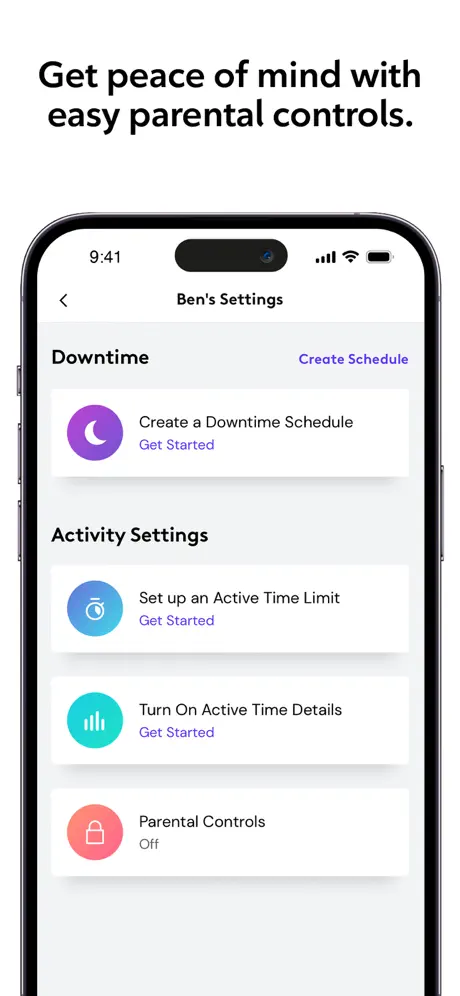
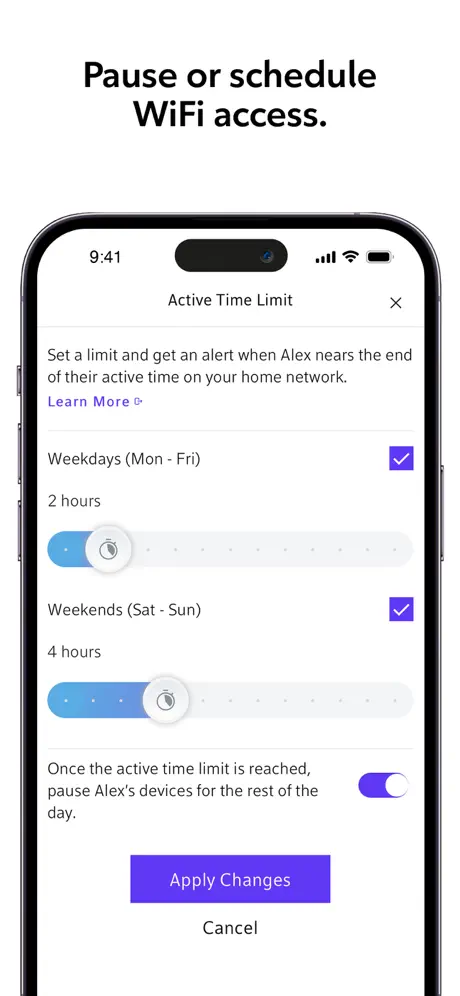
Doesn’t show active time
Need internet to download…
The internet doesn’t work without downloading this app but you need the internet to download this app…
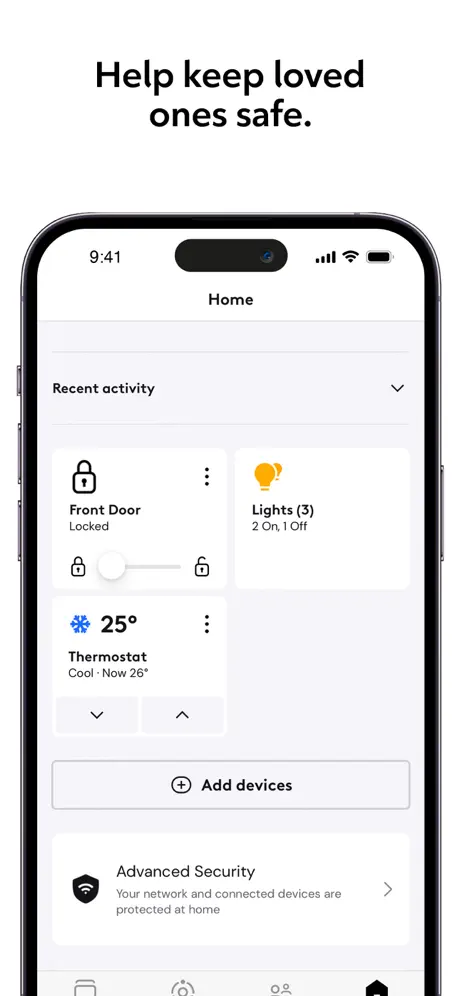
Adding devices / tracking devices
This app used to be so good/easy to use. Every new device added to my household the app would prompt me to assign it. I’d assign it, and no problem. Now each time I add a new device I get the same prompt to open the app, I do and I have to sign in. When I sign into my account the app has forgotten why I was opening it and I can’t assign the device it prompted me about. It’s totally useless now. I don’t mind signing in but it should still bring up the device in question automatically to let me deal with it then just a generic new session. Useless!
Garbage
Literally can’t set up my router bc the app keeps saying somethings wrong Christ if you want to lose your mind quickly get this app
Pod Setup
The easiest device I have ever installed! Literally plug it into the was, sign in to the App on your phone, and hold the phone within 6 inches of the Pod. After about a minute it says it’s finished! Wow, that was easy!
Rogers tv
I would like to be completely out of my contract. From the time I have had Roger’s TV and Internet I have nothing but issues. I have spent countless hours on the phone for different reasons. I currently cannot get Turn on yet. I have done everything. I walked out of my contract.
Technician
Technician was very good and helpful. He should be recognized for service.
Not happy
I’ve been having issues with construction outside and my cable not being buried properly now my cable is on top of concrete
The Freeze
Lots of freezing and blinking off in the most in opportune time. Not happy.
Shame that a company cant fix the app issue
Its a shame that the company is doing nothing to fix a known issue. It’s been months that the app is down and little have they done about it.
Keeps freezing and slow often
Keeps freezing and slow loading
Stupid setting
I've already checked the "remember password" box, but it keeps asking me to log in again every few days.
Hot garbage
Great idea: make your modem ONLY work with an app that itself does NOT work. About what I expected from rogers. Guess I don’t need internet anyway
Constant Error
Countless reinstalls and different devices and I still get “Unexpected Error” after every attempt to login. How is this possible from a billion dollar company? Screw you guys.
Rogers Xfinity FAQ
- Is Rogers Xfinity free?
- Yes. The app is free, in all 175 countries it sells in, and it sells nothing inside it.
- Does Rogers Xfinity have a free trial?
- No. None of its offers (US) come with a free trial.
- What are the best alternatives to Rogers Xfinity?
- Virgin Plus My Account (4.4 from 350,569 reviews), Fido My Account (4.1 from 61,514 reviews) and My TELUS (4.3 from 52,042 reviews).
Rogers Xfinity download
Last updated 2 months ago.
Rogers Xfinity sells in 175 countries. It was released 7 years and 3 months ago, on 19 Jun 2019. It holds a 4.2 rating from 68,879 reviews.
Supports 2 languages: English, French.
How much does Rogers Xfinity make?
Third-party estimates for the last 30 days, worldwide — not the store's own figures, which Apple publishes for nobody.