Art Set 4
Most Realistic Art Tools
How much does Art Set 4 cost?
Prices are current as of 1 Oct 2026.
1 one-time purchase from $12.99
In the United States, Art Set 4 has 1 one-time purchase priced $12.99.
| Product | Price |
|---|---|
| Unlock All | $12.99 |
10+ alternatives to Art Set 4
| Art Set 4 | 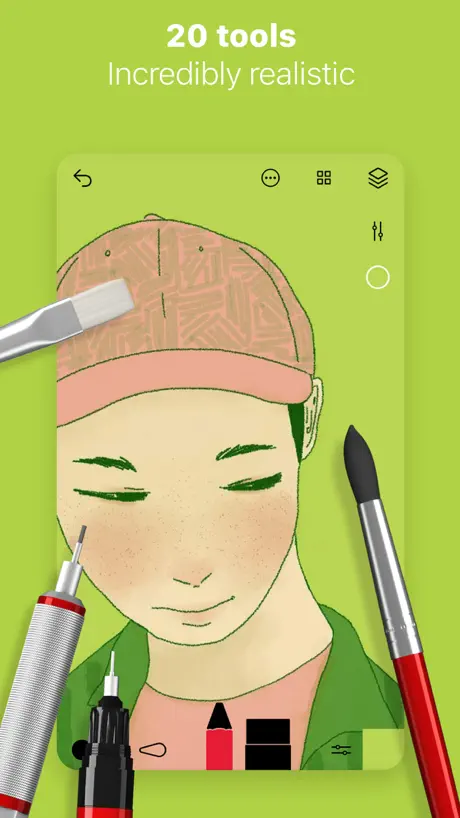  Tayasui Sketches Tayasui Sketches |  MediBang Paint – Drawing & Art MediBang Paint – Drawing & Art |   Drawing Pad - Drawing Pad - |   Adobe Fresco: Draw & Paint App Adobe Fresco: Draw & Paint App |  Clip Studio Paint Clip Studio Paint | 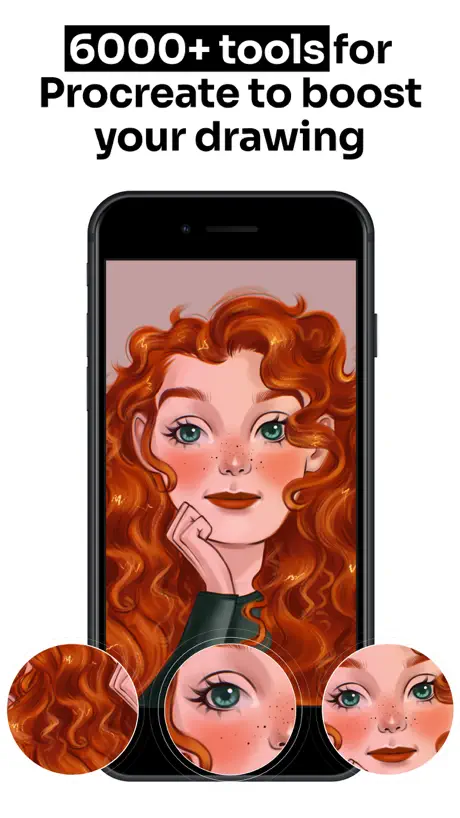  Tools for Procreate Tools for Procreate | 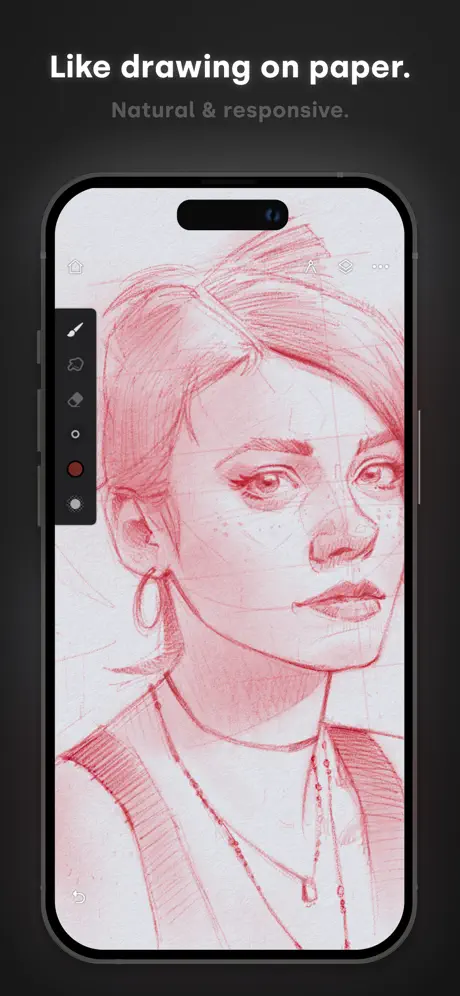  Infinite Painter Infinite Painter | 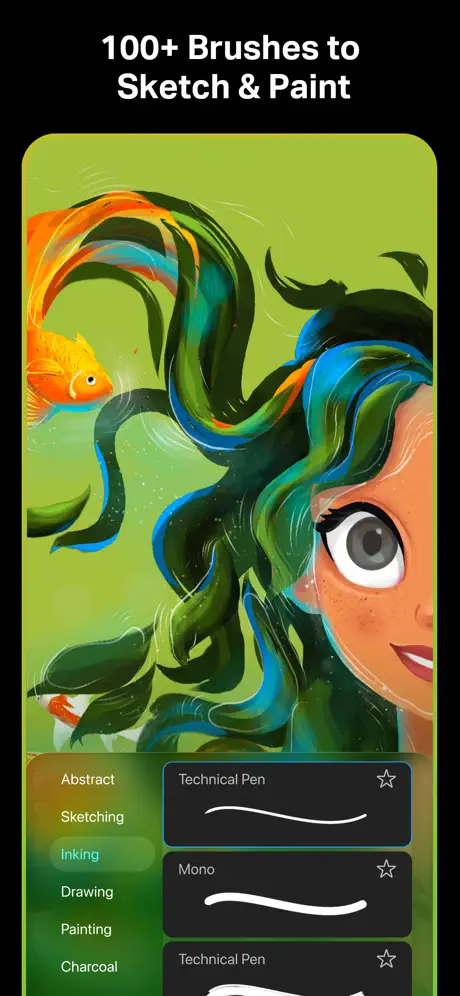  Sketch Pro: Draw & Create Art Sketch Pro: Draw & Create Art |   Artstudio Pro: Draw, Paint Artstudio Pro: Draw, Paint |   HiPaint- Sketch & Paint HiPaint- Sketch & Paint | |
|---|---|---|---|---|---|---|---|---|---|---|---|
| Rating / 5 | 4.6 | 4.6 | 4.6 | 4.4 | 4.7 | 4.7 | 4.5 | 4.2 | 4.7 | 4.6 | 4.6 |
| Reviews | 115K | 315K | 259K | 230K | 230K | 114K | 56K | 38K | 31K | 23K | 17K |
| Released | 2018 | 2013 | 2015 | 2016 | 2019 | 2017 | 2021 | 2016 | 2023 | 2017 | 2023 |
| Monthly price | — | $2.99 | $4.99 | $8.99 | $7.99 | $9.69 | $9.99 | — | $4.99 | — | — |
| Annual price | — | $9.99 | — | $49.99 | $69.99 | $28.90 | $34.99 | — | $14.99 | $3.49 | — |
| One-time price | $12.99 | $7.99 | $7.99 | — | — | — | $99.99 | $6.99 | $3.99 | $14.99 | $0.99 |
The going rate for each plan in United States, in its own currency, shaded from the cheapest price on the row to the dearest. Plans fewer than four in ten of the priced apps sell are left out.
Art Set 4 reviews
4.6 out of 5, based on 114,968 reviews.
What people like
- No annoying ads interrupt you
- Painting feels very realistic
- Saves your drawings automatically
What they complain about
- Almost everything costs extra money
- App crashes or deletes your work
- Updates are rare and buggy
10/10 love it
Super fun, no annoying ads, and very detailed Saves your drawing automatically, you can also zoom in very close to the detailed pixels. They were made sure this was ganna be a relaxing drawing app. And it is offline too which doesn't really do anything since there's already no ads like said at the start. Recommend if you want a realistic drawing. MUST DOWNLOAD .
Do not buy subscription!
I’m extremely disappointed with the developers of this app. After being happy with the previous version, for no apparent reason, the update removed my subscription and deleted everything I had previously paid for, including the tools I purchased. This issue has seriously affected my trust in the app. I paid for these features because I genuinely enjoyed using the app and believed it was worth supporting. I’m demanding a investigation and that it be resolved properly, including restoring everything I previously paid for. At this point, if someone asked me whether they should download the app, I would unfortunately say no for now. I hope this issue is taken seriously and fixed, because I would like to be able to recommend the app again.
Great App just one major flaw ……well maybe a few.
Art set 4 is my go to even before pro create because of the realistic look of the painting tools. However my major quirk which I find quite frustrating is the lack of export capabilities for your project. Project files are stuck within the app and can only be exported as a flat file, which means if you have a crash of your iPad there goes your projects. This happened to me. I understand this can be a function of the non paid version but a paying customer deserves better. Get it together developer you haven’t even offered an upgrade in a while this is unacceptable. Ps while you at it add a fan brush or the ability to add brushes and tools. This app would be the choice of many if you did and we the user won’t feel cheated.
It’s ok…
(Gave it this so u can see it ) I love art set and have made lots on it but one day it wouldn’t let me add photos 😭😭😭😭 and it says no in app purchases but u have to buy a bunch of things! If u want this to be ur only art app make sure u can afford it also I was making a project on there but now I can’t do it THERIAN AND PRIDE FOREVERRRRRRRRR🏳️🌈🐾
Great app, but some things could improve
I wish there were more free tools so we can enjoy more while buying less
The BEST
It’s a REALLY good drawing app. I constantly use it !
1 star
You have to pay 12.99 to use almost all of the stuff. You get like only 3 things to use.
Art set 4 is amazing here’s how:
How did you even think of doing this! Wow I could not imagine how hard this would be! The 2 best things are is no adds and you can save your art! Like I have played this since 2 almost 3 years ago ! If anyone is thinking about it here is some facts about it : if you want some more calm in your life or your very bored when you don’t have internet 🛜 This is a very good game for you! Now if your reading this review and your not an artist at least on art set it’s an easy game to just enjoy/ practicing! So make sure you get this game also cause you can pick your favorite colors ! You can also do different paint sizes ! More people should get this app! Now this is the recommendations … I want updates on this app at least like 8 updates every year. Plz it would be really fun 🤩 like that.Not like it’s the best already! Just get it….. this game won’t make you so addicted to your phone! Thanks for not being greedy like you did on the regular game!
Locked out
I love this app. I purchased the lifetime access years ago and I had been able to use it with no issues until today when I was locked out of all access and can only access the free version. What is up with that?!
☆my review on this app☆
The app is nice but correct me pls if im wrong but I never rlly see new features, or updates, or even at least new free tools in the app. The only update we are getting is bug fixes. I’ll give it like 3 stars tho bc of no adds :) Star signing off !
⭐️⭐️⭐️⭐️⭐️
Çok iyi ben 3 yıldır resim uygulamaları kullanıyorum ve bu en beğendim kullanmanıza öneririm
Bad
Doesn't work for me do not recommend I couldn't switch the brush and color and it was broken so thats why I deleted it and creators please read and response back soon
It’s pretty good
So like this is a good app to use but like in the description it says you can use more tools than you actually can without paying for them. And you can barely even control the brush settings and have limited abilities in the game unless you pay for everything else. If you see this developers of the game, please give us access to more tools and settings.
Glitchy
Didn’t work half way through my drawing and wouldn’t let me see the colours and tools. Has to reinstall the app multiple times but still did have the same issue…
Why
The video that you see on the App Store shows a person using premium and you have to pay for premium Sooo umm yeah
Si de los Estados Unidos
No sé si lo sabes pero yo no lo sabía porque yo estaba hablando por teléfono
Too cash grabbing
Almost like 96 percent of the app cost money🍥🍥😩😩
Please 🥲
I bought this app—it looks amazing—but please, I'm begging you, add brush rotation for the Apple Pencil Pro and a spot preview for the hover pencil. Please, I'm begging you 🙏
拉完了
好多东西都得花钱💰英文看不懂,放大缩小都找不到,橡皮也找不到,啥都找不到,烦人!!!
No other colors
Where color
Love it!
This is soooo good! I wish I could do this all day!
Guide keeps crashing
Everytime I go to read the guide, the app crashes. I can't read any of the instructions. I just paid for it, too. Please fix this.
. Don't really like it...
i mean its a great app but for some reason i followed the instructions but i still couldn’t change the size of the brush!!!!
画布消失
画着画着画布突然消失.画好的作品不见了
It’s ok
I give it a three because it takes me out of the game by itself and it sometimes doesn’t let me save my drawings
It’s good but…
The app is great it’s just about how greedy it is.
BAD APP
I hate this app
Slay
Cool
Meh
The app is very good and the brushes as well but I can’t change brush size with meta pen and it’s very pay to win
READ THIS BEFORE GETTING THIS APP!!
It’s annoying how we can’t get other tools I mean of course it doesn’t have adds but when I first opened this app I was depressed I only had one cool tool thats the tissue paper i and classic markers and stuff I would have rated this a one I would not recommend this app
So amazing! but...
Got this hoping and praying. Left happy! The one thing I must complain about is the PAYWALL. THAT MADE ME MAD. Otherwise five stars. Really good for the those who like trad art.
Bad just bad
Everything cost MONEY
Money
I want all the brushes it is also amazing
Good but has Pixels
It’s a good app and I have used it for a while now but one thing I would want improved was that when you zoom in it is very pixelated. It makes it hard to blend colours together. I hope you fix this because it’s very annoying.
PRETTY COOL APP JUST ONE THING
why the hell is the eraser so DAMN small and I can’t even increase it because “I need to pay” JUST LEMME CHANGE THE SETTINGS OR IMA HAVE TO KEEP RE-DOWNLOADING THIS APP
Amazing art set
I love it it improved my drawing skills you should buy it it’s incredible
Glitch with the help tutorial
The help app keeps closing. I tried closing the app and restarting and the same issue occurs. Please fix. I’m new to this app and need the guide.
Incredible
This game is so fun I love drawing and writing on it and it’s great if at home you don’t have anything to draw with.Its actually so good that I honestly love the fact that it is free and that it has so many art supplies like I know why it’s called “art set” just by looking at the art supplies.You can draw anything but I hate the fact that it has such a thin eraser
Was good
Was a good app 2 years ago. Now it’s very glitchy. Needs updating
Great app but… where’s the updates?
I now see glitches in the app that were not there at all until the most recent updates and upgrades of the ipadOS…the app is now 2 years old in its current version so it’s smelling like an abandoned tool already… too bad.
Cool
Well um, I like it, how it's like realistic and how it connects with real physics rather than the material getting painted over like a rock getting painted but you don't see the rough part. Also, this is very nice!
PTP
Everything good in this app is locked behind a wall which may only be opened with money. And even their best tools aren’t worth it. Waste of storage and time and money, would not recommend. Another thing. Is the art tools just suck. The app is downright outrageous and useless without spending money. Extremely annoying, and no layers, or animation..
Could be better
Why is it so expensive to buy the hole actual game and different obdjects Pleas be freeeeee !!!!!!!!!!!!!!!!!!!!!!!!..
Lag
After working on a piece for an entire day, the program suddenly lagged, deleting majority of the artwork and leaving only scattered squares of colour. This was beyond disappointing and I cannot express properly the anguish of watching all my hard work disappear in front of my eyes in an instant. It has also been a reoccurring problem, and I will no longer be trusting this program with any major projects. Other than that, great app.
Good. Could be better
This game is very fun , but it’s quite hard ti draw and there’s not enough coulors but overall it’s a very good game !
Omg absolute NEED!!!
This definitely had me engaged at first look. Normally I’m not good with apps like these but omg!! No annoying adds too! And you can zoom in! But my personal favorite part is the watercolor and oil pastels! The oil pastels bled so well! And the watercolor makes it SO pretty!😍😍 five stars!!!
Not functional
So I JUST downloaded this app and I was reading the how to for this app, and it keeps crashing on me. The app is up to date as well as my iPad and it’s fully charged and all other apps are working. It should be compatible with my iPad, but I can’t even get it to stop crashing. Waste of time, money, and storage
I love it
I can draw but I don’t like it when the colour blends And there is no ads
Two stars
I do not appreciate the limited items accessible in this app for you are required to pay to change the brush size or get more varieties. The graphic quality I top notch but being stuck with only one brush size does ruin the experience. Also not having a fill tool makes it take a bit longer to create an ideal background, but however it is super realistic and the colours blend really well and it is surprisingly realistic. Even with out paying you can still have an okayish experience but if there would to be any updates please make it possible to change the size of the brushes without having to pay an obscure amount of money.
Need better alcohol markers
I like the app and how realistic it makes art, but I hope theres an update where there is better alcohol markers. Thank you!
Art Set 4 price by country
A one-time purchase costs $11.94 in Russia and $19.07 in Colombia — 1.6× more for the same thing. Below is the going rate for each plan in every country that sells it — the middle price of what the app charges there, in the country's own currency with the dollar equivalent beneath it.
| Country | One-time |
|---|---|
| Afghanistan | $12.99 |
| Albania | $14.99 |
| Algeria | $12.99 |
| Angola | $12.99 |
| Anguilla | $12.99 |
| Antigua And Barbuda | $12.99 |
| Argentina | $12.99 |
| Armenia | $14.99 |
| Australia | A$19.99$13.88 |
| Austria | €14.99$17.00 |
| Azerbaijan | $14.99 |
| Bahamas | $14.99 |
| Bahrain | $14.99 |
| Barbados | $14.99 |
| Belarus | $14.99 |
| Belgium | €14.99$17.00 |
| Belize | $12.99 |
| Benin | $14.99 |
| Bermuda | $12.99 |
| Bhutan | $12.99 |
| Bolivia | $12.99 |
| Bosnia & Herzegovina | €14.99$17.00 |
| Botswana | $12.99 |
| Brazil | R$79.90$15.37 |
| British Virgin Islands | $12.99 |
| Brunei Darussalam | $12.99 |
| Bulgaria | €14.99$17.00 |
| Burkina Faso | $12.99 |
| Cambodia | $14.99 |
| Cameroon | $14.99 |
| Canada | CA$17.99$12.67 |
| Cape Verde | $12.99 |
| Cayman Islands | $12.99 |
| Chad | $12.99 |
| Chile | CLP 14,990$16.07 |
| China | CN¥88.00$13.10 |
| Colombia | COP 59,900$19.07 |
| Congo | $14.99 |
| Congo, Democratic Republic | $12.99 |
| Costa Rica | $12.99 |
| Cote Divoire | $14.99 |
| Croatia | €14.99$17.00 |
| Cyprus | €14.99$17.00 |
| Czech Republic | CZK 349.00$16.19 |
| Denmark | DKK 99.00$15.02 |
| Dominica | $12.99 |
| Dominican Republic | $12.99 |
| Ecuador | $12.99 |
| Egypt | EGP 699.99$13.75 |
| El Salvador | $12.99 |
| Estonia | €14.99$17.00 |
| Fiji | $12.99 |
| Finland | €14.99$17.00 |
| Gabon | $12.99 |
| Gambia | $12.99 |
| Georgia | $14.99 |
| Germany | €14.99$17.00 |
| Ghana | $14.99 |
| Greece | €14.99$17.00 |
| Grenada | $12.99 |
| Guatemala | $12.99 |
| Guinea-bissau | $12.99 |
| Guyana | $12.99 |
| Honduras | $12.99 |
| Hong Kong | HK$98.00$12.48 |
| Hungary | HUF 5,990$18.54 |
| Iceland | $14.99 |
| India | ₹1,299.00$13.53 |
| Indonesia | IDR 249,000$13.91 |
| Iraq | $12.99 |
| Ireland | €14.99$17.00 |
| Israel | ₪39.90$13.00 |
| Italy | €14.99$17.00 |
| Jamaica | $12.99 |
| Japan | ¥2,000$12.71 |
| Jordan | $12.99 |
| Kazakhstan | KZT 7,990.00$18.16 |
| Kenya | $14.99 |
| Kosovo | €14.99$17.00 |
| Kuwait | $12.99 |
| Kyrgyzstan | $14.99 |
| Lao Peoples Democratic Republic | $14.99 |
| Latvia | €14.99$17.00 |
| Lebanon | $12.99 |
| Liberia | $12.99 |
| Libya | $12.99 |
| Lithuania | €14.99$17.00 |
| Luxembourg | €14.99$17.00 |
| Macao | $12.99 |
| Macedonia | $12.99 |
| Madagascar | $12.99 |
| Malawi | $12.99 |
| Malaysia | MYR 59.90$14.68 |
| Maldives | $12.99 |
| Mali | $12.99 |
| Malta | €14.99$17.00 |
| Mauritania | $12.99 |
| Mauritius | $14.99 |
| Mexico | MX$299.00$16.54 |
| Micronesia | $12.99 |
| Moldova | $14.99 |
| Mongolia | $12.99 |
| Montenegro | €11.99$13.59 |
| Montserrat | $12.99 |
| Morocco | $14.99 |
| Mozambique | $12.99 |
| Myanmar | $12.99 |
| Namibia | $12.99 |
| Nauru | $12.99 |
| Nepal | $14.99 |
| Netherlands | €14.99$17.00 |
| New Zealand | NZ$22.99$12.99 |
| Nicaragua | $12.99 |
| Niger | $12.99 |
| Nigeria | NGN 19,900.00$14.98 |
| Norway | NOK 179.00$18.63 |
| Oman | $12.99 |
| Pakistan | PKR 3,500$12.64 |
| Palau | $12.99 |
| Panama | $12.99 |
| Papua New Guinea | $12.99 |
| Paraguay | $12.99 |
| Peru | PEN 59.90$17.41 |
| Philippines | ₱799.00$12.73 |
| Poland | PLN 59.99$15.58 |
| Portugal | €14.99$17.00 |
| Qatar | QAR 49.99$13.73 |
| Romania | RON 69.99$15.05 |
| Russia | RUB 999.00$11.94 |
| Rwanda | $12.99 |
| Sao Tome & Principe | $12.99 |
| Saudi Arabia | SAR 59.99$16.00 |
| Senegal | $14.99 |
| Serbia | €14.99$17.00 |
| Seychelles | $12.99 |
| Sierra Leone | $12.99 |
| Singapore | SGD 19.98$15.61 |
| Slovakia | €14.99$17.00 |
| Slovenia | €14.99$17.00 |
| Solomon Islands | $12.99 |
| South Africa | ZAR 249.99$15.22 |
| South Korea | ₩22,000$16.23 |
| Spain | €14.99$17.00 |
| Sri Lanka | $12.99 |
| St. Kitts and Nevis | $12.99 |
| St. Lucia | $12.99 |
| St. Vincent & The Grenadines | $12.99 |
| Suriname | $14.99 |
| Swaziland | $12.99 |
| Sweden | SEK 179.00$17.90 |
| Switzerland | CHF 10.00$11.98 |
| Taiwan | NT$390.00$12.22 |
| Tajikistan | $14.99 |
| Tanzania | TZS 39,900.00$15.05 |
| Thailand | THB 499.00$14.86 |
| Tonga | $12.99 |
| Trinidad and Tobago | $12.99 |
| Tunisia | $12.99 |
| Turkey | TRY 699.99$14.27 |
| Turkmenistan | $12.99 |
| Turks and Caicos | $12.99 |
| Uganda | $14.99 |
| Ukraine | $14.99 |
| United Arab Emirates | AED 49.99$13.62 |
| United Kingdom | £12.99$17.23 |
| United States | $12.99 |
| Uruguay | $12.99 |
| Uzbekistan | $14.99 |
| Vanuatu | $12.99 |
| Venezuela | $12.99 |
| Vietnam | ₫399,000$15.38 |
| Yemen | $12.99 |
| Zambia | $14.99 |
| Zimbabwe | $14.99 |
Art Set 4 FAQ
- Is Art Set 4 free?
- Yes. The app and its basic features are free, in all 174 countries it sells in. Premium features are paid: they start from $12.99 (US), across 1 one-time purchase.
- Does Art Set 4 have a free trial?
- No. None of its offers (US) come with a free trial.
- Where is Art Set 4 cheapest?
- A one-time purchase costs RUB 999.00 (≈$11.94) in Russia and COP 59,900 (≈$19.07) in Colombia, its cheapest and dearest countries.
- What are the best alternatives to Art Set 4?
- Tayasui Sketches (4.6 from 315,353 reviews, premium from $2.99), MediBang Paint – Drawing & Art (4.6 from 259,018 reviews, premium from $2.99) and Drawing Pad - (4.4 from 230,411 reviews, premium from $2.99).
Art Set 4 download
Last updated 2 years ago.
Art Set 4 sells in 174 countries. It was released 8 years and 1 month ago, on 2 Sept 2018. It holds a 4.6 rating from 114,968 reviews.
Supports 1 language: English.
How much does Art Set 4 make?
Third-party estimates for the last 30 days, worldwide — not the store's own figures, which Apple publishes for nobody.
Revenue by plan
- One-time 100%
Revenue by country
- United States 42%
- China 16%
- United Kingdom 5%
- Japan 4%