
Mural - Visual Collaboration
How much does Mural - Visual Collaboration cost?
Prices are current as of 13 Nov 2026.
Mural - Visual Collaboration has no in-app products on record in the United States.
10+ alternatives to Mural - Visual Collaboration
| Mural - Visual Collaboration | 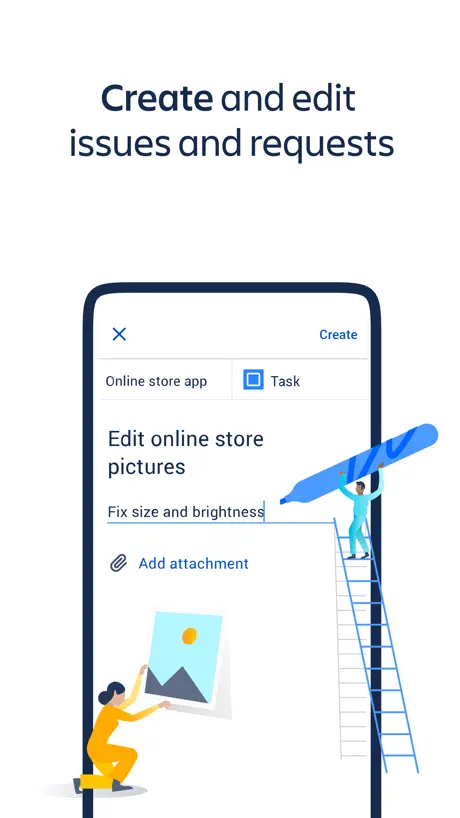  Jira Cloud by Atlassian | 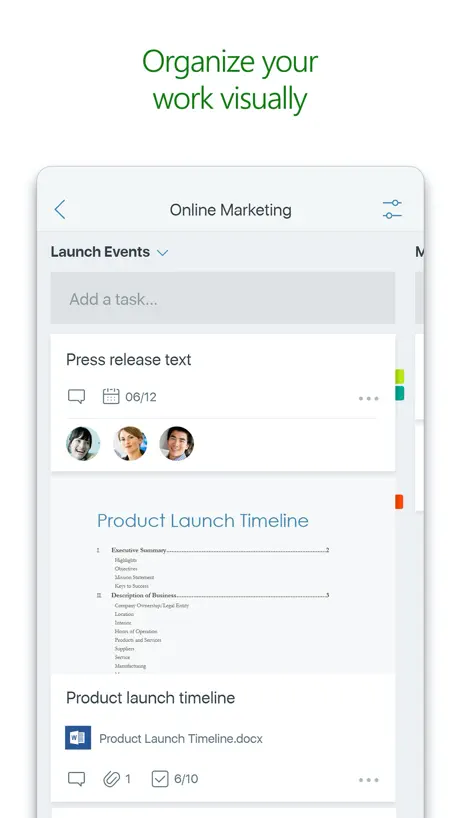  Microsoft Planner | 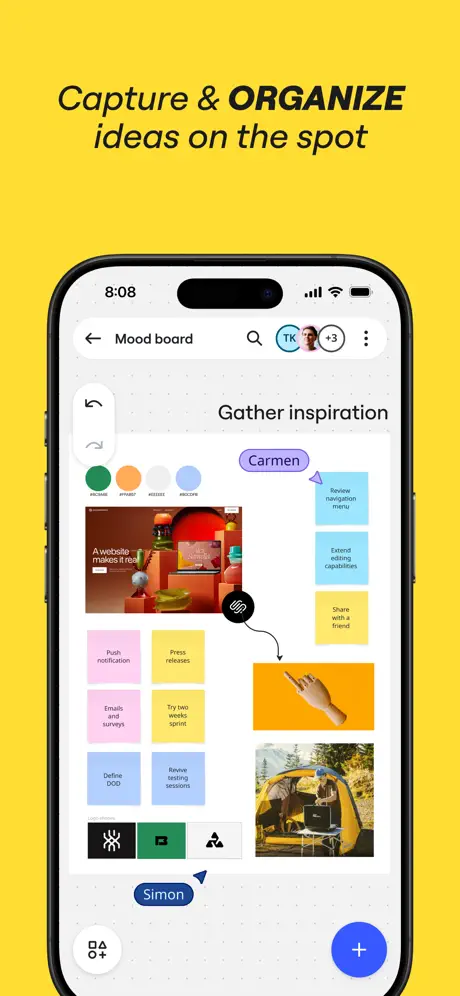  Miro: your visual workspace |   Microsoft Loop |   Lucidchart |   Confluence Cloud | 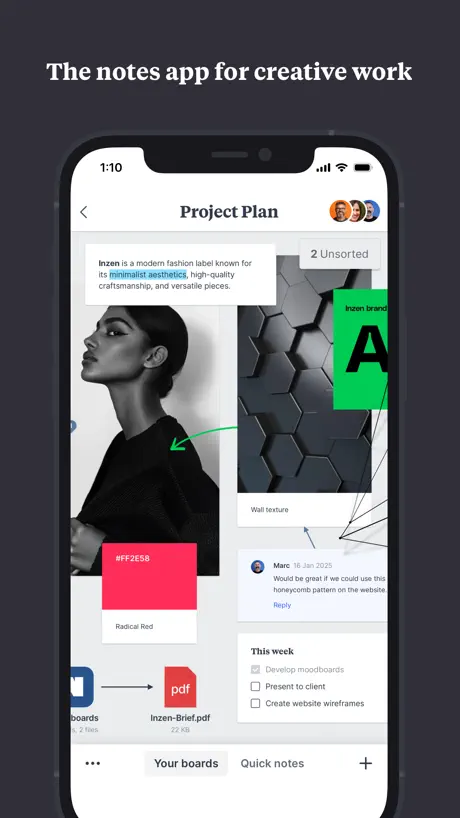  Milanote | 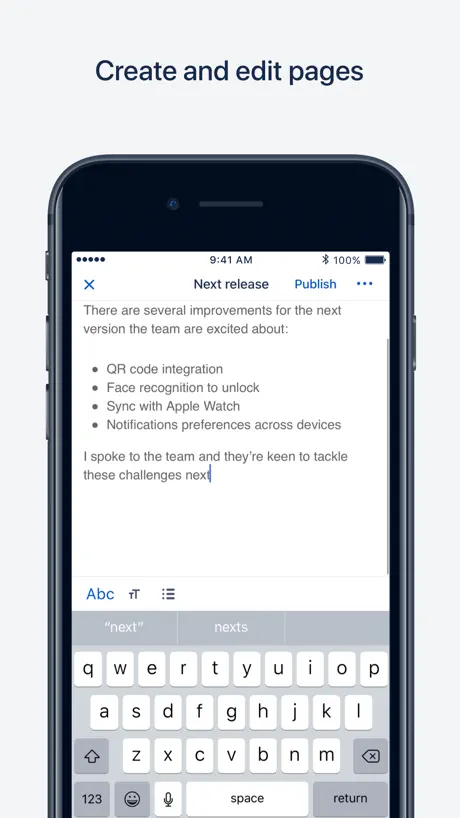  Confluence Data Center |   Jira Data Center |   Lucidspark | |
|---|---|---|---|---|---|---|---|---|---|---|---|
| Rating / 5 | 2.4 | 4.7 | 4.6 | 4.7 | 4.5 | 4.5 | 4.6 | 4.7 | 3.2 | 2.7 | 2.9 |
| Reviews | 281 | 130K | 55K | 40K | 18K | 14K | 12K | 9.2K | 413 | 284 | 71 |
| Released | 2016 | 2016 | 2017 | 2017 | 2023 | 2013 | 2016 | 2019 | 2018 | 2019 | 2021 |
| Monthly price | — | — | — | — | $9.99 | — | — | $12.49 | — | — | — |
| Annual price | — | — | — | — | $99.99 | — | — | $119.99 | — | — | — |
The going rate for each plan in United States, in its own currency, shaded from the cheapest price on the row to the dearest.
Mural - Visual Collaboration reviews
2.4 out of 5, based on 281 reviews.
What people like
- Great Apple Pencil support for writing
- Makes collaboration easy and intuitive
- Brings full web features to iPad
- Perfect for workshops and meetings
What they complain about
- App crashes constantly and freezes often
- Mobile version lacks many desktop features
- Login issues and frequent unexpected logouts
- Slow performance on large boards
New updates bring desktop app to ipad - try it again trust me
I have been a long time mural user, so long in fact, that I was part of a small beta group before the app was even publicly released on the web more than 7 years ago. I always liked the web version but the ipad version was never up to the standard I wanted. As times changed, I switched from carrying a MacBook Pro everywhere, to rocking an ipad for almost everything I do. Unfortunately mural didnt have an ipad app I could use, so I ended up switching to other apps like miro (strange naming eh?) and Onenote, and other canvas masked apps and even mindnode for mind mapping etc. Well, I decided to check on the iPad app today and to my surprise, I got the full desktop web version right there in the ipad app. This is great. They have even added new features like built in connector handles on stickies, full dedicated mindmap feature, and new ai features. Gotta say, this is one of the best updates I’ve seen in a long time in any app. Brings mural’s tablet apps up to parity with miro, and can also be embedded in notion pages via embedly (like miro) which is exectly what I wanted. Def give mural another shot on ipad and start your judgement completely from scratch. Not fair to rate the ipad app based on previous versions anymore.
Can’t log in
No option to use google login
Nice Whiteboard App!
Just started with it after signing up for a free account (individual user/no team). I like it! I can add a variety of items and even link them in mind-map style. Looking forward to using it more often. I’m not crazy about the “send-code-to-log-in” every time, but this seems common with this sort of app these days. Hopefully my work is being backed up to iCloud.
Infuriating UX
The app’s primary purpose is content creation, but the UX gets in the way at nearly every step. * Tap targets are far too small, often requiring multiple attempts just to select an element. * Dialog boxes overlap, creating a cluttered and confusing experience. * The app doesn’t account for the on-screen keyboard. As soon as it appears, it covers the workspace, forcing you to dismiss it, reposition the canvas, and repeat the process. * Apple Pencil support is unnecessarily limited to drawing. It should also support UI interaction, especially since the tiny tap targets would greatly benefit from the Pencil’s precision. Overall, creating content feels frustrating instead of efficient.
Good until it didn’t open.
This app allowed for MASSIVE improvement of my creative skills, and an enjoyment to create purely based on the experience of utilising the UI. But.. uhm.. Ever open an app only for it to go to white? Yeah. That’s the issue I’ve been having for months. The website still works, but I got the app so I could use it, not the website…. Anyways! I don’t want to deal with support. I’m just hoping the next app update fixes the issue. This app is good! When it works!!
Overall, An Excellent Educational Concept
Although it is often a bit buggy, Mural is still a great Digital Creative and Collaboration Tool for learning in many settings.
Wow
This doesn’t work at all. It constantly glitches and I’m unable to see my document. Can’t type on it. If I add a comment over a certain amount of words I can no longer see what I’m typing.
Idiomas opcionales
Lastima que no esta en español tambien…
Desktop version is much better
Mural is a great tool. I use the desktop version all the time and I love it. The app however is difficult to work with. I have wasted a lot of time working through the app rather than from the desktop.
Could Be Better
It’s awkward to move around
Works as expected
Works as expected. Seems to be polished. Easy, smooth and quick to use.
Scam don’t use it
Got as attachment to scam email. Be suspicious.
Items for improvement
Didn’t find the place to register new account
Decent…ly bad
Murals fail to load. Can hardly sketch without the mural app crashing. When do we get an app that is stable?.
Not working
This app doesn’t work with the latest IOS update.
Tolles Tool zur Kollaboration
Mural finde ich sehr intuitiv und einfach um gemeinsam an Projekten zu arbeiten und Prozesse schnell und schön zu visualisieren. Dass es jetzt dazu eine App gibt ist klasse :)
Ehhhhhh
I used to be able to edit colors or stickies and shapes via the app and now I can’t. Frustrating.
Desktop version awsome, iPhone fun ... but iPad Pro crashes under load
Mural is amazing. I use it for business and my daughter uses it for education and fun, I agree with others the iOS version is bot as powerful as the desktop... I’ll cope with that. But it also crashes on a top of the range iPad Pro whenever I load a big (and I mean BIG) Mural.
Great on the Mac, frustrating on the iPad
I use my iPad Pro with a Magic Keyboard, a lot, just as Apple intended me to. Works great on most applications … but not Mural… trackpad panning with two fingers doesn’t work, nor does pinch to zoom on the trackpad. I *can* use my fingers but that’s not how I use the iPad in keyboard mode.
Unusable on iPhone
The top bar takes up more than half my screen on iPhone, making it unusable on that platform. On the other hand, I’ve had a pretty good experience with the iPad app and Apple Pencil. YMMV
New version is much better!
Happy to see how this app has evolved with time!
Does not work for IPad
I can get this app to work on my Android phone and on my chrome browser, but it does not even open on my iPad. I have tried everything I can, but it looks like others had troubles too.
Very good app
It's really great to be able to interact with Mural on my iPad Pro, and actually write on the stickies and on the canvas with Apple Pencil. I wish that I could find a way to change the size of the stickies that I create in the app - I like to use the 3x3 ones, but this app seems to insist on creating them at the 3x5 size.
Still a bad app for iPad
The new app version improved, but it still have very limited capabilities. It’s not reliable yet to consider switching from desktop. Some things are working weird, for example there is no search box for your murals, which is time consuming when you have lots of saved murals. When you edit a sticky the app automatically zooms in on the sticky which causes a lot of zoom in and out, and there is no way to deactivate that feature. You cant access templates, and some other key functionalities. I don’t know why they don’t allow you to access Mural from the iPad’s web browser and they force you to use their app, it doesn’t make sense either.
Promises but does not deliver
The app has potential, but is too slow, clunky and buggy to actually be useful. Because of the constant freezes, and clunks, it is actually slower than creating a flowchart on a whiteboard, or even paper and pencil. Sadly very frustrating.
2.0 is a game changer!!!
A great app just got better!
Consistent Crashes
This app suffers from consistent crashing, making it effectively useless to view my murals on the go or to use the iPad as a second screen.
Missing too many features
I am a regular user of the desktop browser version for teaching classes online, and I’ve organised everything into rooms and a folder for each class instance. Folders just aren’t shown in the iOS / MacOS versions meaning each room is flooded with too many murals, often called the same thing as each other. I can’t see the activity log on the mural to see if students are active doing pre-reads etc. And worst of all, I can’t use the full features browser version on my iPad or iPhone - mural automatically makes me use the app even though it misses so many of the features I find essential. The app is very frustrating when I love mural itself.
Wonky
Was having trouble with the web app crashing every time I drag and dropped photos from my MS Teams so I thought it would be easier to import images from the app but it kept logging me out while in the process. After the third time it wouldn’t even take my password and said I had 1 attempt left after putting in the correct password once… I force quit and reopened and the app was already logged in. Both versions are wonky. Other than the frustrating experience and time wasted at least it was easier using the app even though it kept logging me out.
Alex~~~01
Sehr gut!
Not good
Unusable compared to on desktop, I can't even get past the menu to choose between "mouse" and "trackpad" modes. This is a touchscreen only device
What did you do to the pen tools?
In older versions, the pen tools worked pretty well. No longer. Especially the Apple Pencil gesture to switch between the marker and the eraser. You guys broke it last summer and it's still not fixed. Lines are rendered clunky and shift to smooth after biting stops, making any sort of precision difficult. C'mon Tactivos! Don't make me switch to Figma!
Folders not visible
Unfortunately the folders created via the desktopversion, can not be seen. That is a critical feature for my work, which makes the ios-version worthless for me.
😀 MURAL ist ein echter Glücksgriff
... für alle, die zurzeit kollaborative Zusammenarbeit organisieren. Die App ist dabei ein echter Hit, weil sie die Arbeit nochmal schneller und einfacher macht. Ich würde für mural inkl. app 6 sterne vergeben, auch wenn sich viele Kleinigkeiten noch verbessern ließen. Als Berater und Workshopleiter zahle ich gerne für die berufsbedingte Nutzung ... gerade jetzt in Zeiten von Corona, Kontaktbeschränkungen und Homeoffice eigentlich unbezahlbar! Go mural! Good job! Works fine for me!
Literal garbage…. Not surprised
I hate with every fiber of my soul that my organization has forced us to move to Miro to Mural. Mural on every platform is literal garbage and a usability nightmare - and it comes to no surprise the iPad version is no exception lol even if you have a keyboard and trackpad you have to continuously switch between move and non move to do anything at all. Copy and paste? Forget it……. Mural is all around complete trash
Frequent Glitches
Love Mural but the mobile iOS app is terrible. Slow loading and frequently crashes and freezes. PLEASE FIX!!! Ah
Nur eine Notlösung
Viel schlechter als die Browser-Lösung. Schade. Manche Sachen gehen nicht und manchmal kann ich nicht alle Bereiche anzeigen
Works as expected.
Thanks.
App not working, can’t login.
iPhone app won’t let me login.
Nearly Unusable on iPad
To echo what many others are saying, I love Mural as a concept. On a computer/laptop, the browser version of Mural works just fine and I enjoy using it — the same sadly cannot be said of the mobile app version. I attempt to use the Mural app on an iPad Pro (that can handle nearly any other app) and Mural will either crash, lag-out, or have constant trouble connecting. If a Mural actually loads, I can barely do anything except clunkily navigate around a board, unable to contribute anything of substance. This is absolutely an app issue and not an Internet/hardware issue because I can immediately use my MacBook Pro and have no connectivity or collaborative issues with the browser version of Mural. Please fix this as Mural is a good program but I will steer away from using it because it is hardly usable on tablets and other mobile devices.
Links not active in app
I would love (5stars) it if the links associate with things carried through to the app!
Game changer in my meetings
I now use it everyday for every meeting and workshop that I have (even to plan my quarter) — collaborating has never been this easy! Also we keep all stuff documented, whereas before we were taking pictures of post its in a wall! 🤦♂️ Well done Mural! 👏
MS authentication stops login
Cant use on iphone or ipad incredible
Not robust enough
I love mural, and when I bought an iPad Pro I thought this would be one of my favorite apps. Sadly this app is no where near as robust as the browser version. AND I cant use the browser version on iPadOS. Very disappointing, So I’ve moved to Miro until this app gets its much needed facelift
Good, but
The app itself is good, although lacking in options that the website version has. My biggest issue is my progress being deleted whenever the connection wavers. I had to re-write about 200 words of text 3 times because it got deleted by the app due to connection issues.
Mural - Visual Collaboration FAQ
- Is Mural - Visual Collaboration free?
- Yes. The app is free, in all 175 countries it sells in, and it sells nothing inside it.
- Does Mural - Visual Collaboration have a free trial?
- No. None of its offers (US) come with a free trial.
- What are the best alternatives to Mural - Visual Collaboration?
- Jira Cloud by Atlassian (4.7 from 130,079 reviews), Microsoft Planner (4.6 from 54,511 reviews) and Miro: your visual workspace (4.7 from 40,256 reviews).
Mural - Visual Collaboration download
Last updated 1 year ago.
Mural - Visual Collaboration sells in 175 countries. It was released 9 years and 11 months ago, on 20 Dec 2016. It holds a 2.4 rating from 281 reviews.
Supports 1 language: English.
How much does Mural - Visual Collaboration make?
Third-party estimates for the last 30 days, worldwide — not the store's own figures, which Apple publishes for nobody.