
Miro: your visual workspace
Build the next big thing
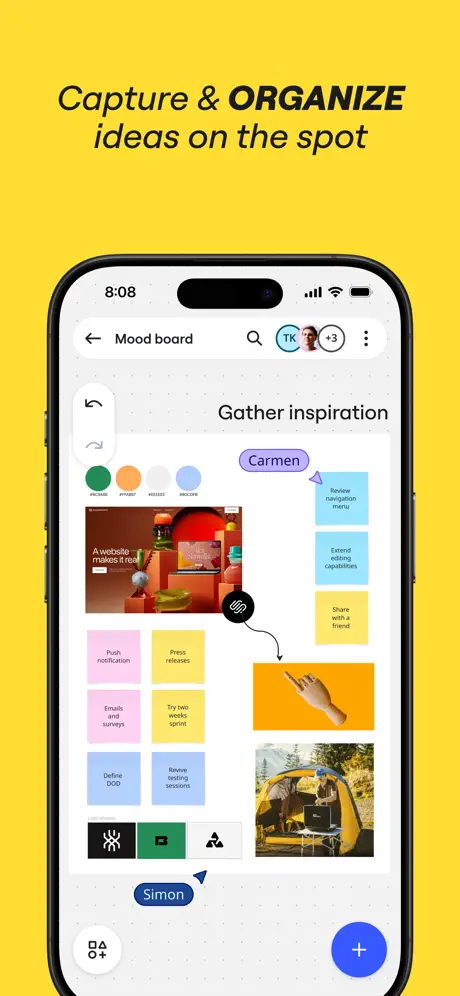


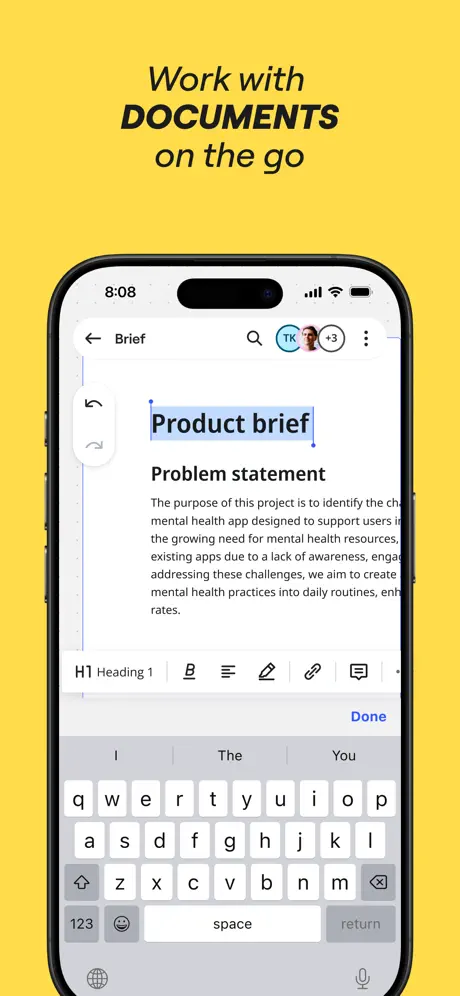
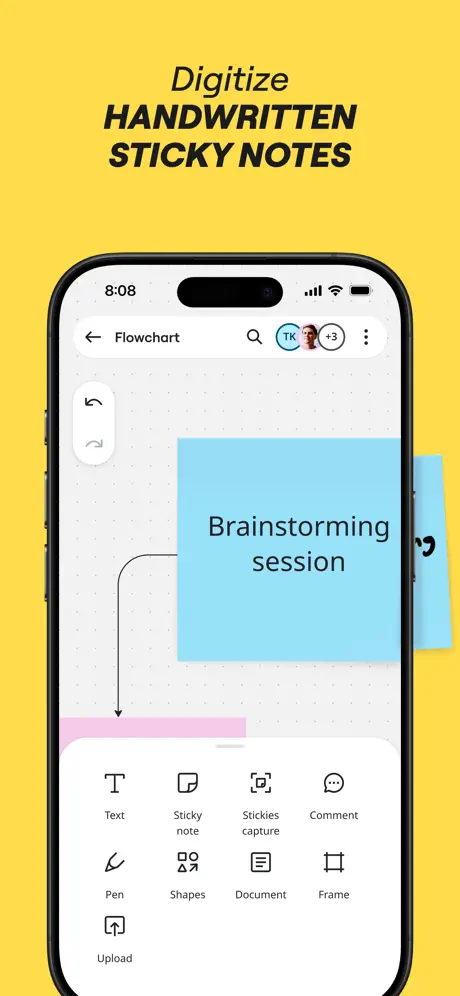

How much does Miro: your visual workspace cost?
Prices are current as of 12 Sept 2026.
Miro: your visual workspace has no in-app products on record in the United States.
10+ alternatives to Miro: your visual workspace
| Miro: your visual workspace |   Xmind: AI Mind Map, Brainstorm Xmind: AI Mind Map, Brainstorm | 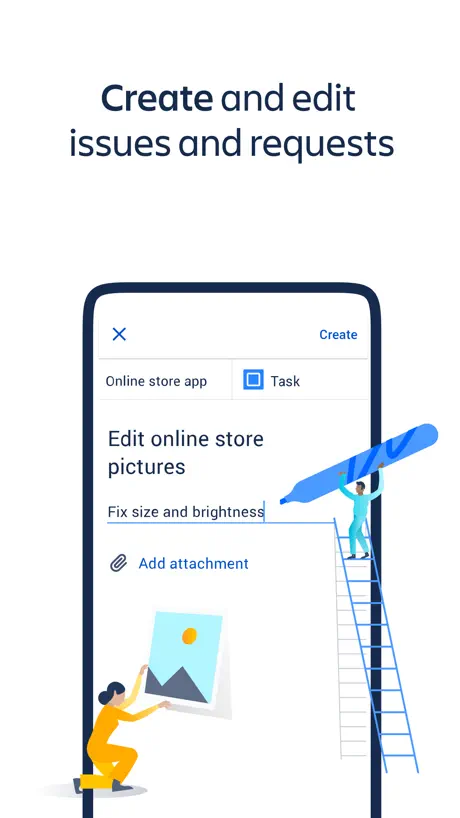  Jira Cloud by Atlassian Jira Cloud by Atlassian |   Microsoft Whiteboard Microsoft Whiteboard |   ClickUp: Tasks, Chat, Docs, AI ClickUp: Tasks, Chat, Docs, AI |   Mind Mapping - MindMeister Mind Mapping - MindMeister |   Lucidchart Lucidchart | 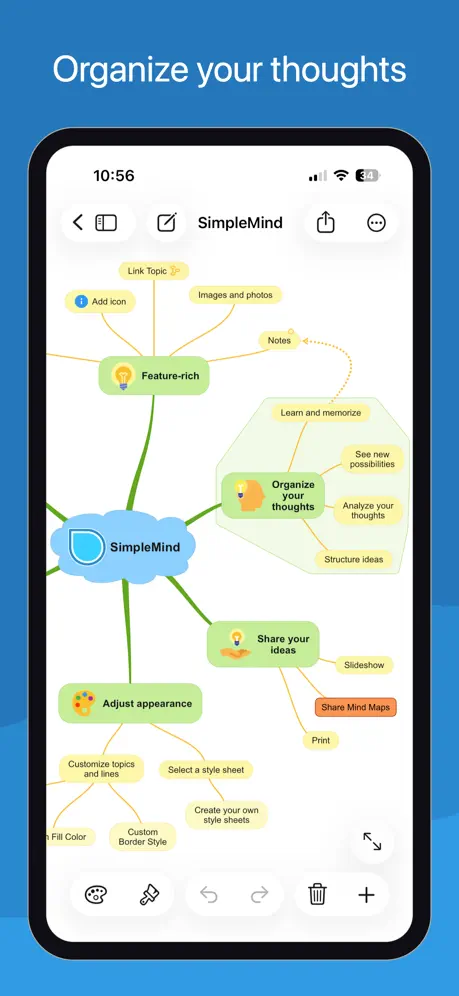  SimpleMind - Mind Mapping SimpleMind - Mind Mapping |   Obsidian - Connected Notes Obsidian - Connected Notes |   Milanote Milanote |   Mural - Visual Collaboration Mural - Visual Collaboration | |
|---|---|---|---|---|---|---|---|---|---|---|---|
| Rating / 5 | 4.7 | 4.8 | 4.7 | 4.5 | 4.7 | 4.4 | 4.5 | 4.3 | 4.5 | 4.7 | 2.4 |
| Reviews | 40K | 295K | 127K | 55K | 30K | 16K | 14K | 9.7K | 9.5K | 8.7K | 279 |
| Released | 2017 | 2017 | 2016 | 2018 | 2020 | 2010 | 2013 | 2009 | 2021 | 2019 | 2016 |
| Monthly price | — | $10.00 | — | — | — | $7.49 | — | — | — | $12.49 | — |
| Annual price | — | $59.00 | — | — | — | $78.00 | — | — | — | $119.99 | — |
The going rate for each plan in United States, in its own currency, shaded from the cheapest price on the row to the dearest. Plans fewer than four in ten of the priced apps sell are left out.
Miro: your visual workspace reviews
4.7 out of 5, based on 39,691 reviews.
What people like
- Great for team collaboration
- Infinite canvas is very flexible
- Easy to use and simple
What they complain about
- Crashes constantly on mobile devices
- Terrible lag and freezing issues
- Login problems and sign up bugs
Best board out there
I have tried MS Teams white board and Milanote, but Miro is the best most simplistic user friendly option with more templates that offer better efficiency. Save time and use Miro.
Very Annoying
They don’t allow you to toggle the names of frames off. Many have asked for this feature and the company has completely ignored it. They often obscure what you’re working on.
Great but keeps crashing if I have too many images in my project.
Great but keeps crashing if I have too many images in my project. On my pc using chrome it’s very dependable but not so on the device I want to use most with it which is my iPhone Pro. Please fix the crashing!!!!!
has bug
can't switch the team. The panel on the right covers the avatar of the switching team on the left, resulting in the inability to switch. I'm not the only one.
Terrible Memory management
I purchased the most powerful iPad 12” pro to be able to deal with our Miro boards. The app still crashes due to memory issues. Cannot believe they could not improve this. I often have to open the pages via safari or Chrome on the iPad in order to have them work.
Лучшие разработчики и лучшее приложение
🔥🔥🔥🔥🔥
Sucks
Cant even use the app to create on my phone and thats the whole purpose of the app is to make something correct? Dumb.
No copy and paste
Overall a good app, but it is missing a critical copy/paste feature. I have to use a workaround to import my photos into a board.
Good service, bad app
This is clearly just a wrapper of the Miro website, so there’s almost no benefit to using it over Safari. It still has terrible performance on larger boards, and trackpad pinch-to-zoom still just zooms the entire interface (not the board). It only has the edge over the web version with notifications and limited Pencil support.
Not everything needs to be online.
Really. Why cant I see a 2D board offline. Why cant it be local and offlined
Forget figjam
I spent months using Figma figjam, when I should’ve been used MIRO exclusively.
worst app of all time
I couldn’t even get into the **** app because it was so hard to make an account. I downloaded the app and it wouldn’t let me make my account on the app. It kept redirecting me to Google it didn’t even have an option to make an account in the app. I had to go to the Google website make my account and then when I went into the app to sign in, it told me to enter a password that wasn’t even created when I created my account so then it redirected me to another Google website to reset my password that never existed in the first place and the website didn’t even work
Yes
Yes
Too laggy
Destroys the frame rate of my device (which is brand new)
The more I use it, the less I like it.
I’ll keep my own council regarding which email address to use. Take work/life balance advice from an app that can’t figure out buttons shouldn’t obscure other buttons? Hard pass.
Great APP
Perfect app to save and share ideas with your team!
Constantly crash on a brand new iPhone
The app kept crashing. The AI would create things, but never actually produced them. Unuseful.
One Issue
This is the best tool that exists for collaboration, with one issue. It places images in the size of their resolution. Meaning a high res image will drop in huge on the workspace, while a low res one will come it very small. Once a large image is placed, everyone zooms out, and increases their font and lineweights and other images to match. Pretty soon, everyone is using font size 1500, and maxing out the lineweights, which makes it hard to use certain tools. Solution: have all images come in the same size, but with different resolutions. Or, have a max frame size.
Picture upload
Picture upload never works properly from app
A bug?
Having issues with signing up
Wont load
I cant get past the logo screen it just says MIRO
Nightmare and not usable
I got an invitation from a team. But the app refuses to show the team I was invited to. I can use Miro on desktop and chrome. But on iPad it is not possible. Is awful because is not usable at all. It would be more convenient if the app worked. But it doesn’t
Good but needs improvements
Overall it’s a good app to use Miro, however it desperately needs mouse and keyboard support, specially for iPad since. The pencil support is good, but you should add support for pro pencil as well.
Can’t access boards anymore
I’ve been using this app for about a year now to sketch and draw ideas. However, it’s suddenly crashed on me and I can suddenly no longer access a year’s worth of art and ideas on my IPad, which is where I work from. I’ve tried everything. Any drawings I convert to images are blurry when zoomed in. Though, I really did enjoy how simple the app is and the infinite canvas.
Lack of support for the Magic Keyboard for iPad Pro
Due to that, the app is unusable compared to the desktop version, when doing quick work on the fly it is required to switch onto a macOS device. It’s a shame cause it seems,s like a perfect Miro companion device
:m
Loved it! Try this cool app to do cool stuff.
trash
lags hard makes my device overheat and not even a old device
Love Miro, just needs to be more responsive to developer f/b
THE MOST BRILLIANT PLATFORM, we are all behind it, but consumers spot glitches or easy improvements which need to be actioned more quickly. Still best in field, but could be much much better by responding to feedback.
Zoom nd text
Honestly, I was excited to use this app cuz of ‘how to draw like a sir’ and it’s good but why does it keep zooming in on it’s own, then I’ll have to leave the app, close the tab and then go back to the app, it’s weird and frustrating… also the text tool isn’t working , it’s just coming out as a line .
I never write reviews but for this I had too
Wow. Just wow. I recently started a small media agency and I can’t begin to tell you how easy this app has made things for me. I can storyboard and script for clients. I can plan and strategize for the future. I can take notes. It doesn’t matter this app does it all and does it so well. I hope they continue to update and add cool features to this app even though its already great. I’ve only tried this on my IPad as that’s typically where I do most of my notes and plans however I’m sure it’s just as great or if not better on laptop. However we need more access to more than just 3 boards!!!!!
Magic Floor Space
I used to need large clear sections of the floor to put all my notes on to sort out huge ideas and make them into comprehensible resources. This is like that, but with the infinite cut and paste and scaling of the digital world.
Won’t open
They must not keep the app updated well enough
Great
Great app. would be better if you could save your work to a file.
As a designer the last update ruined it
Absolutely hated the latest update of Miro. Before it was so simple to copy and paste from illustrator to Miro board but now the only option was to paste as a grid or table. It absolutely slowed down everyone’s design process and frustrating to use.
User Experience iPad M4
Still struggling with lag issues when writing with Apple Pencil. It seems to freeze after a certain number of strokes in quick succession. Sometimes worse than others.
Miro is every day for me.
I use Miro for the majority of my task planning, my team whiteboarding, and my visualization diagrams that I use for any presentation. It is where a significant part of my mind exists. I don’t know where I would be without its help.
Won’t open
Can never get this app to actually open it’s ridiculous
Superb tool I have been looking for a tool as good as this for 30 years
Stumbled upon this tool from initial ideas right the way through projects and working with teams !
Not very accessible
The app works fine, but it’s currently not accessible for left handed users, as there’s no ability to move the features panel to the other side of the screen.
Frozen
Freezes on iPad, can’t do anything
Awesome tool
One of the best apps ever
Login not working
SSO login for organization is just not working, after authenticating in browser nothing happens in the app
Unable to edit note descriptions
Can’t recommend Miro enough, however I haven’t been able to edit descriptions for any notes on boards from the app.
No support for magic keyboard
In Tablet mode - works great which quickly turns to a mess if you’re using any kind of keyboard/mouse/trackpad combo. One suggestion to the devs would be to enable and integrate Desktop/Laptop Miro experience when the user wants to work on an iPad w/ a mouse/keyboard/trackpad combo.
Ai features
Miro is upselling straight forward features like snapping a hand drawn line to a shape or arrow (which are admittedly nicely implemented) as Ai - requiring Ai credits to use them! This is not Ai, it’s a software feature that many apps have had long before Ai became a buzz word. If you want to charge for true Ai features then fine, but this is needlessly gating useful quality of life additions.
Muy pero muy bueno!
La verdad que superó mis expectativas, el sistema funciona muy bien, es fácil de usar y sin dudas va a ocupar un lugar en mis proyectos de ahora en adelante.
When it works, its great (but iPad app doesn’t load)
Love Miro, but unfortunately the iPad app doesn’t load, it just crashes over and over. Womp womp
Nice but limited and a bug
My sister introduced me to this. I can only use it on a mobile app at the moment. Trouble is, it’s great but fairly limited and the bug, well when I go into notes view and try make lists (via typing “ /“ ). I can only see the bottom of the options, so I can’t see header options, I can’t scroll up. Please fix it. I’m on ipod touch 7th gen ios 14 (latest update).
Constantly “Syncing… please wait”
Leaves the app unusable
Left handed Problem
Because I am left handed, my hand keeps touching the toolbar and unnecessary buttons are pressed and it keeps messing up. Please make it so that you can move the toolbar to the right
Miro: your visual workspace FAQ
- Is Miro: your visual workspace free?
- Yes. The app is free, in all 175 countries it sells in, and it sells nothing inside it.
- Does Miro: your visual workspace have a free trial?
- No. None of its offers (US) come with a free trial.
- What are the best alternatives to Miro: your visual workspace?
- Xmind: AI Mind Map, Brainstorm (4.8 from 294,999 reviews, premium from $10.00), Jira Cloud by Atlassian (4.7 from 126,690 reviews) and Microsoft Whiteboard (4.5 from 54,835 reviews).
Miro: your visual workspace download
Last updated 26 days ago.
Miro: your visual workspace sells in 175 countries. It was released 9 years and 9 months ago, on 3 Jan 2017. It holds a 4.7 rating from 39,691 reviews.
Supports 8 languages: English, French, German, Japanese, Korean, Polish, Portuguese, Spanish.
How much does Miro: your visual workspace make?
Third-party estimates for the last 30 days, worldwide — not the store's own figures, which Apple publishes for nobody.