
PDF Reader – PDFelement
PDF Editor & Viewer, PDF Maker
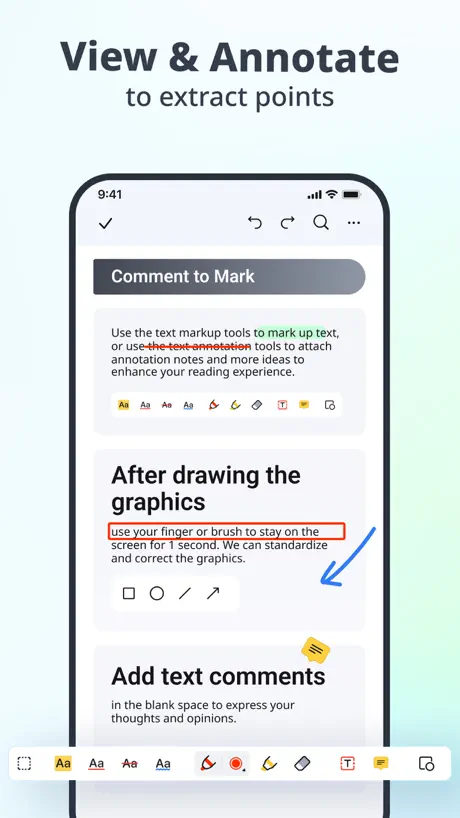
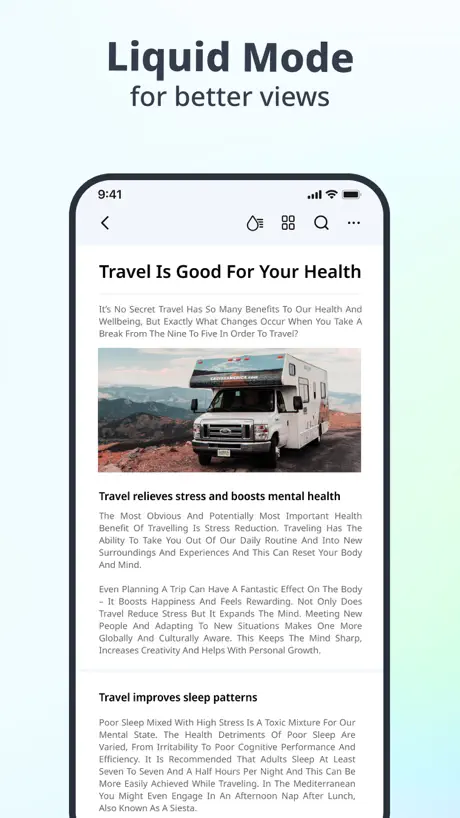
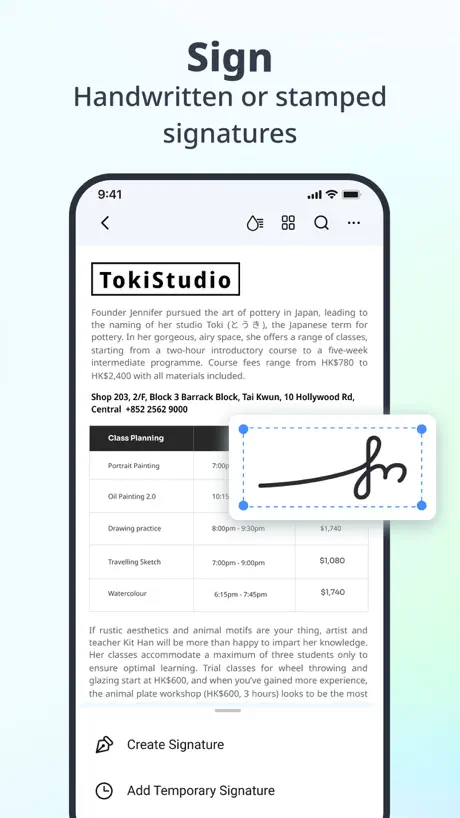
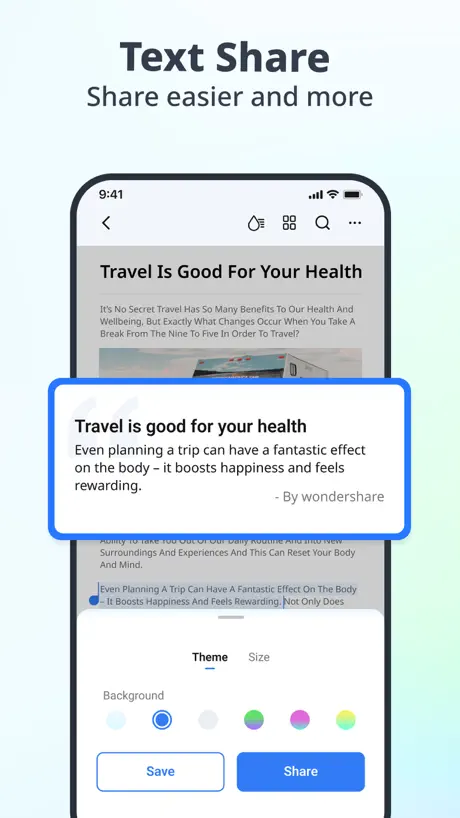
How much does PDF Reader – PDFelement cost?
Prices are current as of 7 Sept 2026.
PDF Reader – PDFelement has no in-app products on record in the United States.
10+ alternatives to PDF Reader – PDFelement
| PDF Reader – PDFelement |   PDF Expert: Editor & Reader PDF Expert: Editor & Reader | 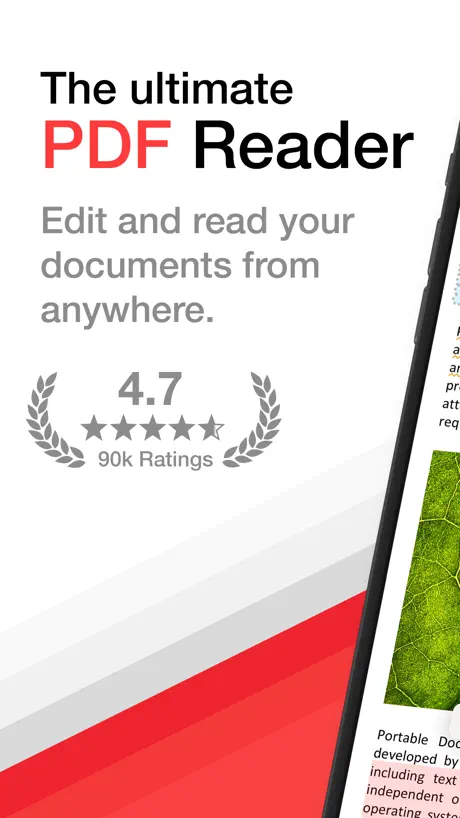  PDF Pro - Reader Editor Forms PDF Pro - Reader Editor Forms | 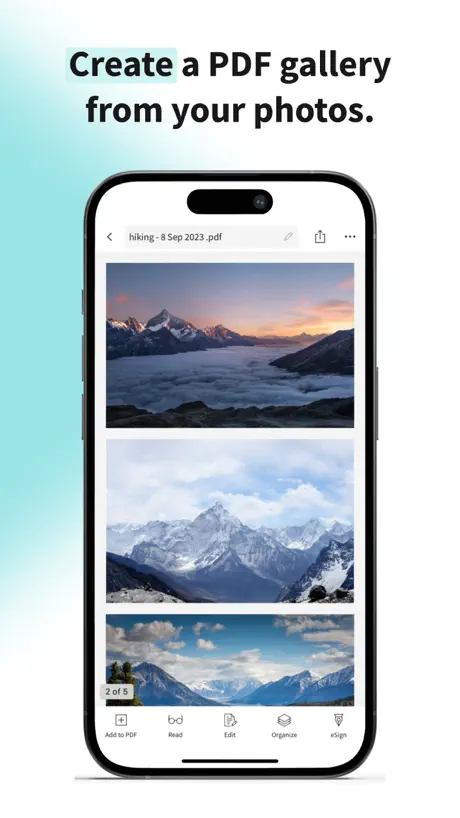  Smallpdf: Scanner & PDF Editor Smallpdf: Scanner & PDF Editor | 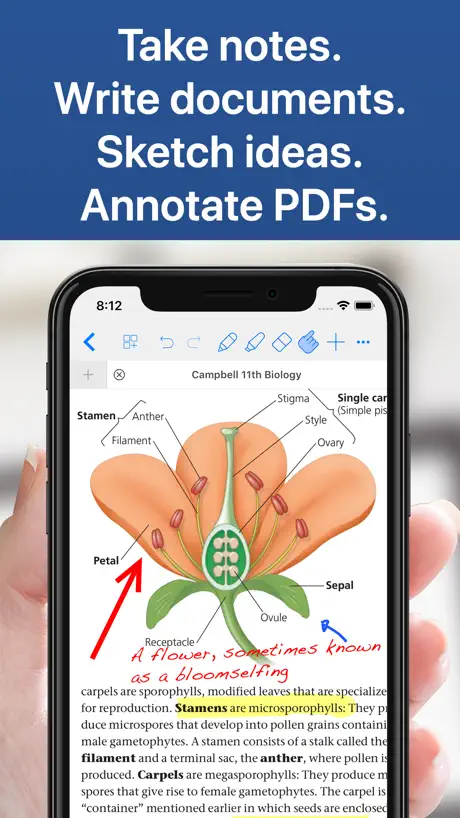  Notes Writer: PDF, Voice, AI Notes Writer: PDF, Voice, AI | 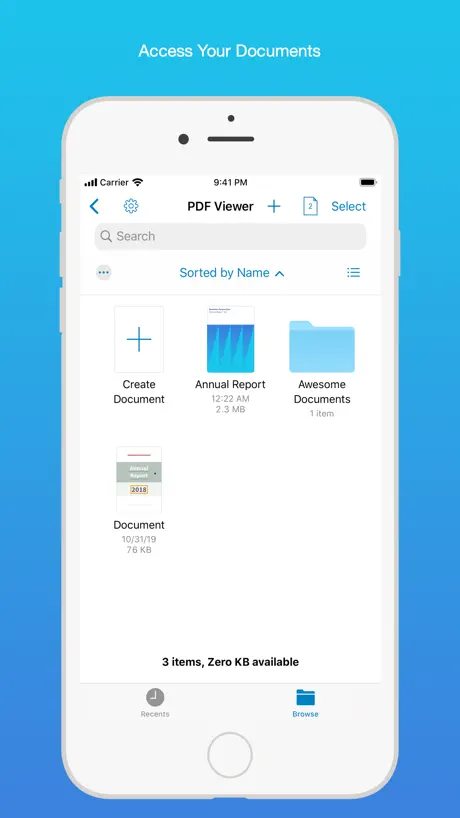  PDF Viewer by Nutrient PDF Viewer by Nutrient | 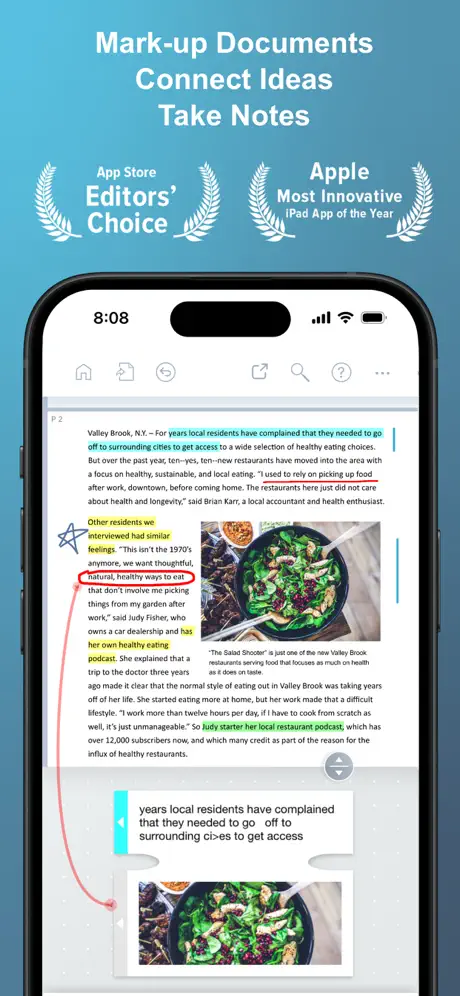  LiquidText LiquidText |   PDF Reader : Document Reader PDF Reader : Document Reader |   UPDF - AI-Powered PDF Editor UPDF - AI-Powered PDF Editor | 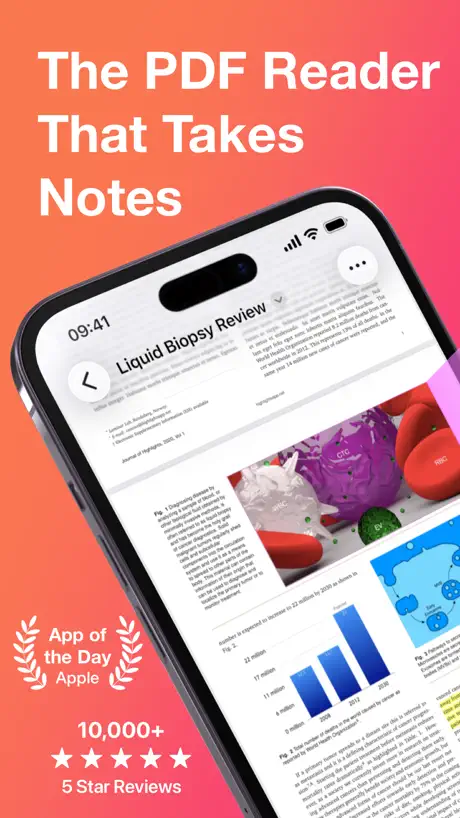  Highlights: PDF Reader & Notes Highlights: PDF Reader & Notes | 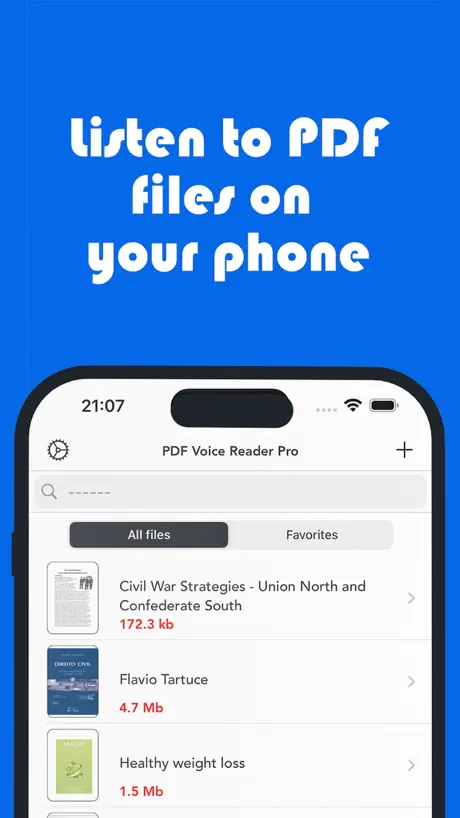  PDF Voice Reader - Docs Aloud PDF Voice Reader - Docs Aloud | |
|---|---|---|---|---|---|---|---|---|---|---|---|
| Rating / 5 | 4.5 | 4.6 | 4.7 | 4.8 | 4.5 | 4.7 | 4.6 | 4.4 | 4.7 | 4.5 | 4.2 |
| Reviews | 25K | 816K | 122K | 62K | 59K | 41K | 41K | 13K | 8.1K | 6.4K | 4.8K |
| Released | 2016 | 2013 | 2011 | 2019 | 2018 | 2016 | 2015 | 2023 | 2021 | 2020 | 2016 |
| Monthly price | — | $9.99 | $3.99 | $11.99 | $3.99 | — | $10.90 | $6.99 | $15.00 | $4.99 | $4.99 |
| Annual price | — | $49.99 | $29.99 | $59.99 | $14.99 | $19.99 | $99.99 | $24.99 | $69.00 | $29.99 | — |
| One-time price | — | $9.99 | — | — | $14.99 | — | $89.99 | — | $79.99 | — | $4.99 |
The going rate for each plan in United States, in its own currency, shaded from the cheapest price on the row to the dearest. Plans fewer than four in ten of the priced apps sell are left out.
PDF Reader – PDFelement reviews
4.5 out of 5, based on 25,196 reviews.
What people like
- Text fits screen without zooming
- Good alternative to expensive Adobe
- Edits text without adding watermarks
- Works well for reading on the go
What they complain about
- Loses your place when switching apps
- Crashes frequently during editing or scanning
- No search bar inside documents
- Buttons are too small for fingers
The best
Best
No sirve
Quiero visualizar un documento en una aplicación y no se puede
pls fix🙏
Can you make it possible to highlight and translate text like in the ios built-in reader?
Annoying bug in app
The biggest problem with this app is after quitting a pdf document midway the app doesn’t remember the last viewed page and I need to manually scroll and find it. This is extremely frustrating. Can someone fix this?
Should be a search option
Search option is missing 🤔
Excellent!
Works beautifully. I used Adobe for years- I didn’t mind paying for it until they started charging a fortune for it. PDFelement works as well if not better. Sincere thanks to the providers!
Fraud
Paid for a subscription but they won’t give me access at all
不能自动保存
看了文档退到后台,关闭程序,重新打开就需要从头看起
Just ruined a nice app
This was a nice, clean, simple but effective app for reading and annotating pdfs. It was just ruined by an an update that included an interface overhaul. It’s now “buggy” to an extent that it has been rendered largely unusable.
Auto-Form not recognized
I generally use PDF for reading and filling in auto-form documents. This app doesn’t recognize it.
ok but not perfect
Before I use this app I was always open pdf on my laptop because phone apps for pdf was really bad, like text too small or the format is broken. This one is much more better for reading on phone, the pages look normal and I can do some markup when I need. But sometimes when I go back to the app after using other apps it goes back to the home screen and I loose where I was.. a bit anoying. Still it works fine for what I need mostly, my old way with laptop was more trouble so yeah
Download pdf function missing.
There’s nothing in the app that lets you add a pdf from a url. So downloading means you have to use an apple computer to download the PDF and then transfer it over via iCloud.
挺好
使用期间有部分笔记页面发生缺失,总体来说挺好用的
编辑文件闪退
无法编辑文件的汉字内容,一输入就闪退
Repair bug asap. I click on ink icon on top right and it crashes.
Repair bug asap. I click on ink icon on top right and it crashes.
ok but not perfect
Before I use other app for reading pdf on the phone and it was always too small to read, I have to zoom all the time and lose my place. This one is much more better because the text fits on screen without doing that. I like it for that reason. But sometimes when I go back to the app after using other things on my phone, it goes back to the beginning and I have to find my page again.. is a bit annoying. Also some buttons are very small and hard to press, I miss them sometimes. Overall is fine for what I need, I read my work documets on the train mostly so it helps enough.
Lousy tech support
Cannot contact tech support in person . Will not answer phone, no voice mail. Cannot email tech support. They don’t even deserve one star.
Time saver
I love this app, I used to screen shot every page of huge documents in order to edit, I no longer have to do that. However, there should be an option to clear all writing from the document to start again.
Crashes With Unicode Characters
Doesn’t seem to support non ascii characters when adding text. App crashes consistently
闪退
编辑文字闪退
ok but not perfect
Before I use my laptop always for reading PDF for work, was very annoying to carry it everywhere. So I try this on my phone and honestly it is much more comfortable, I can read the documents on the bus or waiting in line at the supermarket. The reading part is nice, the text fit to screen pretty good so I dont need to scroll left and right like I had to do with other apps before. But one thing that bother me a little, when I go back to the app after using other apps, sometimes it go back to the home screen and I loose my place in the document. Is not a big deal but when you are in a long report it is kind of anoying to find where you was. Also some buttons are a bit small for my fingers haha. Overall it does what I need, maybe not the best for everthing but for reading on the go it works fine enough.
1 star could be being generous
Is this free app the app didn’t do anything more than reading …..editing ….. come on shame on you
Pocket sized but powerful!
After downloading I was surprised at how much functions the app had and what I found brilliant is that you could edit text and save without the need for a watermark being added. This is now set as my default PDF viewer also.
Not upto the expectation
I was thinking that it will we somewhere around good note or other apps. But it is not easy or useful.
功能
怎么没有打开Ipad上文件夹里pdf的功能?不先打开文件怎么阅览或编辑?
Works on my iPad
Need full page view (aka Presentation Mode) of PDF to share in meetings. This works on my iPad.
Unusable on an iPad
All white space on screen means super tiny content. Developer has no understanding how to detect screen resolution and scale fonts. It’s actually the first time that I’ve ever encountered an iPad application where I cannot read the content. I have bifocals and use my iPad daily and have for at least 10 years. I’m off to delete it. Good luck to you.
It amazing but upgrading is pricey
It works well and i thought of upgrading to PDFelement pro version but it’s just too pricey. My journey of finding PDF editor at low cost continues😃.
不懂
不懂
Needs work, but did the job I wanted it to do
I had a shock when I first opened the app and it insisted on displaying in portrait when I habitually use my iPad in landscape - *all* developers please take note we're not all using phones! This was short-lived though, because once I got through the introductory screens it flipped to landscape OK. All I wanted to do was select the relevant pages out of a PDF already downloaded and available in Files. The first job was to find it... and that involved opening Files, opening the PDF, and then sending it to the PDF Reader app. Then I needed to figure out how to remove the unwanted pages (the user interface isn't what I would call intuitive). The poor thing there is that pages have to be selected and removed one at a time - never heard of tick boxes for multiple selection? Laborious, but OK it worked. Then I needed to get the resulting edited PDF out of the app again. I tried exporting to Messenger, but that failed possibly because I left the app uploading in the background while I did other things (it seems to break the upload if taken out of focus). The problem was solved by linking to my Dropbox app, exporting to Dropbox (quick), and then letting Dropbox itself do the file sync in the background. All in all this is hardly a Rolls-Royce of apps, but I achieved what I needed while away from the desk, where I have apps for this kind of thing on my PC.
Me gusto
Muy buena app.
Woods appear sideways
When i try to fill out a pdf form the words i type appear sideways in the form no way to rotate the word. You also have to change the color of text every time you want to type something new but zero out of 5 stars because with the text being sideways this app is useless for me
Very good
Nice editor Need to fix reading experience Otherwise good one
No word search option
No word search option
翻页
怎么不可以左右翻页呢
It’s useful
Wonder app and very useful!
Stopped working
Was great have about 5gb of data. Now when I open it, it’s just blank. Would uninstall but loose data. What can I do?
Excellent except writing with apple pencil is not fluent
Excellent except writing with apple pencil is not fluent
No Conversion
Developer tells me that the app doesn’t do the PDF conversions listed in the description and manual.
Hmm..just fine
I’m facing a lots of glitch in the app. The scanner is not working properly. Although it’s a good app but need some fixing.
A Real Handy App!!
Great App !! Love it !!!!
Can’t find Wi-Fi transfer button
I couldn’t find Wi-Fi transfer button and there is a huge chunk of block at the very bottom of the app asking you to upgrade software to pro version. I cannot find how to change viewing mode into single page mode.
Great App
Works really well...
Half-way there
It'll open PDFs from Google Drive, but it won't save them back there, so it's no use.
IMPROVEMENTS required
1. There should be a search bar when the pdf file is opened so searching for a word is possible. 2. Multiple files can’t be transferred to the app I hope the developers make these changes as soon as possible.
Great app!
One to own and enjoy!
Bad app
Bad app I do not recommend
Hass678uu
Productive
Keeps Freezing and crashing
App just keeps freezing and crashing the layout wasn’t clear either.
Can’t add images to the pdf
Images cannot be added to any pdf….
PDF Reader – PDFelement FAQ
- Is PDF Reader – PDFelement free?
- Yes. The app is free, in all 175 countries it sells in, and it sells nothing inside it.
- Does PDF Reader – PDFelement have a free trial?
- No. None of its offers (US) come with a free trial.
- What are the best alternatives to PDF Reader – PDFelement?
- PDF Expert: Editor & Reader (4.6 from 816,175 reviews, premium from $9.99), PDF Pro - Reader Editor Forms (4.7 from 121,792 reviews, premium from $2.99) and Smallpdf: Scanner & PDF Editor (4.8 from 61,581 reviews, premium from $7.99).
PDF Reader – PDFelement download
Last updated 2 years ago.
PDF Reader – PDFelement sells in 175 countries. It was released 9 years and 11 months ago, on 23 Oct 2016. It holds a 4.5 rating from 25,196 reviews.
Supports 11 languages: English, Dutch, French, German, Italian, Japanese, Korean, Portuguese, Russian, Chinese, Spanish.
How much does PDF Reader – PDFelement make?
Third-party estimates for the last 30 days, worldwide — not the store's own figures, which Apple publishes for nobody.