
Screen Time Parental Control
Kids App Blocker for Parents
How much does Screen Time Parental Control cost?
Prices are current as of 11 Sept 2026.
Screen Time Parental Control has no in-app products on record in the United States.
10+ alternatives to Screen Time Parental Control
| Screen Time Parental Control | 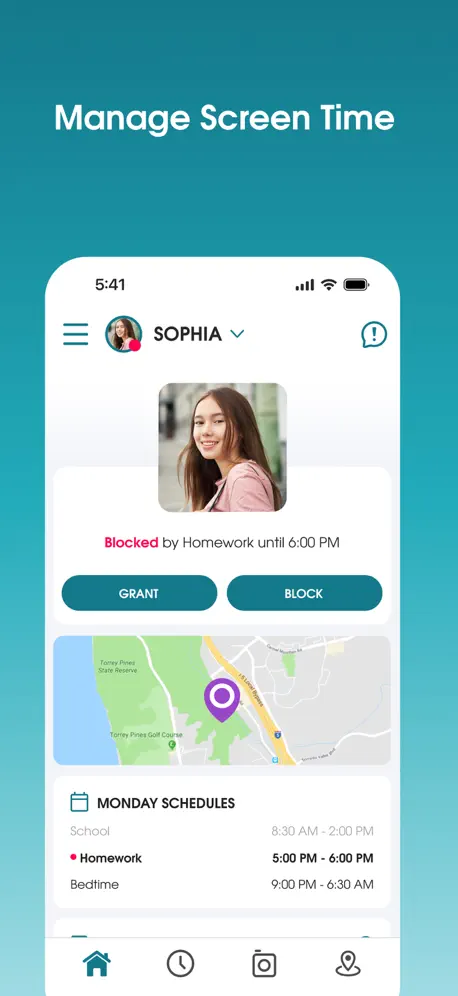  Parental Control App - OurPact Parental Control App - OurPact |   Kids App Qustodio Kids App Qustodio |   Circle Parental Controls App Circle Parental Controls App |   FamiSafe: Parental Control App FamiSafe: Parental Control App |   OurPact Jr. OurPact Jr. |   FamiGo: Parental Control App FamiGo: Parental Control App |   Parental Control App: Mobicip Parental Control App: Mobicip |   Fammy - Blocksite Fammy - Blocksite |   FamilyTime Jr. FamilyTime Jr. |   FamilyTime: Parental Control FamilyTime: Parental Control | |
|---|---|---|---|---|---|---|---|---|---|---|---|
| Rating / 5 | 1.8 | 4.4 | 2.1 | 4.2 | 4.1 | 1.3 | 4.4 | 3.3 | 1.5 | 1.3 | 2.0 |
| Reviews | 531 | 57K | 18K | 15K | 14K | 9.8K | 4.3K | 2.4K | 1.4K | 224 | 4 |
| Released | 2015 | 2015 | 2015 | 2019 | 2018 | 2017 | 2019 | 2009 | 2021 | 2015 | 2015 |
| Monthly price | — | $6.99 | — | $9.99 | $19.99 | — | $12.99 | $6.99 | — | — | — |
| Annual price | — | $69.99 | $54.99 | $89.99 | $79.99 | — | $29.99 | $59.99 | — | — | — |
The going rate for each plan in United States, in its own currency, shaded from the cheapest price on the row to the dearest. Plans fewer than four in ten of the priced apps sell are left out.
Screen Time Parental Control reviews
1.8 out of 5, based on 531 reviews.
What people like
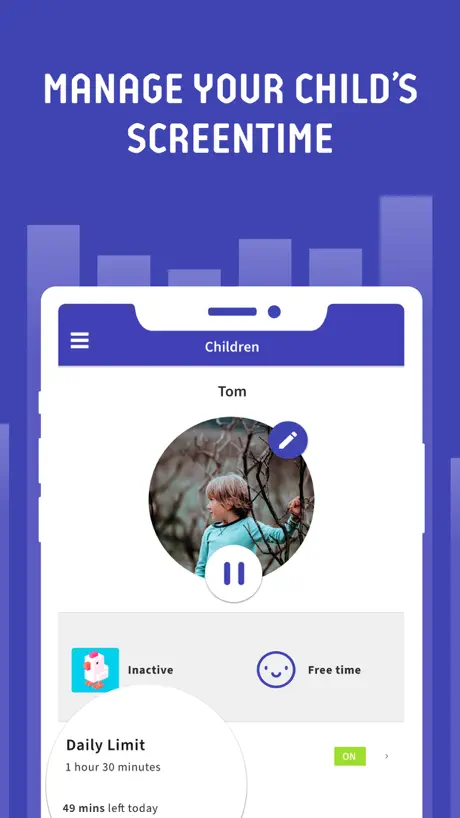
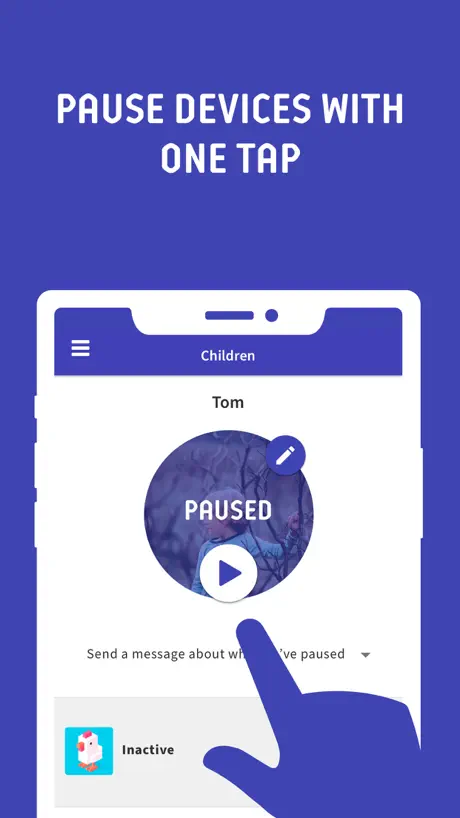
- Easy to lock specific apps like YouTube
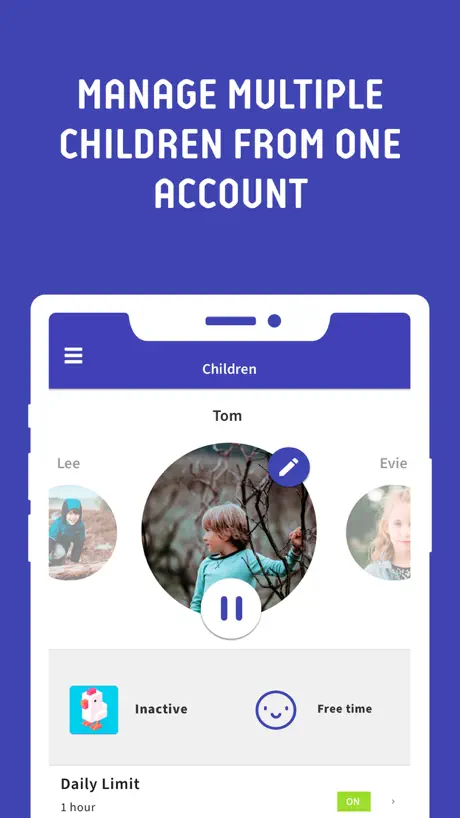
- Cheapest reliable option for multiple phones
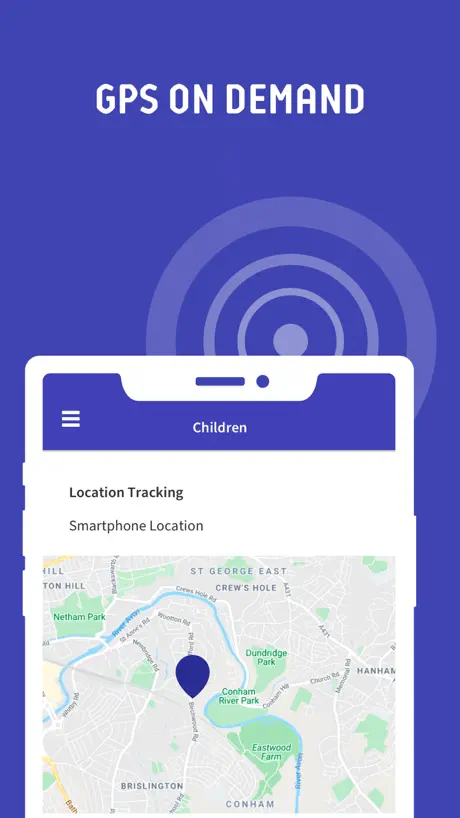
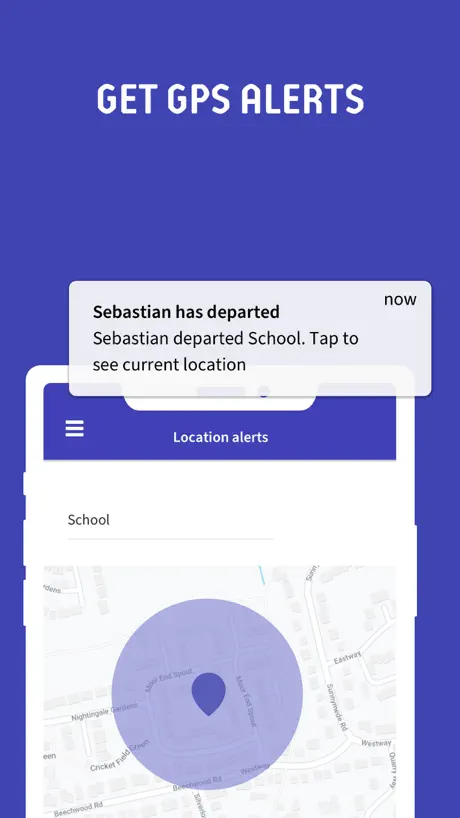
- Helpful GPS location feature included
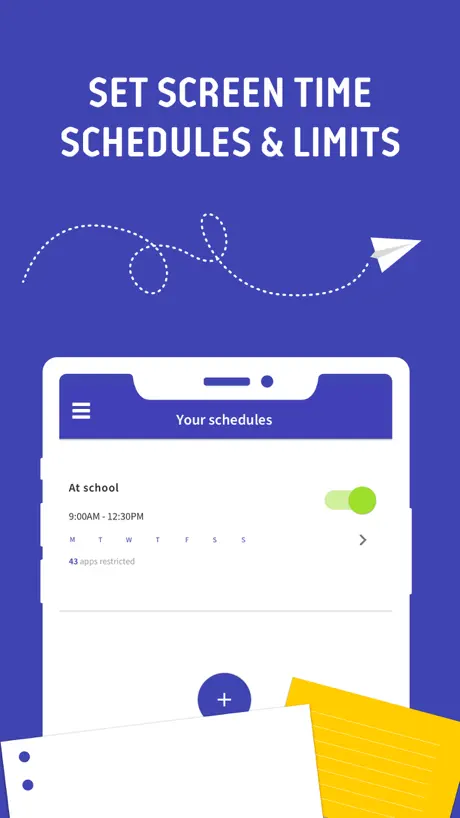
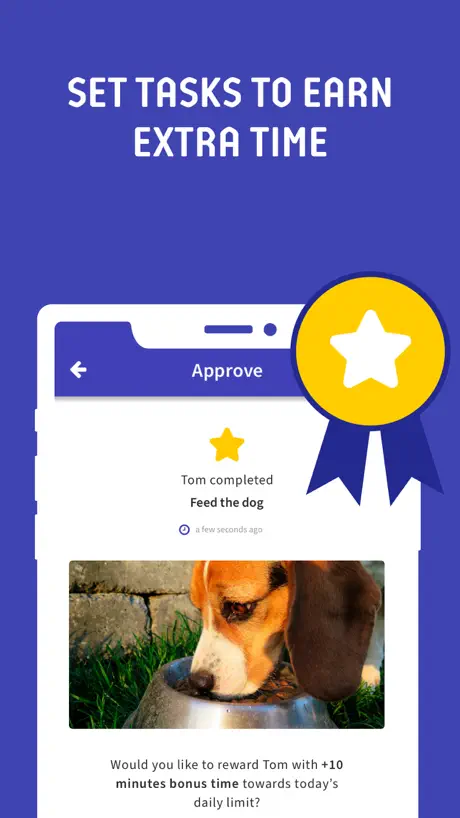
- Simple to set daily usage limits
What they complain about
- Randomly deletes apps and messes up phone
- Destroys organized app folders on kids' phones
- Fails to sync changes or updates reliably
- GPS tracking is often inaccurate or missing
Hyvä hankinta!
Toimii loistavasti. Saa hyvin laitettua sallitut ohjelmat, sekä määriteltyä käyttöajat. Lisänä vielä GPS paikannus joka on tullut tarpeeseen.
Tried and not like it
The time is counted even if the phone is not in use. Price is too high.
Hyvä ”rajoitin”
Hienosti toimii pienen käyttäjän kanssa, voin lukita helposti ne appit joita en halua hänen vielä käyttävän itsenäisesti kuten YouTube jne. Helppo asettaa käyttörajat; sekä lisätä aikaa tarvittaessa oman puhelimen kautta. Kätevä seurata myös mitä ohjelmia on käytetty ja miten kauan. Latauksia ei pääse tekemään ilman aikuisen salasanaa jne. Hyvin toiminut meillä!
Buginen
Jatkuvasti ongelmia lapsen puhelimessa ”Split screen” eston kanssa. Menee päälle vaikka kahta ruutua ei ole edes käytössä.
One annoying feature
This app works otherwise perfectly well, but why on earth does it return the apps to the phone in total chaos?? My kid is very organized, and keeps his apps in named folders. His system is destroyed every day, and his sense of control lost. This is just bullying and we infact quit using the app because of this.
Hyvin toimiva
Helppokäyttöinen ja toimii hyvin. Suosittelen.
huono
poistaa äpit ja sekoittaa koko puhelimen
Perfect
Excellent app. I have been using the app for several years and been very happy with it. Works quite well; Huawei and Honor setup is quite nerve cracking experience though. There are instructions on web site but in app wizard would be great.
Good but download on your own risk
This app is good, but some months ago this app broke one of my phone’s, so im warning that there is a risk when downloading.
Oikein hyvä
Mutta varokaa ovelia, rajoituksia kiertäviä lapsia!
Prevents apps from working properly
Sometimes randomly prevents apps from working. App selection to allow all the time worked on one phone but not the other. Daughter cant buy bus tickets with this screen time, it just prevents the bus app from working.
Yhteysongelmia
On ollut tosi paljon haasteita kun tehtävät ei päivity, muutokset ei päivity ja muuta yhteysongelmia.
The best parental control app I’ve found!
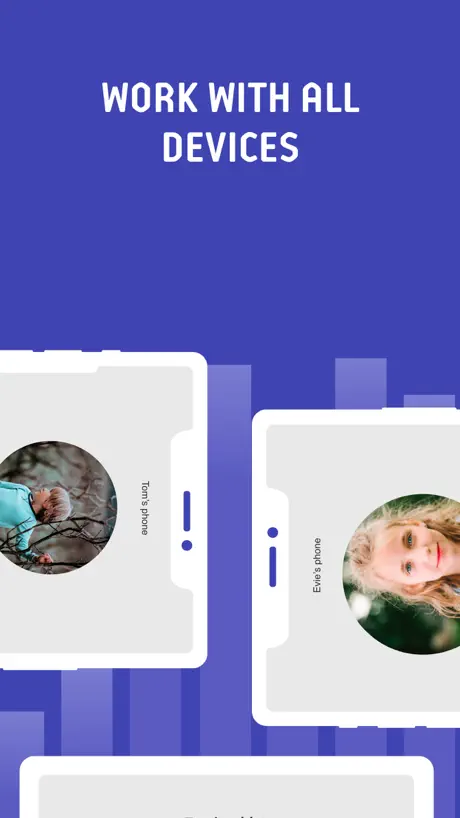
I found Screen Time after testing over 10 other parental control apps. Every one of them were lacking in one way or another, or not functioning reliably. Screen Time is by far the most reliable parental control I’ve found, with all the features one would need to control multiple mobile phones. And the price is also one of the cheapest ones in the market. Excellent job!
Aivan p*ska äppylä
Hukkaa lapsen puhelimesta appeja vaikka ruutuaikaa jäljellä. Ei näytä gps sijaintia (tai näyttää virheellisesti). Ei siis toimi ollenkaan ja olen sentään maksanut premium tilistä!
Ei toimi kovin luotettavasti
Alkuun toimi hyvin, mutta nyt yhteydessä lapsen puhelimeen koko ajan ongelmia niin, että ei toimi luotettavasti, todella ärsyttävää eikä aja tarkoitustaan
Erittäin kätevä
Erittäin kätevä app. Auttaa rajoittamaan pelaamista esimerkiksi 😃
Rahat hukkaan!
Lapsi pystyy poistamaan sovelluksen.
Ristiriitainen kokemus
Toimiessaan ohjelma tosiaan rajoittaa ja selvittää lasten kännykän käyttöä mutta useimmiten ei toimi. Kyseinen versio hukkaa salasanan ja jos joka kerta kun ohjelmaa on käynnistämässä pitää kirjautua uudestaan tai palauttaa salasana niin eipä ole tehty helpoksi. Ohjelma ei toimi iPhonella kunnolla.
Hyödytön sovellus
Alkuun toimi hyvin (laitteet Samsung-malleja). Puhelimien vaihtuessa Honoriin (lapsi) ja iPhoneen toiminta takkuili ja lopulta lakkasi kokonaan. Tukisivujen ehdottomat toimet tehty monta kertaa, tuloksetta. Ei kannata tähän appiin rahojaan tuhlata.
Ei toimi
heittää lapset ulos koska sattuu. Kun maksoin, oli silti monta päivää kuin en olisi maksanut, ei siis toiminut. Sceentimeen kun olin yhteydessä, he auttoivat. Apple ei päivitä tätä riittävästi
Toimii todella huonosti
Aivan umpisurkea. Tein vuoden tilauksen, mutta kuukauden jälkeen luovutin. Sijainninseuranta todella epätarkka, äppienhallinta hankalaa. En suosittele.
Ei toimi
Sovellus toimi kokeilujakson ajan vallan mainiosti. Kun maksoin useamman kuukauden käyttöjaksosta, ei sovellus rekisteröinytkään enää mitään. Lapsi istui vieressä puhelin kädessä mutta minulla näytti, ettei kolmeen päivään ollut käyttänyt lainkaan. Tuesta kehotettiin päivittämään, ei auttanut. Kehotettiin poistamaan ja lataamaan uudestaan, ei auttanut. En saanut rahoilleni vastinetta. Suuri pettymys!
Huono
Ihan tosi huono rikko iphonen
HIRVEÄ SOVELLUS ÄLÄ LATAA
Kun poistaa sovelluksen sovelluksia häviää ÄLÄ LATAA MISSÄÄN NIMESSÄ
Screen Time Parental Control FAQ
- Is Screen Time Parental Control free?
- Yes. The app is free, in all 171 countries it sells in, and it sells nothing inside it.
- Does Screen Time Parental Control have a free trial?
- No. None of its offers (US) come with a free trial.
- What are the best alternatives to Screen Time Parental Control?
- Parental Control App - OurPact (4.4 from 56,648 reviews, premium from $1.99), Kids App Qustodio (2.1 from 17,839 reviews, premium from $39.99) and Circle Parental Controls App (4.2 from 15,047 reviews, premium from $9.99).
Screen Time Parental Control download
Last updated 3 years ago.
Screen Time Parental Control sells in 171 countries. It was released 10 years and 9 months ago, on 15 Dec 2015. It holds a 1.8 rating from 531 reviews.
Supports 8 languages: English, French, German, Italian, Korean, Portuguese, Russian, Spanish.
How much does Screen Time Parental Control make?
Third-party estimates for the last 30 days, worldwide — not the store's own figures, which Apple publishes for nobody.