
Shelly - SSH Client
SSH Terminal, Shell, Console
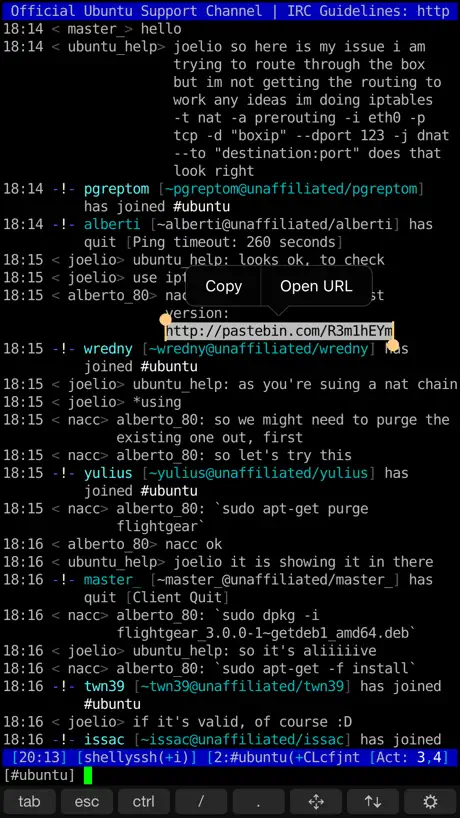
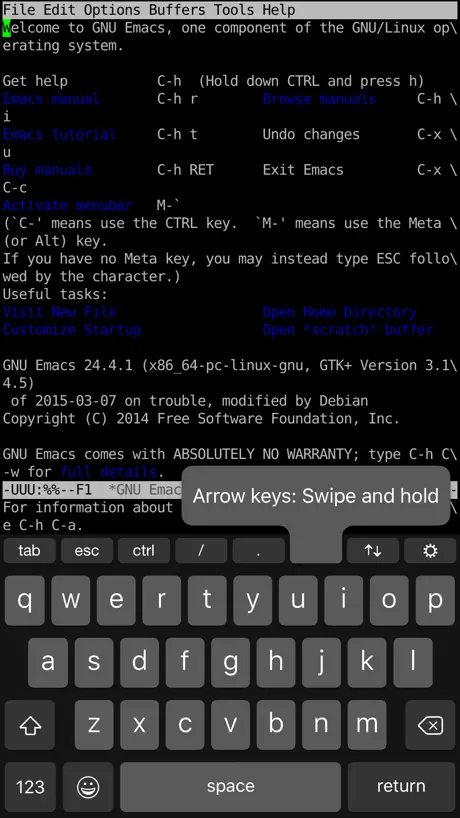
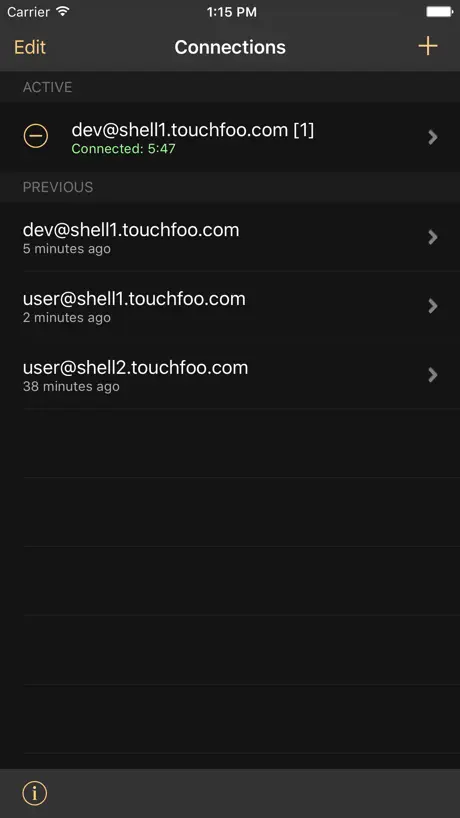
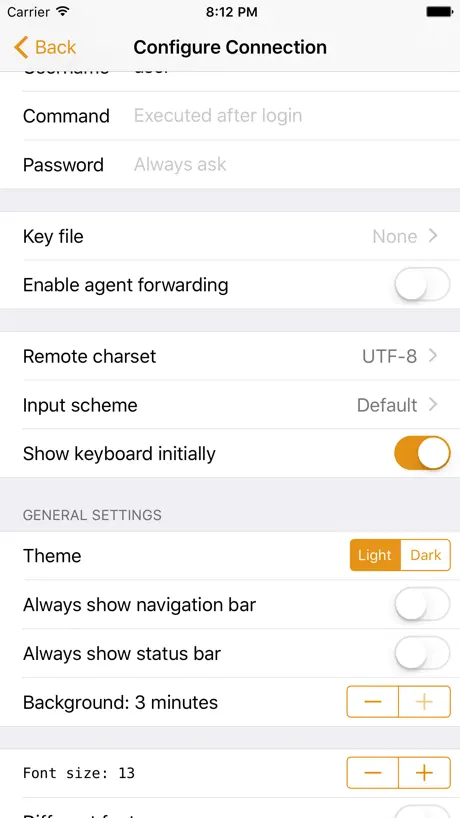
How much does Shelly - SSH Client cost?
Prices are current as of 30 Sept 2026.
1 one-time purchase from $3.99
In the United States, Shelly - SSH Client has 1 one-time purchase priced $3.99.
| Product | Price |
|---|---|
| Upgrade To Pro | $3.99 |
10+ alternatives to Shelly - SSH Client
| Shelly - SSH Client | 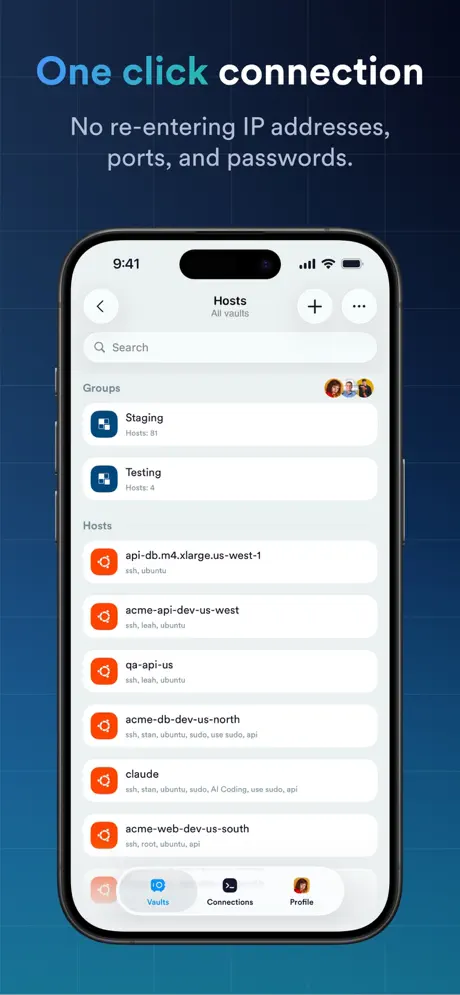  Termius - Modern SSH Client Termius - Modern SSH Client | 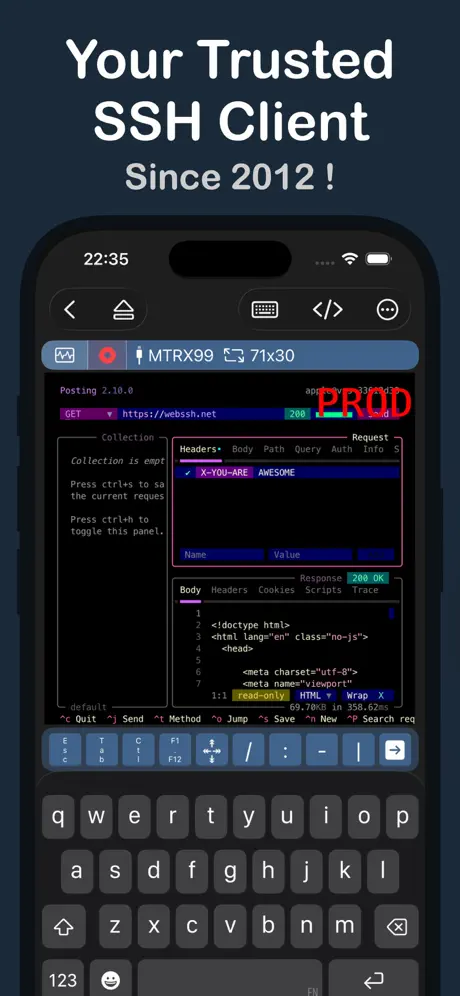  WebSSH - Sysadmin Toolbox WebSSH - Sysadmin Toolbox | 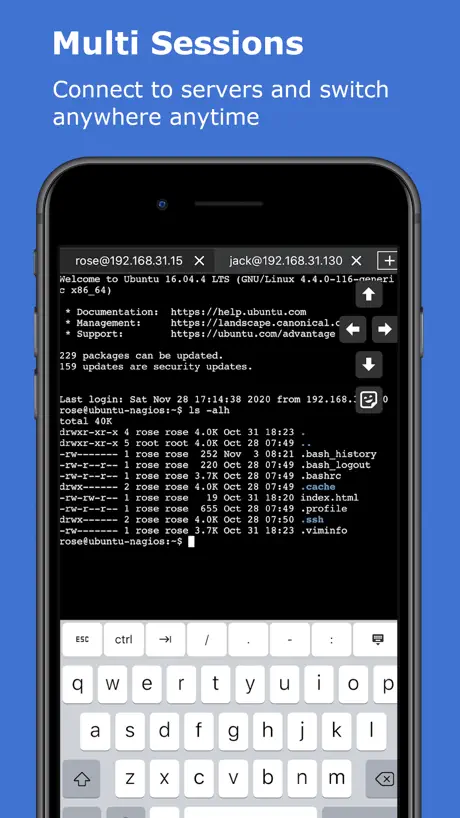  xTerminal - SSH Terminal Shell xTerminal - SSH Terminal Shell | 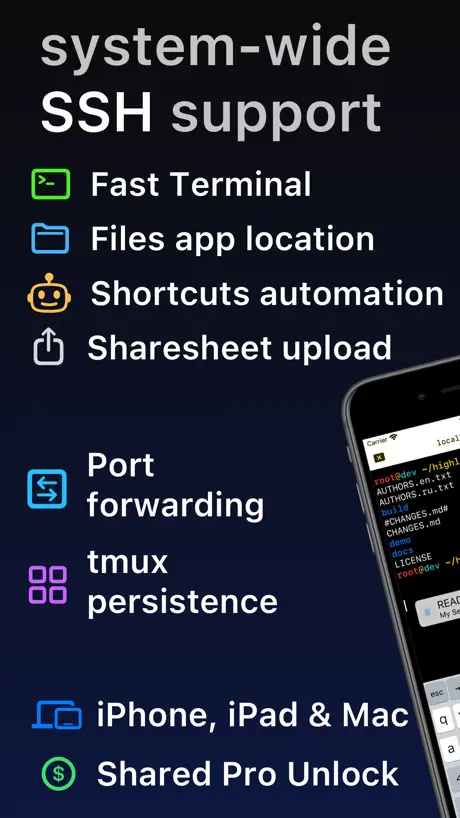  SSH Client - Secure ShellFish SSH Client - Secure ShellFish |   ServerCat - SSH Terminal ServerCat - SSH Terminal | 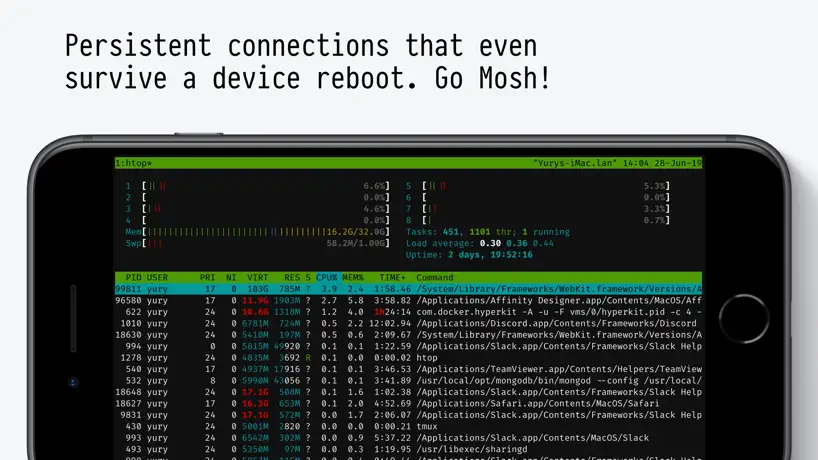  Blink Shell, Build & Code Blink Shell, Build & Code |   NeoServer SSH Mosh Terminal NeoServer SSH Mosh Terminal | 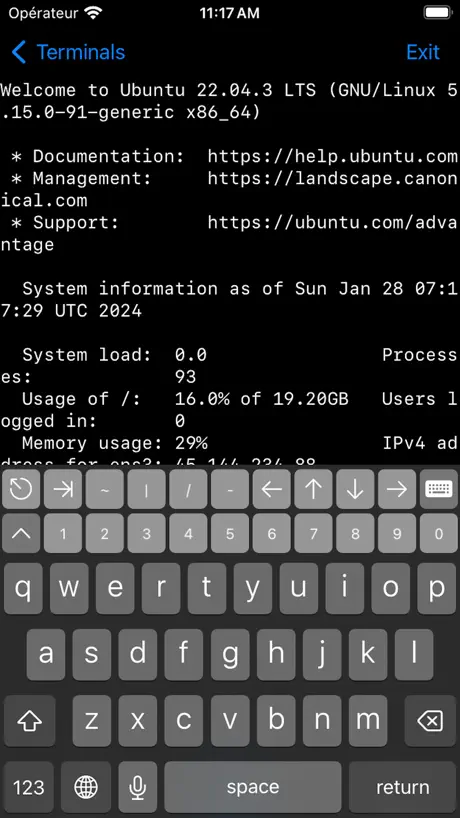  Terminal# Terminal# | 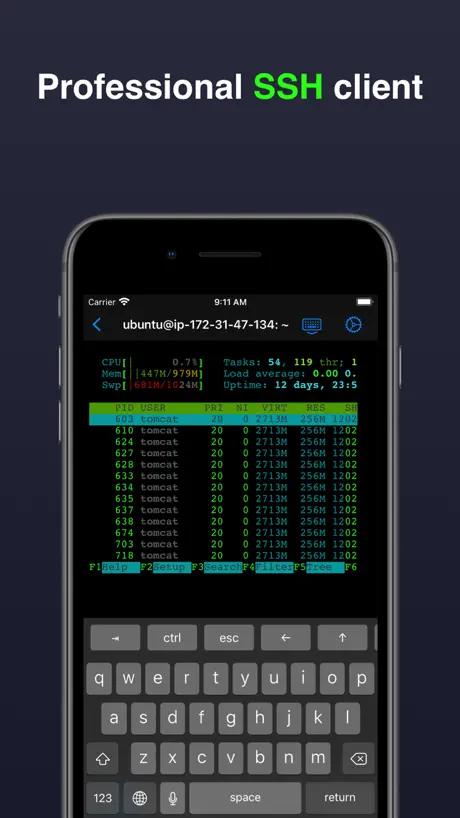  Terminal & SSH Terminal & SSH | 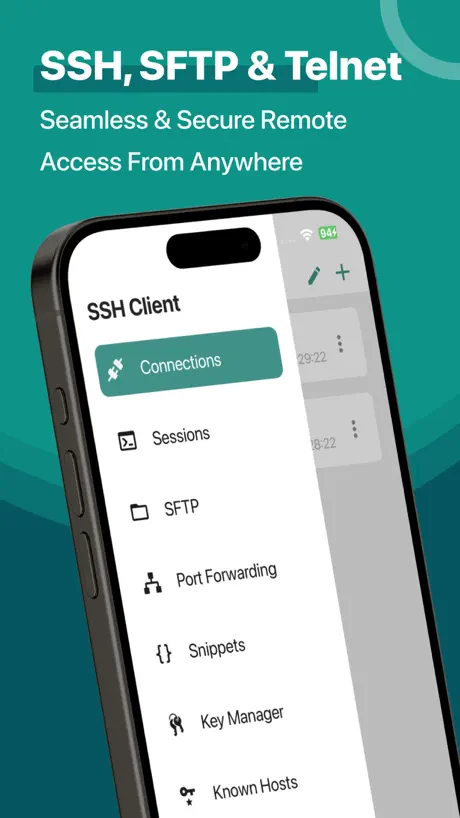  SSH Client - Terminal & Termux SSH Client - Terminal & Termux | |
|---|---|---|---|---|---|---|---|---|---|---|---|
| Rating / 5 | 4.4 | 4.7 | 4.8 | 4.6 | 4.8 | 4.7 | 3.1 | 4.8 | 4.7 | 4.5 | 3.3 |
| Reviews | 1.3K | 84K | 13K | 8.2K | 4.4K | 4.3K | 1.2K | 1.1K | 1.1K | 1.1K | 1K |
| Released | 2016 | 2012 | 2012 | 2020 | 2019 | 2020 | 2022 | 2023 | 2022 | 2021 | 2019 |
| Monthly price | — | $15.00 | $1.99 | $6.99 | $2.99 | — | $7.99 | $3.99 | $2.99 | $4.99 | $2.99 |
| Annual price | — | $119.00 | $9.99 | $29.99 | $14.99 | $5.99 | $19.99 | $24.99 | $19.99 | — | $11.99 |
| One-time price | $3.99 | — | $15.00 | $59.99 | $29.99 | $5.99 | — | $59.99 | $5.99 | $4.99 | $29.99 |
The going rate for each plan in United States, in its own currency, shaded from the cheapest price on the row to the dearest. Plans fewer than four in ten of the priced apps sell are left out.
Shelly - SSH Client reviews
4.4 out of 5, based on 1,250 reviews.
What people like
- Keeps connection alive in background
- Great value for the price
- Works well with TOR VPN
What they complain about
- Connection drops when switching apps
- No arrow keys on screen
- Paste function does not work
Amazing for working on a remote computer.
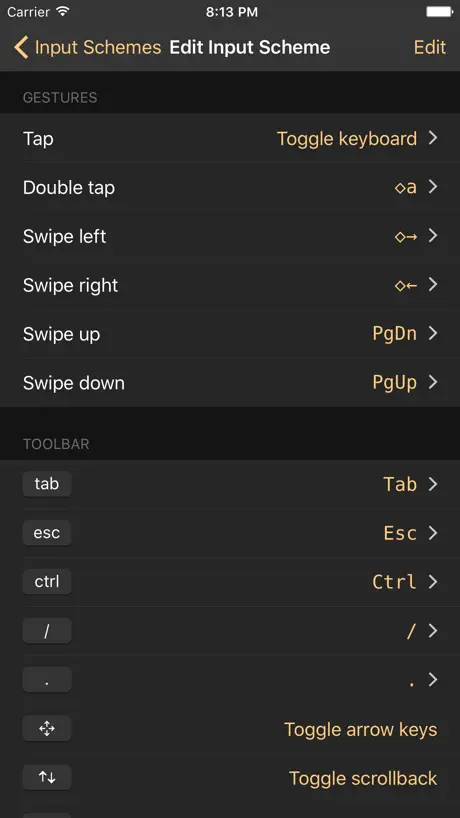
This is the best app for ssh. Mapping gestures to tmux controls changed my life!!!
Not fully featured
I paid for the Pro upgrade. It does not even allow me to scroll using touchpad using a iPad Magic Keyboard. It does not allow me to use the cursor of the magic keyboard to select text, and does not allow me to do Cmd+C to copy said text. So if I’m hashing a password in argon2id format for example, I am unable to copy the long string by selecting it on the terminal output. The develop needs to make this more compatible with input devices other than touchscreen, it needs to make it work more like the native Terminal app on macOS Sequoia. I am unhappy with the application because a terminal app is for power users and this lacks functions I’m used to on macOS. Did the developer not consider that it can be installed on the iPad and that iPads are almost on par with MacBook Pros now? The iPad Pro I paid over £1000 for is more expensive than a Mac Mini or even a MacBook Air, it has a M4 processor too, so the developer needs to wake up and build this app with more features because right now it’s useless for my needs as a “Pro” user.
Copy all
The only thing I miss is being able to copy all and then this would be perfect and wouldn’t ever need another ssh client.
Works great but major flaw
Its the perfect ssh client, except that if you switch to another app to check something it will close your session. This is a major flaw that could easily be remedied by allowing the user to adjust timeout settings. The app itself is very easy to use and works well but this flaw makes it unusable in certain scenarios and therefore unusable.
Ok terminal
But seems to be missing one essential feature, I can’t change the font.
Terminal Greatness
function (see what did there)
Vulnerable to Terrapin-attack
This client is vulnerable to the Man in the Middle "Terrapin" attack. I have moved to the "Secure Shellfish" ssh client which has been updated to protect against this attack.
OSC52 is not supported…
I like this client for being lightweight and fast. However, the lack of OSC 52 clipboard support makes it unusable for my SSH/tmux/Neovim workflow (keyboard-based copying). I have requested a refund. Are there plans to support this standard escape sequence? For reference, this test fails in Shelly: printf "\033]52;c;$(printf "Hello Shelly" | base64)\a"
Not the best anymore
Whatever they did to break drawing when uses curses related programs I wish they would fix it. Hasn’t worked for a long time. Always draws garbled even when using CP437
No real full screen mode, and bugs
BUGS: Saved "Keyboard and gestures" profiles seem to be overwritten when setting them as a default, or after renaming. I noticed because even when "Auto-Hide On-Screen Toolbar" is checked in the "Hardware Keyboard" section, sometimes the toolbar persists, which is annoying as it wastes screen space. It is also distracting when you have a hardware keyboard. Even when you manage to make it work (by carefully making backups of your "Keyboard and gestures" profile, renaming twice, and never make any of them the default), the bottom of the screen where the toolbar would go is left blank and unusable, suggesting the toolbar area is always reserved and never usable. SUGGESTIONS: "Scrollback enabled initially" should be a default, one tap should have an option to open settings (for full screen use), a real full screen mode should be added with just one toggle (without having to fight the toolbar) and actually using the entire screen (not reserving the toolbar area when it's not drawn) WISHES: a way to remap hardware keyboard keys (ex: Globe)
Excellent App
Easy to use, sync with all apple devices MacOS, IOS.
No SFTP
Of little use without secure ftp protocol
Need GBK please
Add more encoding, please. cp936, GBK, GB18030, Thanks a lot.
Misrepresents a free nature
As the store page shows an absence of in app purchases indication this misrepresents. On the opening screen it pursues a paid model. This doesn’t mean it is an incompetent program. It is just a misrepresentation.
No clear support for port forwarding renders it unusable for my use case.
No clear support for port forwarding renders it unusable for my use case.
Does it support SSH acess to SFTP? That's perfect!
Does it support SSH acess to SFTP? That's perfect!
No help or documentation ☹️
The app seems to work well and features like customisable keyboard sound great. But how do you customise it? There is no help in the app settings, nor is there anything about even the existence of this app on the developers website. Using terminal it is vital to be able to use the arrow keys, but when I tap the arrow icon at the bottom of the screen it turns something on or off but how the f@@@ do I use the arrow keys???
touch foo
I’m just trying to -get -cnfg- make ~ autocnfg Cmake- donate will be my treat to get a foo run.
Annoying
If I were going to buy your premium app, I would. I don’t need to be reminded of it’s existence every time I open the app.
Very happy but….
Suggestion: allow 2 instances of the app in the iPad OS. Also it would be perfect if it has TELNET too.
Best ssh app
The best ssh app for iPad - lightweight and no bloat. It's a pity that it hasn't been updated for a long time. I hope the author hasn't abandoned the app.
Can’t use newest SSH keys
If you generate SSH keys with current versions of Putty they will not work. I contacted the dev several months ago and basically told that when they get to it they may update it.
scp to and from iPhone?
How do I use scp?
太难用了!
一切后台就断链接!restart nginx,切出来打开网页看一眼,就刷新一下的事,再切回去就断链接了,需要重连,每次都是!
Needs better key management
I found it very difficult to perform the simple task of exporting the generated public key to the clipboard. Given the prominence of creating the key in the first place, why is it so difficult to find the "Export Public Key" function?
Made my life easier
This app is a total game-changer. Within minutes, I can reboot, restart, and manage my server—all from my phone. It gives me an unbelievable sense of freedom and control, no matter where I am. Whether I’m traveling or just away from my desk, I have full command at my fingertips. Truly an essential tool for anyone managing servers remotely!
Why does this need location access
Found it odd that it required location access. Removed it for now.
So far so good. Some extra features will make it great.
So far this is the best SSH client that I have tried. It handle my SSH identities better than the others I have tested. Performance is good, and I have quick access to all the normal keys I might need in an SSH session. I wish I could enable an option to request fingerprint each time a key is requested from the agent - that would make things much safer.
I don’t like it because you have to put your email in
I don’t like it because you have to use your email,As your account,I only want local accounts
App Issues
This app shows up when you search for Telnet apps. This app does not support telnet; only SSH. App would be awesome if it had a telnet option. Very limited with SSH only!!!
Still awesome
Still my goto terminal app for iOS after all these years.
No arrow buttons. No certificate based auth
Useless without tappable arrow buttons. The developers offer a gesture-based arrow feature, but “down” isnt an option, and seriously... it’s a MAJOR part of the terminal input interface. How could they skip it? Oh, if you disabled password auth on your server in favor of secure certificate auth, your choices are 1) pay for ‘premium’ or delete the app.
Great and does it’s job - one bug holding it back
I’ve been using this for a while now and the premium version is absolutely worth it. There is one issue with the iPad version that I always had, if I use Shelly in a split-screen multitasking view, I cannot use text input in the other app. It seems input is locked to Shelly so I have to force close Shelly to be able to type in the other window which quickly gets annoying. This doesn’t seem to be limited to split screen, if Shelly is open in the background this will still happen until the connection is terminated after the 30 seconds is up. Would love to see a fix for this.
Geht so
Kein sftp, Navigation z.B. in mc sehr nervig weil die Gestensteuerung nicht so will wie eingestellt: swipe and hold scrollt gerne immer wieder komplett durch das gesamte Fenster statt bis zur „festgehaltenen“ Zeile. Da gibt‘s klar Besseres.
Pretty good for the price - needs updates
Overall it absolutely works, and in most cases works really well. The additional functions and keys (those that require the screen) are exceptionally well laid out and easy to use/understand/poke through. The single biggest group of issues relate to screen-resizing. The app does not work on 11” Pro devices with half the screen or less of real-estate. Switching between active sessions becomes impossible and, once you’ve started a session, the possibility to select new connections is impossible. The only other issue is that, occasionally, return to the app, it will not accept keyboard input. One needs to switch apps and return. I do feel that this UI quirk, which has now been around for nearly six months could use a look. Thanks Shelly team!
Good App
I’ve paid for the full version and don’t regret it. I’m not only able to ssh into my machines on local WiFi; but I’m also able to do so from the cellular network. Being able to save connection string info as well as use public key authentication through the app is a massive bonus. The best thing about the app so far is that it’s compatible with TOR VPNs and will allow you to SSH into hidden service domains.
Doesn’t work for blind users
I was hoping this app would be a good replacement for the old Prompt app, which took my money and then stopped working a couple iOS versions later. Unfortunately, it isn’t. This app does not work with voiceover once you actually start a session with a remote server, so it cannot be used by blind users at all. I administer about it doesn’t machines, both virtual and physical, and need an SSH client I can actually use.
Please add proper escape code for Shift+Tab
I use this app every day. It is phenomenally good. However, there are a few problems that keep this from being absolutely perfect. One of them is that there is not full control over many key bindings. We are able to set custom buttons in the toolbar, which is great, but I really want even more power with a keyboard so I can be properly productive. In addition to the glaring issue with the tab key, modifiers also are not properly implemented for the arrow keys.
Connection lost
The connection lost every time switch it to background
It works.
I use this for SSHing into my University’s Linux computers and it works for that; however, a much desired addition for iPad OS would be the ability to have multiple instances of the app open, so I can have multiple terminals visible at once rather than having to go swap between them.
Exactly what I need!
After Prompt switched to a stupid and very expensive subscription model, this is the perfect replacement. The Pro pack at $3.99 is a great value. I was immediately able to import my private key via iCloud Drive and was up and running in under five minutes. Powerline fonts are working, too, so Oh-My-Zsh shows my git branches beautifully. Great program and great value!
Yuck.
Basic of Basic. Lock your phone? Switch to the browser for any reason? Bye bye connection.
Yo DEV READ THIS
Cant it change other files like game info and stuff? If not PLZ ADD IT
Cannot even paste
Spent 15 minutes trying to set up key-based auth but paste won't paste anything.
No arrow keys
This app works well and I nearly upgraded to paid for version. The reason why I chose it was because I could try for free first. Unfortunately it has no arrow keys and going up/down in something like vi was difficult so I’m now looking for something else.
The Best Terminal App
I had been looking for a good terminal emulator in order to connect to my Linux severs for quite a while. This is the only app which gives you not only a full keyboard and customizable terminal, but also keeps the connection alive as long as possible. Other apps would disconnect after a few seconds in the background but not this one. In my opinion the premium version is well worth it.
Not very useful
There are glitches when text is scrolling on screen like with an apt-get command where it just freezes.
Arrow keys
Would like to use arrow keys instead of gestures.
Useless
Without a save function for usernames and passwords it's useless to me. Just offer a paid basic version with it.
Great app, but major drawback
I would love to use this app, but a major problem is that it quits ssh session as soon as you flip to another iPad app. If this was fixed, it would be 5 stars.
Shelly - SSH Client price by country
A one-time purchase costs $3.51 in Canada and $5.92 in Denmark — 1.7× more for the same thing. Below is the going rate for each plan in every country that sells it — the middle price of what the app charges there, in the country's own currency with the dollar equivalent beneath it.
| Country | One-time |
|---|---|
| Afghanistan | $3.99 |
| Albania | $4.99 |
| Algeria | $3.99 |
| Angola | $3.99 |
| Anguilla | $3.99 |
| Antigua And Barbuda | $3.99 |
| Argentina | $3.99 |
| Armenia | $4.99 |
| Australia | A$5.99$4.19 |
| Austria | €3.99$4.52 |
| Azerbaijan | $4.99 |
| Bahamas | $3.99 |
| Bahrain | $3.99 |
| Barbados | $4.99 |
| Belarus | $4.99 |
| Belgium | €3.99$4.52 |
| Belize | $3.99 |
| Benin | $4.99 |
| Bermuda | $3.99 |
| Bhutan | $3.99 |
| Bolivia | $3.99 |
| Bosnia & Herzegovina | €3.99$4.52 |
| Botswana | $3.99 |
| Brazil | R$24.90$4.77 |
| British Virgin Islands | $3.99 |
| Brunei Darussalam | $3.99 |
| Bulgaria | €3.99$4.52 |
| Burkina Faso | $3.99 |
| Cambodia | $3.99 |
| Cameroon | $4.99 |
| Canada | CA$4.99$3.51 |
| Cape Verde | $3.99 |
| Cayman Islands | $3.99 |
| Chad | $3.99 |
| Chile | CLP 4,990$5.16 |
| China | CN¥28.00$4.17 |
| Colombia | COP 19,900$5.91 |
| Congo | $4.99 |
| Congo, Democratic Republic | $3.99 |
| Costa Rica | $3.99 |
| Cote Divoire | $4.99 |
| Croatia | €3.99$4.52 |
| Cyprus | €3.99$4.52 |
| Czech Republic | CZK 99.00$4.60 |
| Denmark | DKK 39.00$5.92 |
| Dominica | $3.99 |
| Dominican Republic | $3.99 |
| Ecuador | $3.99 |
| Egypt | EGP 199.99$3.84 |
| El Salvador | $3.99 |
| Estonia | €3.99$4.52 |
| Fiji | $3.99 |
| Finland | €3.99$4.52 |
| Gabon | $3.99 |
| Gambia | $3.99 |
| Georgia | $4.99 |
| Germany | €3.99$4.52 |
| Ghana | $4.99 |
| Greece | €3.99$4.52 |
| Grenada | $3.99 |
| Guatemala | $3.99 |
| Guinea-bissau | $3.99 |
| Guyana | $3.99 |
| Honduras | $3.99 |
| Hong Kong | HK$32.00$4.08 |
| Hungary | HUF 1,790$5.53 |
| Iceland | $4.99 |
| India | ₹399.00$4.15 |
| Indonesia | IDR 79,000$4.40 |
| Iraq | $3.99 |
| Ireland | €3.99$4.52 |
| Israel | ₪12.90$4.20 |
| Italy | €3.99$4.52 |
| Jamaica | $3.99 |
| Japan | ¥600$3.81 |
| Jordan | $3.99 |
| Kazakhstan | KZT 2,490.00$5.67 |
| Kenya | $4.99 |
| Kosovo | €3.99$4.52 |
| Kuwait | $3.99 |
| Kyrgyzstan | $3.99 |
| Lao Peoples Democratic Republic | $3.99 |
| Latvia | €3.99$4.52 |
| Lebanon | $3.99 |
| Liberia | $3.99 |
| Libya | $3.99 |
| Lithuania | €3.99$4.52 |
| Luxembourg | €3.99$4.52 |
| Macao | $3.99 |
| Macedonia | $3.99 |
| Madagascar | $3.99 |
| Malawi | $3.99 |
| Malaysia | MYR 19.90$4.88 |
| Maldives | $3.99 |
| Mali | $3.99 |
| Malta | €3.99$4.52 |
| Mauritania | $3.99 |
| Mauritius | $4.99 |
| Mexico | MX$89.00$4.94 |
| Micronesia | $3.99 |
| Moldova | $4.99 |
| Mongolia | $3.99 |
| Montenegro | €3.99$4.52 |
| Montserrat | $3.99 |
| Morocco | $4.99 |
| Mozambique | $3.99 |
| Myanmar | $3.99 |
| Namibia | $3.99 |
| Nauru | $3.99 |
| Nepal | $4.99 |
| Netherlands | €3.99$4.63 |
| New Zealand | NZ$6.99$3.95 |
| Nicaragua | $3.99 |
| Niger | $3.99 |
| Nigeria | NGN 6,900.00$5.20 |
| Norway | NOK 49.00$5.10 |
| Oman | $3.99 |
| Pakistan | PKR 1,100$3.97 |
| Palau | $3.99 |
| Panama | $3.99 |
| Papua New Guinea | $3.99 |
| Paraguay | $3.99 |
| Peru | PEN 17.90$5.20 |
| Philippines | ₱249.00$3.98 |
| Poland | PLN 19.99$5.19 |
| Portugal | €3.99$4.52 |
| Qatar | QAR 14.99$4.12 |
| Romania | RON 19.99$4.30 |
| Russia | RUB 349.00$4.15 |
| Rwanda | $3.99 |
| Sao Tome & Principe | $3.99 |
| Saudi Arabia | SAR 17.99$4.80 |
| Senegal | $4.99 |
| Serbia | €3.99$4.52 |
| Seychelles | $3.99 |
| Sierra Leone | $3.99 |
| Singapore | SGD 5.98$4.67 |
| Slovakia | €3.99$4.52 |
| Slovenia | €3.99$4.52 |
| Solomon Islands | $3.99 |
| South Africa | ZAR 79.99$4.87 |
| South Korea | ₩6,600$4.88 |
| Spain | €3.99$4.52 |
| Sri Lanka | $3.99 |
| St. Kitts and Nevis | $3.99 |
| St. Lucia | $3.99 |
| St. Vincent & The Grenadines | $3.99 |
| Suriname | $3.99 |
| Swaziland | $3.99 |
| Sweden | SEK 49.00$4.90 |
| Switzerland | CHF 3.00$3.60 |
| Taiwan | NT$120.00$3.77 |
| Tajikistan | $3.99 |
| Tanzania | TZS 11,900.00$4.55 |
| Thailand | THB 149.00$4.44 |
| Tonga | $3.99 |
| Trinidad and Tobago | $3.99 |
| Tunisia | $3.99 |
| Turkey | TRY 199.99$4.08 |
| Turkmenistan | $3.99 |
| Turks and Caicos | $3.99 |
| Uganda | $4.99 |
| Ukraine | $4.99 |
| United Arab Emirates | AED 14.99$4.08 |
| United Kingdom | £3.99$5.41 |
| United States | $3.99 |
| Uruguay | $3.99 |
| Uzbekistan | $3.99 |
| Vanuatu | $3.99 |
| Venezuela | $3.99 |
| Vietnam | ₫119,000$4.59 |
| Yemen | $3.99 |
| Zambia | $4.99 |
| Zimbabwe | $4.99 |
Shelly - SSH Client FAQ
- Is Shelly - SSH Client free?
- Yes. The app and its basic features are free, in all 174 countries it sells in. Premium features are paid: they start from $3.99 (US), across 1 one-time purchase.
- Does Shelly - SSH Client have a free trial?
- No. None of its offers (US) come with a free trial.
- Where is Shelly - SSH Client cheapest?
- A one-time purchase costs CA$4.99 (≈$3.51) in Canada and DKK 39.00 (≈$5.92) in Denmark, its cheapest and dearest countries.
- What are the best alternatives to Shelly - SSH Client?
- Termius - Modern SSH Client (4.7 from 84,362 reviews, premium from $15.00), WebSSH - Sysadmin Toolbox (4.8 from 12,677 reviews, premium from $1.99) and xTerminal - SSH Terminal Shell (4.6 from 8,164 reviews, premium from $6.99).
Shelly - SSH Client download
Last updated 6 months ago.
Shelly - SSH Client sells in 174 countries. It was released 10 years and 3 months ago, on 11 Jun 2016. It holds a 4.4 rating from 1,250 reviews.
Supports 1 language: English.
How much does Shelly - SSH Client make?
Third-party estimates for the last 30 days, worldwide — not the store's own figures, which Apple publishes for nobody.
Revenue by plan
- One-time 100%
Revenue by country
- United States 31%
- Germany 12%
- United Kingdom 5%
- Australia 4%