
PortX - SSH (Deprecated)
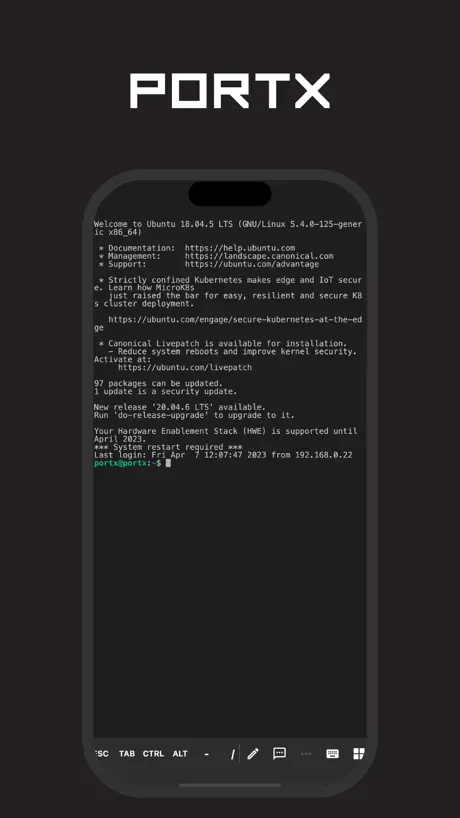
Terminal, SSH, and SFTP
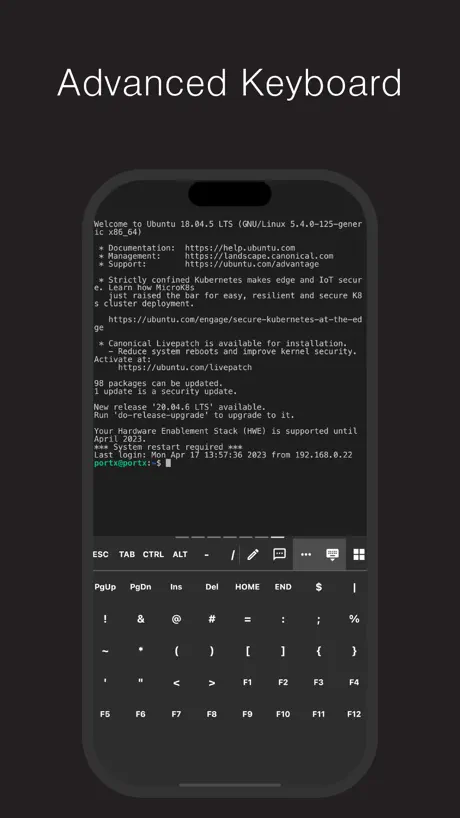
How much does PortX - SSH (Deprecated) cost?
Prices are current as of 10 Nov 2026.
PortX - SSH (Deprecated) has no in-app products on record in the United States.
10+ alternatives to PortX - SSH (Deprecated)
| PortX - SSH (Deprecated) | 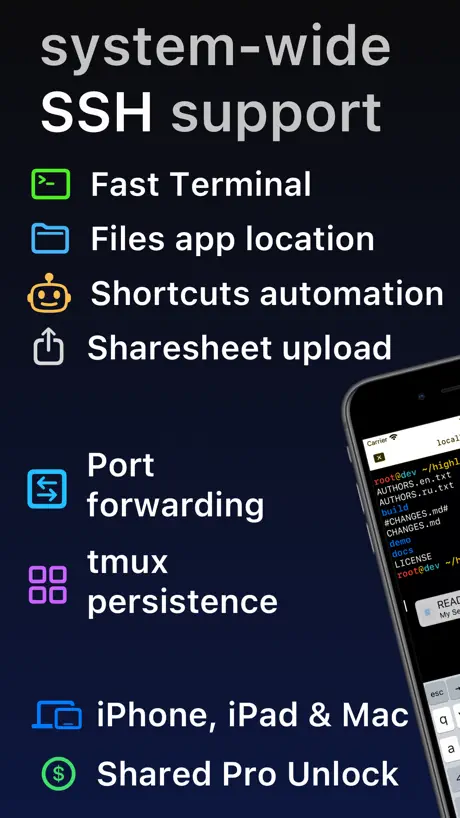  SSH Client - Secure ShellFish | 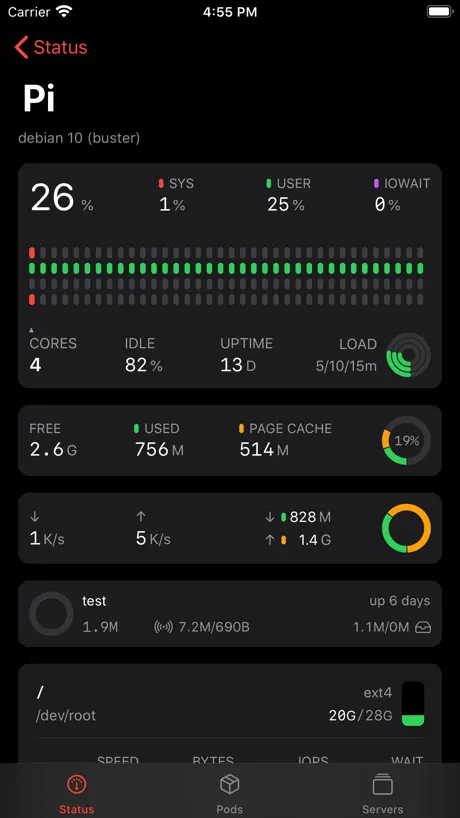  ServerCat - SSH Terminal & VPS | 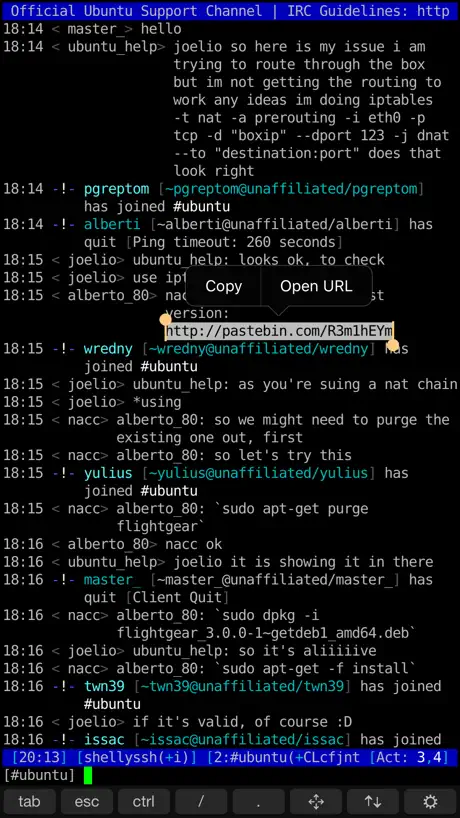  Shelly - SSH Client | 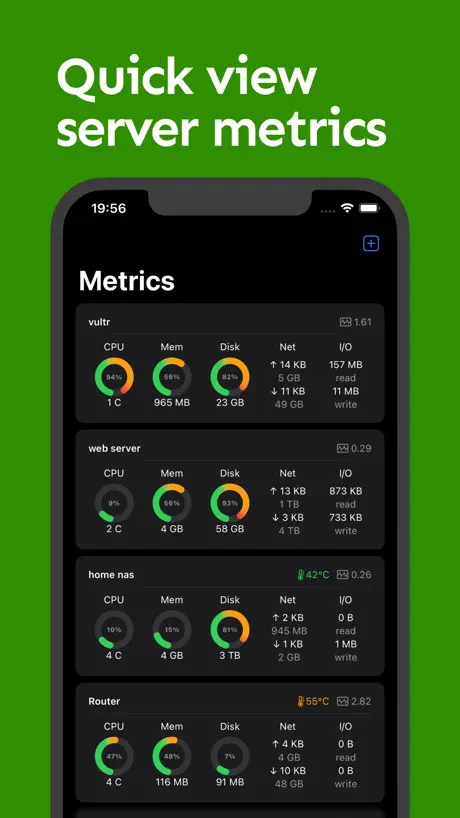  NeoServer SSH Mosh Terminal | 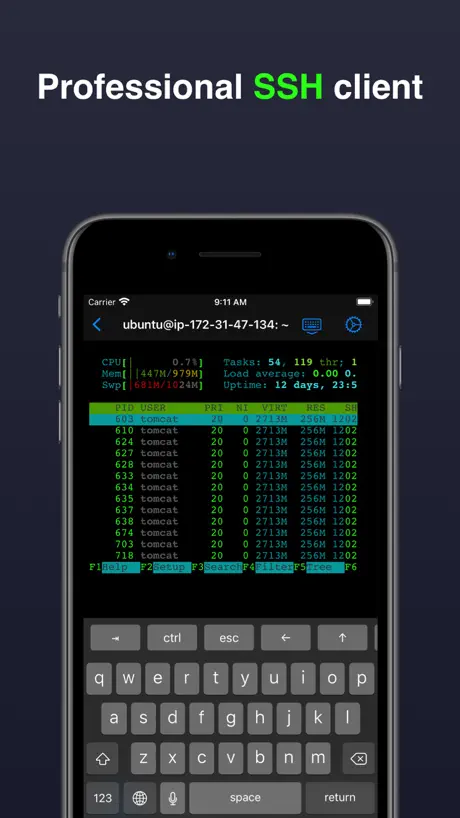  Terminal & SSH | 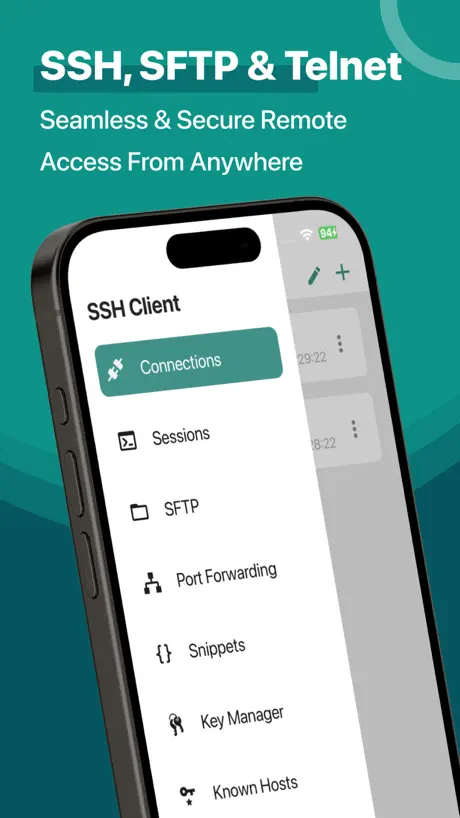  SSH Client - Terminal & Termux |   Easy SSH |   Docker Server Admin |   Secure Terminal |   Xcasca - SSH, SFTP Client | |
|---|---|---|---|---|---|---|---|---|---|---|---|
| Rating / 5 | 4.3 | 4.8 | 4.7 | 4.4 | 4.8 | 4.5 | 3.3 | 4.8 | 4.7 | 4.7 | 3.0 |
| Reviews | 119 | 4.6K | 4.3K | 1.3K | 1.2K | 1.1K | 1.1K | 493 | 382 | 284 | 27 |
| Released | 2021 | 2019 | 2020 | 2016 | 2023 | 2021 | 2019 | 2025 | 2021 | 2019 | 2025 |
| Monthly price | — | $2.99 | — | — | $3.99 | $4.99 | $2.99 | — | — | — | — |
| Annual price | — | $14.99 | $5.99 | — | $24.99 | — | $11.99 | — | $29.99 | — | — |
| One-time price | — | $29.99 | $5.99 | $3.99 | $59.99 | $4.99 | $29.99 | — | $59.99 | $4.99 | — |
The going rate for each plan in United States, in its own currency, shaded from the cheapest price on the row to the dearest. Plans fewer than four in ten of the priced apps sell are left out.
PortX - SSH (Deprecated) reviews
4.3 out of 5, based on 119 reviews.
What people like
- Completely free with no ads
- Works out of the box
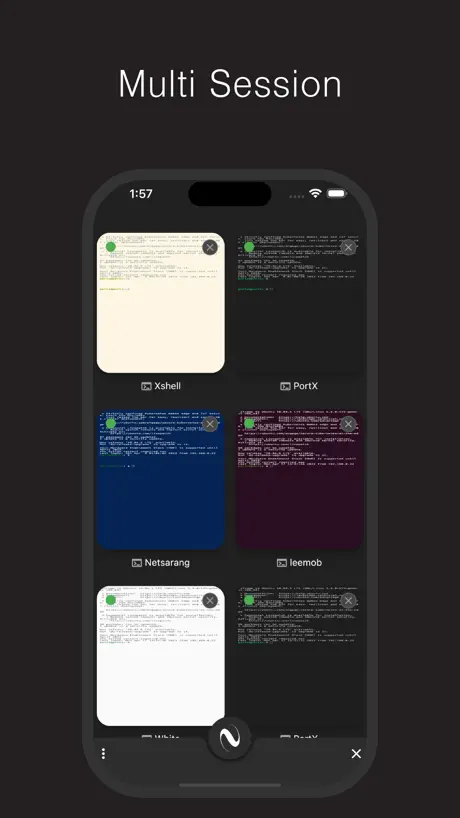
- Intuitive server organization and tabs
What they complain about
- Developer forced a paid subscription
- App crashes or locks up constantly
- SFTP file editing features are weak
Please keep PortX, xcasca doesn’t work ( ssh )
Please keep PortX, the ssh is actually working while xcasca doesn’t work at all Make sure never to upgrade to xcasca, it simply doesn’t work
App is abandoned, do not install
All you get when opening the app is an ad to install another app, which sounds like it’s going to be paid only. This app itself is rendered completely blank with no function. Do not waste your time
xshell6에서 사용하는 세션 가져오기관련
윈도우에서 사용하던 xshell 쉘을 아이패드로 가져오려면 어떻게 해야되나요?
以前的版本很好用,越改越难用而且删减了 SFTP 功能
以前的版本很好用,越改越难用而且删减了 SFTP 功能
Womp womp
App was good but they are killing it for a new paid one, womp womp
Great ssh client
It’s a great ssh client. But need an import/export data function to sync servers via different PortX apps.
Was great, renamed converted to subscription only and that was that
I used this from time to time, now they replaced the app with a link to their paid subscription app, and that one is expensive.
SSH Flawless, Files to be improved
I’ve been using PortX for a number of months now and find that for SSH interaction, it is significantly better than the basic terminal. The ability to create connections and just double click on them is brilliant. I had a minor problem with 2FA and I contacted the team and it was fixed in a couple of weeks. For Files it is much the same, but where it would really benefit from in the same way that you can for Filezilla, Forklift and WinSCP is to open files in the local editor and save them back to the server. Forklift was my original SFTP client, but the free version does not support 2FA. Very close to 5 *s
misleading
does not support sftp despite the appstore name indicating it does
SSH works fine, SFTP permissions problem
Mac OS sequoia. I can see the remote host folders but not those on my Mac. Portx has full disk access as well. Keeps asking me to grant permission, when I open the file picker and select a folder I still have the permissions problem.
Amazing app! Useful!
This app saved me so much time and money! Unlike other apps who charge a monthly fee this app is COMPLETELY free! Works seamlessly. And easy to set up!
End of life - Thank You
Don’t waste your time. This app is end of life. Dev has decided to rebrand and create a paywall of $50/yr for the app with no option for home uses with only a few devices to connect to. I’m writing this to say thank you to the greedy devs for their pricing overreach. You forced me to look at other apps and I actually found one that is much nicer with a reasonable pricing option.
Wraped strings
It's a pity that text wrapping cannot be disabled.
明明有支持apple芯片版本
官网上明明有支持arm的版本,app store不上架.还不支持自动更新.
Cannot use local proxy to connet ssh
cannot use local proxy to connet ssh,just like Xshell,proxy just like '172.0.01:8080'
Great app for SSH without intrusive ads or paywall!
This app works flawlessly for connecting to my various endpoints. It supports password and key authentication, multiple servers, and has an easy to use interface that allows you to organize servers into folders. The most fully featured user-respecting and non-paywalled app on the App Store.
Opening apps is very laggy.
Especially after completely quitting an app and then reopening it, it takes more than ten seconds to open, on a Mac M1 Pro.
Advertised as having sftp
How do I access this.
界面使用非常不习惯
设置,会话等功能 出现在非常奇怪的位置
Problem with language
So nice app, but there is problem with language change. If I switch to another app, switch language to any non english, and get back to PortX, then I can’t change language in console view.
So far, so good
Ive been using this for a few months now, and it really works well. I have some small issues, like with my exiting the remote ssh session and the terminal not closing as if it’s hung, but this is easily overcome by closing with the “x” button. Well-done!
No good enough
No good enough
SFTP missing
Thanks for the response. The Select menu option works, but the Trash icon does nothing. However, the long press does let me delete the folder. This is really an excellent app.
맥북에서 사용하는데 파일다운하려고 마우스 좌클릭 누르면 종료되요 ㅜ
맥북에서 사용하는데 파일다운하려고 마우스 좌클릭 누르면 종료되요 ㅜ
Elegant but inpenetrable
Nice tool, I imagine, once you have deciphered the arcane elegance of the interface. Good for software engineers who have the time, patience and intuition to work out how to use it. Useless for me because I want to use it within five minutes of opening it - and I can't. I'm lost. I have no idea how to use this tool.
Clean, easy, and just plain works
I'm so grateful that unlike Termius, this works out of the box. No nonsense, no scam, no need for more personal info than a hospital does. It just does what it says it does. Obvious things like copy-paste, resizing, and color work, which seems to be a Rube Goldberg on some clients. I'm impressed by the intuitive integration of international characters. It is always fun to find new and novel UI controls. It even runs on Windows and Linux, so I can finally shift to one client everywhere.
Un asco
Es el peor software de FTP que he tenido la desgracia de usar. ¿No lo probaron o algo antes de publicarlo?
Very good.
Works well and does everything that you need. Took a long time to find the up arrow (modifier bar scrolls sideways). Otherwise rock solid
Crashes or needs reboot constantly
M1 Macbook Pro Gen 1 - This program crashes or locks up on me constantly
Works fine enough for me - but need some options
Can you please add the ability to open multiple PortX windows? I can start multiple PortX sessions with the "start" command, but this should be just a button click on the toolbar or from the menu items. And also the ability to detach/re-attach tabs from one PortX window to another.
Fantastic
The interface is well designed. Hope the developer makes more apps.
闪退
MacBook Air2020 i3 闪退,无法打开应用
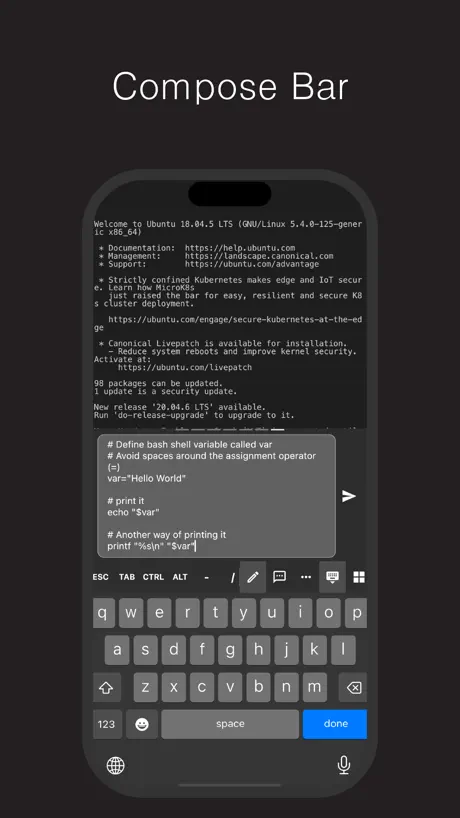
Please add Snippets
Please add Snippets
Kind of OK, as long as you don't like options
Decent enough as long as you like it EXACTLY how the developer set it up. There is not even an option to change the font, which is incredibly unfriendly to people with vision issues...also, it would be nice to swap to MenloNF so that my prompt for zsh would actually work, unlike with this default fault.
sftp使用起来很鸡肋
sftp 能否和 ssh 放在一个管理菜单中,分开真的是无语。另外交互很反人类,
Simple - but works perfectly
Free and no ads or junk to deal with. This is a basic no-frills no-features ssh client that just works if you need ssh shell access to a *nix machine or anything running an ssh daemon. Things it could use to make it better: -Key generator instead of a bit of a kludgy import process of a key. -PIN or Face-ID to lock the app. ..I have not needed any support so I cannot coment on responses but not needing support is actually a better scenario for me..
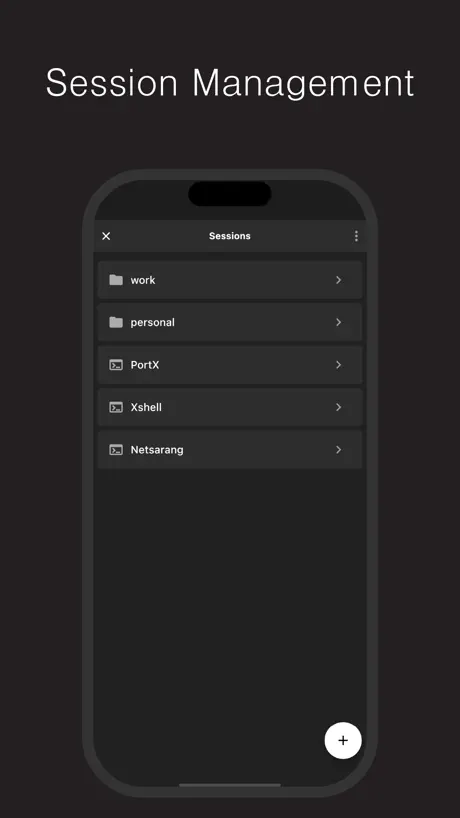
Session manager
Anyone can tell me how can I remove a session form Session Manager???
удобное приложение? но есть что доработать
Приложение отличное и очень удобно группировать вкладки. Но для sftp клиента очень слабо. Нельзя редактировать файлы, нельзя изменить их права. Можно только скачать, очень не хватает хотя бы возможности их редактирования прямо из программы
너무 잘 튕깁니다.
사용이 불가능할 정도로 계속 튕깁니다. 차라리 유료로 전환하시고 지원을 확대해주시면 좋을것같아요
Nice App, is there any plan for lrzsz support ?
As Subject. lrzsz is somehow very useful when ssh across multiple isolated networks. sftp/scp both need to setup some kind of proxy to work, while lrzsz dont.
Does not support PEM
I can easily open CLI ssh -i mykeys.pem and I am connected, but if you try through this client you get an error about unknown data.
Использую 3-4 месяца, все Ок но есть над чем работать
Пробовал несколько подобрных программ - среди них - эта лучшая! Наиболее близкий конкурент - ZenTermLite. Но она корво как то работала определеных алгоритмах, которые я часто пользовал (например mc когда скрываешь, все предыдущие команды в терминале затирались) -- В этой проге один косяк - она всегда наровит находится поверх всех остаьлных окон (когда переключаешься с соседнего рабочего стола например). Это очень сильно раздражает, поэтому она у меня обычно на отдельном столе висит. Есть настройка в меню, но онна не работает:( -- Основное преимущество - очень удобно сделали группировку серверов (можно по проекктам сгруппировать). Вкладки как в браузере - тоже удобно.
долгий старт
Стартует очень долго для обычного терминала, как-будто при старте расчитывает орбиту Марса))
great
one of the best ssh clinet in mac
Cant import xShell sessions.
Cant import the xShell sessions from windows to mac. Getting an error. Is there any specific way to import them into portx. Please provide a guide to import xshell sessions into portx. Are you using PortX's built-in importer (More Button -> Session -> Import/Export)? Please provide the following information: 1. What version of Xshell are you using? xshell 5 2. What error message are you seeing? There was a problem gertting the seesion. Invalid session, of file cannot be accessed.
Проблема со скролом
Пользуюсь приложением все нравится за исключением скролинга, он живет своей жизнью постоянно меняя формат отображения и часто в меньшую сторону. Постоянно приходится зажимать control и крутить колесиком. Очень бесит. Зачем вообще нужно делать это через горячие клавиши кому надо увеличить моштаб зайдут в меню исделают ёто оттуда.
PortX - SSH (Deprecated) FAQ
- Is PortX - SSH (Deprecated) free?
- Yes. The app is free, in all 175 countries it sells in, and it sells nothing inside it.
- Does PortX - SSH (Deprecated) have a free trial?
- No. None of its offers (US) come with a free trial.
- What are the best alternatives to PortX - SSH (Deprecated)?
- SSH Client - Secure ShellFish (4.8 from 4,557 reviews, premium from $2.99), ServerCat - SSH Terminal & VPS (4.7 from 4,328 reviews, premium from $5.99) and Shelly - SSH Client (4.4 from 1,255 reviews, premium from $3.99).
PortX - SSH (Deprecated) download
Last updated 5 months ago.
PortX - SSH (Deprecated) sells in 175 countries. It was released 5 years and 5 months ago, on 31 May 2021. It holds a 4.3 rating from 119 reviews.
Supports 5 languages: English, German, Korean, Russian, Chinese.