
Docker Server Admin
Docker, Linux Stats, SSH, SFTP
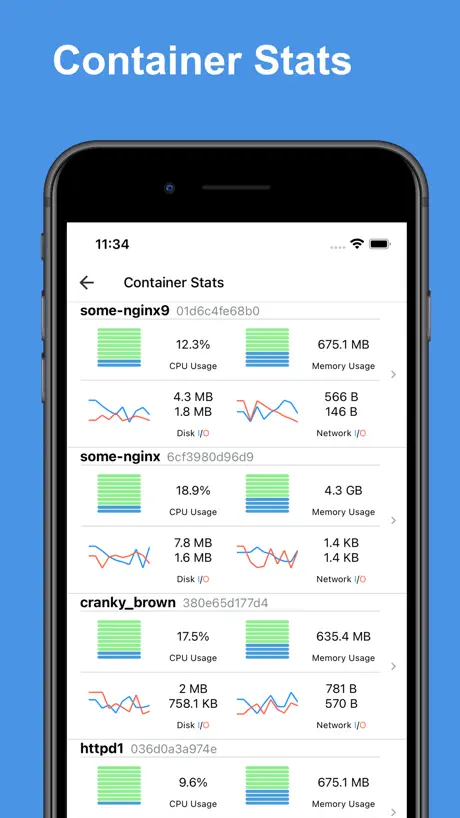
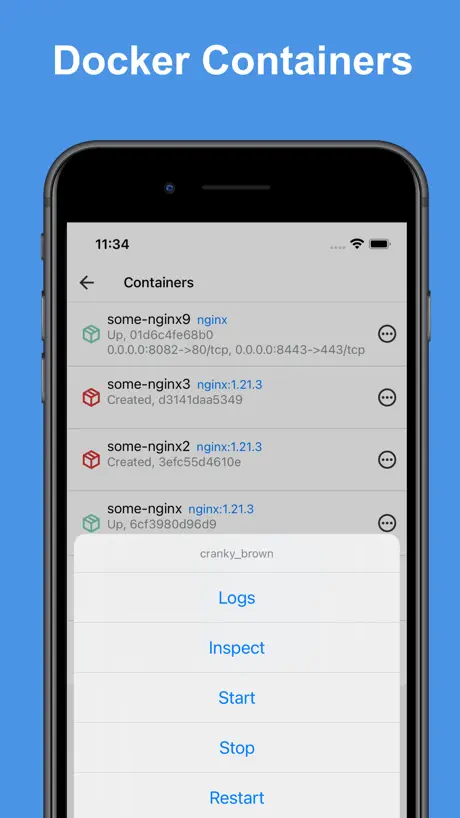
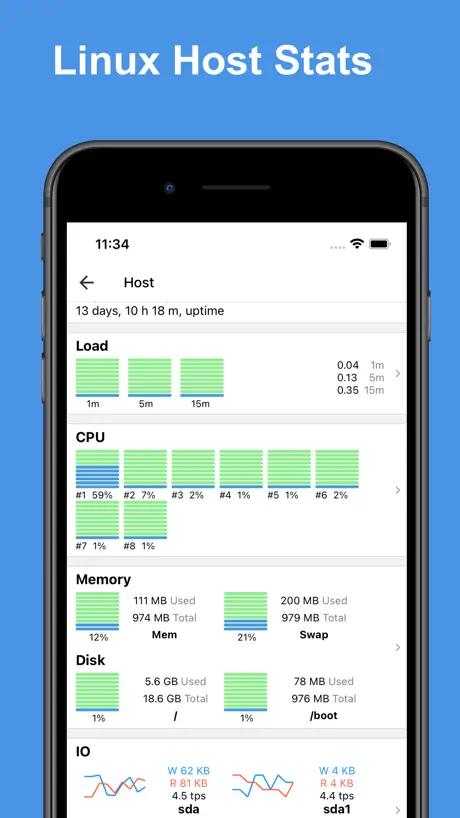
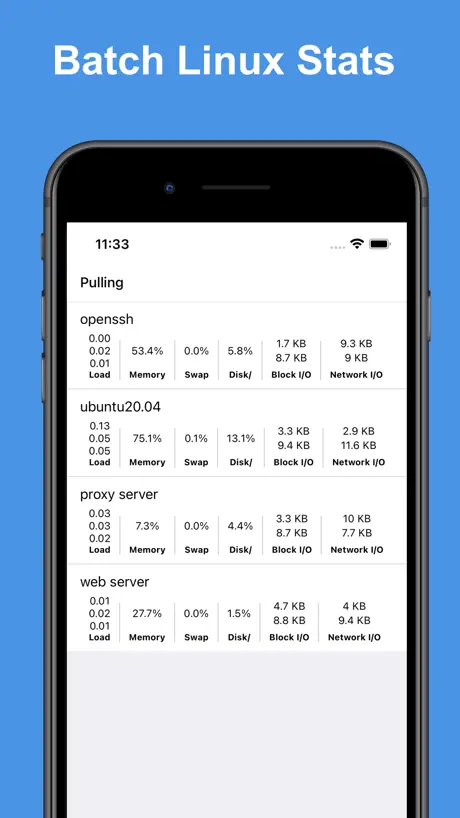
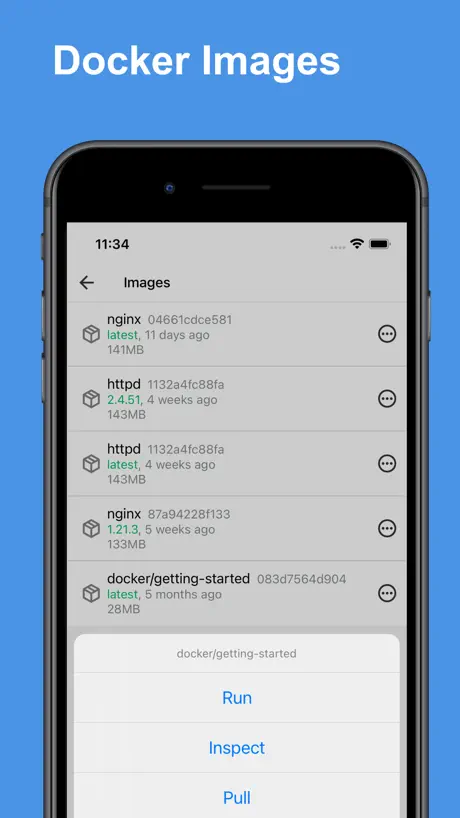
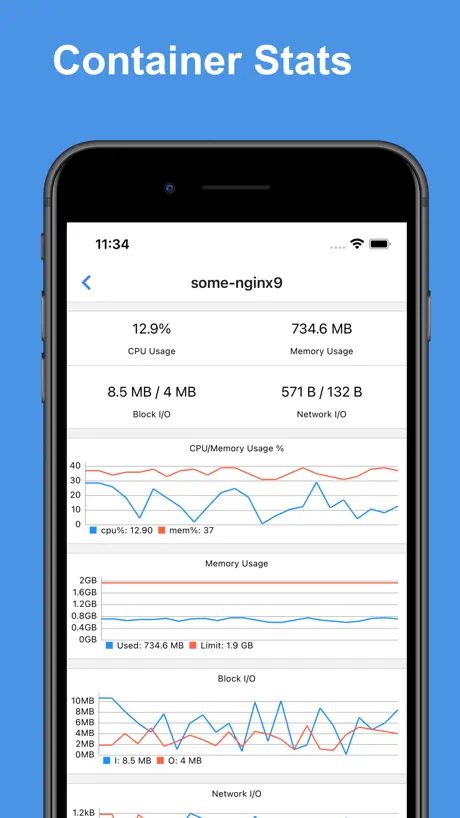
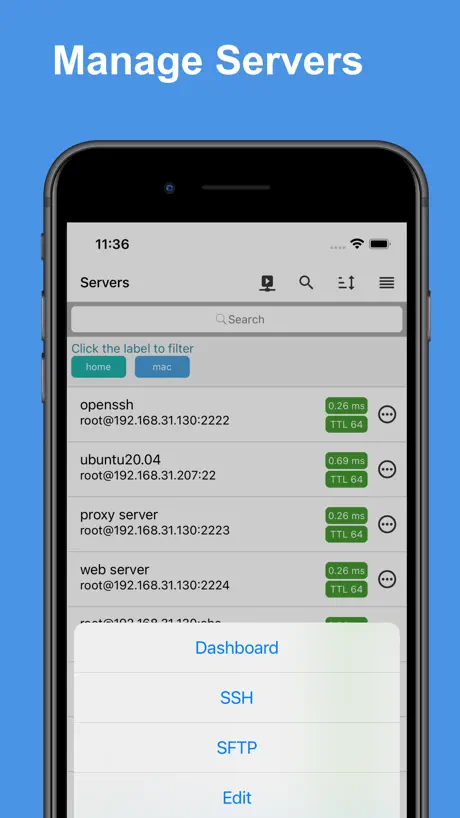
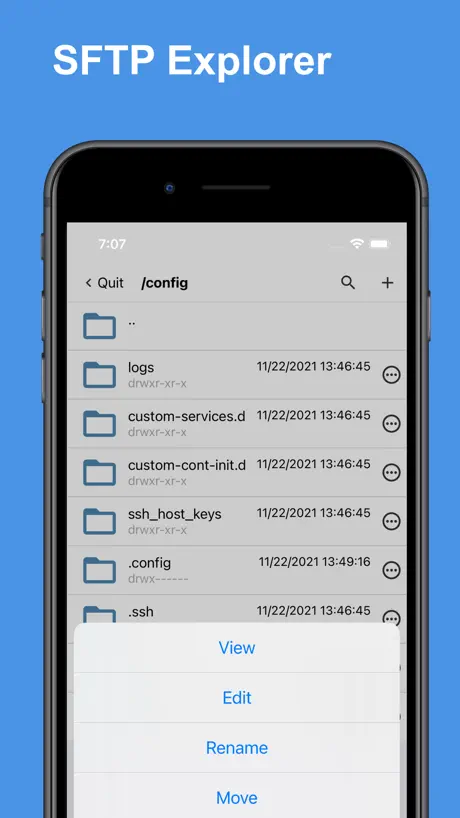
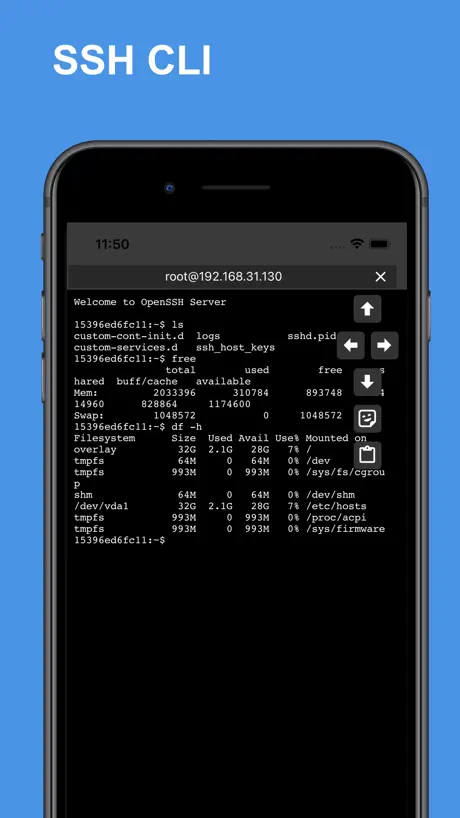
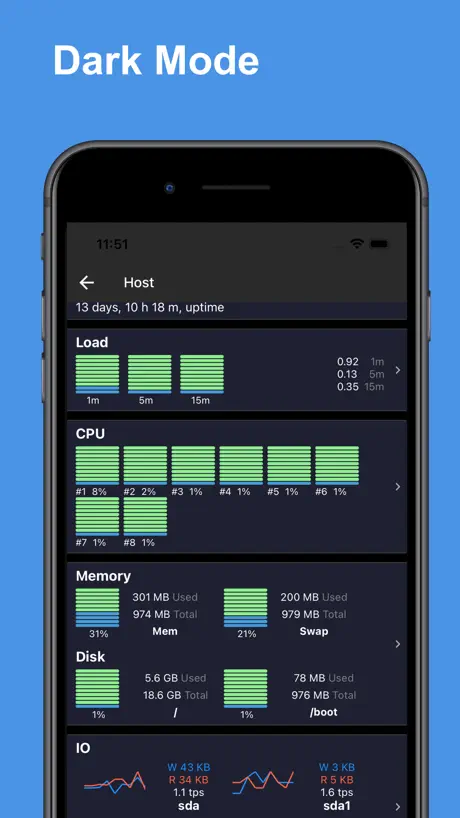
How much does Docker Server Admin cost?
Prices are current as of 29 Sept 2026.
1 subscription from $29.99
In the United States, Docker Server Admin has 1 subscription priced $29.99. It comes with a 7 days free trial.
| Subscription | Period | Price |
|---|---|---|
| Docker Pro | AnnualTrial: 7 days | $29.99 |
1 one-time purchase from $59.99
In the United States, Docker Server Admin has 1 one-time purchase priced $59.99.
| Product | Price |
|---|---|
| Docker Pro | $59.99 |
10+ alternatives to Docker Server Admin
| Docker Server Admin |   ServerCat - SSH Terminal ServerCat - SSH Terminal |   NeoServer SSH Mosh Terminal NeoServer SSH Mosh Terminal |   Terminal & SSH Terminal & SSH |   MySQL Mobile Client MySQL Mobile Client |   Secure Terminal Secure Terminal |   SQL Server Mobile Client SQL Server Mobile Client |   Yomo: Docker & Portainer Yomo: Docker & Portainer |   Docker Manager GUI - WhaleDeck Docker Manager GUI - WhaleDeck |   Uptime Kuma Manager Uptime Kuma Manager |   PortX - SSH (Deprecated) PortX - SSH (Deprecated) | |
|---|---|---|---|---|---|---|---|---|---|---|---|
| Rating / 5 | 4.7 | 4.7 | 4.8 | 4.5 | 4.5 | 4.6 | 4.5 | 4.8 | 4.6 | 4.2 | 4.3 |
| Reviews | 377 | 4.3K | 1.1K | 1.1K | 756 | 277 | 184 | 177 | 158 | 151 | 119 |
| Released | 2021 | 2020 | 2023 | 2021 | 2018 | 2019 | 2018 | 2024 | 2022 | 2023 | 2021 |
| Monthly price | — | — | $3.99 | $4.99 | — | — | — | $1.49 | — | — | — |
| Annual price | $29.99 | $5.99 | $24.99 | — | — | — | — | $9.99 | — | — | — |
| One-time price | $59.99 | $5.99 | $59.99 | $4.99 | — | — | — | $19.99 | — | — | — |
The going rate for each plan in United States, in its own currency, shaded from the cheapest price on the row to the dearest. Plans fewer than four in ten of the priced apps sell are left out.
Docker Server Admin reviews
4.7 out of 5, based on 377 reviews.
What people like
- Clean interface that is easy to use
- Great for monitoring containers and checking logs
- Perfect tool for managing homelab setups
What they complain about
- Free version is incredibly slow and unresponsive
- Support never actually helps or replies to emails
- Reports wrong memory usage on Ubuntu servers
- Price feels too high for what you get
Understanding what having NON-serverless means
Perfect Demonstration
Support is non-existent
Had it worked I would have subscribed, but it didn’t and support requests are unanswered.
Network visualization?
Hi all, I just used this app to login and poke around…works great ! I am looking for a GUI to visualize the networks (subnets and containers and host). Is that something being worked on?
Slow
Free version “works” but is incredibly slow and unresponsive
Nicht sehr flüssig, wirkt irgendwie sperrig…
Der Ladebalken nervt und die Werte CPU etc. verändern sich nicht. Der blaue Button (Hinzufügen) verdeckt das Menü des Servers ganz unten…
Great docker app!
Love it, use for my homelab to manage containers
Preis?
Glaube der entwickler hat sich beim preis vertippt! Ist ja wahnsinn
Good app, but needs work
Good app, I love what it can do. I've noticed it sometimes crashes on startup. I've also noticed it reports my Ubuntu Server's memory usage at 100% when 'free -m' reports just a few hundred MB. Not sure what's going on with that.
Meh
Not a bad app but absolutely zero support, they don’t reply to emails nor on their website. And not everything works. Not entirely sure it’s worth the price.
He was very
Not sure how it would work out
Be careful, doenst work, looks only to hacker your server
Doenst work, doenst connect, just say credential invalid.
Top App macht was sie soll
Ich habe die App jetzt rund ein Jahr benutzt. Sie ist an sich echt geil, Aber extrem teuer. Ich weiche wieder auf PiHelper aus.. der kann zwar nicht direkt die Docker Container Steuer aber auch ssh und sftp..
Genial
Me gusta funciona bien para monitoreo
Not free at all.
Just charge for the app if it can’t be used for free at all. Bad practice.
Almost excellent
This is superb, if expensive for the full version. Unfortunately I run a lot of stuff on Ubuntu, and it seems unable to connect to Ubuntu servers. The same ssh key works on terminal logins and other machines. It just seems to hate Ubuntu for some reason.
Great app
Love the UI, easy to use. Wish it came with a short list of bash commands though!
You cannot do anything without subscribing
Unbelievable
Sure is a good thing i didnt use personal data or if it’s working
Tried installing app from source couldn’t get anymore usage even this kinda of app is free I kept on my iPhone 11 due to concerns with behavior, could not find any thing like bugs but does delete after certain periods
Great app, does what it needs to do
Overall the app is great and does what I need to see as far as container information logs/ restarts. A thing to note though is that I unfortunately hadn’t protected my containers and left them exposed through their ports and a good chaotic samaritan changed a couple settings letting me know to lock it down. Either really random or the team of this app goes around and possibly did that. In any case, I got off easy.
Werbung
Ständig Pop up zum Pro Upgrade
Docker Server Admin price by country
An annual subscription costs $10.21 in Nigeria and $45.80 in Hungary — 4× more for the same thing. Below is the going rate for each plan in every country that sells it — the middle price of what the app charges there, in the country's own currency with the dollar equivalent beneath it.
| Country | Annual | One-time |
|---|---|---|
| Afghanistan | $29.99 | $59.99 |
| Albania | $35.99 | $69.99 |
| Algeria | $29.99 | $59.99 |
| Angola | $29.99 | $59.99 |
| Anguilla | $29.99 | $59.99 |
| Antigua And Barbuda | $29.99 | $59.99 |
| Argentina | $29.99 | $59.99 |
| Armenia | $35.99 | $69.99 |
| Australia | A$47.99$34.53 | A$99.99$71.94 |
| Austria | €33.99$39.48 | €69.99$81.29 |
| Azerbaijan | $29.99 | $69.99 |
| Bahamas | $32.99 | $69.99 |
| Bahrain | $32.99 | $69.99 |
| Barbados | $34.99 | $69.99 |
| Belarus | $35.99 | $69.99 |
| Belgium | €33.99$39.48 | €69.99$81.29 |
| Belize | $29.99 | $59.99 |
| Benin | $29.99 | $69.99 |
| Bermuda | $29.99 | $59.99 |
| Bhutan | $29.99 | $59.99 |
| Bolivia | $29.99 | $59.99 |
| Bosnia & Herzegovina | €32.99$38.32 | €69.99$81.29 |
| Botswana | $29.99 | $59.99 |
| Brazil | R$154.90$29.85 | R$399.90$77.05 |
| British Virgin Islands | $29.99 | $59.99 |
| Brunei Darussalam | $29.99 | $59.99 |
| Bulgaria | €32.99$38.32 | €69.99$81.29 |
| Burkina Faso | $29.99 | $59.99 |
| Cambodia | $32.99 | $69.99 |
| Cameroon | $35.99 | $69.99 |
| Canada | CA$38.99$28.25 | CA$79.99$57.96 |
| Cape Verde | $29.99 | $59.99 |
| Cayman Islands | $29.99 | $59.99 |
| Chad | $29.99 | $59.99 |
| Chile | CLP 31,900$34.19 | CLP 69,990$75.02 |
| Colombia | COP 142,900$45.50 | COP 299,900$95.48 |
| Congo | $29.99 | $59.99 |
| Congo, Democratic Republic | $29.99 | $59.99 |
| Costa Rica | $29.99 | $59.99 |
| Cote Divoire | $29.99 | $69.99 |
| Croatia | €35.17$40.85 | €69.99$81.29 |
| Cyprus | €33.99$39.48 | €69.99$81.29 |
| Czech Republic | CZK 849.00$40.76 | CZK 1,490.00$71.53 |
| Denmark | DKK 265.00$41.21 | DKK 499.00$77.60 |
| Dominica | $29.99 | $59.99 |
| Dominican Republic | $29.99 | $59.99 |
| Ecuador | $29.99 | $59.99 |
| Egypt | EGP 559.99$11.00 | EGP 2,999.99$58.95 |
| El Salvador | $29.99 | $59.99 |
| Estonia | €33.99$39.48 | €69.99$81.29 |
| Fiji | $29.99 | $59.99 |
| Finland | €34.99$40.64 | €69.99$81.29 |
| France | €33.99$38.71 | €69.99$79.72 |
| Gabon | $29.99 | $59.99 |
| Gambia | $29.99 | $59.99 |
| Georgia | $34.99 | $69.99 |
| Germany | €33.99$38.71 | €69.99$79.72 |
| Ghana | $29.99 | $69.99 |
| Greece | €34.99$40.64 | €69.99$81.29 |
| Grenada | $29.99 | $59.99 |
| Guatemala | $29.99 | $59.99 |
| Guinea-bissau | $29.99 | $59.99 |
| Guyana | $29.99 | $59.99 |
| Honduras | $29.99 | $59.99 |
| Hong Kong | HK$233.00$29.72 | HK$488.00$62.24 |
| Hungary | HUF 14,290$45.80 | HUF 24,990$80.09 |
| Iceland | $37.19 | $69.99 |
| India | ₹2,849.00$30.13 | ₹5,900.00$62.40 |
| Indonesia | IDR 499,000$28.26 | IDR 999,000$56.58 |
| Iraq | $29.99 | $59.99 |
| Ireland | €34.99$40.64 | €69.99$81.29 |
| Israel | ₪103.90$34.52 | ₪199.90$66.41 |
| Italy | €34.99$40.64 | €69.99$81.29 |
| Jamaica | $29.99 | $59.99 |
| Japan | ¥4,100$26.25 | ¥10,000$64.03 |
| Jordan | $29.99 | $59.99 |
| Kazakhstan | KZT 15,290.00$33.58 | KZT 34,990.00$76.85 |
| Kenya | $34.99 | $69.99 |
| Kosovo | €33.99$39.48 | €69.99$81.29 |
| Kuwait | $29.99 | $59.99 |
| Kyrgyzstan | $33.99 | $69.99 |
| Lao Peoples Democratic Republic | $29.99 | $69.99 |
| Latvia | €33.99$39.48 | €69.99$81.29 |
| Lebanon | $29.99 | $59.99 |
| Liberia | $29.99 | $59.99 |
| Libya | $29.99 | $59.99 |
| Lithuania | €33.99$39.48 | €69.99$81.29 |
| Luxembourg | €32.99$38.32 | €69.99$81.29 |
| Macao | $29.99 | $59.99 |
| Macedonia | $29.99 | $59.99 |
| Madagascar | $29.99 | $59.99 |
| Malawi | $29.99 | $59.99 |
| Malaysia | MYR 139.90$34.63 | MYR 299.90$74.23 |
| Maldives | $29.99 | $59.99 |
| Mali | $29.99 | $59.99 |
| Malta | €33.99$39.48 | €69.99$81.29 |
| Mauritania | $29.99 | $59.99 |
| Mauritius | $29.99 | $69.99 |
| Mexico | MX$699.00$41.39 | MX$1,299.00$76.91 |
| Micronesia | $29.99 | $59.99 |
| Moldova | $35.99 | $69.99 |
| Mongolia | $29.99 | $59.99 |
| Montenegro | €28.49$33.09 | €59.99$69.67 |
| Montserrat | $29.99 | $59.99 |
| Morocco | $29.99 | $59.99 |
| Mozambique | $29.99 | $59.99 |
| Myanmar | $29.99 | $59.99 |
| Namibia | $29.99 | $59.99 |
| Nauru | $29.99 | $59.99 |
| Nepal | $29.99 | $69.99 |
| Netherlands | €33.99$39.48 | €69.99$81.29 |
| New Zealand | NZ$54.99$32.35 | NZ$99.99$58.82 |
| Nicaragua | $29.99 | $59.99 |
| Niger | $29.99 | $59.99 |
| Nigeria | NGN 13,500.00$10.21 | NGN 99,900.00$75.57 |
| Norway | NOK 375.00$40.32 | NOK 799.00$85.91 |
| Oman | $30.99 | $59.99 |
| Pakistan | PKR 6,300$22.69 | PKR 14,900$53.67 |
| Palau | $29.99 | $59.99 |
| Panama | $29.99 | $59.99 |
| Papua New Guinea | $29.99 | $59.99 |
| Paraguay | $29.99 | $59.99 |
| Peru | PEN 112.90$33.60 | PEN 249.90$74.38 |
| Philippines | ₱1,650.00$26.30 | ₱3,990.00$63.60 |
| Poland | PLN 164.99$44.47 | PLN 299.99$80.86 |
| Portugal | €34.99$40.64 | €69.99$81.29 |
| Qatar | QAR 109.99$30.22 | QAR 199.99$54.94 |
| Romania | RON 167.99$37.17 | RON 299.99$66.37 |
| Russia | RUB 1,950.00$22.65 | RUB 4,990.00$57.97 |
| Rwanda | $29.99 | $59.99 |
| Sao Tome & Principe | $29.99 | $59.99 |
| Saudi Arabia | SAR 129.99$34.66 | SAR 249.99$66.66 |
| Senegal | $29.99 | $69.99 |
| Serbia | €33.99$39.48 | €69.99$81.29 |
| Seychelles | $29.99 | $59.99 |
| Sierra Leone | $29.99 | $59.99 |
| Singapore | SGD 44.98$35.42 | SGD 89.98$70.85 |
| Slovakia | €33.99$39.48 | €69.99$81.29 |
| Slovenia | €34.99$40.64 | €69.99$81.29 |
| Solomon Islands | $29.99 | $59.99 |
| South Africa | ZAR 549.99$34.46 | ZAR 1,199.99$75.19 |
| South Korea | ₩43,000$31.93 | ₩99,000$73.52 |
| Spain | €33.99$39.48 | €69.99$81.29 |
| Sri Lanka | $29.99 | $59.99 |
| St. Kitts and Nevis | $29.99 | $59.99 |
| St. Lucia | $29.99 | $59.99 |
| St. Vincent & The Grenadines | $29.99 | $59.99 |
| Suriname | $29.99 | $69.99 |
| Swaziland | $29.99 | $59.99 |
| Sweden | SEK 379.00$39.60 | SEK 799.00$83.49 |
| Switzerland | CHF 31.00$38.27 | CHF 50.00$61.73 |
| Taiwan | NT$970.00$30.67 | NT$1,990.00$62.91 |
| Tajikistan | $34.99 | $69.99 |
| Tanzania | TZS 69,900.00$26.45 | TZS 179,900.00$68.07 |
| Thailand | THB 1,150.00$34.93 | THB 1,990.00$60.45 |
| Tonga | $29.99 | $59.99 |
| Trinidad and Tobago | $29.99 | $59.99 |
| Tunisia | $29.99 | $59.99 |
| Turkey | TRY 649.99$13.41 | TRY 2,999.99$61.91 |
| Turkmenistan | $29.99 | $59.99 |
| Turks and Caicos | $29.99 | $59.99 |
| Uganda | $34.99 | $69.99 |
| Ukraine | $35.99 | $69.99 |
| United Arab Emirates | AED 114.99$31.33 | AED 229.99$62.67 |
| United Kingdom | £29.49$39.85 | £59.99$81.07 |
| United States | $29.99 | $59.99 |
| Uruguay | $29.99 | $59.99 |
| Uzbekistan | $34.99 | $69.99 |
| Vanuatu | $29.99 | $59.99 |
| Venezuela | $29.99 | $59.99 |
| Vietnam | ₫699,000$26.89 | ₫1,999,000$76.89 |
| Yemen | $29.99 | $59.99 |
| Zambia | $29.99 | $69.99 |
| Zimbabwe | $35.99 | $69.99 |
Docker Server Admin FAQ
- Is Docker Server Admin free?
- Yes. The app and its basic features are free, in all 174 countries it sells in. Premium features are paid: they start from $29.99 (US), across 1 subscription and 1 one-time purchase.
- Does Docker Server Admin have a free trial?
- Yes — a 7 days free trial (US).
- Where is Docker Server Admin cheapest?
- An annual subscription costs NGN 13,500.00 (≈$10.21) in Nigeria and HUF 14,290 (≈$45.80) in Hungary, its cheapest and dearest countries.
- What are the best alternatives to Docker Server Admin?
- ServerCat - SSH Terminal (4.7 from 4,291 reviews, premium from $5.99), NeoServer SSH Mosh Terminal (4.8 from 1,142 reviews, premium from $1.99) and Terminal & SSH (4.5 from 1,106 reviews, premium from $1.99).
Docker Server Admin download
Last updated 5 months ago.
Docker Server Admin sells in 174 countries. It was released 4 years and 10 months ago, on 26 Nov 2021. It holds a 4.7 rating from 377 reviews.
Supports 1 language: English.
How much does Docker Server Admin make?
Third-party estimates for the last 30 days, worldwide — not the store's own figures, which Apple publishes for nobody.
Revenue by plan
- Annual 85%
- One-time 15%
Revenue by country
- United States 51%
- Germany 11%
- France 5%
- Canada 4%