Easy SSH
Pure SSH Terminal Experience
How much does Easy SSH cost?
Prices are current as of 5 Nov 2026.
Easy SSH has no in-app products on record in the United States.
10+ alternatives to Easy SSH
| Easy SSH |   SSH Client - Secure ShellFish | 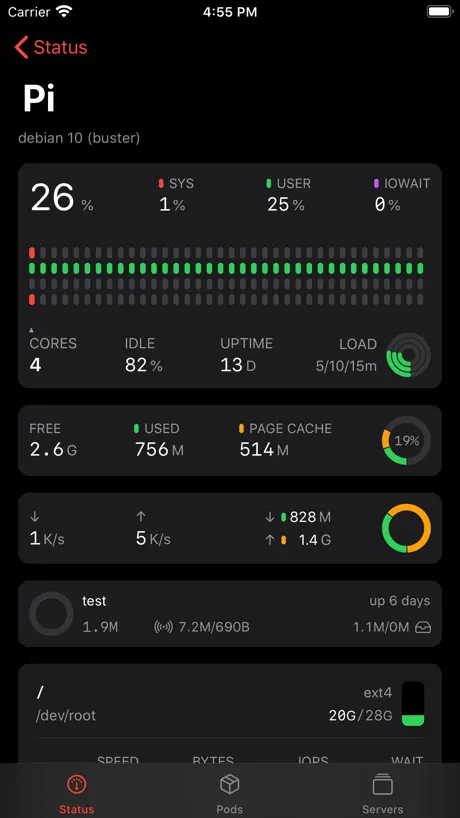  ServerCat - SSH Terminal & VPS | 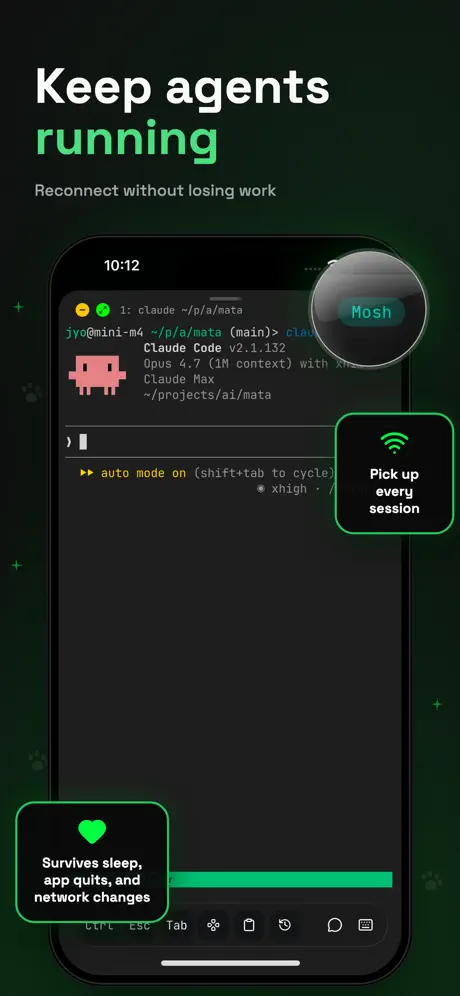  Moshi: herdr/tmux on SSH/MOSH | 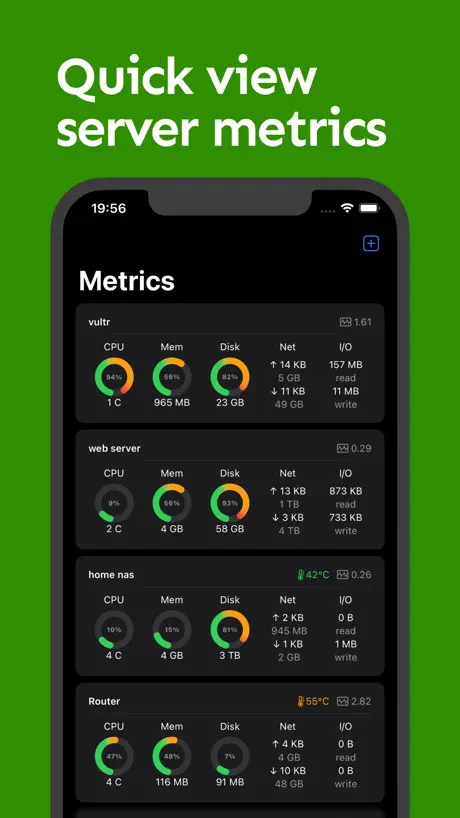  NeoServer SSH Mosh Terminal | 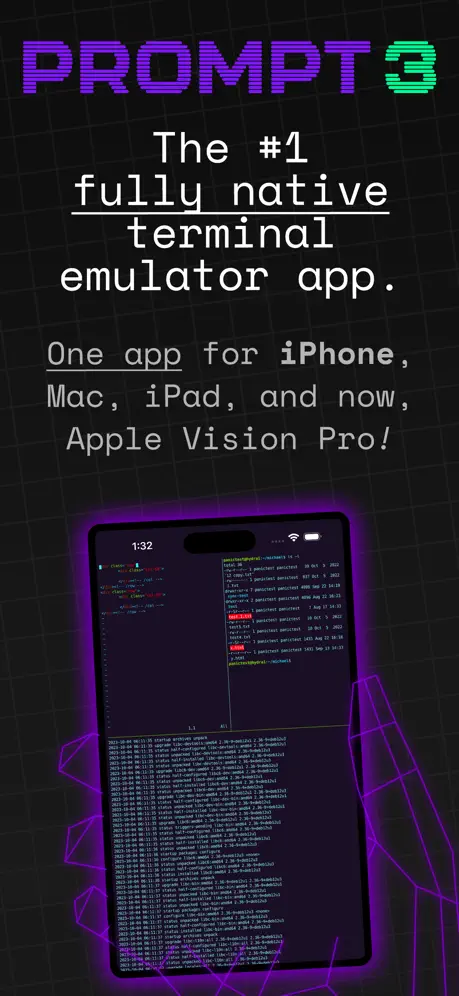  Prompt 3 | 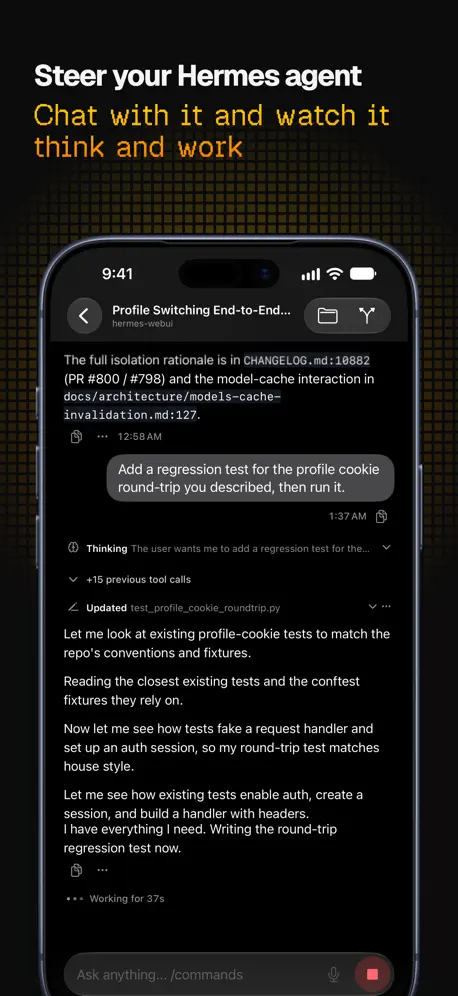  Hermex | 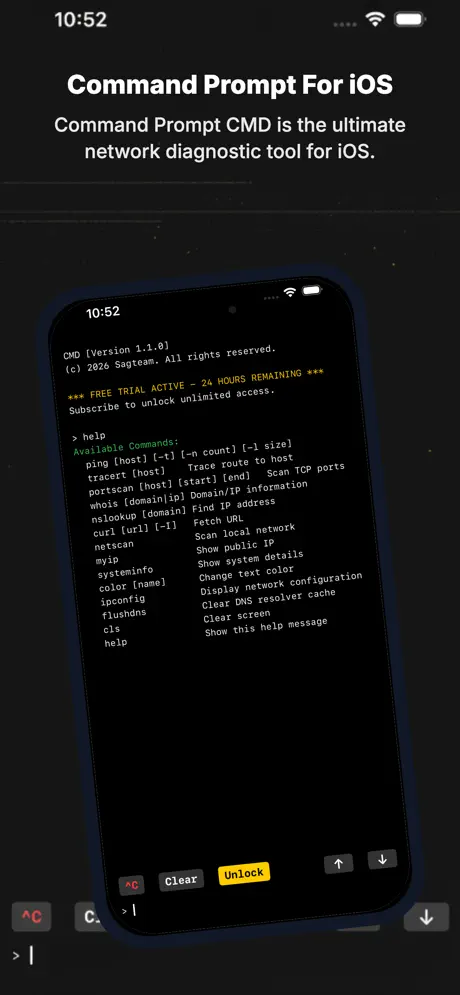  CMD: SSH, Terminal, DOS, Ping | 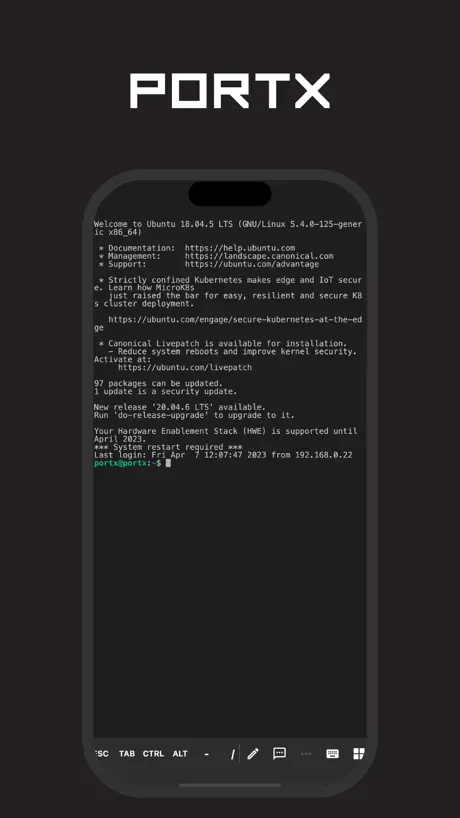  PortX - SSH (Deprecated) |   Proxmox VE Companion | |
|---|---|---|---|---|---|---|---|---|---|---|
| Rating / 5 | 4.8 | 4.8 | 4.7 | 4.7 | 4.8 | 4.1 | 4.7 | 4.8 | 4.3 | 4.5 |
| Reviews | 493 | 4.6K | 4.3K | 1.7K | 1.2K | 727 | 528 | 363 | 119 | 56 |
| Released | 2025 | 2019 | 2020 | 2026 | 2023 | 2024 | 2026 | 2026 | 2021 | 2025 |
| Monthly price | — | $2.99 | — | $6.99 | $3.99 | — | — | — | — | — |
| Annual price | — | $14.99 | $5.99 | $29.99 | $24.99 | $9.99 | — | — | — | — |
| One-time price | — | $29.99 | $5.99 | $249.00 | $59.99 | $49.99 | — | — | — | — |
The going rate for each plan in United States, in its own currency, shaded from the cheapest price on the row to the dearest. Plans fewer than four in ten of the priced apps sell are left out.
Easy SSH reviews
4.8 out of 5, based on 493 reviews.
What people like
- Totally free with no ads
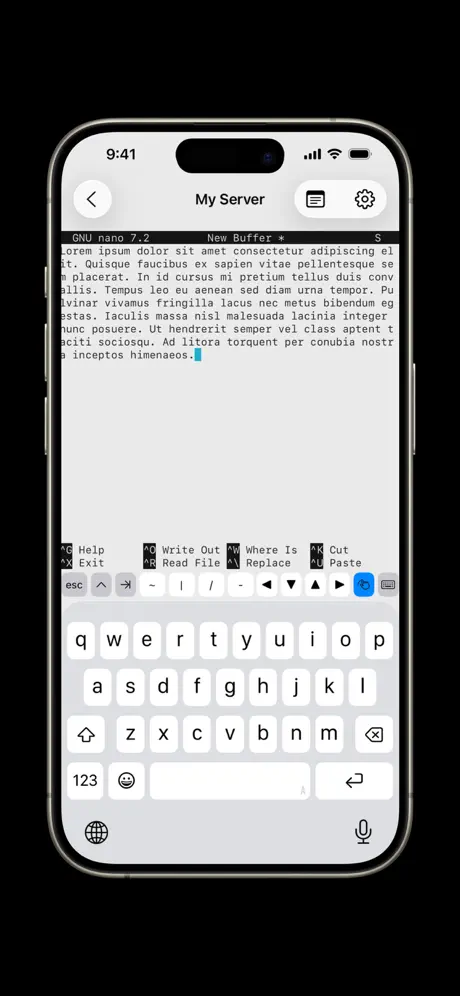
- Great tmux session restore
- Simple and intuitive interface
What they complain about
- Disconnects when you switch apps
- Missing Ctrl key on screen
- Loses saved keys after updates
So worth $0 dollars
I can barely tell a difference between this and the paid alternatives. It does everything I need it to do for several different hosts!
ssh key pass
Leider geht kein Passwort auf den ssh key. So ist das App nicht zu gebrauchen.
Good, but not ideal
Add ctrl key
スクロールできない
長文が出力されると、最後の方しか見えない。色々試してみたのですが、やり方が見つかりませんでした。 iPhone16 iOS27 で実行してます。
Small visual defect
The app is great with a small defect when is running in landscape mode: the above keyboard buttons stretches more that they should and they become not visible because of the Dynamic Island when the island is on the left hand side. I hope it does make sense the issue to the developer.
Great tool, I use it to open ai sessions from my iPad
thank you, I like the tmux option. I discovered a bug in the multi-session mgt toward the same host that would be nice to fix. First it is not obvious to open a second session and second if you go to another app and then come back, the second session is gone but if you close the first one you can connect to it again. So it would be nice if you can improve the multisession management . Thank you again!
Errors
I setup connection It connects and I get shell it can run a command About 5 second after that I get a popup saying it failed to connect But I’m already connected if I run a command or not it still shows the error and disconnects
Almost perfect :)
It seems some RSA keys don’t work, like 4096-bit ones. Also, I can’t seem to find the Ctrl key in the onscreen keyboard.
iPad m1
App opens but trying to access any ssh session crashes app
Awesome app but the ctrl key…
Awesome app for remote use in emergency. But im missing the ctrl key so i cannot ctrl-c my terminal..
It just works
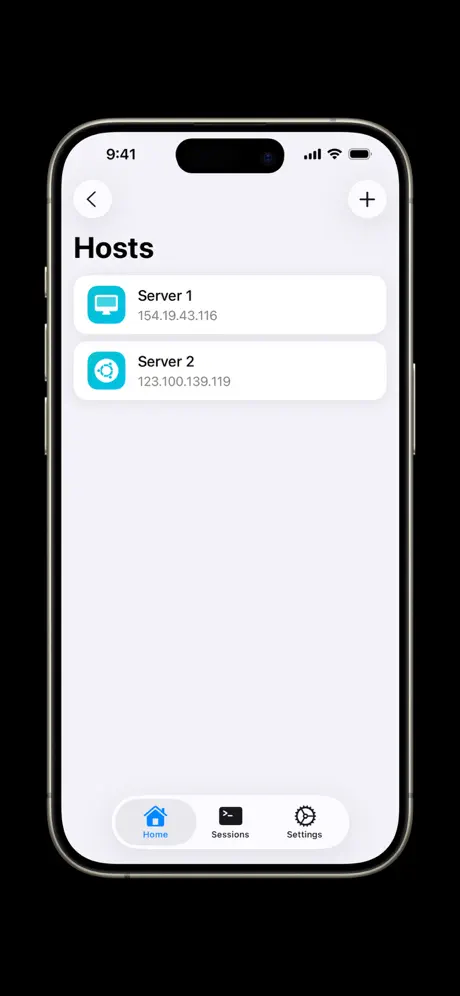
Exactly what I need, a no non-sense ssh client that doesn’t limit me to one host.
Only kinda Works
App connects to remote Hosts fine, so it technically “works”. However, it loses Configuration and saved Keys on every update. Not really usable for serious system administration. Not recommended.
Guter SSH Cloent
Die App macht im Prinzip alles, was man möchte, simpler und einfacher SSH CLIENT. Genial, finde ich die Snippet, so kann man befehle, die man häufig verwendet, abspeichern. Wenn diese zukünftig noch gesynct werden, gibt es fünf Sterne. Super, wäre auch noch Face ID einzubauen
Good, but one major problem
The GitHub repo for this app has the following message at the top of the README: “Important I am not maintaing this sample app, and it has a number of bugs, among them the IO Integration with SSH which cause data to be lost, and thus the rendering is incorrect when it produces a lot of data.” This app is almost what I need. It has one big issue: when I switch to another app on my phone, Easy SSH disconnects from the server I’m connected to. I do Python programming using virtual environments. When this app disconnects, I have to reconnect and activate the Python virtual environment. This is not very convenient. I often have to copy/paste commands from Safari. I haven’t found a fix for this.
No Tailscale Support
I’m sure it works with local networks but when trying it with a personal VPN and trying to SSH into a tailnet client the application failed.
This is the one.
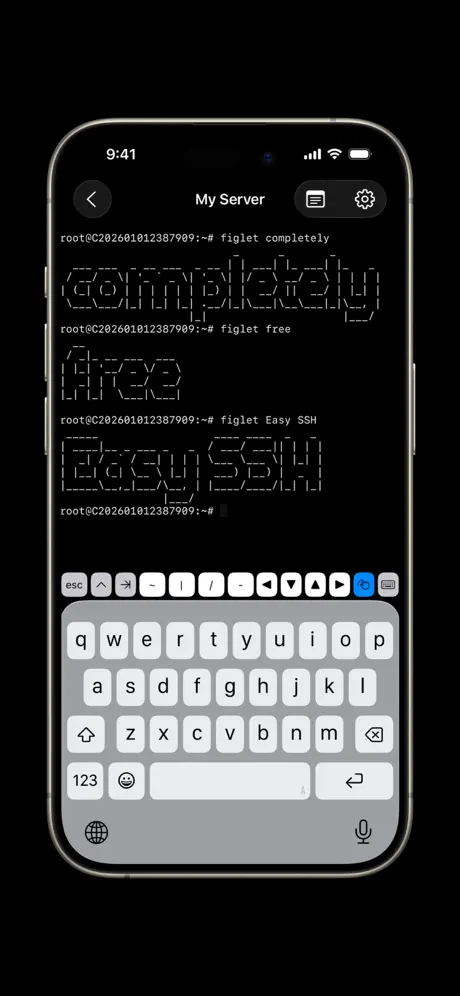
If you are looking for a mobile terminal, this is it. Straight to the point, feels like an app that apple would ship. No paywalls, no onboarding, just intuitive ui. Thank you for this gift to developers.
Git bash的tmux(v 3.1c)中无话滚动浏览会话上下文
1. 问题简述 在使用荔枝 SSH 通过 iPad 连接远程 Linux 主机,并在 tmux 会话中操作时,鼠标滚轮可以正常滚动,但触控板双指滑动(或触摸屏滑动)无法滚动历史输出。而在另一款 App (NeoServer) 上相同环境无此问题。 2. 复现步骤 1. 在 iPad 上打开荔枝 SSH,连接到服务器。 2. 开启一个 tmux 会话(tmux new -s test)。 3. 执行一个输出多行的命令,如 seq 1 100。 4. 用触控板双指上下滑动,观察输出内容是否滚动。 3. 环境信息 · 客户端:荔枝 SSH · 设备:iPad (iPadOS 17.7) · 服务端:Windows 11 (通过 SSH 连接) · Shell:Bash · Tmux 版本:3.1c · Tmux 配置:~/.tmux.conf 中已设置 set-option -g mouse on。
Nice, but kicks you out of a session flipping between apps.
Found this ssh terminal and love the UX, it is easy to use and seems solid with one big glitch that made me stop using it. If I am in an ssh session and tab to say another app like Safari, wait 2 min, flip back it kicks me out of the session. Installed tmux on the Linux/Ubuntu remote host, make sure iOS background settings were ok, even toggled on the Keep Display On, nothing worked. Bummer, I really wanted to like it. No support that I can find.
Nearly perfect functionality, visuals need work
Very nice implementation of the fundamentals. Marred by unfinished (perhaps rushed) extended keyboard - which looks like an afterthought.
Great app
This is the best SSH client I have ever used. Easy, special keys are well placed. A great tool for remote access!
Nice clean terminal app
This is the nice modern ssh terminal application with modern UI look. The tool would be perfect with the ability to set a terminal type for the session. I’ve tried setting the TERM variable, but it wasn’t working for me.
how to copy or export the public key?
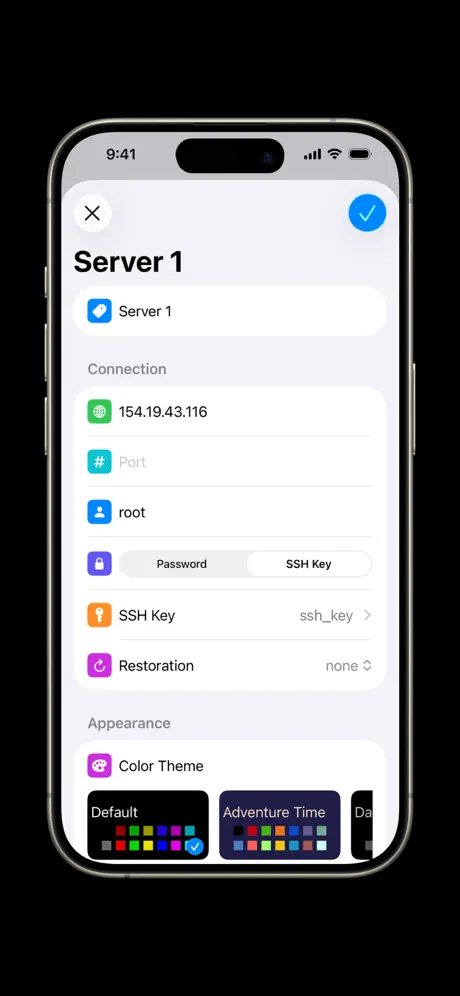
Nice tool, espescially when hooking up an external keyboard to your tablet, so that the soft-keyboard gets out of the way. Verry usefull and nicely minimalistic. However, maybe slightly too minimalistic: When you want to use a private/public key-pair to login to your remote host, you can configure this nicely, but where do we find the public key to copy over to the remote host to make this work?
Works great even with Tailscale
While I understand the headache with having to reconnect after minimizing because of Apple, I was thinking if adding support for “mosh” can be added. Maybe this can fix this. Love the product because it just works
Solid freeware
Have been using this app for a few months, and it works well for my purposes. Would love to see ed25519-sk support so I can use my yubikeys with it. Otherwise, job well done to the dev team! Your work is appreciated!!
Simple
Great. Worked for my purposes!
Almost Perfect
My original review was based on a technical issue caused by a different app that impacted this app's functionality. After resolving that issue, I'm more than happy to revise the rating to what it deserves in it's current state. While it is still the best SSH app on the market (due in no small part to the fact that you can access custom ports AND use SSH keys without paying $40/year for the "privilege"), it has some minor issues left to resolve. I'd say it is 99% perfect as it is now.
Works great with no BS
Works great for interacting with my home lab from my iPhone. Behaves exactly how you’d expect from an SSH client. The file browser/downloader is a great feature and works better than the old paid app I was using. And of course no ads/paid upgrade is the cherry on top. One nitpick: the custom keyboard is nice and makes it fairly painless to use with a touchscreen, but I wish it had a shortcut to send a Ctrl-C/SIGINT
任意端口
希望增加任意端口
Excellent, no BS
Love it
Simple and it works, Free too
I’ve tried a few SSH apps, and all I really need is something simple. This is it, it works and it’s free. iCloud sync of connections would be nice
> Terminus
The tmux session restore option alone makes this app peak
Easy SSH FAQ
- Is Easy SSH free?
- Yes. The app is free, in all 175 countries it sells in, and it sells nothing inside it.
- Does Easy SSH have a free trial?
- No. None of its offers (US) come with a free trial.
- What are the best alternatives to Easy SSH?
- SSH Client - Secure ShellFish (4.8 from 4,557 reviews, premium from $2.99), ServerCat - SSH Terminal & VPS (4.7 from 4,328 reviews, premium from $5.99) and Moshi: herdr/tmux on SSH/MOSH (4.7 from 1,671 reviews, premium from $3.99).
Easy SSH download
Last updated 4 months ago.
Easy SSH sells in 175 countries. It was released 1 year and 8 months ago, on 10 Mar 2025. It holds a 4.8 rating from 493 reviews.
Supports 14 languages: English, Dutch, French, German, Italian, Japanese, Korean, Polish, Portuguese, Russian, Chinese, Spanish, Turkish, Ukrainian.
How much does Easy SSH make?
Third-party estimates for the last 30 days, worldwide — not the store's own figures, which Apple publishes for nobody.