
ONLYOFFICE Documents
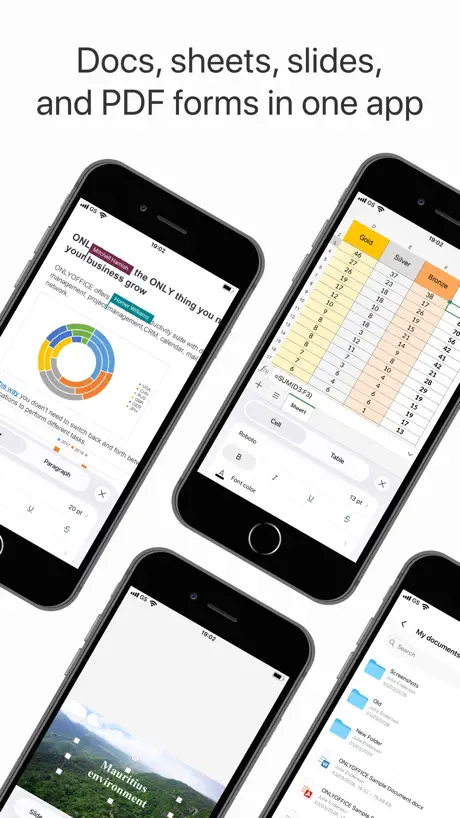
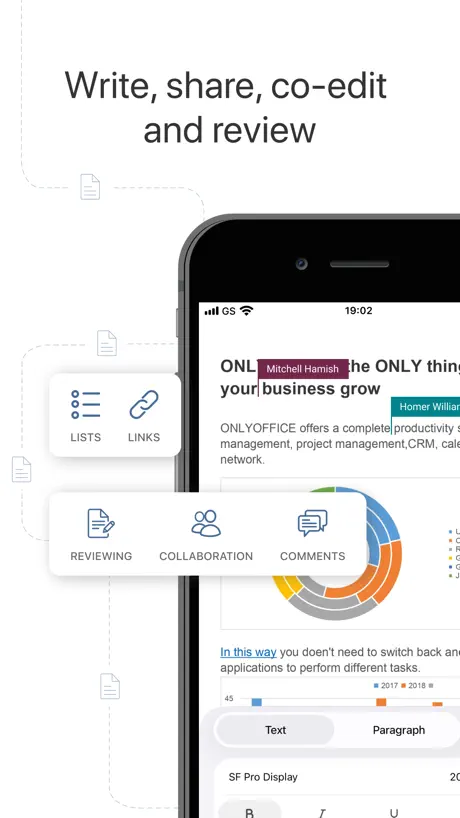
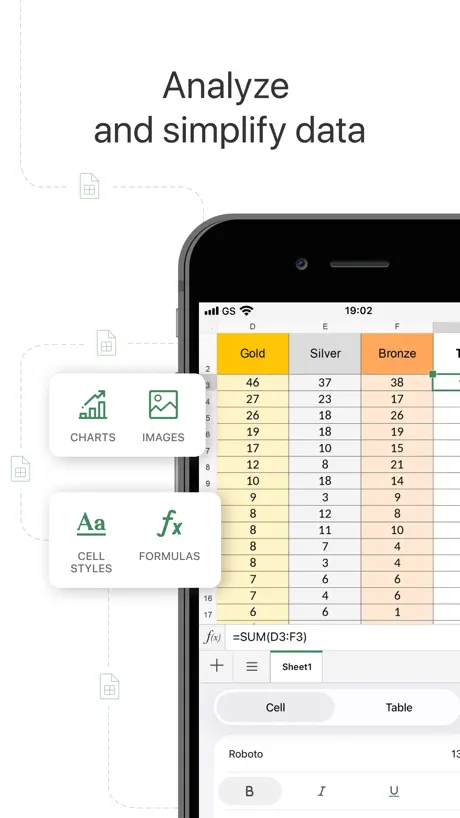
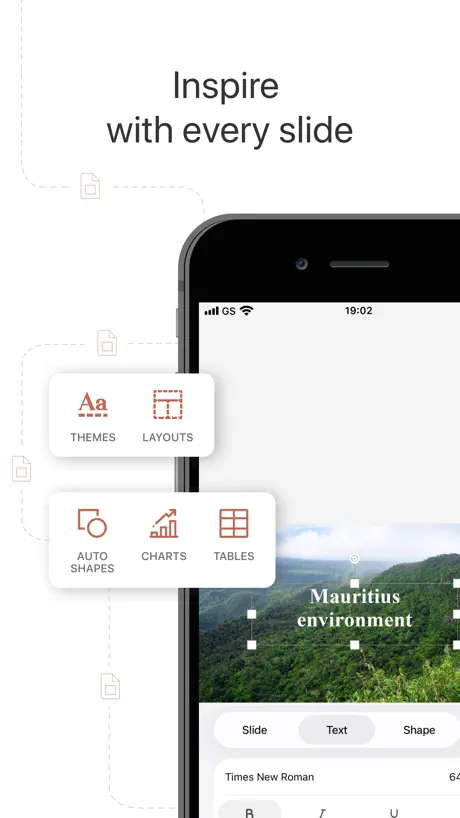
A complete mobile office suite
How much does ONLYOFFICE Documents cost?
Prices are current as of 10 Sept 2026.
ONLYOFFICE Documents has no in-app products on record in the United States.
10+ alternatives to ONLYOFFICE Documents
| ONLYOFFICE Documents | 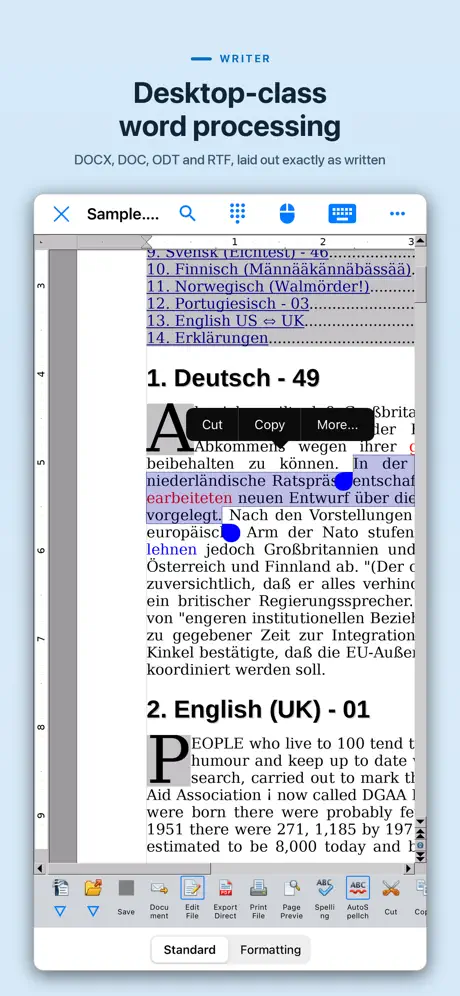  AO Office AO Office | 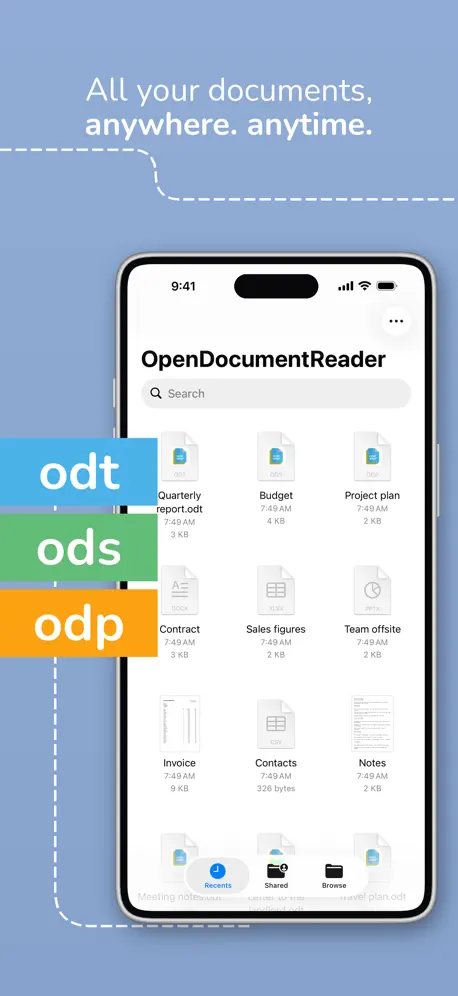  OpenDocument Reader - view ODT OpenDocument Reader - view ODT |   Infomaniak kDrive Infomaniak kDrive |   Nextcloud Talk Nextcloud Talk |   TextMaker TextMaker |   Proton Drive: Cloud Storage Proton Drive: Cloud Storage |   Logseq Logseq |   KDE Connect KDE Connect |   Nextcloud Notes Nextcloud Notes |   Collabora Office Collabora Office | |
|---|---|---|---|---|---|---|---|---|---|---|---|
| Rating / 5 | 3.7 | 4.3 | 4.5 | 4.7 | 4.4 | 4.6 | 4.0 | 4.5 | 4.3 | 2.5 | 3.6 |
| Reviews | 1.4K | 12K | 12K | 5.5K | 4K | 4K | 3.9K | 1.2K | 1.2K | 591 | 574 |
| Released | 2015 | 2016 | 2020 | 2019 | 2018 | 2022 | 2022 | 2022 | 2022 | 2014 | 2019 |
| Monthly price | — | — | — | $7.99 | — | $1.49 | $9.99 | — | — | — | — |
| Annual price | — | — | — | $79.99 | — | $13.49 | $95.99 | — | — | — | — |
The going rate for each plan in United States, in its own currency, shaded from the cheapest price on the row to the dearest. Plans fewer than four in ten of the priced apps sell are left out.
ONLYOFFICE Documents reviews
3.7 out of 5, based on 1,418 reviews.
What people like
- Completely free for individual users
- Opens Microsoft Office files perfectly
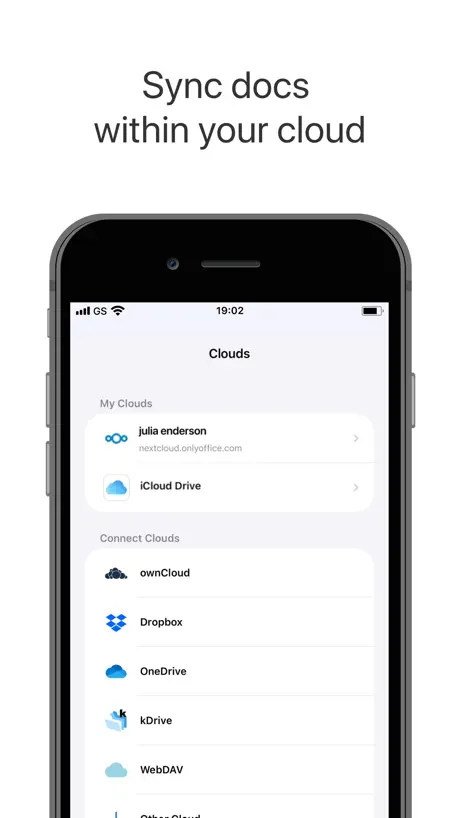
- Works well with cloud services
What they complain about
- App crashes and deletes your work
- Chinese fonts show as weird symbols
- Cannot access files outside its folder
This is not a 365 clone it is better.
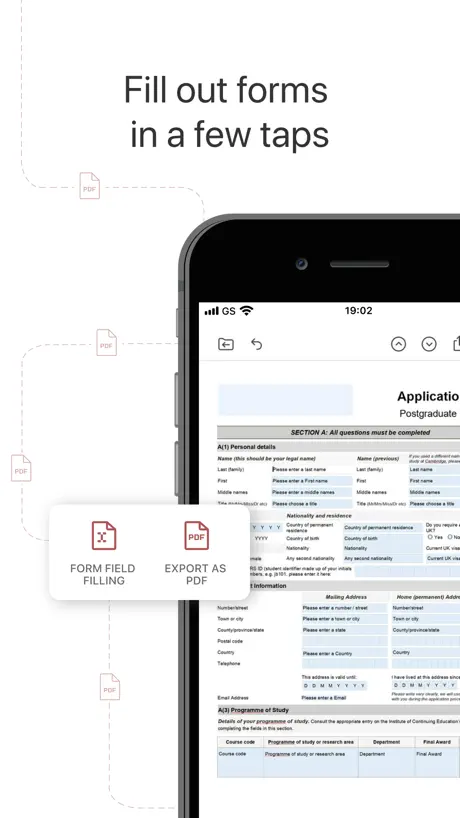
It is so amazingly really like having the old MS office before subscriptions and cloud hype. I loved MS Office 2010. All local files. This is so compatible in both reading and writing file types. The PDF support is super handy for importing into other software programs, printing, and sharing without needing an Adobe account.
NOT SUPPORT CHINESE FONTS!!!
It does not support Chinese fonts, I tried to contact the developer from official forum and App Store review for two years, still no follow-up and not improved. If there is no further plan for this issue, pls specify and I will not wait for this.
Great solution with AI agents
I do a lot with AI and in particular agents who are authorized to update some of the files that I work on. Trying to do this while you edit in Microsoft products is virtually impossible. the MS O365 products do some special things to try to provide a better user experience on OneDrive, but unfortunately that leaves a lot of lingering connections which interfere with an independent party like an AI agent making update updates to your files. The only solution I found was to get off the Microsoft products and find something else that was highly compatible and onlyoffice seems to be it. So this review is not about how detailed it’s compatibility with Microsoft products is it’s good enough for me. What’s important to me is that because it does not have these lingering connections to files previously edited… An AI agent can go ahead and update your file effectively with no conflicts with simply is not possible or very unreliable if you use Microsoft Office apps.
Horrendous, but free!
Gosh. I really want this to be a good replacement for the Apple suite that went to a pay-rent structure, but this is not it. It just processes and processes. The beachball spins, and nothing happens. Wait… type a letter… beachball spins. Type a letter… beachball spins. Keep on shopping. This isn’t what you’re hoping for.
I like the idea and it needs more work
I turned to onlyoffice to get away from Google. I like the encrypted excel sheet in theory. It keeps crashing each time I try to access an excel sheet that is encrypted. So I had to remove the password. On top of that, the excel sheets show blank when I open them. All of this is happening in my iPhone. Not the website.
Better than Microsoft office suit
Smoothness, feature and cross device peak performance
Limited Files Access
No Google Drive support (regardless of the claim on their website). No access to files on your iPad unless they are in the special ONLYOFFICE folder, wherever that is. These two issues alone make the app worthless. Who cares how well it function in Word Processing if you can’t access your files? I have a hard time believing a company could be this brain dead to not include the native iPadOS file system. Truly unbelievable. I recommend you take a look at SoftMaker’s office products (e.g. TextMaker). It is far superior and you can actually access your files in it.
Just Downloaded…
So far, so good…but, I am assuming this works better with an iPad keyboard…
Mager
Schlechter als AO Office, da keine dateien aus ordnern geöffnet werden können
so close...
ran into some issues, 1. using a physical keyboard isn't working well with this app- trying to move around the cursor quickly with the modifier keys......just didn't work 2. using backspace deletes normally but using delete did not remove text on the right side of the cursor and again, the modifier keys did not work at all to delete words or lines 3. the app crashed a few times while trying to open a document on a second monitor
Really good replacement for MS365
Recently had my MS365 subscription deactivated since graduating college. ONLYOFFICE is a really good suite.
God aweful
There is NO way anyone is using this—certainly for spreadsheets. Keyboard shortcuts are absolutely missing or just trash. This is so unusable it should be removed from the store.
I Like This Office Suite
I have this Office Suite on both my iPad, and on my PC; it does everything I need it to do, and with no headaches. I’m a happy camper!
Great!… except
I’ve been growing in my appreciation for OnlyOffice using it on my desktop, so I was excited to see it in the App Store for my iPad! I’m trying to get away from Google/Microsoft and I think OnlyOffice is a great option for that! However… why can’t I open any file in my iCloud Drive? It only seems to let me open files saved to the OnlyOffice app folder in iCloud. Because of this, I can’t use it on iPad.
Nice but lately not creating documents you can edit.
When I first got this a few months ago I was able to create several documents, save them to my phone and then come back later to edit, change or update them. The amount of documents only seemed to depend on how much storage you had on your IPhone. Now, even if I delete two or three, if I try and create a new document I can't edit it at all. Even if I save it first.
Great alternative
This has been an excellent alternative for me since I dropped my Office subscription. It is multi-platform and I have had no compatibility issues. Almost all of what I consider to be the most important functions and features for day-to-day use have been implemented.
Pesima app
Se elimina todo tu progreso una vez la actualizas
No Freeze Pane Function
Excellent app overall so far with very good MS office compatibility. I give it 4/5 stars due to the lack of spreadsheet Freeze Pane functionality in the mobile apps. Without this it is difficult to work on large spreadsheets. I believe Freeze Pane functionality is available on the desktop & web app so I am not sure why it is not available on the mobile apps. Hopefully this can be implemented soon.
Cant save changes
The app is neat but I have a lot of problems, when you make it big screen, it takes so much time to wait up for works to fully catch up after you’ve written them, anything like a paragraph written doesn’t get saved unless its a few words. And it takes a long time for the app to re adjust itself after you’ve typed something in
Saving issue
I really like this app and a great alternative to excel. However, the main issue is that it doesn’t always save your spreadsheet - even after being prompted to save. I have had this happen a couple of times and it can be really frustrating. The other related issue is that if I save an item on my iPad, which is also linked to Dropbox, or appears updated. However, when open the same file on iPhone, all the changes have disappeared.
please support China cloud drive
such as Alipan
zero pdf support
what does the app even do is it just word and spreadsheets
No full files access?
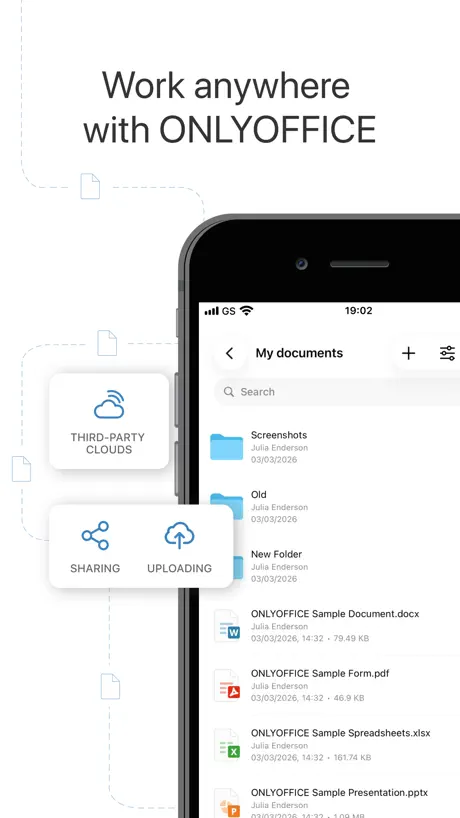
Overall great app, but it doesn’t make sense why it doesn’t have full access to the files app. You can easily connect to various cloud services, but can’t have full access to your iCloud files? Only local files and the ONLYOFFICE directory in iCloud, but no access beyond that. That’s a bit strange and a pretty obvious feature to include.
中文兼容性较差
中文兼容性较差,中文部分内容显示不正常,但数据是对的。
So close to being good, two major flaws
I so want to love this app but it has two major flaws from being great. First, selecting text doesnt work properly. On an iPad with the Magic Keyboard you should be able to select text with the trackpad but you can’t like on a computer. Second is that it does not have full integration with the files app.
Great
ONLYOFFICE Documents is hands‑down one of the best free office apps I’ve used. It opens every file I throw at it, keeps the formatting clean, and makes editing on the go actually easy. Smooth, fast, and reliable — exactly what a mobile office app should be. Highly recommend.
Newer Versions are Broken
This app used to work fine. It was light on features for a document editor but it was enough to get simple stuff done when away from a computer. It’s almost unusable now. I’m not sure which version this started but I noticed the problems a few months ago. I edit documents in Japanese and effectively can’t do that any more. It breaks the romaji input. The find tool no longer moves to the next match in the document. The mobile view toggle doesn’t work as it should. I switch it on and it does nothing. Turn it off and then it finally switches to mobile.
Excellent office product for iPad - possible spreadsheet bug on data entry
Works well with Nextcloud, good stability. Minor issue (possible bug). When editing a spreadsheet cell, if the cursor is placed in the middle of the cell formula or text and a key pressed, the cursor jumps to the end of the cell formula or text making editing difficult. Also when trying to navigate round a SS, move gestures are often interpreted as cell selection (more so than in other products). Other than that, great product.
Why hide your name
I’ve tested most mobile office packages and none work with ProtonDrive and OnlyOffice is the same. However when installed you won’t find OnlyOffice you’ll find a Documents app with the same logo, it’s a small complaint but one I’d rather not have as I want to be able to easily identify legitimate apps when looking for spurious downloads
Colour palette doesn’t work
I cannot change the colour of the background even if I use the colour palette. Nothing happens and the sheet stays white.
A Better Choice for MS 365 Users
A few years ago I transferred my Mac-based office out of Microsoft 365 and Google Workspace, and into the Apple office suite—Pages, Numbers, Keynote, Safari, Mail, Notes, and Reminders. For the most part this has been a smooth transition, but every once in a while I run into a situation where I need to produce a “native” Microsoft Office file. This is especially true now that I have moved all my work off the Mac OS and onto iOS. I don’t want to pay $100 annually to have the full MS 365 features at my disposal. But the free versions that Microsoft offers on the web and the app are too underpowered to do much of anything beyond the very basics. That’s where OnlyOffice comes in. This is just my experience, but in using it over the last several years, I’ve never run into a compatibility issue with it, either in opening MS files or saving files in MS file formats. Plus it is a fully featured suite of apps that is more tightly integrated internally than MS 365. And it’s completely free for individual users, with a very reasonable upgrade path for workgroups of three or more staff members. I’ve tried all the other alternatives to MS 365 for iOS, and I can’t make the same claims for any one of them. As long as OnlyOffice continues to deliver its exemplary functionality and compatibility with MS 365, it’s the office suite I would recommend to any person or organization that wants Microsoft 365 features and interoperability but doesn’t want to continue shelling out onerous subscription fees for a tool set for functionality, compatibility, and integration that I can get elsewhere for much less.
Can’t type Chinese.
无法输入中文,其他的语言没试。 Chinese is not supported.
Oh, it’s very, very good.
Everything to like about this suite of tools. There are some small bugs at the moment, but they’ll be updated soon, I imagine.
Was good to begin with
Tried this app for about 1/2 hour to an hour. At first it seemed really good. The print size is large enough to see on my small mobile screen. There is the password option and the app was really easy to use. I found the app similar to Pages. Then I opened a Word document from the iCloud Drive and the app seemed to freeze. There was no way to get out of the document. I tried deleting the app and re downloading it only to experience the same problem again. Is there anyway to fix this issue? Otherwise I’ll be looking for another app more reliable.
Disappointed
Pleased with speed of loading files but the inability to link spreadsheets make it a Nono for me
User Friendly and Professional
Writing letters in the ONLYOFFICE Documents app is effortless. This suite has everything you could want from an office app, but the nicely organized, easy-to-use interface is the real game changer. I can't believe how quickly I am able to create documents in ONLYOFFICE. This app is a must-have!
Ignores iOS26
This app ignores the existence of the new Files application in iOS26,. It therefore doesnt connect to my Synology drive or Google Drive stores. Which renders it useless to me on the iPad.
Almost perfect alternative to Microsoft but the iOS app can’t show Chinese characters correctly
I have some documents with Chinese characters in them. It seems that the mobile version can’t add Chinese fonts, so that the characters can’t show correctly. Hope to be fixed soon.
When there is nothing better it works
Can’t say anything else, sorry
Good App But…
My spreadsheet completely disappeared, it’s just a blank spreadsheet. Idk if this is a known bug or what.
Crazy Good App
Amazing and totally free app, its wild that this even exists, plus it works on my laptop too? Heck yes, moving away from word and office because ai annoys me, this is a beautiful “bare bones” but wildly useful pretty much clone of office e
horrible
Absolutely horrible I had did a whole presentation spent hours on it. I had clicked save. Then I went back the next day. It was completely gone.
Need external display support for slides
If we get external display support for playing slides, we don’t need MS office app to play them
Cloud support
Sadly, It is not compatible with proton drive
Needs fixing. Otherwise decent
Enable Autosave, stop defaulting to the title screen every time we save the document. We shouldn't have to reopen it with each save. Fix random crashing every 3 minutes. Enhance the settings options.
Good Enough
The iOS keyboard autocorrect/predictive typing seems to be broken in this app. And double tapping space to do a “. “ also doesn’t work.
Freezing and deleting
After one month of freezing and losing my novel edits I’m going to switch to another app. This app keeps freezing and deleting my edits which is beyond frustrating. There is no auto save option like working on a floppy disk in the 90s. Also, I can’t select all or look at my edits in dark mode which is imperative for moms cosleeping with a fussy baby and attempting to work on their novel masterpieces in the few hours of the night that they get for personal work. I also can’t zoom in and the cursor keeps moving all over the place and doesn’t keep your place. I’m done.
Thanks OnlyDocument
OnlyDocument gives me a open software version to open a .xls file that I have downloaded 3 similar apps but failed to be satisfied. (They are LibreOffice app on Apple Store of today, iDocument by Soda company, Microsoft Excel -this app require Microsoft account login otherwise it won’t let me edit files!) Thank goodness only document app works and it gives me the options to connect to Nextcloud. Only issue is, it does not have enough Chinese characters so it turns out the whole document is full of ^ to replace those missing characters. However I will still use it because I am using it for my own notes, also supporting a free software is priority!
Keeps freezing and only a reboot will resolve
I’ve installed on an iPad today and linked to Dropbox with no problems. I’ve managed to open a few files, edit and save however the app has frozen twice when navigating through Dropbox folders and will not shut down. The only way to resolve is to reboot the iPad. This makes the app useless for me and if it can’t be sorted I’ll need to delete which is a shame as when it works it’s a great alternative to MS Office.
No Google drive integration
Does the job in all aspects but when it comes to integration with Google Drive, even though that’s an option, upon login with my credentials I get a “this app is blocked” message from Google. Huge drawback for an otherwise really solid app
ONLYOFFICE Documents FAQ
- Is ONLYOFFICE Documents free?
- Yes. The app is free, in all 175 countries it sells in, and it sells nothing inside it.
- Does ONLYOFFICE Documents have a free trial?
- No. None of its offers (US) come with a free trial.
- What are the best alternatives to ONLYOFFICE Documents?
- AO Office (4.3 from 12,068 reviews, premium from $19.99), OpenDocument Reader - view ODT (4.5 from 11,610 reviews) and Infomaniak kDrive (4.7 from 5,470 reviews, premium from $7.99).
ONLYOFFICE Documents download
Last updated 4 months ago.
ONLYOFFICE Documents sells in 175 countries. It was released 11 years and 5 months ago, on 2 Apr 2015. It holds a 3.7 rating from 1,418 reviews.
Supports 14 languages: English, Arabic, Armenian, Bulgarian, Czech, French, German, Italian, Japanese, Portuguese, Russian, Chinese, Sinhala, Spanish.
How much does ONLYOFFICE Documents make?
Third-party estimates for the last 30 days, worldwide — not the store's own figures, which Apple publishes for nobody.