TextEditor : Rich Text Editor
Word Processor & Notes List
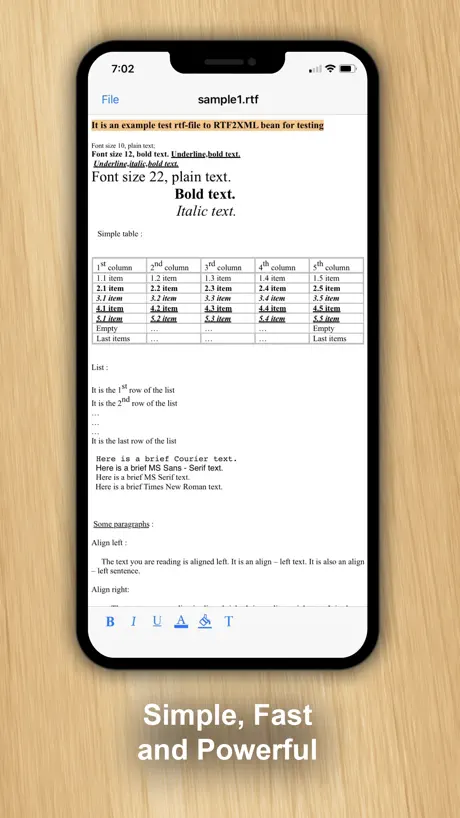
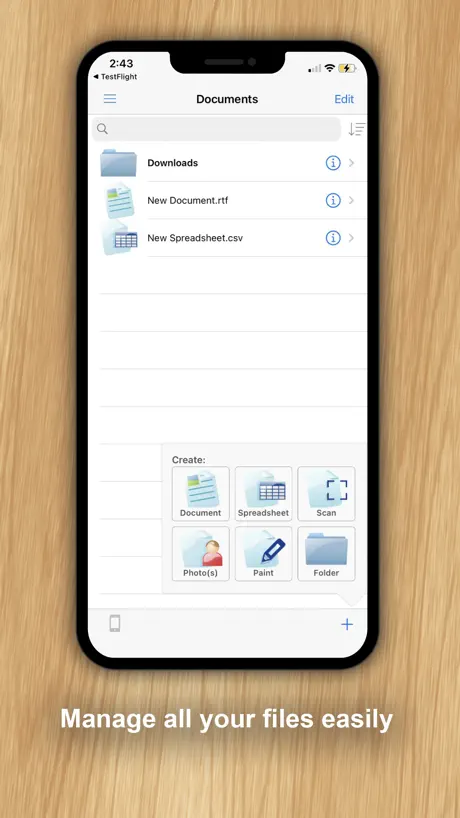
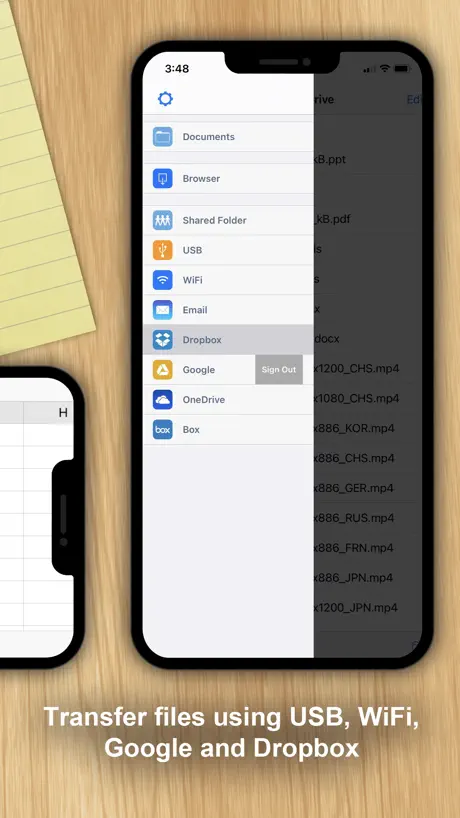
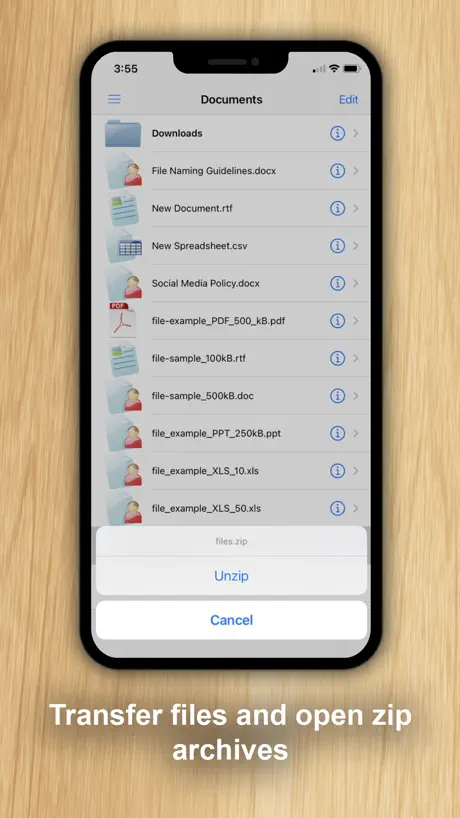
How much does TextEditor : Rich Text Editor cost?
Prices are current as of 25 Oct 2026.
TextEditor : Rich Text Editor has no in-app products on record in the United States.
10+ alternatives to TextEditor : Rich Text Editor
| TextEditor : Rich Text Editor |   Document Editor—Docs,Sheets |   Drafts | 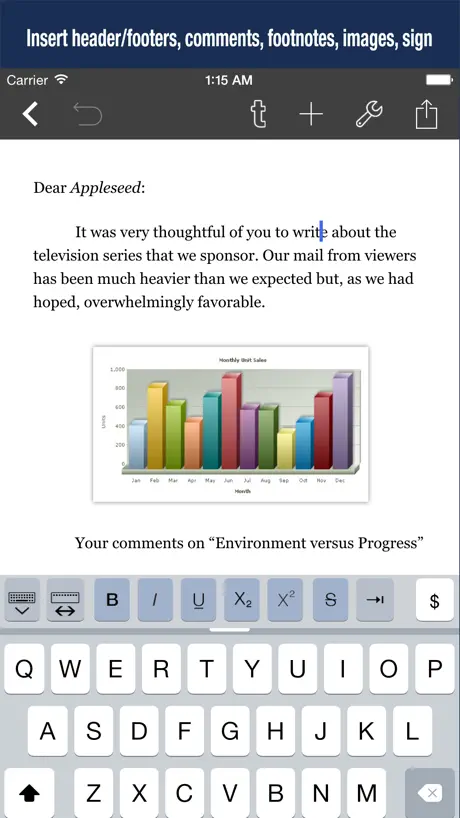  Word Processor - Textilus Pro |   iEditor – Text Code Editor |   TextEdit - Text Editor |   Lightweight Text Editor |   EasyEditText |   EZText - Text Editor |   txt Editor - Text Editor |   QuickEditor - Text & Code | |
|---|---|---|---|---|---|---|---|---|---|---|---|
| Rating / 5 | 4.4 | 4.4 | 4.7 | 4.4 | 4.3 | 3.6 | 4.5 | 4.6 | 4.6 | 2.1 | 4.0 |
| Reviews | 8.4K | 24K | 23K | 1.6K | 1.4K | 974 | 282 | 218 | 106 | 32 | 8 |
| Released | 2008 | 2022 | 2018 | 2015 | 2012 | 2016 | 2022 | 2018 | 2022 | 2023 | 2019 |
| Monthly price | — | $5.99 | $2.99 | $3.99 | — | $3.99 | — | — | — | — | — |
| Annual price | — | $25.99 | $24.99 | — | — | $14.99 | — | — | — | — | — |
| One-time price | — | $29.99 | — | $9.99 | — | $14.99 | — | $14.99 | — | — | — |
The going rate for each plan in United States, in its own currency, shaded from the cheapest price on the row to the dearest. Plans fewer than four in ten of the priced apps sell are left out.
TextEditor : Rich Text Editor reviews
4.4 out of 5, based on 8,350 reviews.
What people like
- Simple and easy to use
- Free version works well for notes
- Fast and smooth performance
What they complain about
- Ads block access to the app
- Files disappear or get lost easily
- Saving creates duplicate files instead of updating
Best Editor Yet!!!
Tried to find a good editor that would let me format per character and this is the only one that gives me the options that I need. Easy to use and very functional!!!
Used to LOVE this app until it deleted all my writing.
It only just started doing this. I have used this app forever and done nothing but loved it. I saved my writing FOUR TIMES! FOUR! In the last hour. And I’ve saved writing in this document like a bajillion times before. I came back and every word I wrote was GONE with no way to get it back. I’m sitting here crying. Hours of my work is gone, and I don’t remember how to recreate it. Please add a backup system of some sort on this app. Yes I was using iCloud. Yes it should’ve saved to iCloud, it just decided not to. Opened my computer back up and my work was gone. This has ruined my day and my motivation to write completely.
Magnificent
Great
Absolutely No feature present
The app has absolutely zero feature in it not even saving feature present. Online editors are far better
Inappropriate Pop up Ads
The free version pops up NSFW ads and "update to download" *malware* ads! the ad system needs fixing immediately!
The title says it all
Easy, simple no strings, no nonsense
Substandard IMO
You can share anything to multiple online services BUT Apparently you need to pay for a simple feature like saving a file to your documents folder.
Text Editor
Very good reliable text editor.
Bit of a waste of time trying to figure this out
If I can’t save to PDF (it does provide a ‘save as’ option, but there’s nothing but ‘save’ as an option once you click on it.) its of no real use to me. Pity. And it’s a bit of a non-intuitive bear. No tab stops, can’t even fake an indent with the space bar. I eventually figured out that if I copied what I imported and opened the copy as a new doc, I could type on it, but it took me a long time to figure that out. I tried sharing my tweaked document to my email to see what it looked like. A disappointing mess.
Missing Back Navigation When Viewing Files
When accessing a file, there’s no option to navigate back to the file selection or file manager screen. Even the standard back-swipe gesture doesn’t work, which is unexpected and counterintuitive. The only way to return is by tapping "Go to file" and selecting "Don't save", which feels like a workaround rather than an intentional navigation path. Adding a proper back option or enabling swipe-back would significantly improve the user experience.
Best APP For Writing
I Love This App, it’s So Easy To Use & The Best Part, it’s Free!! Thank You!
Bad
Clunky interface and full screen ads that you cannot X out of
Good ol program
Basic text in with options to export or save as quite a few different formats.
No Sorting Features
I couldn’t even try to use the app because I couldn’t find the files I needed. I need a text editor to use with Dropbox and although you can access the files, there is no sorting options (alphabetical, by date, etc.) . The files aren’t even sorted alphabetically, they’re just listed randomly so you you have to scroll through them all (folders as well) to find the one you’re looking for.
Great app
Text editor.
Simple, Fast & it Just Works
It is fast & very easy to use. It has everything you need to make/write. It is also small as in size wise and it is smooth and it works very fast, with no negative issues. It has everything that I want in a word processor, but it is missing one modern cosmetic and that is Dark Mode.
Not what I needed or expected
I’m surprised that this app has so many high ratings. My first problem was that it was very difficult to navigate to my iCloud files to find the RTF file that I wanted to modify. I had to go through lots of different screens and endure some ads. When I finally located my document and opened it, I was able to edit it in a way that seemed very easy and natural. However, when I saved it, it only saved a local copy on my phone. Checking my iCloud files, the file had not been changed there. There is an option to move a document that you saved (not ideal) but it turns out you can’t move it anywhere except somewhere else in your phone’s local storage. Totally worthless for me.
Very handy to edit my cnc .txt files
Just plain and simple app. It’s all I need to edit my cnc files from my iPad or iPhone to usb-c
Good
Good
How do I search inside text files?
How do I search inside text files? Otherwise this works fine Good luck
Great Installment
I was looking for a installment for a TextEdit and found TextEditor. Nice installment for the iPad.
Too Many Issues & Sloppy Attention to Details
20 Feb 2025: I doubt any issues will be fixed since, one, the website of the developer no longer exists, and two, the app has not been updated since 2018 and these issues were not pointed out and resolved. But, here goes … Issue 1: There is a menu entry when editing a file that says, “Don’t Save”. It really should say “Exit” so the user knows how to get back to the main app page which it really does. Issue 2: Even if you rename a text document while saving it, when you the go to file in in your folders, it does not default the name into the filename being saved, rather it just says the filename is “text”. All in all, despite being being true to it’s editing capabilities, TextEditor has a sloppy/dysfunctional UI and has obviously not been UI / UA tested; nor have these issues been resolved in over 6 years.
Asked aFor Rating Before Using
Installed and did initial setup of preferences. Before making first data entry…a quick note text document… this app pops up asking for a rating, with no way to opt out, until later. How can people rate anything without experiencing it first? HELLO!?! Give us a chance to see if we like the product and if it actually fits our needs and works well for us be for asking for a rating and review…about a week would be long enough, I’d think. Because of the request for a rating & review before making first entry after setting preferences, I give a 2 star rating, out or 4. I never give top rating (5 or 10 star) for anything man-made…no one and nothing man-made rates top rating as they are never perfect. I may change rating and update my review after using app a while, if I don’t dump it due to unresolvable issues. Not expecting any, but that remains to be seen. Time will tell.
Why only text?
Why can it only handle plain text? There is no support for .rtf, .doc, or other text formats.
Sehr gut
Bin sehr zufrieden
Editor for iPhone
Been wanting an editor for iPhone to do simple updates to certain things. Text editor does a great job and is easy to use
Cannot open plain text files
Surprised that it wants to be the file system for my txt files. I don't want that. Uninstalling...
Happy to be able to edit documents with IPad.
I use text edit to write reviews, resumes and other document that need to be sent out or shared. Its a great substitute for Word and it seems more intuitive.
Good but...
It doesn't save over the gdoc files. So if I make 3 edits and save 3 times I'll have a lot of files cluttering my google docs bin. Also colleagues I share my docs with won't be able to see my edits because it makes a new file. I hope they fix that soon.
Review
I have not had chance to fully utilise this ap as yet but happy to comment when I have used it and learned more
Easy to use and great on my iPad
Used it to make notes for a speech. Great and easy to use.
:(
I had a file open and saved using my previous version of text editor. Because it gave me no options when I replied that I was not interested in the ad. What a mistake! I deleted the text editor and reinstalled it. When I opened the text editor, it automatically opened with parental controls turned on. I have no children. It could not find my file. It didn’t offer me any way to turn off the parental controls. I’m screwed.
Nice, Clean, Fast
In search of app that functions like the old school Newton MessagePad, I found this app. Far from the Newton, I feel that it’s a great start!
Про овчинку и выделку
Еще недавно эта программка распространялась, как бесплатное превью к "Documets" - платному продукту того же разработчика. А вот теперь и за превью решили денег брать. Ну, да Бог с ними, с буржуями. В любом случае, стоит ли за эту штучку платить целый бакс или нет, решать нам. Из плюсов этой программы, пожалуй, можно выделить два момента: набор текста в альбомном режиме и передача набранного текста в интернет-сервис Google Documents. Адекватного переноса обратно в IPhone не ждите: форматирование текста теряется и съедаются некоторые пробелы. Это для англоязычного текста, а для русского, чтоб жизнь медом не казалась, вместо букв получаем знаки вопроса.
Editing ok; file handling difficult
It is far from obvious: • How to open a file, view, then close without re-saving; • How to return to the files menu; • How to Save (as opposed to “Save As”), without creating a duplicate file. Perhaps the paid version is better, but I’m reluctant to shell out a fiver without knowing.
Finding a tool for iPhone
Great Text app
Advertisements?
Advertisements every time you use it? For this old basic app?
hi
okay overall this is a great app, however i was just writing and the app crashed on me and i didn’t get a chance to save so i lost an entire scene🥲 but that could just be my phone glitching tbh, yeah this is a good app other than that, i reccomend
Great concept, need more work
I haven't seen others with the same problem, but all the doc's I d/l from googledocs ended up showing that I need to enter password and it can't access googledoc 2008. I checked googledoc and my doc's themselvrs are fine Will report to email above. I've been using text guru. This shows promise. Will keep and try again if problem solved though.
Simple and needs a little bit improvement
Should have edit and browse modes Don't like the deleting sign before each file name. Where is the browsing iPhone file system?
Love it
simple, free, easy to use.
DONT RATE THEM
AS SOON YOU RATE AD WALLS AD WALLS AD WALLS
Good
I have tried to use this to do html but I’m not sure it is the right app
Lacking editing features
It is an okay application. You the advantage of using the bigger keyboard. However, it is missing basic editing features like bold, italic, colour. More work is need. This and the text editor on the documents app are likely to be the same. That's why I did not purchase the documents or else would have bought it.
Buggy
Thanks for the effort but it crashes my phone alot.
好东西
nice
Made effectively unusable
Up to now, I was able to get past the ads to use the app. Now it absolutely insists on installing the game Sparkling Spin, presenting no alternative way to get to the text editor. Worse yet, I’m unable to find my previous documents so I might access them with another app. All that work is wasted, and the storage space simultaneously unrecoverable by deleting data (unless deleting the app will accomplish that). All this I reckon an atrocious crippling. When it was usable, it had some worthwhile utility without being cluttered.
Easy to use
This text editor was great for my needs as I use it to record my notes from my portuguese class, and I had struggled to find something in which I could use tabs. I would, however, like to then turn the document into a pad, so that I have an ongoing record from which I can easily search for words. Is this possible?
Needs work but has promise
Help file not working. Let's have an update.
TextEditor : Rich Text Editor FAQ
- Is TextEditor : Rich Text Editor free?
- Yes. The app is free, in all 175 countries it sells in, and it sells nothing inside it.
- Does TextEditor : Rich Text Editor have a free trial?
- No. None of its offers (US) come with a free trial.
- What are the best alternatives to TextEditor : Rich Text Editor?
- Document Editor—Docs,Sheets (4.4 from 24,093 reviews, premium from $5.99), Drafts (4.7 from 23,249 reviews, premium from $2.99) and Word Processor - Textilus Pro (4.4 from 1,554 reviews, premium from $3.99).
TextEditor : Rich Text Editor download
Last updated 4 years ago.
TextEditor : Rich Text Editor sells in 175 countries. It was released 18 years ago, on 20 Nov 2008. It holds a 4.4 rating from 8,350 reviews.
Supports 15 languages: English, Arabic, French, German, Indonesian, Italian, Japanese, Korean, Portuguese, Russian, Chinese, Spanish, Thai, Turkish, Vietnamese.
How much does TextEditor : Rich Text Editor make?
Third-party estimates for the last 30 days, worldwide — not the store's own figures, which Apple publishes for nobody.