
iEditor – Text Code Editor
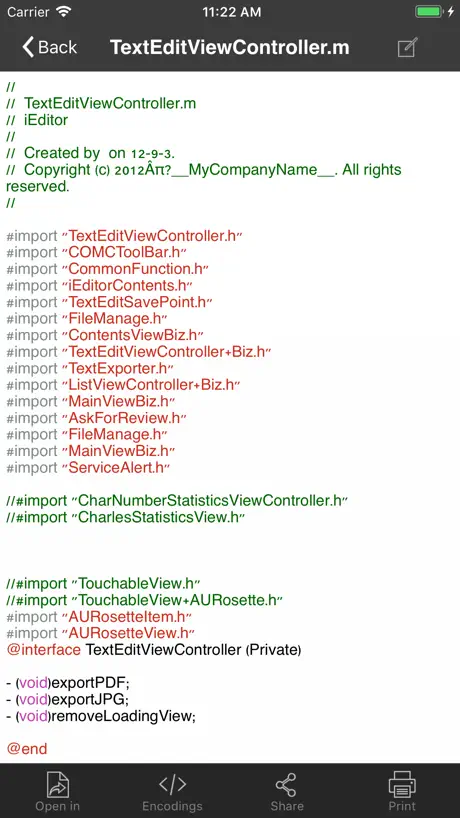
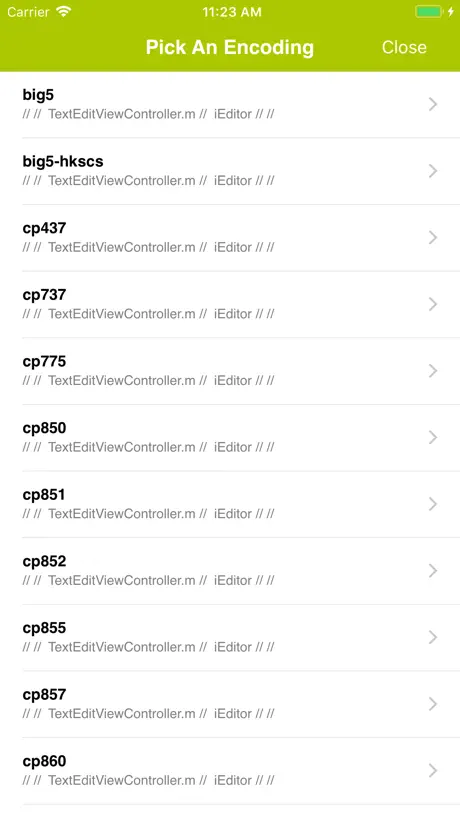
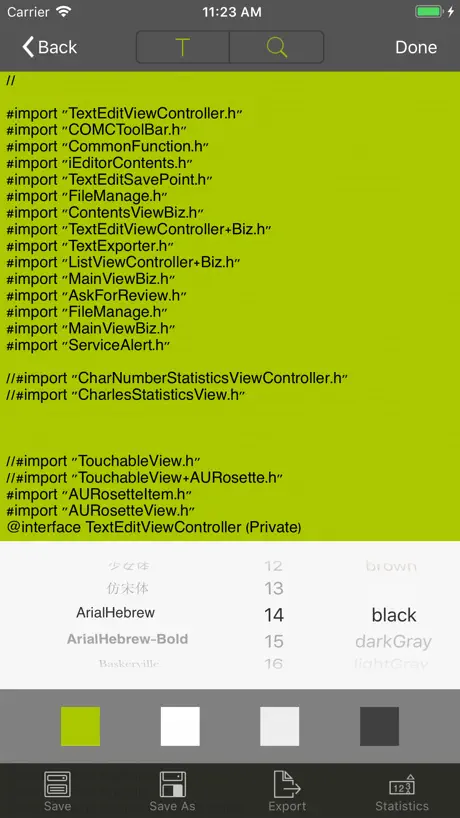
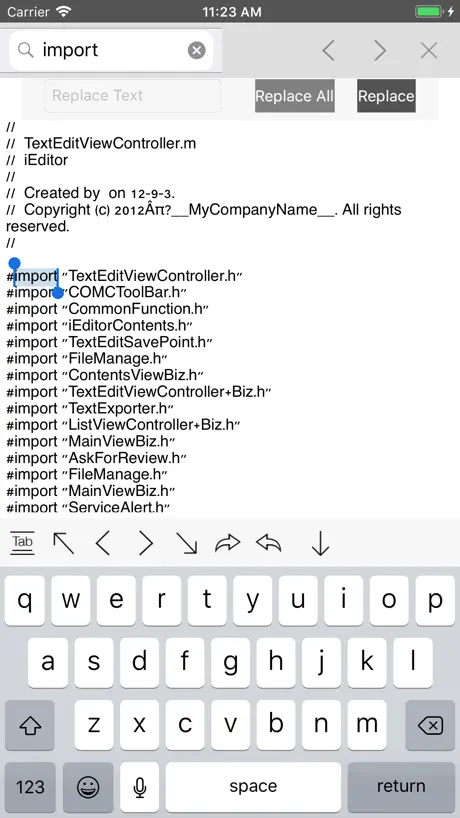
How much does iEditor – Text Code Editor cost?
Prices are current as of 8 Nov 2026.
iEditor – Text Code Editor has no in-app products on record in the United States.
10+ alternatives to iEditor – Text Code Editor
| iEditor – Text Code Editor | 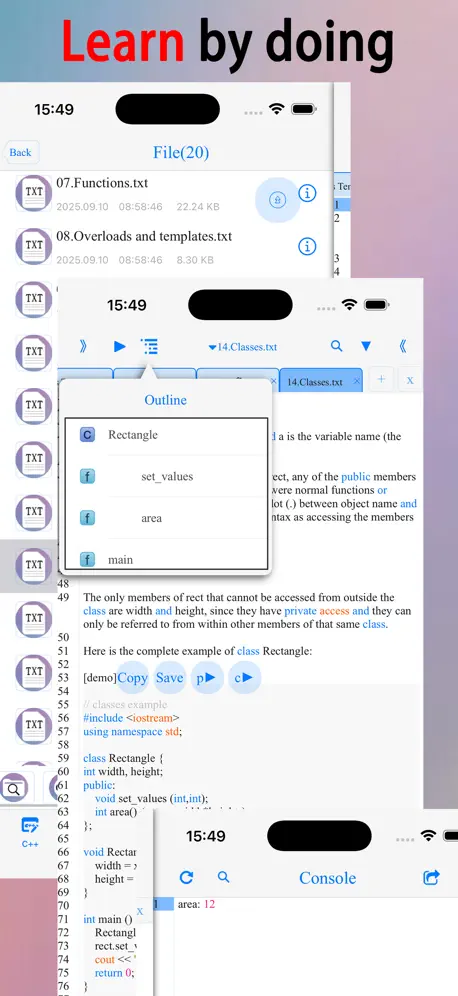  C/C++-programming language | 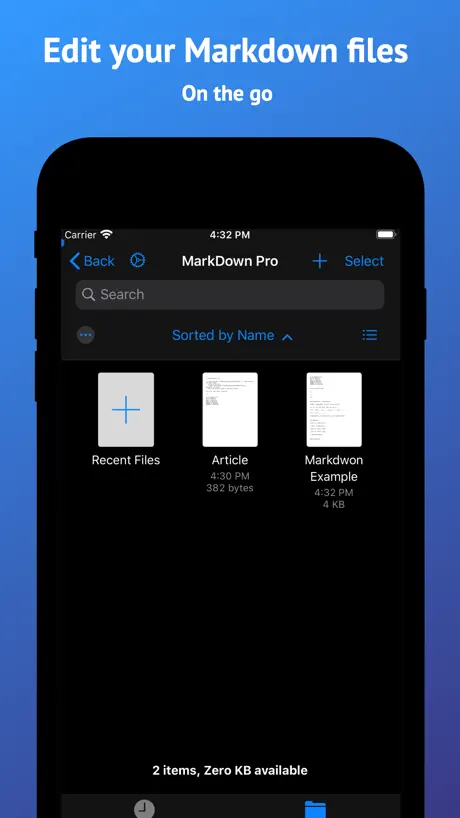  Markdown゜ |   TextEdit - Text Editor |   One Markdown |   myTextViewer: Code & Log File |   EasyEditText |   Notepad ++ |   EZText - Text Editor |   txt Editor - Text Editor |   QuickEditor - Text & Code | |
|---|---|---|---|---|---|---|---|---|---|---|---|
| Rating / 5 | 4.3 | 4.6 | 4.7 | 3.6 | 4.7 | 3.7 | 4.6 | 1.3 | 4.6 | 2.1 | 4.0 |
| Reviews | 1.4K | 12K | 3.1K | 974 | 734 | 306 | 218 | 149 | 106 | 32 | 8 |
| Released | 2012 | 2016 | 2020 | 2016 | 2021 | 2017 | 2018 | 2024 | 2022 | 2023 | 2019 |
| Weekly price | — | — | — | $1.99 | — | — | — | $1.49 | — | — | — |
| Monthly price | — | — | — | $3.99 | — | — | — | $4.99 | — | — | — |
| Annual price | — | — | — | $14.99 | $3.99 | — | — | $29.99 | — | — | — |
| One-time price | — | $0.99 | — | $14.99 | $9.99 | — | $14.99 | $4.99 | — | — | — |
The going rate for each plan in United States, in its own currency, shaded from the cheapest price on the row to the dearest.
iEditor – Text Code Editor reviews
4.3 out of 5, based on 1,415 reviews.
What people like
- Great for simple text editing tasks.
- You can customize colors and fonts.
- Useful for uploading code via FTP.
What they complain about
- App crashes and loses your work.
- Ads block the screen or annoy you.
- Hard to figure out how to use it.
- No easy way to create new files.
我就第五部送我v字我爸四不像我在比
非常好用,可以很快速的查看和编辑文稿
Ron
Worst program I have ever seen. Absolute garbage
Almost Perfect but Missing Dark Mode
This app is so simple and exactly what I’m looking for without too much over complicating things. It would be perfect if they simply added a dark mode, as this is my biggest issue with the app.
不好用
但凡切出,必弹窗,可真行
iOS导出不了……
如题……
最好用点编辑器
广告位置不影响使用,这真的是广告app里的良心!
Nagware!
Constantly popping up an upgrade window. Also, it doesn’t save or prompt you to save when you exit a document. Frustrating! Not recommended.
bug反馈
在.battle结尾的文件编辑中 内容过大时 字符不能正常显示 全部显示为空白
Terrible UX
User experience design is needed. The layout of the UI and usability is a terrible experience. It should not be this difficult to create a text file in a folder I choose and edit it.
禁止访问网络是不是就是pro了
当成一个普通的文本编辑器就可以了,另外的如题。
手机上用得很好,iPad上用,能打开软件,但是里面的按键什么的,新建文件那些点不开
,
Confusing
For a simple text editor this app sure behaves oddly. Won’t create a new document. You have to modify an existing one and save as. Touching any button or command will produce different results depending on some logic that’s not clear or consistent. It’s just a very frustrating app to use.
Why can’t I open a txt file from Files with this app?
It just opens a default preview window….
功能不全
搜索替换功能,字数多就替换不了
不能被有些软件识别
不能被有些软件识别
Great
It’s hard to be simple.
Why
BRO I CANT DO ANYTHING!!!11
希望iPhone版支持横屏
希望iPhone版支持横屏
没有我需要的核心功能
iPad里不能以txt格式导出分享
It edits text
Text editing is basic. It doesn’t have GREP or find and replace. It does not have auto-indent. No ads!
Finally an editor with features
I was agonizing my decision to switch to an iPhone. I couldn’t find a simple editor to open/create/read/write text files. Almost gave up... then I found iEditor. Yay!
This app is to hard!
I tried this app, and instantly deleted it because its to complicated to use! Make it easier for users how blindly use this application!
IEditor is reasonably useful on my iPhone8
Although it would be enormously more useful if it had a simple help key and basic set of instructions. I have trashed several competing products for this lack and nearly trashed this one for the same but was able to work out the UI.
乱码
sql脚本文件打开直接乱码
不好用
文本量大了点编辑闪退
Great Text Editor
Does exactly what I was looking for: opens local files as text files and lets me see or edit the contents! I probably won't use advanced functions, because all I need is a Windows Notepad equivalent and this app does it for me.
Please don’t get this app
Doesn’t do anything.
很好用
只要能复制粘贴就好了
理解您需要挣钱
但求您的广告不要把应用内容挡住,求求了,原先版本换不了背景色才更新的,现在彻底被挡了个严实根本不让你设定,关了广告banner依旧在占地方,就算什么都不显示也绝不能让你点到,这讨人嫌属实成功
闪退
编辑txt文档,写了好多,一下子就闪退了,无语,再打开编辑的内容全没了,希望增加自动保存功能
Finally!
I use this app to block the spam callers on my phone.
Doesn’t Save
I thought this app would be so useful but it doesn’t save. I changed a text document multiple times and kept saving it, yet no changes stuck. Still showing original version of text file. Useless.
UI needs improvement
The app does what it claims to do. The UI is not intuitive and the color choice can be improved.
Ugly...nasty colors, confusing and limited
Sorry, but the user is presented with a garish UI that takes one back to the first days of Apple apps. The developers may like this and feel they have accommodated the user by allowing them to change the background, but the UI is still awful and horribly dated. I tried to open an HTML file from my iCloud drive and found no easy way of doing so. Given both issues I deleted this app directly afterwards. Can't speak for it's supposed functionality as it was already an app I could not see myself using and have zero interest in the 'pro' version given my experiences with the free one.
It’s good now but need improvements
Changing the font size and the background color can’t be saved. We have to re-set the font size/type and the background color every time we use the app. Also, we need the support of hex code colors.
Free!
Finally there is a FREE App for Editing Text File
Literally does nothing
Downloaded this app on my iPad and it is in capable of opening a new file or creating a new file. I spent 10 minutes trying to find a way to do that. Using the enclosed example file I was able to paste or attempt to paste some text into that document. However, apparently they do not implement paste properly because while I had text copied in my buffer it refused to actually paste with no explanation given so this app will not open. A new file will not allow a paste into an existing file and will do nothing. What a total waste of time.
Cool. But photos don't work
Cool. But photos don't work :(
Lost work from bugs
Switching between apps on iPad to copy text into this app and the app closes. All unsaved work lost. Sometimes while in app, save button would not work, also.
GREAT app, but 4 problems
I’ve been coding for a very long time,but I’ve never felt this way I do when I code.BUT 2 problems:#1.the<img/>tag doesn’t work. #2.links don’t work.#3.alerts don’t work.#4.It says that I can open the html files in other apps(like safari),but I can’t.
Amazing!
I use this app along with iTransfer, another app from the same developer. iTransfer is an FTP app. So basically, I can make code documents and upload them to my site from my iPad! Who would have thought? Anyway, thanks for the cool app, I love it, and all you peeps should get it if you're on le fence.
terrible
Doesn’t save, user interface doesn’t handle scrolling, and it has ads. If you want a quick app to take some notes, not give an easy way to copy them out, and then have it immediately erase them all then have at it.
It serves me well...
I use it as I would Notepad, though I'd be happy for vi for iPhone. I do wish it would allow me to rename a file and assign extensions to open as text files, e.g., myscript.sql created out of SQL*Plus or vi.
Bad User Interface
UI is terrible. App does the bare-minimum.
Confusing, but workable
It's hard to figure out how to create a file, how to start typing, how to exit typing in order to save, how to get the font choices, and everything else I tried. But at least it works.
Awesome,but ONE problem.
At the first when I was using it, there was a pop-up and I can't get out, so I tried everything I could to fix it but not so good on cheats though. At first when I tried using this app for cheats,Kill Shot Bravo, it dosen't work so I tried again and the only app that works for the cheats is JSON editor with the background like this:{ }. PLEASE STOP THE POP UP (S)!!!!!!!!!!! GOOD LUCK. USER
Mediocre, poorly made software
Could not figure out how to save the file, there is no user interface except for a button to abandon current file and create a new file... This app has ads... There is no way to buy premium and get rid of the adds.
Good for writing little webpages
If I'm not connected to wifi or anything, this is useful if I have an idea and want to test it out.
Ads, encoding does not work.
Nuff said.
Ok customization, needs refinement
Ability to change background and ink color is a good touch, but there's a lack of simplicity. You need to save every time you're done typing. You have to press an Edit button if you want to start typing. App keeps asking you to review it (I'm only writing this hoping it goes away now). Bottom line: I only use this app because I love green text on black background and this lets you do that.
iEditor – Text Code Editor FAQ
- Is iEditor – Text Code Editor free?
- Yes. The app is free, in all 175 countries it sells in, and it sells nothing inside it.
- Does iEditor – Text Code Editor have a free trial?
- No. None of its offers (US) come with a free trial.
- What are the best alternatives to iEditor – Text Code Editor?
- C/C++-programming language (4.6 from 11,654 reviews, premium from $0.99), Markdown゜ (4.7 from 3,091 reviews) and TextEdit - Text Editor (3.6 from 974 reviews, premium from $1.99).
iEditor – Text Code Editor download
Last updated 1 year ago.
iEditor – Text Code Editor sells in 175 countries. It was released 14 years and 1 month ago, on 16 Oct 2012. It holds a 4.3 rating from 1,415 reviews.
Supports 2 languages: English, Chinese.
How much does iEditor – Text Code Editor make?
Third-party estimates for the last 30 days, worldwide — not the store's own figures, which Apple publishes for nobody.