EZText - Text Editor
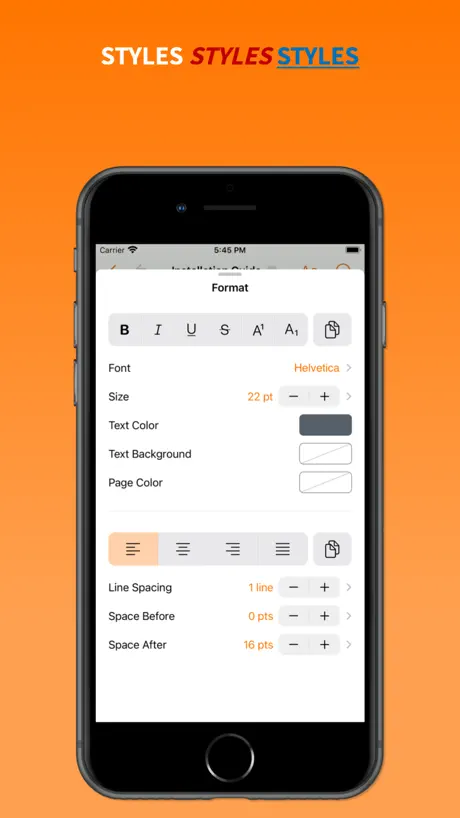
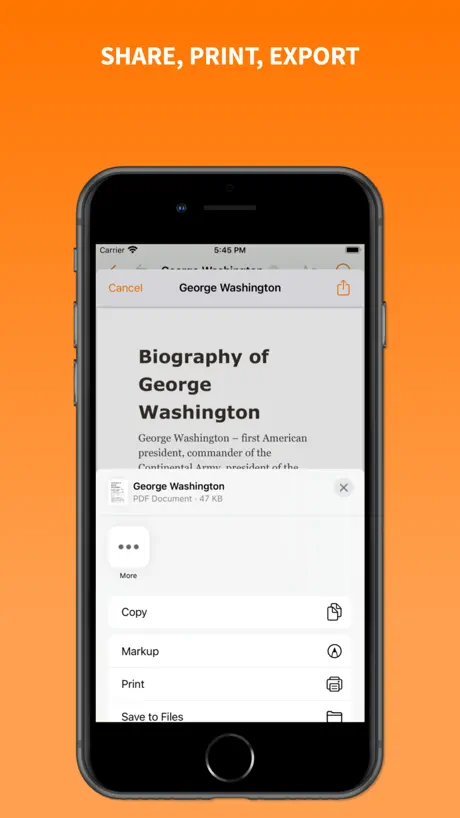
How much does EZText - Text Editor cost?
Prices are current as of 14 Nov 2026.
EZText - Text Editor has no in-app products on record in the United States.
10+ alternatives to EZText - Text Editor
| EZText - Text Editor | 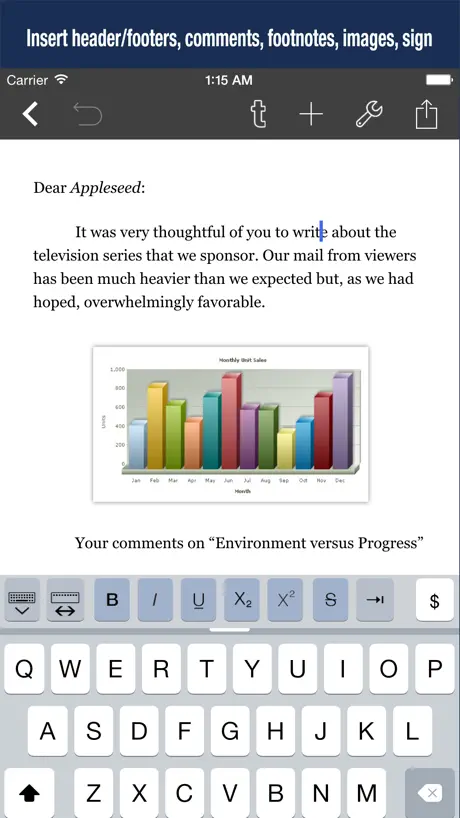  Word Processor - Textilus Pro | 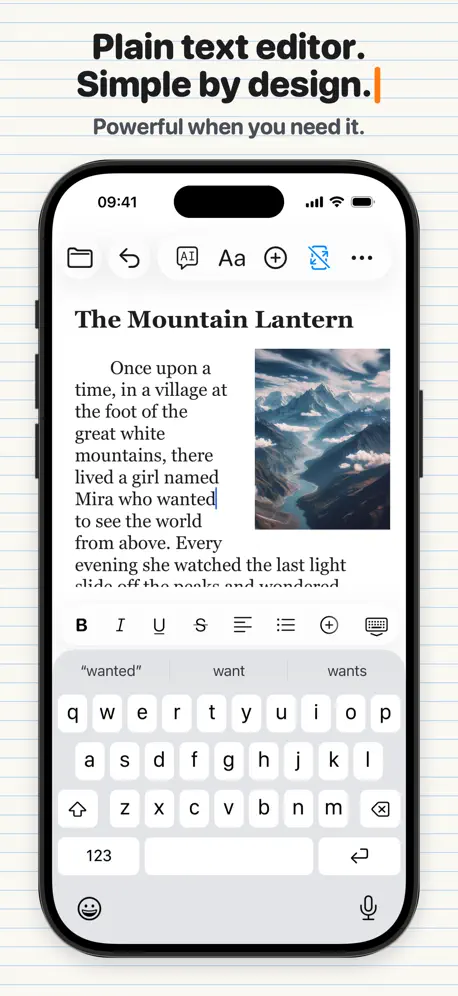  TextEdit - Text Editor | 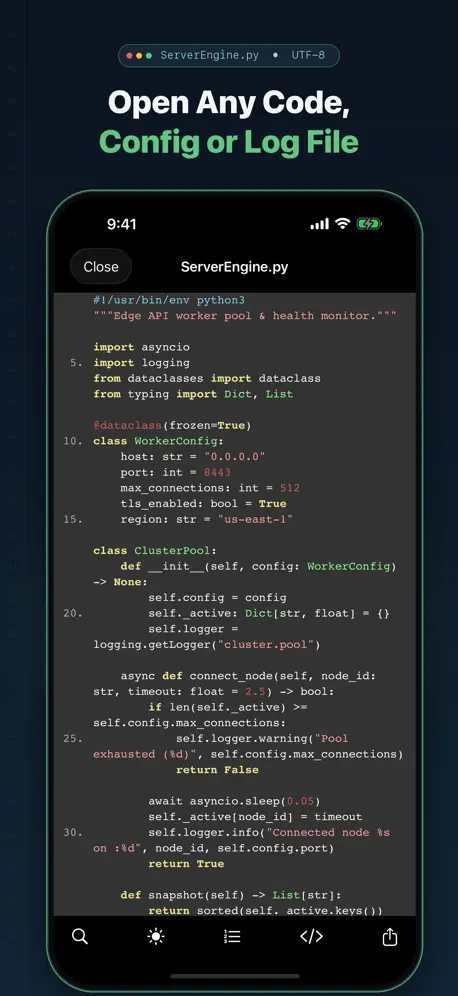  myTextViewer: Code & Log File |   Lightweight Text Editor |   EasyEditText |   uFocus |   Text Editor App |   Typepad Editor |   txt Editor – Text Editor |   Mach Write | |
|---|---|---|---|---|---|---|---|---|---|---|---|
| Rating / 5 | 4.6 | 4.4 | 3.6 | 3.7 | 4.5 | 4.6 | 4.7 | 4.2 | 4.3 | 4.3 | 1.5 |
| Reviews | 106 | 1.6K | 974 | 306 | 282 | 219 | 100 | 72 | 10 | 6 | 2 |
| Released | 2022 | 2015 | 2016 | 2017 | 2022 | 2018 | 2012 | 2024 | 2019 | 2023 | 2014 |
| Monthly price | — | $3.99 | $3.99 | — | — | — | — | — | — | — | — |
| One-time price | — | $9.99 | $14.99 | — | — | $14.99 | — | — | — | — | — |
The going rate for each plan in United States, in its own currency, shaded from the cheapest price on the row to the dearest. Plans fewer than four in ten of the priced apps sell are left out.
EZText - Text Editor reviews
4.6 out of 5, based on 106 reviews.
What people like
- Completely free with no ads or subscriptions.
- Works well for creating and editing RTF files.
- Developer is responsive and helpful with questions.
- Simple interface that feels native to Apple devices.
What they complain about
- Wrong file creation dates are stamped on documents.
- List buttons exist but do not work at all.
- Text jumps around and scrolls unexpectedly while editing.
- No zoom function to adjust reading text size.
Happily, a nice simple text editor for iPad.
I really like what you have made. Here are a few suggestions to help improve user experience 1. When turning the iPad from portrait to landscape, the screen position can jump around quite a bit. 2. When I have a document open and navigate to another app and then back, exiting out of the document sometimes/often jams up. I have to restart the app. 3. Formatting can be a little funky when copying and pasting from other sources. I.e. mainly sizing seems to be inconsistent. I suggest a button for clearing formatting to return text to a default appearance. 4. Maybe you already included this and I did not notice, but a how-to document to address some of the user experience questions I had when first trying out the EZText. For example it took me a bit to wrap my head around page indentation. I still wish there was a way to make indentation more fluid depending on what device one is on, but no biggie. Still Not sue what the orange triangles do. 5. Any intention to include tables? Or is this moving away from what this app is all about? Thanks for listening.
Криво
Кривое приложение. Некоторые html-файлы не открываются. Мало того, после попытки открыть такой файл перестают открываться и другие файлы, и даже настройки приложения не вызываются. На файлах rtf приложение сильно тормозит (и сами файлы не показывает).
Great app
This app is brilliant in its appearance and functionality. Primarily, I use it for reading text. Reading text in the default files app is difficult as the font size is too small and there is no way to adjust it. — My only complaint is that despite dismissing the keyboard often leads to unwanted scrolling. If you could add a toggle that would dismiss the keyboard I would be immensely appreciative.
Glitchy
The app is great because it doesn’t get lag on long docs but it’s so glitchy. You’ll be working in one section of the document, and snap, it just jumps to somewhere else. The search feature is sketchy. It needs some bug fixes.
Updated review - great but text flits around while typing again.
It's a text file app that opens and saves in 'files'. (Some don't and therefore require importing and exporting.) Bonus; it does rtf and html. But Update: there's an issue of the view jumping up and down a couple of lines as you add or delete spaces. It can be demonstrated in a file longer than the screen height by just picking anywhere within it and pressing space multiple times. It's quite jarring. This was fixed once but came back after the following update.
Recommendation
Was using Subtext before but didn’t get auto correct. extext does that and it even allows me to set a serif font, which is really refreshing.
Can’t open/edit rich text created elsewhere
My primary need is an iOS app that can open, view, and edit existing RTFD files in Dropbox and iCloud Drive. This app *cannot* do that. Additional shortcomings: (1) Plain text cannot be converted to rich text; (2) there are no list options—bullets, numbered, dashes, etc.; (3) default text size is huge, 23pt; and (4) there are no tab adjustments—you get what you get. While I understand the app was created to be a simple/basic text editor, its inability to open existing rich text docs—even small ones—makes this no more useful than Dropbox’s built in plain text editor.
Great tool.
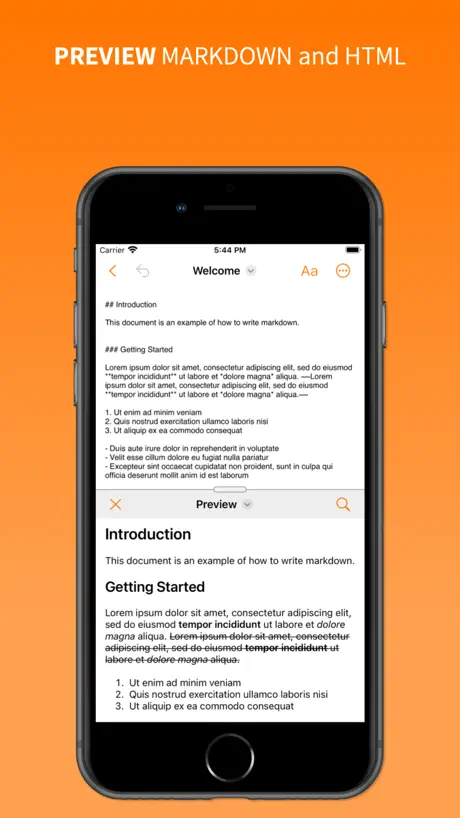
Simple and easy to use. Easy to switch between rich-text and plain-text. Preview in two clicks. Supports basic markdown. Word count and character count available from the menu. Wishlist: Inbuilt markdown reference guide. • this should be straightforward to implement, and would lift it to 5-stars •
No Zoom, File Creation Metadata WRONG, No Lists
There should be control over the text rendering size on screen, so that font size is maintained but a mobile user doesn’t have to struggle with tiny text. Many text editing apps traditionally call this as a “Zoom” function. The font sizing also seems to lack any display of the actual point size; there’s just a + & - button *when accessed from the context menu* (the main formatting menu’s interface is fine). List buttons in formatting do nothing. The developer was told this and they replied that there’s no such feature. Yeah? Then maybe you shouldn’t expose these buttons in the formatting UI when someone selects text, swipes to “Format” and chooses “More…” The controls for bulleted lists are right there and they don’t work at all. This is inconsistent UI design and I’m fairly sure RTF documents support basic lists in the standard. Worse: all documents created in this app are stamped with a file creation date & time that is 100% WRONG. File metadata matters, folks! Other reviewers pointed out the same issues and the developer responses were clueless or absent. Easy editing of RTF on iOS is ridiculously kneecapped by Apple and no developer has managed to fill in for the lack of a TextEdit for iOS as is found on Mac OS.
One small problem
Loved this app, it’s great, but there’s one bug that ruins it for me. I don’t think it was always like this but after a while of using it I realized that whenever I would create a file, the creation would be an inaccurate date from a long time ago instead of the date I created the file, even though the modified date and access dates were correct. And all the files have that same creation date as if they were all the files were created the same day. So now I have to go back through all of my text files on my computer and fix the metadata myself which is annoying. Hopefully this will get patched and I might start using it again.
A fine editor
I use EZText to edit RTF documents stored in Dropbox and iCloud. It's great - simple and straightforward. Excellent quick support as well.
Neat idea, unfinished
This could be a very nice editor, but not all of the functions work, and there are other problems. Lists simply don’t work, they are non-functional. The point size of the text is defaulted to 17pt, and if you set it to 12pt, it becomes tiny. There is no zoom, so there it stays. Even for free, this isn’t worth anything. In response to the developer: there are literally buttons for lists in the app. And yes, they are non-functional. As far as point size, if you don’t understand what the problem is, you shouldn’t be attempting to make a text editor. My expectation is for everything to work. As is, this app is a waste of time, with no value whatsoever.
Simple and effective, no ads or tracking
Does what it says in the application description. An alternative to apples built in Notes application As it includes the ability to edit and create markdown notes, it would be helpful if the application included a sample markdown file showing all possible markdown formatting. The app also has the ability to connect to random servers, but there's no documentation as to how you would use this, or why.
FROZE A LOT THE FIRST HOUR
Not impressed with it on my iPad mini 6
Only barebones RTF editor on the App Store
I’ve been looking for a simple free equivalent to TextEdit for Rich Text on iOS. This is the only app that does not try to upsell you a subscription or unwanted upgrades. It does what you need to do: modify and create RTF files. Thank you.
Great basic text editor
I'm a career journalist who has used various text editors over the years for dealing with website management and pretty much every other kind of text issue. I needed a good, moderately versatile editor for occasional copy-fix-paste work on a few paragraphs here and there. The most frequent issue- "Unformatting" text for creating an email from copied text or personal notes without annoying fonts or formats. In other words, stripping the frills. It's a pain to strip formatting quickly from a few paragraphs in Word or other apps if that's all I need. This little app is perfect! Best of all it's free. It has just the right amount of options and is very user friendly. Thank you for a great tool and I highly recommend it!
Excellent text, RTF, HTML editor. FREE W NO ADS👍
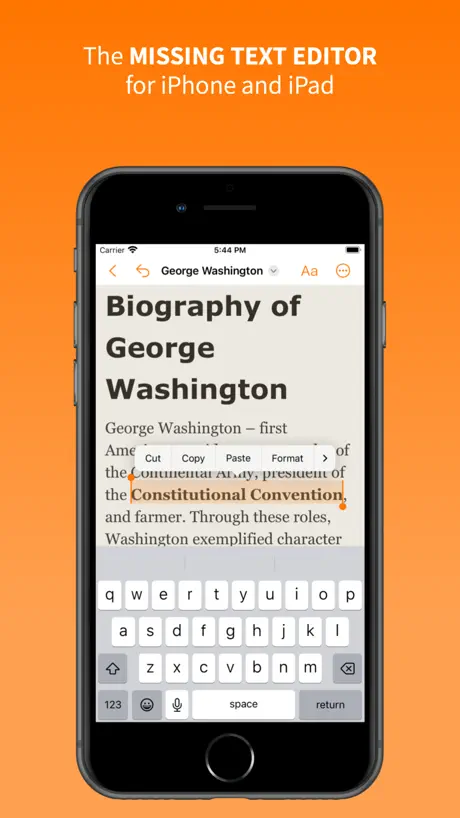
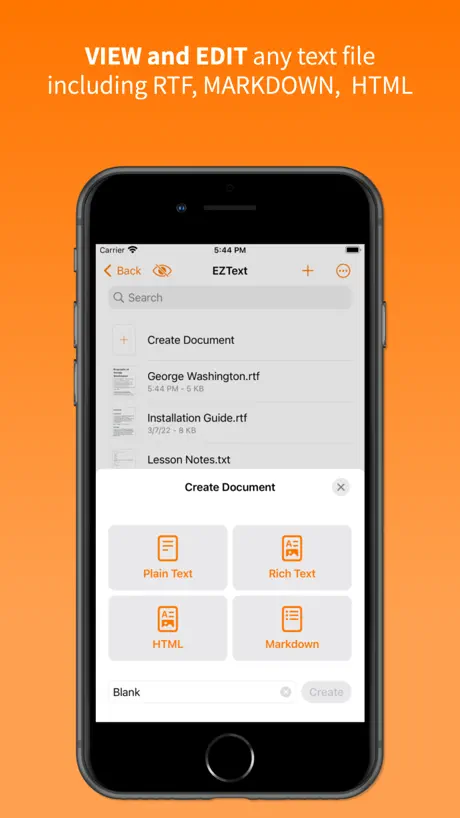
By far, this is the most full featured free text editor on the App Store, IMO, and I have tried just about all of them. It is better than most of the text editors on the App Store that have a cost or subscription. It is completely free, with no ads and no reduced functionality. EZtext comes in native iPad 👍 and iPhone versions. It shows up in the share sheet and supports iPad multitasking. It is loaded with RTF, HTML, Markdown and more. Perfect for text editing, though it could also be used as a lightweight and fast word processor. The developer is very responsive, answering a question I had about “replace all.” I use it regularly on an iPhone 16 and an iPad 13”. Works and looks great on a small and large screens. It’s the kind of app that I would pay for, but I am grateful that it is freely provided. 🙏
Straightforward Text App
I wish I had discovered this app before spending too much on other apps with too many features and only half of them working; and, most of the apps not even regularly updated and left to rot. EZ Text is a marvel in that it is what it is. An easy text writer. It has all the editing features needed to create a document or write a story. Copy and paste actually work. In fact, all of the features work. I can export to PDF or share to my Drive as an RTF to open on my PC and vice-versa. And it has true dark mode (not the change background/text color mode that other text apps use). I would like to see a first-line indent feature added, if possible. Thank you!
Great App! Definitely 5 ★ ★ ★ ★ ★
So useful and it blends in with iOS and iPadOS so well that it feels native to the iPhone/iPad. However, how do I make this the default app on my device to open and edit (.𝙩𝙭𝙩 ) and (.𝙧𝙩𝙛 ) files? I can create files and save them anywhere I want. But in order to reuse your app, I have to open the app and browse to edit. If I click on the file directly, the device somehow chooses to use other apps, instead of EZText Any work-around for this? Thanks so much in adavance for your reply
Similar apps on android?
I am looking for similar apps to this on android. I just got a brand new android tablet off of Temu.. Is there a website that lists apps that are totally free or open source that are both available on iOS and android? I kind of remember GitHub doing a list of open source apps for iOS. Is there a similar list for android?
Very straightforward and usable
I’ve just started with this and am completely satisfied. Just using it for txt and rtf files. It does the basics in a clean obvious way, reliably.
It Really Is A Good, Very Easy To Use App
Very nice App. Just needed a simple text editor to make a sign for hanging on a door. This App allows that with the ability to increase Font size and WYSIWYG before printing. Very happy I found it and will keep it as my quick Go To App. Thank you and hats off to the Developer!
Everything I need!
With paragraph alignment, full font selection, prints as it appears, and a tiny app size, this is it for me. I found the perfect editor for my phone. Thank you devs. Much appreciated 👍🏻👍🏻👍🏻👍🏻👍🏻👍🏻
EZText - Text Editor FAQ
- Is EZText - Text Editor free?
- Yes. The app is free, in all 175 countries it sells in, and it sells nothing inside it.
- Does EZText - Text Editor have a free trial?
- No. None of its offers (US) come with a free trial.
- What are the best alternatives to EZText - Text Editor?
- Word Processor - Textilus Pro (4.4 from 1,556 reviews, premium from $3.99), TextEdit - Text Editor (3.6 from 974 reviews, premium from $1.99) and myTextViewer: Code & Log File (3.7 from 306 reviews).
EZText - Text Editor download
Last updated 1 month ago.
EZText - Text Editor sells in 175 countries. It was released 4 years and 7 months ago, on 3 Apr 2022. It holds a 4.6 rating from 106 reviews.
Supports 1 language: English.
How much does EZText - Text Editor make?
Third-party estimates for the last 30 days, worldwide — not the store's own figures, which Apple publishes for nobody.