
Collabora Office
How much does Collabora Office cost?
Prices are current as of 7 Sept 2026.
Collabora Office has no in-app products on record in the United States.
10+ alternatives to Collabora Office
| Collabora Office | 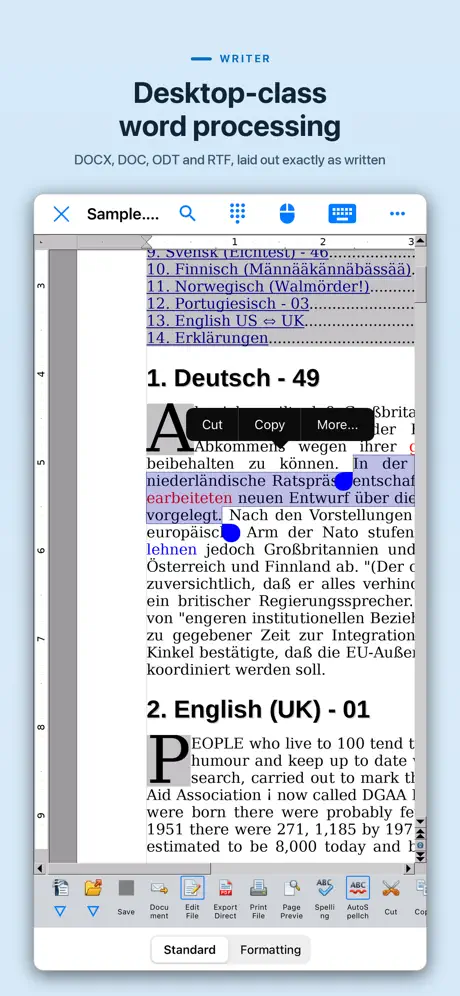  AO Office AO Office | 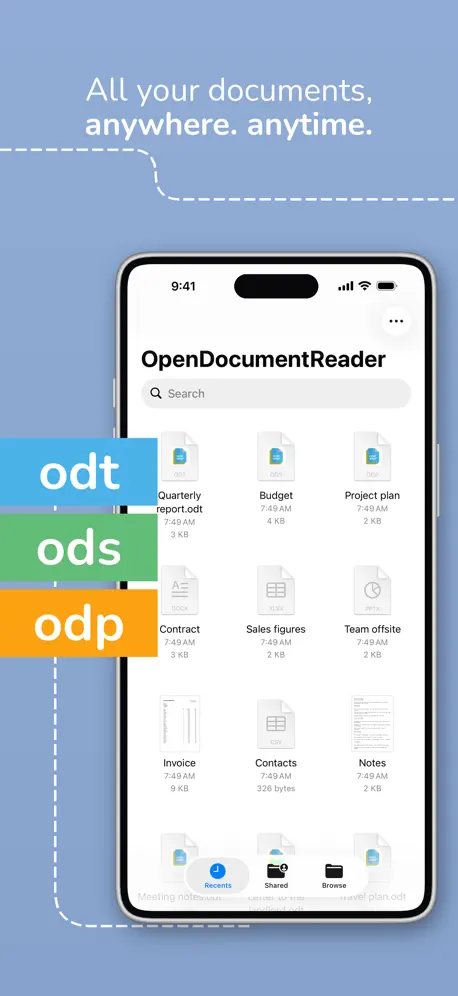  OpenDocument Reader - view ODT OpenDocument Reader - view ODT | 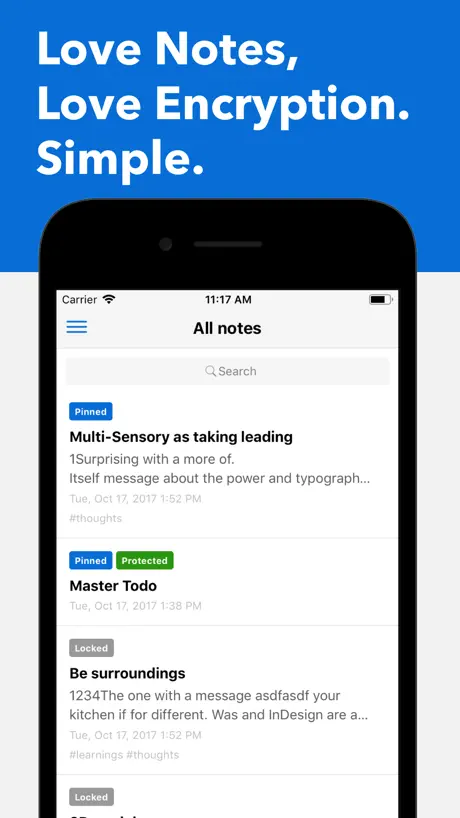  Standard Notes Standard Notes |   TextMaker TextMaker |   Nextcloud Talk Nextcloud Talk | 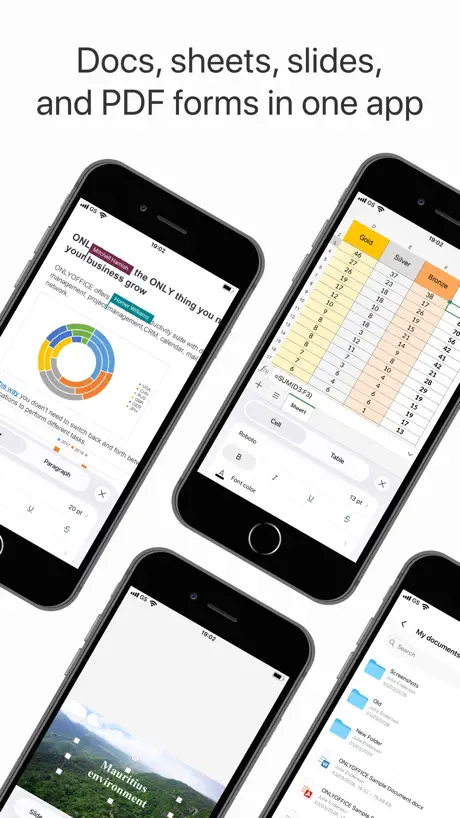  ONLYOFFICE Documents ONLYOFFICE Documents |   Logseq Logseq |   KDE Connect KDE Connect |   Nextcloud Notes Nextcloud Notes |   Möbius Sync Möbius Sync | |
|---|---|---|---|---|---|---|---|---|---|---|---|
| Rating / 5 | 3.6 | 4.3 | 4.5 | 4.7 | 4.6 | 4.4 | 3.7 | 4.5 | 4.3 | 2.5 | 3.7 |
| Reviews | 574 | 12K | 12K | 8.2K | 4.1K | 4K | 1.4K | 1.2K | 1.2K | 591 | 485 |
| Released | 2019 | 2016 | 2020 | 2017 | 2022 | 2018 | 2015 | 2022 | 2022 | 2014 | 2020 |
| Annual price | — | — | — | $119.99 | $13.49 | — | — | — | — | — | — |
| One-time price | — | $19.99 | — | — | — | — | — | — | — | — | $4.99 |
The going rate for each plan in United States, in its own currency, shaded from the cheapest price on the row to the dearest. Plans fewer than four in ten of the priced apps sell are left out.
Collabora Office reviews
3.6 out of 5, based on 574 reviews.
What people like
- It works great with LibreOffice files
- It is free and open source
- It respects your privacy and data
- Asian text support actually works well
What they complain about
- It often crashes and freezes unexpectedly
- Saving files is confusing or broken
- Spreadsheets lag and are hard to use
- Trackpad scrolling does not work properly
Excellent
Using this on an iPad Air I was able to view edit and save existing xlsx files that I have saved on Dropbox. These files were originally made with Libre Office on Linux and the compatibility was 100% Nice!
Too buggy to use
I really want to support the app, but so many basic functions either don’t work at all, or bug out like crazy. I can’t undo with command, even though it says I can. I can’t crop pictures, I can’t add backgrounds, and the list is really growing. Do you need testers or something?
Initial review
I’m also surprised why this has such a low rating. So I tried Opendocument Reader and OOreader. Both were terrible with the latter worse (viewer only, no editor) than the former (viewer and editor). Collabora Office displays the spreadsheet correctly with tab names or correct order, highlighted tabs display correctly, split screens also. I downloaded this to mainly view my ODS files while traveling but I might venture to do some editing and see how this app works. So far it’s great.
Problems!!
Collabora Office is a great processor program, but I’m finding out if doesn’t work well with the newest Apple updates, such as 25.3. I will not allow you to highlight, select what want to change in the document’s that have been copied from the docx format, and changed to odt format. I am not a novice with this program. The instructions that AI gives to fix the issue do not help.
Until I Dump Apple For Linux Soon It Will Do.
My 34 year association with Apple will end soon when able to purchase a new laptop and migrate completely to Linux. I can’t nor will continue to allow myself to be increasingly locked into Apple’s high security electric fenced in prison yard for the sake of being a living bank account for the enrichment of their investors anymore. Nor buy the ongoing marketing lyes that it’s for my own security or that today’s version of Apple is ethically the same as it was twenty years ago. It hasn’t been for roughly fifteen years. Besides Linux is a more secure system than OSX. That said over the past year Apple has quietly made it increasingly difficult to use third party apps. Apple wants to control the choices users make driving them to their weak and seldomly meaningfully updated native applications serving as nothing more than front doors to their subscription services , iCloud services, and online stores. Apple even changes their devices in ways to force their users into this. Consider the artificial changes Apple made to iBooks with their release of Catalina forcing iMac users to increase iCloud subscriptions or make the choice of no longer maintaining their own private libraries on their tiny but expensive internal drives. All the while subtly “re-educating” their loyal customers that it was a far better solution to buy from their online store. So with the limitations this app must function as and most likely those to come as Apple reverts backwards to the era pre-Steve Jobs return when they ran Apple into the ground in the early nineties, i will deal with this. Next year I trade this new iPhone in for an android or anything other than an other iPhone. I should have listened to my brother and friends when they made their exodus from Apples prison facility but noooooo. My stupidity. Three decades and countless Apple products is enough.
I don’t understand why so much hate.
It’s been a smooth app that just does what it is supposed to do. If I see any bugs I will update the developer, max i deduct 1 star. What people are expecting from freeware open source apps? Can’t people be appreciating what they have. Okay those who give 1 star go back to your MS Excel and have fun.
Limited support for files with macros and buttons
This app allowed me to open and view most of my open office and libre office files. The spreadsheet it choked on contained macros and buttons. Obviously I don’t know for certain why this file caused an error and aborted the load, but those are the differences between the files that worked, and those that did not. So, please try to find the bug and correct it. I cannot be the only one who uses these features of Libre Office.
Needs Improvements
It generally works, hence the 4 stars. However, I believe there are some improvements that need to be made: 1. Allow users to manually save. Sometimes it gets annoying having to wait around for it to autosave. 2. Allow users to turn off auto-capitalization. I am a conlanger, and the auto-capitalization gets annoying whenever I do conlang documentation stuff. If I type something in all lowercase, it’s because I *want* it to be in all lowercase. If I wanted to capitalize it, I would have. 3. Allow users to input small-caps 4. Allow users to select custom font point sizes
not ready for use.
this product, will dump every bit of your work and it won't be backed up or saved. It is non-intuitive. If you simply want to select or copy text or edit it and you go through their painstaking menu it will erase everything you've written. Do not use this product. It is terrible. You will be heartbroken. You have to use the menu to select edit, and if you select all it doesn't really do it and then if you tap or double tap on the text it deletes everything and there's no way to get it back.
Can’t copy formulas
Nothing I can do will allow me to copy formulas on my IPad. I asked ChatGPT for help and after a half hour and several screen shoots I gave up after ChatGBT said it looks like a bug in the IPad verison
Good app👍
It’s Open Source
I used to think this app was amazing, but it’s really not with the error that keeps popping up!
While I’m writing, it keeps coming up with this ridiculous “Disconnected from Sever Error” when it “OBVIOUSLY” does “Not” use internet! And when it happens, the entire page just freezes, and it “Never” allows me to continue!!!!! So, you know what happens then?! I wind up losing everything, and never being able to get it back, and depending on how much editorial I’ve done, that could, very easily consist of hours and hours worth of work, as well! This is just very, very dissatisfying!!!!!
[Updated 09-27-25] Finally usable thought it still needs work
My big test to see if an office suite is usable is by misspelling a word, and trying to correct it. Collabora has always failed this test on a keyboard and trackpad since it expects a use to use the touch screen. Which is a bad ux design choice. Not any more. Finally my poor spelling can be hidden from the world, for the most part. Now I can finally compare Collabora Office to its desktop equivalent LibreOffice. Still some issues like the UI not liking iPadOS 26’s new windowing mode. Some polish here and a few more stability patches there and it should be good. The issues which remain can be overlooked, though should still be fixed. Like naming a doc a file before it gets opened, or renaming a doc in the editor. Or heck even starting a doc without creating a blank file.
Just not good enough
I wanna use this app along with libreoffice but the issues are too much. First of all this app is not optimized for mobile, it’s basically just a web wrapper and a poor one at that. Sometimes backspace doesn’t work, sometimes selecting doesn’t work, it’s a nightmare. I think this entire app needs an overhaul.
Looking forward to using it, but…
If LibreOffice were ever to go defunct, Collabora will be my goto. It’s open source and integrates with my Nextcloud. A few problems though with the mobile version: • copy and paste functions have an intrusive menu that eats up the screen, not the standard “right-click” pop-up. • no “mobile view” option; stuck in page view.
Simply great.
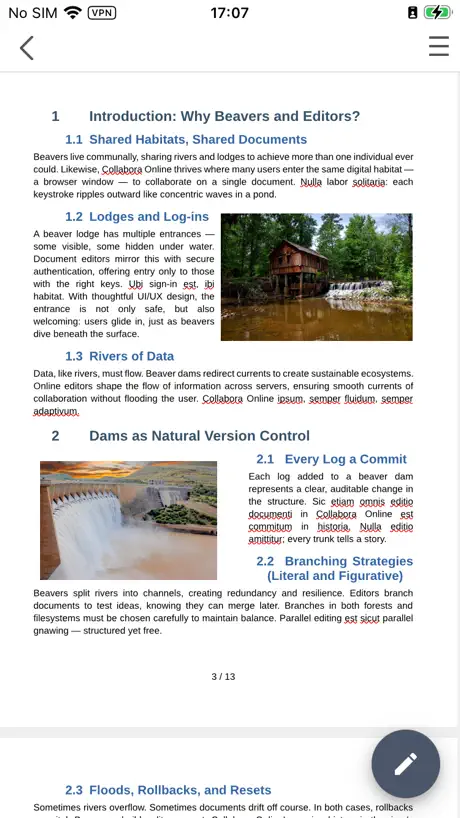
A great alternative to Office 365. TLDR: LibreOffice-like Office suite but on iPad.
Absolutely unusable
Like many others I was looking for a replacement to using Microsoft office. I like libraries on my desktop, but this app is absolute garbage. I have tried many times to write a document, it refuses to save my changes! Nothing like writing out several pages of text, saving, closing, then opening it back up just to see none of the work you just did. It is 2026 and I simply don’t believe it is this hard to make a text editor on the iPad.
MANY features but…
Version 25.04.2 on a M4 iPad Pro. Being a long time LibreOffice user I was ecstatic to find this app with similar functions, native OpenDocument Format and local file storage. The sheer number of options and features is amazing. Thank you very much! I’ve only recently been using this app but… All new files are named “blank”, you have no option. To actually name the file you must quit the app, go into the files manager, rename “blank” and then re-open it. This makes the app’s Save button basically useless. ?? Also, VERY slow to open files. After entering edit mode the file name no longer appears on the screen. This is troublesome if you are working on many files. Still happy to have this app to use with many years of my ODF files!
Very buggy and unstable
I really wanted to like this, but unfortunately spreadsheets often crash. There’s also this strange bug where sometimes when you try to copy or paste cells, it starts uncontrollably scrolling.
Great start!
I want to get away from Google and Microsoft, finding a full text editor which is functional and not ugly has been difficult. I appreciate this app filling the gap and for working on my iPad. It is really great how it works with all my cloud drives without hassle. It automatically saves when I closing a document. There’s some rough edges though, the design is not optimized for touch and there’s some UI glitches. I’m hoping this project succeeds as it matures, I think there’s a lot to be said for an editor which allows me to keep my own files.
No worries
Getting harder and harder to find free ways of doing things especially on a new ipad but after I used a free converter from pdf to docx this did the trick to get my cv up to date. Thank you so much. Keep the torch alight.
Absolute Garbage
Doesn’t save and doesn’t function what so ever. Don’t even bother with this app.
Amazing!
I’m not sure why there’s so many bad reviews but in the latest versions it’s really good! Plus with open source transparency we don’t have data invasive companies like Microsoft/Google scanning all our documents. Only reason why I dropped it down to 4 stars is small things that can be improved. Copying and pasting text from elsewhere sometimes has text being white, so I have to manually highlight the text on my own and change it to black. In most iOS text editing apps holding down space and dragging finger left (or any said direction) allows for more precise cursor movement than tapping. Kind of like using the space key as a trackpad. When holding down, the paste option appears which is good, but we also need a select all feature in case we want to copy quickly and send elsewhere for quick review! Although this can still be done by manually highlighting the entire document on its own, this small QoL feature would make a huge difference!! All of these minor issues have workarounds so the app is still 100% functional, although incorporating them would make the app more feature rich with modern QoL improvements and would easily bump this app up to a 5 star rating!
Broken Trackpad Support
Overall, the usefulness of this app is greatly diminished by the fact that iPadOS Trackpad Support is fully broken. It works when scrolling in UI elements, but it is totally broken when attempting to scroll the actual page you’re writing on. This has been a known issue for a long time, as it’s remained open on Collabora’s GitHub for over three years, at this point. I love LibreOffice, and I love writing on my iPad, but in Collarbora’s current state, the two just don’t mix well. It’s a bummer, but without proper trackpad scrolling support, this app is too tedious to bother with (especially when every other word processor on iPadOS figured trackpads out a long time ago).
Doesn’t support two finger touchpad scrolling
The good news. This allows you to edit LibreOffice documents on iOS. Now, if it would just support two finger scrolling using my keyboard’s touchpad.
Great app! Pairs well with Linux!
This app is great because it allows me to access and edit my Fedora Linux document files on the go with my iPad, It may not be as good as the other apps like pages, but it gets the job done. And it gets better each update.
Sir knows
It would be nice if it worked. I downloaded it. I have an iOS with a 26.3 beta on iPhone 13 Max Pro and the only thing is App does is allow me to see it doesn’t matter what I choose. I can only view it and print it and that is it no editing known other features as described according to the information in the app so either they have a problem with the app or there are probably not stating all the fact of how it works
It’s Not Word But Gets The Job Done
I was using Microsoft Word for years until they decided to sneak AI into it. I do not want AI mining my personal documents to train itself. I also have used LibreOffice for years but now that I do most of my writing on my IPad I was looking for an app that does everything Libre can do. It doesn’t have everything Libre does but I am able to write documents in Collabora and save them to my IPad. The app still needs work to make it do everything Libre can but it’s better than an app locked behind a paywall.
Save button does not work
In order for you to save a document, you will have to click File/Save As every single time. Otherwise, nothing you write you will save. In addition, every time you click File/Save As, your computer will save a different file. For some reason, the app will not write over the previous version. If you use it, don’t lose files like I have.
It needs some TLC
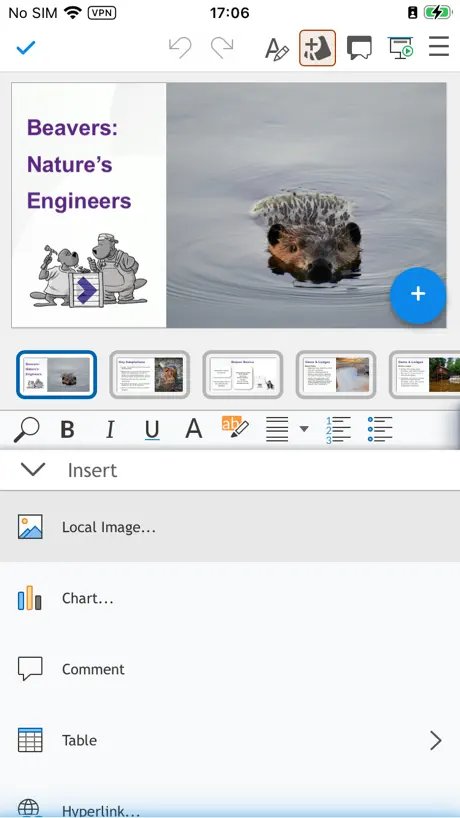
I can’t use the presenter console, there is no slide show settings tab under slide show menu so I can’t use it on iPadOS M5.
Great App
Great productivity app. Provides many editing options for documents.
Constant crashes
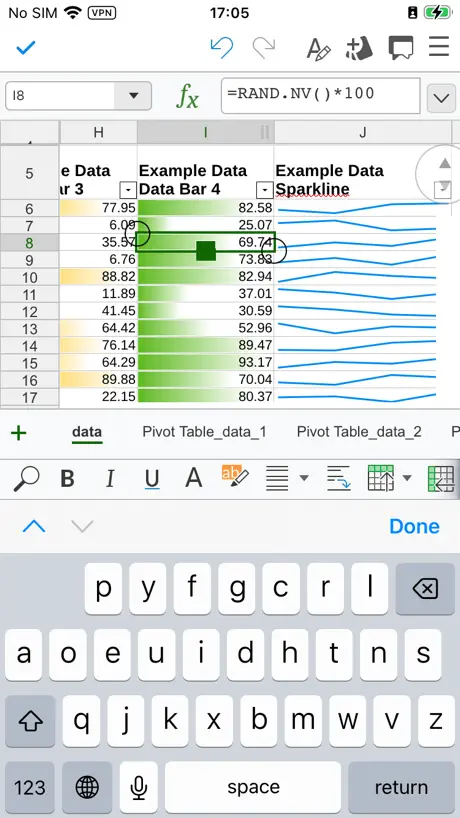
Writer crashes. Calc is extremely hard to use and doesn't meet basic spreadsheet UX conventions. The last update managed to actually make it harder to use.
Initial Impression is Good But Not Perfect
I’m using this on an ipad and love the fact that the interface looks and acts very much like LibreOffice, though there does seem to be one major flaw. As far as I can tell, the “save” button does nothing at all, and you need to “save as” and replace the existing document or rename it every time you close the app if you don’t want to lose your changes. Not sure what the rationale is behind that one, but I’ve tested it a few different ways and so far it seems the “save” icon/button does nothing but provide false assurance that you won’t lose your work and is more likely to cause problems than anything. As an editor though, the interface itself seems fine. May update my review as I use it more.
Unusable
This app crashed three times successively as I attempted to read a midterm paper I had written a few years ago in DOCX format. This was my first introduction to Collabora Office and the very first document I attempted to read. For comparison, I opened the same document in Google Docs and was able to read every word flawlessly. Not one hiccup. Bothering with this app was an absolute waste of my time, and I don't like my time being wasted. I uninstalled it immediately. If you are thinking about installing Collabora Office, I would caution against it and suggest looking elsewhere. 2/5 stars. And that's being generous.
Can’t access older NAS drives.
The app works fine on a PC that can modify the SMB/CIFS. But it can’t access older NAS drives. Otherwise, good app.
works great
Nice to be able to use LibreOffice now on the iPad. That safes a lot of time.
Really WANT to like it!
11/2025 update. ios Spreadsheets File Save doesn't give a dialog to name the file, and there is no File Save As in the spreadsheets. I submitted a bug for this over 2 years ago. They just shouldn't have the ios app out there at all. It just wastes people's time and turns them off to libre platform apps. Unfortunately, not ready for prime time on iOS despite the similar functionality to MS Office. Cannot properly save on ipad and file management on iphone beyond print does not exist. Strange beyond words the quality gaps that exist. Still testing on Macos but the mobile apps are a brief afterthought at best as of this writing.
Useful
Useful port of OpenOffice. Thankfully, you can access Cloud accounts. It is limited because it doesn’t seem you can load extensions, which can be useful, especially for spell-checking of lesser used languages.
Can you support traditional Chinese? This is a huge user group.
The United States is a diverse country, so I think it should support more languages, such as traditional Chinese.
Needs work
I like the design, which I find to be intuitive and comparable to MS Word and Google Docs, and privacy of course, but there are some fixes needed. It duplicated all of my documents for some reason. It takes a long time for them to load and open. Sometimes when saving a document, the “saving” icon sits there forever, and I need to close the app in order to keep working. There’s no way to easily save & name a new document: I have to save it, close it, and then rename it in the folder. Opening a downloaded PDF that had comments was chaos and pretty much crashed the app. It’s enough that I’m looking for other options.
Not perfect
Needs the ability to select all when holding text and getting the sub menu. Could use a rework to use native Apple apis
Wow that’s rough
Can’t even scroll to cell A1 in a spreadsheet. I want to support open source and all but this is just not workable.
It’s libreoffice but online
Native client coming soon (I hope)
Collabora Office
As much as I love Libre Office on my Linux computers, and have supported them, this “based on” Libre Office offering for IOS is pretty much useless. I am using an iPad Pro 12.9” display, and have been unable to “control” this apps behavior. Pull up a spreadsheet, highlight a group of already boxed in cells (if it will let you) it wouldn’t stop scrolling on its own. Too far right, kept adding rows…even after I removed my finger from the screen. Try to copy that selection……. Nope. You can’t even copy and paste as all group of cells in a spreadsheet. (8 columns by 5 rows) And as others have mentioned, there is no “Save’ function. Just an “Export” option. Could not find an “insert row” option. As an inspector and product tester, I find this app to be only somewhat “based on” Libre Office. The latest version of Libre Office is absolutely outstanding. But this Collbora Office app in its current form/condition, should not be associated with Libre Office. This app is partially usable as a document viewer only. And results will very even while doing that. I understand that development takes time and lots of effort, and appreciate that this app is free. But basic controls and usability should be in place before attempting to duplicate all the underlying features of a fully loaded office suite. I’m sorry to leave what amounts to a negative review, but this app was quite frustrating to use, and resulted in a loss of productivity. And I’ve been building and using computers since 1982.
Buggy laggy crashy
Needs major stability fixes. Even small spreadsheets lag and crash the app at times. Take some time to fix the bugs and get to parity with Excel in terms of performance.
Stupendous!
I cannot believe this has been under appreciated. Yes, the UI could use some more polish. But this is a FULL actual fork of LibreOffice for iPad! I am grateful beyond compass! And full Asian text support including WORKING vertical text? Please let people know about this when searching the App Store! I adore you, Collabora! Thank you, thank you, thank you. You just became my new word processor.
iPad Update
Originally I had written a bad review because of the constant software crashes, but with the recent iPad 17.1 update the crashes have been taken care of. Working well again. Excellent! 5/31/25 Back to a negative update again. The last major update the word processing program became very glitchy. When you scroll through a document it has a tendency to jump to a different page. The only way to prevent it from jumping (most of the time) is to scroll with your finger VERY slowly and carefully. Definitely need a fix here! An excellent app is now almost unusable.
In need of more frequent updates to improve compatibility
This is a good free software office suite, but it’s in dire need to keep up with MS compatibility more frequently.
Hangs then crashes losing work
When I first started using this, it was an acceptable app…not as good as LibreOffice on Mac but did the job. However, recently it hangs within a couple of minutes, regardless of whether the file I’m accessing is in Dropbox or OneDrive. I have to close the app which then loses all my work, rendering it unusable. Please fix!
Overrides system options
I have disable curly quotes in favor of straight quotes at the OS level. Even when entering text in the help menus of Collabora, I get the desired straight quotes. But in the main text window, all the quotes are curly quotes. There is no option to change this. The online help indicates I should find one in the Tools menu, but the iOS version doesn't have a Tools menu.
Collabora Office FAQ
- Is Collabora Office free?
- Yes. The app is free, in all 174 countries it sells in, and it sells nothing inside it.
- Does Collabora Office have a free trial?
- No. None of its offers (US) come with a free trial.
- What are the best alternatives to Collabora Office?
- AO Office (4.3 from 12,170 reviews, premium from $19.99), OpenDocument Reader - view ODT (4.5 from 11,610 reviews) and Standard Notes (4.7 from 8,191 reviews, premium from $119.99).
Collabora Office download
Last updated 7 months ago.
Collabora Office sells in 174 countries. It was released 7 years and 4 months ago, on 22 May 2019. It holds a 3.6 rating from 574 reviews.
Supports 1 language: English.
How much does Collabora Office make?
Third-party estimates for the last 30 days, worldwide — not the store's own figures, which Apple publishes for nobody.