
Logseq

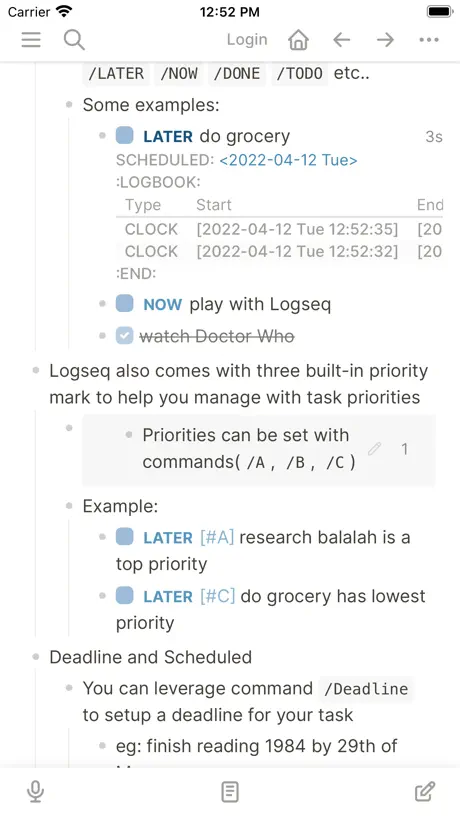
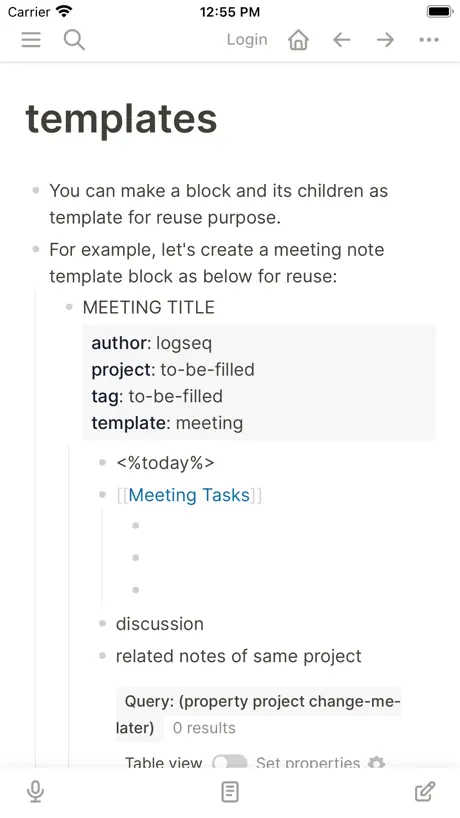
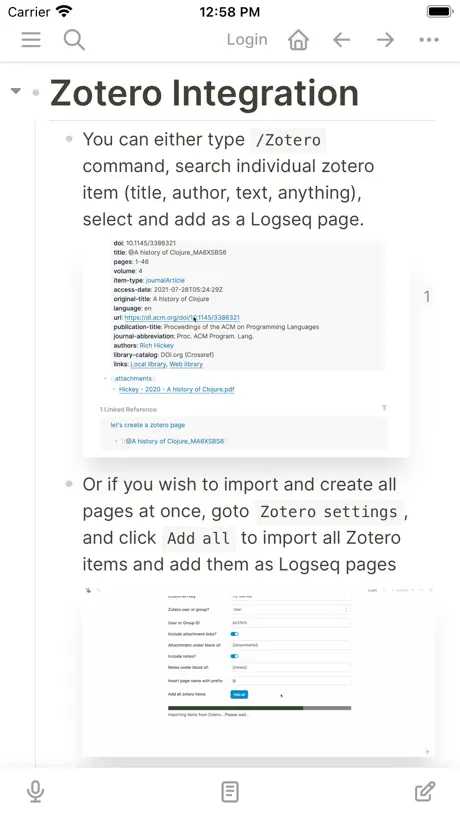
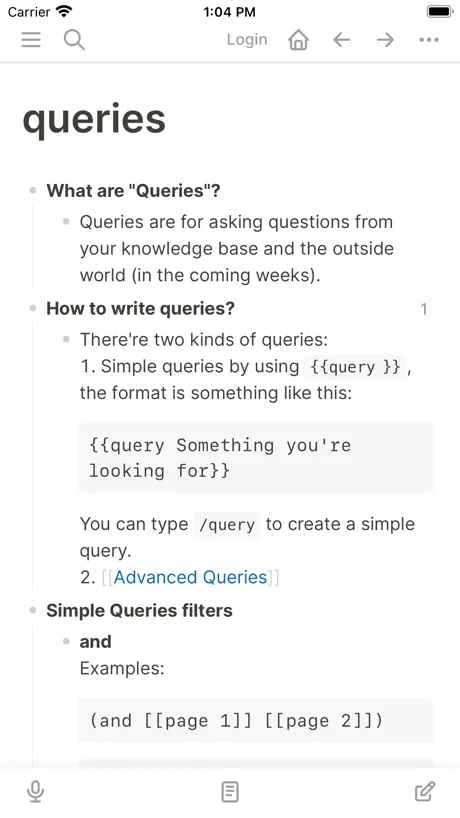
How much does Logseq cost?
Prices are current as of 11 Nov 2026.
Logseq has no in-app products on record in the United States.
10+ alternatives to Logseq
| Logseq |   Notesnook: Private notepad |   Raindrop.io |   Anytype - The Everything App |   Amplenote |   Möbius Sync | 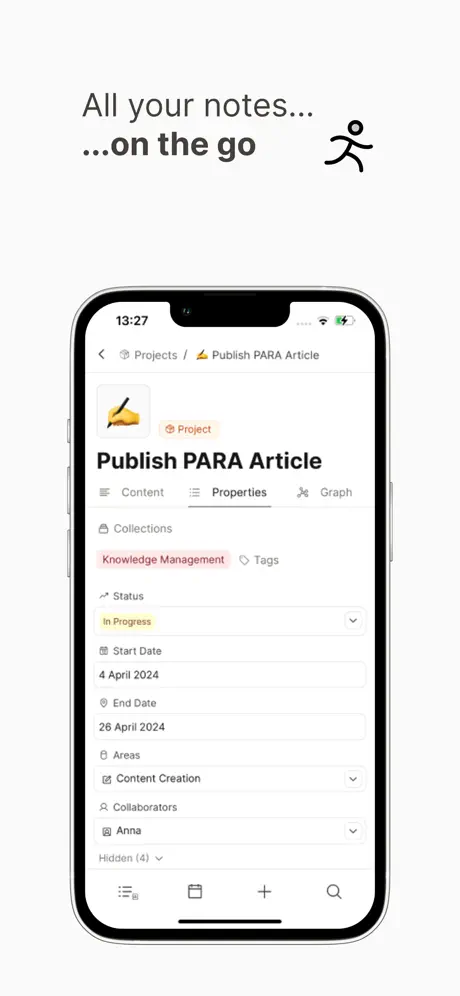  Capacities – Notes & PKM |   Obsidian Web Clipper |   Mem – Your Personal AI Agent | 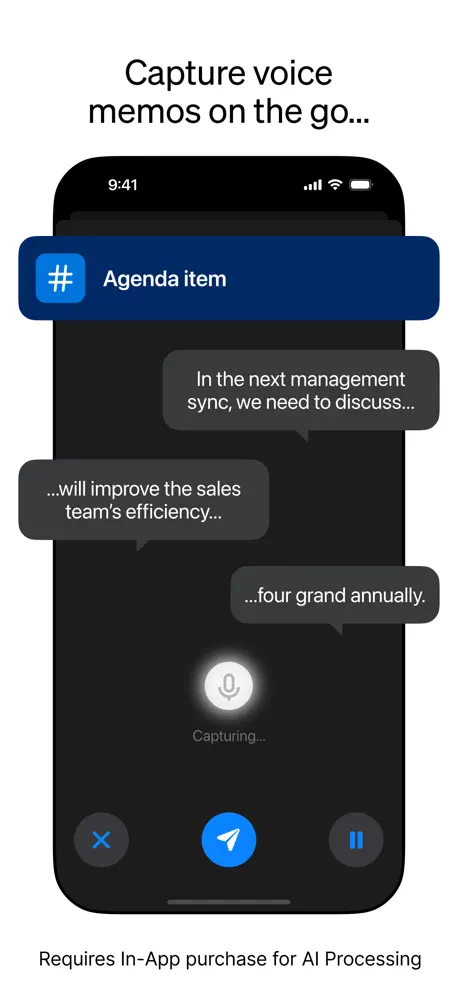  Tana Outliner |   AppFlowy | |
|---|---|---|---|---|---|---|---|---|---|---|---|
| Rating / 5 | 4.5 | 4.7 | 4.5 | 4.5 | 4.6 | 3.7 | 4.4 | 4.5 | 4.4 | 4.1 | 4.1 |
| Reviews | 1.3K | 2.1K | 1.4K | 1.3K | 970 | 493 | 487 | 379 | 248 | 165 | 151 |
| Released | 2022 | 2021 | 2015 | 2023 | 2019 | 2020 | 2024 | 2024 | 2022 | 2024 | 2024 |
| Monthly price | — | $4.49 | $2.99 | $9.99 | $7.99 | — | $17.99 | — | $49.00 | $10.00 | — |
| Annual price | — | $49.99 | $27.99 | $119.00 | $119.99 | — | $199.00 | — | — | $96.00 | — |
The going rate for each plan in United States, in its own currency, shaded from the cheapest price on the row to the dearest. Plans fewer than four in ten of the priced apps sell are left out.
Logseq reviews
4.5 out of 5, based on 1,258 reviews.
What people like
- Great for connecting ideas visually in a graph
- Completely free and open source software
- Works well with iCloud for syncing files
What they complain about
- Syncing takes too long and loses data
- Mobile interface is buggy and hard to use
- Touch targets are too small and confusing
very useful,open source ,PKM
👍
App is not being updated
This app has not been updated in 2 years on the App Store and the version on the App Store is at least 6 versions behind. Does not look like the developer is updating the iOS app.
Love Logseq
I started with Evernote (along with many Moleskin physical journals) many years ago, then transitioned to Roam around 2020. It always worked reasonably well - but the price was way too expensive for what it was, and I was concerned by the cult-like atmosphere and idiosyncracies of its founder. After trying Notion and Obsidian - which were good products, but never fit my workflow well - I stumbled upon Logseq. It has been a seamless transition from Roam, and offers more features than I'll likely ever need - all for a very reasonable price (free). I do pay for the sync program though, which has never had any issues and is necessary in my opinion. The only issue I have had is: frequently, hitting the "Return" key just moves to a new paragraph, rather than starting a new Block. I hope this will get resolved on the iPad. Logseq works flawlessly on my desktop(s), but I love having the portability of my iPad Pro.
Logseq had so much potential
I'm absolutely devastated that they ceased development on it. Logseq was the best by far.
I like Logseq but
The sync with Dropbox doesn’t really work (or is too slow?) and the app hasn’t been updated in a year: I would use it everyday if it worked better. But now I have to look for alternatives
amazing - but needs improvement
i use logseq every day. as a musician it’s become so useful. i would love smoother editing of blocks, fixing the audio bugs on windows (audio blocks don’t play back), and sizing options for uploaded media like photos and videos. thank you logseq!
Janky UI
It’s a web interface beaten down to fit on a mobile screen, stuck with “mouse-over” elements and all
Fantastic
This workflow is a game changer. Looking forward to future developments and updates.
Can’t open with big enough database
App still crashes on open
Mobile app needs improvement
Desktop app is decent, but mobile app cannot get away with the same tiny buttons next to each other. Also it has a bunch of bugs: - create “new page” button doesn’t actually create new page, but opens command palette. (Also I couldn’t find how to open this command palette on mobile other than this not intended behavior button) - Tapping fold/unfold button next to reference count button is difficult, bc they are so small that it results in “mistaps “ - info buttons in the menu don’t do anything - UI and icons don’t look as clean comparing to other mobile note taking apps - the “all pages” section and navigation in general is confusing - also the app hasn’t been updated in a year This being said, I appreciate the open source nature of the app. I think mobile app execution could be better. Maybe reduce some features on mobile compared to desktop, but add some polish
It’s the Little Things ✨
I decided on this for my pkm largely because of your copywriter From one to another ••• ⭐️ 🤌🏼⭐️
Slow
literally unusable
有点小bug和问题,期待改进
还有不知道是bug还是feature:点击文档中的一个引用链接,返回后居然没跳转到之前文档的位置 pc端才装了五六个常用插件,启动就慢到不行,急死个人。
Painful process to understand and operate
I really wanted to love Logseq, but the learning curve is brutal. The interface feels unintuitive, especially on mobile, and basic actions like navigating between pages or editing blocks are clunky and inconsistent. Even after watching tutorials, I still find myself getting lost or stuck. I get that it’s powerful for some, but the user experience needs serious refinement before it can be considered accessible to the average user. Grateful that it’s free and works pretty well on my MacBook.
Sounds like a great idea
This app sounded to be exactly what I needed. The problem is there are no more instructions, steps or manual to use as a guide - if there I I couldn’t find it 💔
Best note taking app for me
I write my notes in a hierarchy manner, same when I am on pen and paper. It understands how I think. And in a way does the thinking for me by connecting notes and graphing them. While others may turn to obsidian, it is just strictly markdown and I can’t / to do commands like notion. To me logseq is the best of both worlds. I wish there was a east solution to sync across devices with a logseq account , it’s currently in beta. Logseq is free and I hope it continues to be. I am so glad this is a open source project. Thank you for making this wonderful app.
Performance is awful
The performance (load / sync time) is incredibly bad. It makes the app unusable for me.
redheaded iOS-stepchild here
20230309: Was liking my less than fully functional iOS (Beta?) version of Logseq.app when I managed to 'blow it up' trying to delete an unwanted "graph" I'd created attempting to learn how to work with them. That did not work out well! 3.3GB of stuff went POOF! Yet, the story ends closer to Happy than @#$!?#!;) ... Deleted the app, re-downloaded again. Opened it and selected the existing file option rather than starting a new journal. ... By deleting various folders got things back to normal again in ~40 minutes (this is a GOOD THING actually). Get rid of the Node Graph nonsense or at least give us the option to shut it off. 20230402: Back down to 3 stars after the latest update confusion led to wiping out all data and having to 'restore' from the Logseq backup folder. Now I'll have to try and figure out what is causing the error messages on app start up all over again... The essential functionality was back in ~10 minutes this time (this is a GOOD THING actually). The node graph is just as useless as before when the program is used and the data grows daily with real-world sized problem sets. ... 20230412: Back up to 4 after app opening errors disappeared with latest update. The Query powers are useful (of course, they have to be or else the "folderless" notion would be a disaster). There remain confusing bits of missing "Commands" functionality on my aging iPad, but, that is a nitpick which I'd hope newer hardware/OS users won't have. Considering how awful Apple is in general Logseq probably deserves 5 stars on a relative basis ...
App has lots of bugs
Sync sometimes likes to duplicate a ton of text in entries, forcing me to manually delete all the extra duplicates (and I pay monthly for this “service”). Half the time tapping on the text to make edits doesn’t bring up the editor bar (for indents, etc.). Highlighting bulleted lists only allows selection for a single bullet (tap and drag selection doesn’t seem to span a list of bullets), making deleting duplicated data from the previous sync issues a stupidly tedious chore. Sometimes when I write things in parentheses it likes to insert an extra one at the beginning, just to be particularly unhelpful. I want to like the app but the poor usability and lack of polish is really disappointing. So many UX bugs and the app hasn’t been updated in almost exactly 1 year.
Desktop app is great, mobile app a struggle
Editing on the mobile app is a pain. It is difficult to select things without activating other functionality. Additionally there is a somewhat recent bug or behavior change that means tapping enter does not create a new block, but adds a line to the existing block. I have to then use the desktop app to fix formatting.
amazing that this is free
The ability to zoom in and out while surfing your graph is amazing, nothing else comes close I had some trouble on mobile figuring out where the touch targets are, like entering text on a blank journal - tapping empty space didn't bring up the editor, i had to enable bullet points and then click, maybe i just haven't read the manual and it's a modal editor, not sure, I have sympathy for the developers trying to pack so many features into the mobile app mobius / syncthing is doing well enough for me and i'm grateful for the local first nature of logseq. i would probably pay $20 just for the mobile app but not a fan of subscriptions. thanks again
Desktop is better
I love Logseq but the mobile app is a mystifying missed opportunity. I honestly can’t tell if it’s broken or if I’m just missing something obvious, but half the buttons don’t work (as intended) and the other half are borderline useless except for in specific narrow circumstances that do not align with how I want to use this app. I do not have these problems on the desktop version and I feel like it has to do with the design intent. Desktop Logseq is flexible and open ended to fit with several workflows, but the mobile app is more tailored towards a few different use cases, and is not easily customized afaik
ipad显示有问题
ipadair2 ios13,左侧的导航栏中all pages 和 favorate 两项显示错位,有重叠,无法分辨
Frequent UI Errors
I like the app in spirit, but it just doesn’t function properly on modern versions of iOS. UI elements are truncated in weird ways, hiding items that shouldn’t be.
Lockdown mode issues?
App appears to not load past the logo screen when lockdown mode is enabled. Logseq works well on desktop (Windows), but not on iOS in this manner. Would give higher rating if it worked fully.
Great app for organizing my life!
The core features are there, and work great. The supporter features (namely, sync) are a little fussy and imo not usable currently. I'm continuing my supporter contribution because I want to see Logseq become a viable competitor to the app with the funny purple stone logo, but for now I'm not relying on the Sync feature to not lose my data, stop working, log me out randomly, or just be generally transparent (e.g. I always have to be careful not to close the app after typing but before sync finishes, *or else*).
Hard to use.
When you scroll down, the app thinks you want to indent. Maybe just add a read-only mode. At least I can read normally.
Highly Recommend
Great app. Free. Let’s go! (Great for tech/productivity nerds.)
No longer being developed? It is glitchy and failure prone.
The UI is glitchy. Editing more than a single line of text is difficult because the cursor is always one or two lines away from where my inserts and deletes actually happen. A whole paragraph may be truncated by sliding underneath an adjacent block of text. Database corruption error messages are increasingly common. Six months is a long time for an application to be without an update yet still be version zero. I prefer to use this product over proprietary apps, but the cost of that is apparently the risk that you'll need to migrate in frustration.
Request assistance installing app
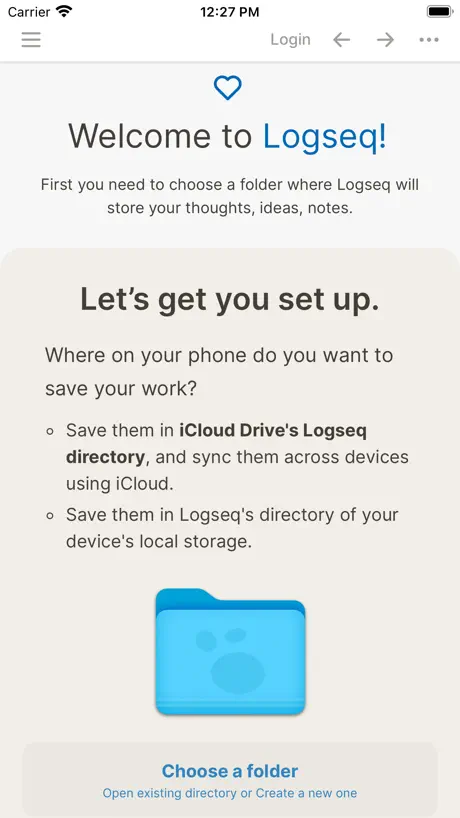
Your app looks promising. When I went to install it as directed in the root of the iCloud directory or I could’ve used my phone directory, I had to delete the app afterwards because of an invalid folder location and could not easily reselect the location of the install. Once I reinstalled the app and chose the created folder from the first install with the icon - then everything worked fine. This should be a one step process
Productivity tip
I save my graph to an iCloud folder, so I have a synced graph on my phone and computer.
Buggy
There’s never been a more buggy note-taking app in existence. Takes 20 minutes to do simple edits. Save your time and look elsewhere.
No way to easily make a tag
Need to use two taps to get to the hashtag symbol. This functionality is much more important than bold or adding a YouTube embed which are currently supported.
Lockdown Issues, options disabled for non-iCloud storage
App does not work when on Lockdown mode. iCloud is the only solution available.
iPhone app is a bit buggy
I love Logseq so far! It’s one of the best note taking apps I’ve used, and I’ve felt so much more confident of jotting everything down while still being able to find anything I want afterwards. The desktop app is great (some bugs but overall great). Currently I’m seeing that the iPhone app is quite buggy and borderline unusable. The bullet points don’t appear when I’m using the app. When I do tabs or return lines it’s hard to tell if I’m just in the same block or if I’ve created a new one with the lack of bullets. Out of fear of improperly formatting I avoid using the app often except for reviewing my notes I’ve already made on my computer for work.
Game changer!
The note taking app we've all been waiting for after Roam left us high and dry. And it keeps getting better.
Completely broken in Lockdown mode
Does not function at all when lockdown mode is enabled.
Only issue is with the Graph view.
It’s a great app, everything works perfectly, only the graph view is always frozen. You cannot do anything with that frozen graph view. Please fix it and get 5 star.
Painful mobile app
Logseq on desktop is pretty great. But the mobile app is frustrating to use. It's slow and janky overall but my two biggest complaints are: 1. Anytime you open the app, you have to wait about 10 seconds for it to finish syncing before you can use the app. Otherwise anything you type while the app is syncing will either get lost or it will overwrite something else you had written previously. This includes typing in the search box. If you're searching when the sink finishes, the search pain closes and loses what you were searching for. It's extremely annoying. 2. You can't drag to select text anymore without the app thinking you are trying to indent or unindent a block. So trying to turn some text into a link for example is an absurd experience.
Saving Problems
Seeing this, but the folder LogseqData is 100% there, using the most recent version on the ipad. The folder is there but empty The directory file:///private/var/mobile/Library/Mobile%20Documents/com~apple~CloudDocs/LogseqData/ has been renamed or deleted, the editor will be disabled for this graph, you can unlink the graph. What shall I do? I can delete the cache and start over, same story
Embracing linking folderless notes - fluid app
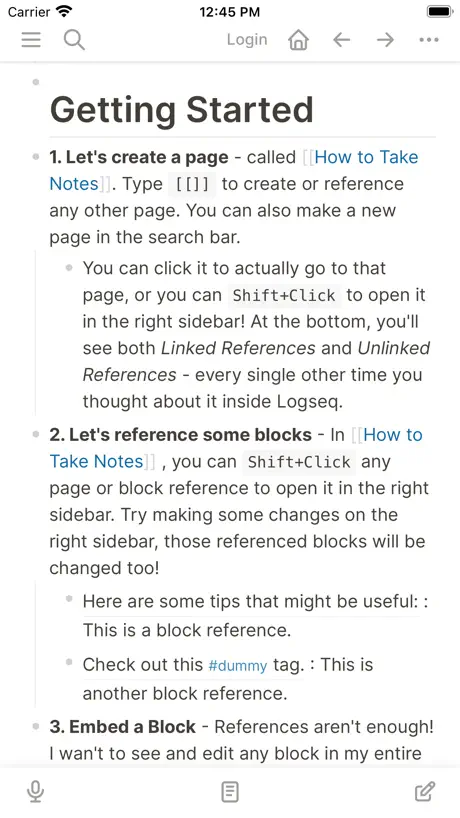
LogSeq is a fantastic took, it’s like Roam Research but much better (notice the app store rating). LogSeq’s desktop app is still new so I wasn’t expecting the ipad app to be fluid and smooth but it is, I haven’t encountered any bugs on iOS at all. For anyone considering trying LogSeq - try it! it’s *actually* free. You can sync notes with icloud, onedrive, or dropbox easily and access on a computer. The system embraces sequential notetaking which may seem messy at first but when you start linking notes you’ll find that this folderless structure might actually be better for you. Folders get cluttered, in Logseq finding things feels more natural and faster than searching through folders, you find things through references and relationships. Worth a try, LogSeq is a game changer
Feels buggy
The entire experience is very buggy and not sure friendly
Game-changing system, apps need some love
LogSeq has completely changed the way I take notes or even think about knowledge management tools. First and foremost it has motivated and enabled me to take far more notes than I ever have and I’ve been using the desktop app consistently for about 3 months taking both personal and work notes daily. It has been a game changer for me. That being said both the apps and the ecosystem of plugins are limited and in a lot of ways inhibit productivity. The apps perform poorly even on very high end machines and their UX is hardly intuitive. Given that they are quite new and LogSeq has only started raising significant capital I’m excited to see how they’ll improve and I’m seriously hoping the developers will choose to go with native technologies instead of half-baked cross-platform technologies which really aren’t meant to display walls of dense text and heavy amounts of content.
Good start but…
Please consider an option that hides markdown behind a regular editor. Markdown inhibits thought and clutters up the workspace. Thanks.
Great app, but the integrations are lacking
The app’s editing capabilities are significantly better than any of the other Roam-like PKM mobile apps right now. However, I can’t use my graph that I have stored on Dropbox which means it’s not worth using the app at this time.
Favorite daily note taking app
I’ve used the following: - OneNote - Obsidian - Roam Research - Evernote - Notion - Apple Notes - Simplenote - Bear Very good for what it is. Don’t expect a feature rich app like some of the others. This is the best one for daily notes and making connections between them. The mobile app needs some work. I use this as a supplementary app to the main desktop version.
Can’t indent
Indent buttons are disappeared suddenly. So I completely lost the way to write hierarchical blocks in iPhone. It doesn’t only means this app lost most of advantages, but also Logseq can’t even be used as a simple note app.
Awesome! But...
Awesome that LogSeq is finally available on the App Store! Love it! However... a couple of notes: settings don't seem to work, clicking on any switch doesn't seem to change its state; and it would be great to have google drive (and Dropbox) support 😍
TODO / DOING setting doesn’t save
Have reported this multiple times to the devs for months. When you change it from NOW / LATER to TODO / DOING the change does not persist and switched back every time. This affects my ability to actually use my notes / Logseq as intended. Also: please add a non-iCloud sync option so we can preserve privacy, which is one of the main selling points of Logseq in the first place. Edit in response to developer: I’ve found it very reliable to reproduce. I change the setting to TODO / DOING, close the app, reopen it, and it’s switched back, even within specific notes. This has happened the past several TestFlight versions (and now the release) and I’ve reported it several times.
More sync options
The only cloud sync option is through iCloud, which is unavailable from Linux.
Logseq FAQ
- Is Logseq free?
- Yes. The app is free, in all 175 countries it sells in, and it sells nothing inside it.
- Does Logseq have a free trial?
- No. None of its offers (US) come with a free trial.
- What are the best alternatives to Logseq?
- Notesnook: Private notepad (4.7 from 2,143 reviews, premium from $1.99), Raindrop.io (4.5 from 1,427 reviews, premium from $2.99) and Anytype - The Everything App (4.5 from 1,286 reviews, premium from $9.99).
Logseq download
Last updated 2 years ago.
Logseq sells in 175 countries. It was released 4 years and 7 months ago, on 13 Apr 2022. It holds a 4.5 rating from 1,258 reviews.
Supports 1 language: English.
How much does Logseq make?
Third-party estimates for the last 30 days, worldwide — not the store's own figures, which Apple publishes for nobody.