
PDF Gear - PDF Editor & Reader
PDF Converter, Sign Documents


How much does PDF Gear - PDF Editor & Reader cost?
Prices are current as of 17 Aug 2026.
PDF Gear - PDF Editor & Reader has no in-app products on record in the United States.
10+ alternatives to PDF Gear - PDF Editor & Reader
 PDF Gear - PDF Editor & Reader PDF Gear - PDF Editor & Reader |   PDF Expert: Editor & Reader PDF Expert: Editor & Reader |   PDF Pro - Reader Editor Forms PDF Pro - Reader Editor Forms |   Smallpdf: Scanner & PDF Editor Smallpdf: Scanner & PDF Editor |   PDFelement: PDF Editor, Viewer PDFelement: PDF Editor, Viewer |   MobiPDF・PDF Text Editor・Reader MobiPDF・PDF Text Editor・Reader | 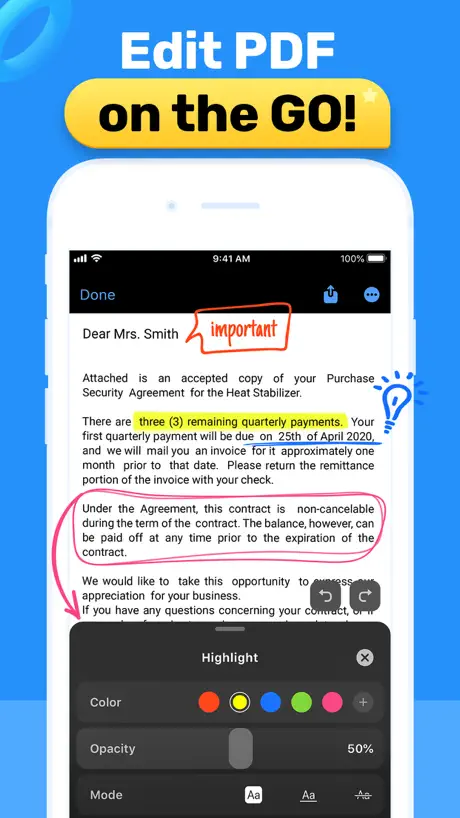  PDF Hero - PDF Editor & Reader PDF Hero - PDF Editor & Reader | 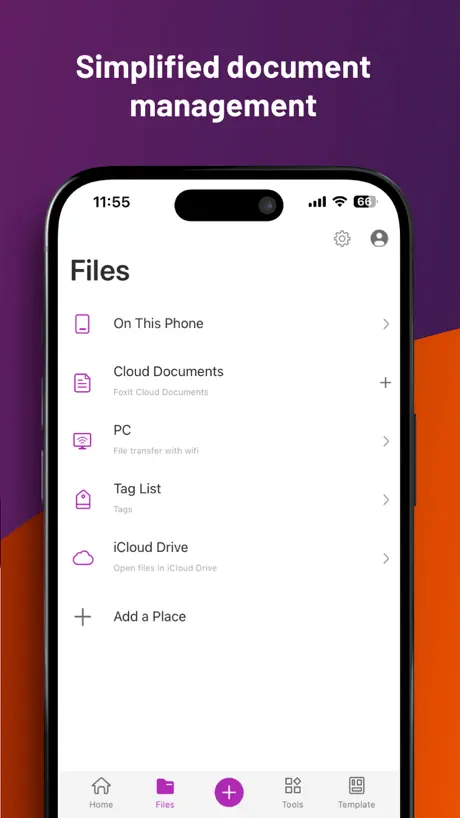  Foxit PDF Editor Foxit PDF Editor |   PDF Editor: Read Scan Convert PDF Editor: Read Scan Convert |   PDF Reader & Editor | Xodo PDF Reader & Editor | Xodo |   UPDF - AI-Powered PDF Editor UPDF - AI-Powered PDF Editor | |
|---|---|---|---|---|---|---|---|---|---|---|---|
| Rating / 5 | 4.7 | 4.6 | 4.7 | 4.8 | 4.6 | 4.7 | 4.6 | 4.5 | 4.6 | 4.4 | 4.7 |
| Reviews | 42K | 816K | 122K | 62K | 46K | 32K | 31K | 29K | 21K | 9.2K | 8.1K |
| Released | 2023 | 2013 | 2011 | 2019 | 2020 | 2021 | 2020 | 2012 | 2022 | 2014 | 2021 |
| Weekly price | — | — | — | — | $9.99 | $9.99 | $3.99 | — | $9.99 | — | — |
| Monthly price | — | $9.99 | $3.99 | $11.99 | $6.99 | $9.99 | $10.99 | $6.99 | $9.99 | $11.99 | $15.00 |
| Annual price | — | $49.99 | $29.99 | $59.99 | $29.99 | $49.99 | $89.99 | $49.99 | $49.99 | $107.99 | $69.00 |
The going rate for each plan in United States, in its own currency, shaded from the cheapest price on the row to the dearest. Plans fewer than four in ten of the priced apps sell are left out.
PDF Gear - PDF Editor & Reader reviews
4.7 out of 5, based on 41,552 reviews.
PDF Gear - PDF Editor & Reader FAQ
- Is PDF Gear - PDF Editor & Reader free?
- Yes. The app is free, in all 175 countries it sells in, and it sells nothing inside it.
- Does PDF Gear - PDF Editor & Reader have a free trial?
- No. None of its offers (US) come with a free trial.
- What are the best alternatives to PDF Gear - PDF Editor & Reader?
- PDF Expert: Editor & Reader (4.6 from 816,175 reviews, premium from $9.99), PDF Pro - Reader Editor Forms (4.7 from 121,792 reviews, premium from $2.99) and Smallpdf: Scanner & PDF Editor (4.8 from 61,581 reviews, premium from $7.99).
PDF Gear - PDF Editor & Reader download
Last updated 2 months ago.
PDF Gear - PDF Editor & Reader sells in 175 countries. It was released 3 years ago, on 27 Sept 2023. It holds a 4.7 rating from 41,552 reviews.
Supports 11 languages: English, Dutch, French, German, Italian, Japanese, Korean, Portuguese, Russian, Chinese, Spanish.
How much does PDF Gear - PDF Editor & Reader make?
Third-party estimates for the last 30 days, worldwide — not the store's own figures, which Apple publishes for nobody.