PDF Export: Editor & Converter
Tools, Scan, Compress & Merge
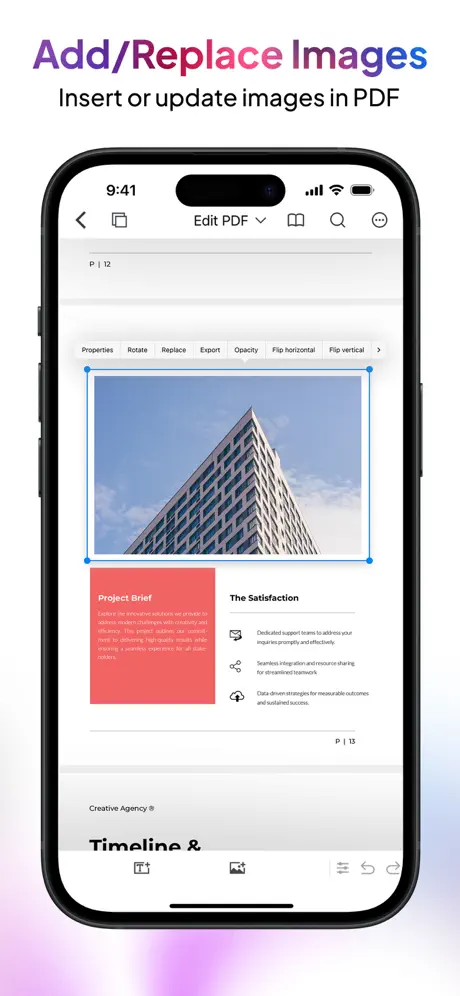
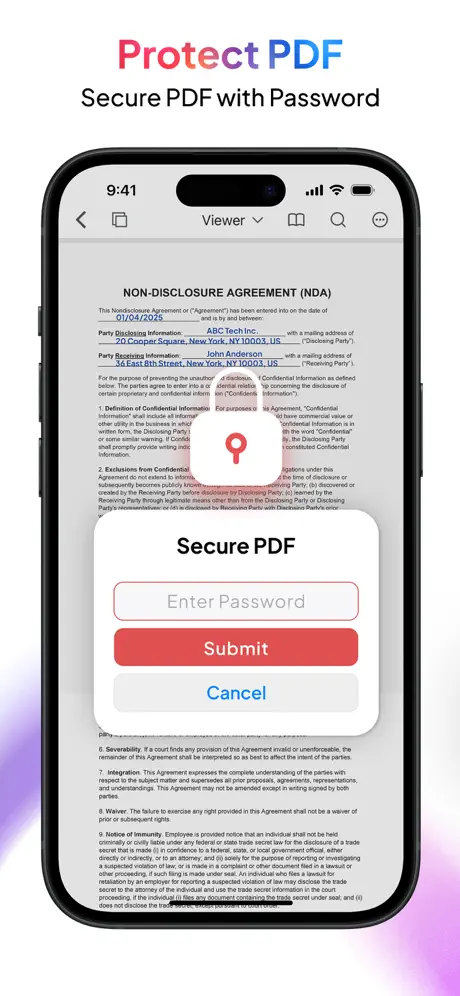
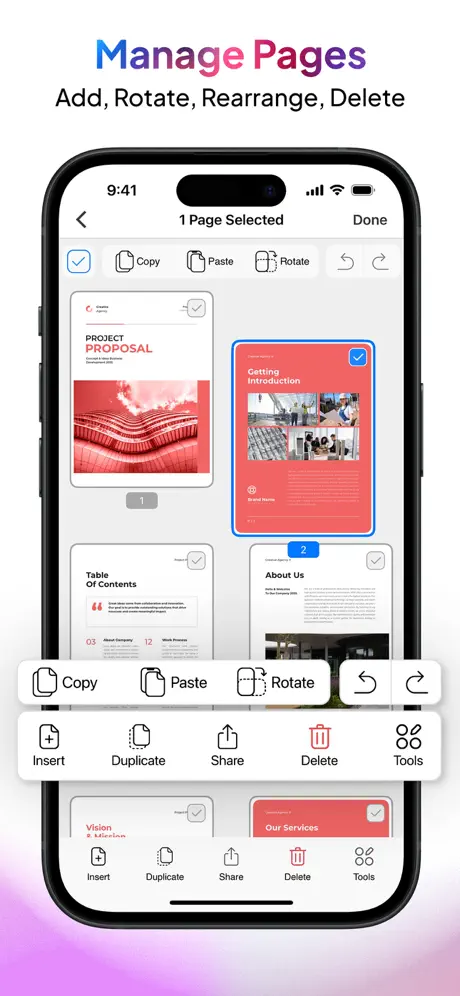
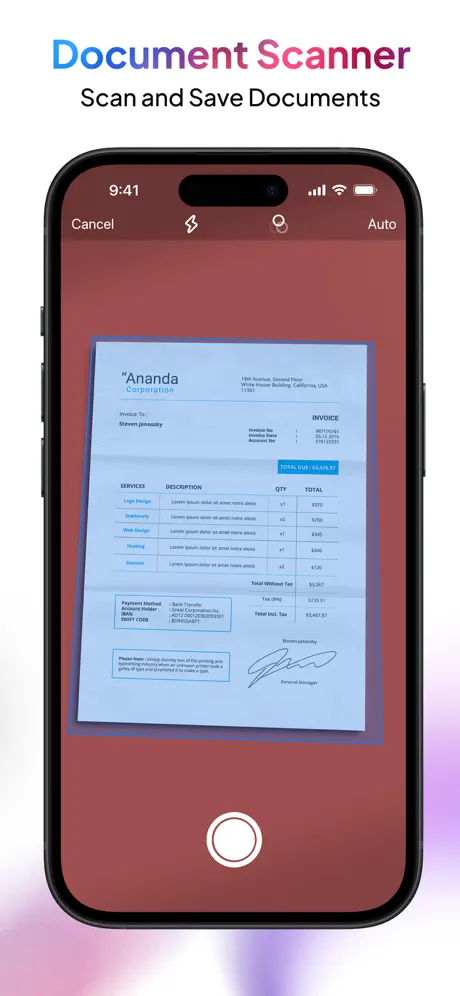
How much does PDF Export: Editor & Converter cost?
Prices are current as of 5 Oct 2026.
10 one-time purchases from $0.99
In the United States, PDF Export: Editor & Converter has 10 one-time purchases priced $0.99 – 19.99.
| Product | Price |
|---|---|
| 1 Fax Credit | $0.99 |
| Convert 5 Documents Online | $0.99 |
| 5 Fax Credit | $3.99 |
| PDF Export Pro | $3.99 |
| PDF Export Pro Plus | $3.99 |
| Convert 30 Documents Online | $4.99 |
| 10 Fax Credit | $5.99 |
| 20 Fax Credit | $9.99 |
| PDF Export Full Access | $12.99 |
| Convert 150 Documents Online | $19.99 |
See what PDF Export: Editor & Converter costs in all 175 countries →
10+ alternatives to PDF Export: Editor & Converter
| PDF Export: Editor & Converter |   PDF Expert: Editor & Reader PDF Expert: Editor & Reader | 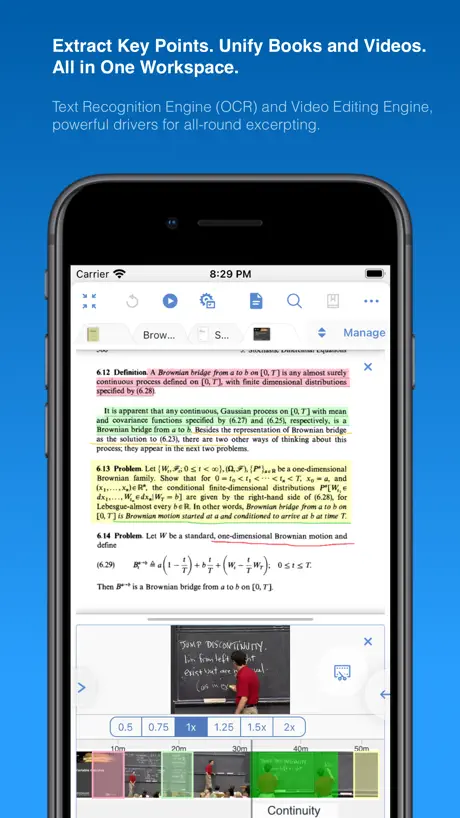  MarginNote 3 MarginNote 3 |   PDF Pro - Reader Editor Forms PDF Pro - Reader Editor Forms |   Smallpdf: Scanner & PDF Editor Smallpdf: Scanner & PDF Editor |   PDFelement: PDF Editor, Viewer PDFelement: PDF Editor, Viewer |   PDF Viewer by Nutrient PDF Viewer by Nutrient |   Foxit PDF Editor Foxit PDF Editor | 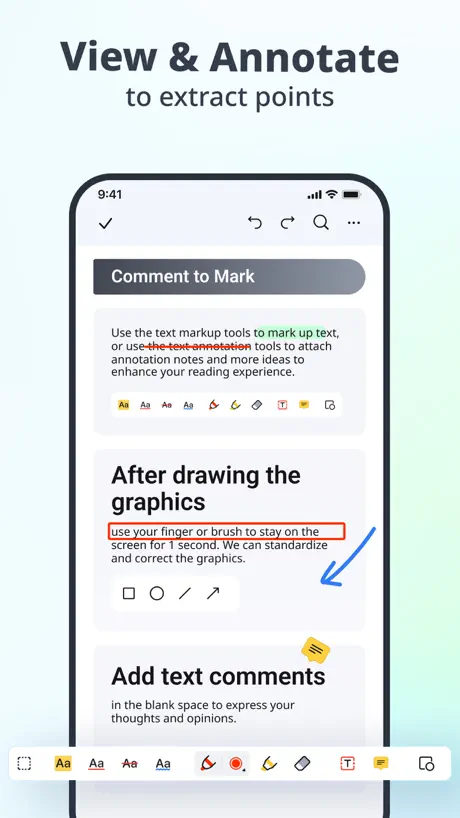  PDF Reader – PDFelement PDF Reader – PDFelement | 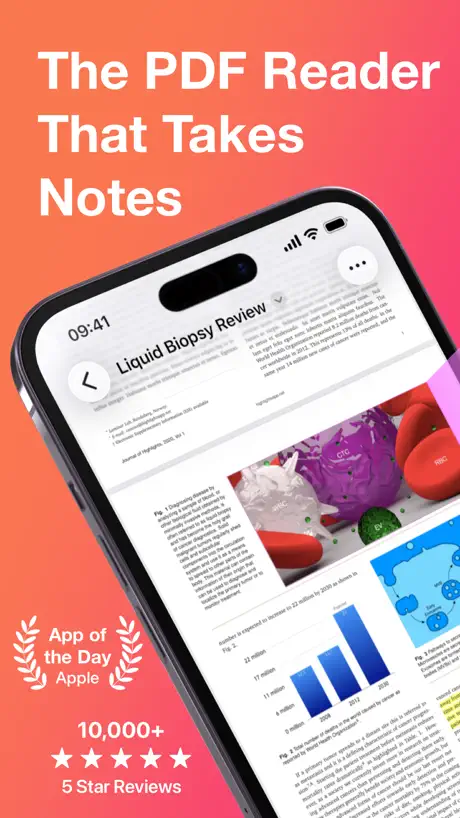  Highlights: PDF Reader & Notes Highlights: PDF Reader & Notes | 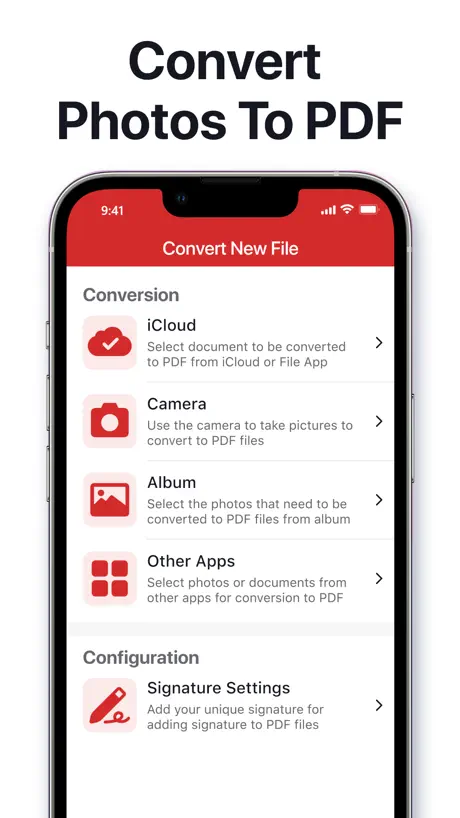  PDF Converter © PDF Converter © | |
|---|---|---|---|---|---|---|---|---|---|---|---|
| Rating / 5 | 4.6 | 4.6 | 4.7 | 4.7 | 4.8 | 4.6 | 4.7 | 4.5 | 4.5 | 4.5 | 4.4 |
| Reviews | 17K | 816K | 195K | 122K | 62K | 46K | 41K | 29K | 25K | 6.4K | 4.7K |
| Released | 2013 | 2013 | 2018 | 2011 | 2019 | 2020 | 2016 | 2012 | 2016 | 2020 | 2023 |
| Monthly price | — | $9.99 | $0.99 | $3.99 | $11.99 | $6.99 | — | $6.99 | — | $4.99 | $14.99 |
| Annual price | — | $49.99 | $9.49 | $29.99 | $59.99 | $29.99 | $19.99 | $49.99 | — | $29.99 | $39.99 |
| One-time price | $3.99 | $9.99 | $12.99 | — | — | $39.99 | — | — | — | — | $39.99 |
The going rate for each plan in United States, in its own currency, shaded from the cheapest price on the row to the dearest. Plans fewer than four in ten of the priced apps sell are left out.
PDF Export: Editor & Converter reviews
4.6 out of 5, based on 17,414 reviews.
What people like
- One-time payment for Pro features.
- Support team is very helpful.
- Fast and never crashes reliably.
What they complain about
- Features locked behind extra paywalls.
- Crashes and deletes your work.
- UI takes up too much screen.
Great app
Great app. Gets the job done
Terrible
Terrible not accurate
Excellent app, Developers working on confusion
There are more DPDF tools here than any other app I’ve used, or read about. Excellent PDF conversion options to keep me efficient in my PDF needs. There are some issues that are being worked on by the Devs, I’ve had excellent and prompt multiple replies on my issues. 1. I paid for the lower plan a long time ago now, I recently paid the one time $12.xx Pro plan for life. It may seem pricey, but I tell you, there are many capabilities in this one app that after using several others and those with subscriptions etc, this is a great investment. Please know that Apple delayed my processing of my payment, such that I thought something was wrong. That’s where I informed the team. They quickly replied. After reading their suggestions, it occurred to me to check my purchases. It said PENDING! I assumed that it may take a day or two for Apple to process. That became true. As soon as it accepted payment, I got the full features of Pro. 2. A major confusion is that when you pay for pro, they use another downloaded app for that level, but, it has the same icon, so it took me lots of frustrating steps and review to realize that two apps exist with identical icons. One needs to delete the “old” lower plan app. It will continue to show that you can pay for a Pro feature. And keep the newer one. The Dev are now evaluating what to do, given my explanation of confusion etc. If they make one app become the one and only app as one pays hope different plans, then I would rate it 5 stars. Aug. 2025 California
越改版越难操作
想用电容笔编辑就得固定页面,可滑动的时候就写不了字,之前是可以同时操作的,就是边滑边写字,越用越不方便了,一肚子气!
用多张图片制作好PDF分享给老板竟然图片大小不一
用多张图片制作好PDF在查看器显示是一样大小的图片,花了88购买才能分享,分享给老板竟然图片显示大小不一,请问怎么处理
Only PDF TOOL 4 ME!
I’ve been using PDF EDITOR for ages… it does everything & anything I need plus hold & accesses external files allowing me to remember only one thing… it! Even the free version does more than other apps I’ve used through the years.
Restore not working
I can’t restore my lifetime purchase, change the ugly “tools” ui to the app (PDF Expert - Editor and Reader) and add new future: make anew empty pdf like the mentioning app and add new pdf with collage, make the images in one pdf and print on printer like the app (Image to PDF: JPG to PDF)
Surriscaldameno
App molto bella però surriscalda il telefono in maniera anomalo anche utilizzando poco app. Sistemate per le 5stelle
Ten dollars for nothing!
I paid $9.99 for the Pro version and you can’t even convert a text file to pdf?? What’s the point of having the Pro version of ANY pdf app if you can’t even convert a file to pdf without paying MORE money for credits just to perform a single task! I searched the settings where one usually finds a 'restore purchase' link to restore the added features that were suppose to already be paid for with the upgrade to Pro. NOTHING there either! No matter what circus tricks it claims to perform, it will have its hand in your pocket for more cash every time you use it. So, beware, this app is a rip off! UPDATE: 12-6-25. Rating is now 2-stars. And that’s being very generous. Used to be 3-stars. I didn’t realize I had paid for Pro already. The new upgrade is supposedly "lifetime". Problems right away. The app reverts to the default EVERY TIME I add a new file! I HATE vertical scroll! So every time I work with a file, I have to change the setting to horizontal scroll. The tools take up 1/3 of the total screen space! Or at full size, they disappear completely, except for a text dropdown menu with a few choices, which are never what I want. All in all, the UI makes very poor use of its screen space. So, heavy users beware. All the features in the world mean very little if it’s a slog to use them. So much time is wasted tapping/clicking your brains out that you’re exhausted when you finally finish a task. Look at it this way folks: I wasted $14.00 so you don’t have to.
无法搜索在pdf上标记的文字
无法搜索在pdf上手动输入的文字
Nice
The only reasonably priced full- featured PDF editor on the store. Not a big fan of the icons but that is preference and doesn’t detract from the features at all
Download after paying one-time lifetime fee
Didn’t work
多张图片同时导入转PDF,这个功能可以实现吗
1. 同时导入多张图片,多图转PDF 2. PDF 转 Word 3. PDF 转 PPT 这几个功能希望拥有。 谢谢。 其它都挺好的。
Awful Scanner
UPDATED: Image captured (already existed in Photo library or in Files) in non aligned (i.e. 45 degree) angle is not possible to strengthen while using “Image to PDF” tool. Also available image Filters in this tool (“Image to PDF”) are not usable as document scanner. This APP’s document scanner is working fine, but like Apple built in free scanner, it cannot process images already existed in Photo library or in Files.
苹果电脑版怎么下载
一直没有找到Mac 电脑客户段
Excellent and Affordable PDF Editor
Unlike Adobe, the creators of this app actually take care of their customers and provide an app at a reasonable price and one-time payment to unlock the PRO features. If you’re reading this, devs, thank you!
Convert to PDF
I purchased 5 credits. When I converted my document to a PDF, it only converted 1 page.
疑问
在编辑PDF的界面,怎么才能把右手边的选页条拖到左手边?放在右手边很容易误触体验感很差
La compra no se comparte en Fam
Cada “x” tiempo (no lo he medido) me pide que compre la App supuestamente como ‘pago único’ para acceder a todas las funciones (ósea que no es pago único) menciona que se puede compartir en Familia y nadie de mi Fam tiene acceso a las funciones completas de la App una vez pagada. Por lo demás la App es excelente.
Review
Lose your device even if you have iCloud and all your documents will be lost. Other then that it’s good.
Nice App!!
Very useful and easy interface…!!!
It doesn’t unlock all pdf
The app has stopped unlocking pdf
Nice
Nice
Useless
It won’t let me upload a document to my complex.
希望能有pdf双页显示功能
如题
Works!
Edited: Support is great!
Features available before are now paid
I’ve had this app for years and was using it to turn picture scans into PDF and email them out. I only need it once in a while and it worked. However I noticed today that the feature to email a created PDF file is no longer an option and is listed as a Pro feature. This is a great way to lose users as I can always find alternatives. No longer will be using it after having it for years now. Just a money trap and I am not falling for it.
esemplare
Un buon prodotto alternativo ad altri anch'essi specializzati in questo tipo di gestione .
No bien traducida
La ultima actualización no está bien traducida al español de España. Incluso parece traducida por una máquina. A cambiar nombre de archivo ahora lo llama “bautizar”, entre otras muchas. Espero que lo corrijan porque funcionaba muy bien.
Good app but..
Good app but for my needs of unlocking a pdf this does not work. It used to work previously but for some reason now does not.
识别文本不好用
希望改进!
Compressed even though selected original
Doesn't maintain original fidelity. Upset I paid for this.
Buon prodotto
Non male non riesco a capire bene come utilizzarlo con cloud di Google ma non è colpa dell'app
Todos archivos míos
Todos archivos míos
传真无中国
。。。神奇
Easy to use
I work on my iPad Pro. Love this app, super easy to work with. Highly recommended.
Waste of my time!!! Don’t even bother downloading
I tried using this app’s markup function. Every time after I saved the pdf after markup (only highlighted some lines in the pdf), the app crashes, and deletes everything I saved, including the original pdf. Then when I reopen the app, it asks you to pay to upgrade. Very crappy experience and a waste of my time! Don’t even bother downloading this free app!!! Unless you are willing to pay for the upgrade. I would’ve given a zero star review if I could!
X
Molto buono
deve essere potente
troppo confusione, a pagemento non chiaro. Inghippo ?!
Descargar archivos cuesta ?????
Mejor borren la app de App Store si quieren perder usuarios
We will
I’m
Paid for it and it still wants me to upgrade!
Paid for it and it still wants me to upgrade! Worked for just over a week and now it it asking to purchase it again, not intuitive.
Fa quello che promette
Buona conversione, anche direttamente online con il browser integrato. In certi casi per le pagine dinamiche a volte taglia le righe durante la paginazione. Non ho notato altri difetti. Utile anche come offline reader, permette un'archiviazione molto efficiente e gestisce tutti tag dei PDF e persino le opzioni di protezione mediante password. Sono soddisfatto.
Lädt nicht
Gut ist das die App mit meinem iPad 2 noch geht, aber habe jetzt extra 3,50 bezahlt das man mehr docs gleichzeitig laden kann, aber jedes Mal hängt es und importiert nicht zuverlässig. Sry aber das geht gar nicht. Wenn man Geld verlangt muss es auch funktionieren!
不好使
咋最多只能存5张照片啊?
Fantastic app. Does exactly what it promises and more
This is a Fantastic app. Does exactly what it promises and more. Its reliable. Dependable. Has not stopped working ven with multiple iOS upgrades. Amazing. It's fast, reliable, has never crashed, work perfectly with io new updates! Highly reccomended
Terrible
Worst app I’ve ever used. Paid for my pdf to be converts to jpeg then the picture disappears from the app the next time I open it. Scam
App
Muy buena apps aparte de eso muy fácil de utilizar Saludos
No longer works in ios 10
This app is crash in ios 10 please need some improvements.
Not FREE
Wait until you need it to do some converting BANG pay now. No listed as in app purchases. Ok annotator but much better one for a great price
PDF Export: Editor & Converter price by country
A one-time purchase costs $3.51 in Canada and $9.03 in Colombia — 3× more for the same thing. Below is the going rate for each plan in every country that sells it — the middle price of what the app charges there, in the country's own currency with the dollar equivalent beneath it.
| Country | One-time |
|---|---|
| Afghanistan | $5.99 |
| Albania | $6.99 |
| Algeria | $5.99 |
| Angola | $5.99 |
| Anguilla | $5.99 |
| Antigua And Barbuda | $5.99 |
| Argentina | $5.99 |
| Armenia | $6.99 |
| Australia | A$5.99$4.16 |
| Austria | €3.99$4.49 |
| Azerbaijan | $6.99 |
| Bahamas | $6.99 |
| Bahrain | $6.99 |
| Barbados | $6.99 |
| Belarus | $6.99 |
| Belgium | €6.99$7.86 |
| Belize | $5.99 |
| Benin | $6.99 |
| Bermuda | $5.99 |
| Bhutan | $5.99 |
| Bolivia | $5.99 |
| Bosnia & Herzegovina | €6.99$7.86 |
| Botswana | $5.99 |
| Brazil | R$39.90$7.64 |
| British Virgin Islands | $5.99 |
| Brunei Darussalam | $5.99 |
| Bulgaria | €6.99$7.86 |
| Burkina Faso | $5.99 |
| Cambodia | $6.99 |
| Cameroon | $6.99 |
| Canada | CA$4.99$3.51 |
| Cape Verde | $5.99 |
| Cayman Islands | $5.99 |
| Chad | $5.99 |
| Chile | CLP 5,990$6.10 |
| China | CN¥38.00$5.65 |
| Colombia | COP 29,900$9.03 |
| Congo | $6.99 |
| Congo, Democratic Republic | $5.99 |
| Costa Rica | $5.99 |
| Cote Divoire | $6.99 |
| Croatia | €6.99$7.86 |
| Cyprus | €6.99$7.86 |
| Czech Republic | CZK 149.00$6.86 |
| Denmark | DKK 49.00$7.37 |
| Dominica | $5.99 |
| Dominican Republic | $5.99 |
| Ecuador | $5.99 |
| Egypt | EGP 299.99$5.89 |
| El Salvador | $5.99 |
| Estonia | €6.99$7.86 |
| Fiji | $5.99 |
| Finland | €6.99$7.86 |
| France | €5.99$6.74 |
| Gabon | $5.99 |
| Gambia | $5.99 |
| Georgia | $6.99 |
| Germany | €3.99$4.49 |
| Ghana | $6.99 |
| Greece | €6.99$7.86 |
| Grenada | $5.99 |
| Guatemala | $5.99 |
| Guinea-bissau | $5.99 |
| Guyana | $5.99 |
| Honduras | $5.99 |
| Hong Kong | HK$38.00$4.84 |
| Hungary | HUF 2,490$7.60 |
| Iceland | $6.99 |
| India | ₹599.00$6.22 |
| Indonesia | IDR 119,000$6.65 |
| Iraq | $5.99 |
| Ireland | €5.99$6.74 |
| Israel | ₪14.90$4.89 |
| Italy | €3.99$4.64 |
| Jamaica | $5.99 |
| Japan | ¥1,000$6.34 |
| Jordan | $5.99 |
| Kazakhstan | KZT 3,490.00$7.86 |
| Kenya | $6.99 |
| Kosovo | €6.99$7.86 |
| Kuwait | $5.99 |
| Kyrgyzstan | $6.99 |
| Lao Peoples Democratic Republic | $6.99 |
| Latvia | €6.99$7.86 |
| Lebanon | $5.99 |
| Liberia | $5.99 |
| Libya | $5.99 |
| Lithuania | €6.99$7.86 |
| Luxembourg | €6.99$7.86 |
| Macao | $5.99 |
| Macedonia | $5.99 |
| Madagascar | $5.99 |
| Malawi | $5.99 |
| Malaysia | MYR 29.90$7.33 |
| Maldives | $5.99 |
| Mali | $5.99 |
| Malta | €6.99$7.86 |
| Mauritania | $5.99 |
| Mauritius | $6.99 |
| Mexico | MX$99.00$5.44 |
| Micronesia | $4.99 |
| Moldova | $6.99 |
| Mongolia | $5.99 |
| Montenegro | €5.99$6.74 |
| Montserrat | $5.99 |
| Morocco | $6.99 |
| Mozambique | $5.99 |
| Myanmar | $5.99 |
| Namibia | $5.99 |
| Nauru | $5.99 |
| Nepal | $6.99 |
| Netherlands | €6.99$7.86 |
| New Zealand | NZ$9.99$5.61 |
| Nicaragua | $5.99 |
| Niger | $5.99 |
| Nigeria | NGN 9,900.00$7.49 |
| Norway | NOK 79.00$8.21 |
| Oman | $5.99 |
| Pakistan | PKR 1,700$6.14 |
| Palau | $5.99 |
| Panama | $5.99 |
| Papua New Guinea | $5.99 |
| Paraguay | $5.99 |
| Peru | PEN 24.90$7.24 |
| Philippines | ₱399.00$6.37 |
| Poland | PLN 29.99$7.71 |
| Portugal | €6.99$7.86 |
| Qatar | QAR 19.99$5.49 |
| Romania | RON 29.99$6.33 |
| Russia | RUB 499.00$5.98 |
| Rwanda | $5.99 |
| Sao Tome & Principe | $5.99 |
| Saudi Arabia | SAR 19.99$5.33 |
| Senegal | $6.99 |
| Serbia | €6.99$7.86 |
| Seychelles | $5.99 |
| Sierra Leone | $5.99 |
| Singapore | SGD 8.98$7.02 |
| Slovakia | €6.99$7.86 |
| Slovenia | €6.99$7.86 |
| Solomon Islands | $5.99 |
| South Africa | ZAR 119.99$7.20 |
| South Korea | ₩7,700$5.71 |
| Spain | €3.99$4.49 |
| Sri Lanka | $5.99 |
| St. Kitts and Nevis | $5.99 |
| St. Lucia | $5.99 |
| St. Vincent & The Grenadines | $5.99 |
| Suriname | $6.99 |
| Swaziland | $5.99 |
| Sweden | SEK 69.00$6.87 |
| Switzerland | CHF 4.00$4.94 |
| Taiwan | NT$190.00$5.97 |
| Tajikistan | $6.99 |
| Tanzania | TZS 17,900.00$6.76 |
| Thailand | THB 199.00$5.93 |
| Tonga | $5.99 |
| Trinidad and Tobago | $5.99 |
| Tunisia | $5.99 |
| Turkey | TRY 299.99$6.10 |
| Turkmenistan | $5.99 |
| Turks and Caicos | $5.99 |
| Uganda | $6.99 |
| Ukraine | $6.99 |
| United Arab Emirates | AED 22.99$6.26 |
| United Kingdom | £3.99$5.28 |
| United States | $3.99 |
| Uruguay | $5.99 |
| Uzbekistan | $6.99 |
| Vanuatu | $5.99 |
| Venezuela | $5.99 |
| Vietnam | ₫199,000$7.67 |
| Yemen | $5.99 |
| Zambia | $6.99 |
| Zimbabwe | $6.99 |
PDF Export: Editor & Converter FAQ
- Is PDF Export: Editor & Converter free?
- Yes. The app and its basic features are free, in all 175 countries it sells in. Premium features are paid: they start from $0.99 (US), across 10 one-time purchases.
- Does PDF Export: Editor & Converter have a free trial?
- No. None of its offers (US) come with a free trial.
- Where is PDF Export: Editor & Converter cheapest?
- A one-time purchase costs CA$4.99 (≈$3.51) in Canada and COP 29,900 (≈$9.03) in Colombia, its cheapest and dearest countries.
- What are the best alternatives to PDF Export: Editor & Converter?
- PDF Expert: Editor & Reader (4.6 from 816,175 reviews, premium from $9.99), MarginNote 3 (4.7 from 194,991 reviews, premium from $0.99) and PDF Pro - Reader Editor Forms (4.7 from 121,792 reviews, premium from $2.99).
PDF Export: Editor & Converter download
Last updated 22 days ago.
PDF Export: Editor & Converter sells in 175 countries. It was released 13 years and 5 months ago, on 25 Apr 2013. It holds a 4.6 rating from 17,414 reviews.
Supports 10 languages: English, French, German, Italian, Japanese, Korean, Portuguese, Russian, Chinese, Spanish.
How much does PDF Export: Editor & Converter make?
Third-party estimates for the last 30 days, worldwide — not the store's own figures, which Apple publishes for nobody.
Revenue by plan
- One-time 100%
Revenue by country
- United States 19%
- Mexico 11%
- Italy 11%
- China 6%