
BIMx
Explore and Collaborate in BIM
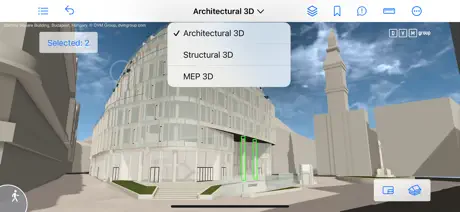
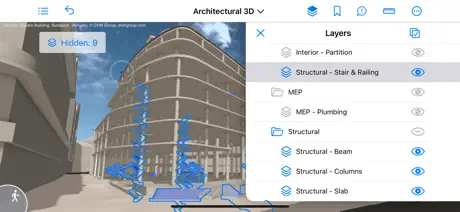
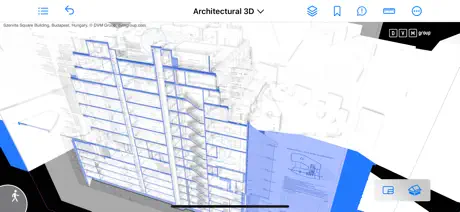
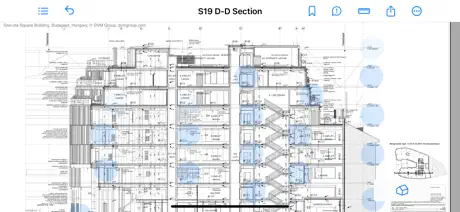
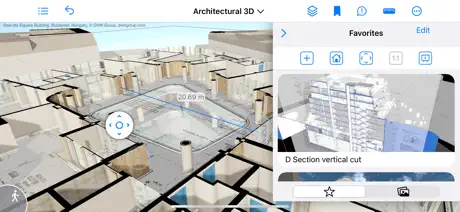
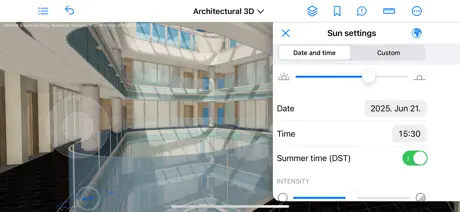
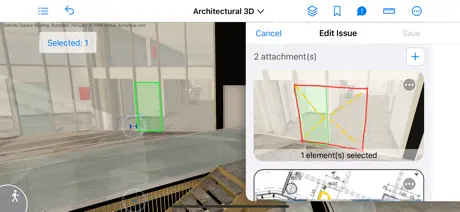
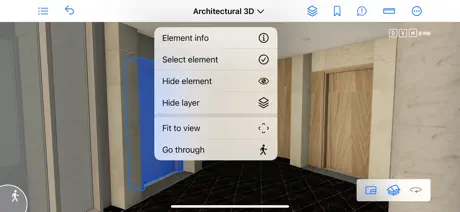
How much does BIMx cost?
Prices are current as of 12 Sept 2026.
BIMx has no in-app products on record in the United States.
10+ alternatives to BIMx
| BIMx |  Shapr 3D CAD modeling Shapr 3D CAD modeling | 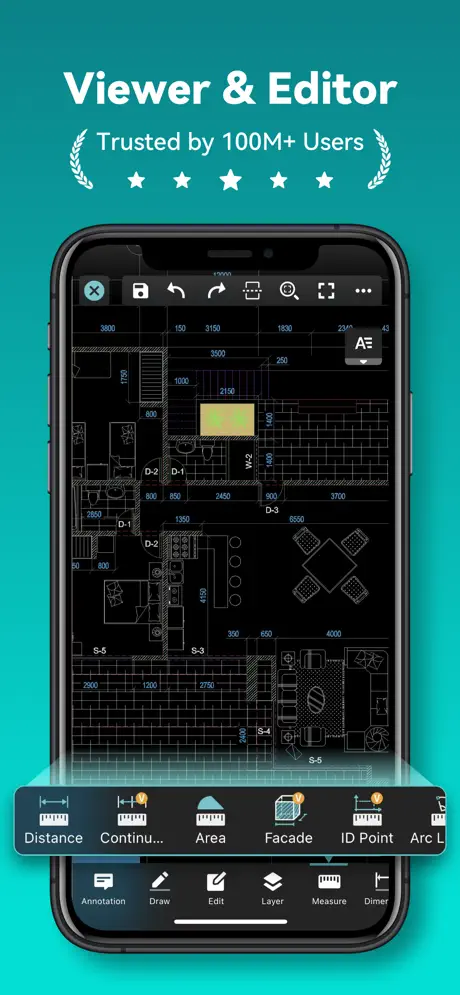  DWG FastView-CAD Viewer&Editor DWG FastView-CAD Viewer&Editor | 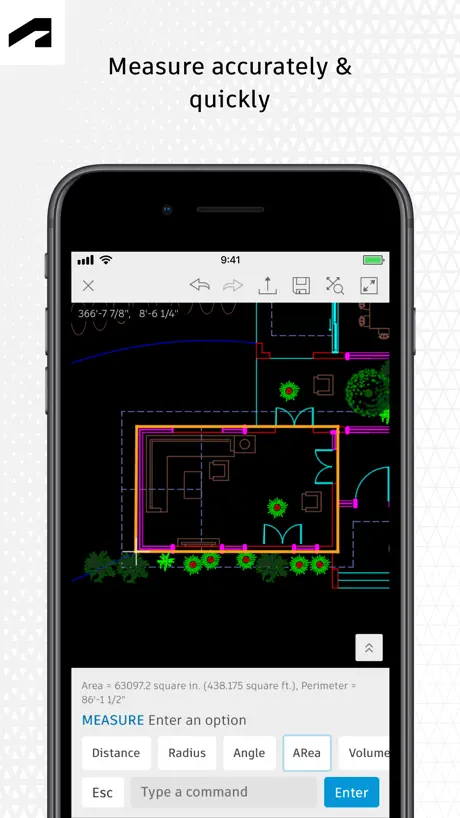  AutoCAD AutoCAD | 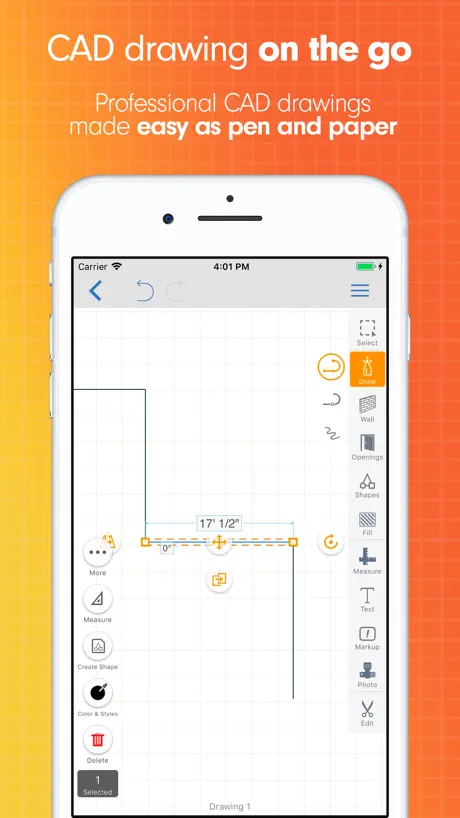  ArcSite: Quick CAD Floor Plans ArcSite: Quick CAD Floor Plans | 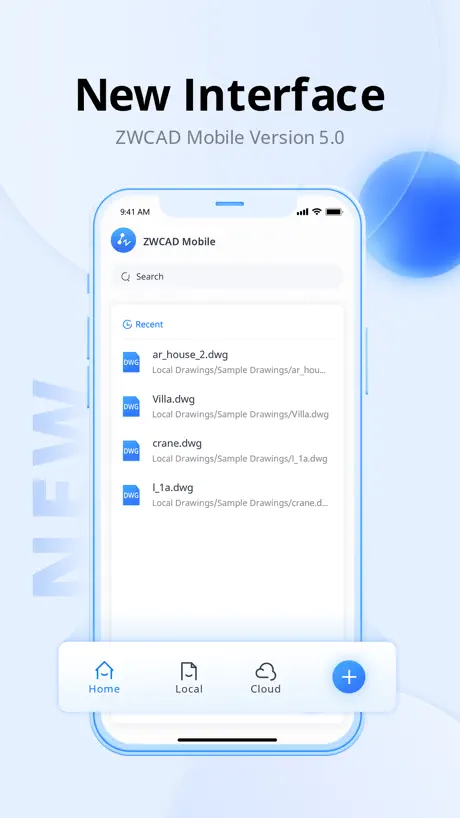  ZWCAD Mobile - Mobile CAD ZWCAD Mobile - Mobile CAD |   iRhino 3D iRhino 3D | 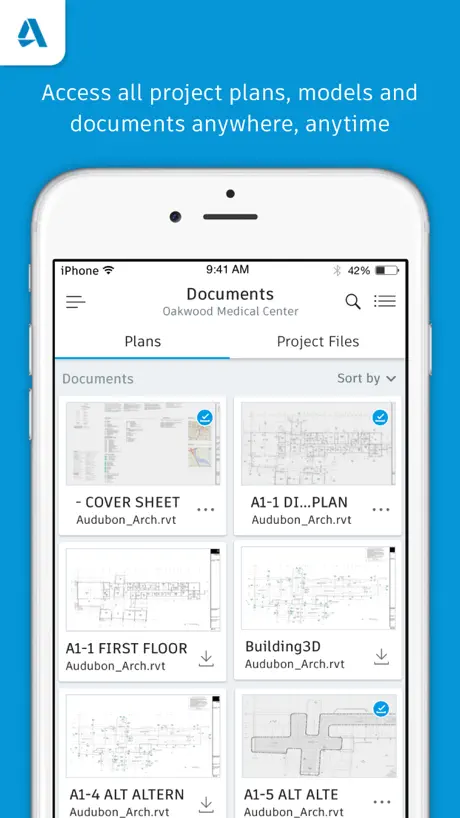  BIM 360 BIM 360 |  Autodesk® BIM 360 Glue Autodesk® BIM 360 Glue |   OrthoGraph – Floor Plan OrthoGraph – Floor Plan |   StreamBIM StreamBIM | |
|---|---|---|---|---|---|---|---|---|---|---|---|
| Rating / 5 | 4.1 | 4.8 | 4.6 | 4.4 | 4.7 | 4.6 | 4.4 | 2.3 | 3.3 | 2.5 | 3.1 |
| Reviews | 1.7K | 220K | 72K | 59K | 20K | 9.4K | 550 | 491 | 116 | 92 | 49 |
| Released | 2011 | 2016 | 2011 | 2010 | 2015 | 2012 | 2010 | 2017 | 2012 | 2017 | 2016 |
| Monthly price | — | $37.99 | $7.99 | $9.99 | $119.99 | — | — | — | — | — | — |
| Annual price | — | $299.99 | $47.99 | $99.99 | $119.99 | — | — | — | — | — | — |
The going rate for each plan in United States, in its own currency, shaded from the cheapest price on the row to the dearest. Plans fewer than four in ten of the priced apps sell are left out.
BIMx reviews
4.1 out of 5, based on 1,702 reviews.
What people like
- Great for impressing clients
- Looks beautiful and smooth
- Helped sell a big project
- Links well with drawings
What they complain about
- Crashes frequently on launch
- Hard to learn and use
- No way to annotate models
- Limited features compared to desktop
Issue Resolved
Edit - There was a server/dns issue preventing model download. That issue has been resolved.
Difficult signing
There is not support at all … I have 3 new construction projects, I can only have access to 1 of them
Background of the section
Please make it possible to disable background filling in the 3d section settings, leaving the structural materials visible. This will make it easier to perceive multi-layered elements and material intersections.
Issues with controls in cardboard VR mode
In cardboard VR mode you have the digital joystick in your left eye and the section menu in your right eye! Please fix this! This is awful to use that way!
Buggy
Won’t let me add binxmodels on my phone - log in does not work in my iPhone
💡✨ ArchiCAD App for iPad Pro M2: Optimization Request 🏗️🔥
ArchiCAD Developers, I kindly request that you consider the possibility of creating an ArchiCAD application optimized for the iPad Pro M2, with its powerful processors. I believe that such a step would significantly enhance ArchiCAD's functionality and make the work of architects and designers more convenient. Using an iPad Pro M2, users would have access to faster and more efficient work with your software. This would be particularly important for on-site work, where mobile devices are increasingly in demand. Many professionals in the fields of architecture and design would be willing to use ArchiCAD on the iPad if a suitable version were available. This could also attract new clients and expand your user base. I hope that you will explore this opportunity and recognize the potential it offers. Your attention to this matter would be highly valuable to professionals working in this industry. Sincerely, Noakhcho.
Impossible and unintuitive
Why do developers offer an app that is impossible to figure out how to use?
4/5 great app but room for improvement.
This App is a great tool for conveying ideas to clients and consultants but it is lacking some of the desktop features that would really make it shine. It would be great to see adjustable sun settings, shadows and brightness. It also seems like development of this app hasn’t progressed much. The addition of archicad light objects and night mode would really help show the ambience we as designers try to create. Overall a great platform but a few little additions would really make it shine.
Плохо работает.
Загрузить новую модель можно только удалив приложение и инсталлировав заново.
SMH
In all honesty, It is very efficient for the job site. I bring it with me every day it’s nice to quickly pull up a set of documentations. However, the downfall is that no annotations can be made on it. This is something that is needed and then exported to ArchiCAD so I can make revisions they need to implement this to take this to the Perfect companion up for ArchiCAD. One should be able to export the annotation to ArchiCAD, and have the review tool imported.
I like it
This app is just cool. Much better with an iPad
Crashing
Latest upgrade for iPhone crashes every time we try to open the 3D model
More Features
Should have snap to objects to accurately measure on site. Also should have more features from the desktop version as iPads now are near as powerful as some laptops
Формат сохранения?
Подскажите пожалуйста , в каком формате надо сохранить проект в Архикад , что бы он открылся в приложении?
Needs more Features
Great app but lacks the capabilities of the desktop version. BIMX need to adopt mouse/keyboard input for iPad pros for better exploring experience
BIMx problem fixed quickly
I’m happy to report that after I reported a bug with BIMx related to either the new iOS 15 or iPhone 13, the bug was fixed within a week. And the bug was part of a teething problem of the sort you might expect from a major OS release. Thank you, Graphisoft! Good support. This program is INDISPENSABLE in communicating my designs to clients and if you use Archicad you should be using it too.
Bring back the Legacy Version
Anyone who has used BIMx prior to the latest ArchiCAD 24 release knows how poor in comparison this app is. The 3D looks “shockingly” bad in comparison, there is no longer any function to view in stereo 3D with R/B glasses, and the parallel projections has been removed. I can think of no reason why they removed these items, except a simply poor decision to do so.
Оценка
Да , русского языка не хватает , а в целом очень интересное приложение !
No thank you
This app is clearly attractive. And as much as I’d love to work with this app there’s one thing that set me off to uninstall it and that’s when moving the camera. The Left is Right, Right is Left, Up is Down and Down is Up. Why?? Why why why.?..? If i pan to the Right i want the camera to move to the right not the Left. Mind Blowing decision and sad because it could’ve been a 5 star in my book.
July update has affected the colors
I have been using this app for 2 months now. And since the latest update in July 2020 the colors have been too light and it hardly gives the outward appearance as intended as before. Please fix. I appreciate the effort put into this application though, just perfect. Sort the color issues because i want to buy.
Phenomenal
Excellent tool to impress clients!
It No Longer Works
I paid for BIMX Pro in 2017. It worked fine. The app was automatically updated to the new version in July 2020 -- and it no longer works. It says I need to convert the model to the latest format -- but the conversion process doesn't work. I'd be happy to go back to BIMX Pro -- which I paid for -- but now it wants me to pay again for an app I already purchased. Not sure this is a software suppliers you want to rely upon.
Отзыв
Сделайте русский язык
Crash. Приложение вылетает на ipad air
При загрузке 3D окна приложение вылетает на Ipad Air
Обновление странное
После обновления, модели 19 архикада не открываются ;(((
Visionary
Outstanding BIM Viewer. I have been using this as a companion with Graphisoft for many years.
Hard
Hard to learn and I can’t figure out how to create a design dong get it
Fix please
Absolutely love this app but it is very slow and glitchy. I will download some and then it's gone or logs me off. It is very slow. Please fix! Thanks!
Download
Having issue to download on iPad but iPhone ok. Is there one for MacBook?
Controls are not intuitive
I’m not sure what camera control model is in use in this app, but standard gestures such as two finger pans, single finger drags to rotate, etc do not work in this app. It makes it a hugely frustrating experience trying to navigate around something like a model of a building.
Best
Helped sell a 1.4 mil addition on our home in vt. It brought the project to life
Can't even make a building!!!
I got it and followed instrustions, but it wont let me do... ANYTHING!!!👿👿👿
BIM Manager
This app is a great 3d visualisation tool. Its is very smooth in walkthru mode and has many features such as shadows on/off, measure tool and information tool. The touch screen features are great. BIMx pro is even better with links to the 2D working drawings. The only problem is that this tool needs to work on touch screen PC's Windows 8. The desk top version for PC is no where near as good as the APP verion for IOS. Graphisoft please update your PC version as there are so many PC users that wont invest in an IOS tablet just to use BIMx. Our company users Windows 8 touch screen Tablets which are great for a one stop solution. We can run all our programs such as ArchiCAD and BIMx desktop but we really need the APP version for desktop.
sorta confusing
It’s alittle hard for beginners
Please explain :(
I’m not sure how to build
BIMx
superb......
Waste of time!!
I knew before downloading that this wasnt an app to make your own architectural design plans but i was curious to see the indepth design of this ONE building. Thats it. Its just an app to show you someone else's work. Dumb!!
Very good- room for improvement
This has been a great tool for communicating with clients. I have a few suggestions for future upgrades: My clients tend to find the user interface hard to use at first. It responds too rapidly to user input- you try to move a bit and find yourself on the other side of the building. There are "tricks" to solve this, but this only gives the impression that it's more complicated than it is. The same surface is rendered differently depending on what kind of element it's applied to. I have a model with gypsum board on the walls and a barrel vaulted ceiling and the ceiling is darker than the walls (no, this is not the result of lighting!) It would be great top have access to layers in the iPad app as we do in the desktop version. Navigation in the desktop version is even harder than in the app. Rotating the model is especially difficult. I'd like a grayscale shading option in the app. Clients get bogged down by materials when they view a model. I don't want to create a model without surfaces just for BIMx, I'd like to be able to turn them off and have simple grayscale shading instead.
2d не читает
Купил полную версию, а 2d документы всё равно не просматриваются. Пишет, что этот документ отсутствует!
Good but wish it had more
This is a beautiful app and it is truly amazing. It can be a bit difficult to learn to move in 3D mode but after a bit it's easy. The details are grate and the app is very easy to view any part of the home. With that said I am very disappointed that I can't edit anything! It just views only. If there was an in app purchase for a builder/ modifier then this app would be perfect.
ArchiCAD Model Viewer
This is an app to download 3D files created in ArchiCAD. Become a master ArchiCAD guru and wow your clients with this powerful addition to your presentation tools!
FIX PLS
CRASHES A LOT PLIS FIX
Ok
It's pretty good but I don't know how to use it.
Don't know
What s the program that this is all we can do is look at it but not design so what is the program called
Pretty good
This is a great app and all, but how do you create a new project? Or are you supposed to make a project at all?
Awesome!🙂
😲! Nice graphics
Children
Good app!
Like it a lot
We've been getting a lot of traction with this app assisting user approval meetings as well as for internal team meetings. Like the new section in plan option although the fact it doesn't part section objects is sometimes helpful and sometimes not. Of course now we'll all be asking for vertical sections though... More info when a user clicks on an items please!!! the info that can be displayed should able to be configured on the way out of ArchiCAD.
Crash
Crash & DFU after entering "Hidden line" mode, device - iPad 2 64 3G.
Good, if over advertised.
This is a pretty awesome 3D viewer but don't let the screenies fool you, it's a standard renderer and the antialiasing is not so great The developer advertises settings for antialiasing (and left handed joysticks) but I can't find them anywhere obvious :(
BIMx FAQ
- Is BIMx free?
- Yes. The app is free, in all 175 countries it sells in, and it sells nothing inside it.
- Does BIMx have a free trial?
- No. None of its offers (US) come with a free trial.
- What are the best alternatives to BIMx?
- Shapr 3D CAD modeling (4.8 from 220,067 reviews, premium from $32.99), DWG FastView-CAD Viewer&Editor (4.6 from 71,645 reviews, premium from $0.99) and AutoCAD (4.4 from 59,478 reviews, premium from $9.99).
BIMx download
Last updated 3 months ago.
BIMx sells in 175 countries. It was released 15 years ago, on 20 Sept 2011. It holds a 4.1 rating from 1,702 reviews.
Supports 18 languages: English, Czech, Dutch, Finnish, French, German, Greek, Hungarian, Italian, Japanese, Korean, Polish, Portuguese, Russian, Chinese, Spanish, Swedish, Turkish.
How much does BIMx make?
Third-party estimates for the last 30 days, worldwide — not the store's own figures, which Apple publishes for nobody.