
BIM 360
How much does BIM 360 cost?
Prices are current as of 12 Sept 2026.
BIM 360 has no in-app products on record in the United States.
10+ alternatives to BIM 360
| BIM 360 | 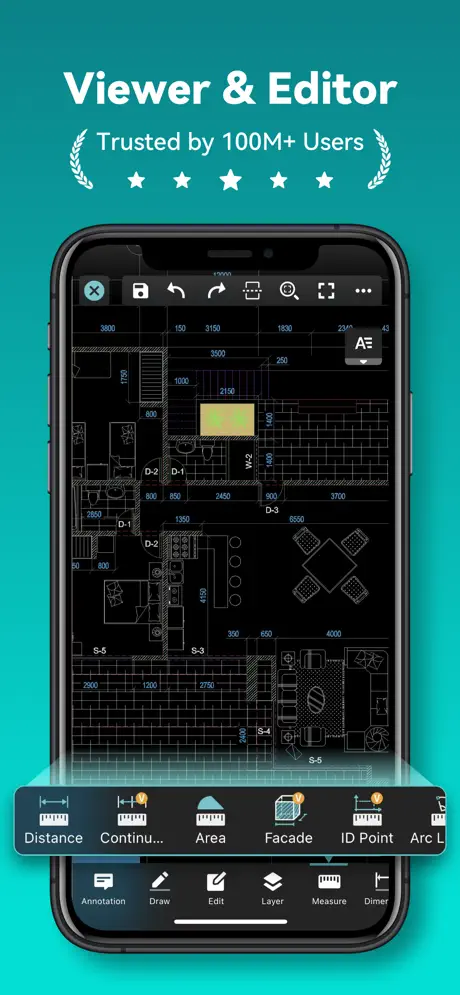  DWG FastView-CAD Viewer&Editor DWG FastView-CAD Viewer&Editor | 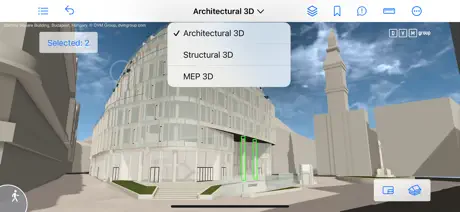  BIMx BIMx | 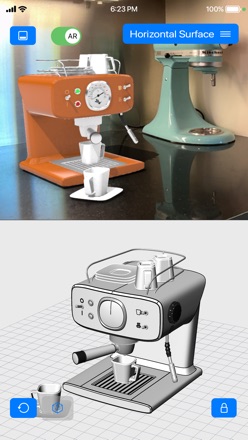  iRhino 3D iRhino 3D | 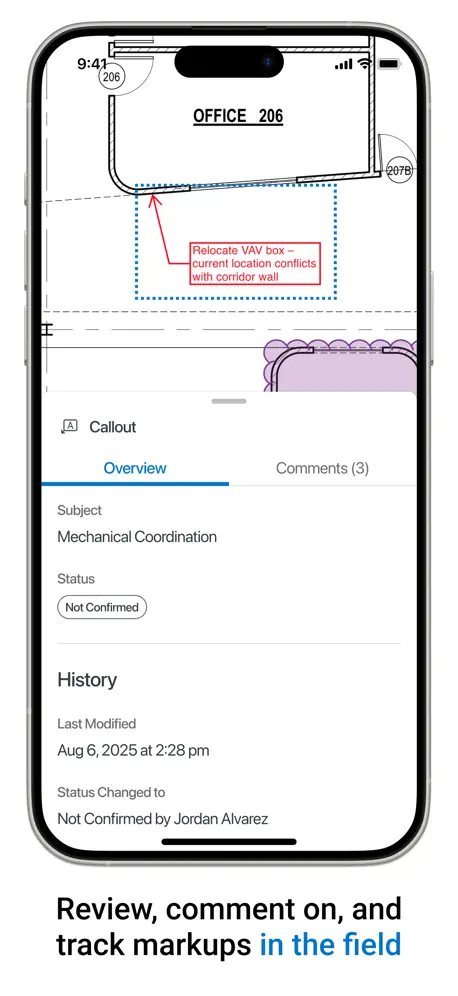  Bluebeam Bluebeam |   Project Plan 365 Project Plan 365 |   Daily Report App Daily Report App |   Viewpoint Team™ Viewpoint Team™ |   Revizto Site Revizto Site |  Revizto V5 Revizto V5 |   HELIXproject HELIXproject | |
|---|---|---|---|---|---|---|---|---|---|---|---|
| Rating / 5 | 2.3 | 4.6 | 4.1 | 4.4 | 1.6 | 3.4 | 3.8 | 2.3 | 4.5 | 3.9 | 3.4 |
| Reviews | 491 | 72K | 1.7K | 550 | 455 | 267 | 103 | 62 | 39 | 25 | 5 |
| Released | 2017 | 2011 | 2011 | 2010 | 2019 | 2013 | 2016 | 2017 | 2023 | 2020 | 2013 |
| Monthly price | — | $7.99 | — | — | — | — | — | — | — | — | — |
| Annual price | — | $47.99 | — | — | — | — | — | — | — | — | — |
The going rate for each plan in United States, in its own currency, shaded from the cheapest price on the row to the dearest.
BIM 360 reviews
2.3 out of 5, based on 491 reviews.
What people like
- Crashes constantly and loses your work
- Requires constant internet connection to work
- Session expires too quickly for daily use
- No admin features like adding team members
What they complain about
- Integrates well with other tools
- Works great on iPad in split screen
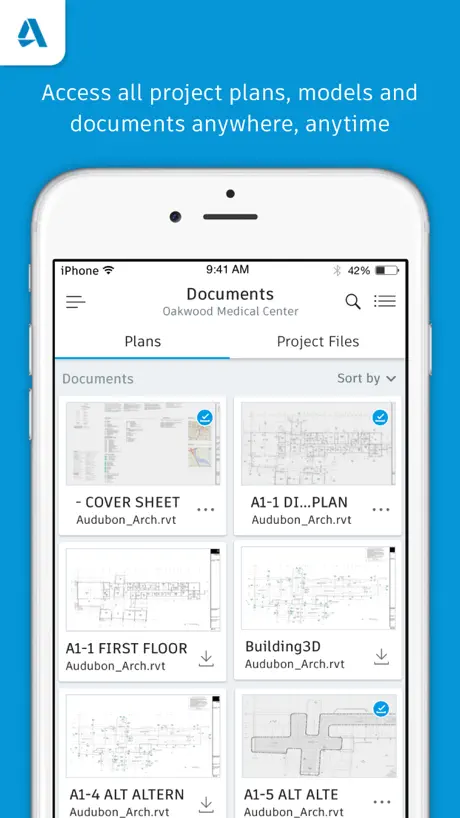
- Mobile access to project data is handy
Works a treat
Excellent app integrates well with all its counterparts
I hate autodesk
I hate autodesk and their products more than anything. thx
Good, needs some improvement
- support for split screen mode on iPad - bim360 needs email notification control. (I.e, limiting email notifications to once a day ‘at a glance’, rather than one email every time an issue is created, edited, etc.)
Markup functionality poor
Marking up PDFs in the iPhone version of the app is really hard work. View position keeps jumping around when trying to select and edit the text. Really painful for very simple markups.
Bad performance
Sometimes stop working and needs to be reinstalled
Constant Connectivity
I have various issues with this app but the biggest one by far is the requirement of constantly needing to be connected requiring you to sync each time you switch tabs (as opposed to manually syncing the whole project and being able to work offline). I have projects where I am in a sub-cellar with no service whatsoever and just to switch from one checklist to another requires me to go back up to the ground floor to get service, switch checklists, and then head back down. I have started to resort to printing the checklists out beforehand and fill them out by hand to then fill it out in the app when I get back to the office. The developers of this app has not spent a single day on a job site to know that the WiFi is never the first thing that goes into a jobsite. Luckily Autodesk Construction Cloud is a vast improvement and we are transitioning over to that version soon.
Need ‘Filter By’ Option
Overall app experience is great. One addition is that Autodesk should add Filter option allowing users to view only a desired version or set of drawings.
Annoying to use
When you are looking a drawing, and you open another app and then come back to the BIM app, the app offloads and you have to start from zero and search for the drawing from start, this is hard when you’re on field and you are using the app on your iPhone.
哪个大神安装成功了
求指教
More bugs
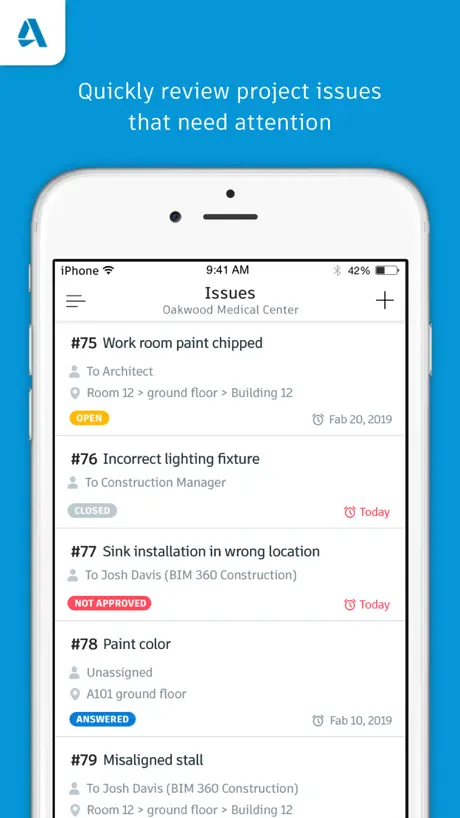
Upon leaving the app open on IOS, but it not being the app in focus, when returning to the app to be in focus minutes later, app completely refreshes leaving the tab I was on (issues) and returns to (documents), each time. This also causes the issues filter to reset when clicking back to issues. In addition to that annoyance, the assignee filter only sometimes, has the option appear for “my company”, otherwise I have to go filter be assignee, then find my company EACH TIME.
还行吧
挺好用
No Member Management
The very simple task of adding team members is not possible. This is would be nice as I am most likely in the field or just starting my day when these requests come in. I need basic team management tools way more than any commenting or markup tools. I would be happy if it was even its own BIM 360 Admin app.
Admin maybe?
Having access to BIM 360 data on mobile is great. However, BIM360 admin would also be incredibly helpful. Project member changes, folder assignment, etc. are also critical to productivity and absolutely necessary in today’s mobile-centric environment. Please include these features in this app or another application from Autodesk.
Can’t do anything
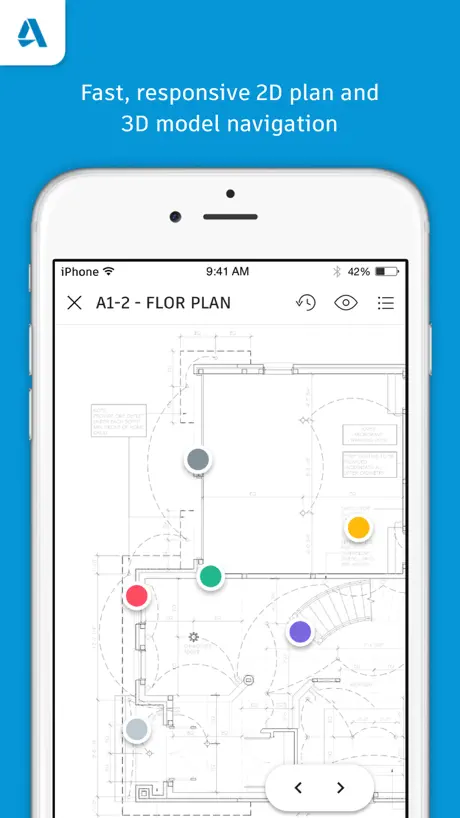
You can view published sheets, that’s it. No collaboration features, no admin features.
Attaching photos crashes the app
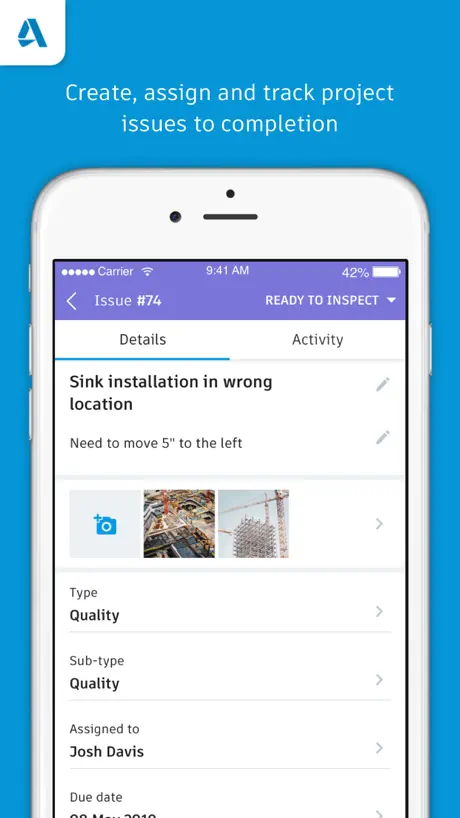
When we take photos and try to attach to an issue it closes the app completely. Issue started after getting the latest update. Please resolve asap as this is slowing down our work.
Made to look at plans...
only offers portrait view. ¯\_(ツ)_/¯
Poor quality
I'm extremely disappointed with the overall quality of this app. Unfortunately, it crashes consistently, disrupting my user experience. Furthermore, the filters I set never seem to save, forcing me to reapply them repeatedly. These persistent issues make the app frustrating to use. Overall, the app's performance and functionality fall short of expectations.
Needs Improvement
Basic functions are ok however needs improved support for mouse...specifically scroll wheel support.
Projekte Eu Server
Leider bekomme ich nicht den Zugriff auf den eu Server. Man sieht nur die Projekte auf dem us Server. Wie kann man auf den eu server wechseln? Für Hilfe bin ich dankbar.
Bad Product
Not quality, ruined my day.
Good and bad
I work with a CxA on a job that is using BIM as their document hub. Every document for this job goes thru BIM. The PC software is different from the app in that you cannot search for a checklist via the document number it generates. For instance, if you create checklists for “Electrical box 1” and “Electrical box 2”. You’ll have 2 checklists with a number assigned like so - “#2547 - Electrical box 1” and “#2548 - Electrical box 2”. The PC software will not let you search via that # but the app will. That is great for saving time and not having to use the filters to find something. However, the app crashes ALL THE TIME!! I like using the PC software better when working in BIM for almost everything. The exception to that is when we must sign checklists once they are complete. For some reason you CANNOT sign a checklist from the software, you MUST use an app based program (I know it sounds so stupid). One of the “buggy” things about the simple task of signing tags is when I fill out my name at the bottom of the checklist it works great, but when I click the “company” section and type the first letter the keyboard drops away like it only allows one letter to be typed. You must click the “company” section again to continue typing your company name. This is extremely frustrating but luckily my company name is only 3 letters. The PC allows you to fill this info out if you don’t want to deal with the glitches, you’ll just have to go to the app once you’re done and sign. If the developers would like more specifics from a daily user I would be happy to walk him/her through what we experience with the app to help make improvements. This app has potential but is very very glitchy.
Improve
1. Allow to open “Sheets” prepared in Revit. Allow Extract CAD 2. Improve the model coordination 3. Clash report generation (with proper list and clash grouping) 4. Allow merge or append multiple model of different discipline for better understanding.
PRAY TO WORK
you need to pray to get it work…
Équipement module
Besoins les mêmes fonctionnalités des équipements de BIM 360 Field. Il n’y a pas moyen de générer un rapport des équipements que BIM 360 Field. Beaucoup de bugs. Problème de synchronisation. Perdre de productivité. Pas faire pour un mégas project, le quantité des plans à télécharger faire planter ton Ipad. Pas d’amour pour cette plate-forme.
Horrible
The developers obviously have never used their own app
Account keeps logging off
I don’t understand why sessions expires for an app we use everyday. Needs a fix to keep you logged in. Also sometimes when the session expires you lose all the drawings that were downloaded. Not a reliable app to use everyday, because always logging back in and re-downloading all the drawings.
Not usable
I can’t even open downloaded documents. Absolute garbage program.
Coordination
We have a few issues with this app. Once the Revit model is uploaded to BIM360, and the sheets are incorporated and included, it is not possible to click on the sheet and review the 2D information. We are constantly getting kicked out to the 3D model it doesn’t matter what sheet we are trying to look at. Trying the app on my iPhone 7 with the same iOS build as my ipad had better results, but marking up drawings on an iPhone is a bit problematic. Any information is appreciated.
Stop using Mcdanold’s WiFi as your hub server
Yall need to kick up the speed. this program has potential to be great but it’s so slow and buggy. My grandma eating beef jerky with her teeth out is faster than this app.
Equipment module
We need your equipment module from 360 Field and a layer stamp and annotations management. Thanks.
BIM 360 FAQ
- Is BIM 360 free?
- Yes. The app is free, in all 173 countries it sells in, and it sells nothing inside it.
- Does BIM 360 have a free trial?
- No. None of its offers (US) come with a free trial.
- What are the best alternatives to BIM 360?
- DWG FastView-CAD Viewer&Editor (4.6 from 71,645 reviews, premium from $0.99), BIMx (4.1 from 1,702 reviews) and iRhino 3D (4.4 from 550 reviews).
BIM 360 download
Last updated 3 months ago.
BIM 360 sells in 173 countries. It was released 9 years and 2 months ago, on 31 Jul 2017. It holds a 2.3 rating from 491 reviews.
Supports 13 languages: English, Czech, Danish, Dutch, French, German, Japanese, Norwegian Bokmål, Polish, Portuguese, Chinese, Spanish, Swedish.
How much does BIM 360 make?
Third-party estimates for the last 30 days, worldwide — not the store's own figures, which Apple publishes for nobody.