
QuickBooks GoPayment POS
Mobile POS
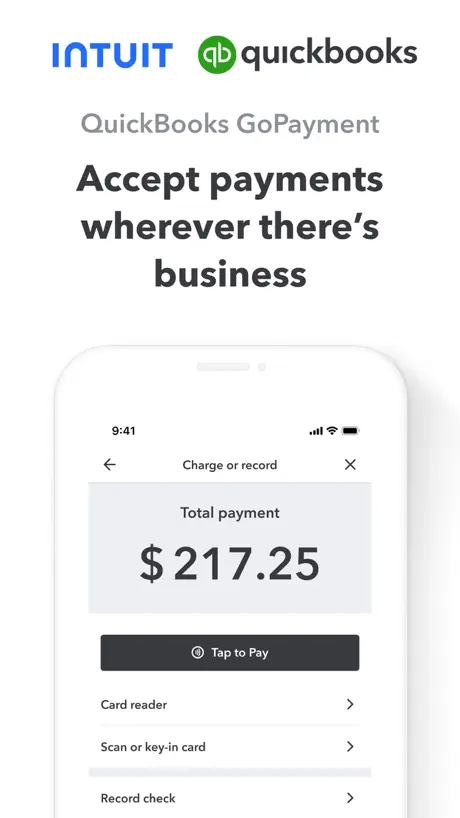
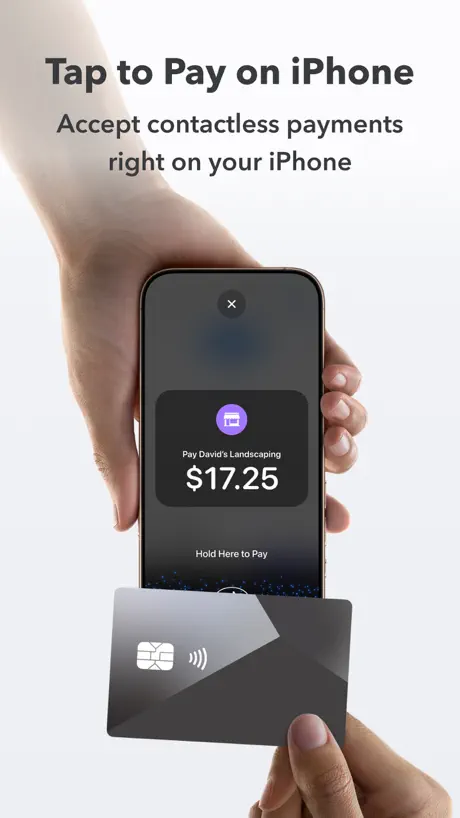
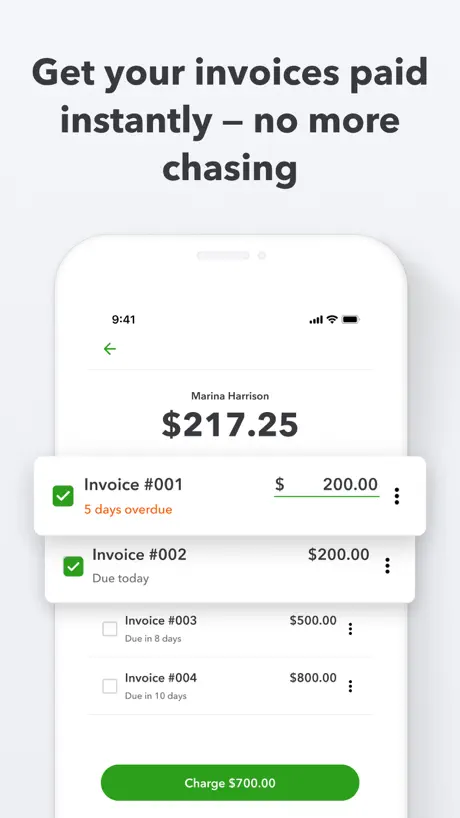
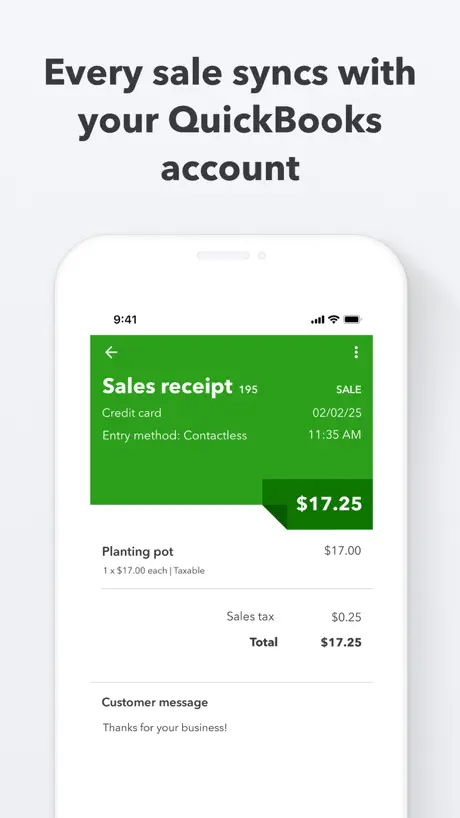
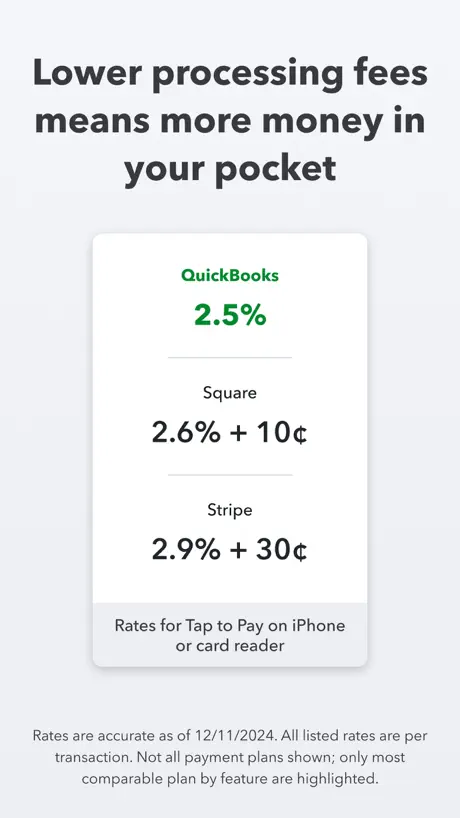
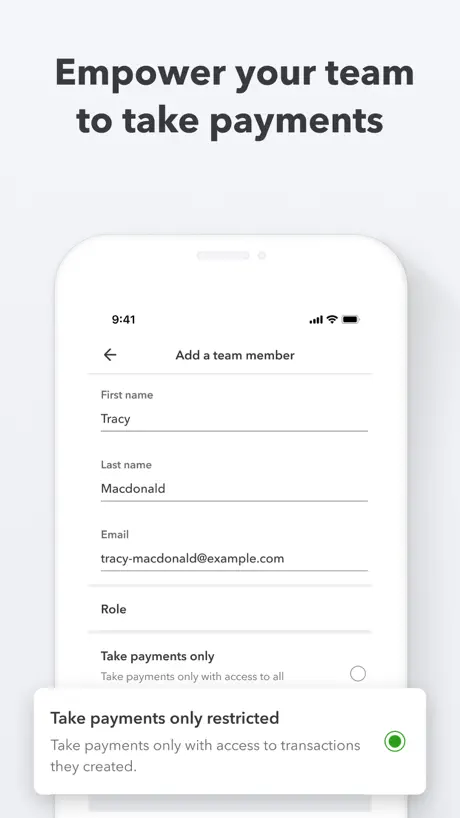
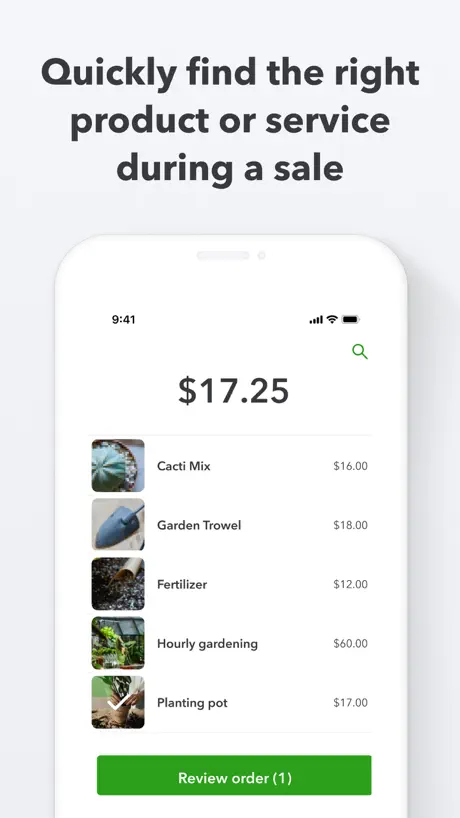
How much does QuickBooks GoPayment POS cost?
Prices are current as of 12 Nov 2026.
QuickBooks GoPayment POS has no in-app products on record in the United States.
10+ alternatives to QuickBooks GoPayment POS
| QuickBooks GoPayment POS |   Square Invoices: Invoice Maker |   Clover Go - Dashboard & POS |   Square: Retail Point of Sale |   GoDaddy Commerce: POS Payments |   Payment for Stripe |   SwipeSimple - Point of Sale |   Self Employed - Accounting |   Melio Business Payments |   Payanywhere: Point of Sale POS |   Tap to Pay and POS System | |
|---|---|---|---|---|---|---|---|---|---|---|---|
| Rating / 5 | 4.8 | 4.8 | 4.8 | 4.7 | 4.7 | 4.8 | 4.8 | 4.2 | 4.6 | 3.6 | 4.7 |
| Reviews | 6.4K | 105K | 73K | 17K | 16K | 12K | 5.7K | 2.2K | 1.5K | 664 | 394 |
| Released | 2009 | 2019 | 2015 | 2017 | 2018 | 2015 | 2014 | 2023 | 2023 | 2010 | 2023 |
| Monthly price | — | $19.99 | — | — | $19.99 | — | — | $14.99 | — | — | $9.99 |
| Annual price | — | — | — | — | $144.99 | — | — | $49.99 | — | — | $99.99 |
The going rate for each plan in United States, in its own currency, shaded from the cheapest price on the row to the dearest. Plans fewer than four in ten of the priced apps sell are left out.
QuickBooks GoPayment POS reviews
4.8 out of 5, based on 6,387 reviews.
What people like
- Does what it should do
- Ties directly to your accounting
What they complain about
- Support never actually helps
- Keeps crashing when you open it
- Tip feature does not work
- Money takes too long to arrive
Okay
Let’s see if it can keep up the good business
Product Photos Disappeared
I use the Gopayment app at a market once a year. Last year (October 2025), it worked perfectly. This year, all of my product photos were gone and the SKU option isn’t even showing. So, prior to market, I uploaded ALL of my product photos. However, when I went back to QB Online, all of the SKUs were removed from my products! So, I started to manually re-input all of the SKUs…to then have ALL of the photos of my Online products disappear after the SKUs were added! What the heck is going on?! I’ve been in touch with the Resolution Center many times, but there is no predicted fix of this issue. How am I supposed to run a small business when information that already is in the QB system is being removed by the company?!
App Features
Limited search abilities
Customer tip option, not incorporated into tap to pay
When using manual entry credit card option or external card reader, you can select an option to require the customer to enter a tip level before completing the transaction, but you cannot do this with tap to pay. All of my customers want to use tap to pay because it’s fast but my employees are missing out on Tips because the Customer is not prompted to leave a tip. This amount amounts to thousands of dollars each month lost in tip income
Deposit now doesn’t work for iOS
Deposit now doesn’t work for iOS , the option doesn’t pop up on tablets
Botched update
After the most recent update after running a payment it no longer allows you to “get it now” it takes you to the screen but there is no button to collect.
Need this now
APP does what it should BUT it needs to be able to do split tenders. Sometimes customers pay partial cash and rest on credit card. Also need to make the app for IPad users that can work with epson tm-m300 styles receipt printers!
No tap to Pay
This is a great app until you need help! I have tried every correction listed in support and nothing works to get tap to pay. I have a newer phone and a better OS but no go. In 12 years I never had to contact Intuit for help…it’s a good thing because‘there ain’t none!” I got 1 email from ‘qb cares.com telling me to contact them and I don’t but then no response.
Needs to be able to do split tender.
Have customers who pay cash and debit/credit cards in one transaction
Instant deposit
Now I can’t instantly deposit funds when I want. Not sure what happened but it needs to be fixed. Especially for all the money I pay to QuickBooks
Tips setting doesn’t work
Tip setting in app does not work. It does not give my clients the option to leave a tip regardless of the tip setting being turned on. I have deleted the app and reinstalled it multiple times to no avail. I’m so over it that I just add the tip to the total amount, which makes more work for my bookkeeping each month. Kinda lame that so many customers have complained about this and it still the intuit app programmers do nothing and it continues to be an unresolved issue with this app. Fix it please!!!
TAP TO PAY
Tap to pay not available at the blue version only at the green version. So bad … 😡😡
Doesn’t work on iPad.
Their software won’t open to do anything with it
Cancel
I’ve been trying to cancel the subscription but without any success.
This app glitches way too often
This app is problematic. Always more so on my iPad (iPhone 16 pro fares better but still needs closed out constantly or the login screen doesn’t fully load and you have to close and try again) We use this to check people out at the front of our store. I’ve been getting a message that states “! Something Went Wrong” and “Request Failed…” This is problematic for credit cards, even cash or check payments. I finally got the right number to call and Francesco was nice to talk with but nothing has been fixed. I even have an email from QBO but you get a trash auto response when I try to communicate, and the F@“&ing link to click sends you to a page that says ACCESS DENIED, oh it’s hilarious!! My iPhone that isn’t problematic won’t log in now, just a loading screen for 60 seconds and then it times out. All the pics I loaded in for our products haven’t shown up on the iPad version for over a year. Wow, it’s bad. I liked that it tied directly to our accounting but I am forced to go back to square or clover and manually import the sales daily, as it beats this nonsense.
Card reader
So over it’s pretty good I don’t know if it’s just my card reader or what but. My customers don’t have the option to tip on the reader I have checked and checked on the app and. I have tips turned on. But. I never see it as an option for them What am I doing wrong ? Any help or insite would be great
Worst App & Service
This APP, Quickbooks itself is honestly a business owner’s worst nightmare! I have had nothing but issues, broken systems, HORRIBLE customer service & hair pulling days just using their services. I don’t understand how they keep getting by! Don’t use this App and don’t use quickbooks for any of your business needs
Good for people who don’t have to depend on it to work
By far the worst pos program I have ever used. It doesn’t work more often than it works correctly. Definitely not something that you can depend on to run your business
DCnF
No support. Last 24 hours app will not login so unable to take payments even through my service is active.
Scam
They kept the service payment I received via GoPayment—I don’t recommend it at all. Plus, when you call customer service, you end up talking to random people—lol—so don’t download it.
Money Didn’t Transfer
I cannot find a number to call a real person to solve my issue. A credit card purchase was made two days ago and still the money has not reached my bank account. It shows the card was charged but bank account has still not received the money. What a frustrating app already. Will find a much better, trustworthy and reliable app to use.
QuickBooks GoPayment POS FAQ
- Is QuickBooks GoPayment POS free?
- Yes. The app is free, in all 1 country it sells in, and it sells nothing inside it.
- Does QuickBooks GoPayment POS have a free trial?
- No. None of its offers (US) come with a free trial.
- What are the best alternatives to QuickBooks GoPayment POS?
- Square Invoices: Invoice Maker (4.8 from 105,381 reviews, premium from $19.99), Clover Go - Dashboard & POS (4.8 from 72,618 reviews) and Square: Retail Point of Sale (4.7 from 16,909 reviews).
QuickBooks GoPayment POS download
Last updated 15 days ago.
QuickBooks GoPayment POS sells in 1 country. It was released 17 years and 3 months ago, on 3 Aug 2009. It holds a 4.8 rating from 6,387 reviews.
Supports 1 language: English.
How much does QuickBooks GoPayment POS make?
Third-party estimates for the last 30 days, worldwide — not the store's own figures, which Apple publishes for nobody.