
Octane X
How much does Octane X cost?
Prices are current as of 8 Sept 2026.
Octane X has no in-app products on record in the United States.
10+ alternatives to Octane X
| Octane X | 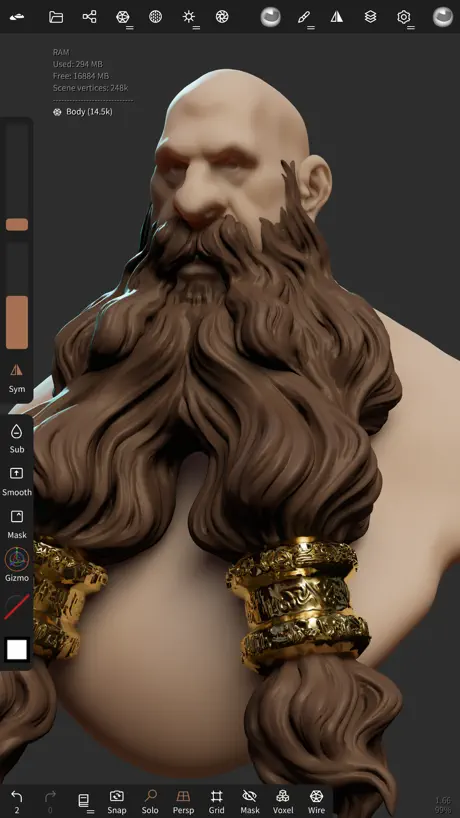  Nomad Sculpt Nomad Sculpt |  ZBrush - Made for 3D Creators ZBrush - Made for 3D Creators |  Feather: Draw in 3D Feather: Draw in 3D | 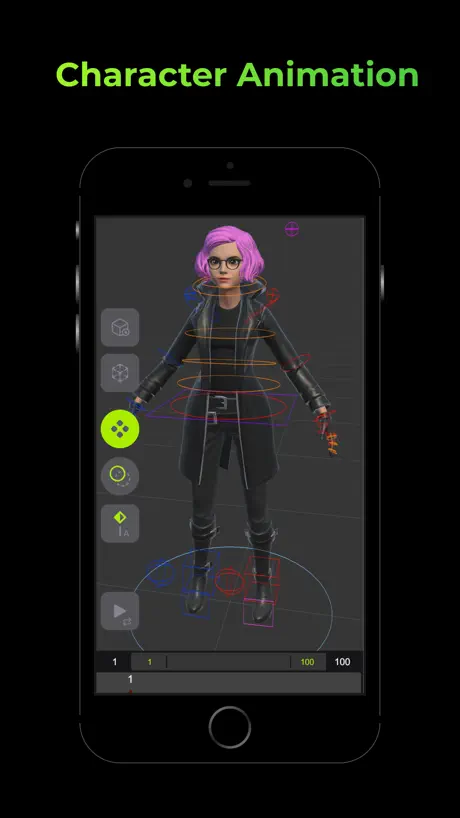  Naomi Animation Naomi Animation | 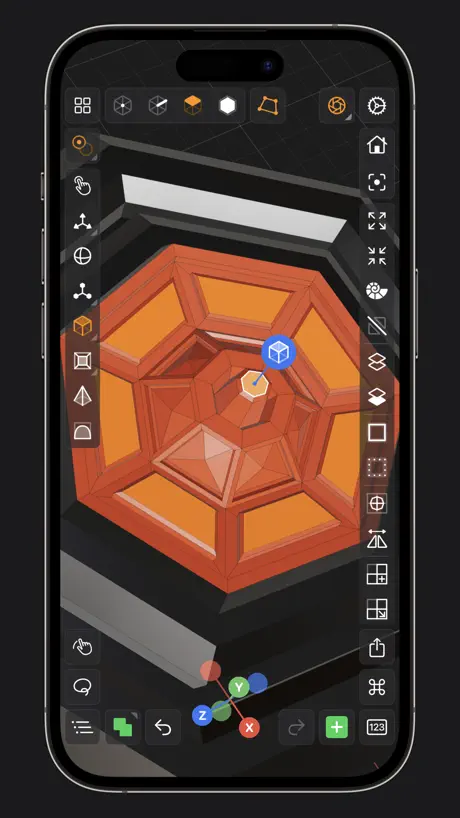  Valence 3D Valence 3D |   Cascadeur: 3D animation Cascadeur: 3D animation |  CozyBlanket CozyBlanket |  Cadmio - CAD visualization Cadmio - CAD visualization |   Unreal VCam Unreal VCam |   Moves by Maxon Moves by Maxon | |
|---|---|---|---|---|---|---|---|---|---|---|---|
| Rating / 5 | 4.0 | 4.8 | 3.6 | 4.1 | 3.4 | 4.2 | 4.2 | 3.5 | 4.4 | 3.2 | 3.0 |
| Reviews | 170 | 63K | 766 | 651 | 498 | 432 | 391 | 349 | 279 | 139 | 50 |
| Released | 2022 | 2020 | 2024 | 2024 | 2022 | 2024 | 2024 | 2022 | 2021 | 2021 | 2020 |
| Monthly price | — | — | — | — | $7.99 | — | — | — | — | — | — |
| Annual price | — | — | — | — | $79.99 | — | — | — | — | — | — |
| One-time price | — | $15.99 | — | — | $12.99 | — | — | — | — | — | — |
The going rate for each plan in United States, in its own currency, shaded from the cheapest price on the row to the dearest.
Octane X reviews
4.0 out of 5, based on 170 reviews.
What people like
- Runs great on M-series iPads
- Professional desktop-style interface included
- High quality renders on mobile
What they complain about
- Crashes on iPadOS 17
- No offline mode available
- Missing Chinese language support
Extremely well done!
I am looking at my old quad 1080ti workstation and then watching my iPad keep up ON BATTERIES. Truly great work to Otto and Apple!
Otay has the worse and most complicated ways of installing everything.
I love their products but getting them to work is downright horrible and confusing. I was hoping this product would be different but its just as difficult and impossible to figure out what versions work with it and then getting their stuff to work in Cinema 4d and Blender is just as impossible and annoying.
Great app! But, slow due to default settings
For those reading this, change the default Direct Lighting kernel settings from 1000 samples to around 150 or 200. I guess Octane forgot although the M-Series is leap in performance compared to the A-Series, they are still not ready for that many samples.
Misrepresentation
The decription says it works month,y ipad but when I try to use it, it says incompatible. And gives an error.
Not working since iPadOS 17
Octane X has not been working at all since iPadOS 17, on an iPad Pro M2. Great software, unfortunately unaccessible at the moment.
可以增加中文版不
满分💯
出中文版本有这么难吗?
作为国际知名渲染器,太不重视其他国家
啥时候降低下版本要求、15,7
有没有可能,降低下版本要求、15·7 m1的支持
没有汉化
推荐和电脑一样做一下汉化
Not working on ios 17 and for nomad sculpt
Not working on ios 17 and please add support for nomad sculpt Obj file and others
中文中文中文!!!
Chinese version is required.
大问题
rgb image没反应
nice rendering app, but hard to use.
I learned the basics of use, but a tutorial on how to build vectron hair or how to make perfect glass or water would be useful…
Mac 无法加载出任何的渲染内容
下载了和没下载一样
3D model
I didn’t know how to import a 3D model to render, i even didn’t find on the web or YouTube.
Great Job OTOY!
Great job making this app! The projects really shine on my 11 inch M2 iPad Pro! Thanks OTOY!
用不了
用不了,能打开但没有渲染画面,重新下载也不行,我的是最新款的iPad pro
需要给m4更新啦
现在m4版本会出现界面打开不全的bug了,网络连接不畅
The render doesn’t work
Hello, I don’t know why, but the rendering does not work anymore since iPad OS 17. Please fix this issue. Thanks.
It was good until iPadOS 17 broke the app
Octane X is an incredible rendering software, it absolutely blew my mind away back when I was able to use it! Just seeing an iPad being able to render stuff on Apple Silicon was incredible. Not to mention that it did great in Standalone Mode within the renderer. However, the software has became completely unusable after the iPadOS 17 software update. If you are reading this, DO NOT upgrade your iPadOS version until they finally patch it. Other than that, great app, does cycle rendering and it’s great!
免费我超,那是真神
既然是免费的,那真没理由不给好评了
Doesn’t render at all.
I downloaded this app on both my m1 MacBook Pro and my iPad Pro. It didn’t work on either one. I assume, based on other reviews, that it’s iOS 17 but I can’t confirm. I do have the same symptoms as those reviewers are describing. I hope there is a fix coming soon and, when it does, I’ll update my review.
我的M1 ipad pro不知道为啥不能用,先观望一下
我的M1 ipad pro不知道为啥不能用,先观望一下
Requires internet to run
This app will not run at all without an internet connection. Stupid. Not everyone is online 24/7. There is also no documentation or even release notes included.
为什么只支持 iOS 16,希望能兼容iOS15
为什么只支持 iOS 16,希望能兼容iOS15
A TRUE Pro app
This is a TRUE pro app for iPad Pro. When you first open it, you get it in a touch-friendly view. But with the click of a button you are in the Standalone mode - the desktop UI version with all the tools you need, nothing hidden by touch friendly minimalism. It’s easy to switch back and forth, allowing you to use this on just an iPad Pro, or take full advantage of a mouse and keyboard setup. With a Magic Keyboard, it’s perfect for either. More “Pro” apps need to follow this design. Touch-Friendly design is a must for iPad apps, but mouse and keyboard Desktop design is a must for true “pro” level desktop apps. I hope more developers will follow this example. Outside of that, the app is good. If you’d like to do very high quality renders on your iPad, this is the app for you. I just hope we get more pro apps for the modeling side. Nomad Sculpt is great. Shapr3D is great. Would like to see something with a polygon-based modeling and animation tools like Blender next.
Can't use
Impossible to use in ipados17
请出中文版
快快出中文版吧。
🤔
12z也不能用啊,功能很期待,但是适配能不能广一点啊。
请尽快放开对a12至a16芯片的限制
快快更新嘿嘿嘿嘿嘿
看清楚说明再下,至少是M1芯片才可以。。
如题
can not run on ios17
can not run on ios 17
Nice..
Nomad, Cozy Blanket and Octane X. I Hope that maya and houdini Find a way for iPad Pro.
注意:M1版的pro才开始支持
有M1、M2的iPad pro非常推荐,很好
Stuck at rendering after iPadOS 17 update.
Long story short, just fix it, please.
榨干它!!嘿嘿嘿
榨干!!!
Look forward for updates!
Happy to see professional render app on IPad! But can you add some UI improvements for Apple Pencil users. Also we need to import obj/glb from Nomad Sculpt to Octane Render X. Because for mobility it is important to use it without PC/ Mac and also without connection of Mouse or Keyboard! Thank you! Looking forward for new Updates!
无法使用
进入之后80%的图标均无法点开,如需充值也没有明确的渠道
One little problem
How do I right click in node graph, or is it possible to use as custom scene creation like importing models, creating materials etc.?
Unbelievable
I can’t believe that I am running this on my ipad. Stand-alone mode is bonkers. Only issue I have run into is when viewing all items under nodes the app will crash. Bravo to the team
只有m1和m2能用….
如题
Octane X FAQ
- Is Octane X free?
- Yes. The app is free, in all 175 countries it sells in, and it sells nothing inside it.
- Does Octane X have a free trial?
- No. None of its offers (US) come with a free trial.
- What are the best alternatives to Octane X?
- Nomad Sculpt (4.8 from 62,849 reviews, premium from $15.99), ZBrush - Made for 3D Creators (3.6 from 766 reviews) and Feather: Draw in 3D (4.1 from 651 reviews).
Octane X download
Last updated 3 months ago.
Octane X sells in 175 countries. It was released 3 years and 9 months ago, on 27 Dec 2022. It holds a 4.0 rating from 170 reviews.
Supports 1 language: English.
How much does Octane X make?
Third-party estimates for the last 30 days, worldwide — not the store's own figures, which Apple publishes for nobody.