
Unreal VCam
How much does Unreal VCam cost?
Prices are current as of 7 Nov 2026.
Unreal VCam has no in-app products on record in the United States.
10+ alternatives to Unreal VCam
| Unreal VCam | 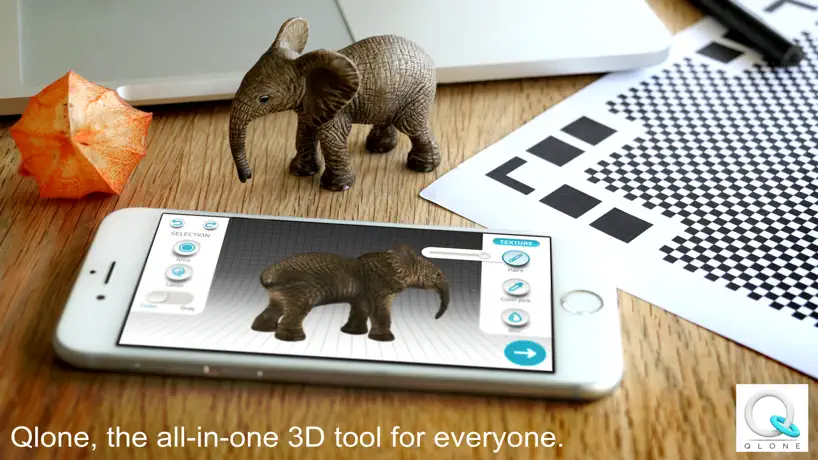  Qlone 3D Scanner |  ZBrush - 3D Model Maker | 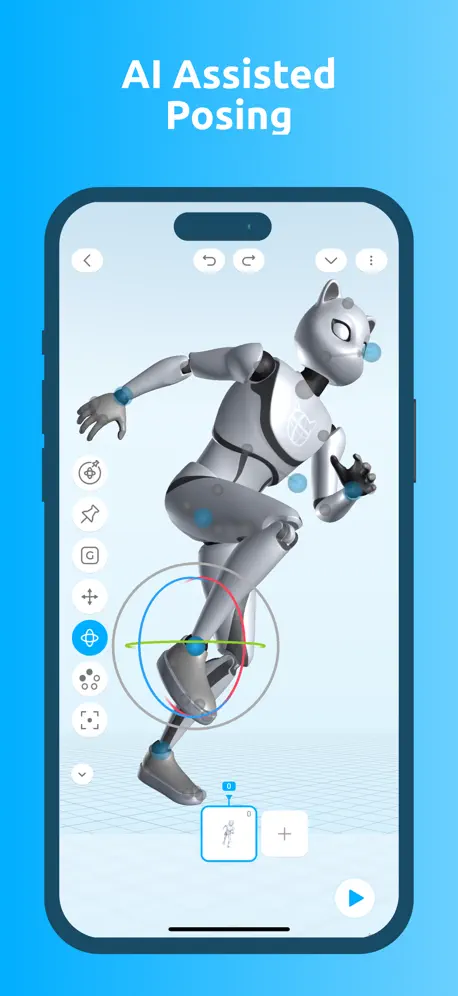  Cascadeur: 3D animation | 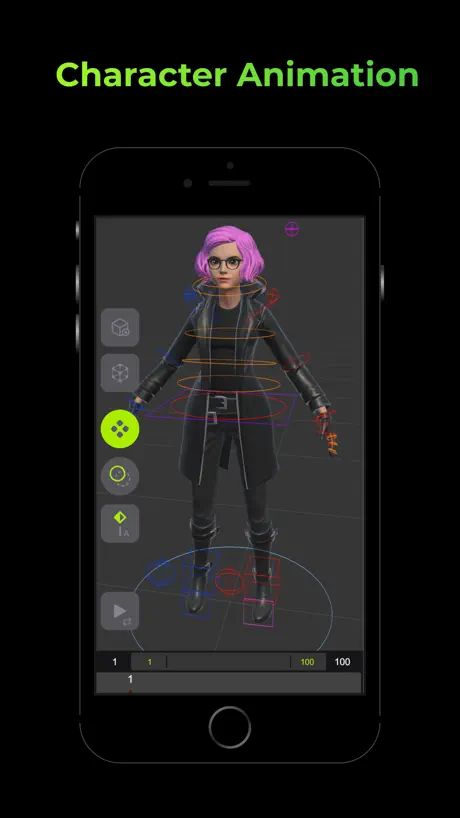  Naomi Animation | 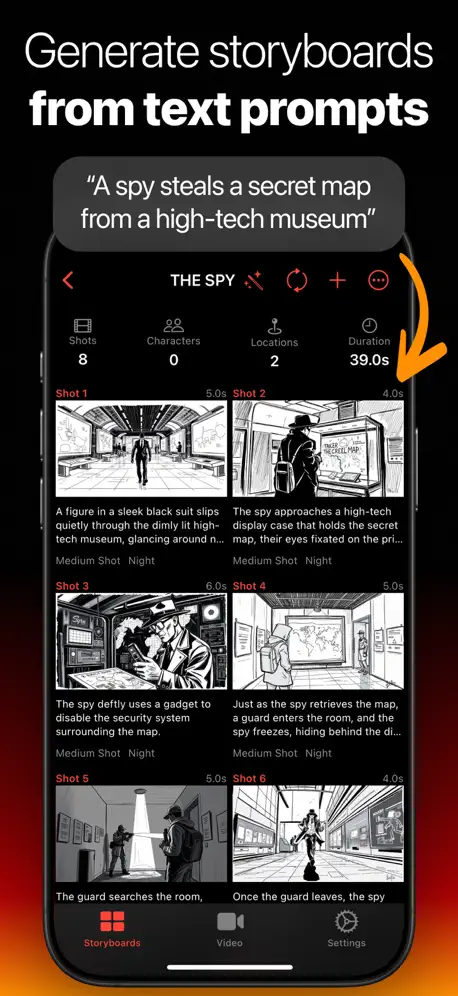  Storyboard Creator AI |   Omniscient - Blender CGI Lidar |  Octane X |   ModelPlay-3D Model Viewer |   MoCáp |   Moves by Maxon | |
|---|---|---|---|---|---|---|---|---|---|---|---|
| Rating / 5 | 3.2 | 4.0 | 3.8 | 4.3 | 3.4 | 4.3 | 4.7 | 4.0 | 2.9 | 3.0 | 3.0 |
| Reviews | 140 | 7.3K | 1K | 550 | 511 | 433 | 289 | 172 | 57 | 52 | 51 |
| Released | 2021 | 2017 | 2024 | 2024 | 2022 | 2025 | 2022 | 2022 | 2024 | 2020 | 2020 |
| Monthly price | — | — | $11.99 | $7.99 | $7.99 | $49.99 | $19.99 | — | — | — | — |
| Annual price | — | — | $89.99 | $49.99 | $79.99 | — | $79.99 | — | — | — | — |
| One-time price | — | $23.99 | — | — | $12.99 | $49.99 | — | — | — | — | — |
The going rate for each plan in United States, in its own currency, shaded from the cheapest price on the row to the dearest. Plans fewer than four in ten of the priced apps sell are left out.
Unreal VCam reviews
3.2 out of 5, based on 140 reviews.
What people like
- Totally free to use
- Great for learning animation
- Works well once connected
What they complain about
- Connecting often fails with timeout errors
- Setup is confusing without detailed guides
- Documentation is useless and outdated
Useful tech
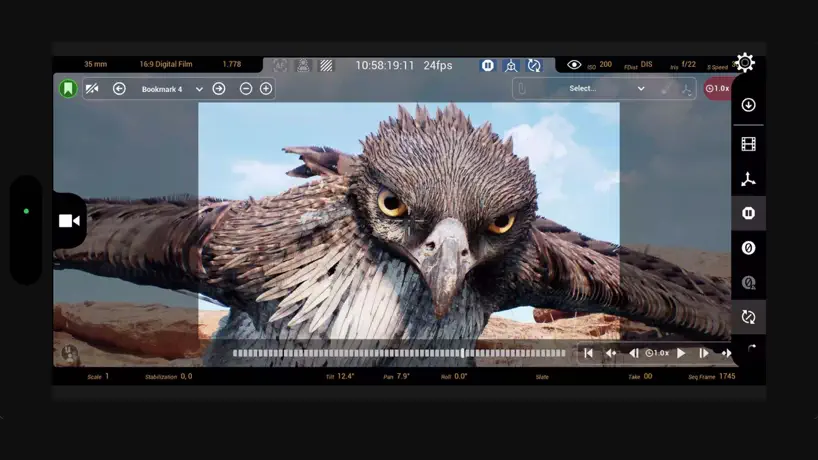
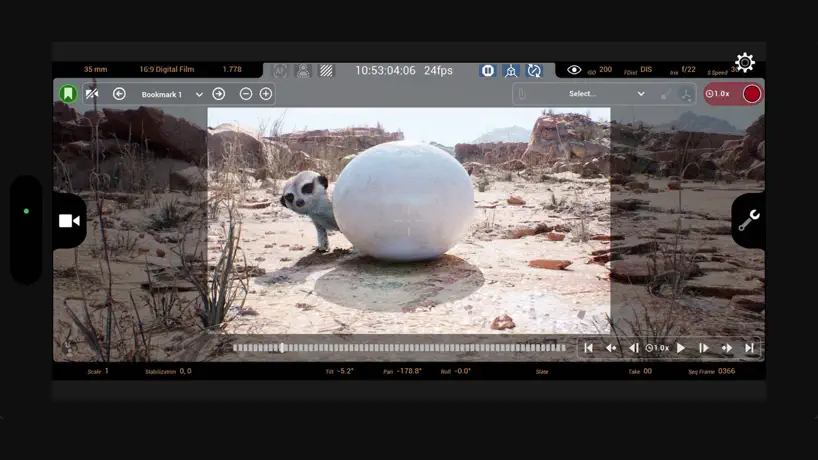
I’ve been learning animation for unreal engine so I can implement it into my upcoming videogame and this tool is awesome! Cool way of controlling the camera while holding your phone. This is a game changer for the ones who know how to use it properly!!! 🤩
为什么iPhone17ProMax无法连接?
家里的iphone13PM或者iPad Pro都可以连接,但是新买的两台iPhone 17 ProMax均无法连接,感觉是兼容性问题
Works and Easy to start, But
With the virtual production template and a youtube tutorial its pretty easy to setup and start going but I was intuitively under the impression I was going to be able to record from the Iphone simultaneously while the engine tracks it in the virtual space so I could get 1:1 camera movement in both places. So now I’m going to have to try duct taping my phone to another camera because it’s just a virtual tracker :/ The app does what it’s made to do though so 4 stars -1 for the lost opportunity.
一直连接不上
配置都是正确的教程看烂了 就是连不上
不是多点触控呢
remote不好用,用这个软件,可惜不是多点触控,单点触控不好测试游戏
Good
Good
Верните Live Link VCAM
До чего программу можно убить. Вот классический образчик
Works in 5.3
Works in windows in 5.3 with my iPhone XR (only rotational data) but it works. Smooth too all things considered
Unreal remote2との違いは❔
画面は映るのですが、メッセージバスソースに選択肢が出ず、iPadの動きを反映できません。unreal remote2は概ねきちんと動作するのですが、今後アップデートが続くであろうこちらをきちんと使えるようにしてほしいです。
I love this
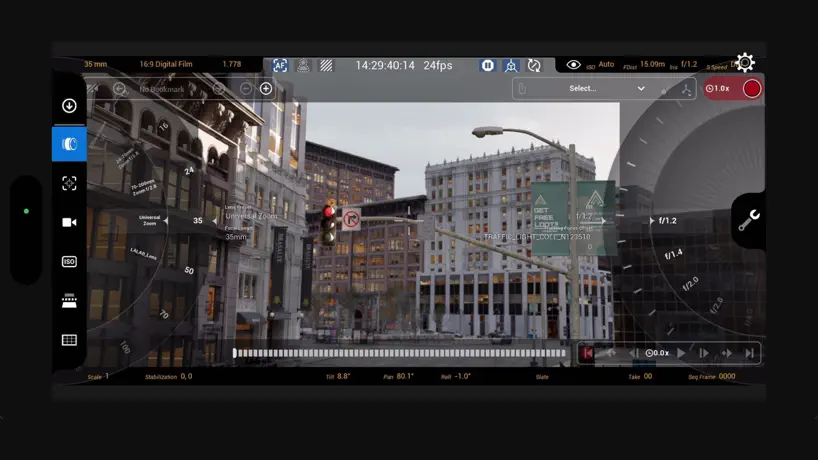
It took me about 10 minutes to get all the plugins setup and the correct IP address to connect everything. This app worked great, I love how I can change lenses and settings from the iPad and then use it as a virtual camera. I’m gonna be making a shoulder rig now. There were a few great videos on YouTube that helped me get what I needed. Just use Google and find a walkthrough for setup.
死活连不上
所有插件和网络都检查过没有任何问题,就是连不上,除了恶心人,没有一点用处,垃圾
issue
i got issue with the login by app. “attemp to connect to host timed running out”. I dont know how to fix it
Turn off your firewall!!
I’ve literally spent years trying to get this app to work and what every single tutorial fails to mention is that windows firewall blocks the signal to connect VCAM!! Turn off all your antivirus software for the duration you are recording and then, finally, it will connect.
no connection
no matter what i do it won’t connect. i put in the stuff it doesn’t work, i have perfect internet it doesn’t work, i re enter the stuff it doesn’t connect. i hate the app. >:(
Does not work anymore!
I wanted to control a vcam via tracking of my iphone with livelink. It did not work in unreal 5.2, because there was no vcam on the mac os version. In 5.3 Preview they implemented a vcam for mac os and suddenly everything worked fine! But since about 1 week they changed something, and now i can move the picture only with virtual joysticks, tracking the iphone does not work anymore! I had hopes that this would be fixed with the release of Unreal 5.3, but nope. Mac Studio Max, 32 Gb Ram, 24 Gb GPU , Unreal 5.3 Since today, 09.10.23 it works flawlessly, livelink recognizes my iphone immediatly
Broken
Unfortunately, most of the documentation is useless, go through step by step but its still doesn’t work. Keep betting a bad response from server error which makes no sense at all. Considering that the old UnRemote 2 app still connects and the iPad can track. This app used to work with the remote session but now all you get is picture, it doesn’t actually track motion anymore. Only working method I’ve seen in 5.1 is to start with UnRemote 2 to get tracking data, then connect with pixel streaming or remote session to get picture, 2 apps for the one task. I understand it’s difficult to make such functionality seamless but it seems it only works 20% of the time for most people :/
Incredible production utility for UE 🎥
It’s inspiring to see such a creative production tool made freely available by Epic to leverage the power of sophisticated handheld devices which are increasingly becoming a staple in various aspects of media production; and now even virtual production too! Combined with the incredible real time face tracking and animation tool (also freely available from Epic) the creative potential, workflow and accessibility awarded by these exciting (but usually prohibitively expensive/high end technologies) is truly astonishing! Thank you for making this software available to creators as such tools essentially help bridge the gap, thus bringing these inspiring technologies within reach of a wider audience - extremely cool!
Doesn’t work with UE 5.0.3
Doesn’t work with UE 5.0.3. After following the docs correctly, I keep getting the error ‘attempt to connect to host timed out’
Все работает
Руки надо прямые иметь. Помимо прочего в нужно виртуальную камеру добавить на уровень, включить ее, и тогда уже подключаться приложением
UE5 can’t use¿
UE5 Can’t Use
Here’s how it works
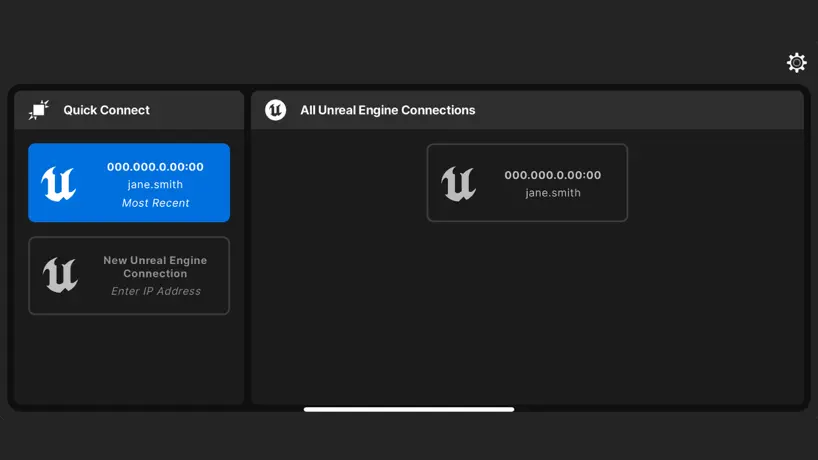
Follow these steps closely. 1. In your Unreal Scene (4.26 or Higher; 4.27 recommended), make sure you’ve setup your Static Endpoints under “Project Settings” -> “UDP Messaging”. You should have the IP of your PC as well as the IP of your iOS device. They need to be on the same subnet to work properly! 2. Add a VirtualCamera2 Actor to your scene. 3. In the VirtualCamera2Actor properties, select the VCAM (Inhereited) from the components tree. 4. Under “Virtual Camera” check “Enabled” 5. In the “Output Providers” rollout, under “0” -> “Output”; Check the “Is Active” toggle 6. On your iPad/iPhone launch the Live Link VCAM app BUT DO NOT CLICK CONNECT! (When the app is open it sends a signal to your PC waiting to connect) 7. In UE, in the Live Link window, click “+ Source”. Your iOS device should show up now as a VCAM source. (NOTE: If you hit connect on your iPad before this step, you didn’t read #6 carefully enough.) 8. At this point you should: VCAM and Is Active Enabled, your iOS device active in your LiveLink Window, your iPad app still on the Home Screen (magenta with Connect Button). 9. Hit Connect 10. Lastly, under the VCAM Properties there is a “Live Link Subject” drop-down. Select your iOS device from this drop down and everything should start talking to each other; VCAM UI showing on both Project and iOS device as well as telemetry data. Hope this helps!
Can’t connect
Same issue, followed Unreal’s documentation, i still get a time out error
Still not working
Fix this. And please make some documentation.
Does not connect to host
Tried setting this up with UE5 and in the app I set the workstation IP address and it says “host timed out” :(
Unreal VCam FAQ
- Is Unreal VCam free?
- Yes. The app is free, in all 175 countries it sells in, and it sells nothing inside it.
- Does Unreal VCam have a free trial?
- No. None of its offers (US) come with a free trial.
- What are the best alternatives to Unreal VCam?
- Qlone 3D Scanner (4.0 from 7,286 reviews, premium from $15.99), ZBrush - 3D Model Maker (3.8 from 1,006 reviews, premium from $9.99) and Cascadeur: 3D animation (4.3 from 550 reviews, premium from $7.99).
Unreal VCam download
Last updated 11 months ago.
Unreal VCam sells in 175 countries. It was released 5 years and 2 months ago, on 8 Sept 2021. It holds a 3.2 rating from 140 reviews.
Supports 1 language: English.