
eM Client
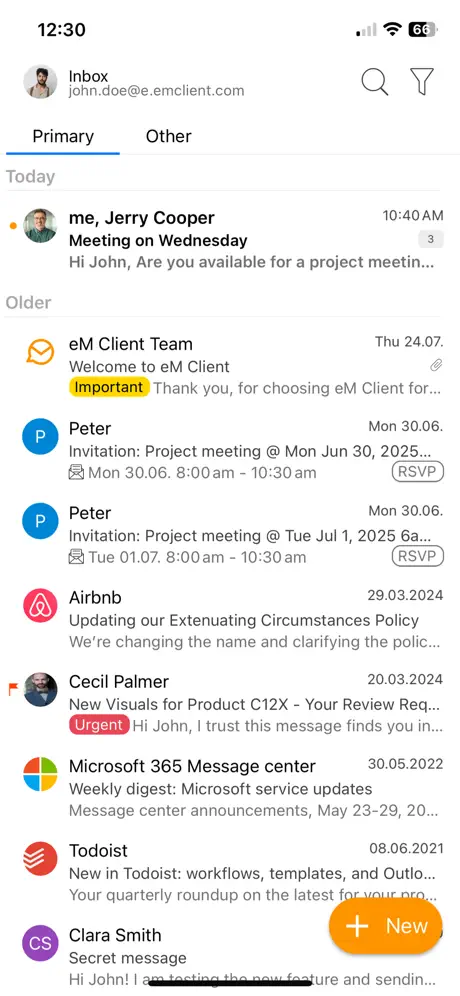
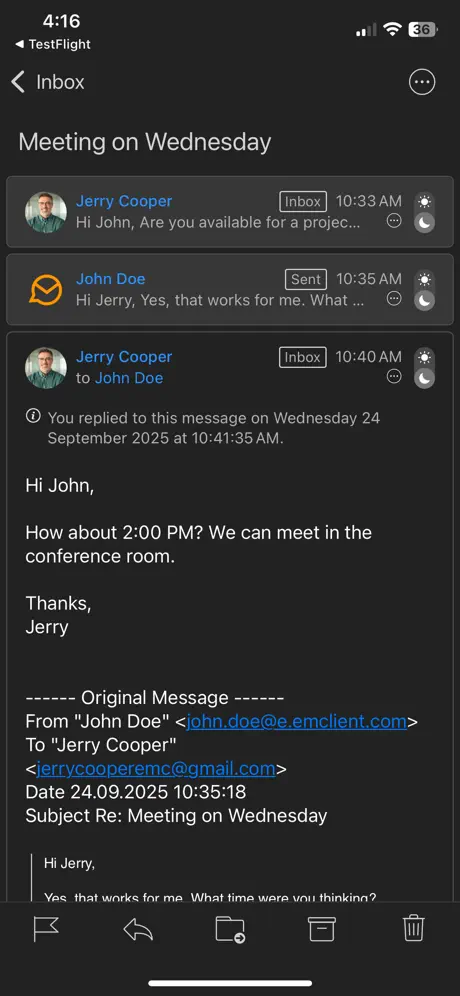
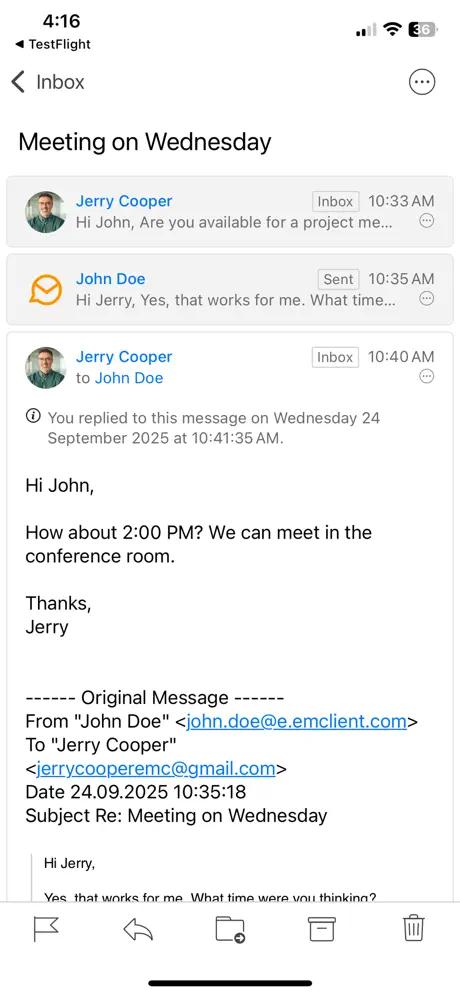
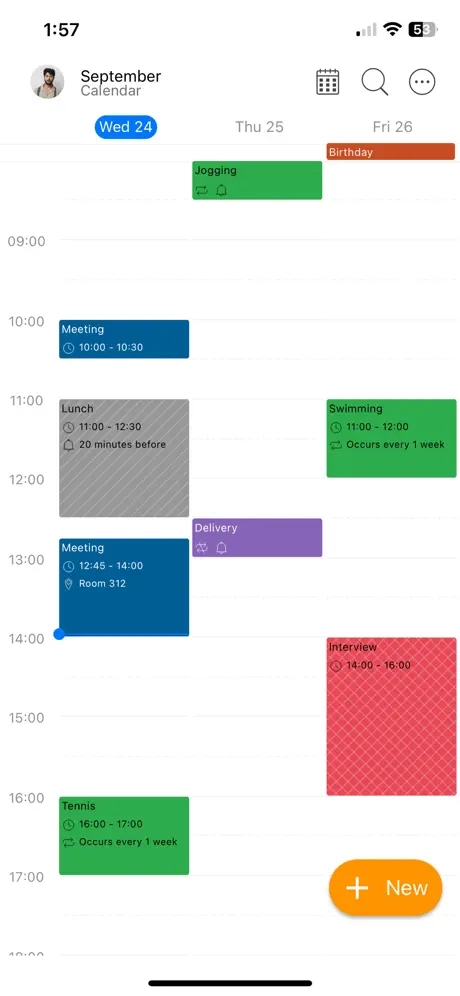
How much does eM Client cost?
Prices are current as of 14 Nov 2026.
eM Client has no in-app products on record in the United States.
10+ alternatives to eM Client
| eM Client |   Spark Mail: AI Email Assistant |   Canary Mail – AI Email |   Airmail for Gmail Outlook Mail |   HEY Email |   Email Client - Boomerang Mail |   Nextcloud Talk | 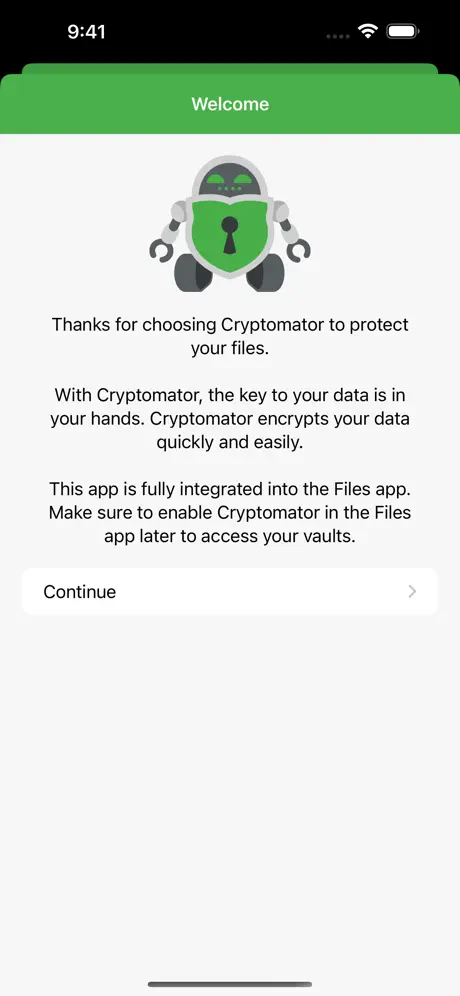  Cryptomator: Protect Privacy | 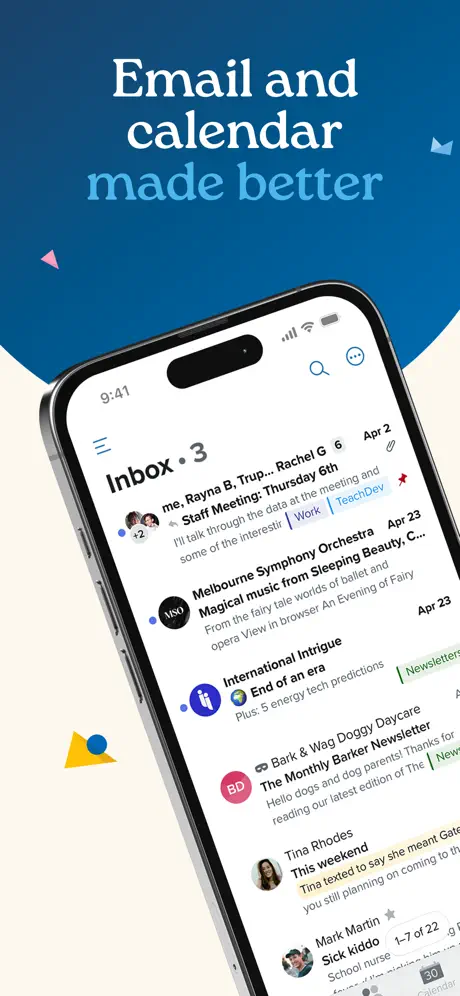  Fastmail – Email & Calendar | 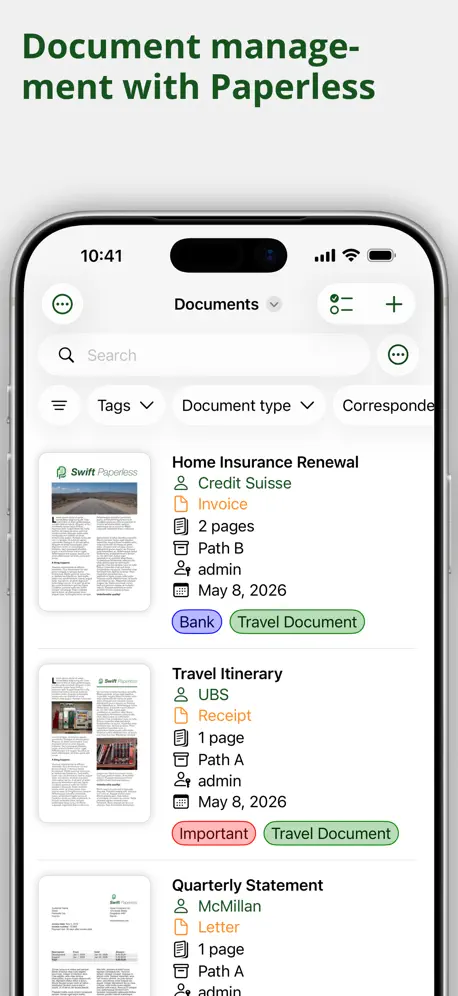  Swift Paperless | 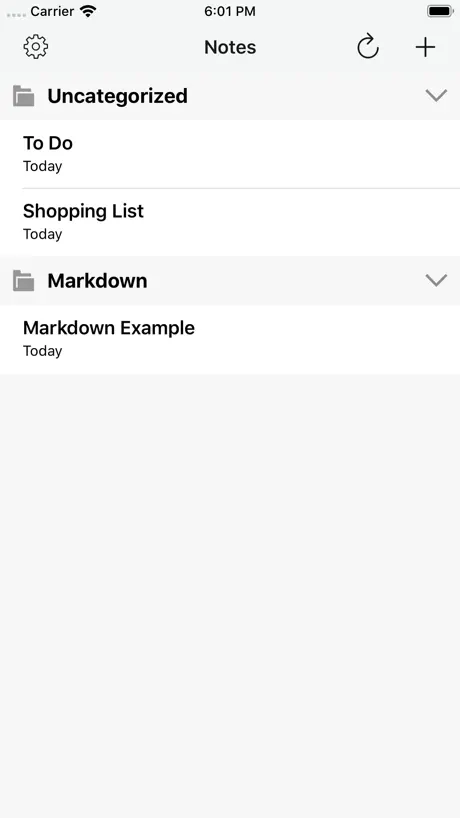  Nextcloud Notes | |
|---|---|---|---|---|---|---|---|---|---|---|---|
| Rating / 5 | 3.8 | 4.6 | 4.5 | 4.2 | 4.6 | 4.6 | 4.4 | 4.4 | 4.0 | 4.8 | 2.4 |
| Reviews | 372 | 352K | 22K | 17K | 8.4K | 8.2K | 4.8K | 2.3K | 1.4K | 615 | 612 |
| Released | 2024 | 2015 | 2017 | 2016 | 2020 | 2017 | 2018 | 2021 | 2014 | 2023 | 2014 |
| Monthly price | — | $10.00 | $2.99 | $7.99 | — | $19.99 | — | — | $6.49 | — | — |
| Annual price | — | $59.99 | $34.99 | $39.99 | — | $179.99 | — | $9.99 | — | — | — |
| One-time price | — | — | $9.99 | — | — | — | — | $2.99 | — | $8.99 | — |
The going rate for each plan in United States, in its own currency, shaded from the cheapest price on the row to the dearest. Plans fewer than four in ten of the priced apps sell are left out.
eM Client reviews
3.8 out of 5, based on 372 reviews.
What people like
- Clean interface without annoying AI features.
- Great support for PGP encryption.
- Easy to drag and drop emails.
- Lifetime license option available on desktop.
What they complain about
- Inbox updates are painfully slow.
- Sync fails to update deleted emails.
- Search function is often broken or slow.
- App crashes frequently after updates.
Finally found it - the perfect email client?!
I have been searching forever, seriously. I’ve been on iPhone, Android, Windows, Linux, back to iPhone… I finally found what I’ve been looking for. An unrestricted, multi-IMAP, responsive, modern email client that “syncs” well between desktop and mobile. Love the clean layout and organization. Puts all the platform built-ins to shame.
Disabled Touch Screen on iPhone
Sucks. Touch screen disabled on app after update and reinstall.
Email Issue with was resolved
An issue with this app unable to download and display mail was resolved by deleting the app and doing a hard restart of my iPad. Then reinstall. The app is quite good and it has replaced the Apple Mail app or my email on my iPads and phones.
Slow and unstable at times
Areas for improvement: a) iOS client is v-e-r-y s-l-o-w to retrieve Outlook and Gmail accounts (especially Outlook) and at times becomes unstable when sending AND receiving - your Mac and Windows desktop clients work well in comparison, b) combined inbox does not work in iOS - need to click on individual accounts to view inboxes (annoying), c) AI features: personally, don’t care about these (I do not use the slop generator, I appreciate grammar check/continued spell check that is not intrusive). LOVE your security/priavacy features (ex. your pixel handling) - please maintain this as your focus. Recommended recipe for success: please focus on: 1) security and 2) stability, then 3) whatever else you like - e.g. AI slop (in that order).
good but...
the inbox refreshing is ridiculously slow, even for just 1 account
Excellent!
I have the desktop version which is great as well. This mobile version is loaded with great features. Definitely blows away the other mobile email apps I have tried.
Come on
Editing to add: I emailed you people prior to this review with these concerns, and you said the exact same thing, none of which fixes the issue. I also told you I’ll just leave an honest review, so I honestly don’t know why you’d simply scribble the same type of nonsense into here unless you just want people to THINK you’re responsive with alleged solutions. Original review below. There is no reason - none whatsoever - for A: inbox refreshes to take such a pathetically long time; and B: basic search to take such a pathetically long time. I have seen a number of “responses” from devs saying that it’s being worked on, but as of now that just seems to be a balloon full of air instead of anything of substance.
So much better than outlook
Took off a star because there doesn’t seem to be a watch for reply option on mobile but otherwise this app is great, I’ve completely switched over from outlook which is nothing but frustrating. Also needs a way to create an event from a date in emails
Super slow with Google Workspace accounts
I switched to em Client from Spark in the hope of faster search performance when looking for specific messages in my Google Workspace accounts. I’ve been sorely disappointed and won’t be renewing my subscription. EM Client is not just slow at search; it fails altogether to find messages that are quickly surfaced by a search in Apple’s free Mail app. Worse, eM Client now takes minutes just to update my inbox when I open the app. That effectively makes it unusable. This app’s developers should stop larding it up with niche features and optimize it for speed, because it is SSLLOOOOWW!
Problems with office365 ‘Outlook’ calendar
I’m a big fan of the emClient apps. However, since moving my email, calendars and contacts from iCloud to an Office365 ‘Outlook’ account the calendars no longer get synced fully. This is an iOS and a Windows desktop problem. I suspect Microsoft’s eternal changing of their protocols is to blame, but emClient needs to keep up. I had to move to the Outlook apps. No choice. It’s a shame.
so much better than the usual options
gmail stalls out constantly. apple mail also bugs out all the time. but finally tried this one and what a breath of fresh air! it’s almost weird having a reliable email client :)
Great features but app is unreliable and unusable
I've used em client on Windows since it began and pay for it. Great features and design. It is my favorite desktop email client by far. It is also quite good on Android. The iOS implementation which I run in iPad mini with iOS 26.6 is unusable. It freezes. It doesn't send emails reliably. It takes forever to download emails. It's formatting goes weird, with message headers in the account view inexplicably indented at random. I need a reliable, predictable, stable email client for my work. I'm very saddened that I have to go back to the inferior Gmail app. If anyone reads this, I suggest also that you find a way to implement the official Gmail API like Wundermail does. It will affect problems to do with aliases (across the desktop Windows environment too). Thanks to the team at em client, and I hope that you are able to get the iOS version to the same excellent standard of your Windows client.
Excellent client; lacks appearance customization
This has quickly become my preferred client for both iOS and desktop. Editing HTML directly in composition and signature editing makes it really easy to write a custom signature that can be copied across devices. All I ask is for this app to fully leverage OLED displays. The gray background is very stale, and really just decreases contrast while increasing power draw.
Accounts quit Syncing
I’ve been a user and big fan of the desktop version of this product. This iOS version looks and functions just like the desktop with one BIG exception. Works great for a few days and then quits syncing. Ironically, I still get push notifications like it knows there are new emails, but you are unable to see or view them. Kind of a big problem for an email client…
Goodbye Outlook
After an increasing number of very serious problems with Outlook caused by MicroSlop, I’ve dumped it as the problems have become intolerable. I did quite a bit of research and really like the desktop version of eM Client. This iPhone version is OK except that it is extremely slow! Why? I have no idea. Surely, something must be done fix it. If not, I’ll be forced to find another client to use with my email on my iPhone. I hope not so please fix this!
An Amazing Email Client
This email program is the email program I've been looking for for years. It's clean and modern looking, full featured, and very easy to use. I love how easy it is to drag your emails wherever you need them from directly onto your desktop to placing them in whatever folders you have set up. This was a several step process with my old email program. If I had any complaints at all is that with no contact number or chat option, customer service is a little hard to come by. The only option you have as a free customer is through email, but they have proven to be pretty responsive. I'm thrilled to have stumbled across this email client. It's exactly what I've been looking for and I'm really happy I found it.
No useful calendar
I gave it a one star review to try to get the attention of the developers because they don’t seem to get it. If we get a calendar link in an email, we can only put it in a stupid local Calendar on that device. What use is that? And their share option doesn’t go to Calendar, as any competent programmer would do. Seems to be no way to add to your calendar.
Pretty good now, but ..
The app is still painfully slow on actually downloading messages - especially, it seems, from gmail, when compared to the desktop version. The background update also seems flawed; I’ve got the client installed on desktop, iPhone, and iPad, and if I collect and read (imap) messages on the desktop, the ‘unread’ indicators don’t update, nor, if I read them on the iPad, does the iPhone update .. until the app itself is opened. The desktop version appears to be ok.
Wasn’t able to get it working
Couldn’t get my account working (IMAP), never managed to get it synced after retrying four or so times in case it was an issue with my inputs. By the end I’m not sure if that is a bad thing or not, the app feels clunky. I’ll continue on with Canary Mail
Slow and no push notifications
The client is nice and has a much needed feature with M365 accounts (delegate access). However, it is super slow and push notifications never come thru. It still has a way to go.
Quality
Switched to eM Client after having issues with my previous mail client that synced data to their cloud. Was looking for something simple without relying on a third party connection. Using the eM iOS app and windows all now. The QR code import is a super convenient feature. iOS version is free, but I bought a lifetime license for windows app the same day. The good reviews online about eM Client are accurate.
Horrible
I mean, let’s just face it. This application is abysmal. It looks like garbage, refuses to open up a proper browser, forcing you to use THEIR pathetic browser , instead of doing things right. What a mess Do better
App is almost perfect
Missing 3 key things: 1. UPDATED AND ADDED 2. Ability to quick drag to select messages to delete. Right now you have to individually click the avatars on the left 3. Mail takes a while to populate after loading the app even though the notifications of new mail already came through.
Out of Sync
Like probably many other users, I was fed up with Outlook or regular email, and just wanted something that would be seamless between my PC and my phone. At first things were okay, but now I have accounts out of sync that I had to remove and reinstall in the past, and right now I am just ignoring it until I can decide on a different client to work with. I literally have two emails in the app on my iPhone that won’t disappear. I clear my unread daily and only those two stay and it’s just so annoying. I don’t want to have to remove my accounts and re-add them weekly. It is just not worth it anymore. I paid for the yearly subscription because I like to invest in the things that make me happy and this will be the only year unless I see news on updates or fixes.
Not committed to the app
The developer is just not committed to getting the app into prime time. It’s okay as an email client but without the calendar functionality (promised within “weeks “ after the release) it’s basically worthless for serious use. Update: Still no calendar. C’mon guys finish this thing up. We’re now at 10.2 and still no calendar? This is not a “full featured” email app. I’d love to update (I’m still running 9 on my laptop) but not without a calendar. Update November 11, 2025 Well, there’s finally a calendar that works well. But, this is the slowest piece of software I’ve ever used. I did a test run sending from one address to two other addresses on different servers. That was ten minutes ago. I’m sure it will get sent eventually, but, speed things up please!
Really impressive mail client
I use the outlook office 365 mail app on my laptop and desktop. Microsoft is pushing to use the new Outlook which is terrible. Missing many features. And the Outlook classic is fine. But has limitations. For me I have test seed accounts and Outlook crashes. So use eM client for my seed accounts. My company uses Rackspace for email and eM client is awesome for use on iPad for my work account. I like the native mail app for iPhone. Not for iPad. eM client to the rescue for a nice free iPad mail app. I pay em client for my laptop and desktop. It’s great. Impressive features.
No calendar
Without calendar and contact it’s not good enough.
Awesome except
already-sent things going to draft folder. And, having to mark already-read messages as read. Maybe just Gmail issues that Spark automatically fixed. But, that company is more into AI than fixing their slow-sending-emails issue. This app is fast & clean.
Very disappointed at first, now very impressed.
I originally posted a review that highlighted various issues with this Mail client. The past year of obvious hard work on ensuring the app works as it should, not only has the developer fixed practically all issues, to the point it’s gone beyond expectations. Personally I would certainly entertain supporting this app if that’s a way the developer decides to introduce a payment for advanced features. Keep up the great work. Purposely waited for iPhone version to launch before buying desktop versions for Mac and Windows, glad I held off, app is ridiculously slow, hit and miss when downloading emails, even when notifications are received no emails visible for viewing in the app. I run 8 email accounts, and really cant rely on this app for either a business or a personal usage. Desktop versions are excellent, but unless the app performs as it should, I’ll certainly hold off purchasing.
Love the Desktop App
I love using the desktop app on my PC. It is super customizable but still easy to use. If all of the features were properly ported, this would be a perfect app, but as it is now, it’s good but not great. Keep at it though!
Great email client and keeps getting better
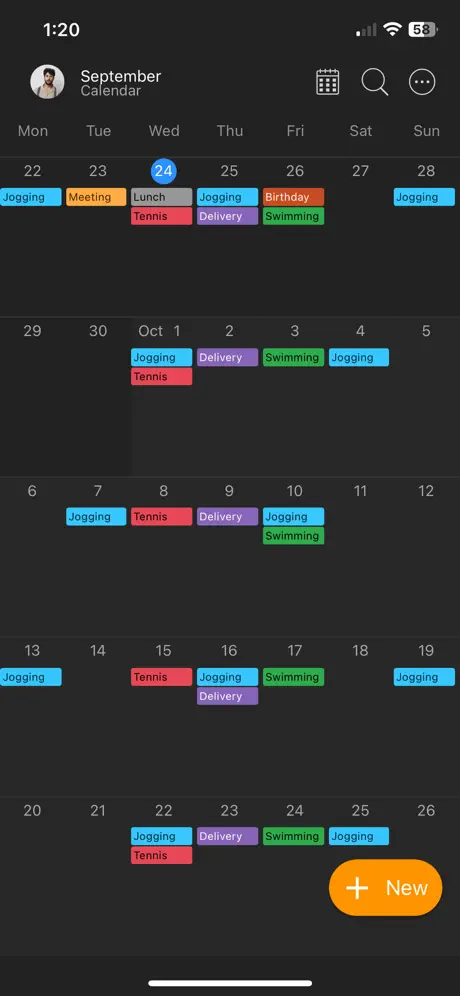
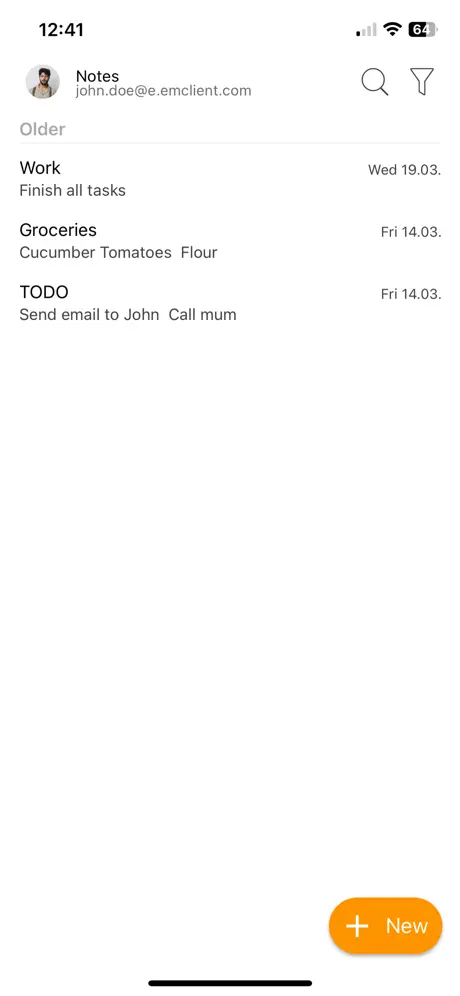
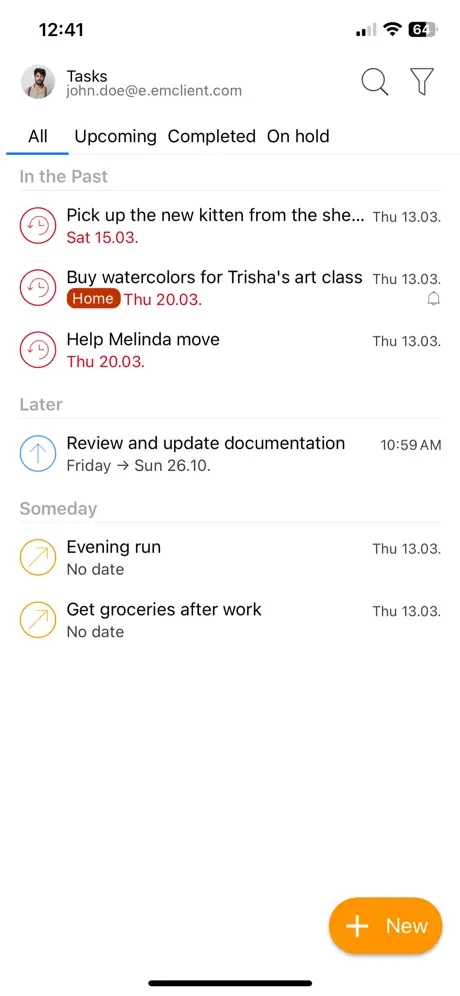
I got this app a while back and liked it. I am just returning after trying 4 others and thinking, “I’m going to give that other one another try.” This app really checks all the boxes: easy searching, ability to not sort by conversation but view the conversation easily once I open the email, snippets, templates, signatures, calendar, notes…..etc. It really has come a long way and looks like the one I am keeping. Glad I was able to get the lifetime price! Thank you Dev for offering lifetime!!
App Will Not Open
This app has been installed several but it will not open to use. Using DDG for mobile browser and gmail. Keep add email but app will not start. Desktop is good. Mobile=No.
Nice mobile app
It took a while to get off the ground but this app is decent now. However, I'm looking to move away from eM Client, as the desktop app requires license validation every 14 days and when it fails it's very hard to resolve and you're locked out of your email.
Slow, slow, slow
Very slow loading email. Very slow to perform a search. No calendar. Average UI. Could be so much better.
Great features … after it opens
This is a phenomenal email app client. Many features, good UI … but painfully slow opening. Yes, I have a lot of email folders, but that’s what an email client should be able to handle. Slow in general, but if they improve that, then a solid 5-star rating is waiting.
Best App Email client
Best email client with PGP encryption. love this. My favorite.
Accounts won’t stay online
This app so very frustrating. The only way I can use it is by uninstalling and reinstalling the app almost every week to reset it so that my account shows as online again and continues to sync my emails. For some reason it will randomly make my account go offline and no amount of closing reopening, changing WiFi or data connections or refreshing will fix it. Also the search function for folders is broken… Please fix this trash app.
Great App
Like others I use the Desktop app and that’s flawless. The mail refresh can be a little slow, but the badge notifications work fine and seem to be on real time. I also am looking forward to the calendar features to make this complete as at present I have to add events to the desktop app for them to appear on my IOS calendar.
Incredibly slow
Incredibly slow to update the inbox. The progress indicator just keeps going and going and nothing happens. Have to force quit and restart the app and then it might update more promptly.
Potential
Like others have pointed out, needs calendar function. Otherwise, needs customization options, I like my toolbars at the top and set it as such for all apps that allow it.
A total outlook iOS replacement and more
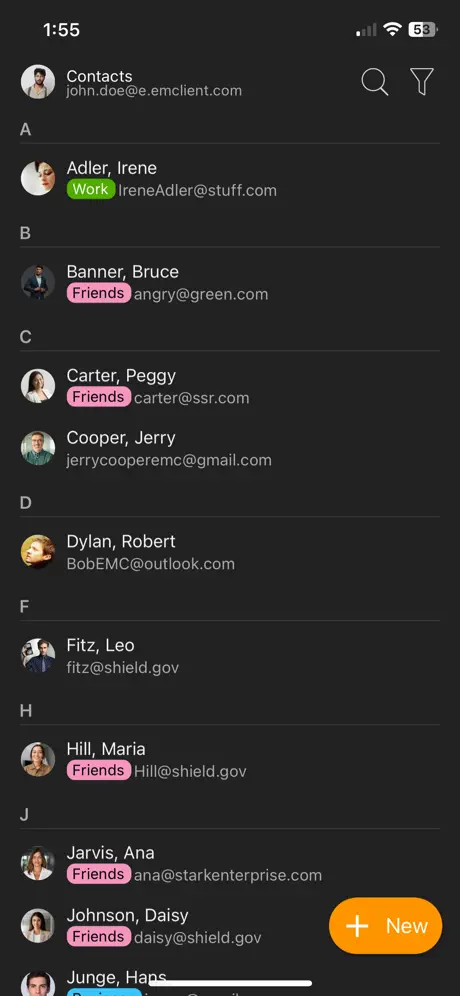
Don’t let the low number of reviews for you. This app is awesome. It is a total replacement for the outlook iOS app it can do contact editing notes and much more. Also it has the ability to zoom text only inside the app so you do not need to use the iOS app control panel to zoom in only for this app only. It has the same type of integration for Gmail and others. Another positive in my opinion is that it is not loaded I junk you’re not forced to use AI. Ai isn’t popping up all over the place that is a big plus In my opinion. All the other mail programs force AI into the mailbox into the contact selection. This does not.
Fails to sync with mail server.
When mail is deleted from the mail server via any other program, such as windows, the app fails to update and sync with the actual state of the mail on the server. This problem has been prevalent for quite some time.
Not bad
Really not as bad as some review has suggest. The UI can be made prettier, but this is one of the best mail app with PGP support.
Crashes on iPhone and iPad
The latest update crashes on both the iPhone and iPad until uninstalled and reinstalled.
Almost there
Oh man, I tried so hard to love this app but it’s just not quite ready for prime time yet. Used desktop version about 10-15(?) years ago, anyway, a long time ago and I used it for years: loved it and nothing even came close to it. Using the desktop version now on Win 11 and I have a few days left on the eval period and I’m just about ready to go back. It’s a bit quirky but once you dig deep into the settings it can be tamed, it just takes a bit of time. This app however is not there yet. It doesn’t update, and I have to rely on Apple Mail badges to see if I have new mail. Then I open this and it constantly asks me to re-enter passwords to random accounts, accounts that it successfully checked an hour ago. Then refresh to see the email I could just as easily read on Mail. Signatures are kinda wonky, it doesn’t ALWAYS pull them off Exchange but it does respect ONE Google account, so go figure. Categories on the other hand it insists on putting back up after I have repeatedly removed them, it just loves to categorize my emails. Well, nagging things like this. I’ll try for a few more days but if I have to look at another mail app to see if I have new messages, why would I want to use this?? I hope it matures into a solid mail client and follow into the footsteps of the desktop app because then it will definitely be worth the switch. Hope and hope some more
Great iOS email client
I use it for my various email accounts. Calendar, emails and contacts are constantly used. Highly recommend this app.
The slowest email app that also doesn’t sync correctly
eM Client is by far the slowest email app I have ever used. The badge notification icon doesn’t update unless you open the app, and I am constantly stuck with zombie emails that remain in my phone inbox indefinitely even though I’ve deleted or archived them on my pc or on the web. I’m a paid user of the eM Client desktop software, and I was excited to have the phone app to go along with it, but the phone app is just terrible in many ways. I’ve communicated with support a lot, and the problems with the phone app have not been resolved.
Good
The app is excellent and more over it's free!😀. Love the app i use outlook too due to inbuilt calendar! Could be better if you have a calendar too in the mail like outlook. This helps us in scheduling meetings and view upcoming meetings.
Needs Work
Buggy, hasn’t been updated in four months. I’ve been using their desktop app for years and love it, but this is not quite ready for prime time
Basic but clean. Needs black mode
It’s a pretty basic but very clean looking app. Decent companion to the desktop version. Took a minute to find where the setting is to switch to push notifications which is not on by default. It’s dark mode is a gray, not black. That’s the dealbreaker for me. Back to using the default Apple mail because I want black.
eM Client FAQ
- Is eM Client free?
- Yes. The app is free, in all 175 countries it sells in, and it sells nothing inside it.
- Does eM Client have a free trial?
- No. None of its offers (US) come with a free trial.
- What are the best alternatives to eM Client?
- Spark Mail: AI Email Assistant (4.6 from 351,685 reviews, premium from $7.99), Canary Mail – AI Email (4.5 from 21,813 reviews, premium from $2.99) and Airmail for Gmail Outlook Mail (4.2 from 17,326 reviews, premium from $3.99).
eM Client download
Last updated 23 days ago.
eM Client sells in 175 countries. It was released 2 years and 7 months ago, on 22 Mar 2024. It holds a 3.8 rating from 372 reviews.
Supports 17 languages: English, Czech, Dutch, French, German, Hungarian, Italian, Macedonian, Norwegian Bokmål, Portuguese, Russian, Chinese, Slovak, Spanish, Swedish, Turkish, Ukrainian.