
Synology Photos

How much does Synology Photos cost?
Prices are current as of 5 Nov 2026.
Synology Photos has no in-app products on record in the United States.
10+ alternatives to Synology Photos
| Synology Photos | 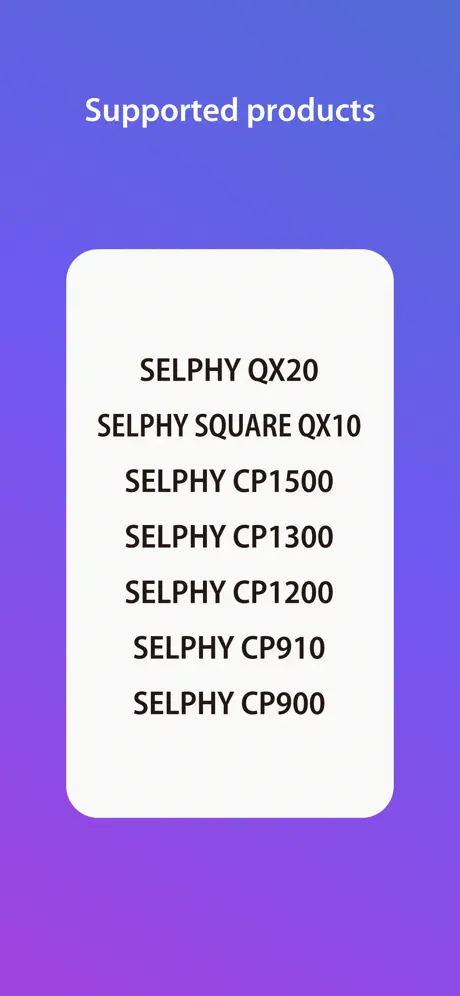  SELPHY Photo Layout | 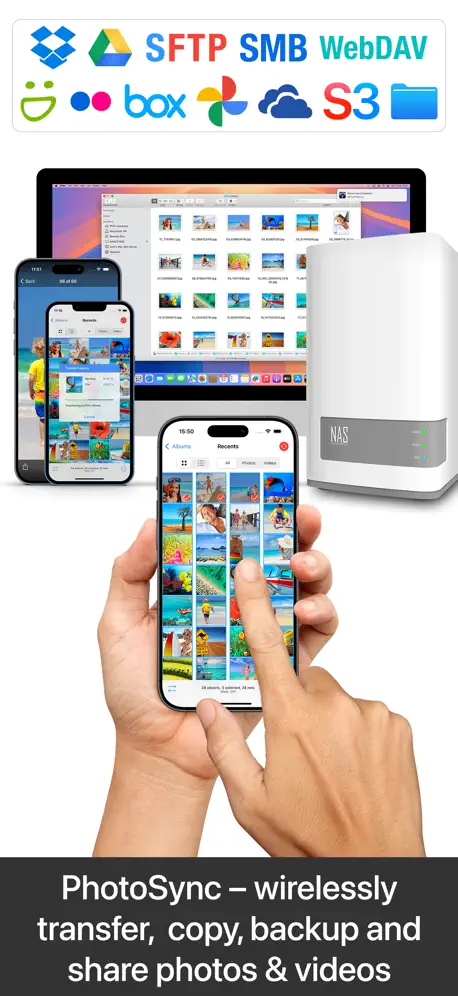  PhotoSync – transfer photos | 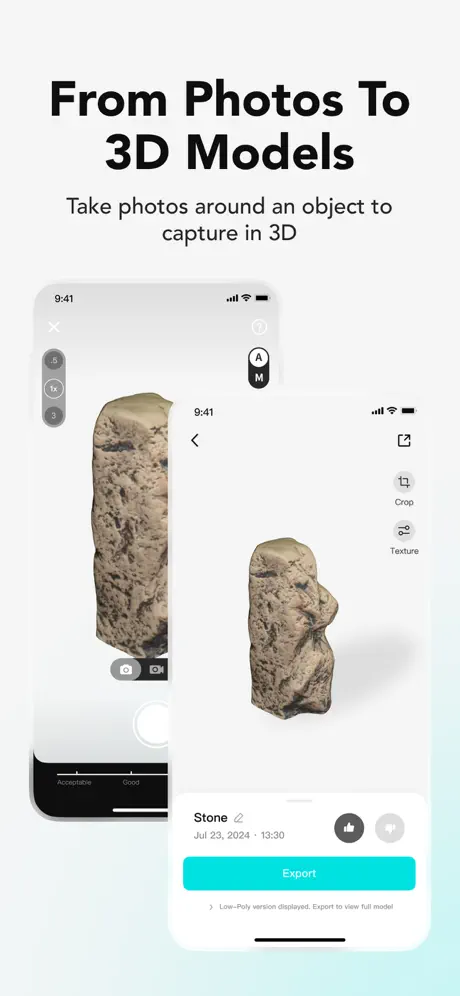  KIRI Engine:3D Scanner & LiDAR |   Immich | 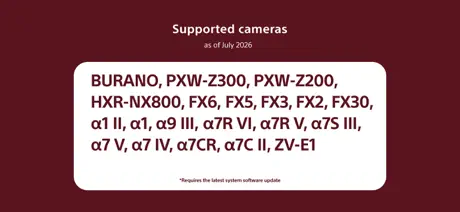  Sony | Monitor & Control | 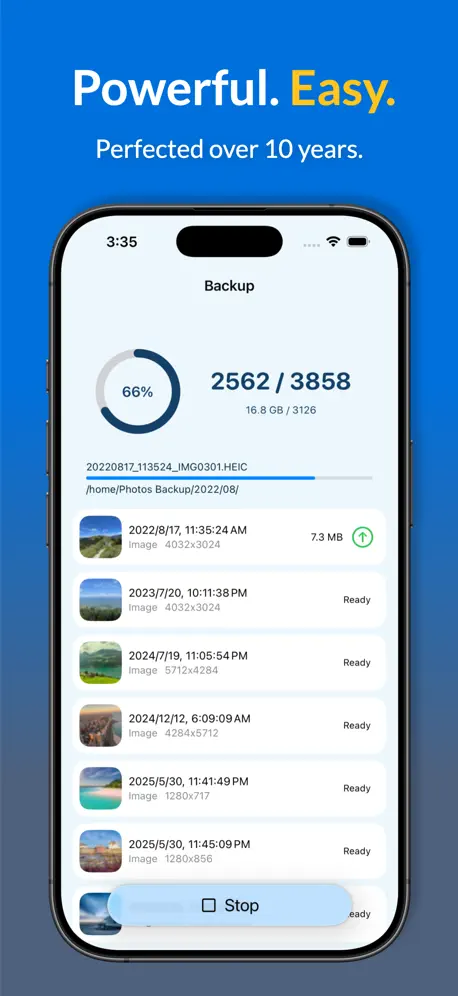  Photos Backup for Synology | 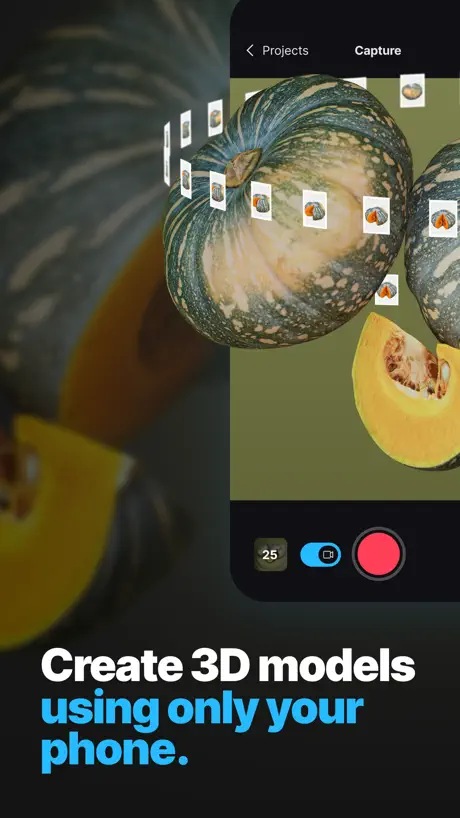  RealityScan Mobile | 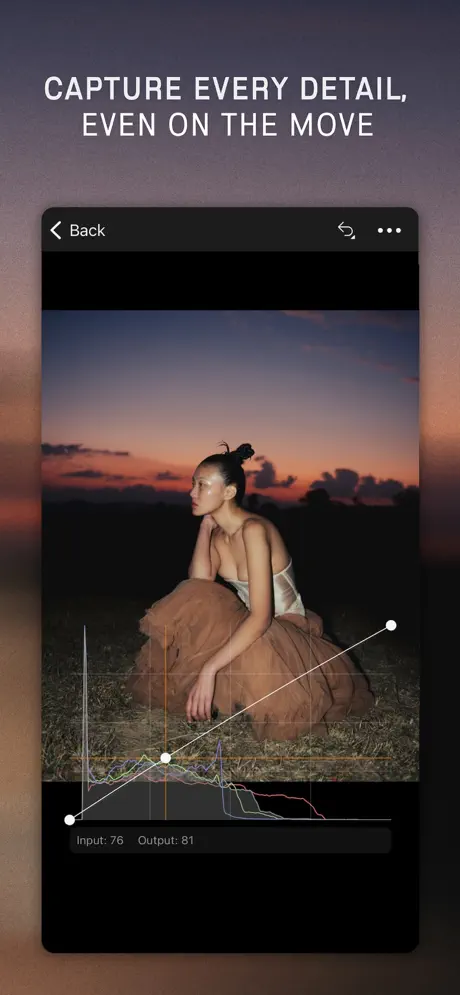  Capture One | 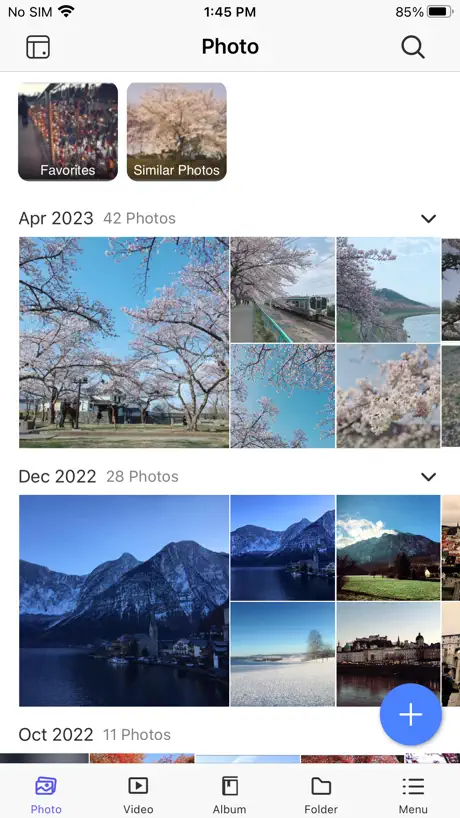  QuMagie | 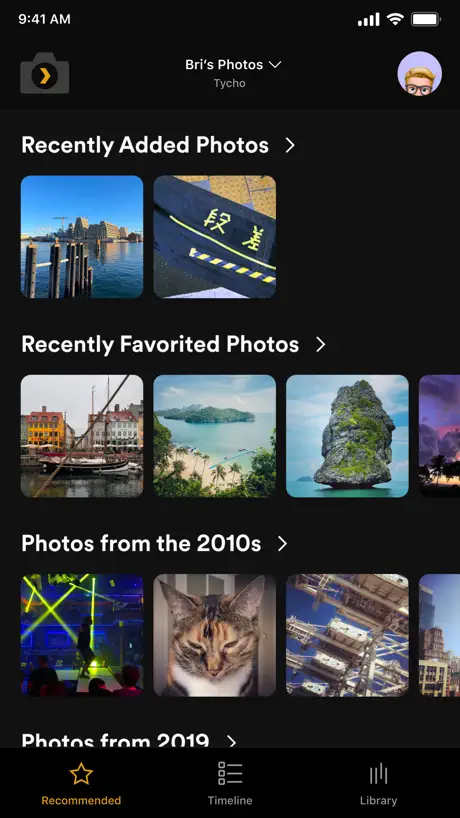  Plex Photos | |
|---|---|---|---|---|---|---|---|---|---|---|---|
| Rating / 5 | 3.0 | 4.7 | 4.7 | 4.5 | 4.8 | 4.4 | 4.7 | 4.1 | 3.3 | 2.0 | 1.5 |
| Reviews | 4.6K | 137K | 41K | 4.4K | 3.7K | 3K | 3K | 1.8K | 1.5K | 834 | 579 |
| Released | 2020 | 2018 | 2011 | 2021 | 2022 | 2023 | 2015 | 2022 | 2022 | 2019 | 2024 |
| Monthly price | — | — | $0.99 | $14.99 | — | — | $2.99 | — | $10.99 | — | — |
| Annual price | — | — | $6.49 | $35.99 | — | — | $19.99 | — | $109.00 | — | — |
| One-time price | — | — | $14.99 | — | — | — | $39.99 | — | — | — | — |
The going rate for each plan in United States, in its own currency, shaded from the cheapest price on the row to the dearest.
Synology Photos reviews
3.0 out of 5, based on 4,572 reviews.
What people like
- Backs up photos from all devices automatically
- Helps free up phone storage space
- Looks modern with the new design update
What they complain about
- Keeps popping up login screens repeatedly
- Thumbnails load painfully slow for old photos
- Face recognition misses people often
Excellent
I am not sure what people expected from this app. I currently have two phones & an iPad which back up to the Synology photo app remotely, allowing me to remove them from my phone saving space. It works perfect every time, I can view all the pictures in the Synology Photo’s app on my phone and also can access them via my laptop. It’s excellent and free.
能不能新增设置同时上传文件数?
网络本来就慢,还一次上传8个文件,不能设置同时上传数,最后结果就是一个都传不上
it’s okay
This was nice when I had a low storage phone but one problem I have is that when I’m not in one of two locations nothing will load
The app is great but UI ….
I love this app. Very easy to use to backup my photo and video. But this app lack of modern user interface design. The UI is a disaster. Not friendly to use. I thought the update to adapt iOS 26 Liquid Glass design will fix this. I was wrong…. It just looks like Liquid Glass but whole UI design logic still the same….. Synology…. Please do something…..
Great Performance - Lacks Features
Utilizing the Synology Photos app and ecosystem has been a wonderful escape from Apple, Google, and other back up platforms. The Liquid Glass is a welcomed and modernized taste to the applications look and feel, but there are two features that would make the experience supreme. A locked folder and a duplication tab would provide a way to store the more sensitive items as well as delete those pesky duplicated files that the lesser experienced users may come across while integrating into the Synology ecosystem. Other than this the performance is good and again, a great way to take hold of your privacy. Thanks Synology
Fantastic update!
I knew a favorites update was coming, but bringing over the new iOS 26 design language and favorites syncing was a great choice! The app looks much better now. Thanks!
Not working
Does not allow log in no matter what I do. Does not accept any of my log in credentials since I enabled 2 factor authentication. Alas!
Getting better
I am not sure who is over in the listening department, but the duplication finding feature has been greatly improved :) I have an idea to make it better and hear me out. If we think back to the old website of hot or not where you’re able to swipe the ones you want to keep and ones you don’t wanna keep if we add that to the duplication function, it can make it like a game to sort them out.
I don't think people who work for synology use synology
The user experience is so piss poor with synology I really am starting to doubt anyone at synology with any say in how the company is run actually use synology apps or products. Is it better than no NAS? certainly. But the moment I have enough cash to try another system I'm very inclined to jump ship. It's a land mine product. You get it and get excited at the possibilities, as you move forward you run into so many bugs, oversights, architectural limitations, and untouched problems , all with no real evidence synology has anything invested in the system. I don't know what the NAS alternatives are like. But the synology experience is hyper frustrating. Maybe one of the tech products I'm least happy with. And that's saying something.
Feature Request: Add Hide & Lock Photos in Synology Photos
Synology Photos is an excellent application with a clean interface, powerful backup capabilities, and great AI-powered organization. However, one very important feature is still missing: the ability to hide and lock private photos and videos. Many users store personal and sensitive memories on their NAS. Without a built-in Hide & Lock option, private content remains visible in the main timeline and albums unless it is moved to a separate folder, which is not a convenient solution. I strongly recommend adding the following features in a future update: * A Hide option to remove selected photos and videos from the main timeline. * A Locked/Private Album protected by a PIN, password, or biometric authentication. * The ability to quickly unhide items after authentication. * Support for these features across both the mobile app and web interface. This functionality is already available in many modern photo applications, and it has become an essential privacy feature. Adding it would significantly improve the user experience and make Synology Photos a more complete and secure photo management solution. I hope the Synology team considers this feature in an upcoming update. It would be a valuable improvement for users who care about both privacy and convenience.
Picture perfect
Works well for me. A+
Login Mystery
This app is super frustrating. I can’t even get past the login page using the same credentials that I use on every other Synology product that I use. Maybe it’s a functional app but I guess I’ll never know.
Great app but lacks full resolution view
Seems like when it retrieves, especially when we have big files from DSLR etc they are not full resolution. It would be neat to see those images at full resolution if possible
Bad Face ID
Still so slow. People ID has gotten clunkier and worse. Misses face identification a lot and no way to add it if it’s not automatically detected.
Great software and hardware, one request
Free up space feature should have an “older than 6 months” option. Otherwise, works great, easy to use, good face detection. Needs easier sharing mgmt. overall, it’s the best app of its kind for MAS owners.
Great App for your NAS
This App allows me to automatically backup all of my photos to my local NAS and free up space on my iCloud. Works flawlessly.
Verification code request dialog keeps popping up
Pops up every seconds, cannot input or stop
Free Up Space
Just started using Synology Photos. It’s good so far but I don’t like how easy it is to “Free Up Space”. I have plenty of room on my phone for my pictures and am only backing them up as a precaution and to have them accessible in the same place as all my other pictures on my NAS. It would be nice if Free Up Space could be disabled more effectively because it seems far too easy to do accidentally and from all the research I can find, it appears to be permanent if you did tap it. I haven’t been able to confirm if it does this or not, but even if it just moved them to “Recently Deleted”, then at least you would have the opportunity to undo it if that wasn’t what you wanted to do.
No offline access
This would be a five star app if there were offline access.
Why is Image Assistant needed on IOS?
Why is Image Assistant needed on IOS, when IOS natively deals with HEIC photos and HEVC videos?
Must have!
I love the app. It helps me clear up space on my phone by backup up all my photos. One suggestion: under the “Free Up Space” utility, 1 year doesn’t free up enough space for me, but 1 month is more aggressive than I am comfortable with. Could you give an option for like 6 months? Or maybe customizable.
keep asking me for code
where is the idiot code?
Feature request
When creating a shareable photo album and it creates a password protected link, add a button on mobile phone sizes so that users can click “download all”. There currently is not a way to download all on iphone 16 screen sizes.
Needs to display max resolution
Photos always compressed for display, for photographers this be a big issue. Only way to display max resolution is to download the photos. Please include an option let the user pick.
Hide unknown people
When it comes to hide unknown people on the “people album” is a nightmare. The interphase makes it so hard and i spend too much time doing it.
Its great but
Definitely can be better. The biggest complain is bad face recognition. Its basically nonexistent. If Synology hardware is not capable producing good face/ object detection, maybe offload that workload to a desktop app? I mean you already have one , Just add feature to rescan library for face and object tagging. I really like synology photos, but cmon make photos better, this is one of the reasons alot of people even buy it. Now you make it really shine and the market is yours.
Crazy unstable
After updating Synology NAS can’t enter with code as it constantly opening pop ups one after another without possibility to enter a code.
At last I can show photos on my iPad from local storage
A little rough around the edges, but great for backing up photos to my NAS and showing them on my iPad without Apple strong-arming me to put them in the cloud. Previously I was pulling my hair out trying to find a way to put my photos on my iPad from some other storage device.
Brutally slow thumbnail generation
I have many years of photos backed up on my Synology NAS and unlike Apple Photos which instantly generates thumbnails the Synology app is BRUTALLY, UNACCEPTABLY slow to generate thumbnails for years past. It's just awful. It's good for backing up but wow.
小组件iOS26适配有问题
升级iOS26之后,打开图标的透明样式synology photo的桌面组件变白无法正常显示,请及时修复
Photo back stopped working
I tried reboot my iPhone but still not working. Keep saying backing up, but kept working on the same photo for hours under focus on mode
Worthless
Doesn’t work on IPad
Getting Better
Please integrate machine learning and hidden folders in the app. If not hidden folders, guest view mode for handing your phone off, or pin protected folders. Easy.
No HDR10 support in 2026 seriously?
The app is great but it doesn't support HDR10 for viewing photos in 2026. This is a bit redoculous since almost every phone since 2014 has taken HDR10 Photos and then you can't even view them in HDR but yet the videos play in HDR.
改進建議
希望可以喺資訊描述添加批量操作。同埋好似iPhone相片添加說明一樣可以顯示相片以及操作介面,還有左右切換唔使退出編輯介面。
Backs up from all my devices
I love that it backs up from all my devices. Also, the main feature I wanted so that I could replace google is the ability to search by face so I’m very happy they have this feature. My only request would be to be able to search by date unless I’m doing it wrong because it doesn’t work for me.
釋放空間刪照片真的爛透了
工程師到底怎麼想的,相簿只留一個月照片?然後跳到一年????是哪個天才設計啊? 為什麼沒辦法自訂,這麼難想到嗎?
Great update
Great New Year update particularly the photo widget, makes me enjoy my photos even more on iPhone, thanks
Please fix the issue
App has bugs. Several items left in my album that could not be backed up.
Need HDR Photos view support!
HDR is important for iOS photo applications
Najlepszy nas
Nie jest to ideał ale na potrzeby 1 osoby lub kilku w domu przy słabym nas wystarcza. Wykonuję automatyczne backup zdjęć lecz nie usuwa on ich sam to powinni ulepszyć. Aplikacja w tym samym kraju daje szybko odpowiedź od serwera nas, co innego jeśli jesteśmy za granicą działa to wolno. (Ten sam kraj nad 3S czekania, inny kraj odległość 1500km 8-10s czekania za długo) Nie polecam innych nas ponieważ wsparcie jest nie kontynuowane tylko sprzedać produkt i sam sobie radź, wolę synology oni są od lat i będą na rynku. Cena synology wyższa ale lepszą i wsparcie jest cały czas produktów. Sprzęt nie psuje się latami więc zakup bardzo polecam.
Buggy
Issue where a verification code screen pops up over and over
Good App but one big issue so far..
This works well as a baackup solution for the iOS camera roll (recent photos) to the synology NAS but with one huge drawback. If you are backing up in HEIC format the Geo Location from the original on the phone appears to be erased from the backup on the NAS. I really do not want to lose the location information in the backup and I cannot find any option to change this. Hopefully Synology will see this is a bug and fix it in a future release.
Trying to find a photo or video is nearly impossible
It's search function is basically useless . It can't find words in documents, command words are useless. If I was able To actually find the photos I need it would be much more useful . Once that is done I will update my rating
Lacking videos search by location.
Hi. When I type Mexico in search field it will show me only my photos from Mexico not any videos. Please add the feature to search videos Or just let the app list photos together with videos.I know its hard for app developers to make geo-tagged videos from Apple IOS. Thanks
Great update
The new ability to filter by file size and date when cleaning up old photos is a fantastic addition
Broken
The app is completely broken currently. The moment I launch it it pops up a small box requesting a 5 digit verification code. The synology 2 factor authorization app generated a 6 digit code, so I don’t know what 5 digit code they want. Also, the box pops up over and over and over, even before you can enter a code, so the point is moot. It really feels like Synology hates their consumer hardware and software, it’s bad, buggy, and falling apart.
Slowly getting there
With the addition to sync photos regardless if they’re backed up or not, deleting a photo on the phone and NAS at the same time, and support for re-uploading a recently modified photo is perfect. I can slowly vision using this app as my main photos app soon - finally!
Pin input creates more popular than windows 95 errors
When I open the app, it just pops up the PIN code dozens of times. It’s like it’s trying to convince me I don’t know my PIN code, but when I shut down the app and reopen, the PIN code works… until I let it run in the background again. It’s great that this syncs with my nas when it actually works, but the user experience for syncing this makes me want to just delete the app and just use iCloud.
Glitch
Newest update makes a new mfa prompt popup every second so I can’t sign in. Great when it works. Unfortunately I can’t get past the sign in screen.
Synology Photos FAQ
- Is Synology Photos free?
- Yes. The app is free, in all 175 countries it sells in, and it sells nothing inside it.
- Does Synology Photos have a free trial?
- No. None of its offers (US) come with a free trial.
- What are the best alternatives to Synology Photos?
- SELPHY Photo Layout (4.7 from 136,931 reviews), PhotoSync – transfer photos (4.7 from 41,361 reviews, premium from $0.99) and KIRI Engine:3D Scanner & LiDAR (4.5 from 4,359 reviews, premium from $9.99).
Synology Photos download
Last updated 1 month ago.
Synology Photos sells in 175 countries. It was released 5 years and 11 months ago, on 7 Dec 2020. It holds a 3.0 rating from 4,572 reviews.
Supports 20 languages: English, Czech, Danish, Dutch, French, German, Hungarian, Italian, Japanese, Korean, Norwegian Bokmål, Norwegian Nynorsk, Polish, Portuguese, Russian, Chinese, Spanish, Swedish, Thai, Turkish.
How much does Synology Photos make?
Third-party estimates for the last 30 days, worldwide — not the store's own figures, which Apple publishes for nobody.