
Genisys Mobile
How much does Genisys Mobile cost?
Prices are current as of 12 Sept 2026.
Genisys Mobile has no in-app products on record in the United States.
10+ alternatives to Genisys Mobile
| Genisys Mobile |   Michigan First App Michigan First App |   MSGCU Mobile MSGCU Mobile |   Dort Financial Mobile Banking Dort Financial Mobile Banking |   Credit Union ONE (Michigan) Credit Union ONE (Michigan) |   MyFPCU MyFPCU |   Vibe Credit Union Mobile Vibe Credit Union Mobile |   Advia Mobile Banking Advia Mobile Banking |   Community Choice e-Banking Community Choice e-Banking |   MSUFCU Mobile MSUFCU Mobile |   ELGA Credit Union ELGA Credit Union | |
|---|---|---|---|---|---|---|---|---|---|---|---|
| Rating / 5 | 4.8 | 4.8 | 4.8 | 4.8 | 4.8 | 4.8 | 4.8 | 4.5 | 4.6 | 2.5 | 4.2 |
| Reviews | 11K | 26K | 13K | 9.6K | 9.3K | 8.2K | 6.1K | 5.1K | 4.5K | 579 | 446 |
| Released | 2018 | 2010 | 2020 | 2011 | 2020 | 2020 | 2013 | 2012 | 2010 | 2012 | 2025 |
Genisys Mobile reviews
4.8 out of 5, based on 11,073 reviews.
What people like
- It works well when it runs
- Auto pay setup is a nice feature
- Bill search function helps find accounts
What they complain about
- Maintenance takes too long to fix
- Logging in is harder than before
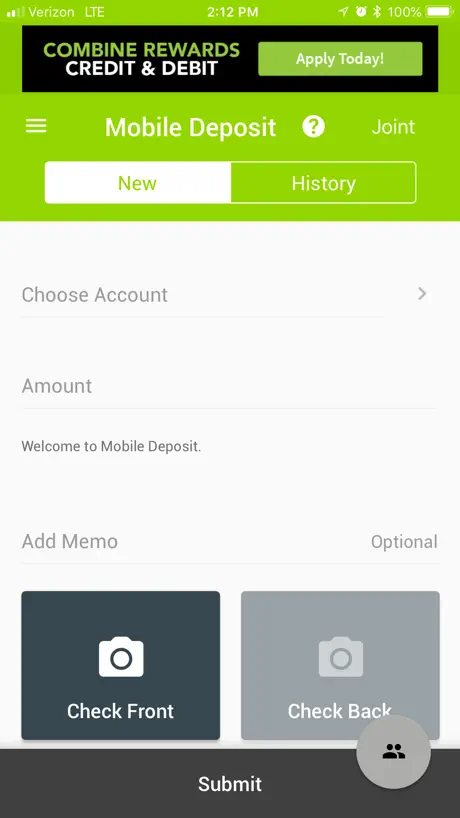
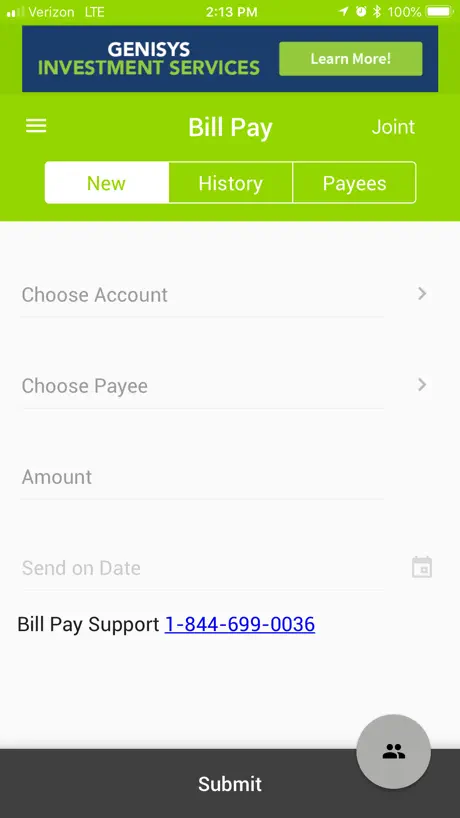
- Bill pay takes too many steps
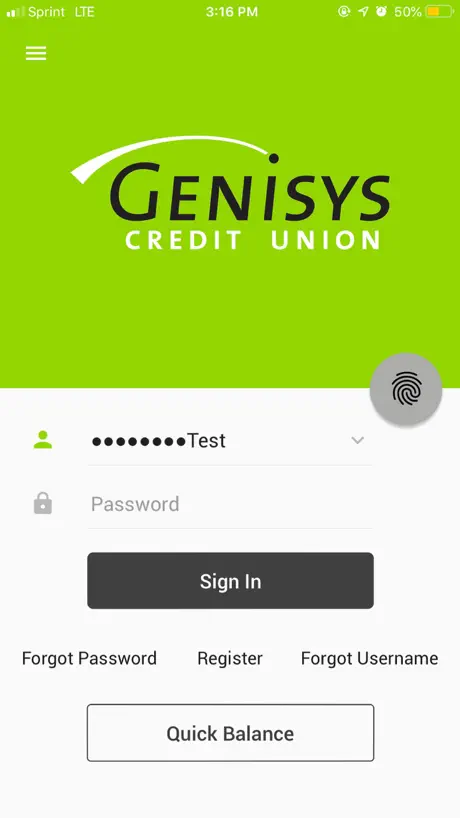
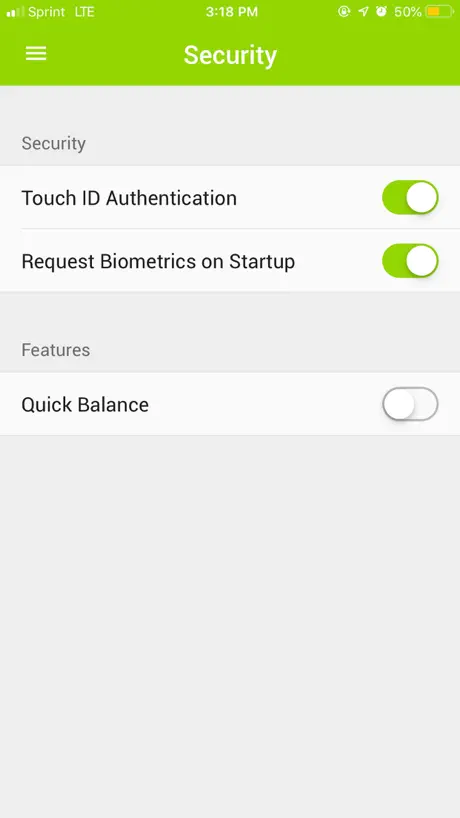
- Face ID settings are hard to find
Genisys is the G
It’s a great app! Props to the developers :)
Bad….
Horrible app. Has forced updates. Clearly has bad code which means lazy developers. Use the HTML web version. No forced updates.
iPhone app
Have had no issues since the day I installed the app up to May 7, 2026. Have not been able to get into the app.. I deleted it and reinstalled it. I’m all up-to-date on my iOS. I shut my phone off and rebooted it. All my other apps seem to work.. I was able to go in through the back door to check my account, but the app will not work.
It’s ok
It’s ok but the fact that Genisys can just close the app for 3 or 4 days and I can’t access my funds or even see my account balance is a joke and I don’t know any other banking institution that has that kinda control over my money and just for that I’ll be moving on from them
App was fixed, I was able to login.
It was unclear that the update was going to last an entire weekend. Normally, maintenance lasts a day at most. I would appreciate if it was made more clear next time. I was informed of the maintenance, but it seemed to take much more time than what I recall being told. I also think maintenance that makes an app as essential as your bank app unuseable for multiple days, warrants a more dedicated notification such as a phone call. I hope what I have said is considered going forward. Thank you.
Glitchy
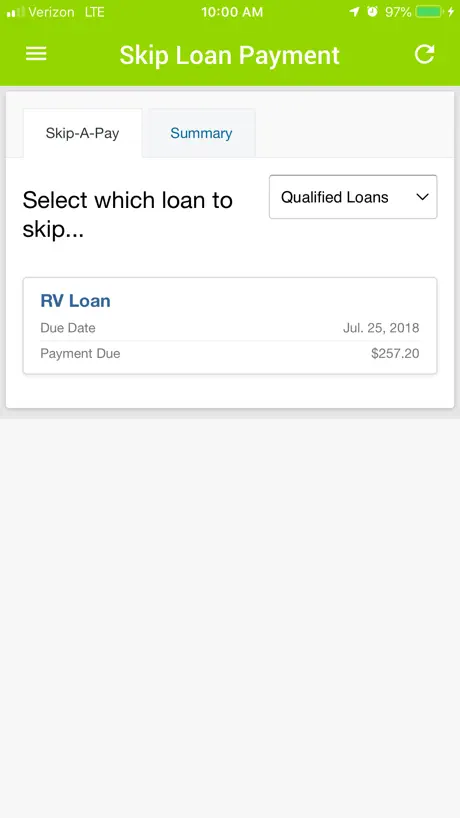
Takes about 4 times to autofill my password. Skip a pay menu fails to load. When skip a pay does load it is impossible to get it to accept the skip a pay. Really bad app that I have had problems with across multiple iPhones
Worked fine, until today.
Have had the app for almost a year now. Never once had an issue, until today. I cannot sign into the app, as it won’t load past the “sign in” screen and prompts me with “lost connection to network” message. I don’t have a network issue, literally have been trying all day to log on with no luck. I restarted my phone, uninstalled and reinstalled the app, nothing worked. Looked online for any posts notifications that would show that the app was down, can’t find anything. Would be nice to check my balance since I’m also locked out of logging into my online banking as it does not recognize my member ID or my DOB. Hopefully this will get through to the right person and the issue will be resolved
The older one worked better
The old app was easier to log into. I have to type in my account information every single time I want in, I do set up biometric authentication every single time, it works for a few hours afterwards but then the app forgets it’s on my phone and deletes all information for me to type in again. The old app did not have this issue and also loaded significantly faster. Also when having to type in my information over and over, I have to accept the terms of service over and over again. Please fix this problem, I am not the only one having it.
Bad
I have never used an app that was this user unfriendly. This app is horrible. Cans get anything done through it.
not working
App hasn’t worked since Thursday it’s now Monday and i’m not able to buy anything or even view my money GET THIS FIXED
Bad login UX design
1. The login screen says to enable Touch ID you need to activate it under the settings menu in the app, but once logged in, no such menu item exists. You actually have to select “App Settings/Sign Off” where there then is an option to enable Touch ID. 2. The username and password fields on the login screen are incompatible with the iCloud autofill password manager. Unlike other apps, no “password” prompt pops up. Even if you long press to pull up autofill→passwords and then select your saved password, nothing populates into the username and password fields. You have to separately go into your Settings app, go to saved passwords, and manually copy over your saved password.
This is exhausting
I don’t use this app often, but when I do I inevitably have difficulty logging in. I don’t know if my password expires or what, but I always have difficulty logging in. I use a password vault, so I never ‘forget’ my pwd. So I go through the hassle of creating a new password, and that one doesn’t work either. It may be related to how infrequently I use the app, but at this rate it’s going from infrequently to never.
New update
Not a fan of the new update seems like there’s too much going on not as clean of a look
Bad update
Before this update things were much easier to navigate. For starters the app is so bland now! It all blends together just being white and the font is so little it’s almost hard to read. The old version kept my username saved so all I had to type in was my password. I’ve also had to agree to the terms and swipe through the “new updates” portion every time I’ve opened the app since the update. Onto the biggest issue. When I click into one of my accounts there is no longer a clear separation between dates. It used to list a date and then show transactions for that date. This was an INCREDIBLY useful feature, it made it so easy to track what I had going on. Now it blends together. The second thing is pending charges used to be listed right at the top of finished transactions with the date that they would be going through. (I’ve got a pending transaction that just says “tomorrow” for the date. Why not just have it say 11/1/24?) Now I have to switch over to a separate section. That is frustrating because like I said that makes it harder to keep track of what I have going on. To wrap it up, bring back those date separations and add some color!
Do not deposit here
I repeat do not deposit your check on this app if you wanna wait a century then I guess you can deposit here. I thought we were in 2025. Why is it taking this long to receive my money?
Dark mode nice but other process take longer.
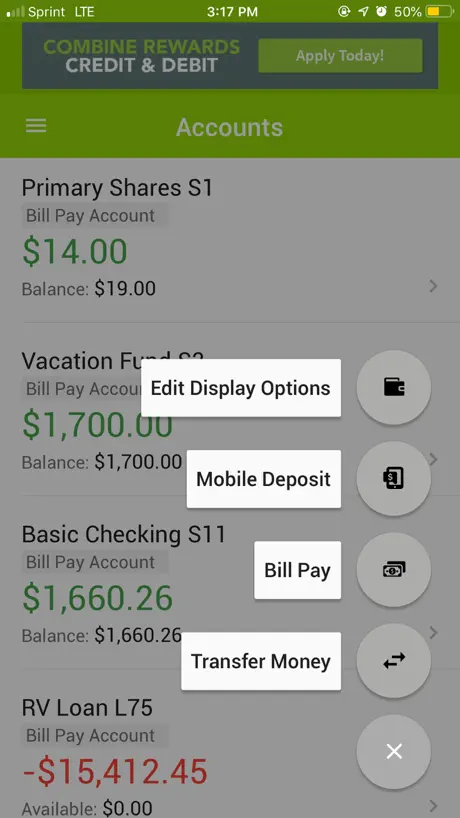
My biggest issues are with the bill pay. I select bill pay and it pulls up the transfer menu and I then have to click on another menu and option and open to get to the bill pay that before I could get to with one button. When in bill pay the search is nice except it isn’t showing the nickname which is needed when having multiple DTE accounts. I feel the previous method of bill pay was much easier. I know software updates are tough and people don’t like change but when it goes from one button to do bill pay to taking 4 that seems to be a step backwards.
No Landscape Mode!
I use this app on a weekly basis on my iPad, which before the update, I could use in landscape mode, so i could use my Bluetooth keyboard case to stand the iPad up. Since the new update, however, it appears landscape mode is no longer an option!
Difficult
The app is difficult and the service is horrible. In the past I did a deferred payment and I did everything easily on the phone. Now I have to find a credit union that works with them and go deposit $25 then call and wait forever until I get someone on the phone who can help me finish this. I literally have to take a day off of work to defer a payment. Terrible service. I would never recommend this company.
New update
With this new update there’s no way to add biometrics to unlock the app, when you click on it it says you can but then you go into the app and there’s no where to turn it on which is very frustrating
Face ID
I can no longer find where to enable Face ID. If I go under the security menu there is only security log event and change password.
Unable to log in after new update
Went digit by digit to confirm I was entering my info correctly. Still got locked out of my account. Please get your act together
Too complicated
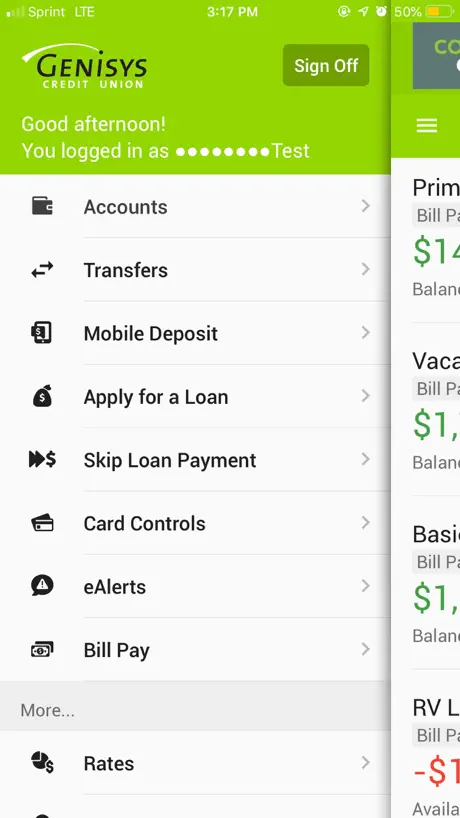
I am a former IT Software Engineer and this recent “update” has several drawbacks. I have access to 2 accounts. Previously all I needed to do was select which account login ID I wanted to use and face recognition opened that account. That was fast & nice. Now I have to type the login id and password every time I want to login to an account - yes I have set the switch for using face ID but it keeps shutting off. Logging out takes too many steps. Previously a swipe right from the accounts screen brought up the button to sign off. Now finding the sign off is too difficult to get to. I realize changes probably needed to be made due to constant hacking attempts. However, this change doesn’t seem to have been thought out very well and is not as user friendly as the previous version. Also, the font is too small for older users.
I like the old format better
I don’t like this new update. It’s too much info upfront. I only want to see my balance in the account summaries, the available balance I expect to see when I click on the individual accounts. Otherwise, it’s just want too much. The new color scheme is also very “blah” looking. I like the old version 1000x times better. I’ve been with Genisys a long time. I don’t mind them wanting to implement more technology and security, but this layout is not the way to go.
DONT BANK HERE
App is so unreliable. They will shut down with no notice. Please don’t bank here
Upgrade
Upgrade is trash. Haven’t been able to log on in over 24hrs. Very frustrating. When I was able to log on for about less than a minute, it was super slow, delayed. Glitch after glitch. 🙄
Not a fan of new update
I am not a fan of this update. It’s too many steps to get to bill pay. I’d like it to be a shortcut at the bottom. I don’t need the chat button. That’s something I would dig for if needed. Bill pay is more important. There should be a bill pay on the account page. Make it more easily accessible. I also miss the option to just pay the bill again without having to enter the amount. I do appreciate the ability to do set up auto pay. Make bill pay more accessible.
Awful
Can’t login, trash product. Spend more time making the app work and less time replying to reviews
Can’t log in
What is going on with the app I can not log in to my bank account it’s been acting this way for the past 2 days
Horrible system updates
This is now the second weekend in a row I have not been able to log in to my account to do anything inside of this app. Worked perfectly fine before these updates they did. If it ain’t broke don’t fix it!!
Genisys Mobile FAQ
- Is Genisys Mobile free?
- Yes. The app is free, in all 4 countries it sells in, and it sells nothing inside it.
- Does Genisys Mobile have a free trial?
- No. None of its offers (US) come with a free trial.
- What are the best alternatives to Genisys Mobile?
- Michigan First App (4.8 from 26,094 reviews), MSGCU Mobile (4.8 from 12,663 reviews) and Dort Financial Mobile Banking (4.8 from 9,593 reviews).
Genisys Mobile download
Last updated 1 month ago.
Genisys Mobile sells in 4 countries. It was released 7 years and 10 months ago, on 25 Nov 2018. It holds a 4.8 rating from 11,073 reviews.
Supports 1 language: English.
How much does Genisys Mobile make?
Third-party estimates for the last 30 days, worldwide — not the store's own figures, which Apple publishes for nobody.