
Microsoft Azure
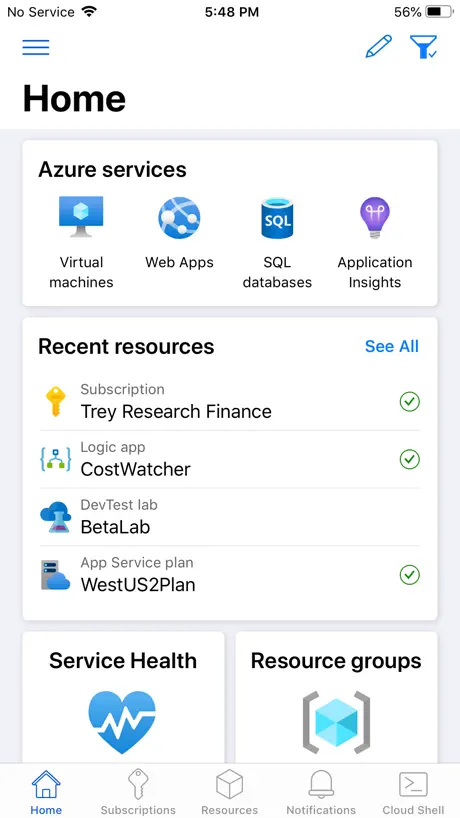
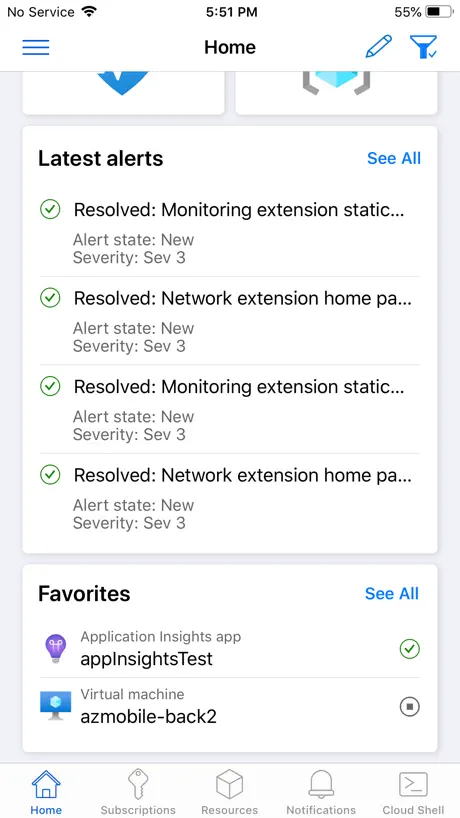
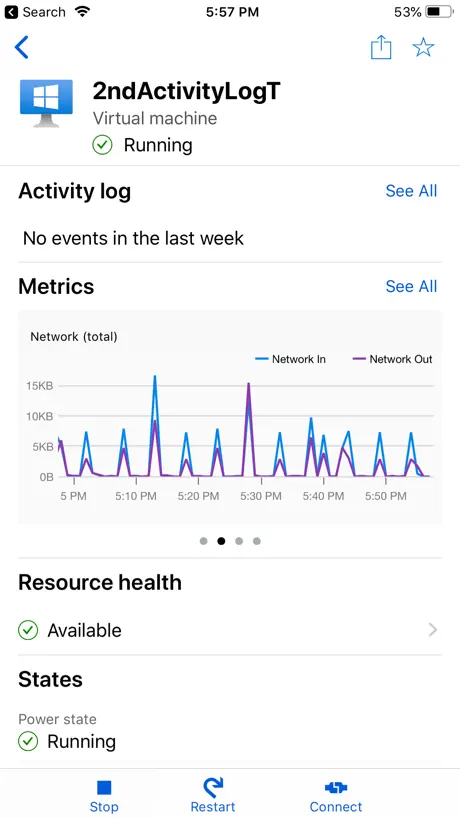
Azure – anytime, anywhere
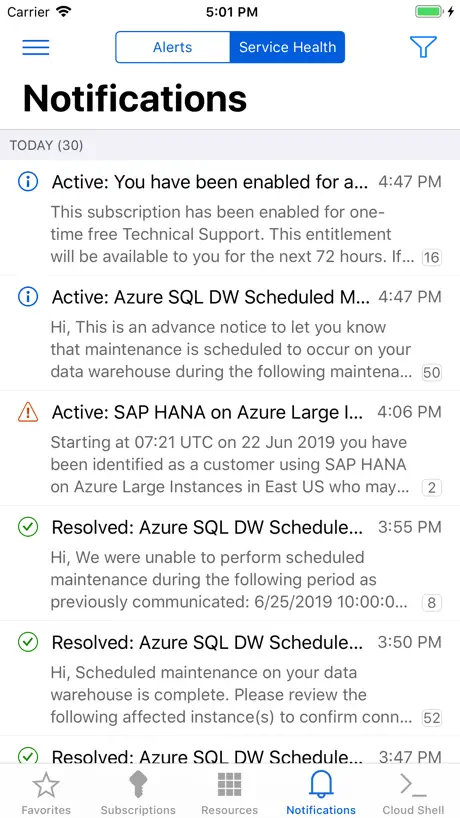

How much does Microsoft Azure cost?
Prices are current as of 11 Sept 2026.
Microsoft Azure has no in-app products on record in the United States.
10+ alternatives to Microsoft Azure
| Microsoft Azure |   Jira Cloud by Atlassian Jira Cloud by Atlassian |   RealVNC Viewer: Remote Desktop RealVNC Viewer: Remote Desktop |   Google Analytics Google Analytics |   UniFi Verify UniFi Verify |   AWS Console AWS Console |   Udemy Business Udemy Business |   Confluence Cloud Confluence Cloud |   Google Admin Google Admin | 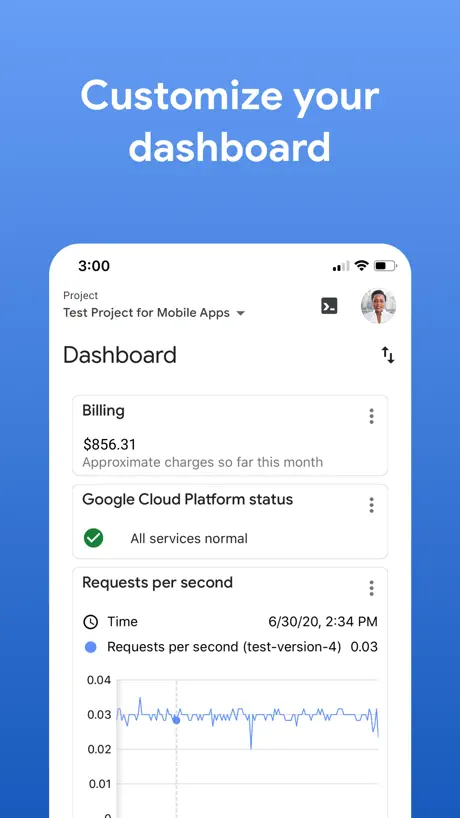  Google Cloud Google Cloud |   UniFi Design UniFi Design | |
|---|---|---|---|---|---|---|---|---|---|---|---|
| Rating / 5 | 4.8 | 4.7 | 4.8 | 4.7 | 4.8 | 4.7 | 4.6 | 4.6 | 1.9 | 3.4 | 4.3 |
| Reviews | 12K | 127K | 61K | 32K | 25K | 22K | 20K | 12K | 1.7K | 392 | 6 |
| Released | 2017 | 2016 | 2010 | 2014 | 2021 | 2013 | 2015 | 2016 | 2014 | 2015 | 2024 |
Microsoft Azure reviews
4.8 out of 5, based on 11,521 reviews.
What people like
- Very easy to install and use.
- Great for managing resources on the go.
- Interface looks clean and works well.
- Microsoft customer service is world class.
What they complain about
- Crashes or shows blank screens often.
- Login gets stuck on old company accounts.
- Cloud shell keyboard hides your typing view.
- Alerts come without sound or vibration.
Love the app and looks great
Great app for working on azure via phone.
Not comparable to web
Very little functionality compared to web on mobile.
Really useful app
Would like to request a feature for VM management. Can you add JIT requests. This would speed up needing to connect to a VM via SSH on my device. Right now it’s a several extra step; open up a browser to connect to Azure Portal to the VM, select connection type, make the JIT request. Also can you use x-callback uri to open default ssh client and connection/profile?
Works intermittently
This app is very inconsistent in terms of its stability. One minute it’s working next minute it’s not. For example today when trying to open the application, it’s on an endless loop between Microsoft Azure and Microsoft authenticator. Closing and reopening the app and try different sign in methods makes no difference whatsoever.
5.9.0 blank screen
Used to work quite well. Tried logging in today to version 5.9.0 (with MFA code) to be presented by a completely blank screen. Reinstalled in order to clear any cache, etc to no avail.
Mobile App
Very easy to install and easy to use it . The interface is just Superb
Now Useless
Latest update seems to have rendered the app totally useless. I can’t log in with the correct account. They seem to have tried to improve the log in process but I am now stuck logged in with an account that is not associated with any subscription. Very annoying.
Nice app but needs cost management Analytics
The cost management Analytics module can make the app complete. The cost Analytics can help user to see the cost in real-time and make adjustments accordingly. That will be more handy.
Metriken werden nicht angezeigt
Leider werden die Metriken nicht oder nur teilweise angezeigt. So bringt mir das nur wenig. Die App könnte toll werden... werde das mal im Auge behalten.
How can I access dev ops ?
Can anybody please tell me how can I access as your Dev Ops ADO boards, backlog‘s, sprints, etc. etc.
Great Application and outstanding platform
Microsoft is a leader in what they’re offering. World class customer service, Great products and solutions. I have always been a Microsoft enthusiast for decades. Keep up the good work!
Does not work with app protection policies
Considering the app is useful to only admins who’s accounts should be subject to stronger security policies, this seems rather counterintuitive. Can’t use it.
Really useful but....
The app is really useful, however we cant manage all services eg. Azure Active Directory. It would be great to have that in the next update! Cheers
V7.5.6 update crashes
Latest update crashed immediately after login and loading resources. Phone restart didn’t fix, had to remove and reinstall the app to resolve. Generally speaking to investigate alerts (which is what I would like to to do when away from my desk) the app gives extremely limited information and doesn’t provide the tools to drill down to issues, unless I’m missing something. It could be so much more Microsoft…? 2 stars not because of the crash, but because it’s so limited in usefulness.
The app is good
Overall the application is good! But it needs features like viewing the individual resource and accessing Azure Data Factory.
Can I use Azure DevOps
I want to use the azure DevOps to track the assigned feature, user story & tasks. Is it possible.?
Blank screen after upgrade to ios17
Was working really well until the latest iOS upgrade. Now I’m presented with a blank page after the app starts up, reinstalling allows authentication setup but then back to blank screen. ☹️
Good but could be better
You can search for resources but you can’t filter by resource type ( Azure App Service, Keyvault, PIM ) would be nice if you can do that. Apart from that it’s pretty sweet 👌
Ok but…
Does not let you manage static web app resources.
Cloud pc
Good app but I think you should add the ability to turn on or off and create vm’s instead of loading up the azure portal in the browser thanks.
About how to empower the company’s growth
Developing successful applications, highly effective solutions and powerful courses available in the Edge. 🔝
Not working with iOS 17
No longer works with iOS 17
Improved
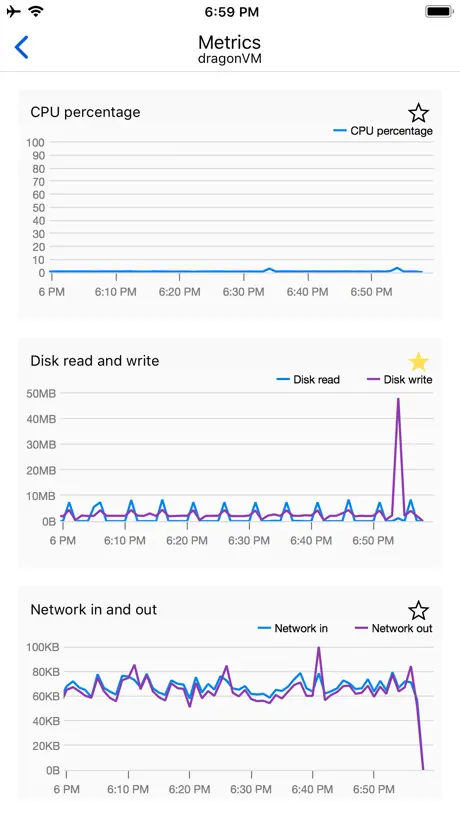
The main to get this is to see charts and data for services. Graphs for Application Insights services previously only appeared occasionally, but mostly didn’t show up. This seems fixed in the latest release, so things are looking up.
Pushbenachrichtigungen ohne Ton
Eigentlich möchte ich die App nutzen, um bei Alerts in meiner Subscription unmittelbar per Pushbenachrichtigung informiert zu werden. Zwar werden die Benachrichtigungen empfangen, aber komplett ohne Ton und Vibration zugestellt. So sieht man sie erst beim nächsten Blick aufs Smartphone, was mir nicht wirklich weiterhilft. An den iOS Einstellungen scheint es nicht zu liegen, da habe ich schon alles probiert.
Someone forgot that people change jobs
My app insists on logging into my old company’s domain. And no option I can find to change it. Guess I’ll have to uninstall.
Where is ms OMS app
I don’t see ms OMS app anymore?
Disappointment
There is no way to copy out from CloudShell. Cannot view files using the code .. In my opinion this app cannot be used it to do meaningful work on an iPad.
Gute App mit Luft nach oben
Die vorhandenen Funktionen sind sinnvoll und funktionieren in der „Europa-Cloud“ auch gut. Leider keine Unterstützung für die Cloud Deutschland.
Not a lot there
Wow - a bit v0.1 isn't it? Very little useful functionality. Oh well - look forward to the updates, I guess.
Pointless
Feels like a nice idea but in reality there’s not much to see or do and your better off pinching to zoom in your mobile browser or just bothering to find a desktop, as for alerts emails usually do the trick
Fantastic application
This is quite useful in managing the resources
Not working at all
Avoid
Good start
Long way to go
Not quite there
I expected the Azure portal in app form, but that's not what this is at all. You can't configure anything at all as far as I can see. Annoyingly the Essentials are far less useful than in the portal - you can't easily find the IP or FQDN for a VM for example. At least you can actually start a VM - I suppose we should be thankful for that. Worth every penny.
Would love to use cloud shell but little issues on iPad make it impossible!
When running the Microsoft Azure mobile app and navigating to the Cloud Shell tab - all looks like it's going to be an awesome experience until you start using!... Firstly, you get an immediate issue where typing on the smart keyboard as it does not enter text in the prompt. You have to tap the terminal space to give focus and you can now type from the keyboard... annoying but easily resolved right. Now that we have interactivity I will type a command that fills the screen and the command prompt is now off the screen!... It is hidden by a keyboard accessory view that appears at the bottom of the screen. You can dismiss it but as soon as you start typing again it reappears. So you can’t see the command prompt anymore and you have to type blind which is pretty useless. This is super frustrating as this is the biggest benefit for me, to have cloud shell along side the general portal like capabilities of the app. Currently 3 stars because I appreciate the general benefit and craft of the app as a whole but would happily give 5 stars once the cloud shell is working properly for iPad Pro with Smart Keyboard.
Fantastic and thank you
Thanks Microsoft this is fantastic it helps a lot and save lots of time
Broken. Unusable.
Auth is completely broken (iPhone 12, latest iOS). Microsoft login is terrible. I've moved to a new company but the SSO redirects to my old company's STS.
Missing portal experience
I cannot see protected vm under recovery vault except logs and also to enable dashboard feature after login
Nice app
Please do add financial details as well in the app, that makes it complete.
Nothing shows in app
Loaded app. Logged in. Nothing available to see. Uninstalled. 10 minutes of my life I won’t get back! Can log in via browser so app that doesn’t work doesn’t provide any benefit
Add Billing and Alerts
Please add billing information and alerts, I assumed this would be available and for PAYG customers essential in order to monitor account activity.
Very happy
This app is constantly being improved and has become a very useful tool for managing App Services.
Crashes out - unusable
After installing and loading up, I entered credentials only to have the app crash. It crashes a few seconds after clicking the hamburger.
Does enough but needs billing
Please add billing info.
Microsoft Azure FAQ
- Is Microsoft Azure free?
- Yes. The app is free, in all 175 countries it sells in, and it sells nothing inside it.
- Does Microsoft Azure have a free trial?
- No. None of its offers (US) come with a free trial.
- What are the best alternatives to Microsoft Azure?
- Jira Cloud by Atlassian (4.7 from 126,690 reviews), RealVNC Viewer: Remote Desktop (4.8 from 60,752 reviews) and Google Analytics (4.7 from 31,843 reviews).
Microsoft Azure download
Last updated 2 months ago.
Microsoft Azure sells in 175 countries. It was released 9 years and 4 months ago, on 9 May 2017. It holds a 4.8 rating from 11,521 reviews.
Supports 17 languages: English, Czech, Dutch, French, German, Hungarian, Indonesian, Italian, Japanese, Korean, Polish, Portuguese, Russian, Chinese, Spanish, Swedish, Turkish.
How much does Microsoft Azure make?
Third-party estimates for the last 30 days, worldwide — not the store's own figures, which Apple publishes for nobody.