
tpPLC
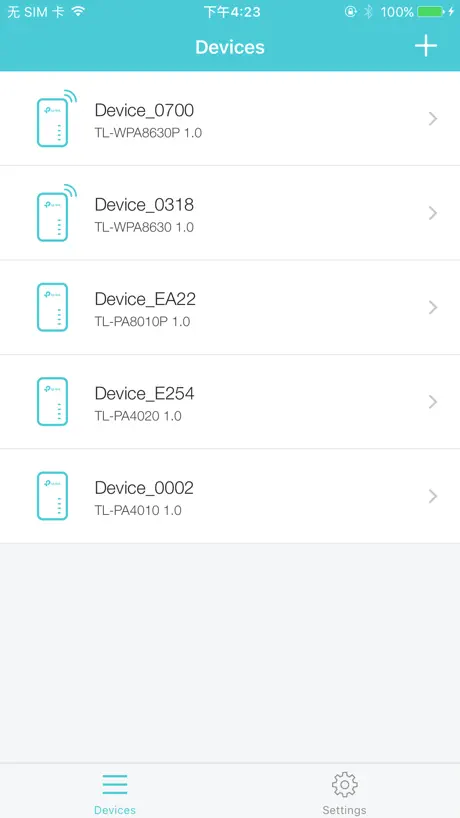
How much does tpPLC cost?
Prices are current as of 6 Nov 2026.
tpPLC has no in-app products on record in the United States.
10+ alternatives to tpPLC
| tpPLC |   Ubiquiti WiFiman |   Network Analyzer: WiFi Scan |   Netatmo Energy |   Home Network |   Ariston NET |   OBDeleven – OBD2 car scanner |   IP Scanner |   Mammotion |   NetSpot WiFi Analyzer | |
|---|---|---|---|---|---|---|---|---|---|---|
| Rating / 5 | 1.8 | 4.8 | 4.6 | 4.6 | 4.2 | 4.3 | 4.4 | 4.7 | 2.9 | 3.8 |
| Reviews | 1.9K | 123K | 25K | 18K | 15K | 11K | 7K | 3.9K | 2.2K | 1.2K |
| Released | 2016 | 2018 | 2012 | 2013 | 2018 | 2015 | 2022 | 2022 | 2022 | 2020 |
| One-time price | — | — | — | — | — | — | $69.99 | $19.99 | — | $6.99 |
The going rate for each plan in United States, in its own currency, shaded from the cheapest price on the row to the dearest. Plans fewer than four in ten of the priced apps sell are left out.
tpPLC reviews
1.8 out of 5, based on 1,936 reviews.
What people like
- Setup is simple and quick
- Works well for extending home Wi-Fi
- Helpful for checking network speed details
What they complain about
- App often fails to find devices
- No easy way to contact support
- Does not support all hardware models
Good
It works for my ac wifi extender
Shocking
Terrible app nothing works bought tplink wifi extenders wish i hadn't.
Hace el trabajo!
Es peor que la página web . pero es suficiente para configurar y revisar. No te muestra los dispositivos la en sí.
Cannot find powerline units
These units are working and online???
Ios18
Doesn’t work with iOS 18 as no option to allow access to local network. So app won’t find devices.
No issues
26/05/2024 I was reluctant to download when I saw the low score however the application did everything I needed to be able to update and configure my TL-WPA8631P without a single error or problem, for that reason it gets a 5* rating. Regards.
useless
literally useless, do not buy
Works but wireless speeds are poor
The app looks like it works and sees all devices. Unfortunate the speed test results for wireless are very disappointing
Mancano tanti dispositivi
Ho un AV1000 e non è supportato, ci sono una manciata di dispositivi disponibili sull’app, dicono altri in arrivo, ma non arriva nulla .
It was alright for a while
Bought the connectors a while ago and they worked fine but now they won’t pair together and they won’t come up as paired and there’s no contact customer support or help button on the app and I’ve tried everything but i don’t know what to do it’s starting to really annoy me 👎👎😡
Cured my problem!
I was unable to get a usable Wi-Fi signal from my router in the house to my attached woodshed. As soon as I walked out the door of the aluminum clad shed the signal was usable; walk inside the door and the Wi-Fi signal was dead. Used a 200 mb power line adapter to router, but could only manage a poor signal to laptop in shed. Monday after Christmas installed this product, set up Mesh configuration and now have excellent wi-fi to phone, IPad and laptop through wood shop and anywhere in the house! This was an excellent solution—so easy to configure to TP-Link router.
A faff to set up
After many attempts ( with instructions not matching my device buttons ) I got the dander to provide internet . BUT none of the methods suggested enable me to clone my network name . So the product is useless as the whole point is to extend the existing network not create new one , I’ve tried everything web pages , WPS pairing and Tp app s none of the methods work . Very unhappy . Product returned
Cannot display in Landscape
App is not as bad as a lot of the review. Have working fine on a couple of phones, but will not display in Landscape on my iPad. Bit of niggle when I have iPad in a keyboard case!
Closed loop
Closed loop - sees TP link devices OK but neither are detected by my iPhone 13 wifi search
Powerline 4220 v5
La versione 5 non viene riconosciuta dall’app.
Useful App (version 1.3.7)
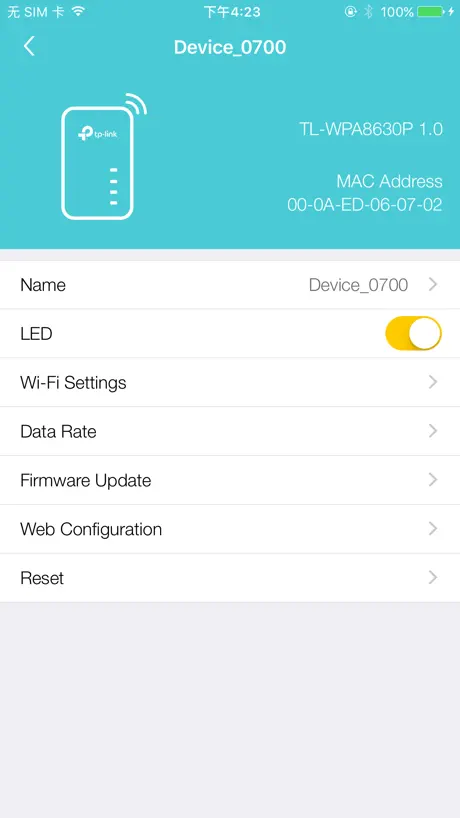
Installation was easy. It works as expected. It does what it says it would do in the description. I am using it with tplink model TL-WPA8631P KIT, which is excellent. This app allows to administer your tplink network at the basic level. It also gives you access to the web interfase for a more complete configuration. Just remember that the password to enter the web interfase is the same one as the 2.4 Ghz or 5 GHz networks. This password comes in the label on the side of the extender unit, and you can change this password with this app. Overall, I am very satisfied with this app.
Does not work
Does not work where’s the upgrade
Tplink WiFi booster / extender
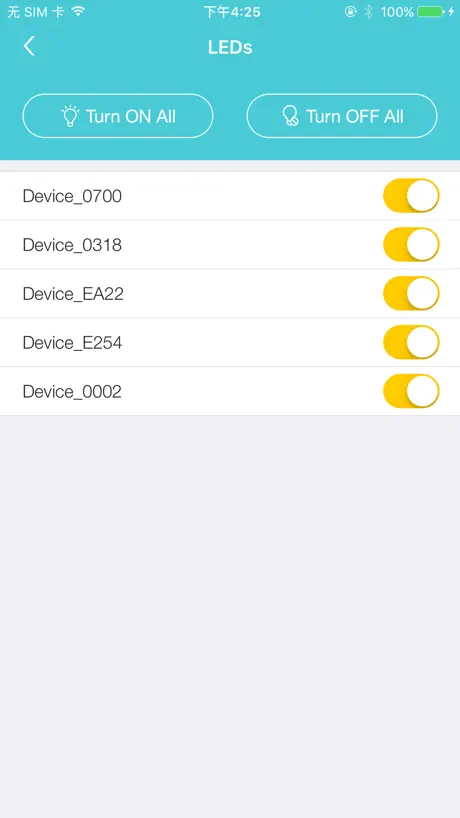
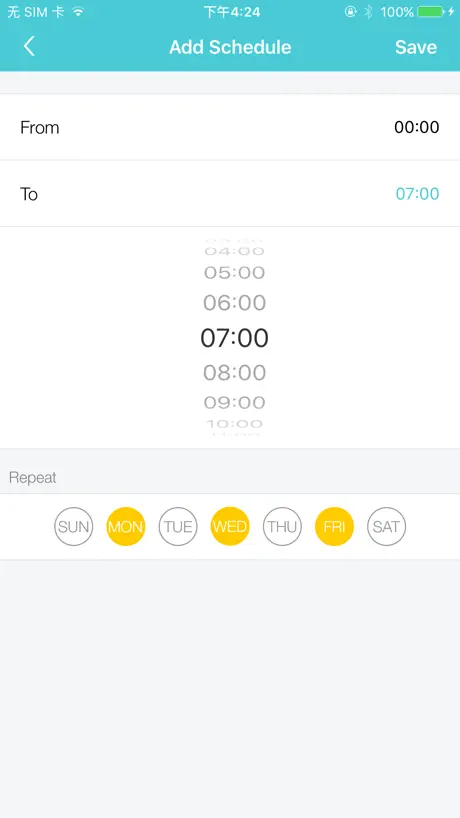
The app is useful to set up larger networks or guest access for a small business/hotel. Systems are easy to set up and the app allows you to schedule on / off times for WiFi
Does the limited job intended - sometimes
Update April 2025 - has become really hit and miss picking up the power line adapters. Unpredictable if it will find anything, everything or if it will lose them all again. Good hardware but poor app. It does a reasonable, if uninspiring job of setting up TP-Link powerline units. It does need to refresh quite often and doesn’t respect portrait/landscape changes but overall, it works.
Great app until update
Unable to detect devices after upgrade. Was a great app when it was working. Less 2 stars!
Works Fine
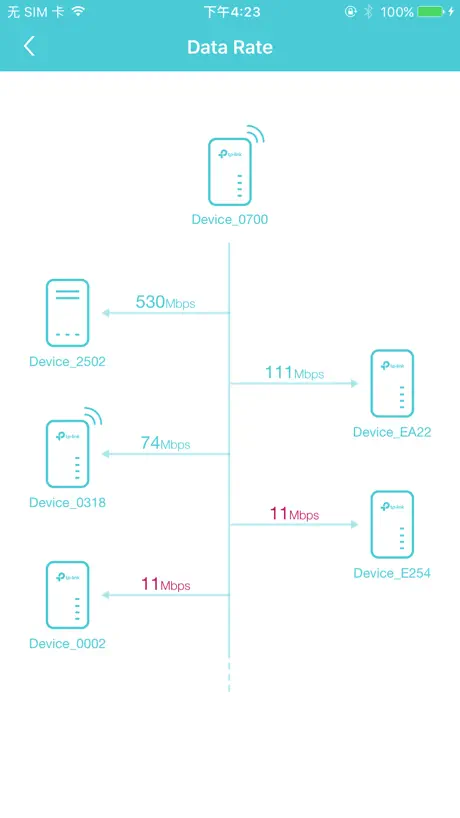
I’m not sure why there are so many negative reviews on this app. It’s not designed to do much, but it does do what it says. I found it very helpful in diagnosing the bottleneck in my power line network. I have 5 devices, and seeing the up and download rates of each device to the other 4 was very helpful. As a side note, I discovered this helpful bit of info in the forums. If you see a big discrepancy between up vs download speed between two devices, the source of noise is likely closer to the one receiving the slower rate. eg if A->B is fast but B->A is slow, the noise source is likely near A.
Useless
Will not connect with powerline. Device works app does not
Stable once setup
A bit of fussing to get wifi to one of the out buildings on our ranch. Had to add another plug outlet on the circuit and that did the trick. Now have a stable 522 - 544 MPS more than enough for Alexa and smartphone apps
Quality
Never able to list available devices. Poor stability.
Security inadequate
Just go the hardware and installation was a snap. After pairing and configuring the device settings the hardware worked well. Once logging in to the app with admin Id and password, there is no way to log out of it. Closing the app by swiping up does not log you out of the app. The only way is to delete the app entirely and reload from the App Store. Also, The Wi-Fi password is visible when app is open. It should be hidden.
Very Nice!
Setup was simple! Addition of 4220’s simple. My condo is covered with WiFi. My TV’s are wired now and are working much better.
Overly complicated to change settings
Overly complicated to change settings, not reliable
Good but may be better
Characters and colors are not the best for visibility. The rest is ok. Device name has to be setup in every app/devices because it is not stored in the device but in the app itself.
Devices are only found in the app 10% of the time
I am constantly refreshing the app as most of the time I get Device not Found. I feel is it most likely a TP-Link issue and not an issue in the app as when I get device not found, I also cannot connect to the adapter directly using the tp-link panel using the IP in a browser. Constantly cutting out and when it does connect it disconnects and goes back to device not found and the IP in the browser no longer connects.
Average control app
Great product (TL-WPA7510 KIT), taken down a notch by a very average setup and control app. The great news is that you really don’t need this except for special case setup.
Was very unsure, but works amazingly
My garage is 200’ from the router making a reaper almost impossible. Literally plugging in both devices took 5 minutes, and my garage has internet!
Useless
My device WPA4220 not in list of ‘compatible devices’. Sort yourself out TP. It’s your device after all!
Es lo que se promete
Son unos elementos muy fáciles de instalar además con la gran ventaja de que permite mantener la contraseña del router. Esto me ha permitido alargar la cobertura Wi-Fi por toda la casa incluso en la parte exterior donde he instalado unas cámaras y funcionan de maravilla.
Da aggiornare
Con L ultimo update non vede più i device… per fortuna funzionano però
Log In
Já fiz o download da app sei que o user e admin mas qual a password??
Seamless✨
I was skeptical 🤨 at first, due to past experiences with new and innovative products that get your money and leave a person stupefied in wires and bad instructions. Not the case with this “tp-link 300Mbps Wi-Fi” outfit. After opening the box and gandering at the instructions a bit. I followed the easy to understand instructions and BAM!!! Done. I moved the Extender to my desired location and again, things worked as explained. So far so good 😊 I’m a happy camper, and so is the rest of the family. I didn’t have to unplug or shut down my WiFi connection to do it. That was impressive and SEAMLESS!!!
Usless
Just can’t access any of the screens shown here just pointless app that does nothing
Debes conectarte al wifi del TP
Para que puedas detectarte la aplicación el o los aparatos debes estar conectada a la wifi que emita tu TP link, si no es así nunca los podrás configurar desde la App.
Falla mucho
La aplicación falla mucho
TL WPA4220 KIT (probably V1)
This app will not connect anyone have any idea when more versions are going to come online?
Good WiFi power line extender.
I have a home internet computer system with WiFi capability using a router and a WiFi extender. My house is not wired with Ethernet cable. To operate a WiFi sprinkler controller, located in my garage, from my house or yard; I needed to get a WiFi signal to go through a brick wall. Using the house and garage electrical wiring, this power extender worked very well and the price was much lower than any other alternative.
Disappointing
Brought the base plus 4 others in the hope to get a half decent wi-fi signal in my garage might just as well used a piece of string for the use these are, followed instructions absolutely no idea if they are working or not but no wi-fi in the garage disappointed is an understatement don’t waste your money
Can’t buy individual units
I bought the WiFi kit - actually works great - but they don’t seem to sell individual add ons ( like additional WiFi ends ) so it’s sort of a con - to add another single unit, you need to buy another base with a kit - seems like a waste to me
Add support for more model types
Please
Güncelleme
İphone güncellemeden sonra çalışmıyor cihazları bulamıyor.
Great Wi-Fi for grandkids room
It linked up on my first attempt with no issues and it has been working ever sense. The kids are no longer complaining about buffering during movies. According to the app the link speed through the electrical wiring is running over 300 Mbs. Being an old timer from the 1940s I am really impressed with the simplicity of this system.
Rubbish
TP link are a complete con they never work.
Works pretty well, limited controls
PLC networking depends on your electrical installation, which is to blame if your PLC network is not reliable or provides poor data speeds, not necessarily the PLC hardware. As per the app, it works, though it was updated only once in the last twelve months! I would expect more controls and access to logs from within the app directly.
Power Line Support Models Please
Please support power line only non-WiFi models such as: TL-PA7020 KIT_V2 and TL-PA8010 KIT A mobile app is much easier than using the desktop app
Needs Work
The local pc app works better. Could be good if it detected all adapters.
tpPLC FAQ
- Is tpPLC free?
- Yes. The app is free, in all 174 countries it sells in, and it sells nothing inside it.
- Does tpPLC have a free trial?
- No. None of its offers (US) come with a free trial.
- What are the best alternatives to tpPLC?
- Ubiquiti WiFiman (4.8 from 122,544 reviews), Network Analyzer: WiFi Scan (4.6 from 24,663 reviews) and Netatmo Energy (4.6 from 18,256 reviews).
tpPLC download
Last updated 1 year ago.
tpPLC sells in 174 countries. It was released 10 years and 9 months ago, on 27 Jan 2016. It holds a 1.8 rating from 1,936 reviews.
Supports 2 languages: English, Spanish.
How much does tpPLC make?
Third-party estimates for the last 30 days, worldwide — not the store's own figures, which Apple publishes for nobody.